DIRECTV FOR BUSINESS Remote
DIRECTV, LLC
3.1 ★
161 ratings
50,000+
downloads
Free
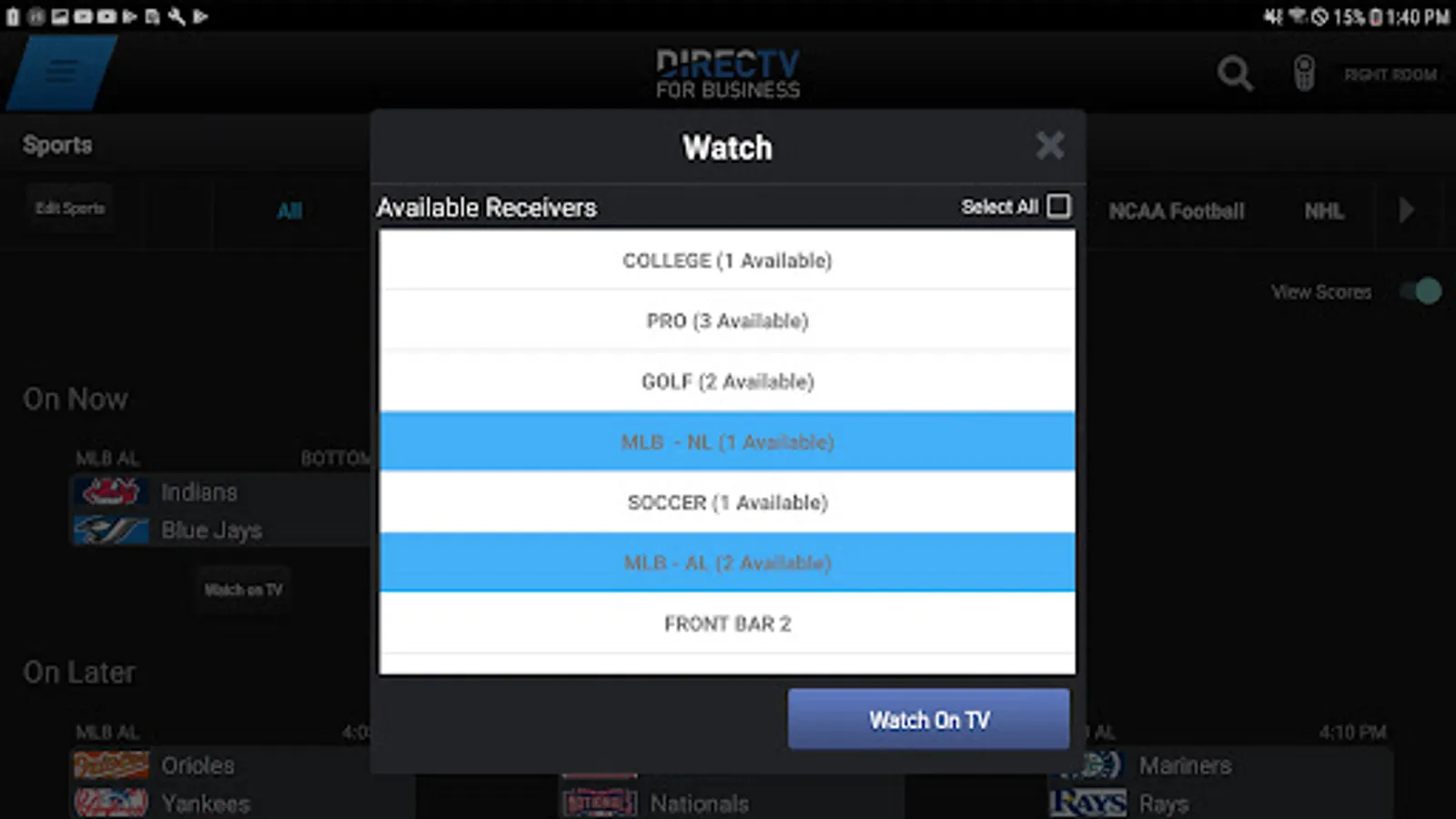
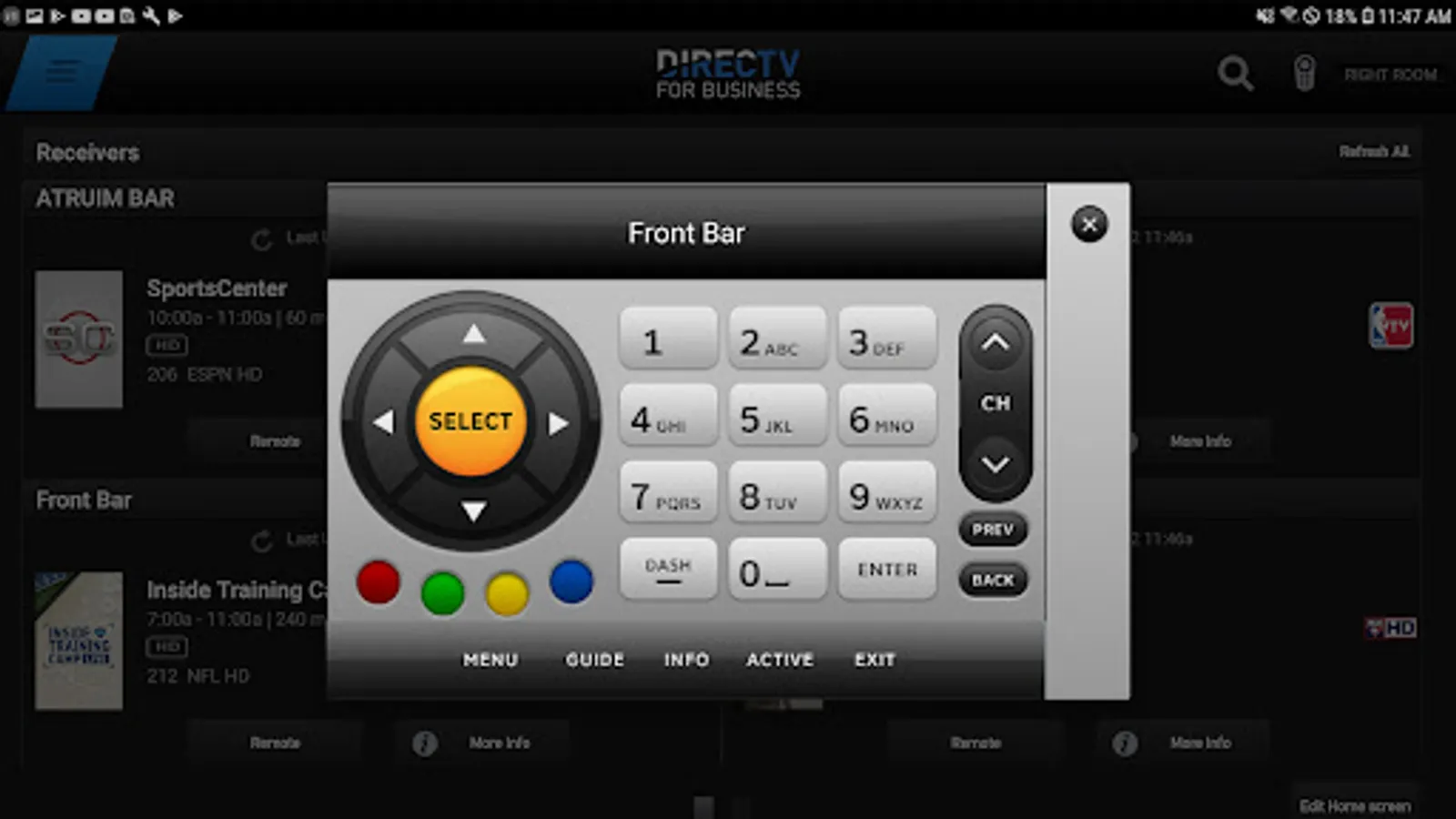
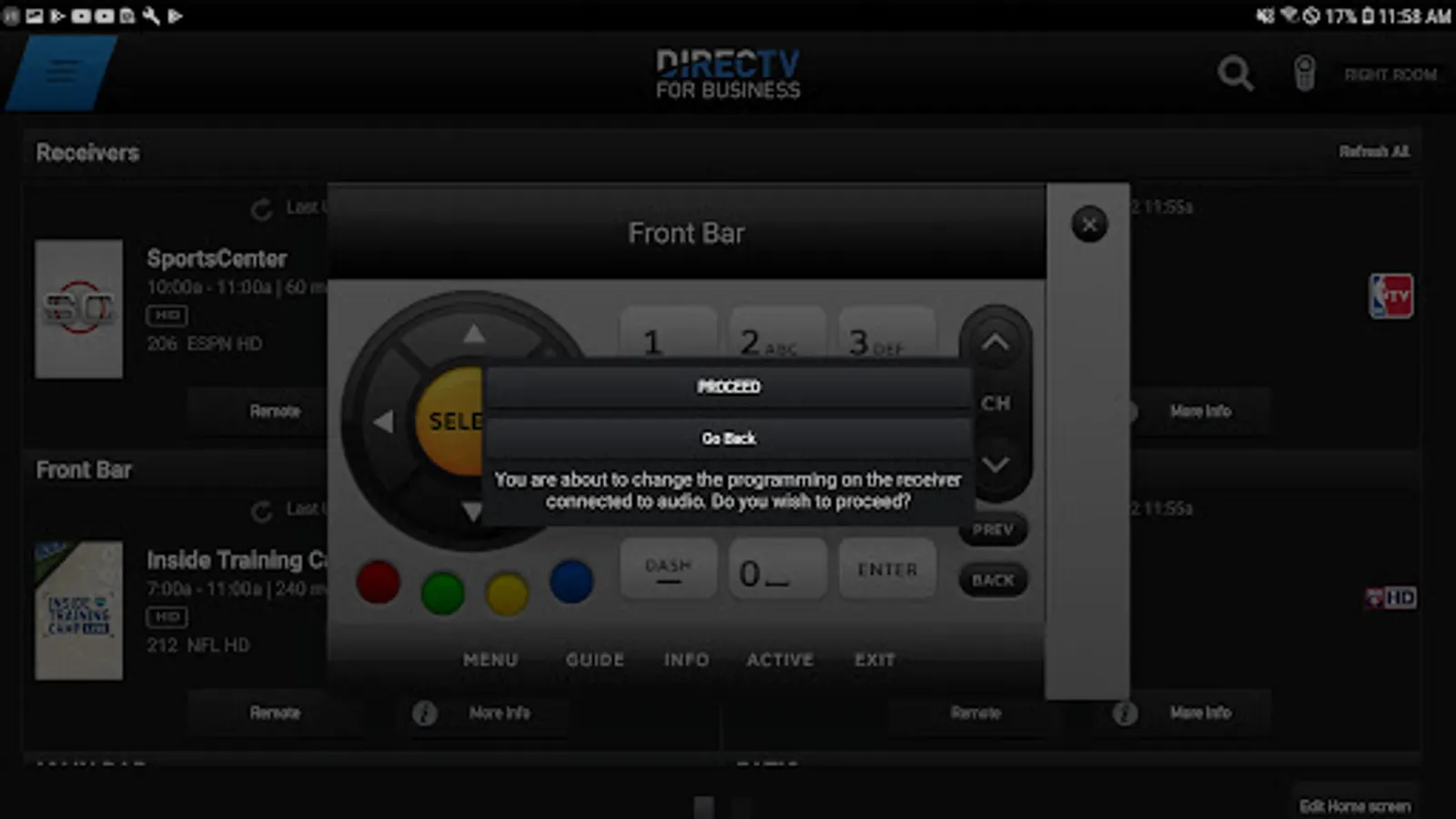
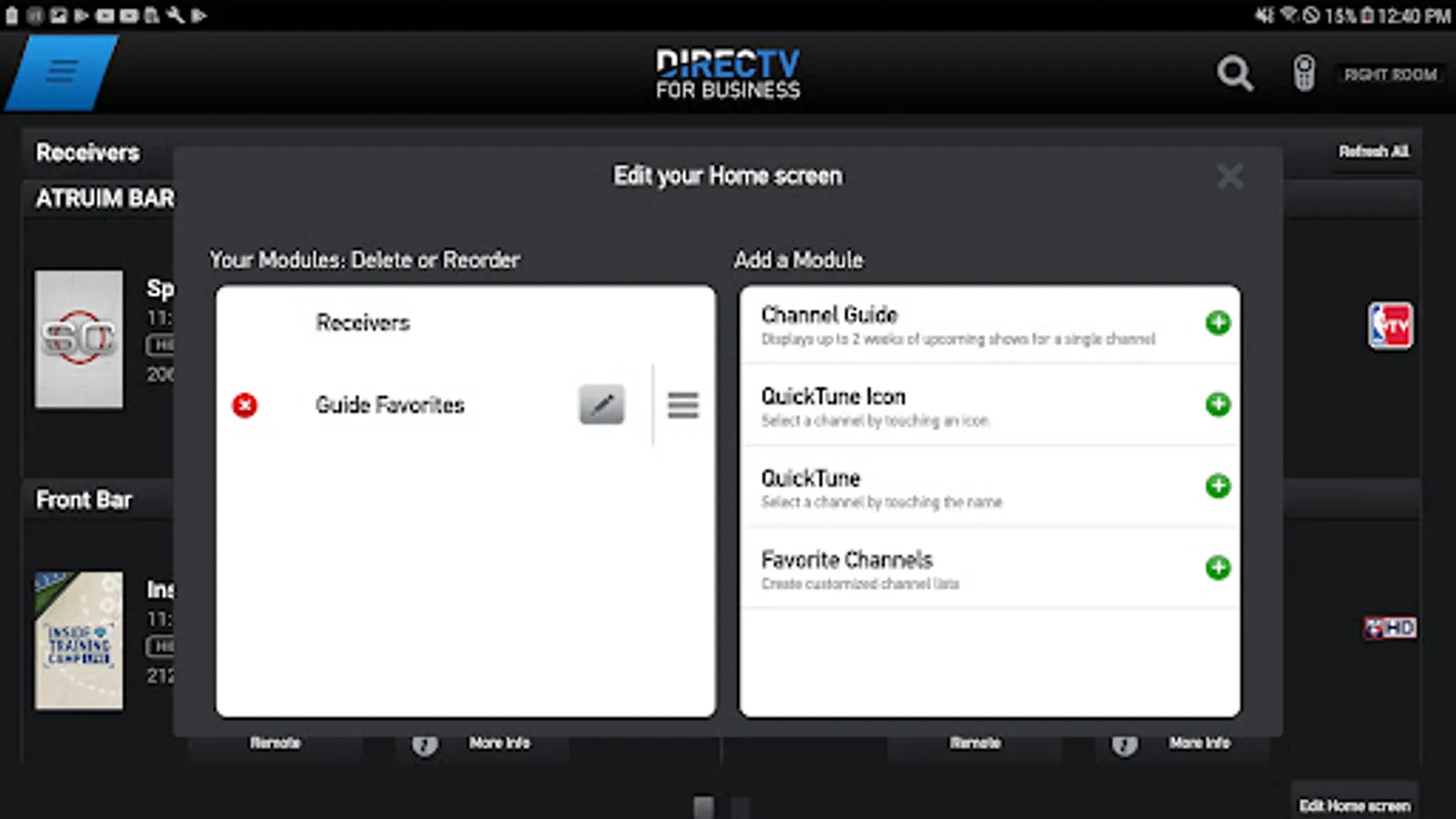
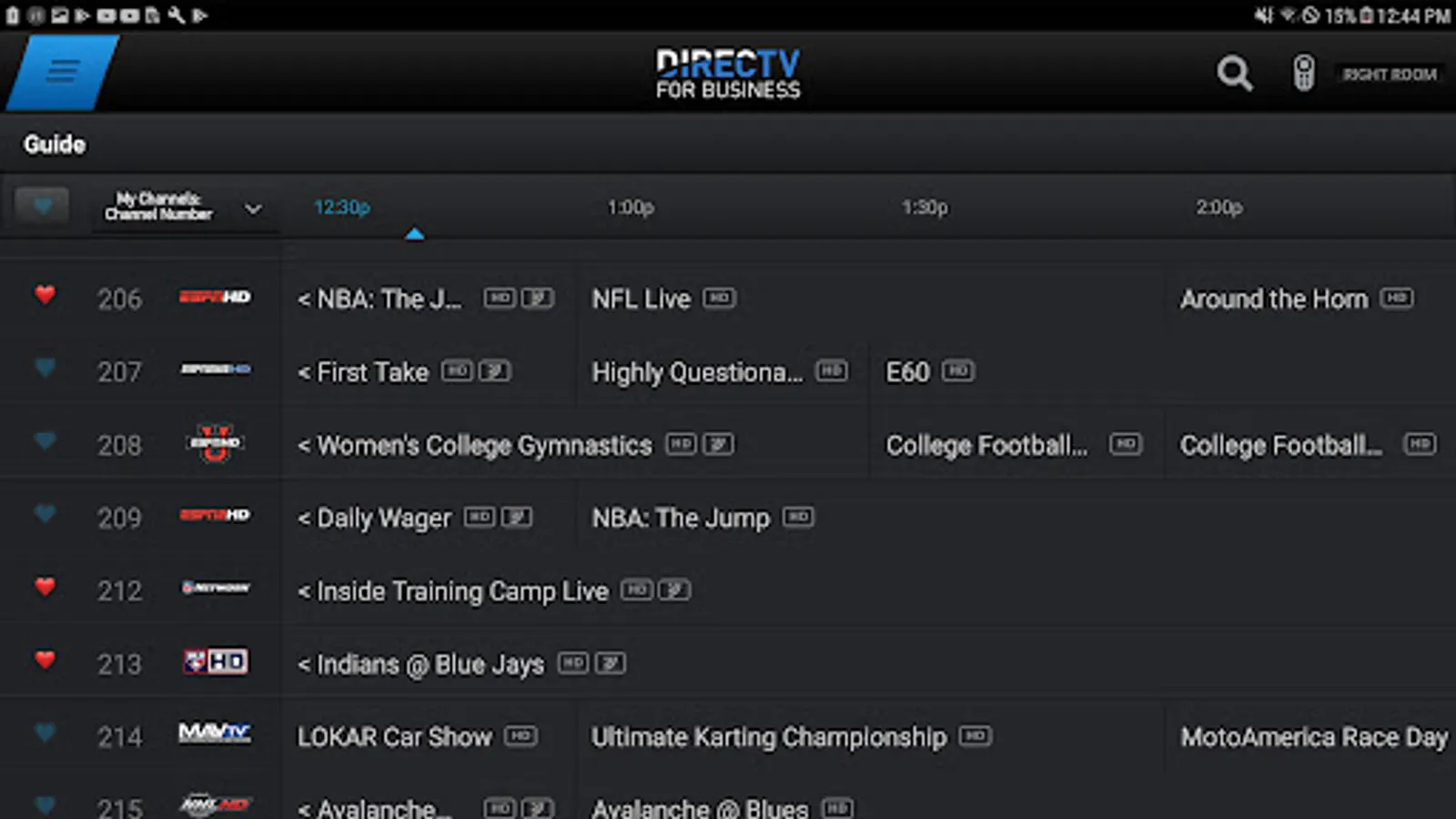
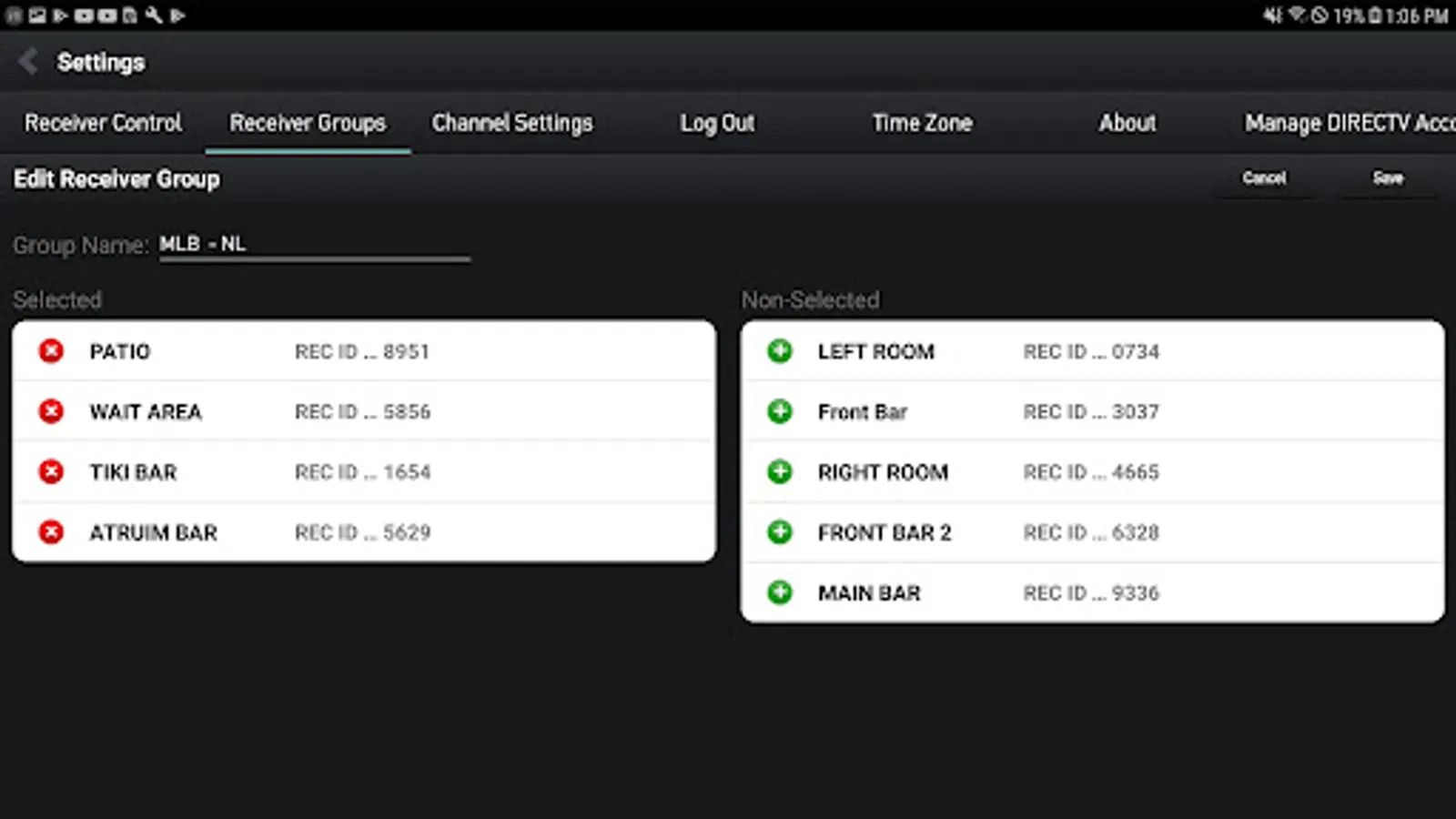
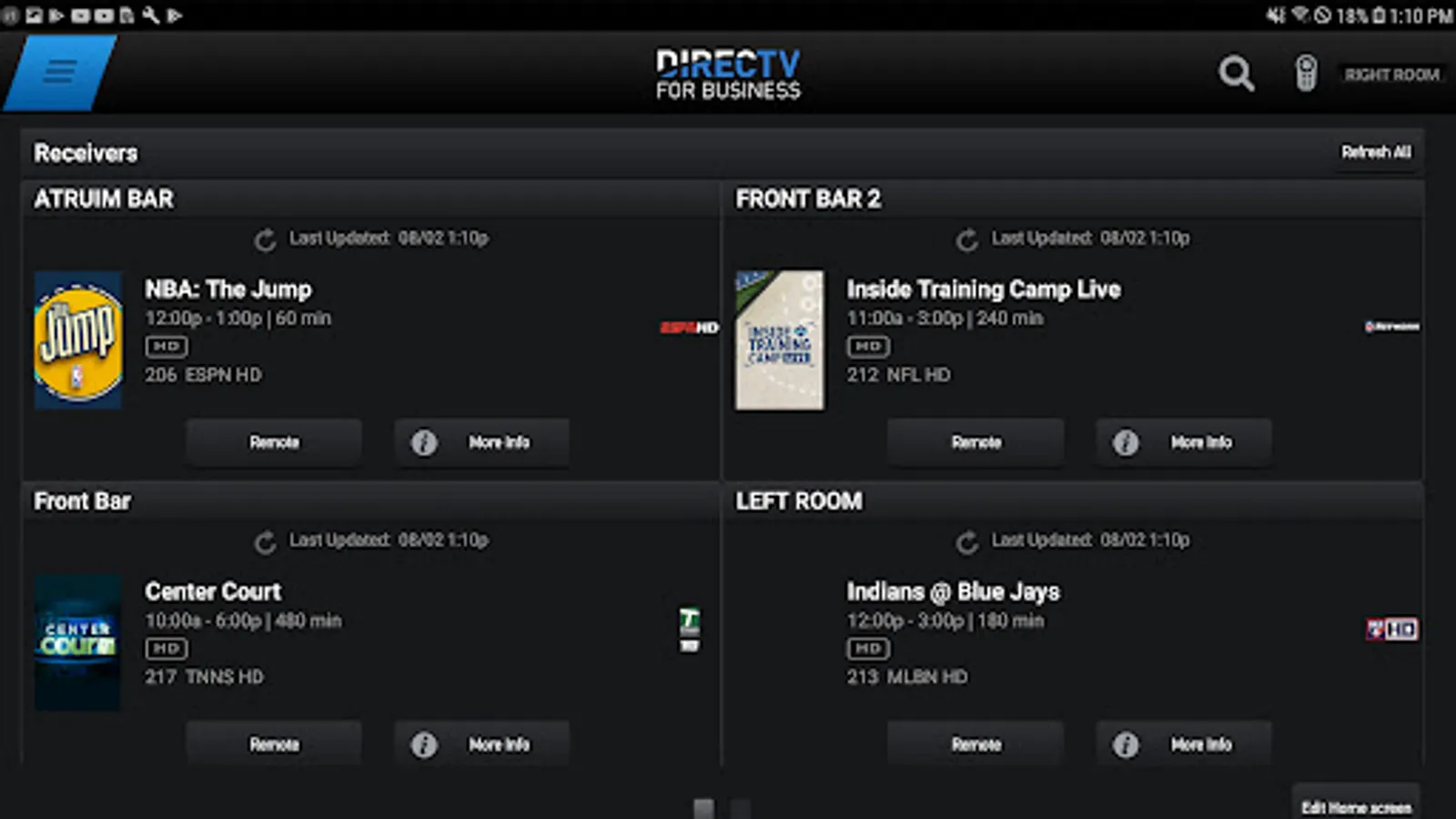
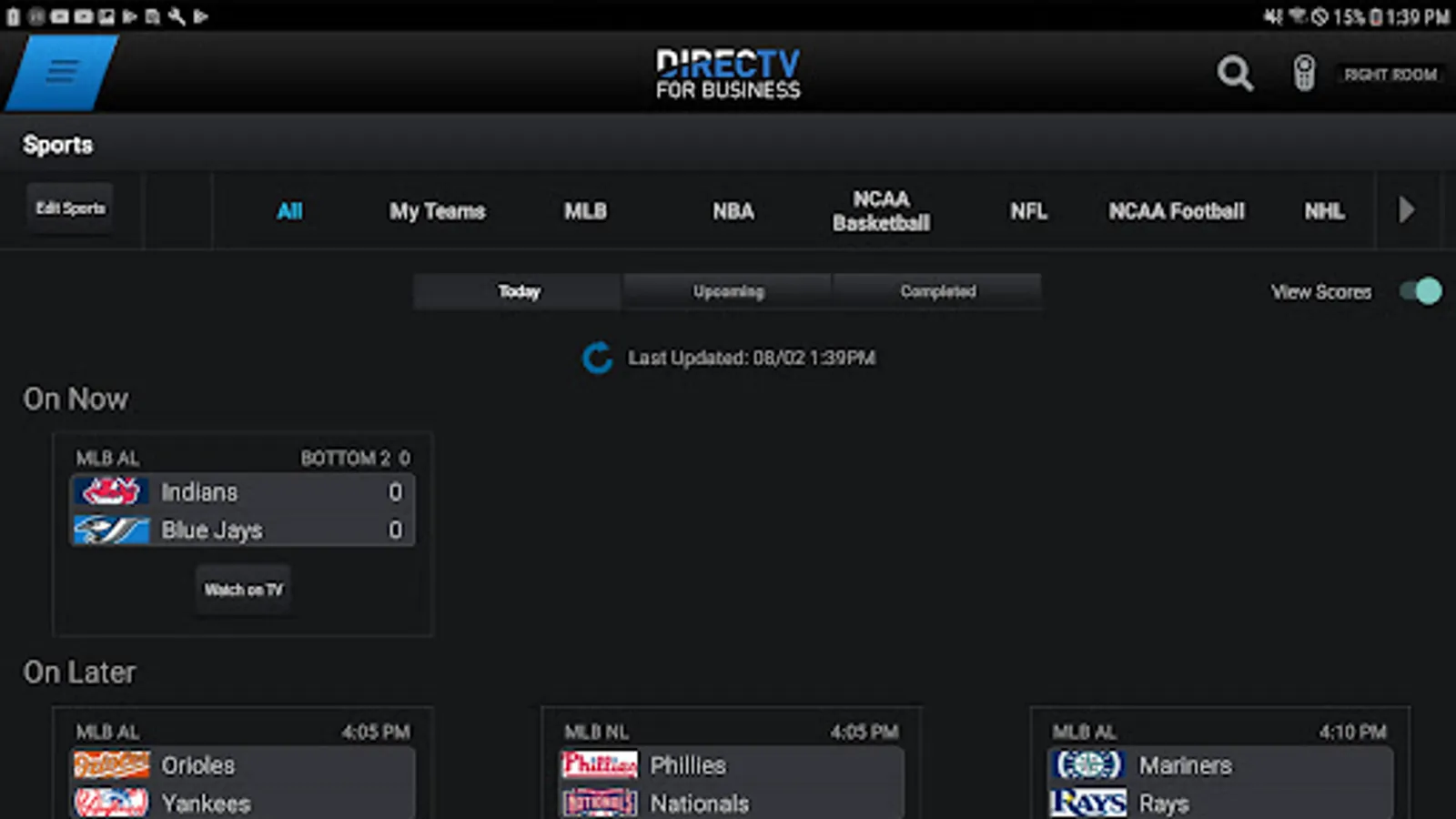
With this remote app, you can control multiple DIRECTV receivers and view current and upcoming sports schedules. Includes receiver identification, group management, and TV content overview.
AppRecs review analysis
AppRecs rating 3.1. Trustworthiness 61 out of 100. Review manipulation risk 37 out of 100. Based on a review sample analyzed.
★★★☆☆
3.1
AppRecs Rating
Ratings breakdown
5 star
45%
4 star
6%
3 star
4%
2 star
3%
1 star
43%
What to know
✓
Authentic reviews
No red flags detected
⚠
High negative review ratio
45% of sampled ratings are 1–2 stars
About DIRECTV FOR BUSINESS Remote
The DIRECTV™ FOR BUSINESS App gives you control of all your DIRECTV® Receivers!
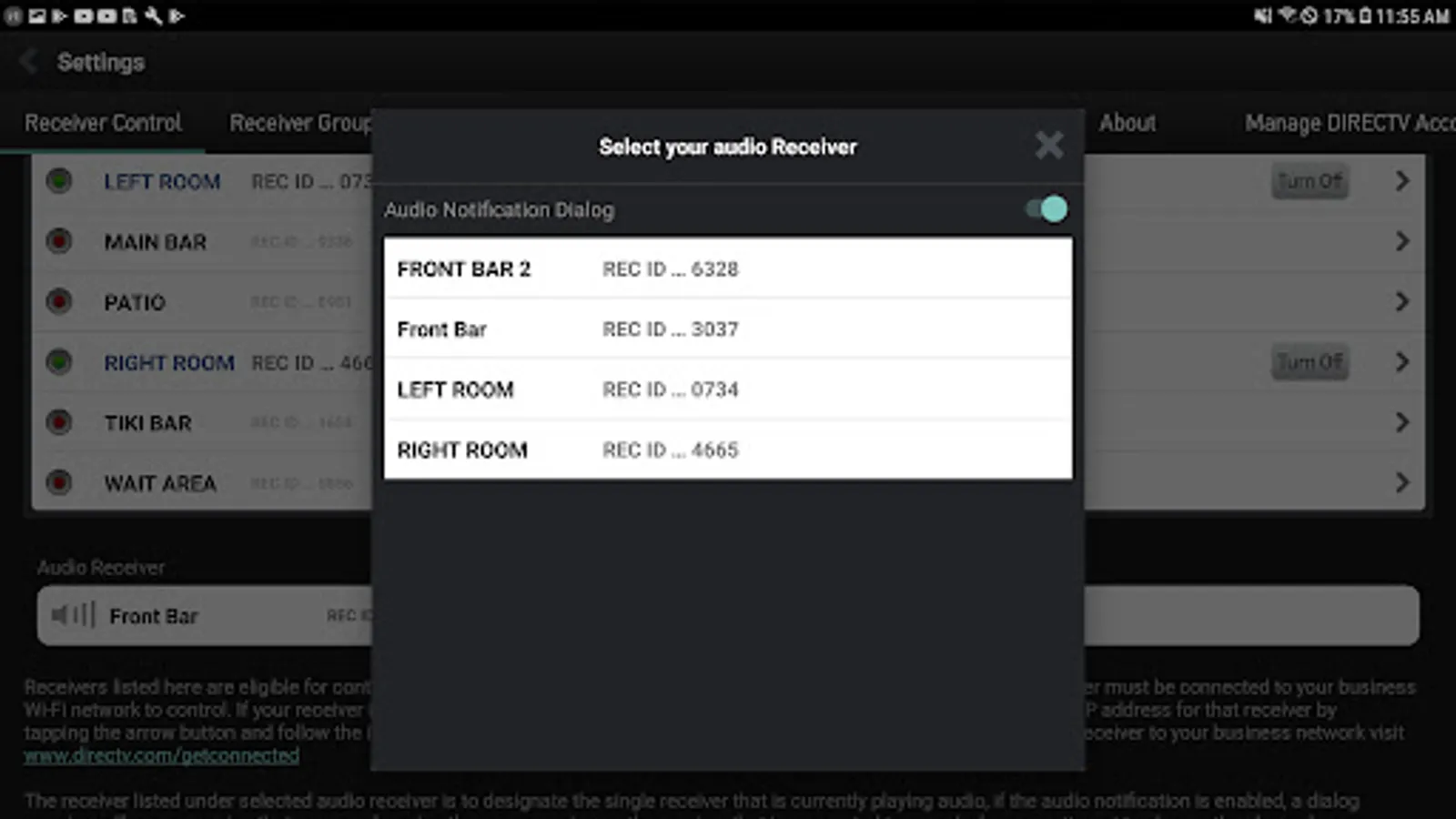
• Quickly identify receivers with custom names
• See what’s playing on all your TVs from one screen
• View all current and upcoming sports schedules
• Ability to group receivers in order to change multiple TVs at once
Requirements
- Android tablet running OS 7.0 and higher
- DIRECTV customers must have a Business account registered on DIRECTV's website, https://www.directv.com/myaccount/registration, to access the DIRECTV FOR BUSINESS app for tablets. In the “Enter your last name” field, enter your business name exactly as it appears on your DIRECTV account. The email address and password you provided will be used to activate your DIRECTV FOR BUSINESS App
- Commercial account must subscribe to HD service
- Compatible DIRECTV HD Receivers must be broadband connected. The tablet and DIRECTV HD Receivers must be connected to the same local network. Requires a Wireless Router and DIRECTV Ethernet to Coax Adapter (DECA).
Use of the DIRECTV FOR BUSINESS app by DIRECTV customers is subject to DIRECTV's Customer Agreement available at https://www.directv.com/legal/legal-policy-center/
and Privacy Policy available at https://www.directv.com/privacy/video-privacy-policy/
• Quickly identify receivers with custom names
• See what’s playing on all your TVs from one screen
• View all current and upcoming sports schedules
• Ability to group receivers in order to change multiple TVs at once
Requirements
- Android tablet running OS 7.0 and higher
- DIRECTV customers must have a Business account registered on DIRECTV's website, https://www.directv.com/myaccount/registration, to access the DIRECTV FOR BUSINESS app for tablets. In the “Enter your last name” field, enter your business name exactly as it appears on your DIRECTV account. The email address and password you provided will be used to activate your DIRECTV FOR BUSINESS App
- Commercial account must subscribe to HD service
- Compatible DIRECTV HD Receivers must be broadband connected. The tablet and DIRECTV HD Receivers must be connected to the same local network. Requires a Wireless Router and DIRECTV Ethernet to Coax Adapter (DECA).
Use of the DIRECTV FOR BUSINESS app by DIRECTV customers is subject to DIRECTV's Customer Agreement available at https://www.directv.com/legal/legal-policy-center/
and Privacy Policy available at https://www.directv.com/privacy/video-privacy-policy/
DIRECTV FOR BUSINESS Remote Screenshots
Tap to Rate:
Reviews for DIRECTV FOR BUSINESS Remote
Blanca Morales
9/8/2025
DirecTV Is For Business.
Vito Mondolino
3/20/2025
This app ONLY works on Android devices. Which is frustrating because on the Apple Store it says "Only on iPad" but the app force closes on iPads.