
WiFi Signal Strength Meter
DM Mobile Apps
3.7 ★
22 ratings
1,000+
downloads
Free
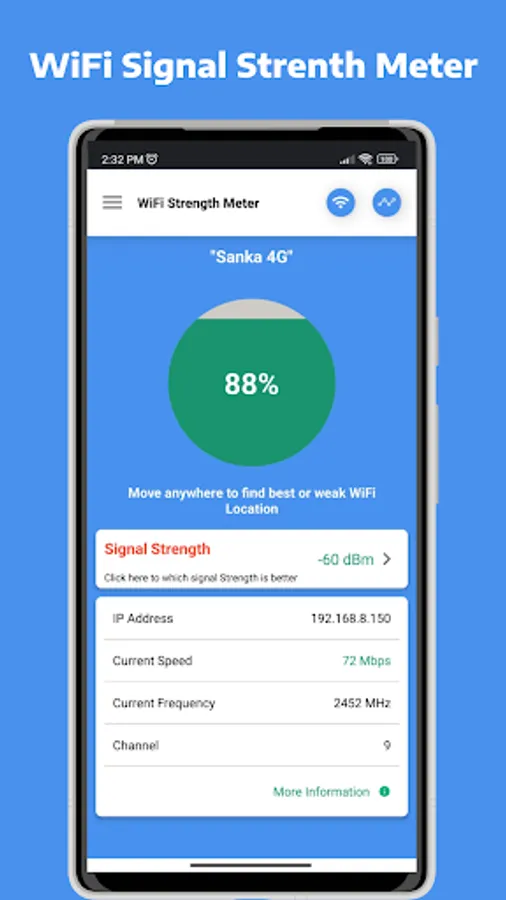
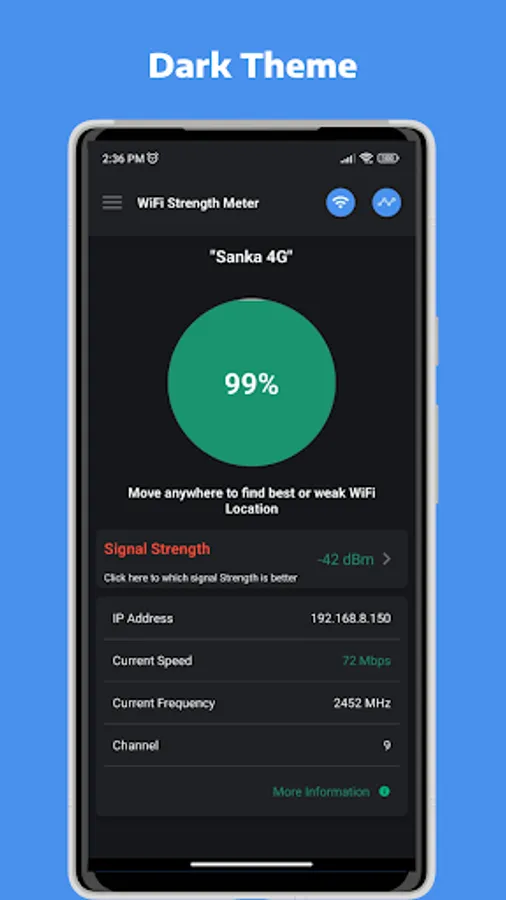
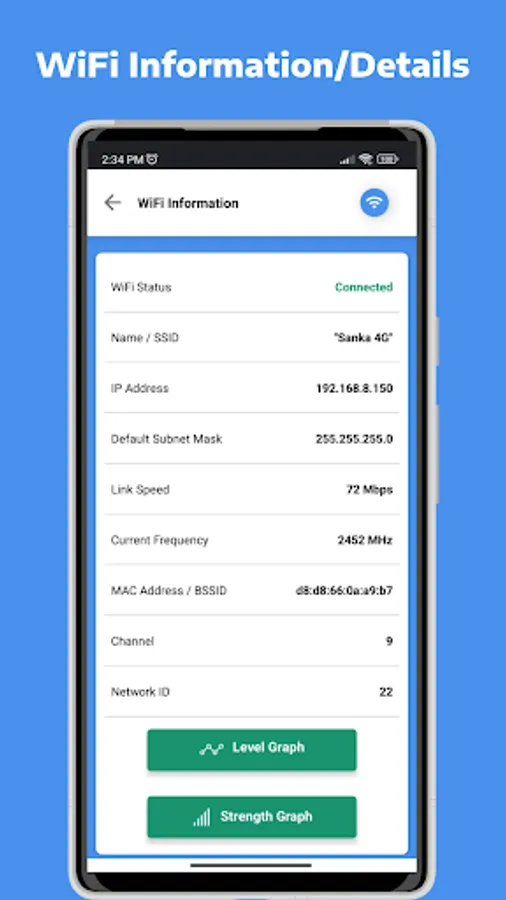
In this WiFi signal measurement app, you can monitor real-time WiFi signal strength and access detailed network information. Includes signal visualization, network scanning, and location optimization features.
AppRecs review analysis
AppRecs rating 3.7. Trustworthiness 68 out of 100. Review manipulation risk 36 out of 100. Based on a review sample analyzed.
★★★☆☆
3.7
AppRecs Rating
Ratings breakdown
5 star
57%
4 star
0%
3 star
14%
2 star
14%
1 star
14%
About WiFi Signal Strength Meter
The WiFi Signal Strength Meter App is the ultimate tool for monitoring and optimizing your WiFi signal strength and stability. Whether you're at home, in the office, or on the go, this app helps you locate the best WiFi connection for seamless browsing, streaming, and downloading.
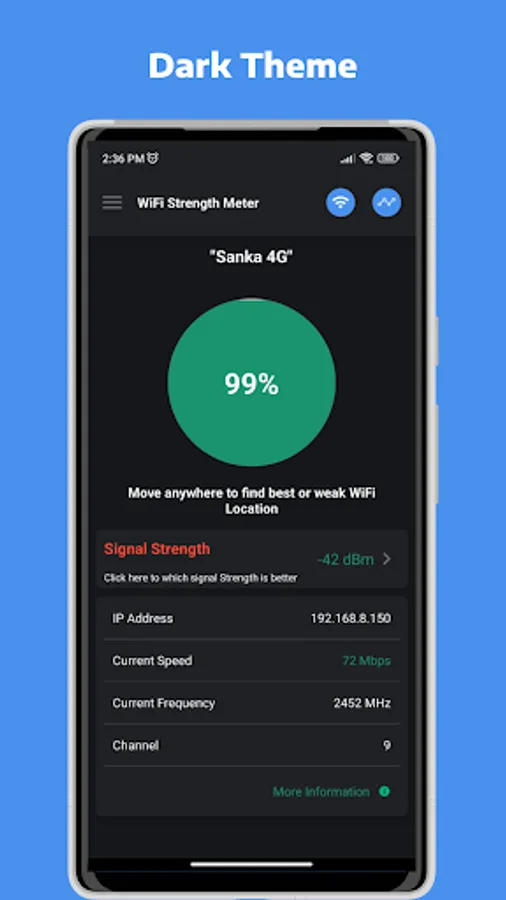
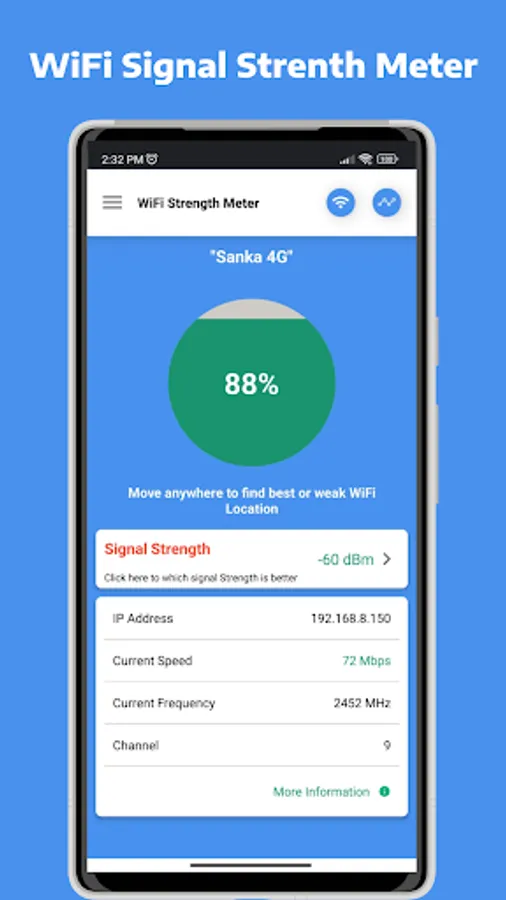
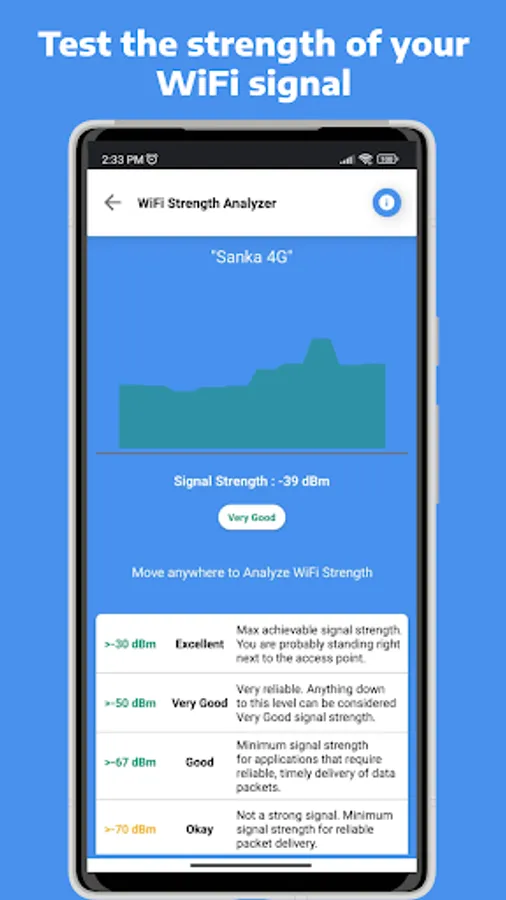
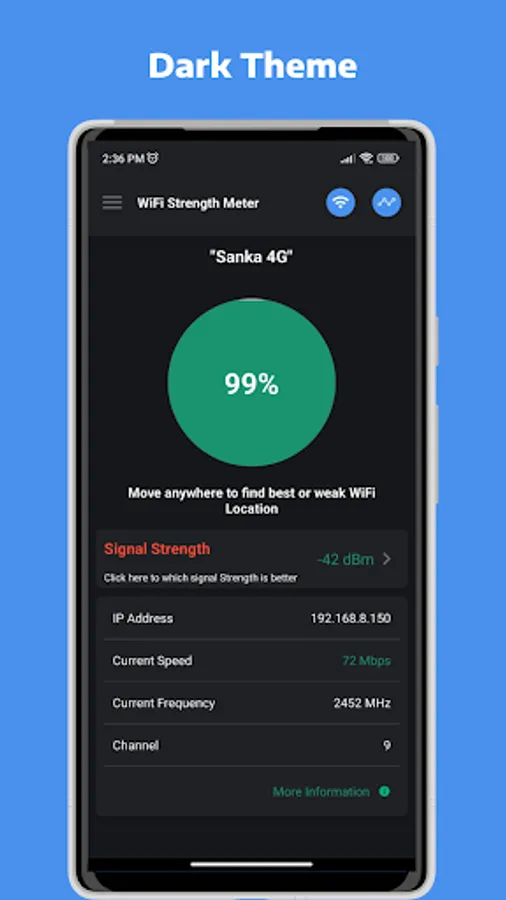
With the WiFi Signal Strength Meter, you can view real-time WiFi signal strength and detailed information about your WiFi network. Its intuitive interface makes it easy to detect strong WiFi signals nearby and identify weak spots in your current connection.
Key Features:
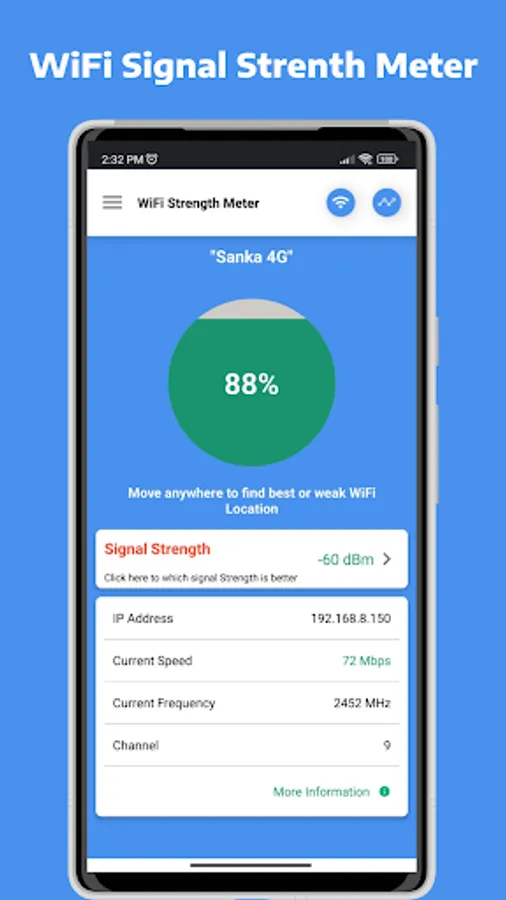
✅ Real-Time WiFi Signal Monitoring - Check your current WiFi strength and stability instantly.
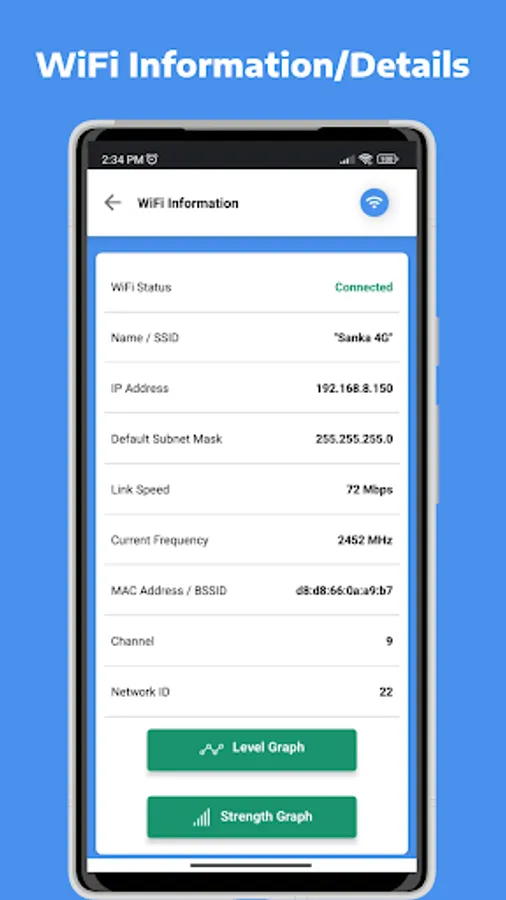
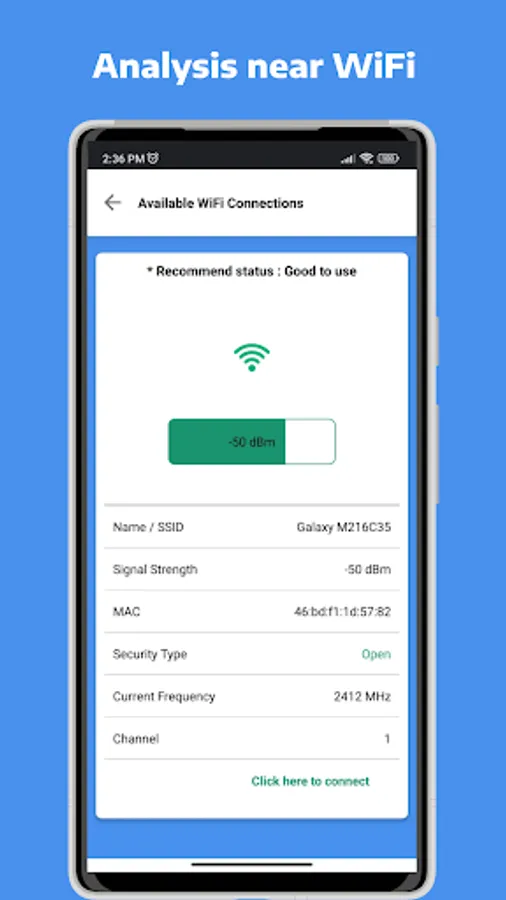
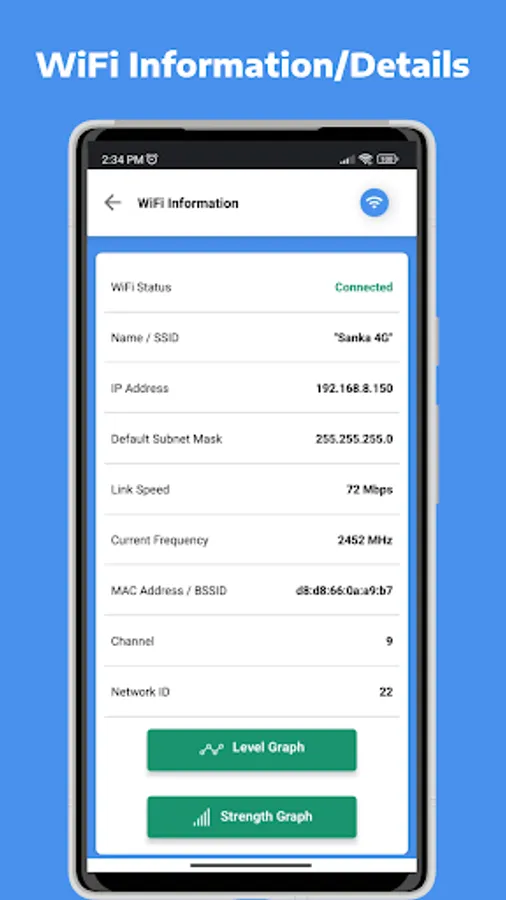
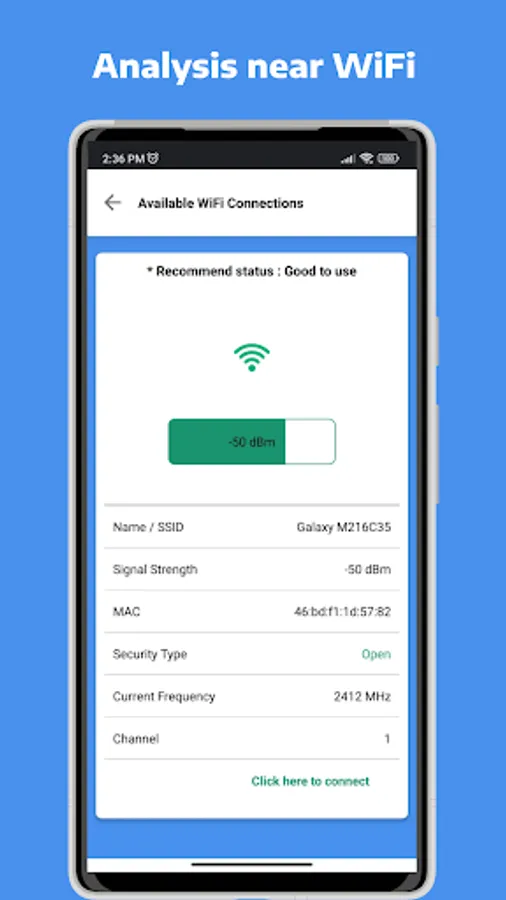
✅ Comprehensive WiFi Network Information - Access detailed data, including signal strength, connection speed, and security type.
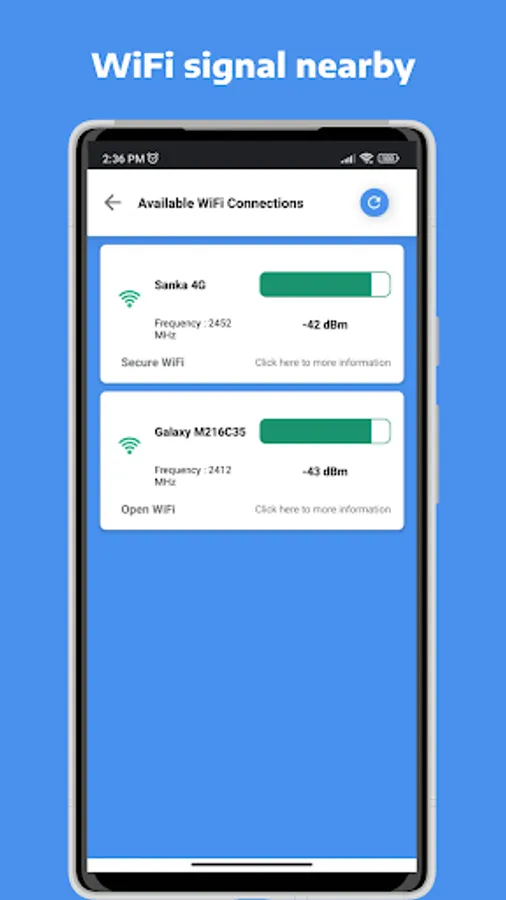
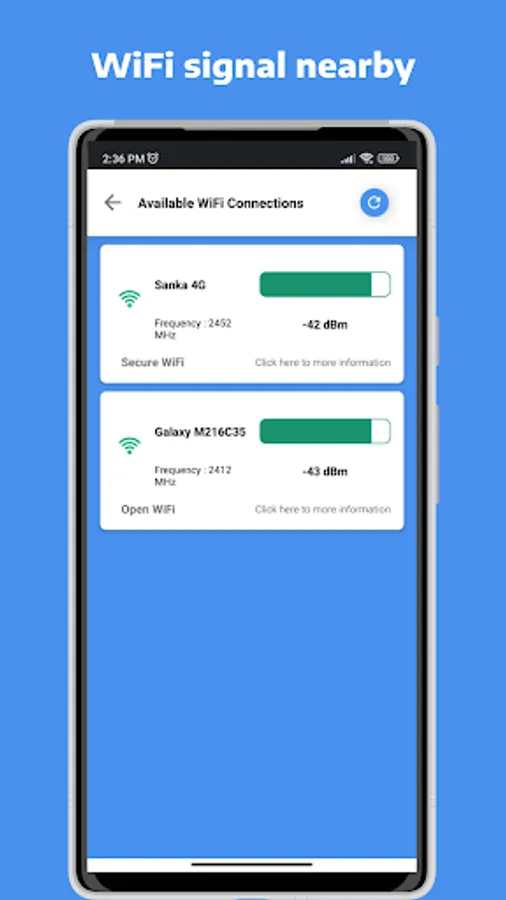
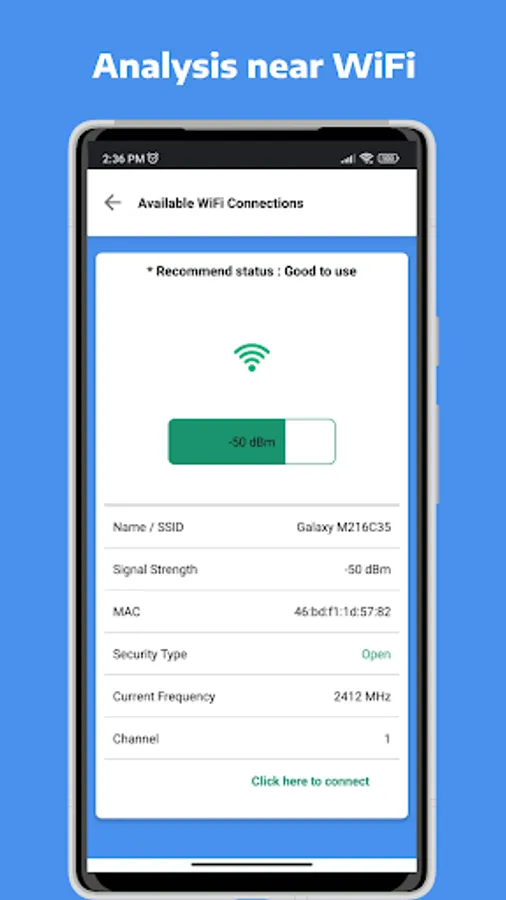
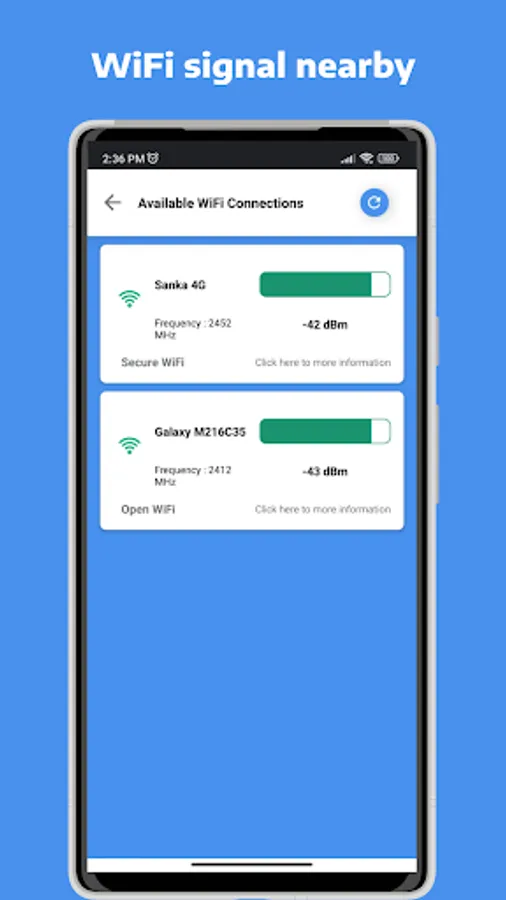
✅ Nearby WiFi Detection - Identify available WiFi networks in your area, along with their signal strength and security status.
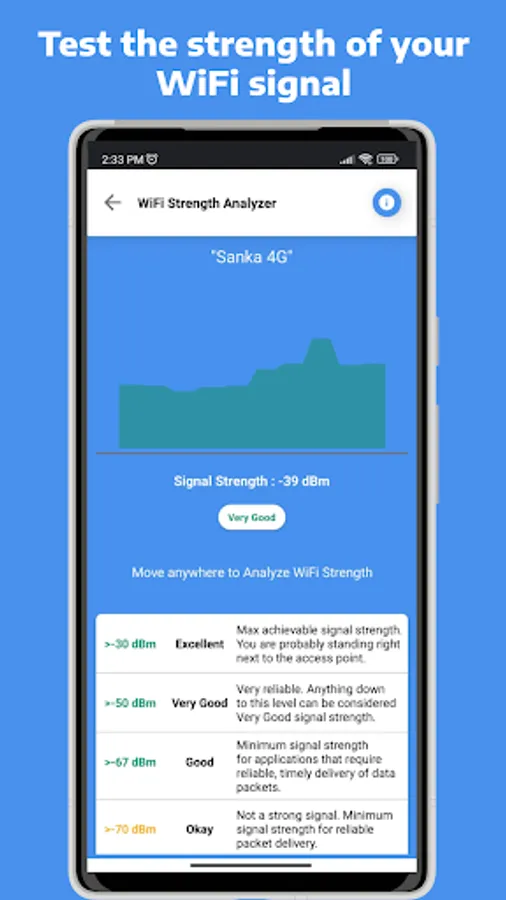
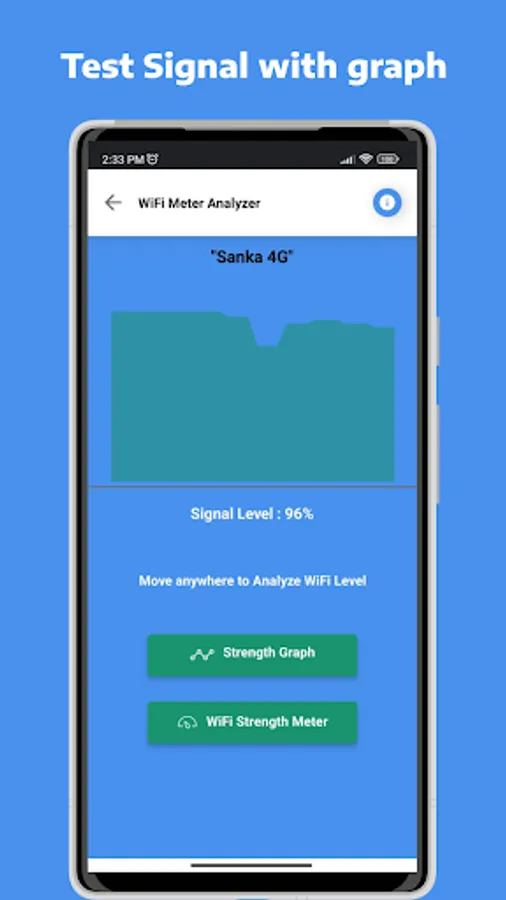
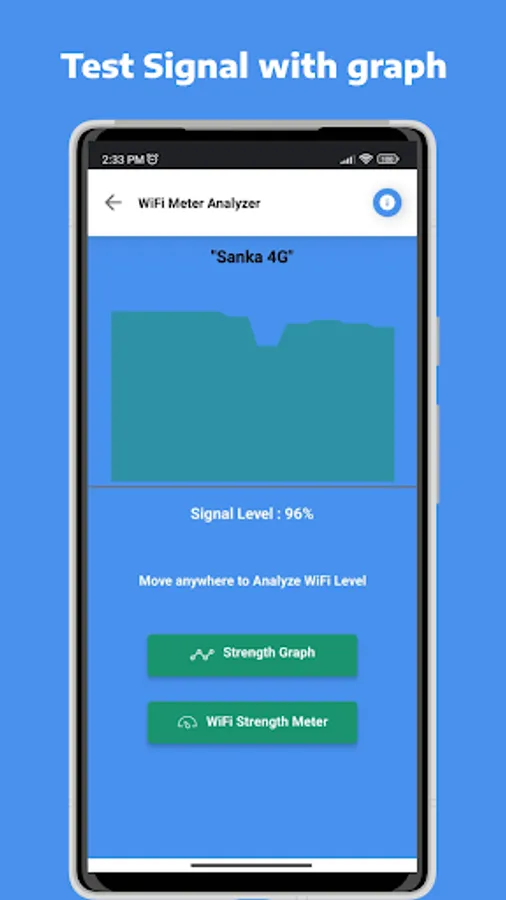
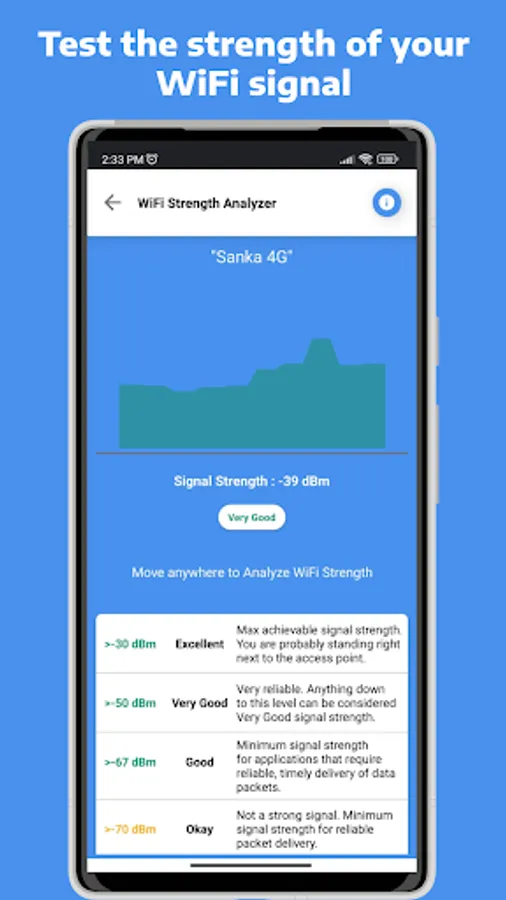
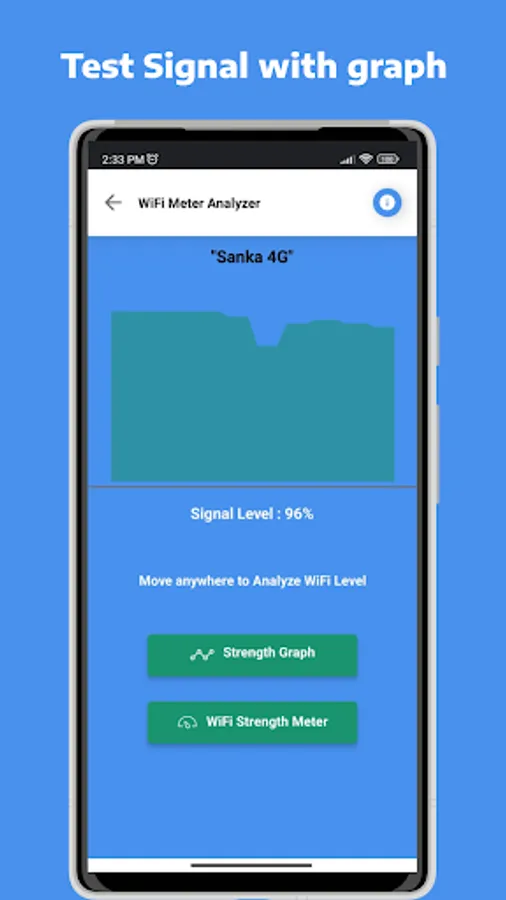
✅ Graphic Representation - Visualize your WiFi signal strength with easy-to-read graphs.
✅ Optimize WiFi Connectivity - Find the best locations in your home or workplace for stronger and more reliable WiFi signals.
Why Choose WiFi Signal Strength Meter?
- Quickly locate strong WiFi signals to enjoy faster internet speeds.
- Diagnose weak connections and improve your browsing experience.
- Easy-to-use interface designed for users of all levels.
- Perfect for finding optimal spots for your router placement.
Who Can Benefit? This app is ideal for anyone who relies on a stable WiFi connection—whether you're working from home, gaming, streaming videos, or simply browsing the web. It's especially helpful for identifying the best signal areas in large homes, offices, or public spaces.
How It Works:
- Open the app and connect to your WiFi network.
- Monitor your current signal strength in real time.
- Scan nearby WiFi networks to explore available options.
- Use the graphical signal strength display to identify strong and weak spots.
Get Started Today! Download WiFi Signal Strength Meter now and take control of your WiFi experience. Never settle for poor connectivity again—find the strongest signals and enjoy a smoother online experience.
With the WiFi Signal Strength Meter, you can view real-time WiFi signal strength and detailed information about your WiFi network. Its intuitive interface makes it easy to detect strong WiFi signals nearby and identify weak spots in your current connection.
Key Features:
✅ Real-Time WiFi Signal Monitoring - Check your current WiFi strength and stability instantly.
✅ Comprehensive WiFi Network Information - Access detailed data, including signal strength, connection speed, and security type.
✅ Nearby WiFi Detection - Identify available WiFi networks in your area, along with their signal strength and security status.
✅ Graphic Representation - Visualize your WiFi signal strength with easy-to-read graphs.
✅ Optimize WiFi Connectivity - Find the best locations in your home or workplace for stronger and more reliable WiFi signals.
Why Choose WiFi Signal Strength Meter?
- Quickly locate strong WiFi signals to enjoy faster internet speeds.
- Diagnose weak connections and improve your browsing experience.
- Easy-to-use interface designed for users of all levels.
- Perfect for finding optimal spots for your router placement.
Who Can Benefit? This app is ideal for anyone who relies on a stable WiFi connection—whether you're working from home, gaming, streaming videos, or simply browsing the web. It's especially helpful for identifying the best signal areas in large homes, offices, or public spaces.
How It Works:
- Open the app and connect to your WiFi network.
- Monitor your current signal strength in real time.
- Scan nearby WiFi networks to explore available options.
- Use the graphical signal strength display to identify strong and weak spots.
Get Started Today! Download WiFi Signal Strength Meter now and take control of your WiFi experience. Never settle for poor connectivity again—find the strongest signals and enjoy a smoother online experience.
WiFi Signal Strength Meter Screenshots
Tap to Rate:
Reviews for WiFi Signal Strength Meter
Alfred Mamatselo
11/29/2024
Very good
Al Sagel
7/29/2024
Helped me improve signal strength to one of my devices. I moved one of my extenders to get a better signal as measured by this app.