
About Phone Contacts to Excel
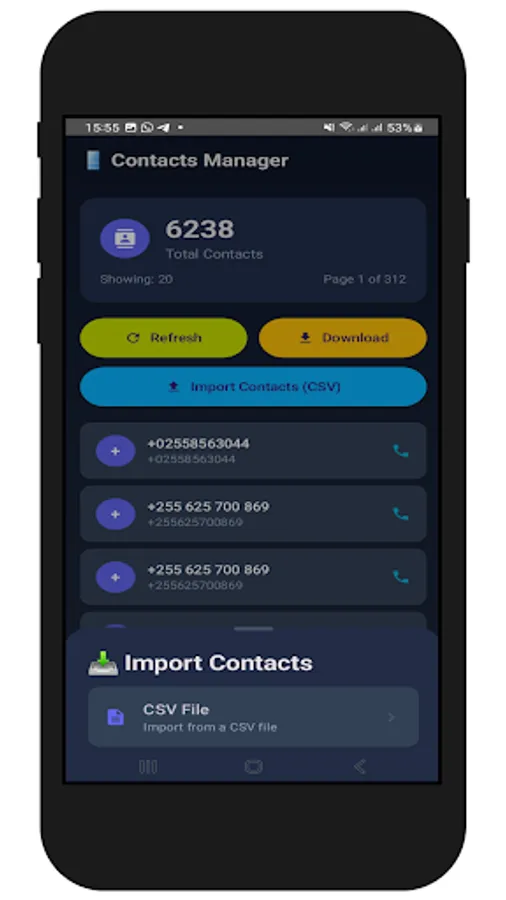
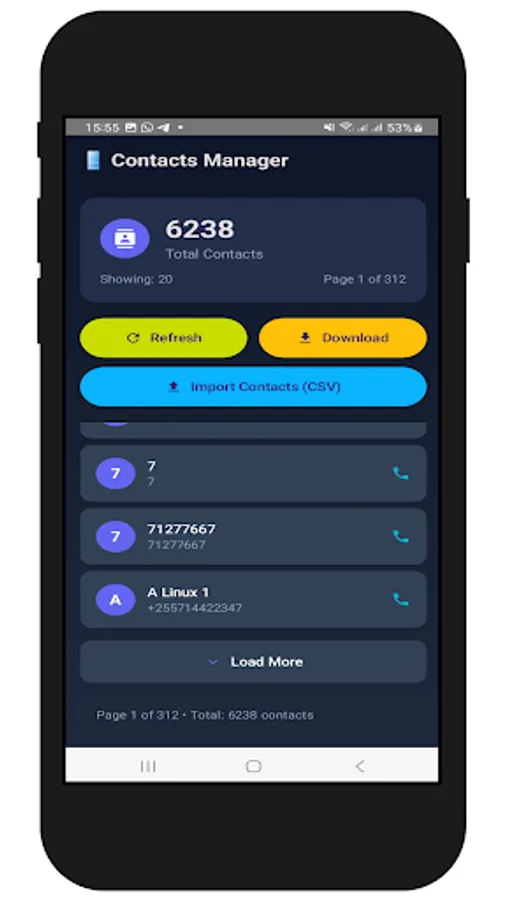
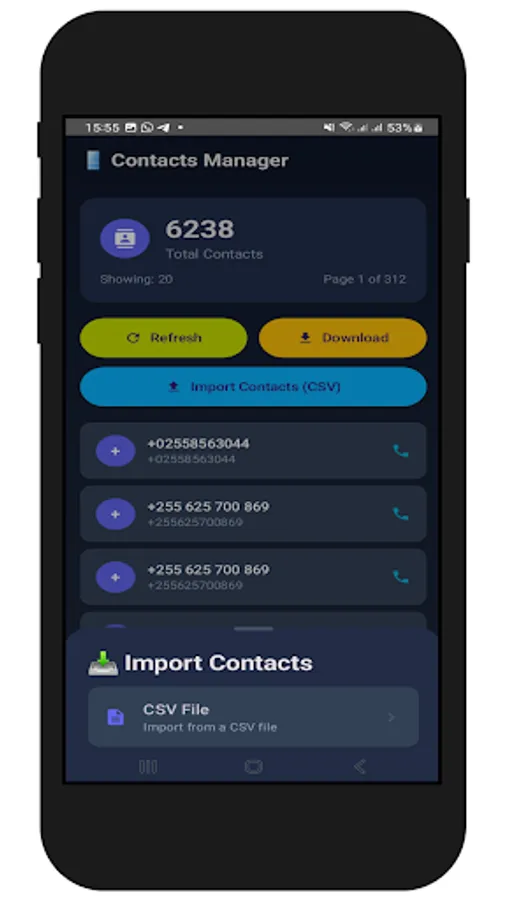
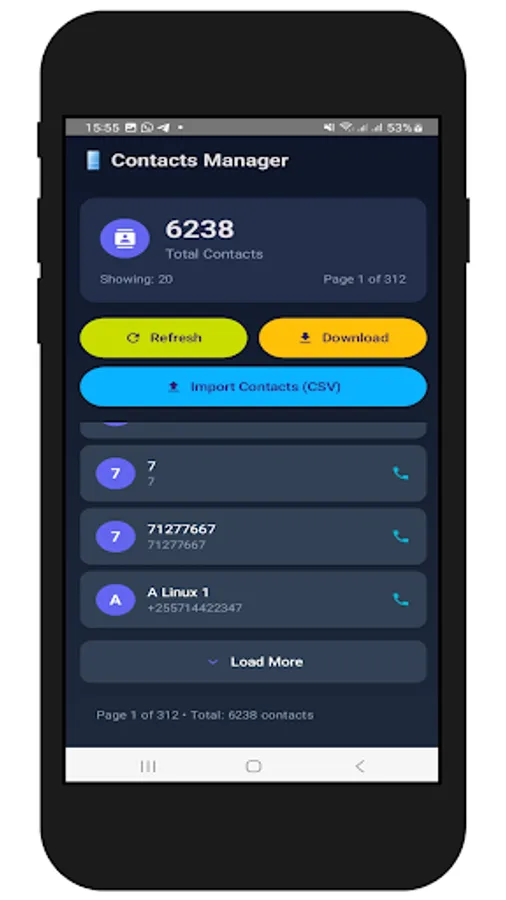
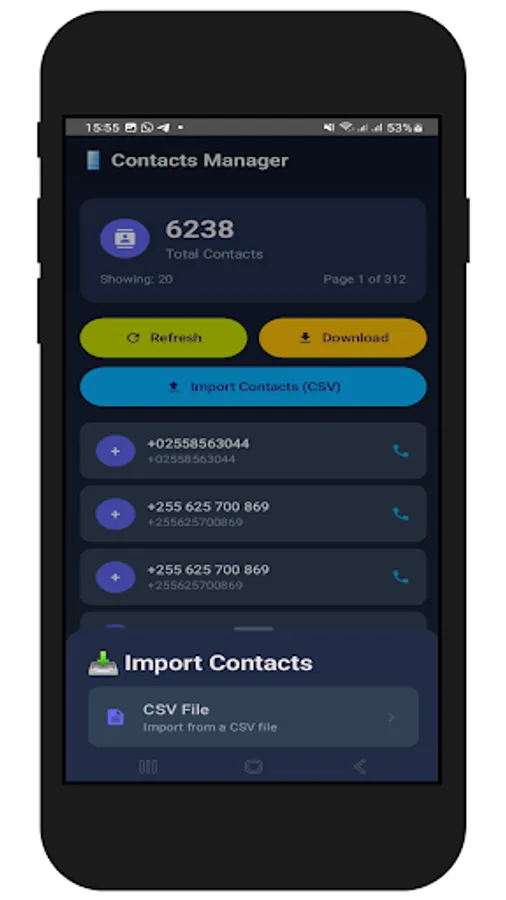
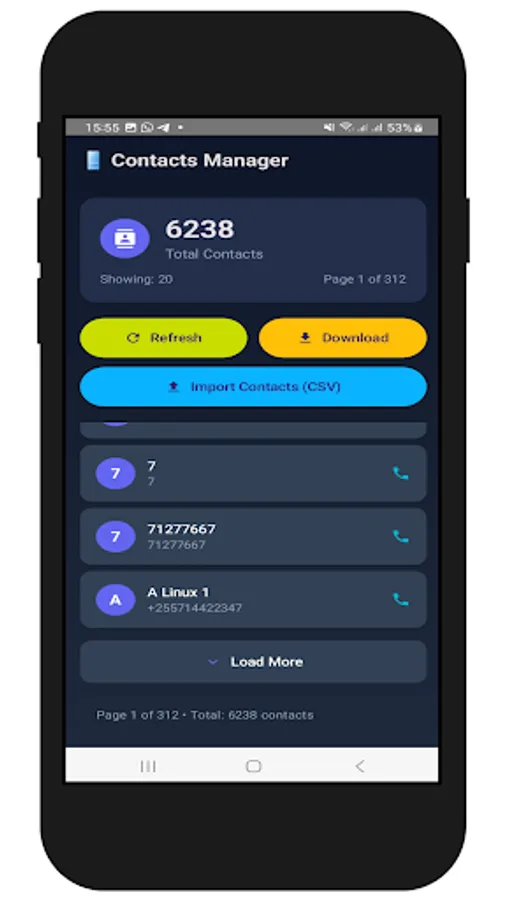
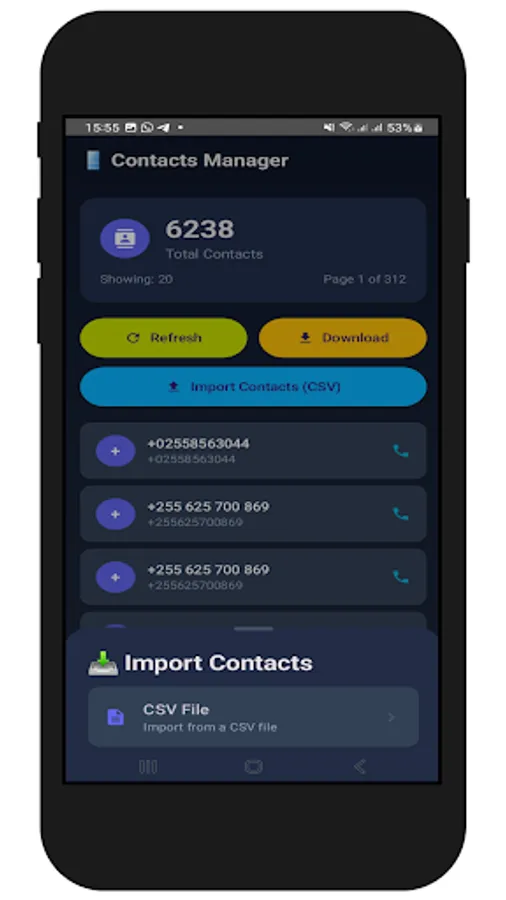
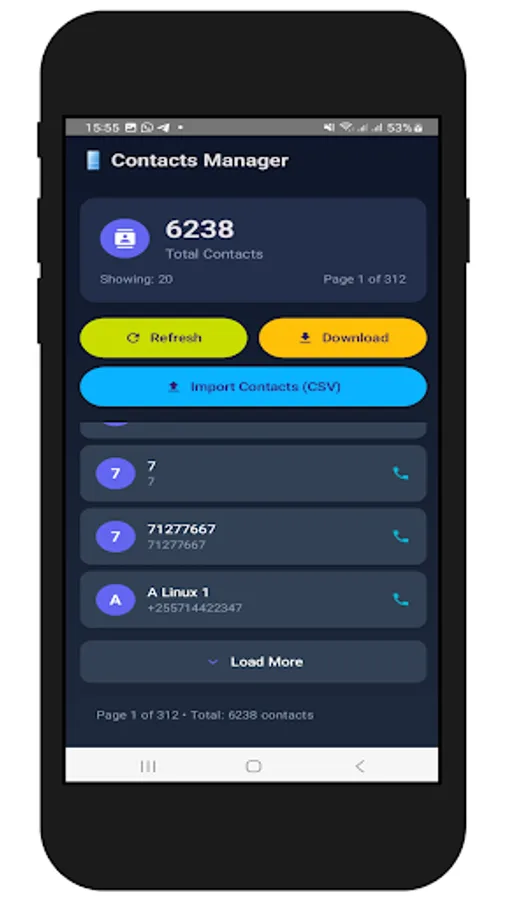
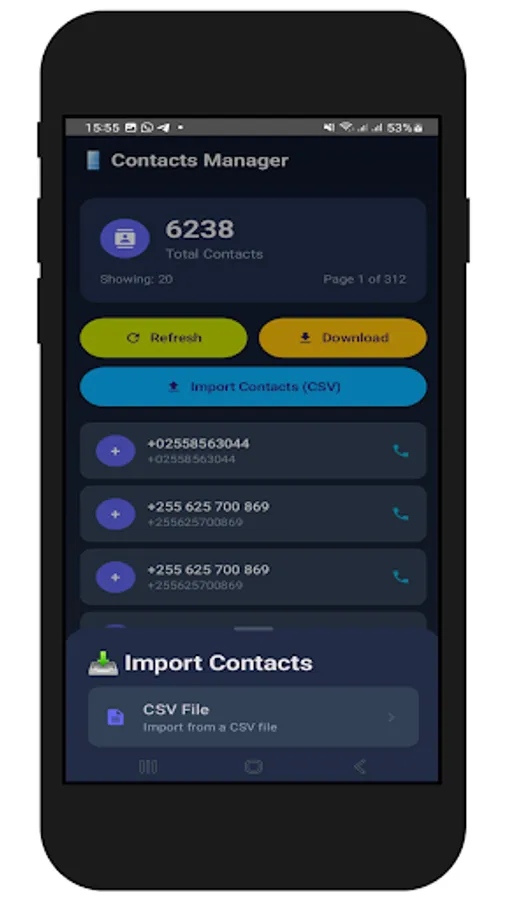
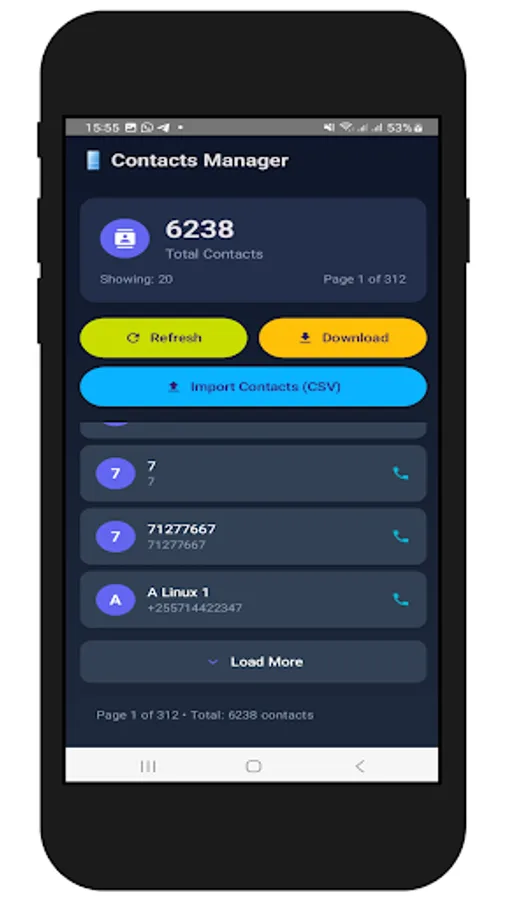
A. This application allows you to export all phone numbers from your device and save them as a CSV (Excel) file on your phone. It also enables you to import phone numbers from a CSV (Excel) file and add them to your phone's contacts.
B. When importing an Excel file, ensure it is in CSV format and the columns are arranged as "Name" and "Phone Number". Incorrect column arrangement will lead to errors during import.
C. Ensure the phone numbers are correctly formatted, for example, starting with a zero like 0656848274 or with a country code like +255656848274. Make sure they appear this way in your Excel file.
Instructions:
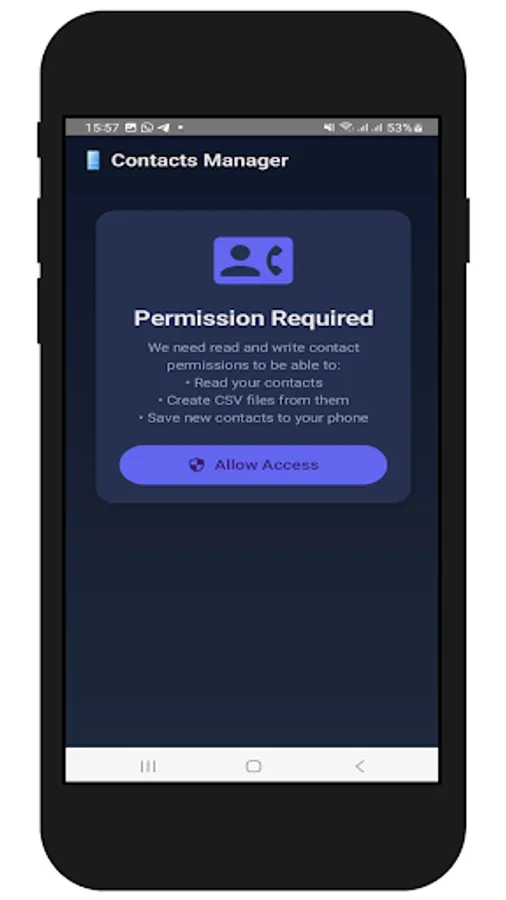
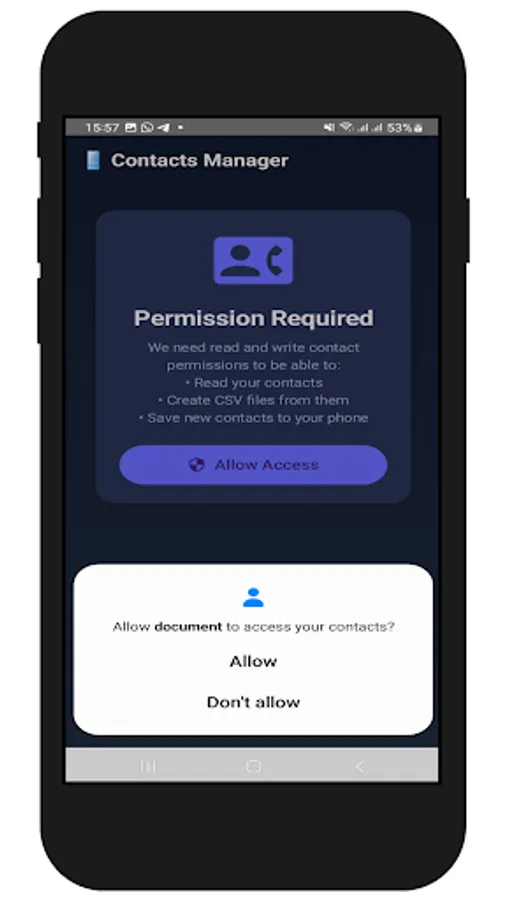
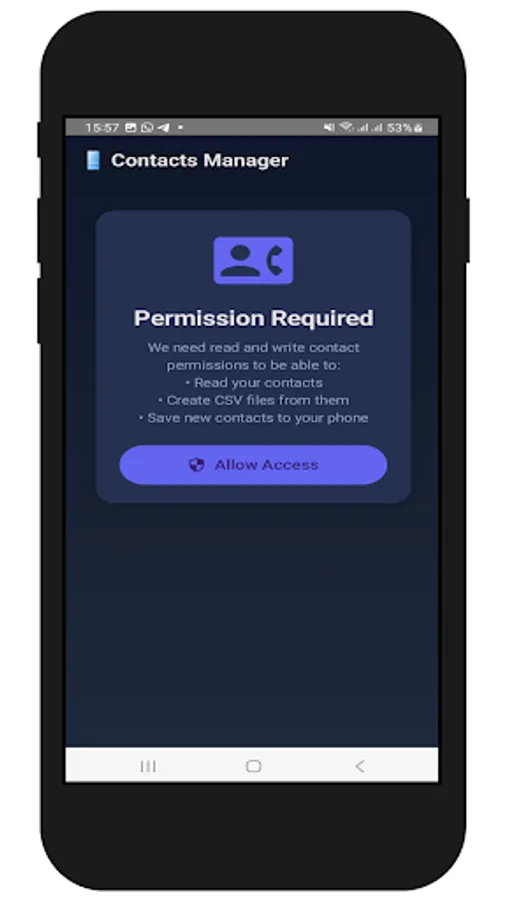
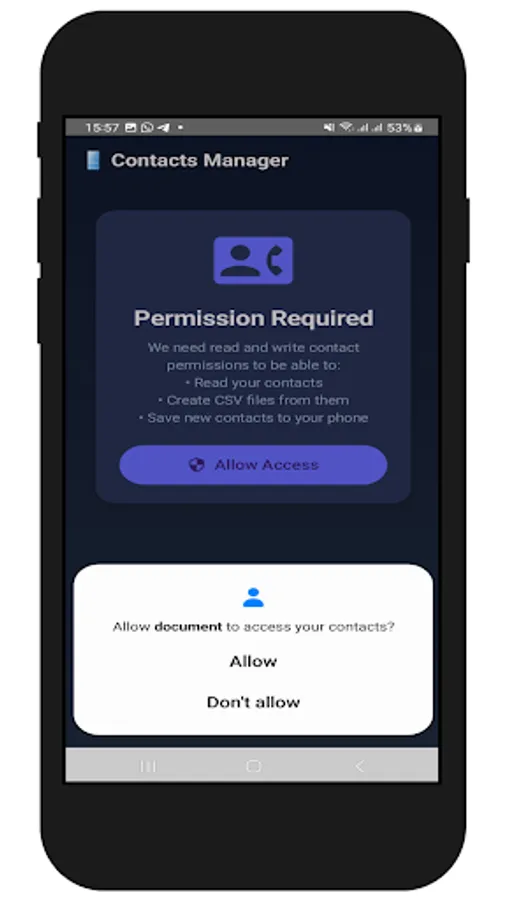
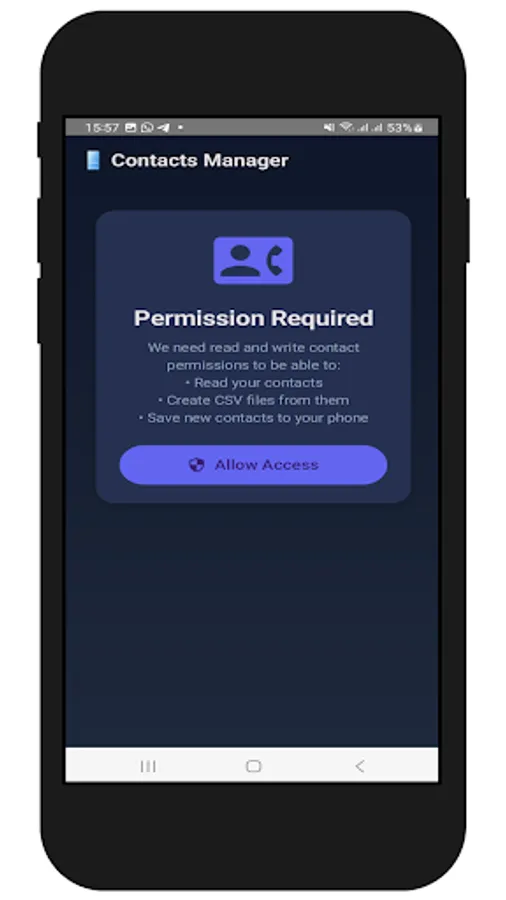
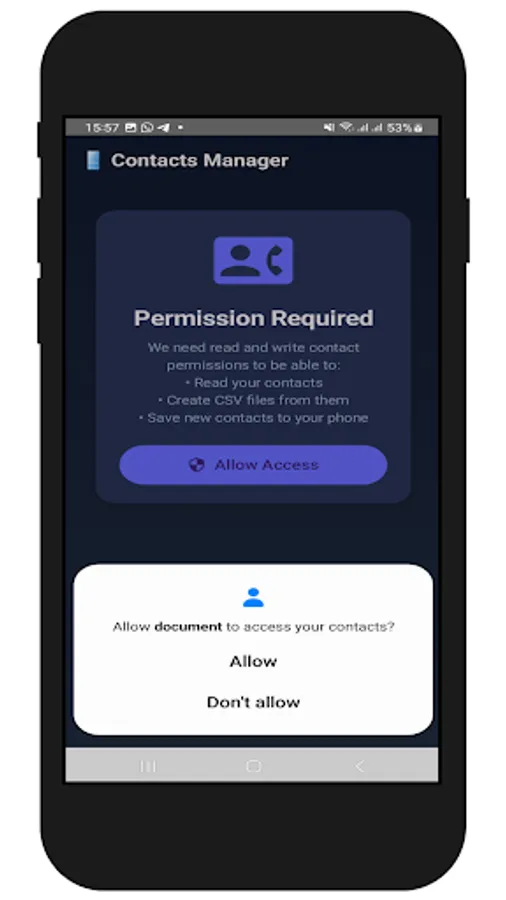
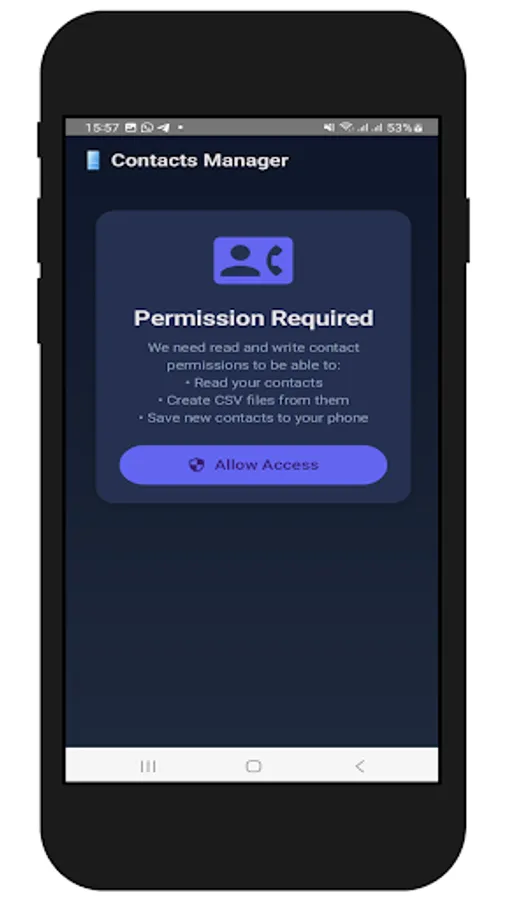
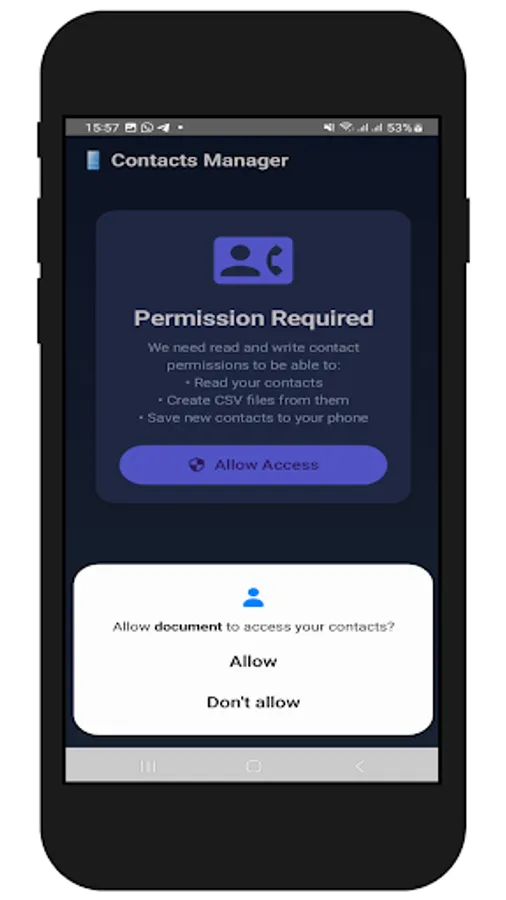
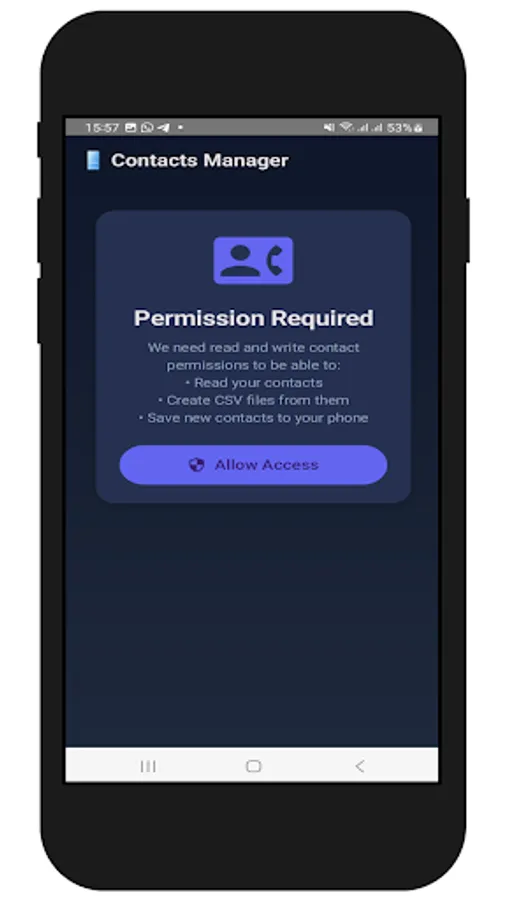
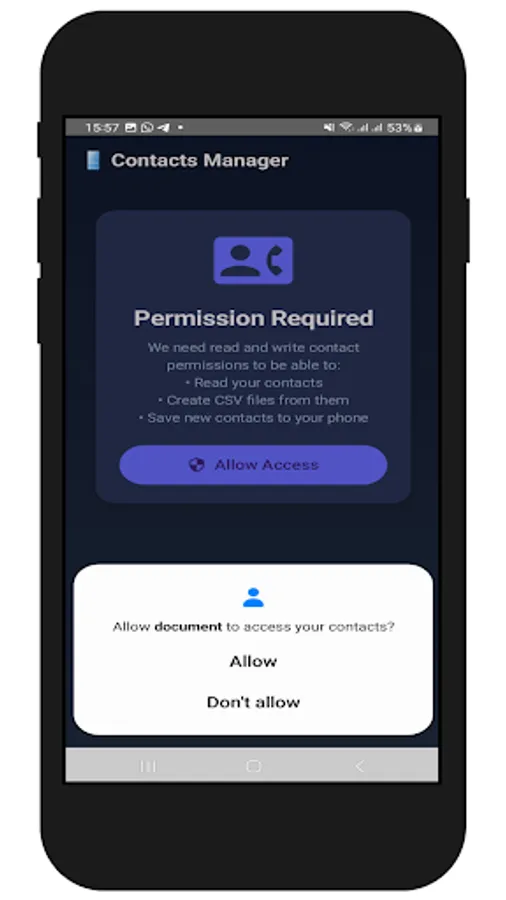
1. Grant Permissions: Upon opening the app, grant the requested permissions (Read and Write Contacts).
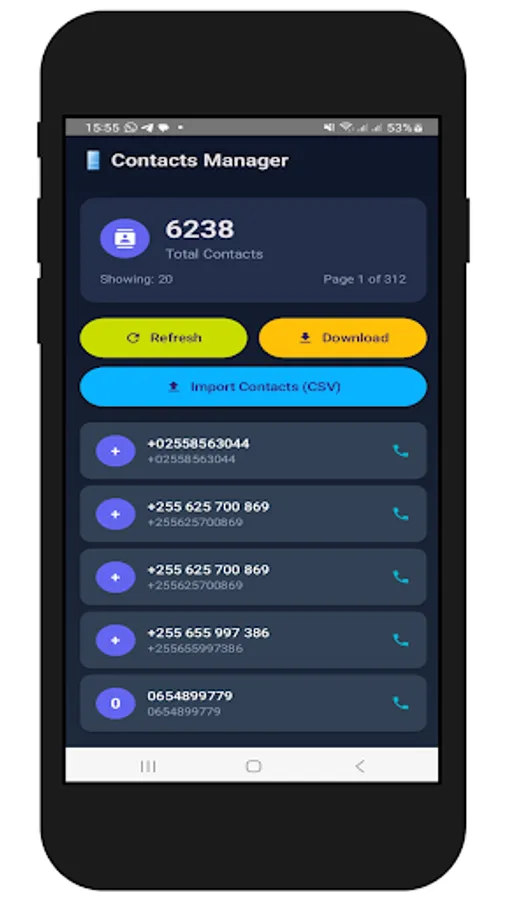
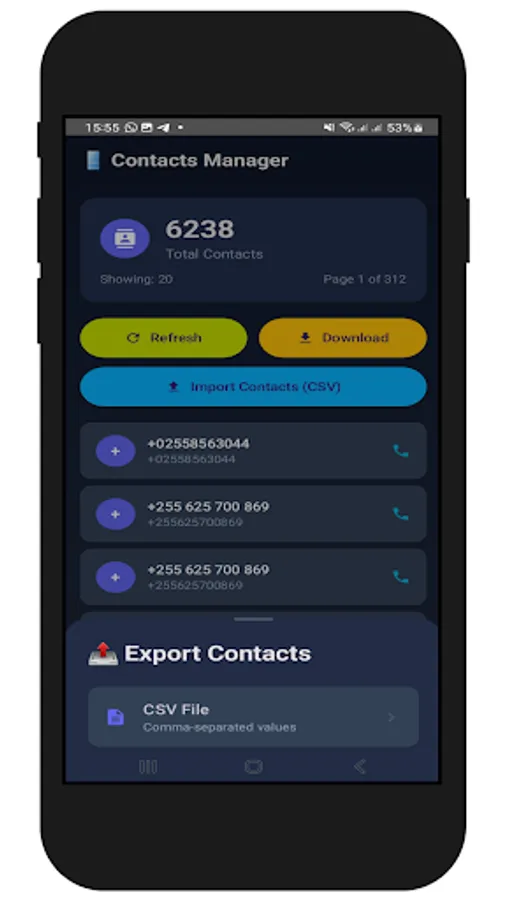
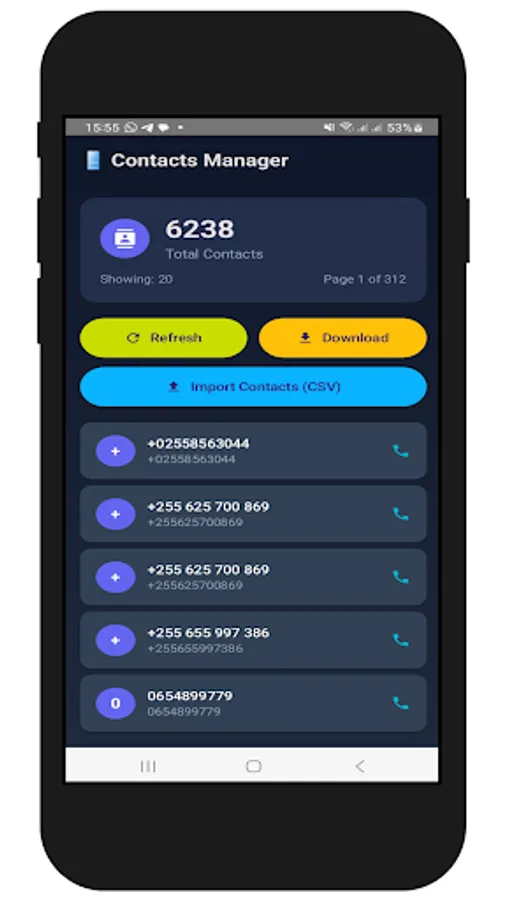
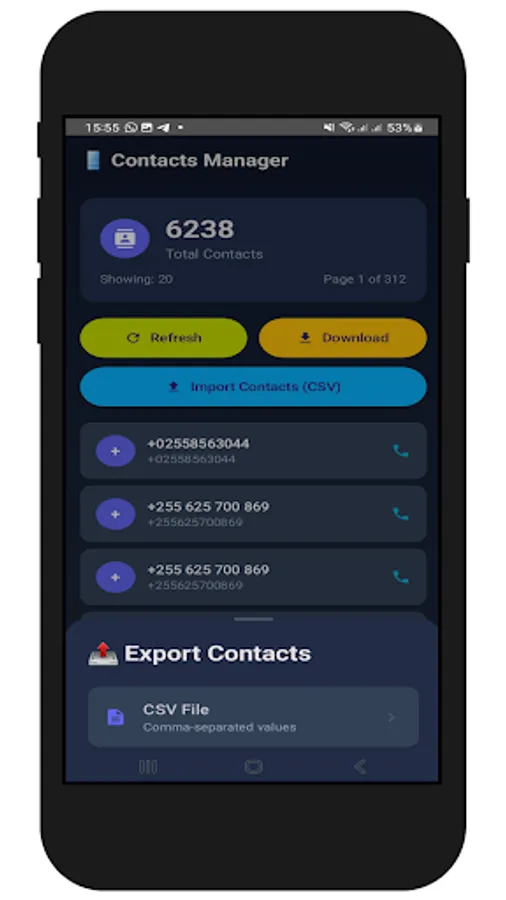
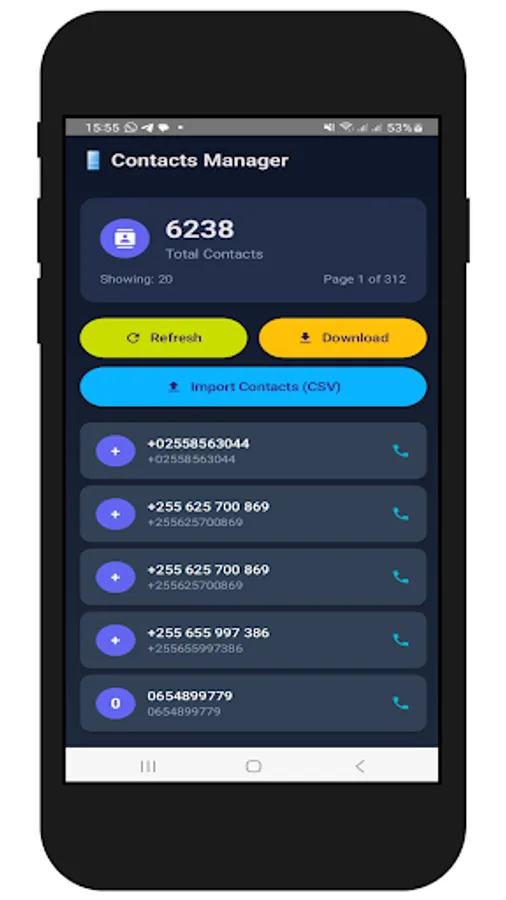
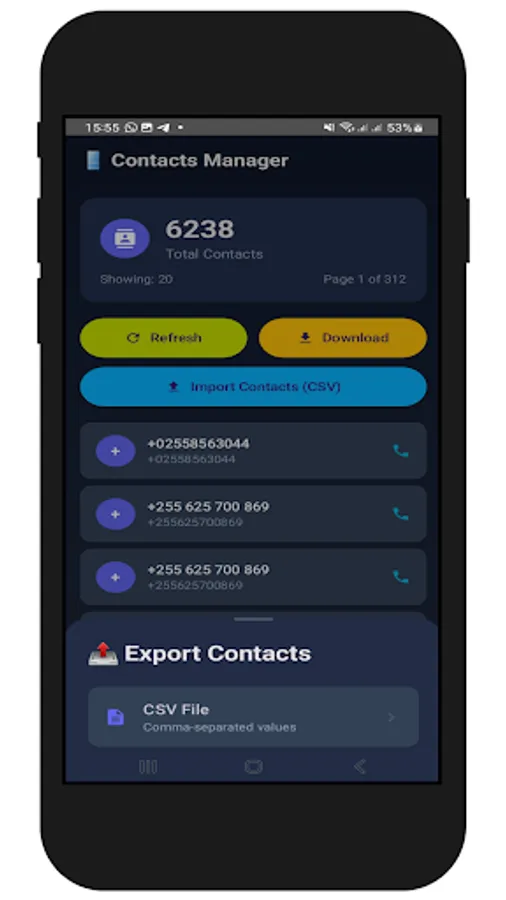
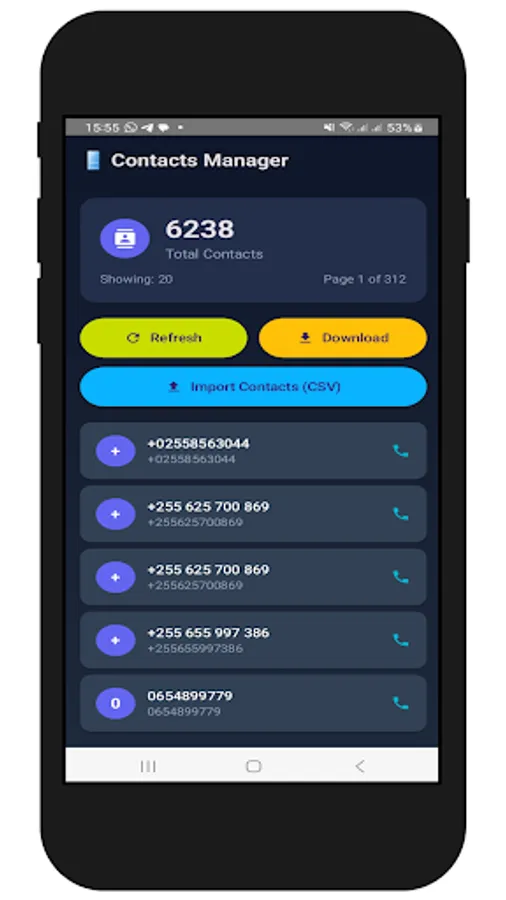
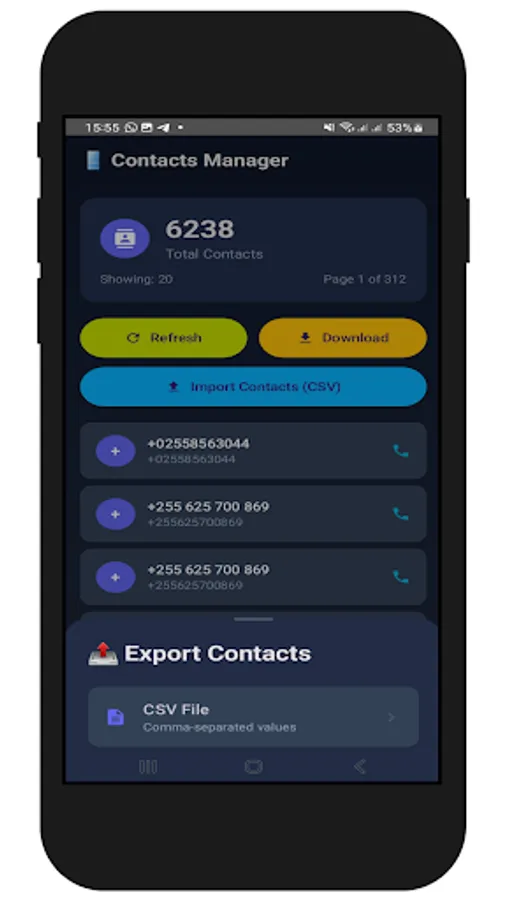
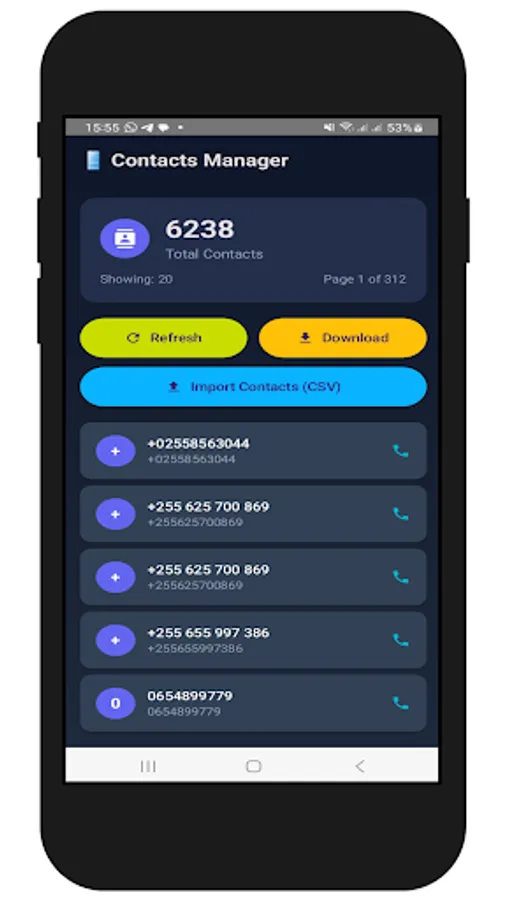
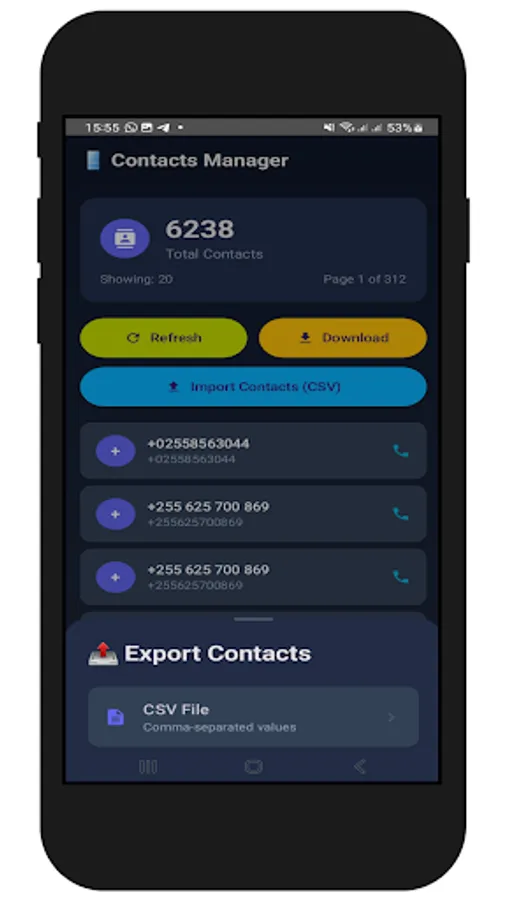
2. Download Contacts: Tap the "Download" button to export your contacts.
3. Import Contacts: Tap the "Import Contacts (CSV)" button to import contacts from a CSV file.
B. When importing an Excel file, ensure it is in CSV format and the columns are arranged as "Name" and "Phone Number". Incorrect column arrangement will lead to errors during import.
C. Ensure the phone numbers are correctly formatted, for example, starting with a zero like 0656848274 or with a country code like +255656848274. Make sure they appear this way in your Excel file.
Instructions:
1. Grant Permissions: Upon opening the app, grant the requested permissions (Read and Write Contacts).
2. Download Contacts: Tap the "Download" button to export your contacts.
3. Import Contacts: Tap the "Import Contacts (CSV)" button to import contacts from a CSV file.
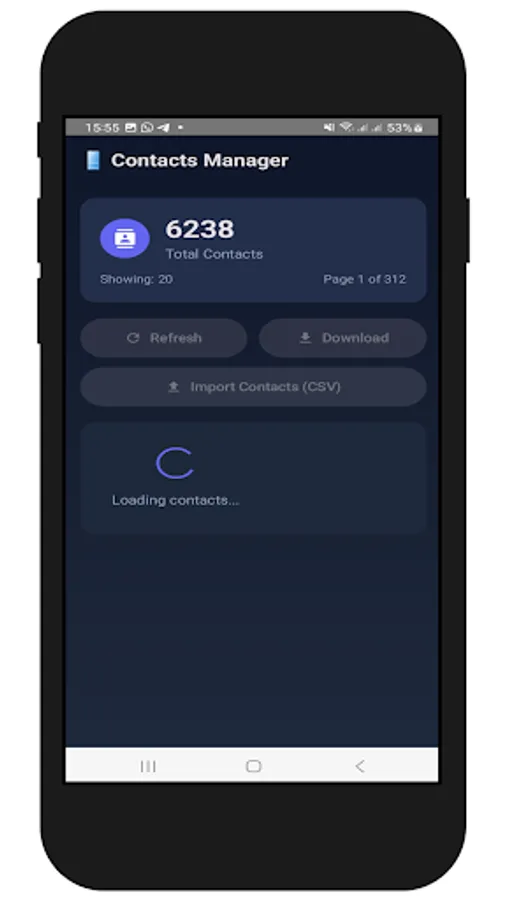
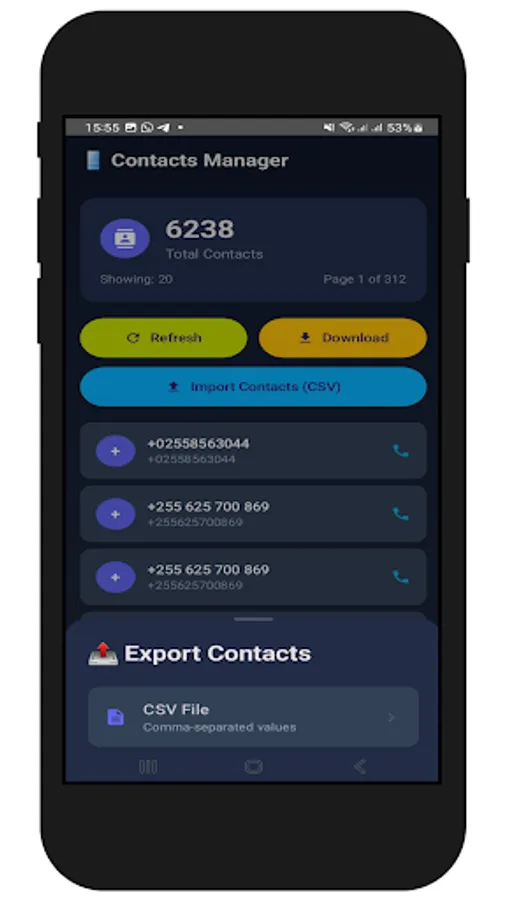
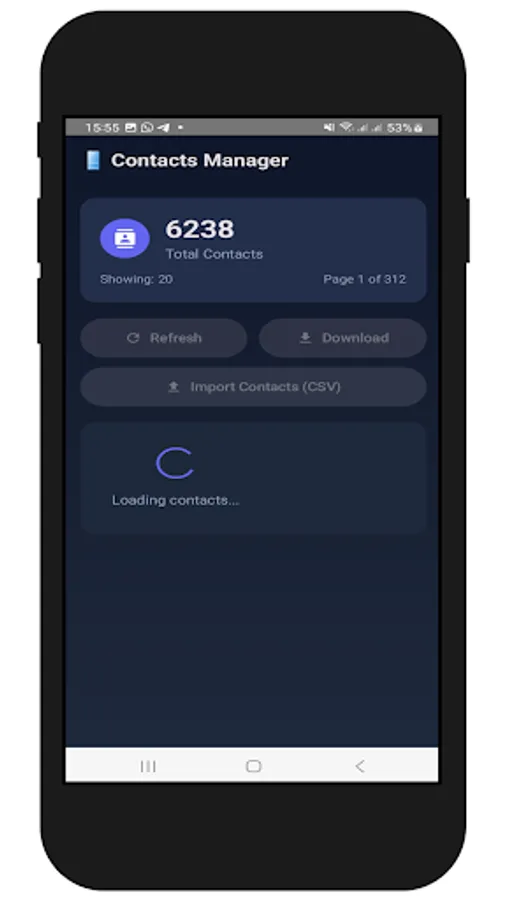
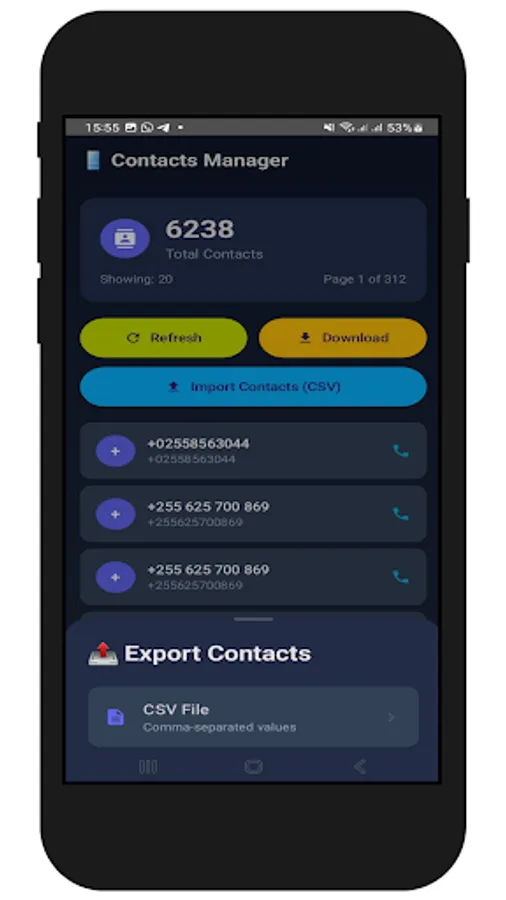
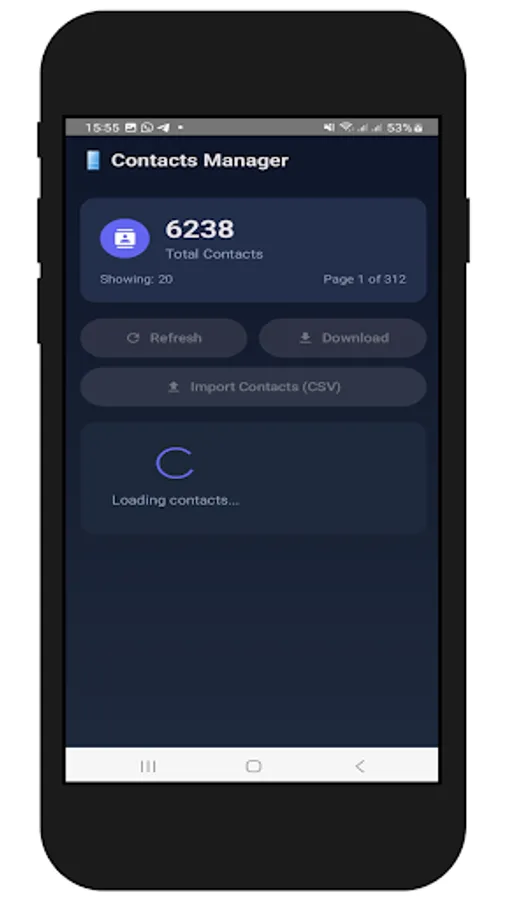
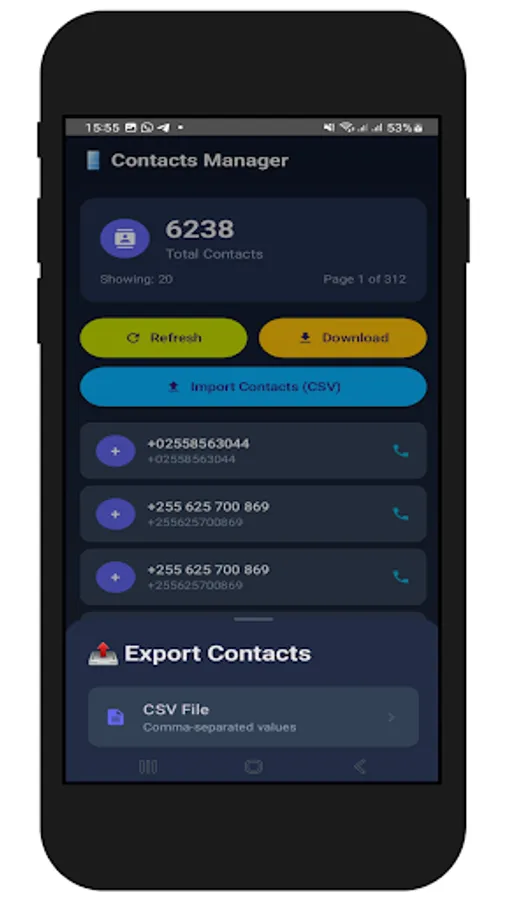
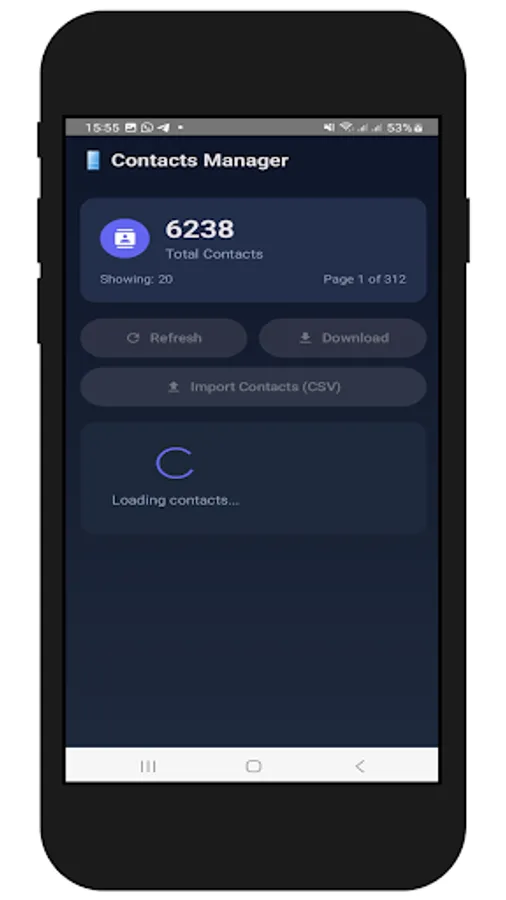
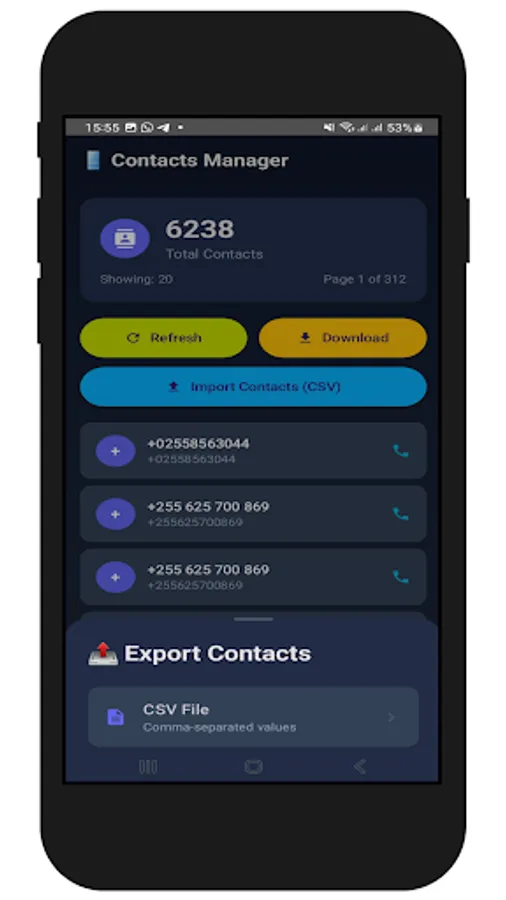
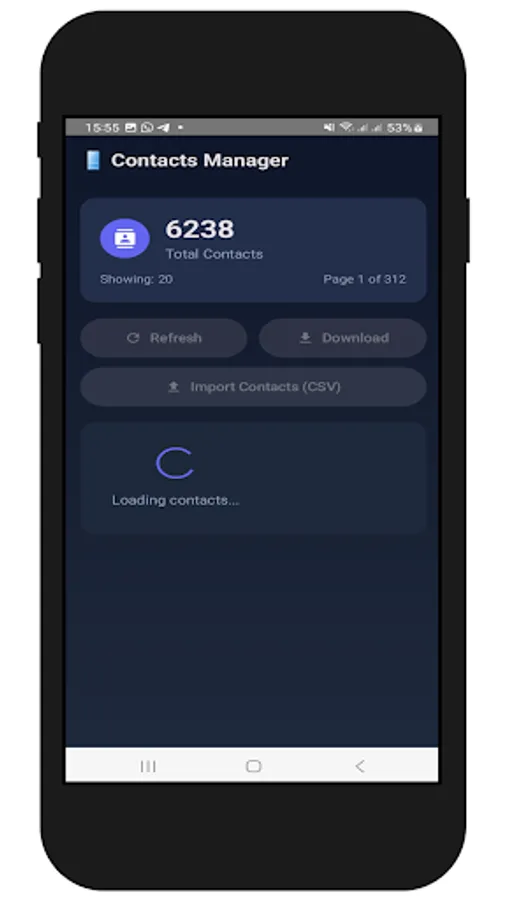
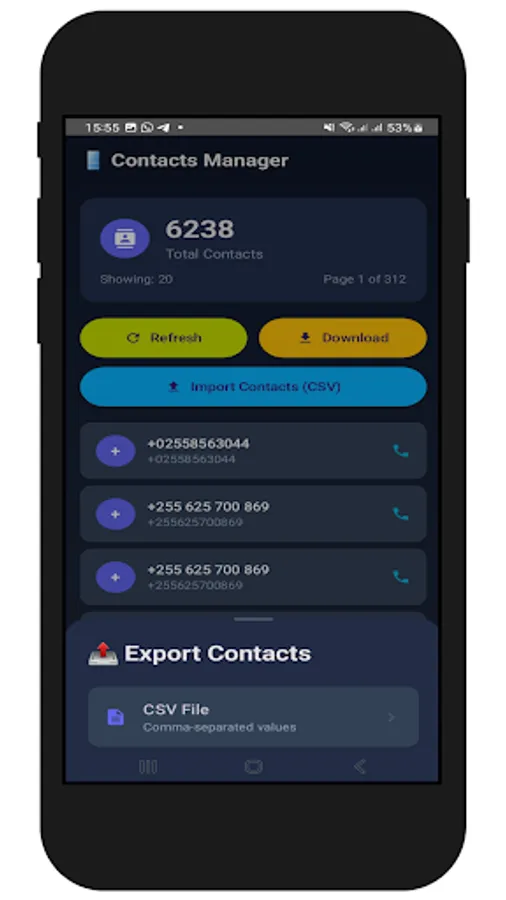
Phone Contacts to Excel Screenshots
Tap to Rate: