Office Document Reader
Berlin07
5.0 ★
store rating
100,000+
downloads
Free
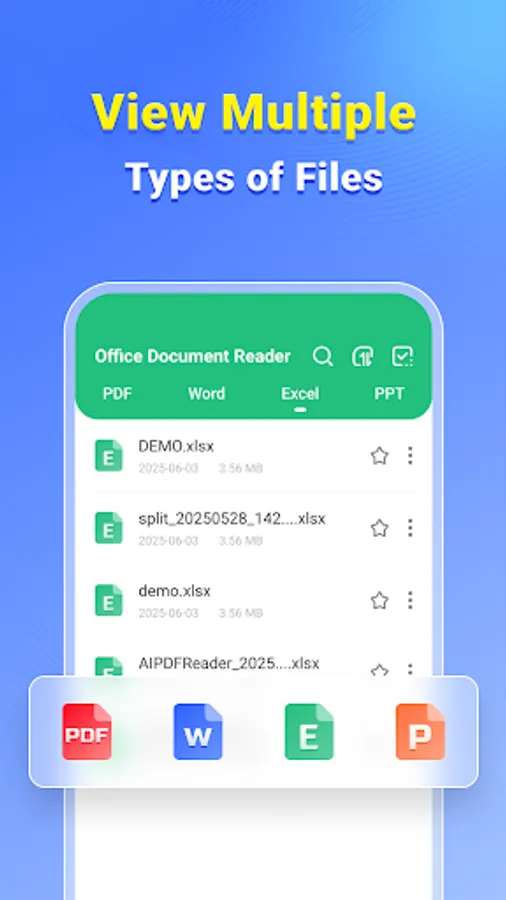
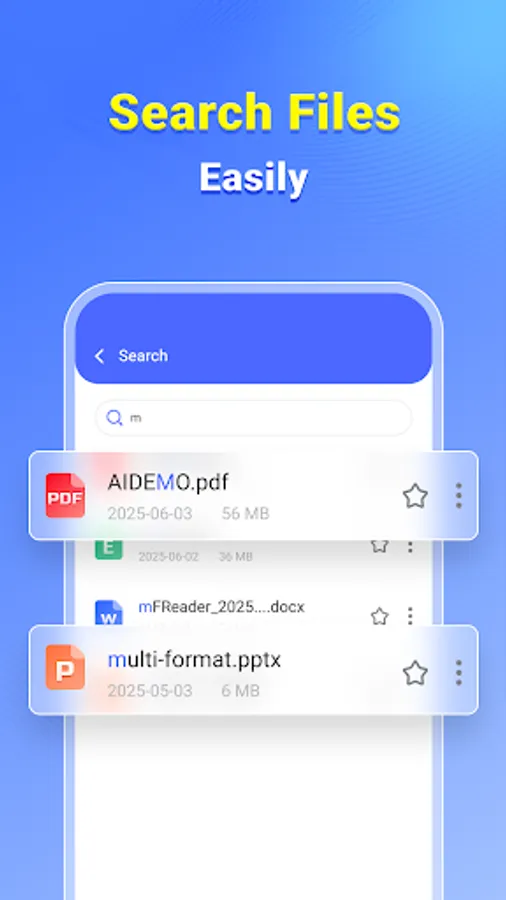
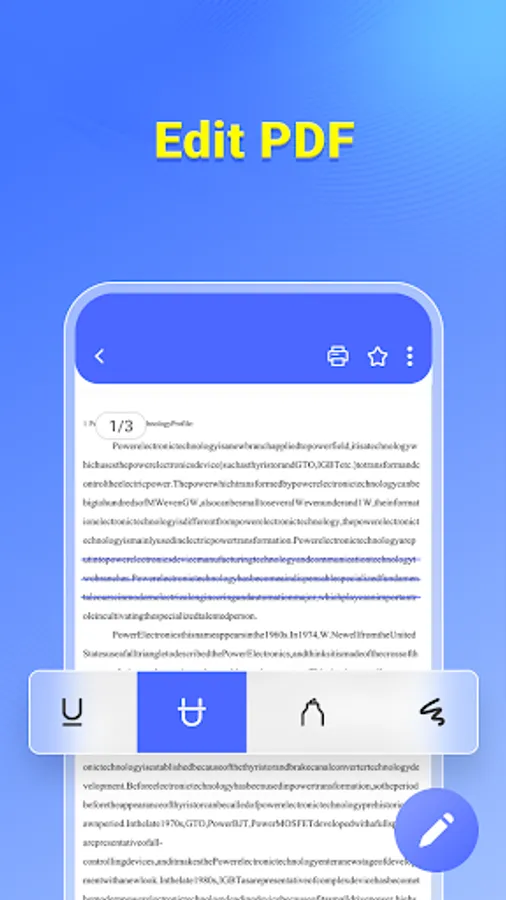
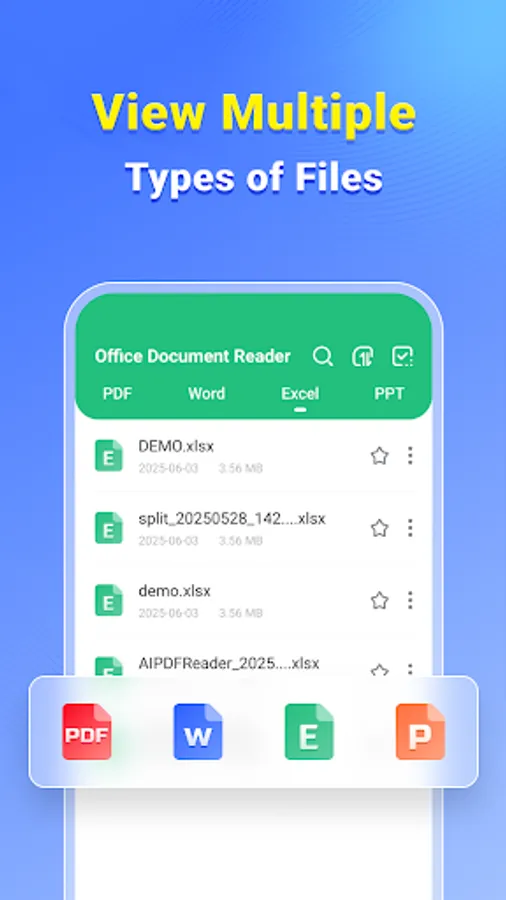
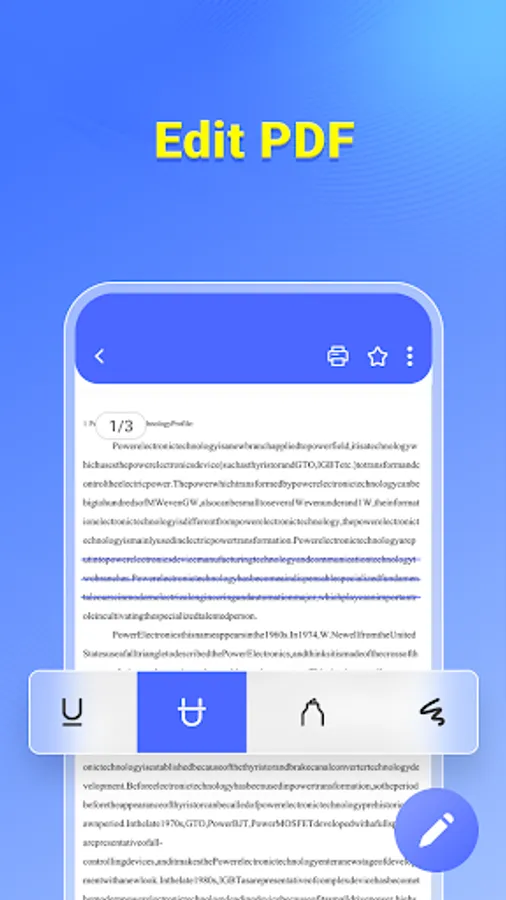
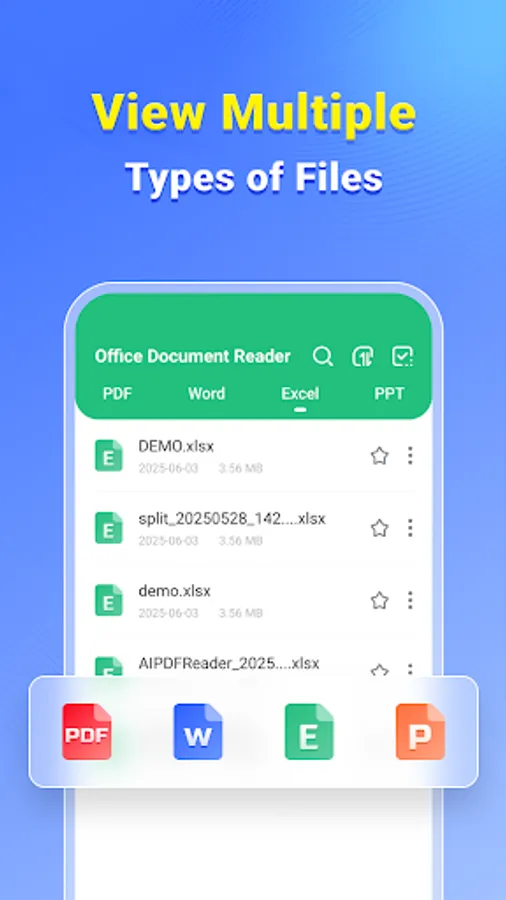
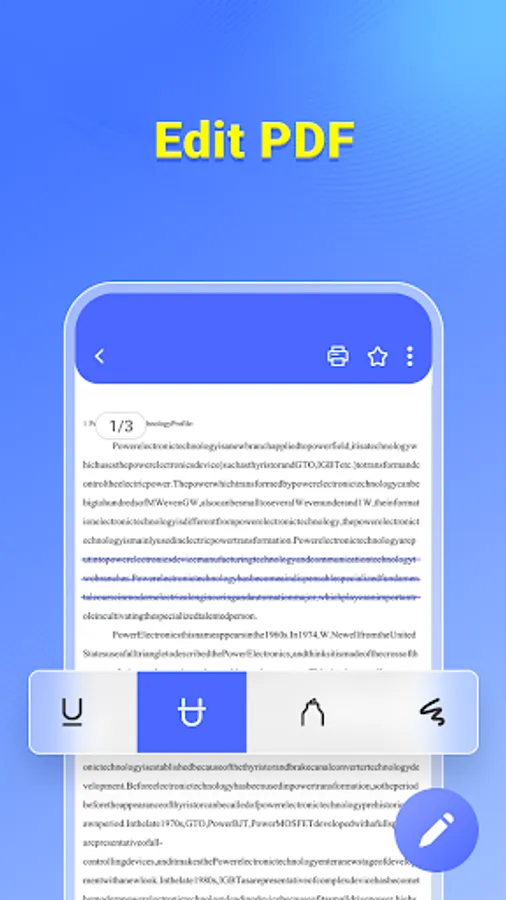
In this document reader app, you can view, convert, and protect PDF files using features like merging, splitting, and encryption. Includes PDF editing tools, file conversion options, and sharing capabilities for various user needs.
AppRecs review analysis
AppRecs rating 5.0. Trustworthiness 0 out of 100. Review manipulation risk 0 out of 100. Based on a review sample analyzed.
★★★★★
5.0
AppRecs Rating
Ratings breakdown
5 star
100%
4 star
0%
3 star
0%
2 star
0%
1 star
0%
What to know
✓
High user satisfaction
100% of sampled ratings are 5 stars
✓
Authentic reviews
No red flags detected
About Office Document Reader
📁 Practical Features for Everyday Use
• Merge PDFs – Combine multiple PDF files into one document.
• Split PDFs – Break large PDFs into smaller sections.
• Password Protection – Encrypt files to keep them private.
• Scan to PDF – Use your camera to digitize paper documents.
• PDF to Image – Export PDF pages as long images.
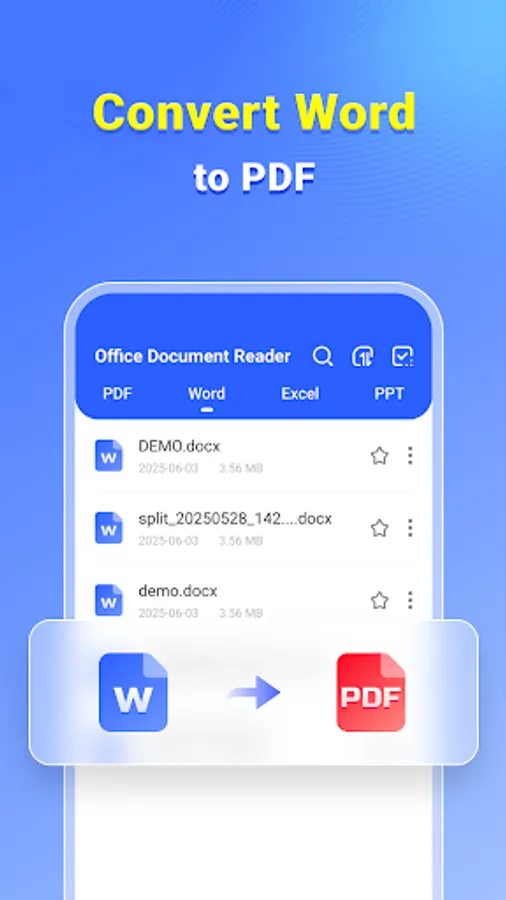
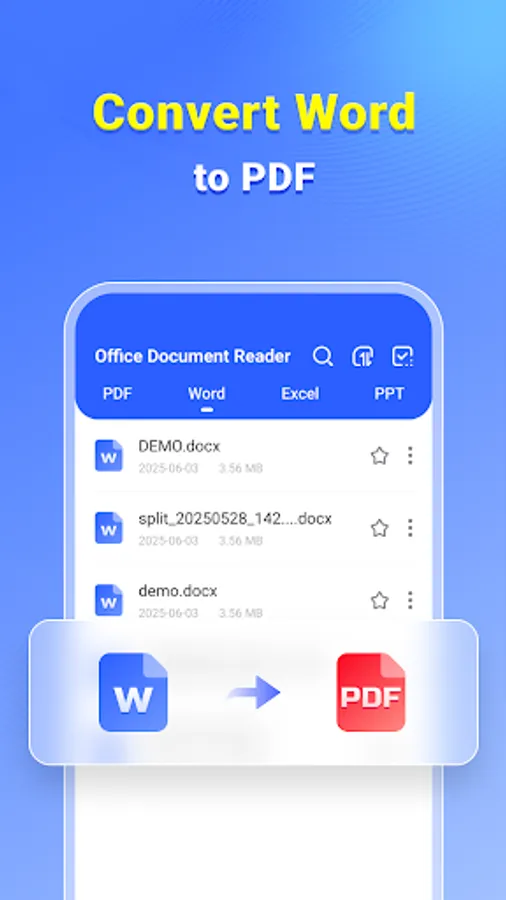
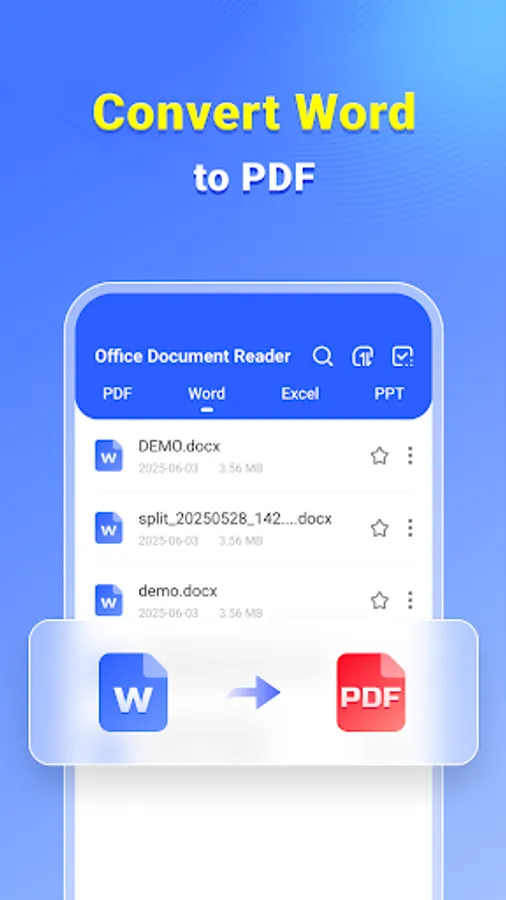
• Word to PDF – Convert Word documents to PDF.
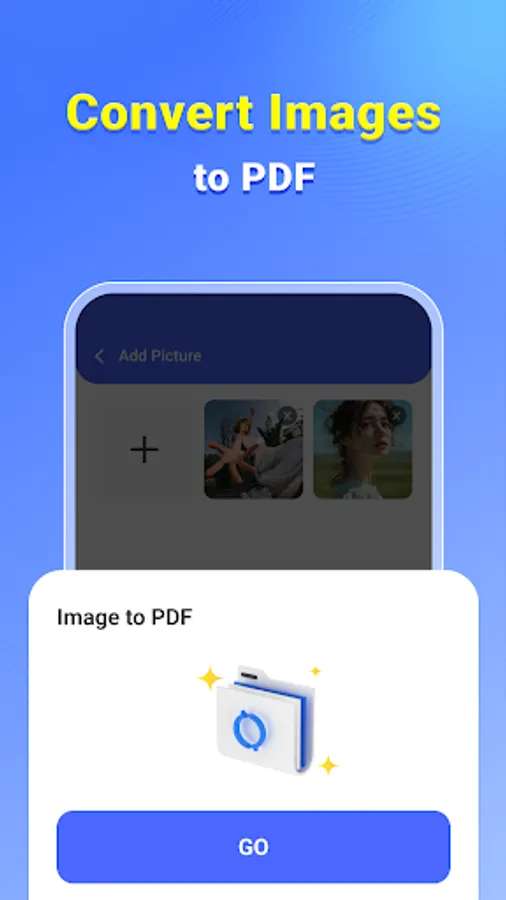
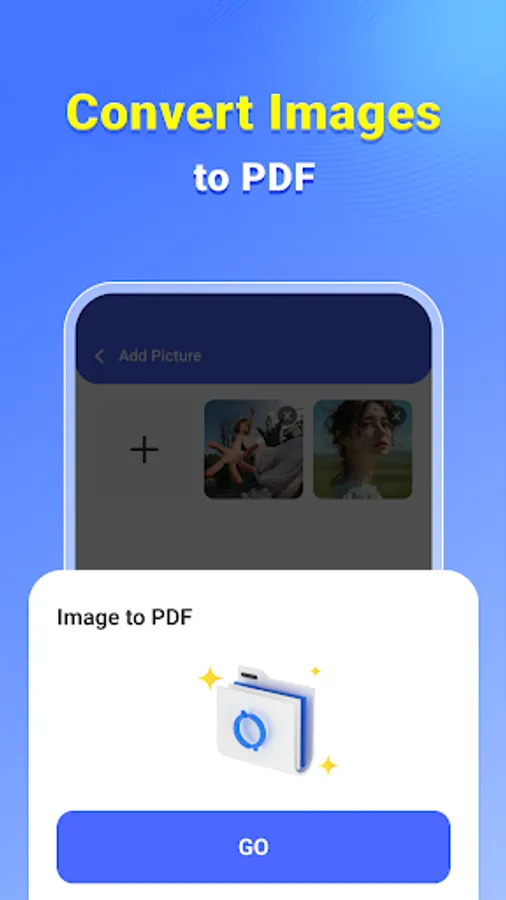
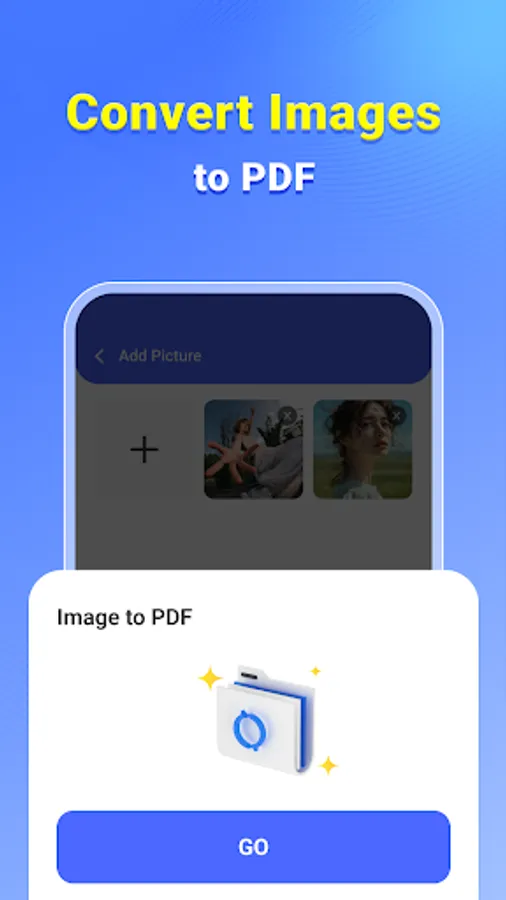
• Image to PDF – Turn photos into PDF format.
• Quick Share – Easily send documents through apps or email.
🚀 Made for Simplicity and Speed
• Lightweight and easy to use
• Clean interface
• Useful for work, school, and personal tasks
Office Document Reader helps you handle files efficiently—whether you're working remotely, studying, or just managing everyday documents.
• Merge PDFs – Combine multiple PDF files into one document.
• Split PDFs – Break large PDFs into smaller sections.
• Password Protection – Encrypt files to keep them private.
• Scan to PDF – Use your camera to digitize paper documents.
• PDF to Image – Export PDF pages as long images.
• Word to PDF – Convert Word documents to PDF.
• Image to PDF – Turn photos into PDF format.
• Quick Share – Easily send documents through apps or email.
🚀 Made for Simplicity and Speed
• Lightweight and easy to use
• Clean interface
• Useful for work, school, and personal tasks
Office Document Reader helps you handle files efficiently—whether you're working remotely, studying, or just managing everyday documents.