IMAGIRO: the origami in motion
Dolgin
5.0 ★
store rating
5,000+
downloads
Free
With this interactive app, you can view and manipulate 3D origami folding stages, customize paper faces, and adjust folding speed. Includes 3D models, step-by-step instructions, and viewing customization options.
AppRecs review analysis
AppRecs rating 4.0. Trustworthiness 45 out of 100. Review manipulation risk 40 out of 100. Based on a review sample analyzed.
★★★★☆
4.0
AppRecs Rating
Ratings breakdown
5 star
100%
4 star
0%
3 star
0%
2 star
0%
1 star
0%
What to know
✓
Authentic reviews
No red flags detected
⚠
Questionable review patterns
40% review manipulation risk - some review patterns appear unusual
⚠
Unusually uniform ratings
100% of sampled ratings are 5 stars with very little variation
About IMAGIRO: the origami in motion
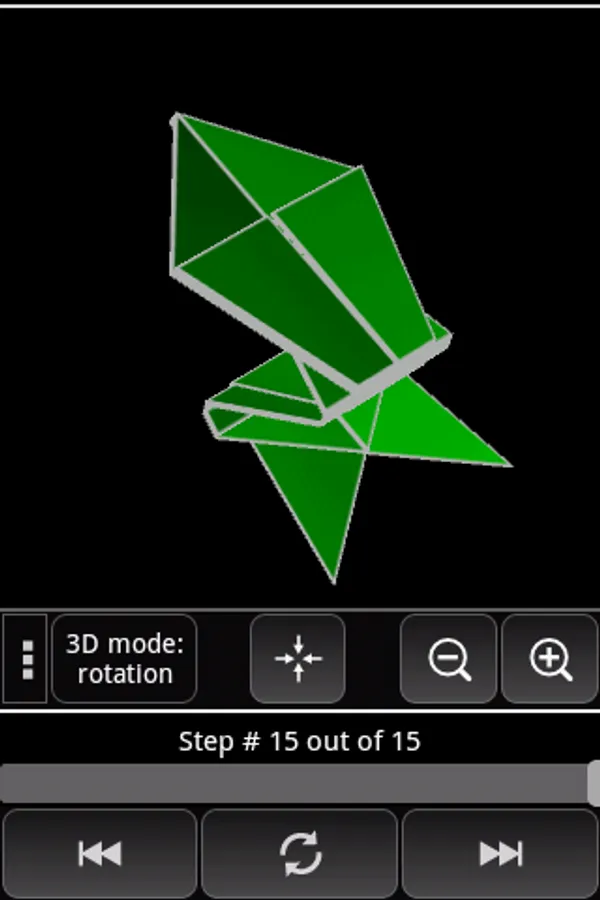
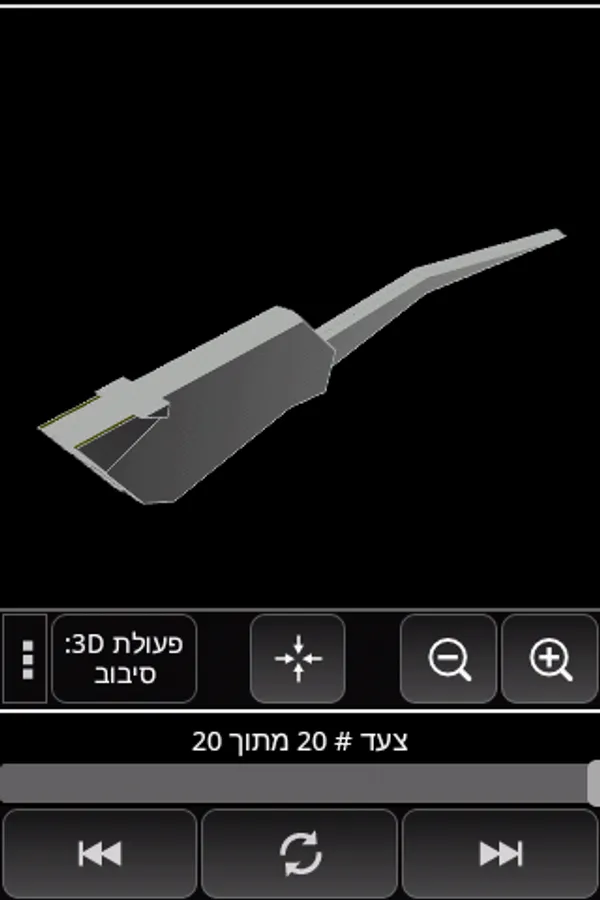
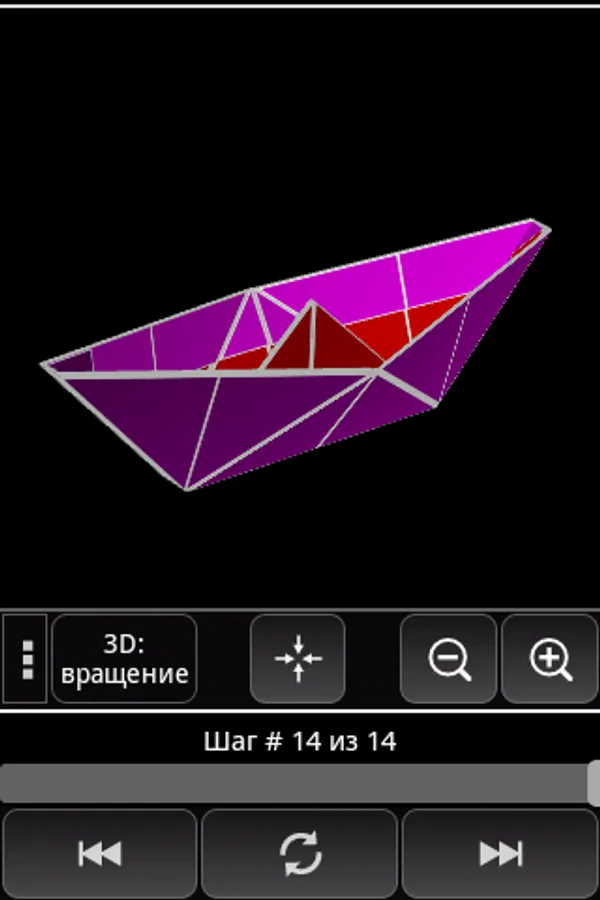
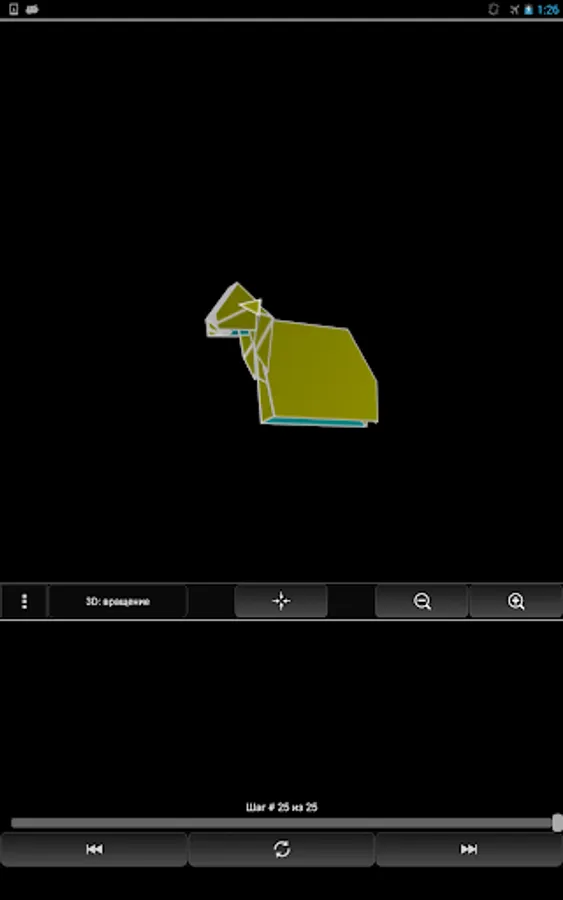
Step-by-step interactive illustration of origami folding process in 3D.
Customarily, most origami folding instructions come as drawings. Often such drawings are difficult to understand. In many cases even video instructions are not sufficiently clear due to inability to change the viewing position interactively.
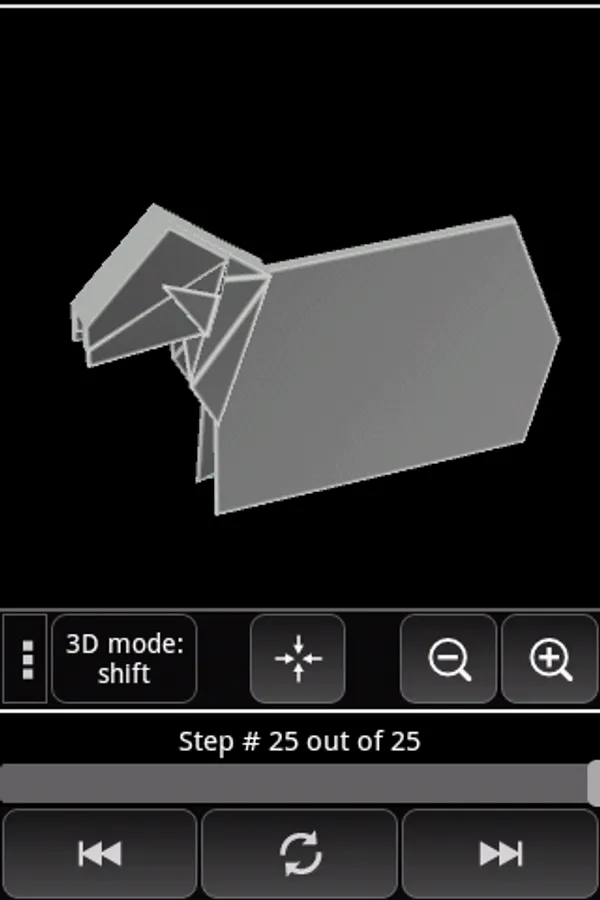
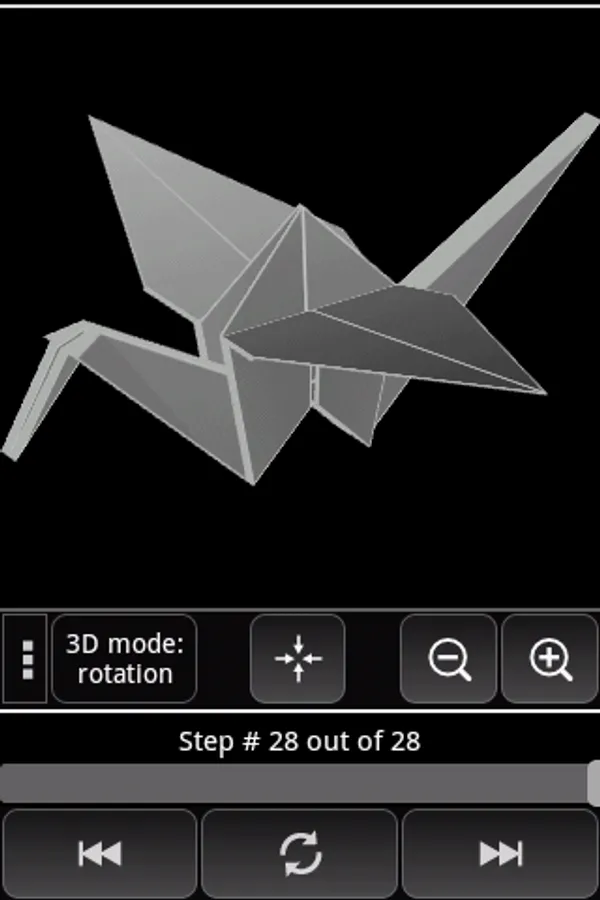
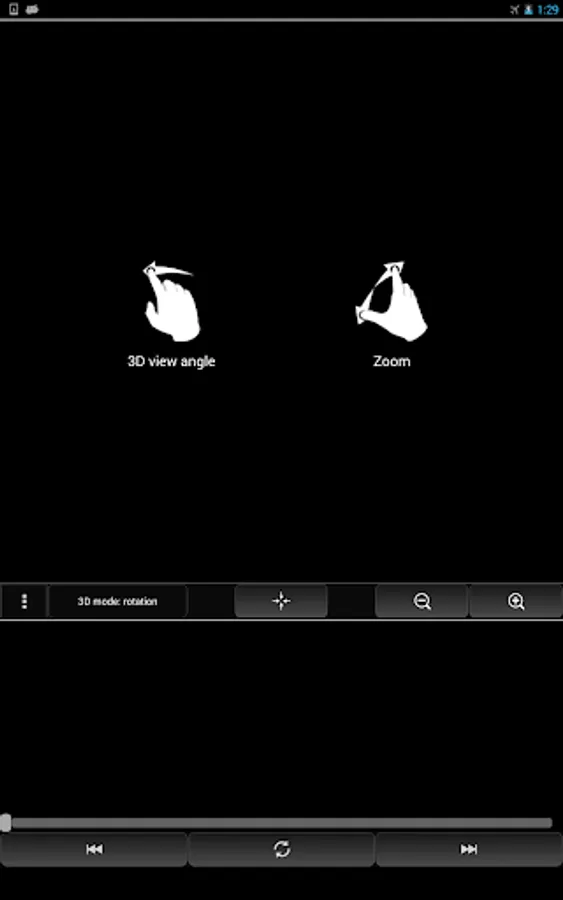
This application illustrates the origami folding process in 3D with emphasis on the clarity of the process. In order to have maximally clear understanding of the folding process it is possible to:
- interactively change viewing position
- set the speed of folding
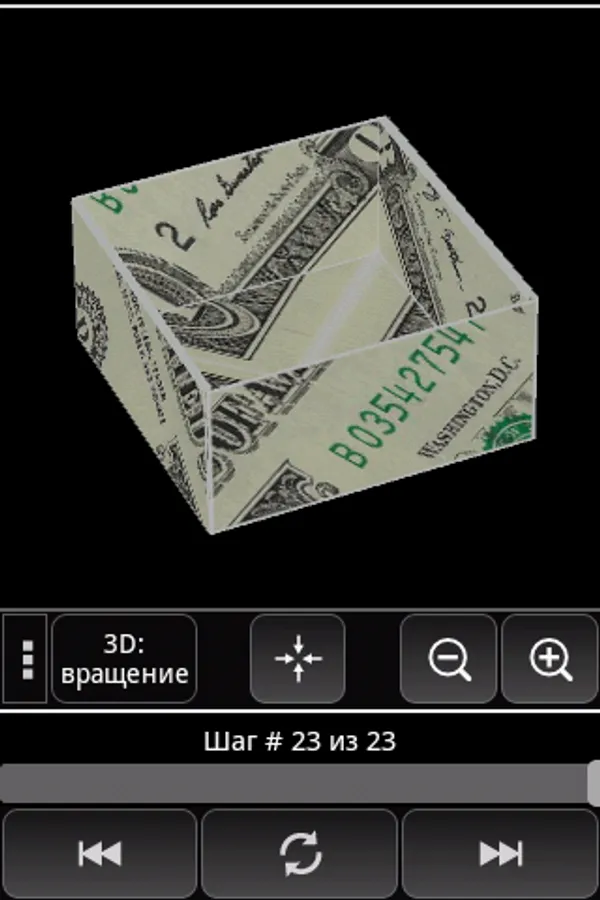
- customize front and back faces of the paper: either load an image from the gallery or define the color of the paper
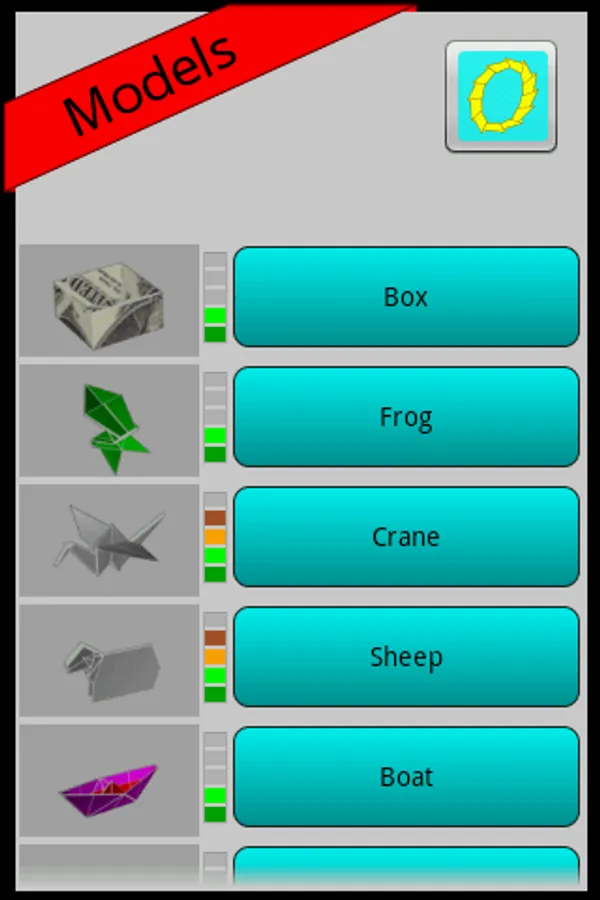
The following models are available:
- Crane
- Box
- Sheep
- Boat
- Mouse
- Flower
- Fish
- Pinwheel
- Cicada
- Pigeon
- Paper cup
- Dinosaur
- Piano
- and others...
More models are planned in newer versions of the application.
Customarily, most origami folding instructions come as drawings. Often such drawings are difficult to understand. In many cases even video instructions are not sufficiently clear due to inability to change the viewing position interactively.
This application illustrates the origami folding process in 3D with emphasis on the clarity of the process. In order to have maximally clear understanding of the folding process it is possible to:
- interactively change viewing position
- set the speed of folding
- customize front and back faces of the paper: either load an image from the gallery or define the color of the paper
The following models are available:
- Crane
- Box
- Sheep
- Boat
- Mouse
- Flower
- Fish
- Pinwheel
- Cicada
- Pigeon
- Paper cup
- Dinosaur
- Piano
- and others...
More models are planned in newer versions of the application.