About QR/bar code Scan - QR Scan Pro
QR Scan Pro is one of the fastest and lightest barcode and QR code readers on the Play Store.
It is very easy to use, provides you with all the tools you need to retrieve information from a barcode or a QR code, and then offers you personalized actions depending on the result.
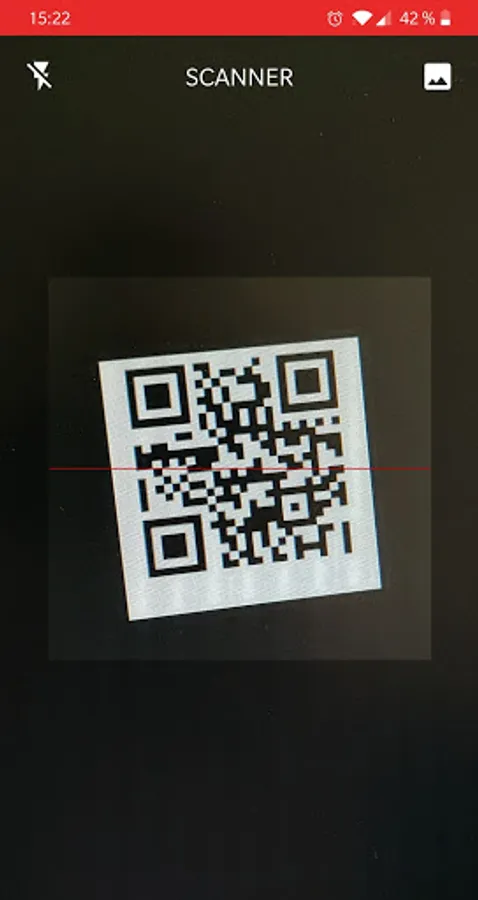
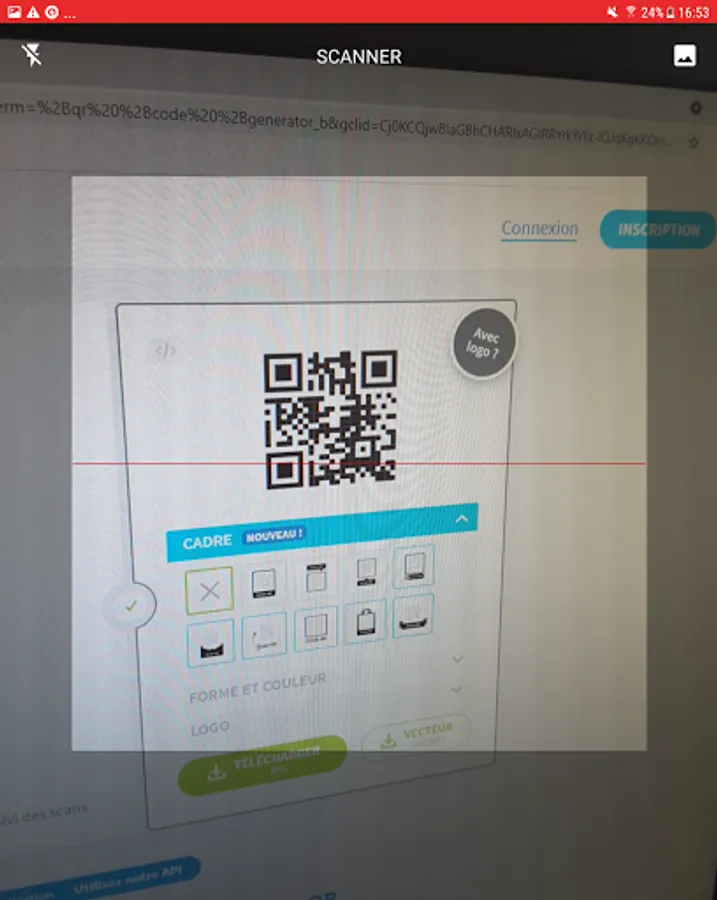
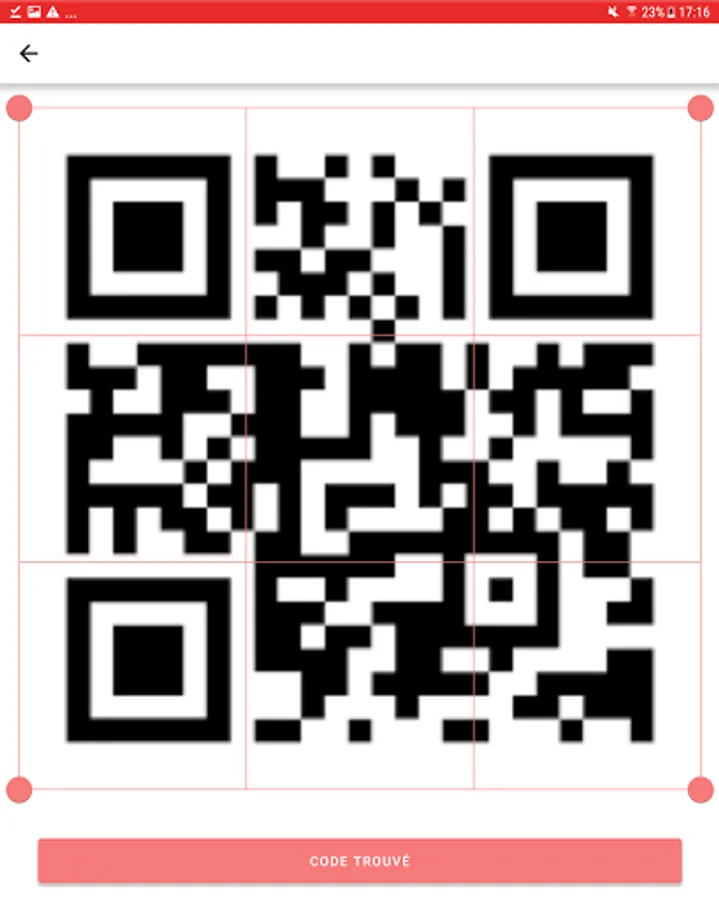
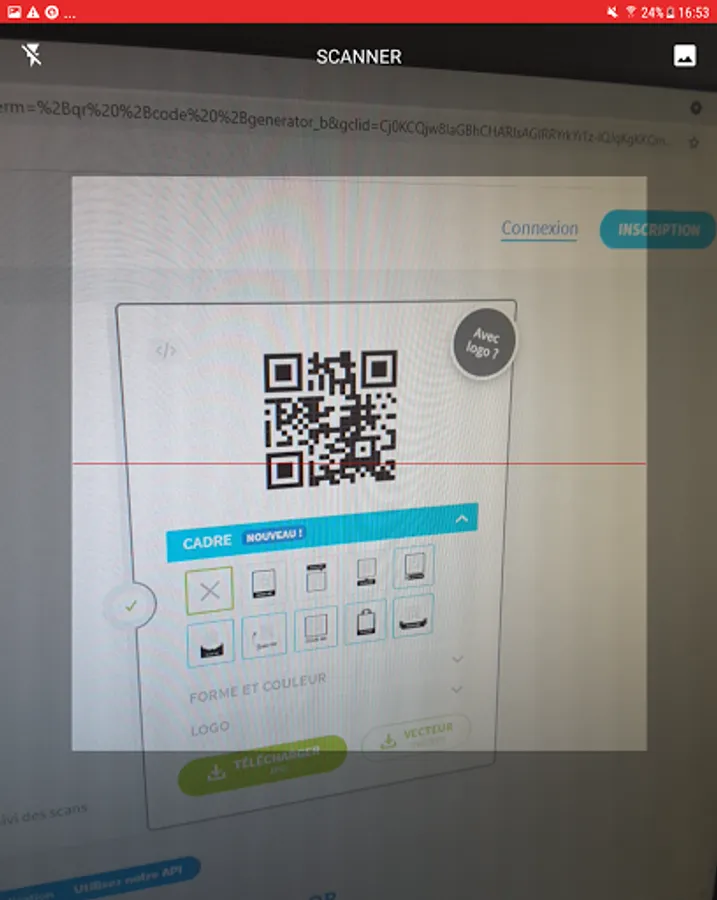
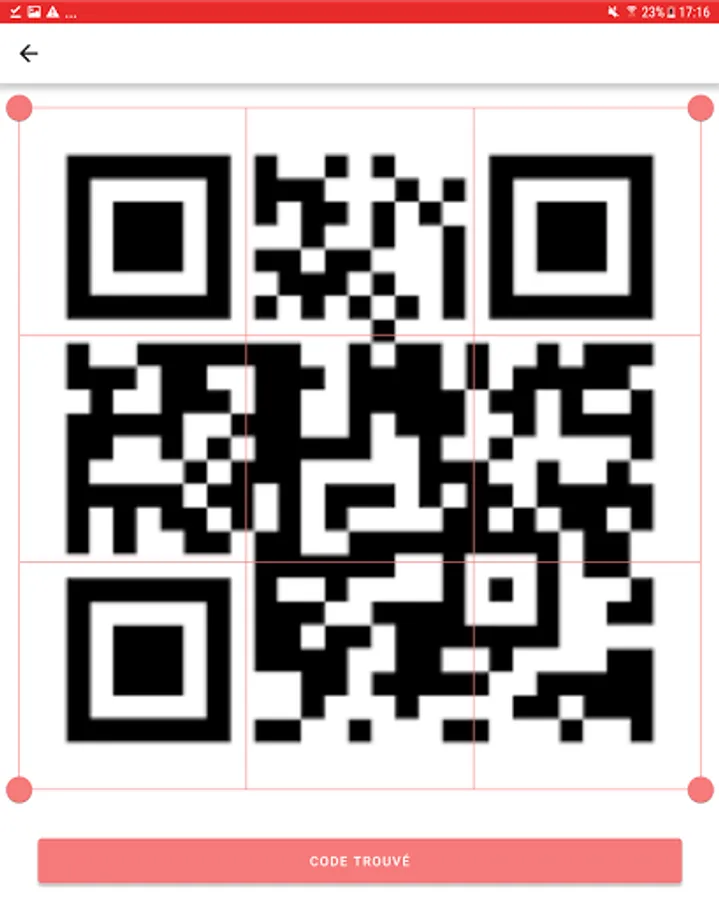
• Point the camera at the code to scan
• The application automatically scans and decodes the desired code
• The information is displayed on the screen and you can perform the associated actions
All the most common QR code and barcode formats are recognized. We can cite MaxiCode, Aztec, QR, Data Matrix, Code 39/93/.. or even EAN 13 and others
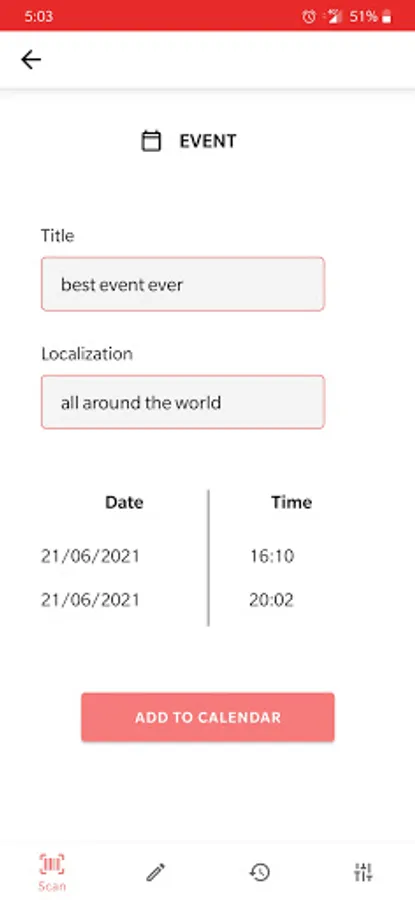
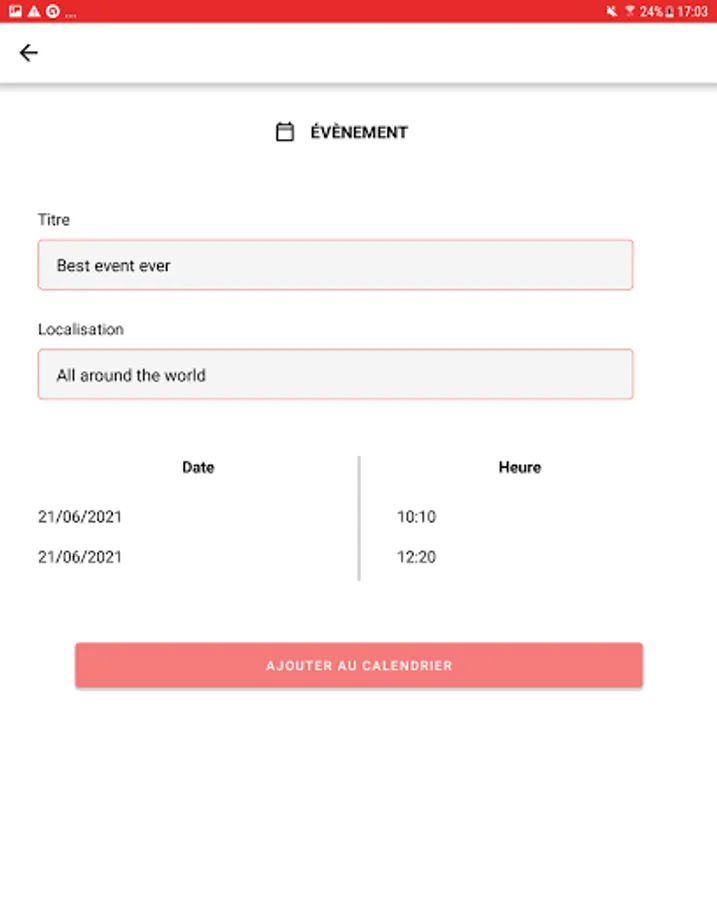
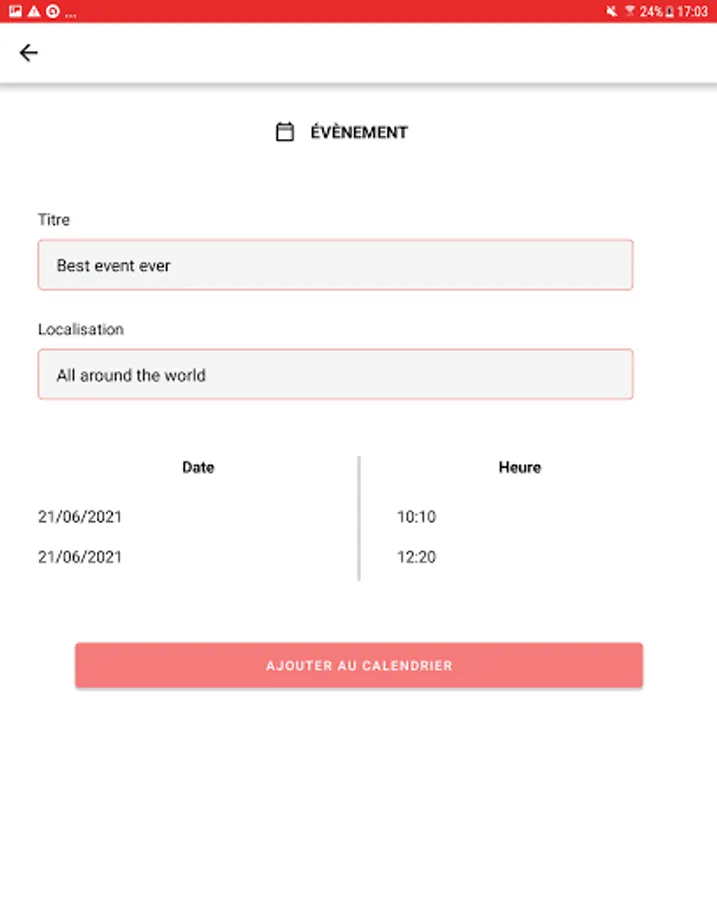
Each scan of a code will give access to a specific action associated with the type of code scanned
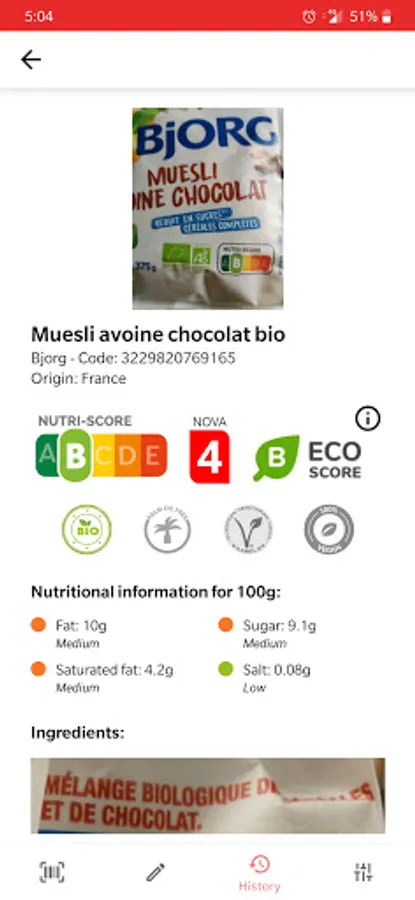
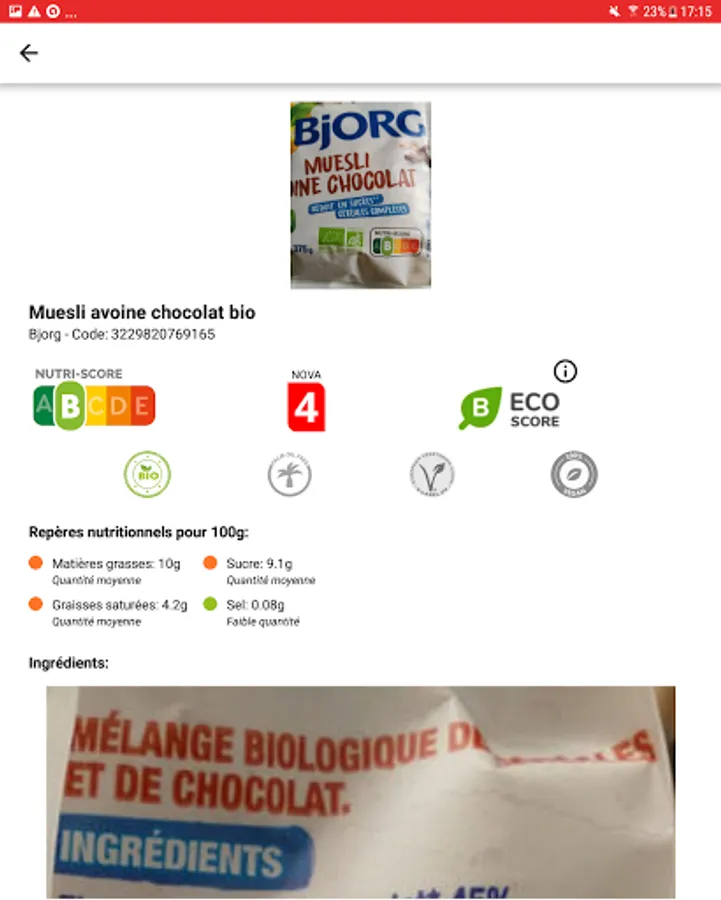
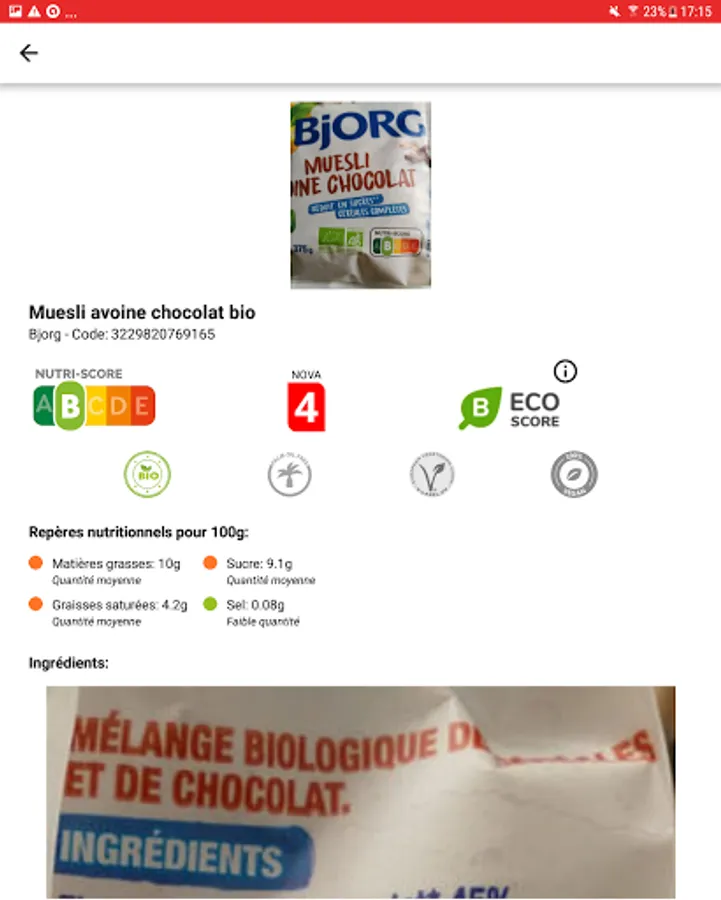
The barcode scans will give you as much information as possible on the product in question such as the nutri-score, the eco-score, the ingredients or the nutritional data.
Navigate and use the app smoothly with no onscreen ads
Thanks to these two features, boost your performance and the results obtained. first of all you can scan codes continuously which will be directly added to the history, do not waste time validating them one by one. Then when scanning an image, increase your chances of reading difficult code by cropping the image directly in the app.
The application is lightweight and offers maximum performance during scans and code generations to obtain optimal results
Very few permissions are required for the application to function properly, only the camera for scans and access to files for scanning images / registering a code will be requested in real time. All other features, even adding contact, will go smoothly without permission
You have the option to scan images saved on your phone. This way you can save a code to scan it later or retrieve a shared code and still retrieve the information
The use of flash is managed, so you can scan any type of code even in the dark. It can also be used as a flashlight if needed
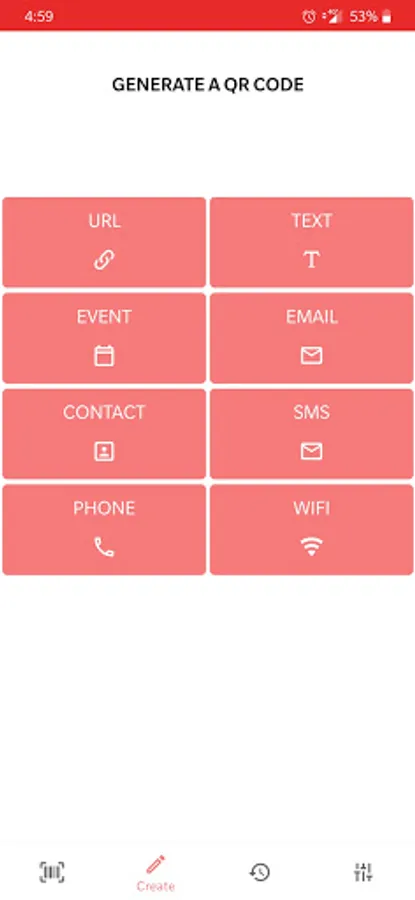
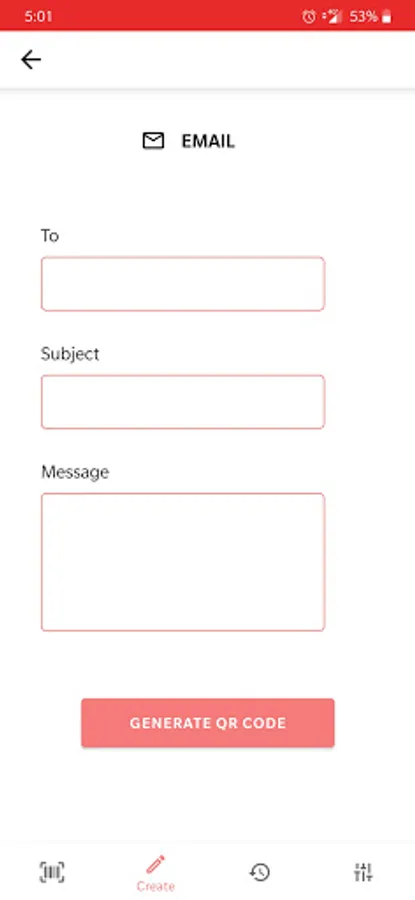
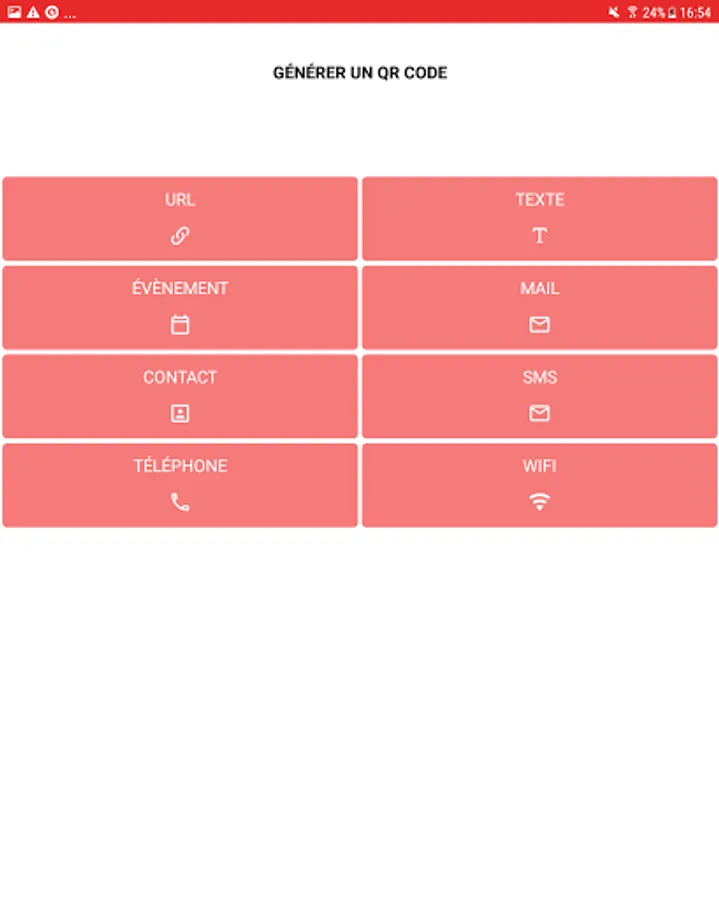
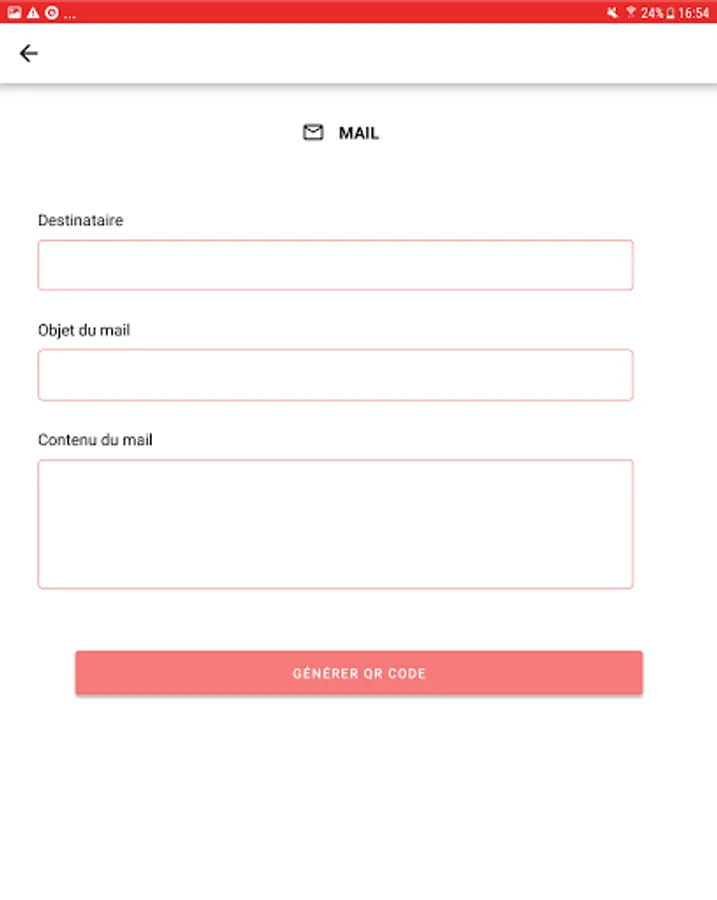
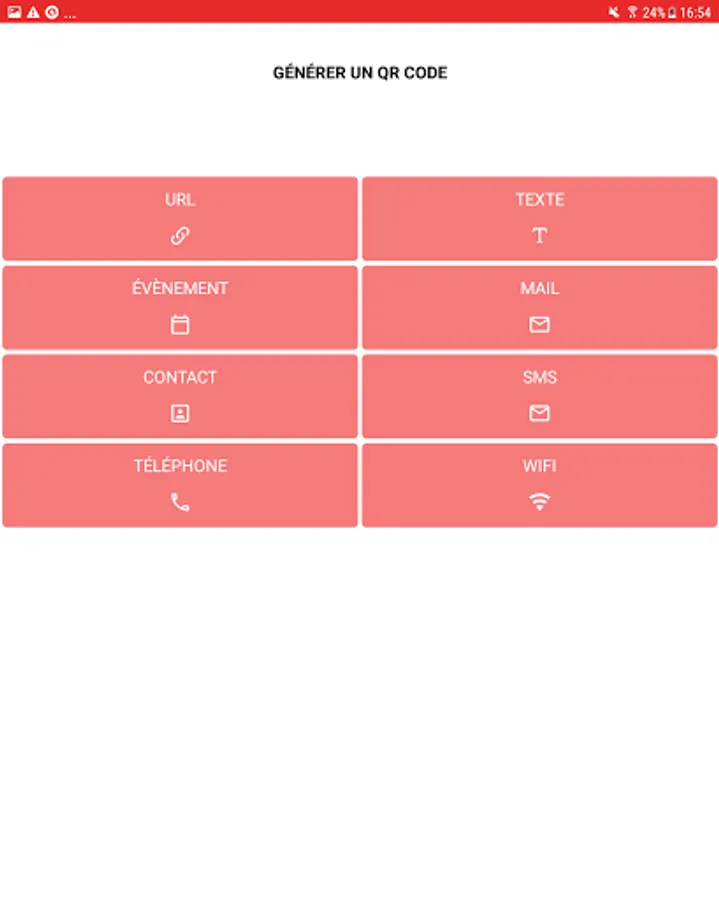
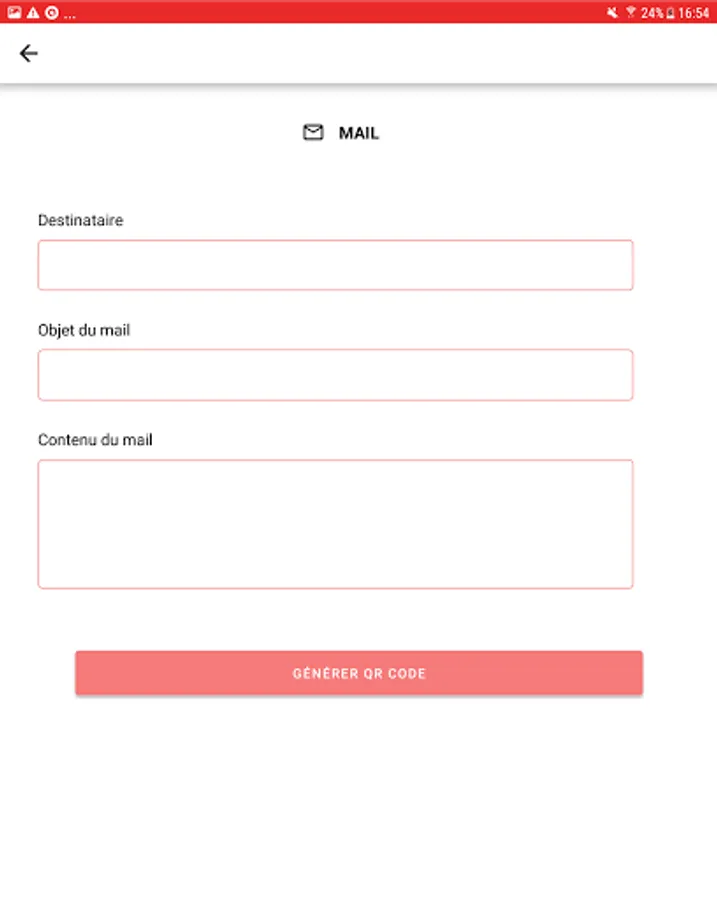
In addition to being able to scan barcodes and QR codes, you can generate your own QR codes to share any type of information: Wifi network, contact, website, phone number and more!
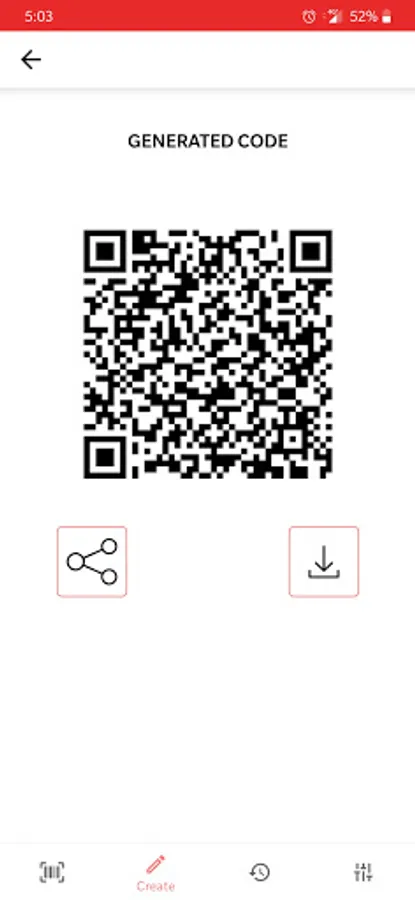
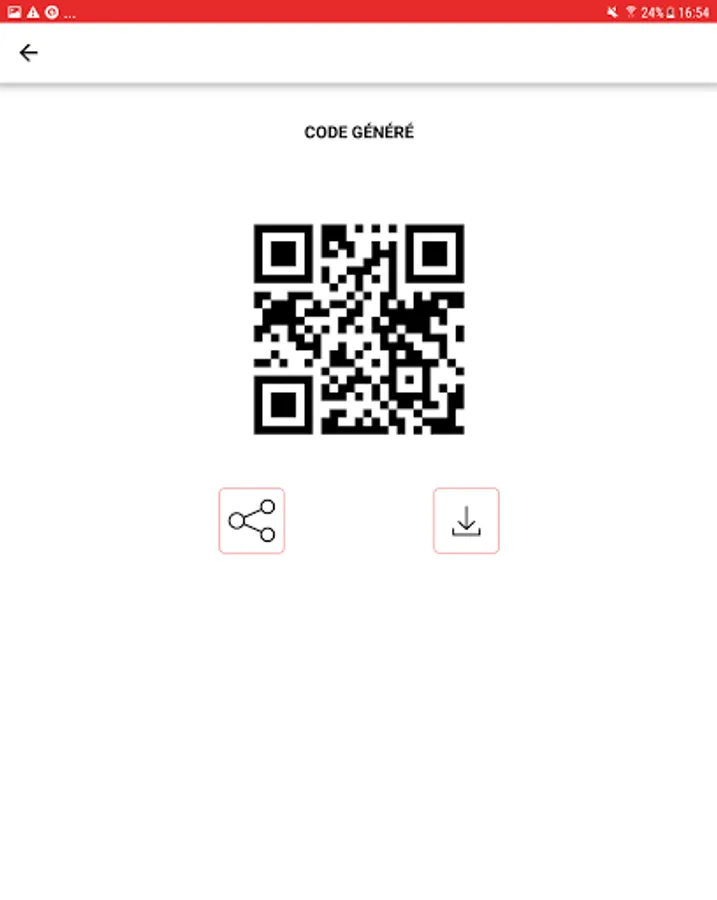
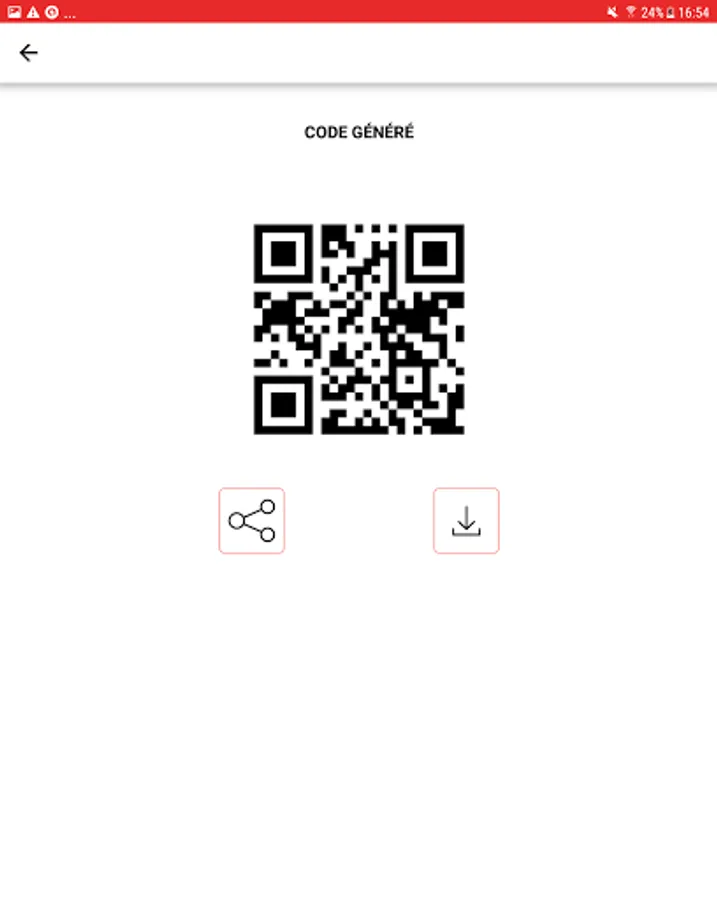
Once generated, you can share this new code with whoever you want directly from the app
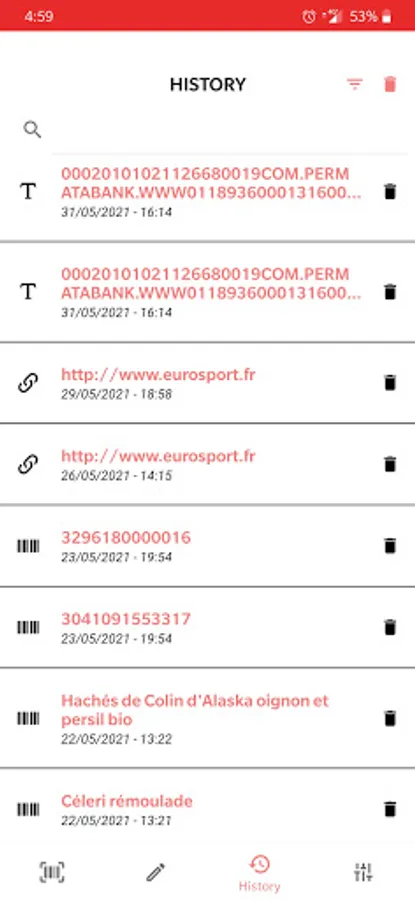
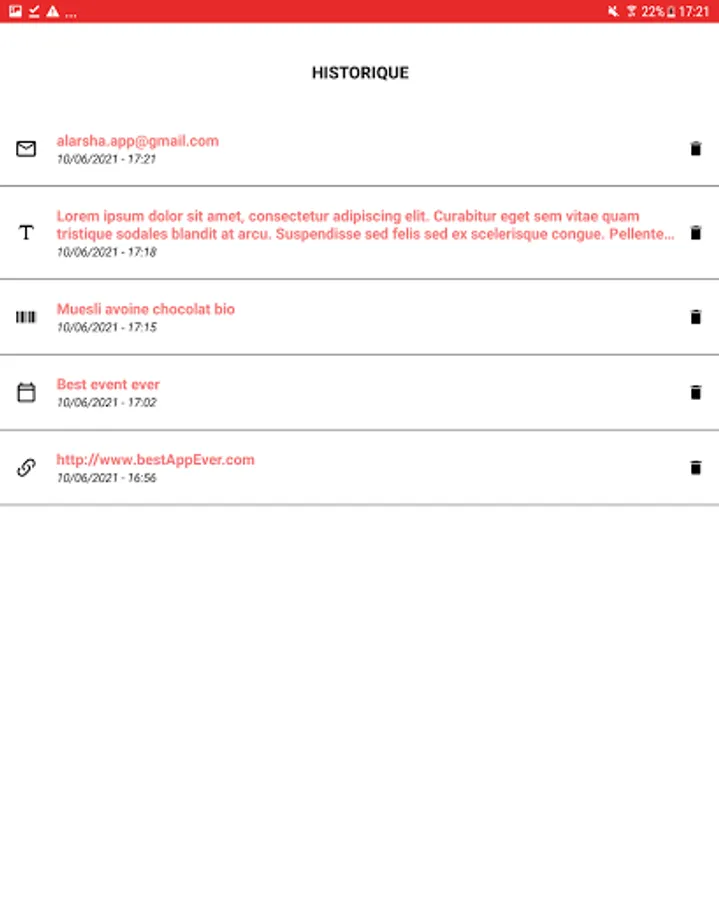
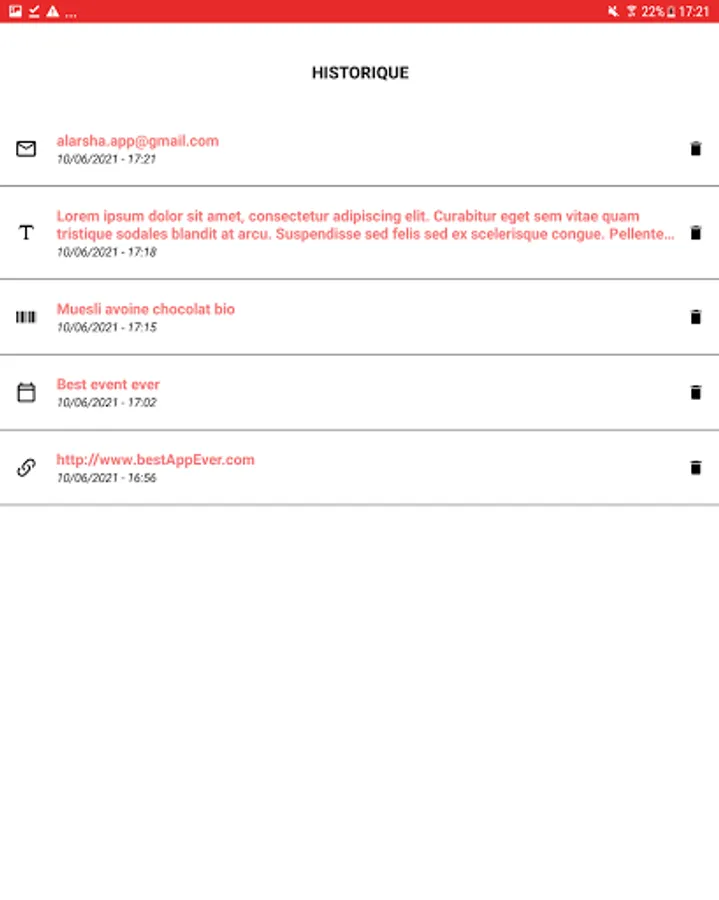
Quickly find all the scans you've done in one place. You will be able to re-consult them effortlessly or delete them.
It is very easy to use, provides you with all the tools you need to retrieve information from a barcode or a QR code, and then offers you personalized actions depending on the result.
How to use
• Point the camera at the code to scan
• The application automatically scans and decodes the desired code
• The information is displayed on the screen and you can perform the associated actions
Recognized formats
All the most common QR code and barcode formats are recognized. We can cite MaxiCode, Aztec, QR, Data Matrix, Code 39/93/.. or even EAN 13 and others
Associated actions
Each scan of a code will give access to a specific action associated with the type of code scanned
Product information
The barcode scans will give you as much information as possible on the product in question such as the nutri-score, the eco-score, the ingredients or the nutritional data.
No ads (Pro)
Navigate and use the app smoothly with no onscreen ads
Continuous scan and image crop (Pro)
Thanks to these two features, boost your performance and the results obtained. first of all you can scan codes continuously which will be directly added to the history, do not waste time validating them one by one. Then when scanning an image, increase your chances of reading difficult code by cropping the image directly in the app.
Performance
The application is lightweight and offers maximum performance during scans and code generations to obtain optimal results
Permissions
Very few permissions are required for the application to function properly, only the camera for scans and access to files for scanning images / registering a code will be requested in real time. All other features, even adding contact, will go smoothly without permission
Scan images
You have the option to scan images saved on your phone. This way you can save a code to scan it later or retrieve a shared code and still retrieve the information
Flash
The use of flash is managed, so you can scan any type of code even in the dark. It can also be used as a flashlight if needed
Generate / Share
In addition to being able to scan barcodes and QR codes, you can generate your own QR codes to share any type of information: Wifi network, contact, website, phone number and more!
Once generated, you can share this new code with whoever you want directly from the app
History
Quickly find all the scans you've done in one place. You will be able to re-consult them effortlessly or delete them.