AppRecs review analysis
AppRecs rating 5.0. Trustworthiness 74 out of 100. Review manipulation risk 25 out of 100. Based on a review sample analyzed.
★★★★★
5.0
AppRecs Rating
Ratings breakdown
5 star
100%
4 star
0%
3 star
0%
2 star
0%
1 star
0%
What to know
✓
Low review manipulation risk
25% review manipulation risk
✓
Credible reviews
74% trustworthiness score from analyzed reviews
✓
High user satisfaction
100% of sampled ratings are 5 stars
About AppInfo
AppInfo features :
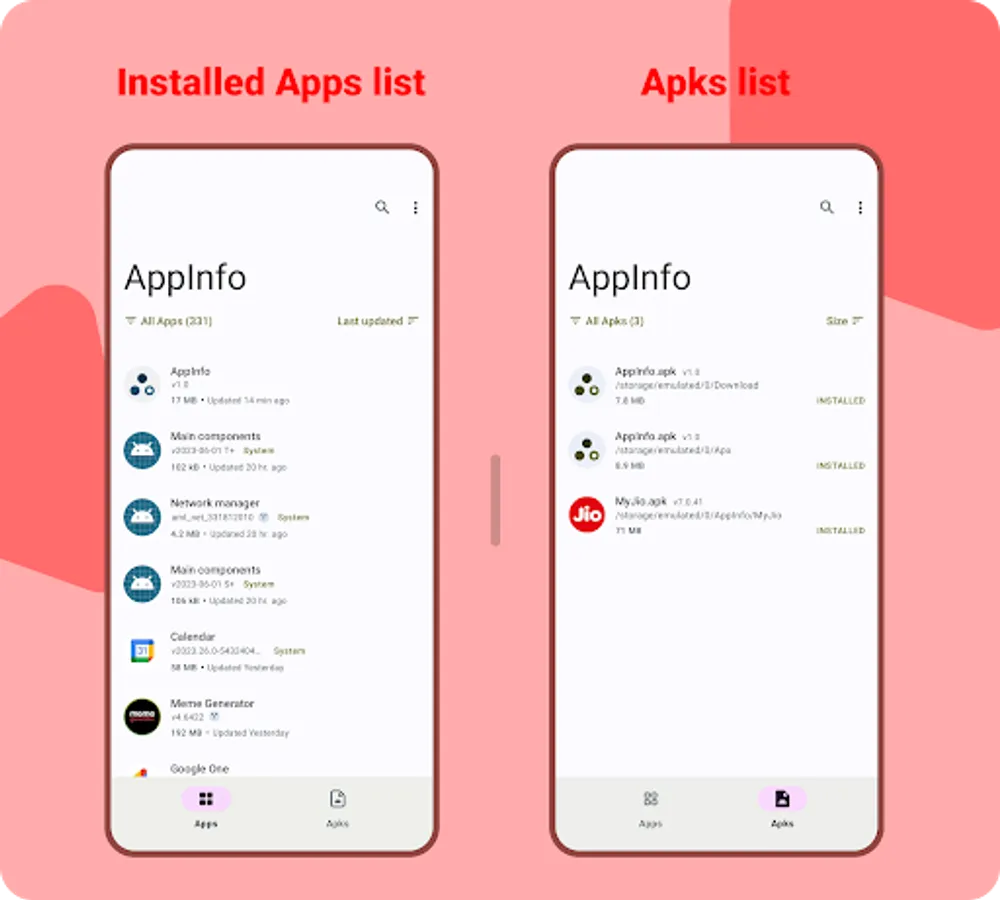
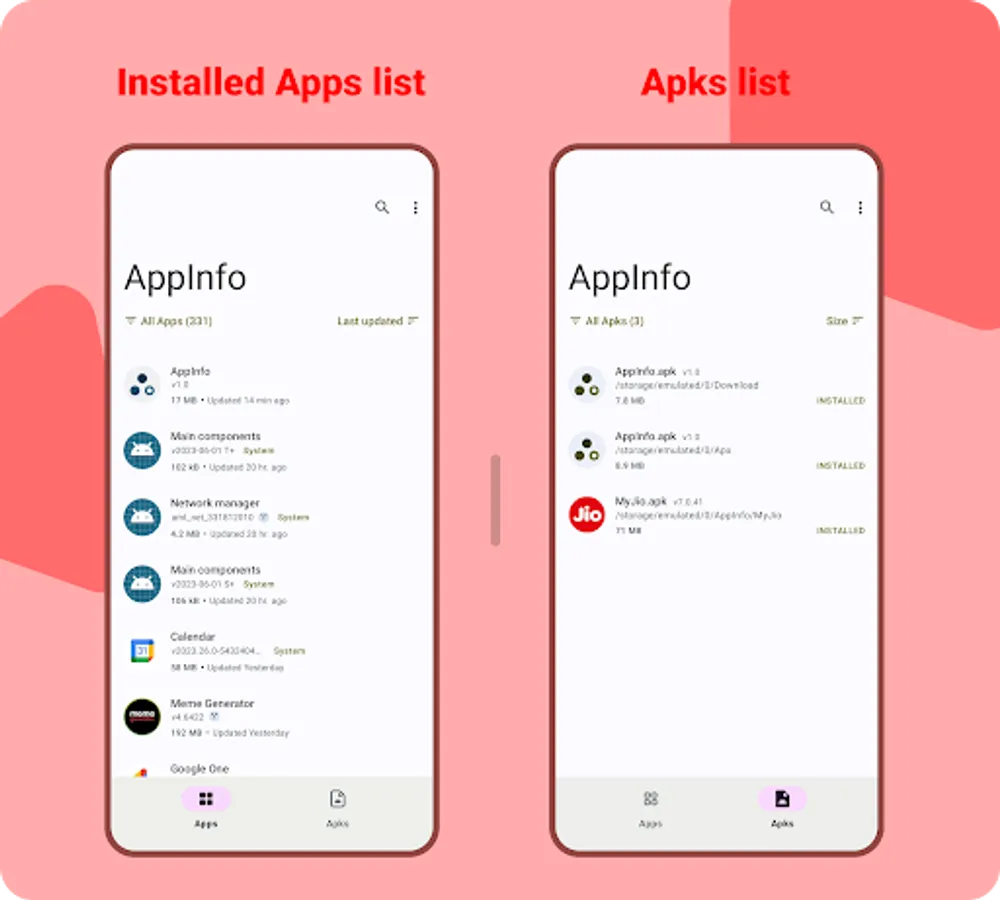
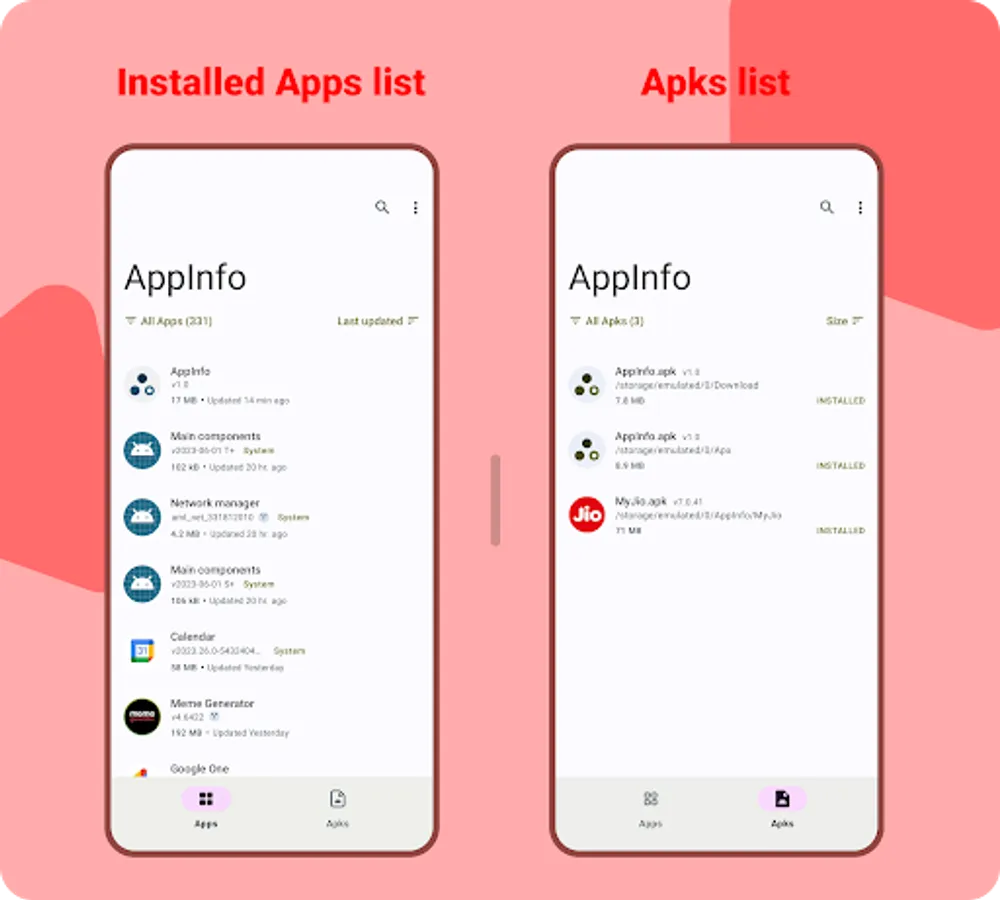
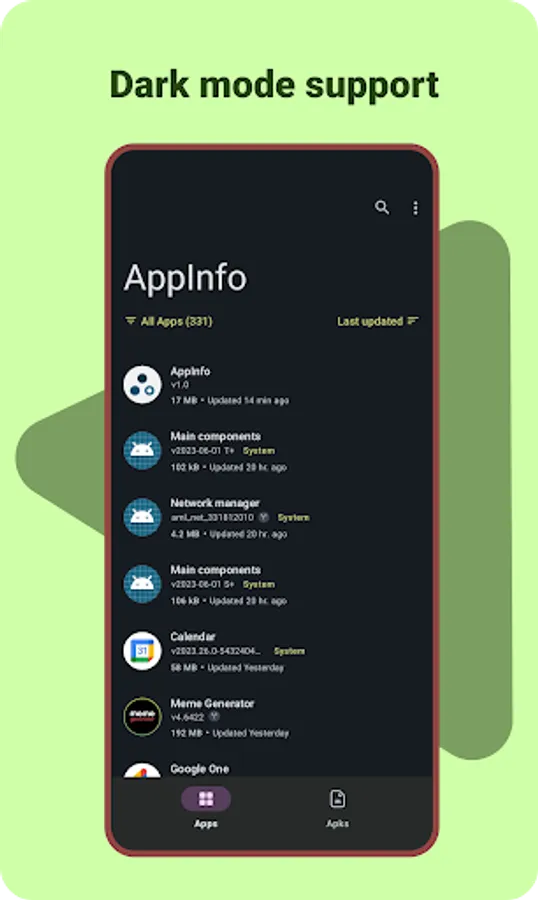
• Shows a list of all installed apps and apks in your device (uninstalled apks will also be listed).
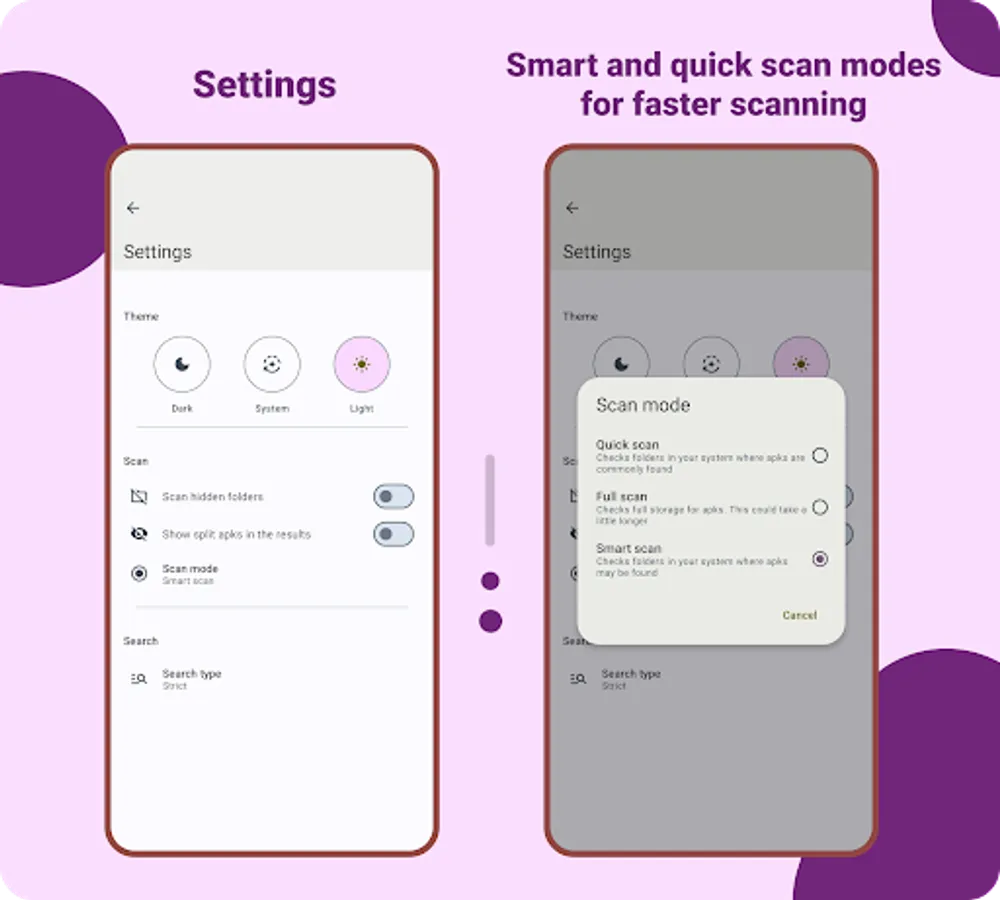
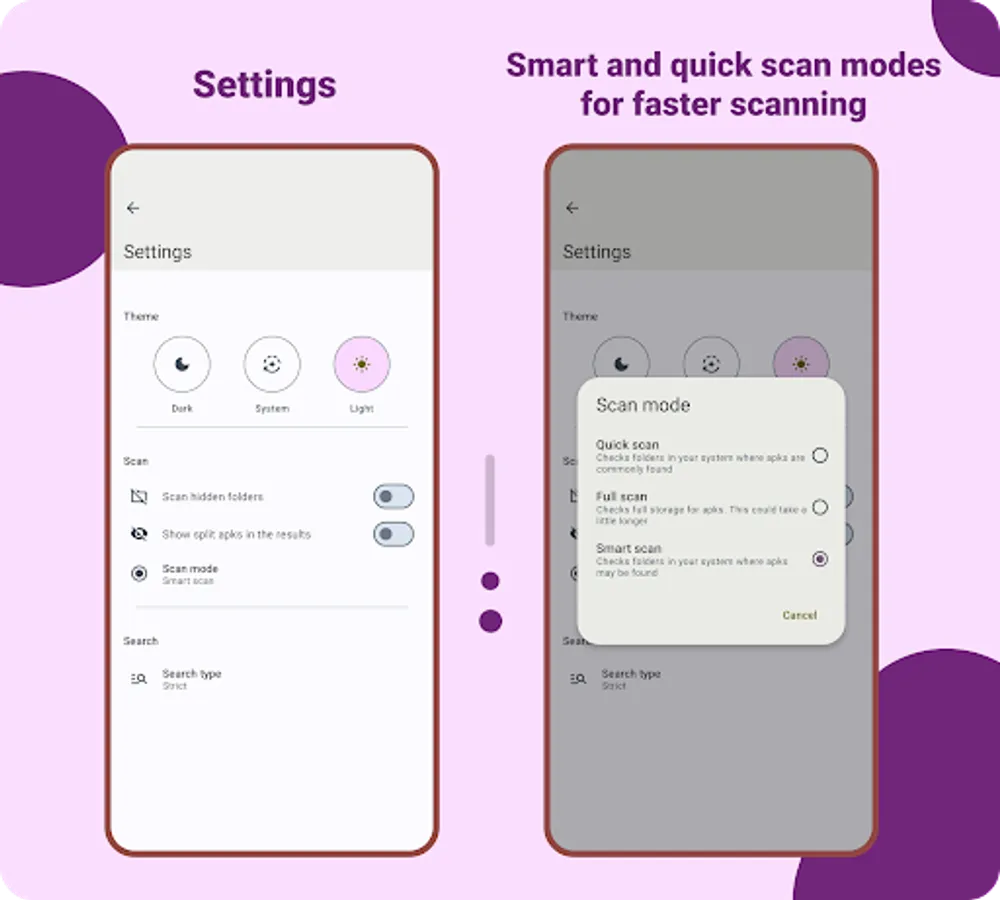
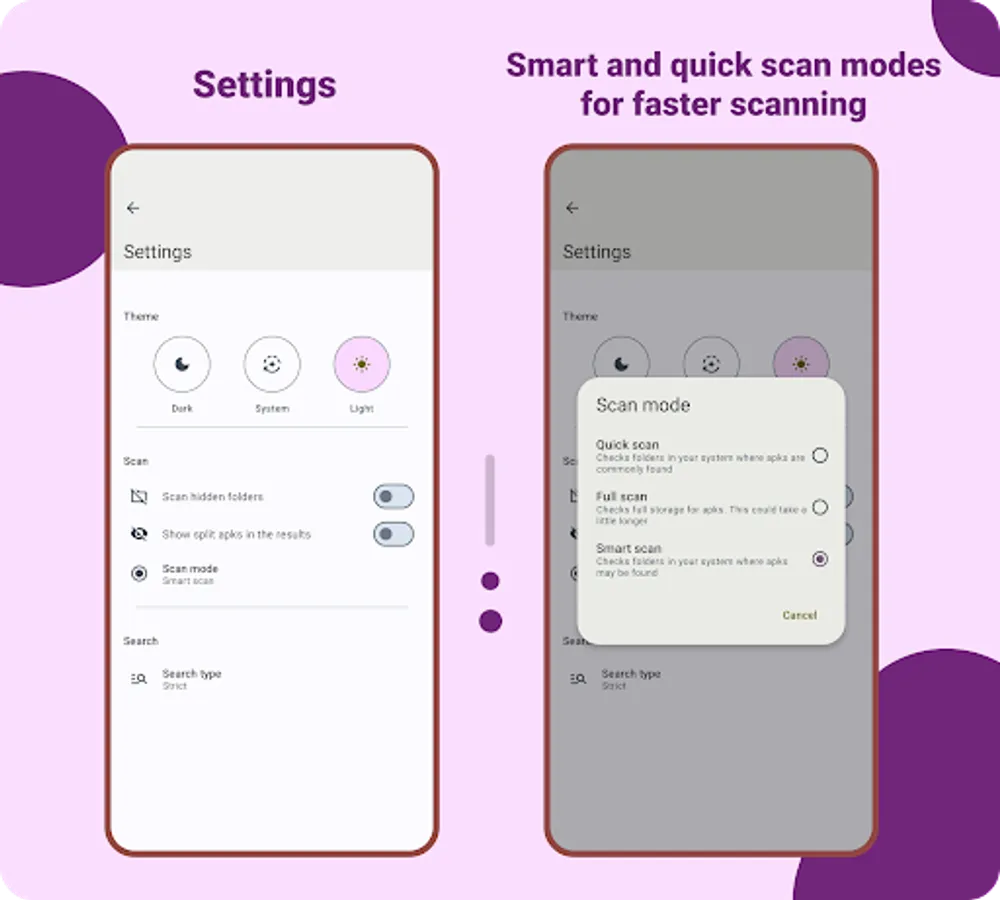
• Smart and quick scan options for faster apk scans.
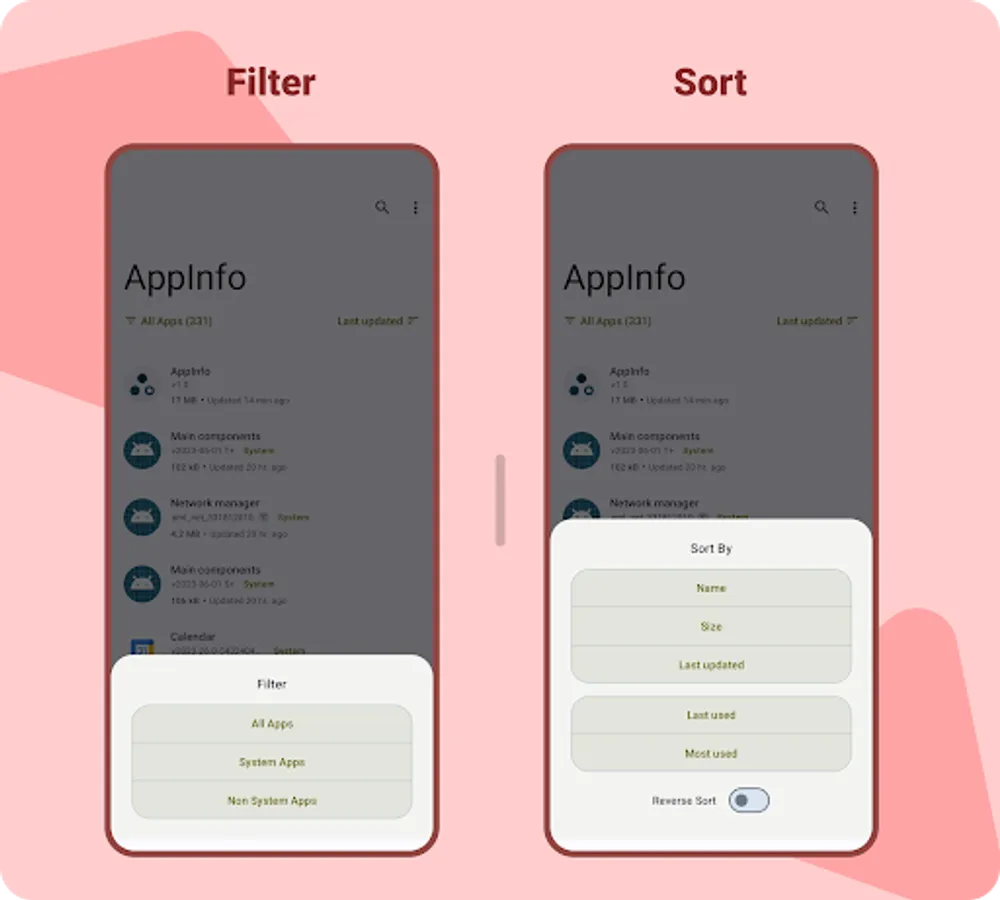
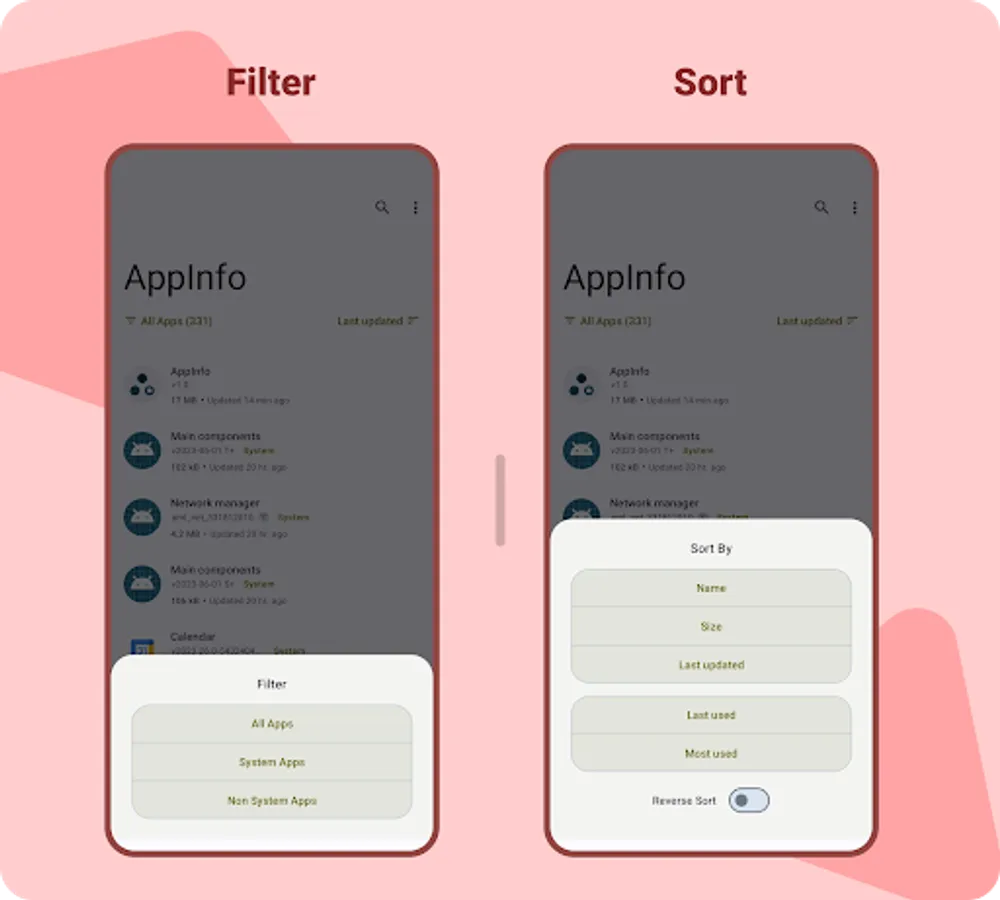
• Filter or Sort list of apps/apks.
• Apps can be sort by last used or most used or reverse. (needs usage access permission)
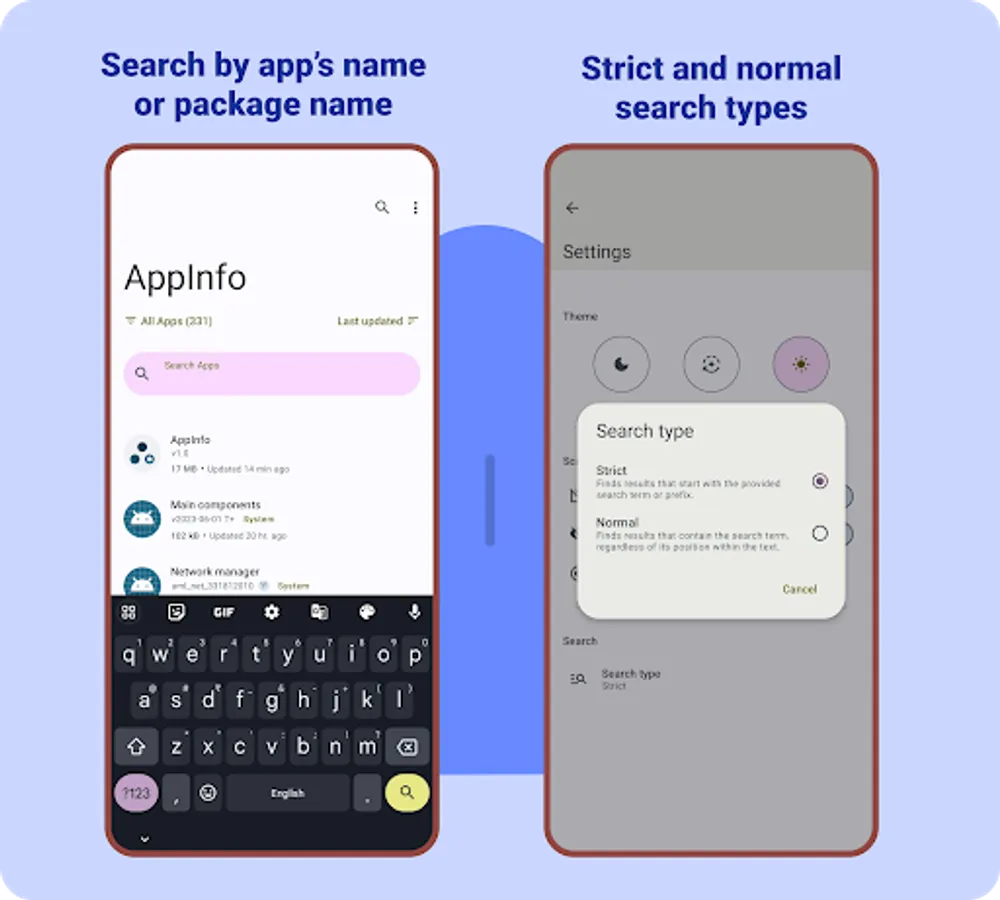
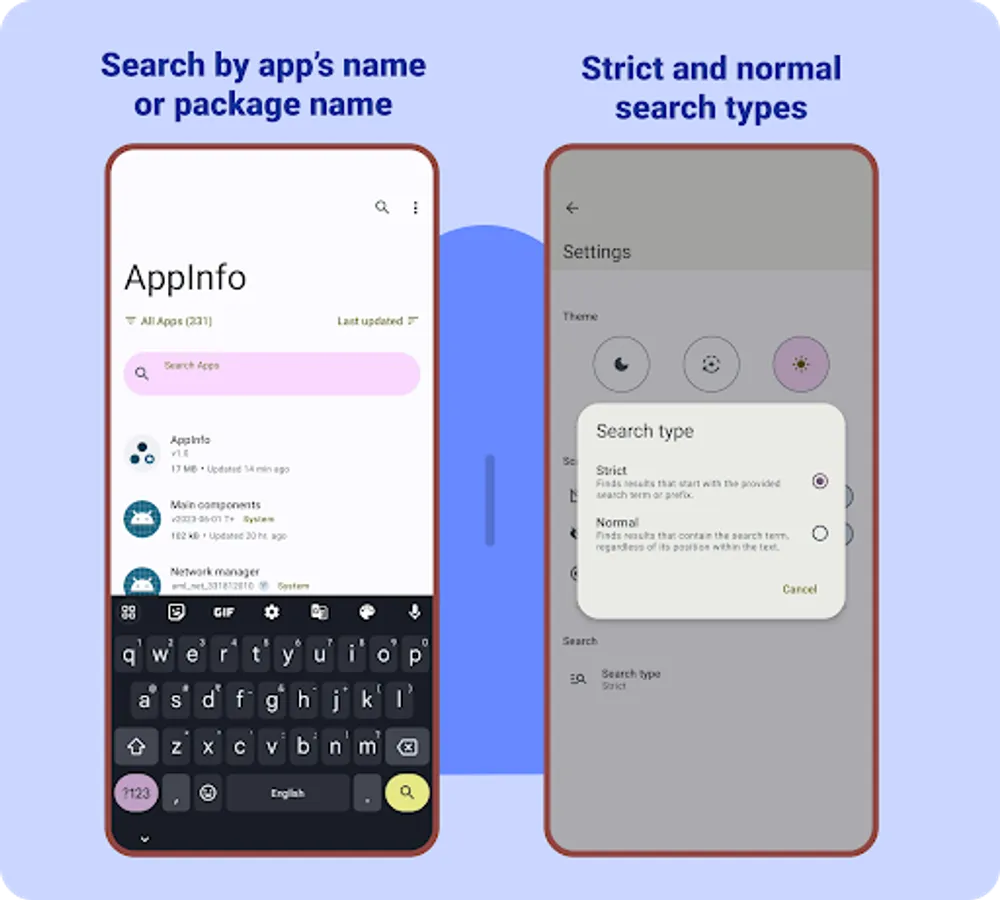
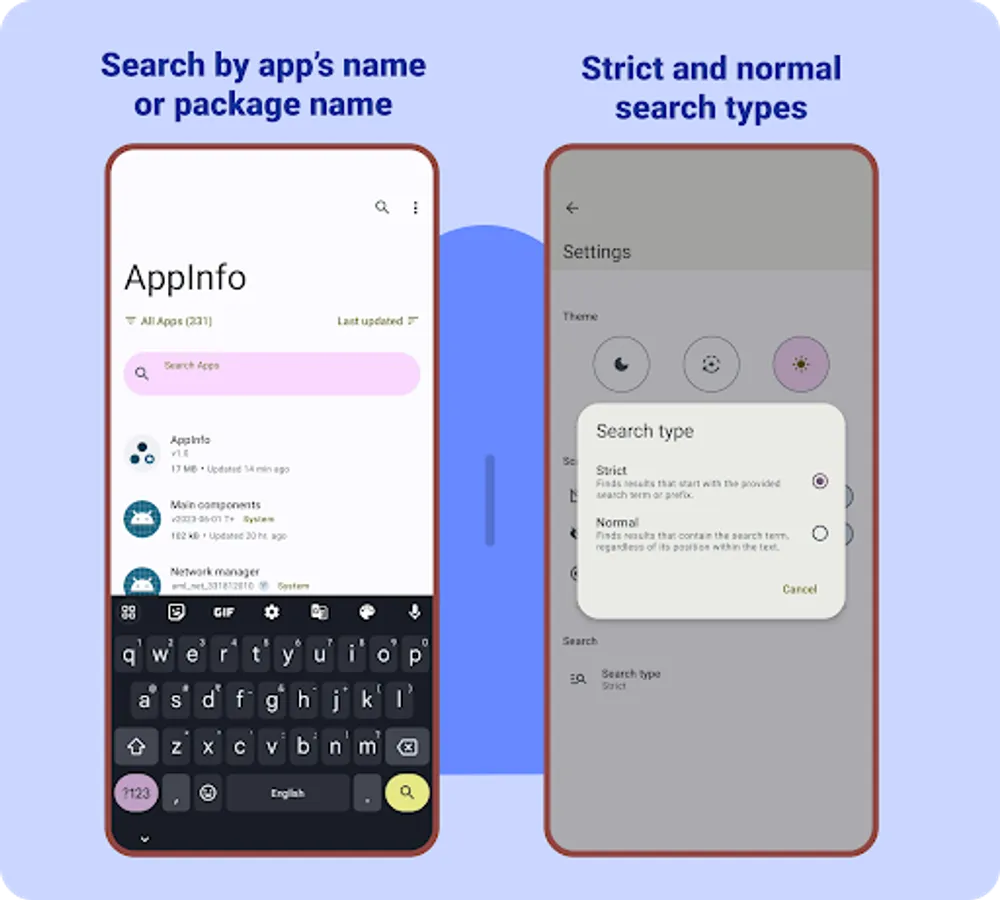
• Search apps by app's name or package name.
• Shows app's theme and primary colors used.
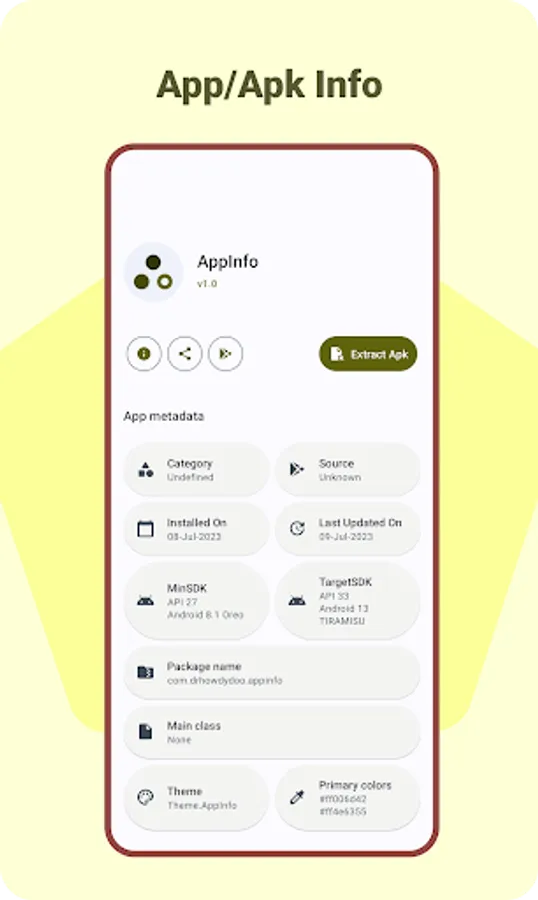
• Extract apk from the installed apps.
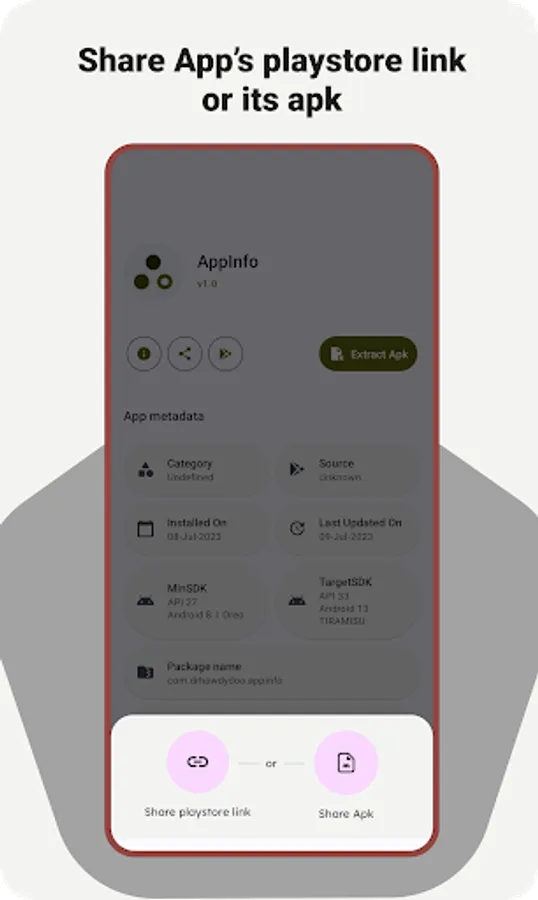
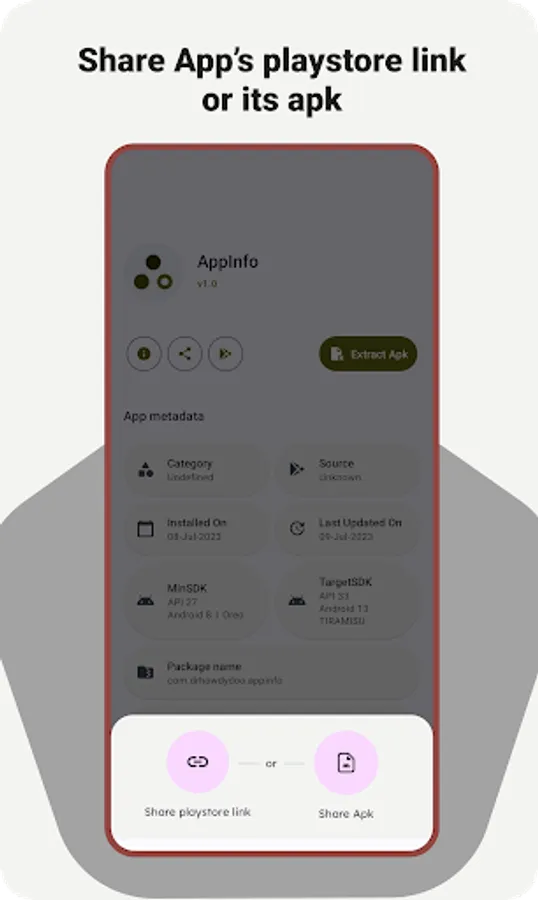
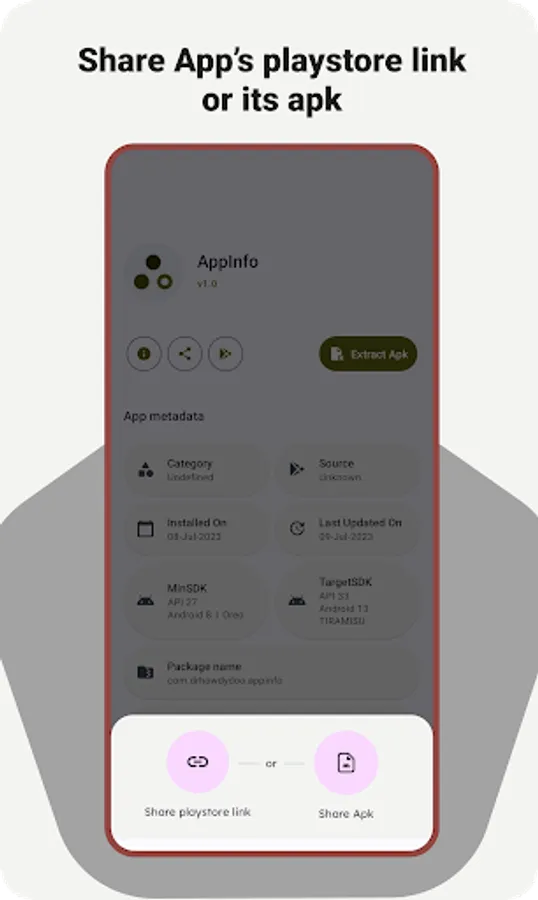
• Share app's playstore link or it's apk itself. (sharing split apks are disabled for now but you can extract the apk and share it)
• Open app's page on playstore or info in system settings.
• Shows list of all fonts used by the app. (You can also extract the fonts)
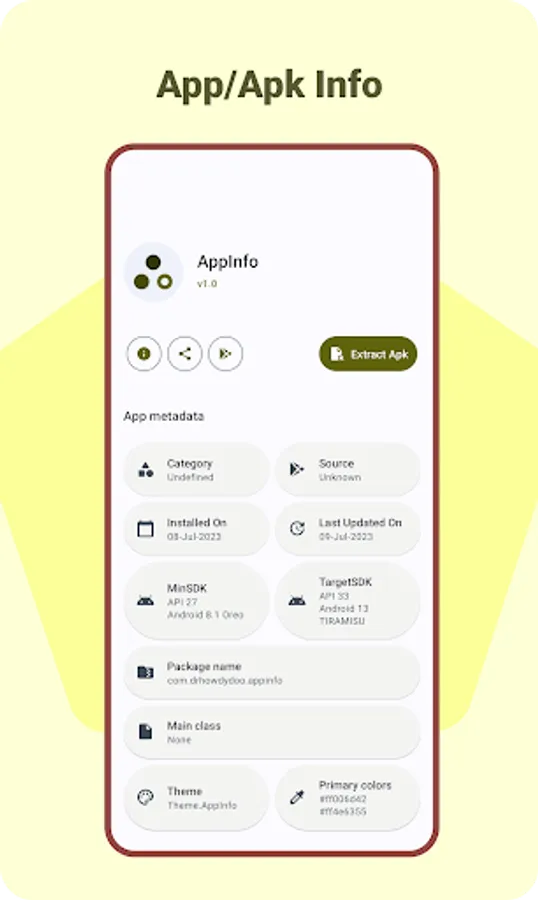
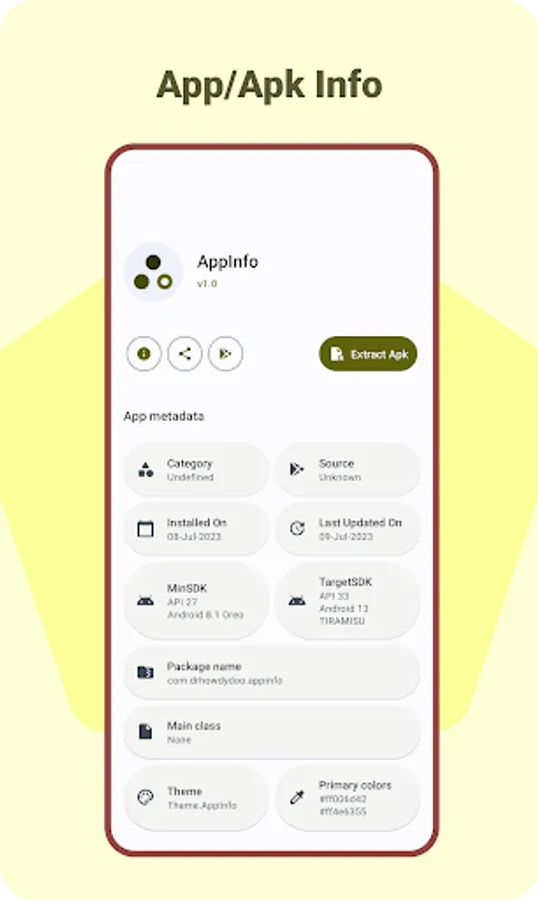
• Details shown by app for installed apps :
- Category
- Source (from where the app is installed)
- Install and last update date
- Min and Target sdk
- Package name
- Main class, theme, primary colors etc
- Permissions
- Activities
- Fonts
- Broadcast recievers
- Services
- Providers
- Data, Source and Native library paths
- Signatures and certificate fingerprints.
• AppInfo may require All Files access in some features like apk and font extraction or apk scanning.
• You can still use the app normally without giving the all files access, though you may not be able to use some of the features.
• Shows a list of all installed apps and apks in your device (uninstalled apks will also be listed).
• Smart and quick scan options for faster apk scans.
• Filter or Sort list of apps/apks.
• Apps can be sort by last used or most used or reverse. (needs usage access permission)
• Search apps by app's name or package name.
• Shows app's theme and primary colors used.
• Extract apk from the installed apps.
• Share app's playstore link or it's apk itself. (sharing split apks are disabled for now but you can extract the apk and share it)
• Open app's page on playstore or info in system settings.
• Shows list of all fonts used by the app. (You can also extract the fonts)
• Details shown by app for installed apps :
- Category
- Source (from where the app is installed)
- Install and last update date
- Min and Target sdk
- Package name
- Main class, theme, primary colors etc
- Permissions
- Activities
- Fonts
- Broadcast recievers
- Services
- Providers
- Data, Source and Native library paths
- Signatures and certificate fingerprints.
• AppInfo may require All Files access in some features like apk and font extraction or apk scanning.
• You can still use the app normally without giving the all files access, though you may not be able to use some of the features.