
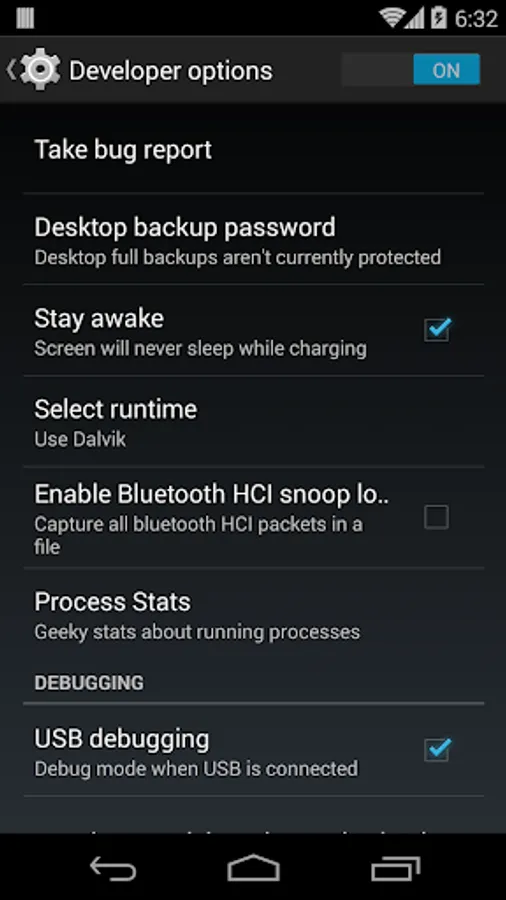
With this utility app, you can enable or disable developer options easily when connecting your device to a computer. Includes automatic start, auto transition to USB Debug, and a toggle for auto start.
AppRecs review analysis
AppRecs rating 3.9. Trustworthiness 55 out of 100. Review manipulation risk 39 out of 100. Based on a review sample analyzed.
★★★☆☆
3.9
AppRecs Rating
Ratings breakdown
5 star
67%
4 star
11%
3 star
5%
2 star
0%
1 star
17%
What to know
✓
High user satisfaction
78% of sampled ratings are 4+ stars (4.1★ average)
✓
Authentic reviews
Natural distribution, no red flags
⚠
Ad complaints
Many low ratings mention excessive ads
About USB Debug
Usb Debug is a simple application which allows to turn on or off developer options.
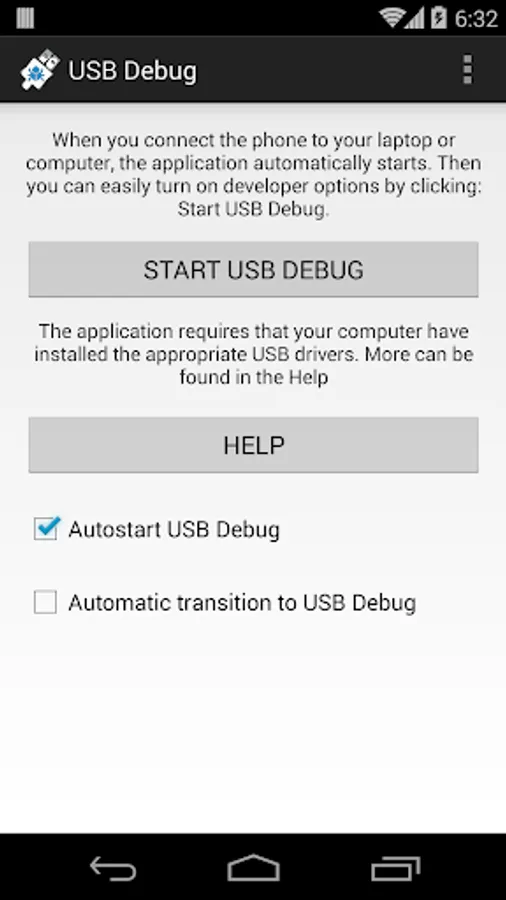
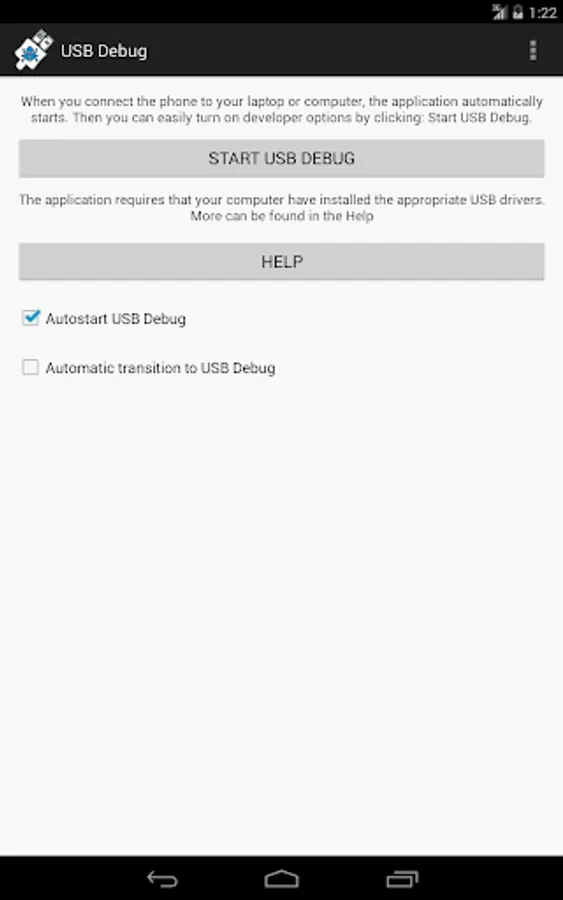
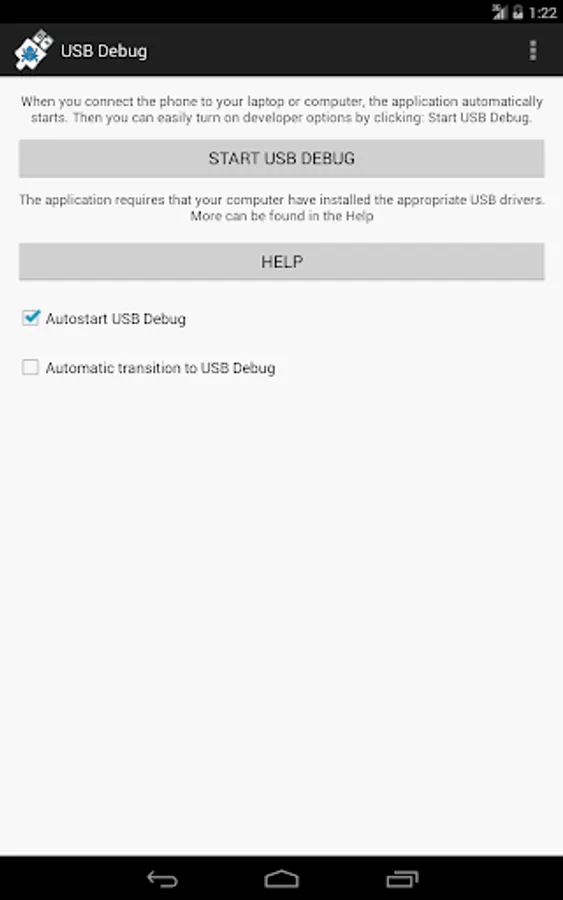
When you connect the phone to your laptop or computer, the application automatically starts. Then you can easily turn on developer options by clicking: Start USB DEBUG.
Additional functionality:
- CheckBox for auto start USB Debug. Will allow you to decide whether the application starts when you connect your phone to your computer.
- Automatic transition to USB Debug.
- Application was tested on android 4.0 to 4.4.
When you connect the phone to your laptop or computer, the application automatically starts. Then you can easily turn on developer options by clicking: Start USB DEBUG.
Additional functionality:
- CheckBox for auto start USB Debug. Will allow you to decide whether the application starts when you connect your phone to your computer.
- Automatic transition to USB Debug.
- Application was tested on android 4.0 to 4.4.
USB Debug Screenshots
Tap to Rate:
Reviews for USB Debug
Mel Kamie
1/10/2026
Best
Rahul Kumar
12/31/2025
I am so request update apps