About JobBOSS² Inventory
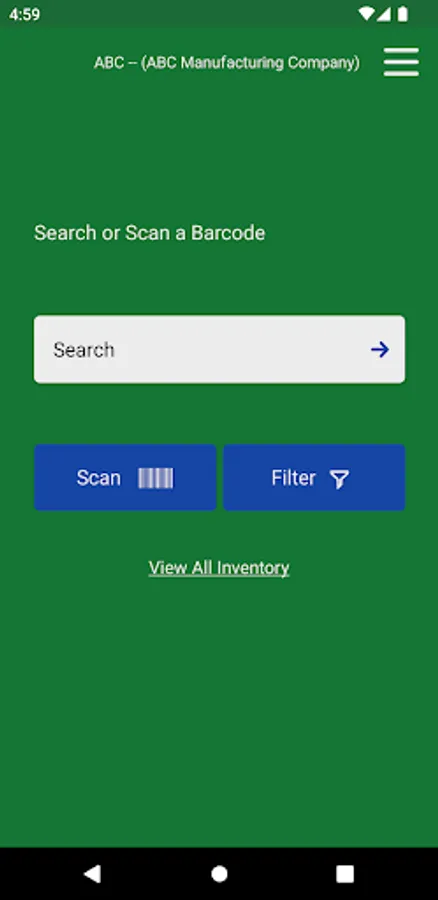
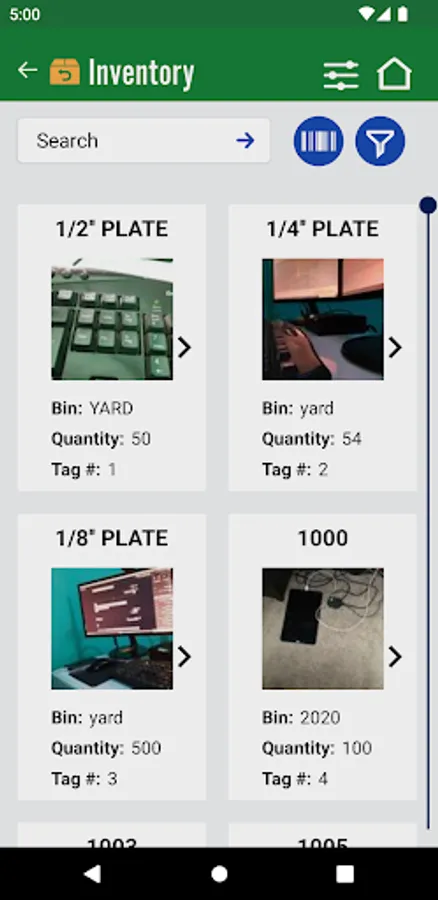
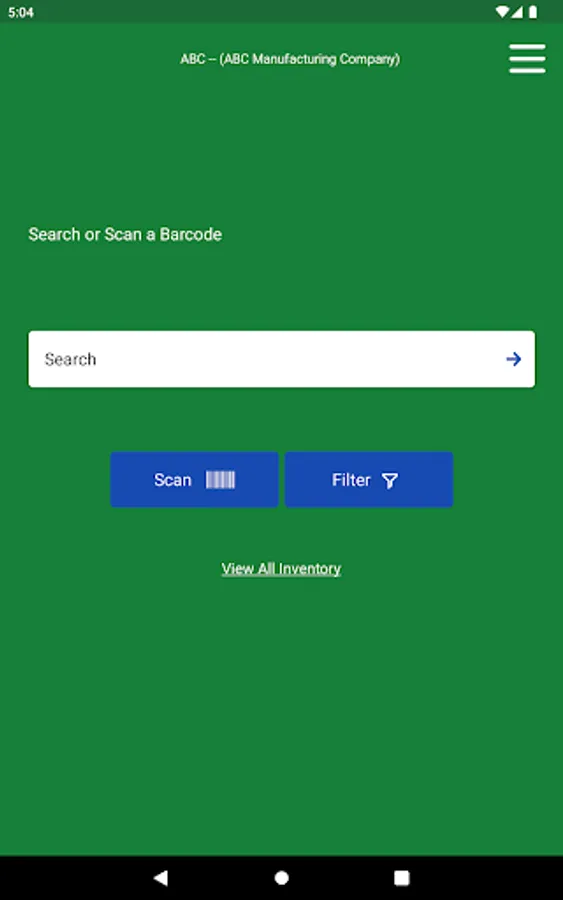
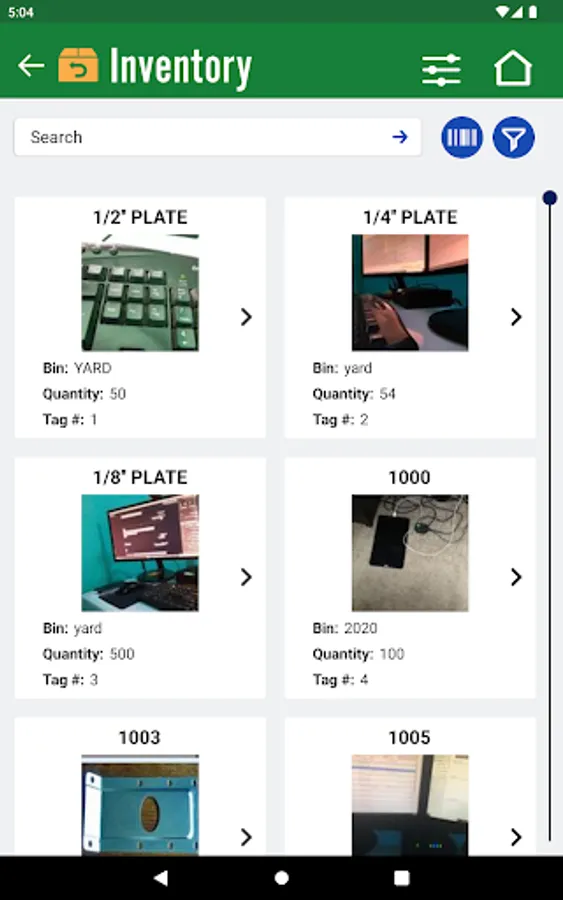
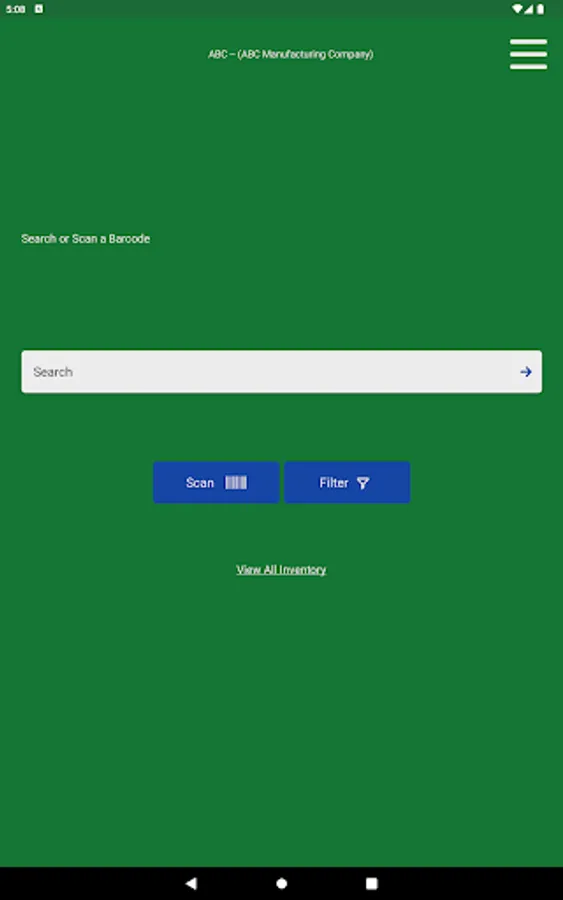
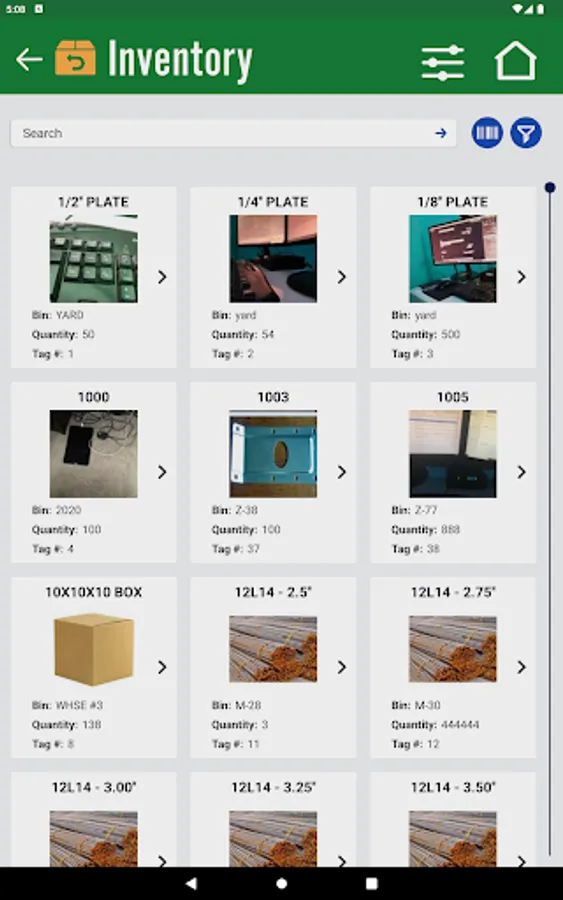
The JobBOSS² Inventory App from JobBOSS² is available on tablets and smartphones allows users to have better control of their inventory. When using the filter search users can view inventory by:
- Alt Part Number
- Tag Number
- Bin Location
- Description
- Drawing Number
- Lot Number
- Product Code
- Vendor Code
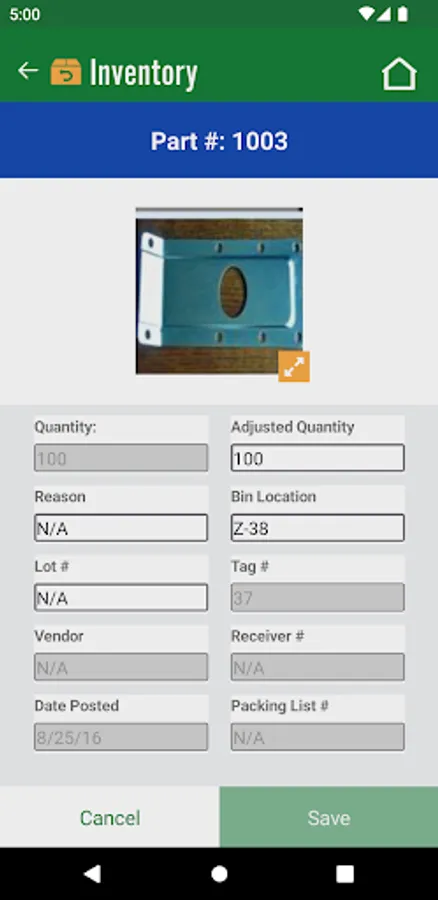
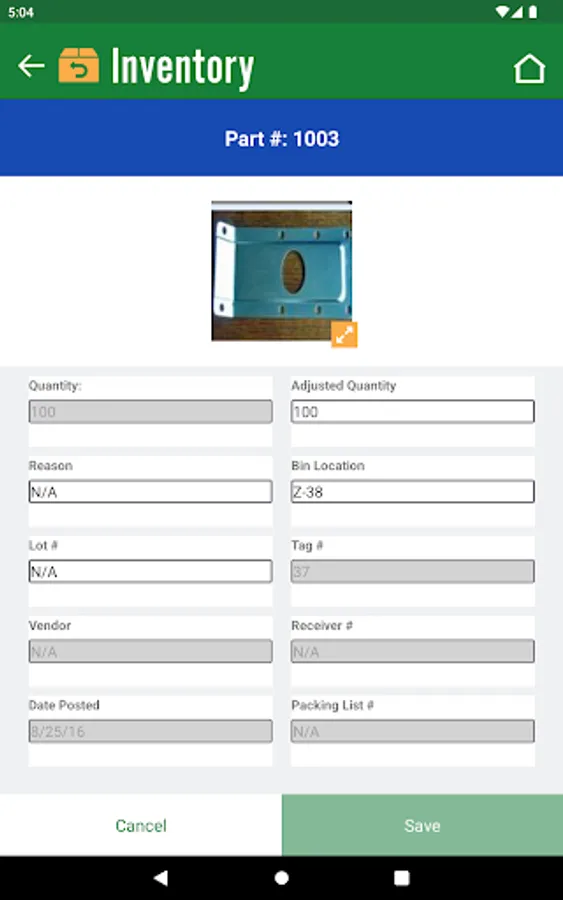
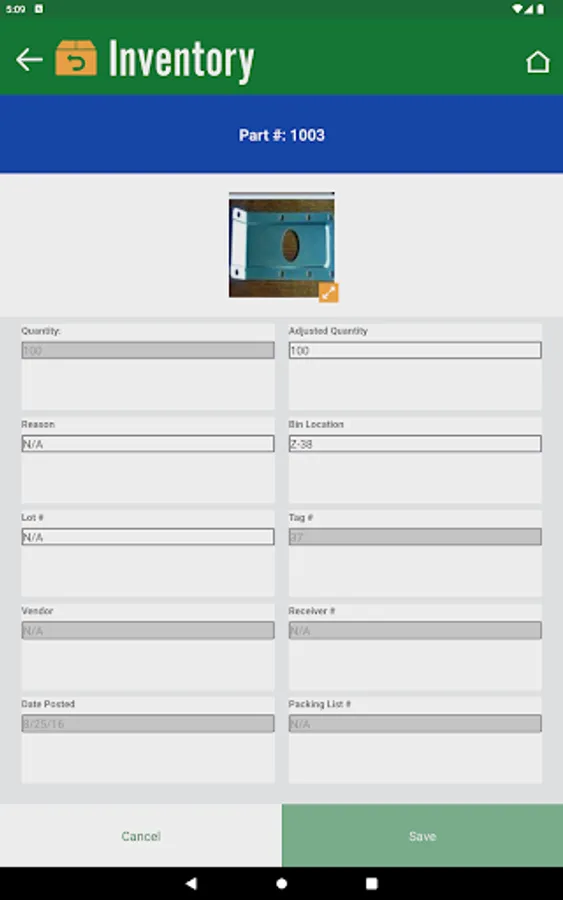
Stacking filters allow users to narrow the results for the part needed. From a single click see the quantity shown for the selected part and have the option to adjust the quantity to the desired amount. Once quantity for the selected part is adjusted, a reason for the change is automatically entered but can be adjusted. Users can also adjust the Bin Location and Lot Number while on the screen.
- Alt Part Number
- Tag Number
- Bin Location
- Description
- Drawing Number
- Lot Number
- Product Code
- Vendor Code
Stacking filters allow users to narrow the results for the part needed. From a single click see the quantity shown for the selected part and have the option to adjust the quantity to the desired amount. Once quantity for the selected part is adjusted, a reason for the change is automatically entered but can be adjusted. Users can also adjust the Bin Location and Lot Number while on the screen.
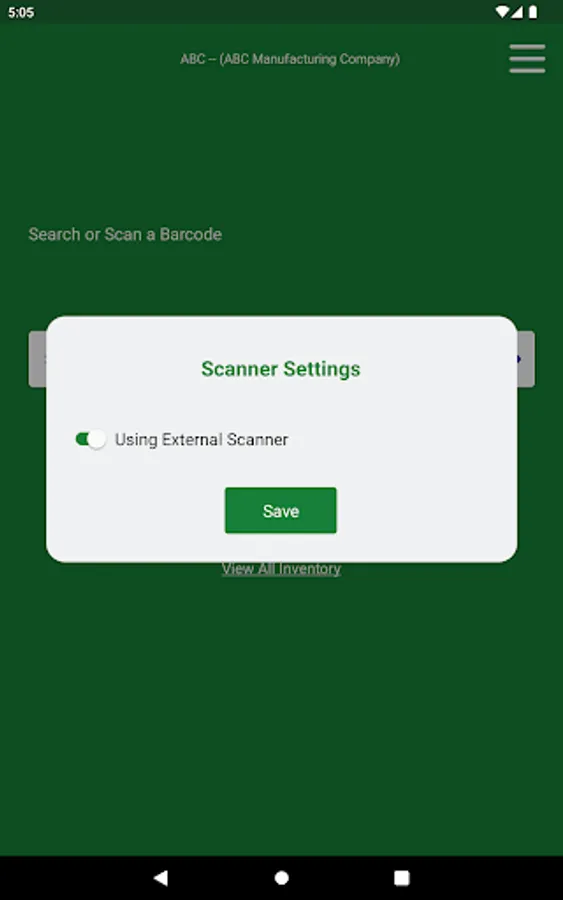
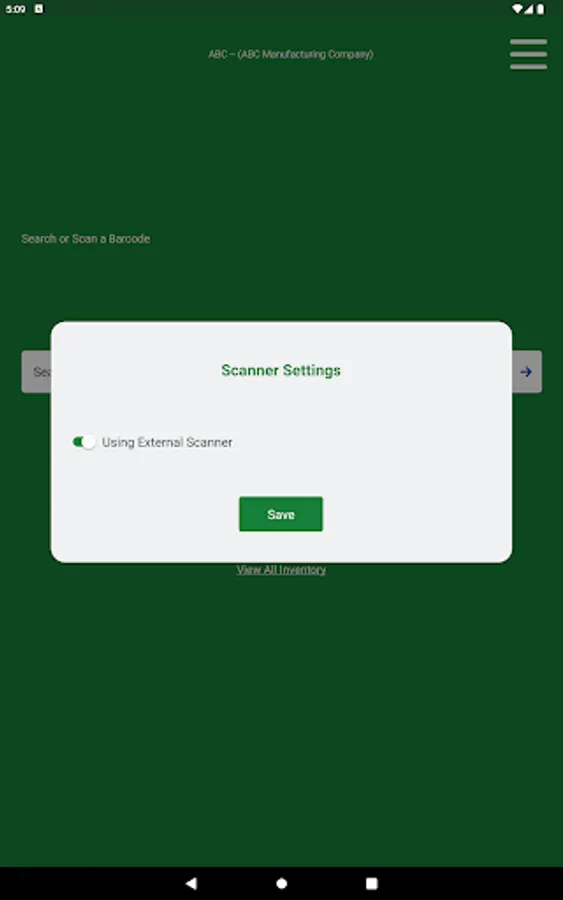
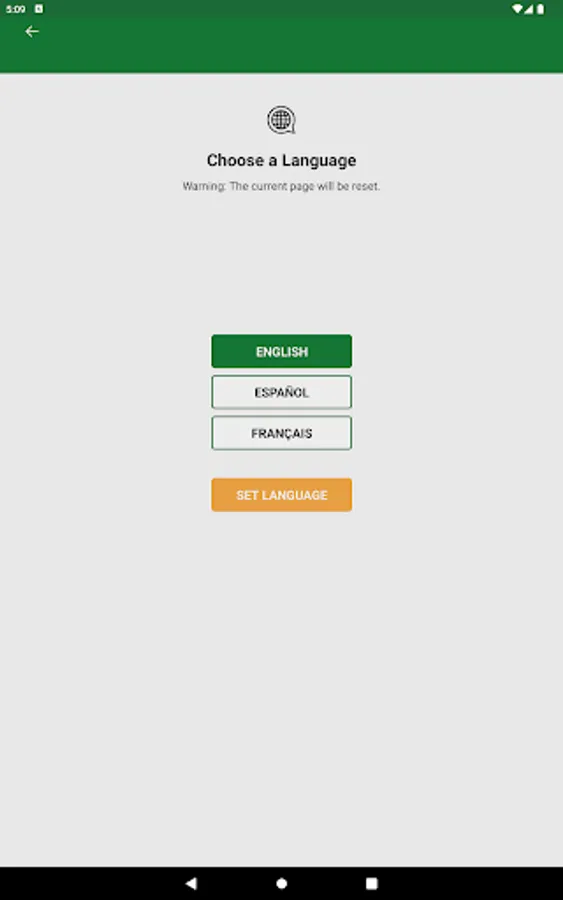
JobBOSS² Inventory Screenshots
Tap to Rate: