
eScan CERT-In Bot Removal
MicroWorld Software Services Pvt. Ltd.
3.6 ★
3K ratings
1,000,000+
downloads
Free
In this security app, you can scan your device for bots, malware, and infected objects to detect threats and remove them. Includes virus detection, malware removal, and system cleanup tools.
AppRecs review analysis
AppRecs rating 3.7. Trustworthiness 0 out of 100. Review manipulation risk 0 out of 100. Based on a review sample analyzed.
★★★☆☆
3.7
AppRecs Rating
Ratings breakdown
5 star
52%
4 star
14%
3 star
0%
2 star
7%
1 star
28%
What to know
✓
Good user ratings
66% positive sampled reviews
✓
Authentic reviews
Natural distribution, no red flags
⚠
High negative review ratio
34% of sampled ratings are 1–2 stars
About eScan CERT-In Bot Removal
eScan CERT-In Bot Removal lets you scan your device for bots, malware, infected objects and helps you remove them.
What is a bot?
A mobile bot is a malware that runs actively on a device not protected by an anti-virus app. Mobile bots act similarly to computer bots. If infected, your device gets added to a botnet and gets used for all malicious activities possible by the hacker/botnet owner. The malware allows a hacker access to all the data, apps, and internet usage.
How does a device get infected?
An unprotected device can get infected by Trojan, malware, and worm that are embedded with –
• Email text and attachments
• Apps that appear genuine (only if you download)
• Website visits while browsing
• Downloads via websites
What are the impacts of a botnet on a device?
If a device becomes part of a botnet, the hacker/botnet owner can
• Copy all existing data from a device
• Download malicious apps/payload on a device
• Block outgoing and incoming calls and texts
• Make calls and send texts
• Gain access to user accounts (Net banking details, username, password)
• Use internet connection for malicious activities
• Carryout large scale attack DDoS attacks
What are the precautions a user can take?
A device user should take the following precautions:
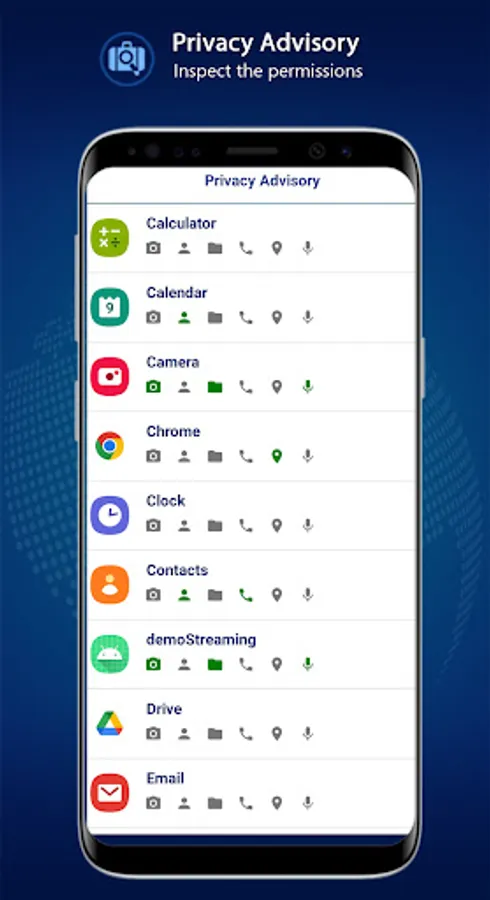
• Check for permissions accessed by all apps
• Cross verify your bill for data usage, texts, and calls
• Look out for unexpected battery drains
• Download apps only from official app stores
• Avoid opening emails/links from doubtful sources
• Always browse the internet with an anti-virus app installed
How to protect your device from becoming a part of a botnet?
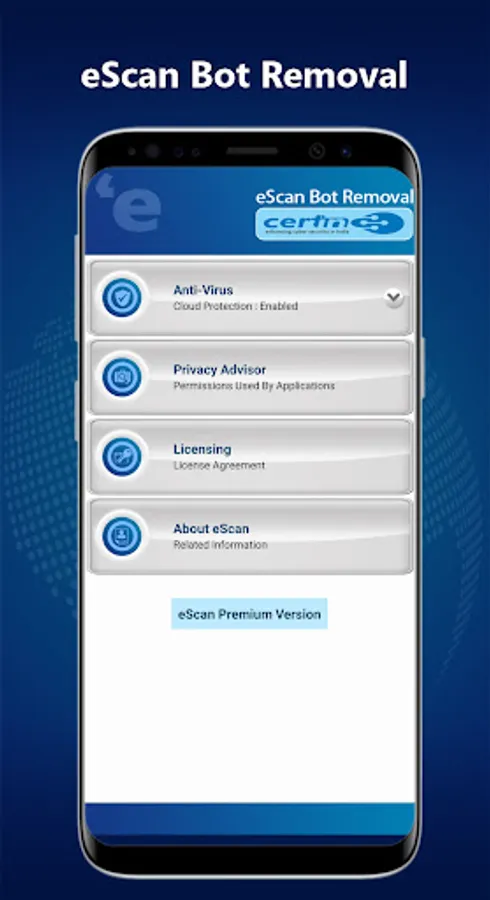
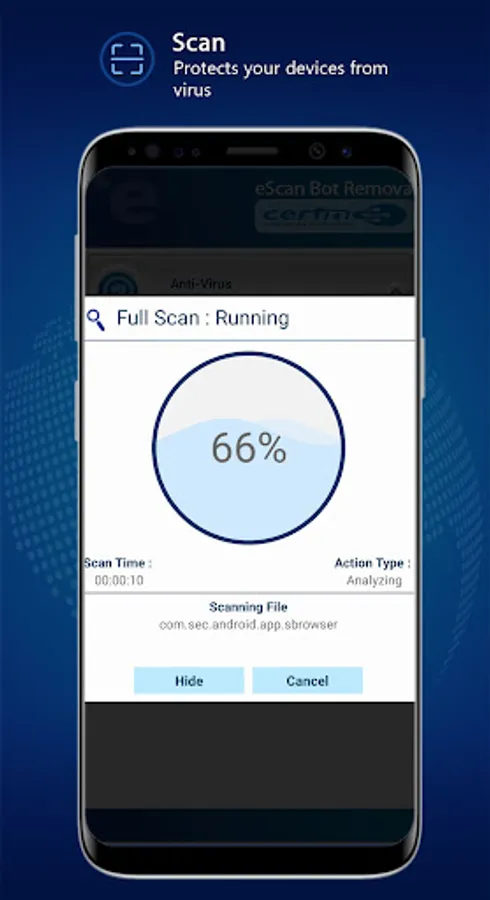
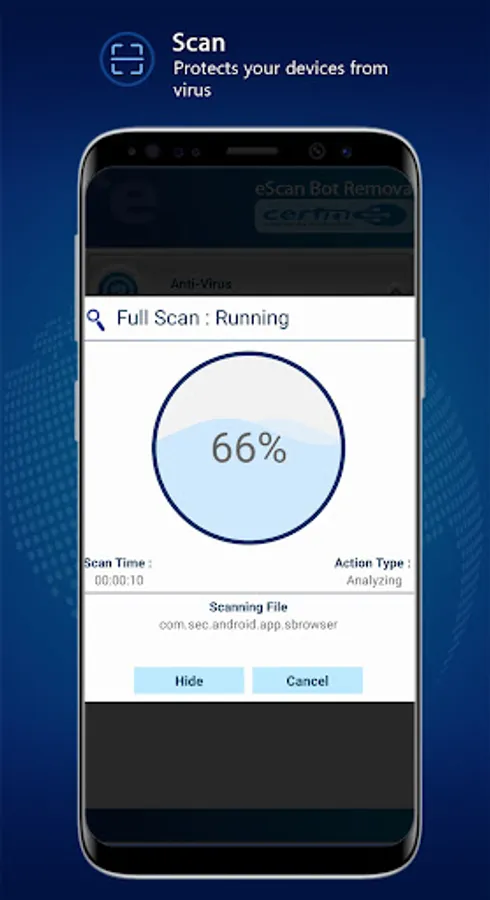
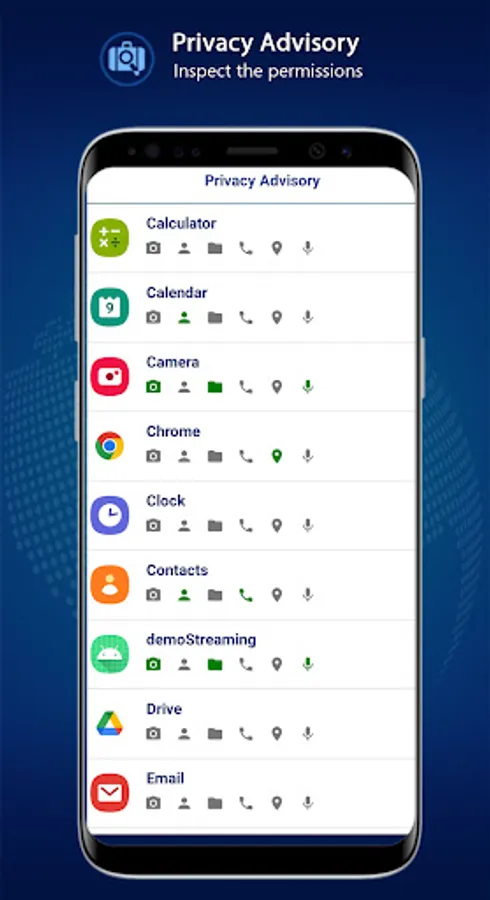
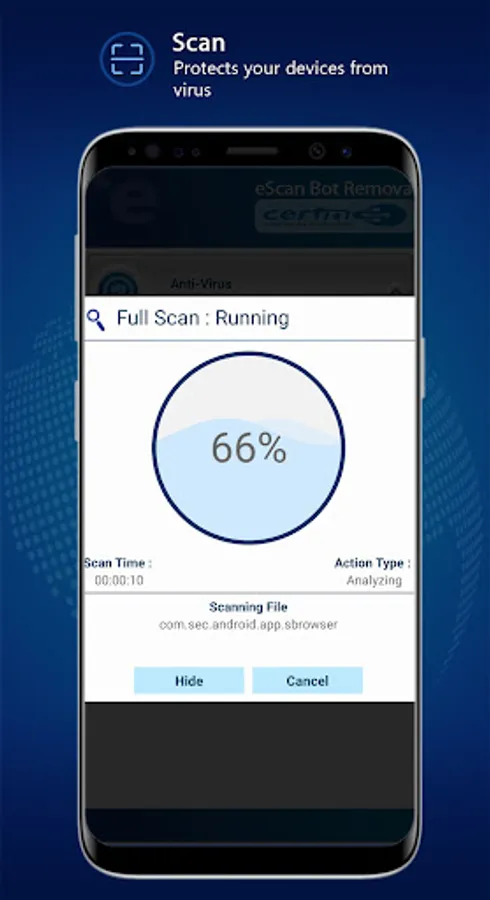
In an age of data leaks and privacy threats, it's becoming difficult to keep your data private. To ensure that your data is safe and you have peace of mind we have developed eScan CERT-In Toolkit. You can scan your device for bots, any running malicious activities, apps, or files. Along with the scanning, you can also view the permissions accessed by all apps and keep an eye on unusual permission access.
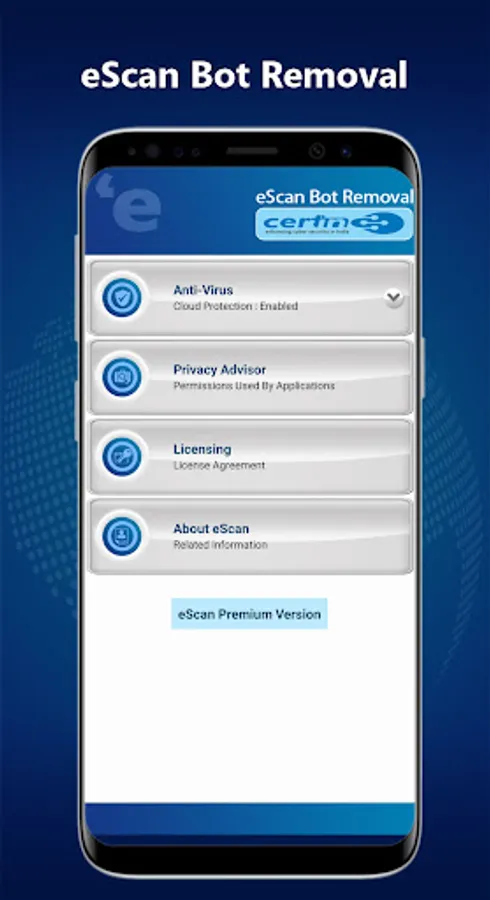
We are presenting you with the eScan CERT-In Bot Removal Toolkit with following Features:
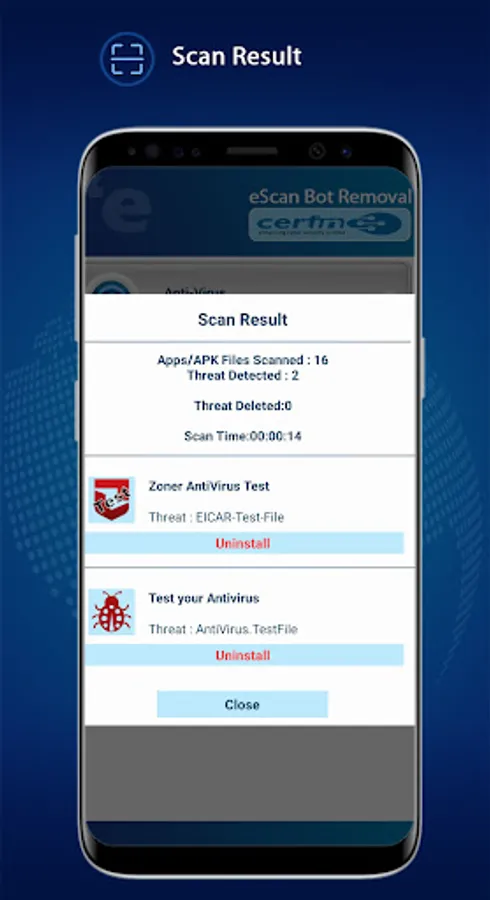
• Detect and remove latest botnet infection, virus, spyware, adware and malware apps from smartphones
• Cloud virus signature database
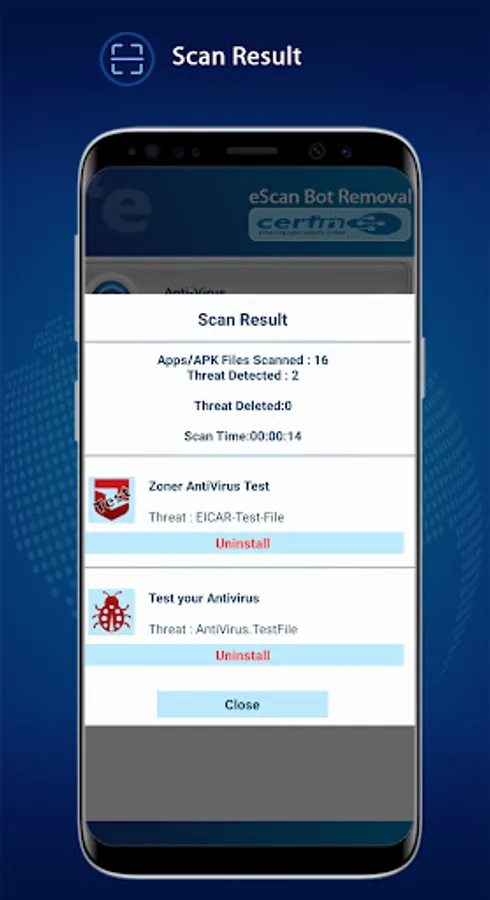
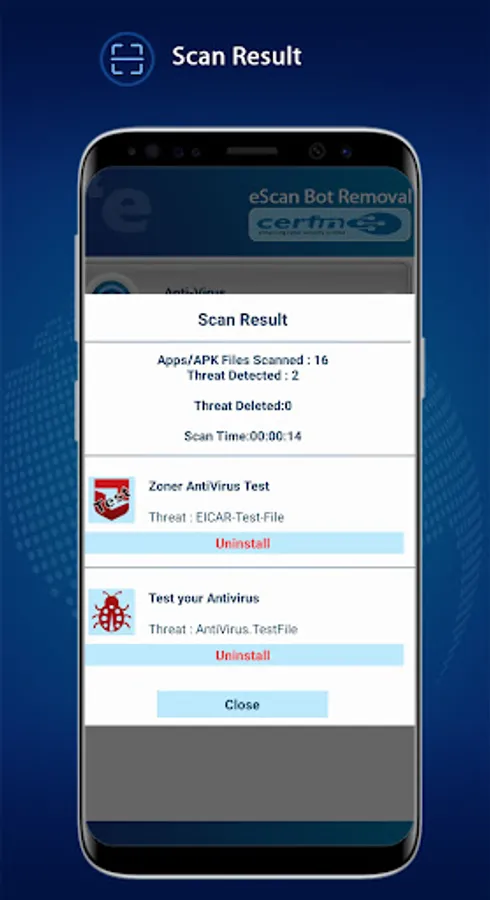
• Consolidated display of threats detected, from which user can select and uninstall malicious apps.
• Privacy Advisor
What is a bot?
A mobile bot is a malware that runs actively on a device not protected by an anti-virus app. Mobile bots act similarly to computer bots. If infected, your device gets added to a botnet and gets used for all malicious activities possible by the hacker/botnet owner. The malware allows a hacker access to all the data, apps, and internet usage.
How does a device get infected?
An unprotected device can get infected by Trojan, malware, and worm that are embedded with –
• Email text and attachments
• Apps that appear genuine (only if you download)
• Website visits while browsing
• Downloads via websites
What are the impacts of a botnet on a device?
If a device becomes part of a botnet, the hacker/botnet owner can
• Copy all existing data from a device
• Download malicious apps/payload on a device
• Block outgoing and incoming calls and texts
• Make calls and send texts
• Gain access to user accounts (Net banking details, username, password)
• Use internet connection for malicious activities
• Carryout large scale attack DDoS attacks
What are the precautions a user can take?
A device user should take the following precautions:
• Check for permissions accessed by all apps
• Cross verify your bill for data usage, texts, and calls
• Look out for unexpected battery drains
• Download apps only from official app stores
• Avoid opening emails/links from doubtful sources
• Always browse the internet with an anti-virus app installed
How to protect your device from becoming a part of a botnet?
In an age of data leaks and privacy threats, it's becoming difficult to keep your data private. To ensure that your data is safe and you have peace of mind we have developed eScan CERT-In Toolkit. You can scan your device for bots, any running malicious activities, apps, or files. Along with the scanning, you can also view the permissions accessed by all apps and keep an eye on unusual permission access.
We are presenting you with the eScan CERT-In Bot Removal Toolkit with following Features:
• Detect and remove latest botnet infection, virus, spyware, adware and malware apps from smartphones
• Cloud virus signature database
• Consolidated display of threats detected, from which user can select and uninstall malicious apps.
• Privacy Advisor
eScan CERT-In Bot Removal Screenshots

Tap to Rate:
Reviews for eScan CERT-In Bot Removal
Praveen Brt Srivastava
12/28/2025
Excellent
Baban Singh
12/26/2025
good option