
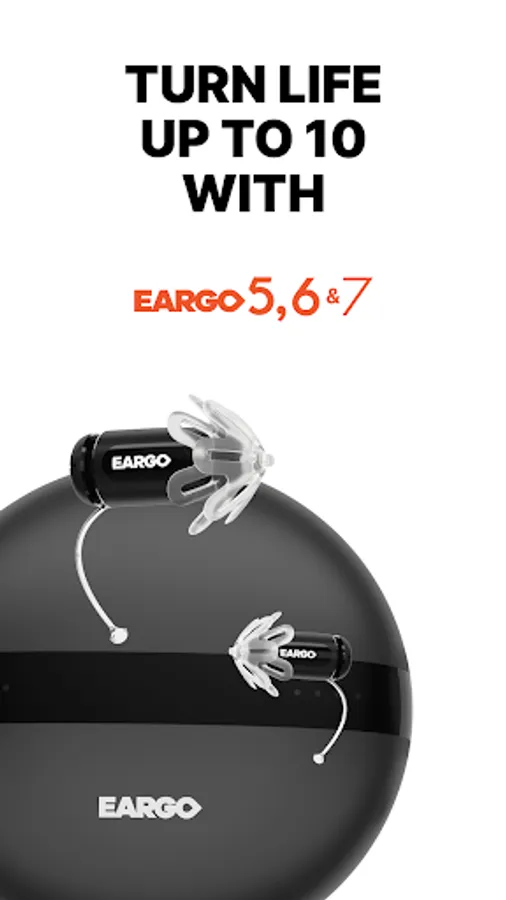
Use this hearing enhancement app to personalize Eargo devices, adjust settings, and manage alerts. Includes sound matching, device configuration, help resources, and software updates.
AppRecs review analysis
AppRecs rating 3.1. Trustworthiness 89 out of 100. Review manipulation risk 18 out of 100. Based on a review sample analyzed.
★★★☆☆
3.1
AppRecs Rating
Ratings breakdown
5 star
38%
4 star
13%
3 star
10%
2 star
9%
1 star
31%
What to know
✓
Low review manipulation risk
18% review manipulation risk
✓
Credible reviews
89% trustworthiness score from analyzed reviews
⚠
High negative review ratio
40% of sampled ratings are 1–2 stars
About Eargo
Features:
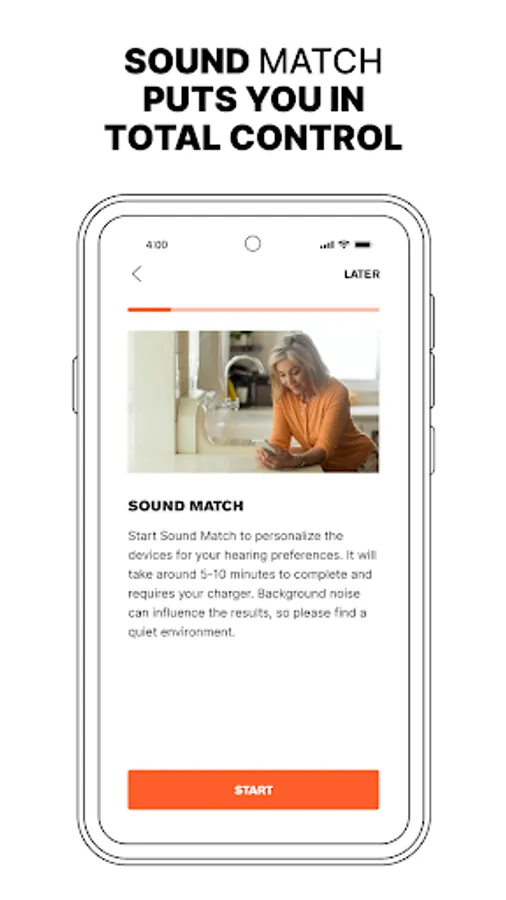
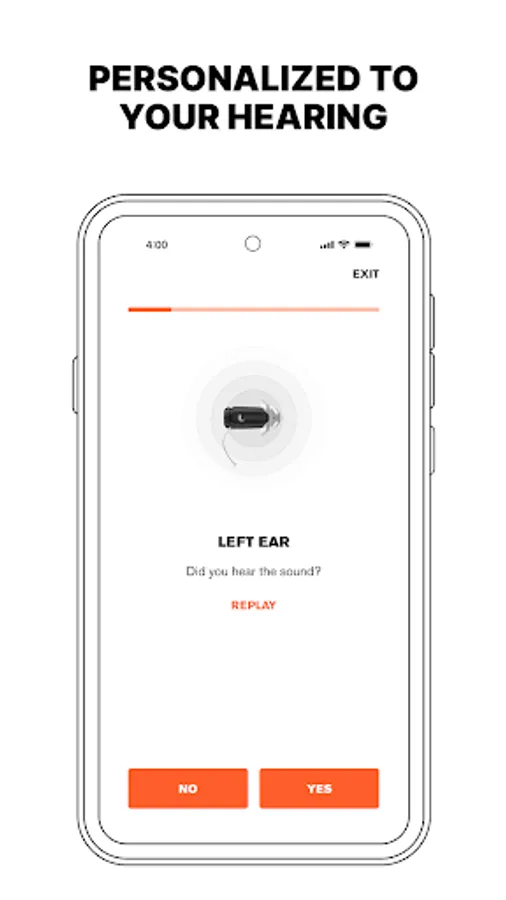
- Use Sound Match to personalize your device to your unique hearing needs. Sound Match appears automatically during first-time app use and can be accessed anytime from the app menu.
- Configure settings like Volume, Treble, and Bass within each program and for each ear. (Features vary by product.)
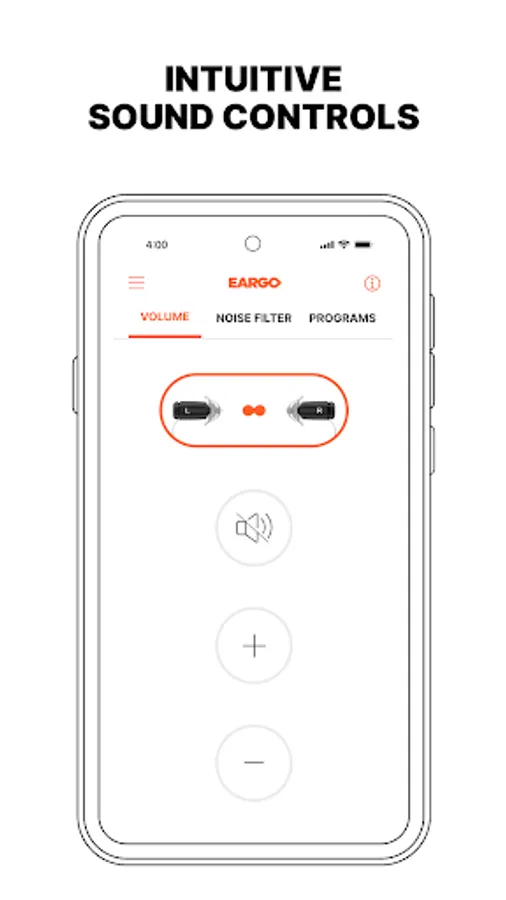
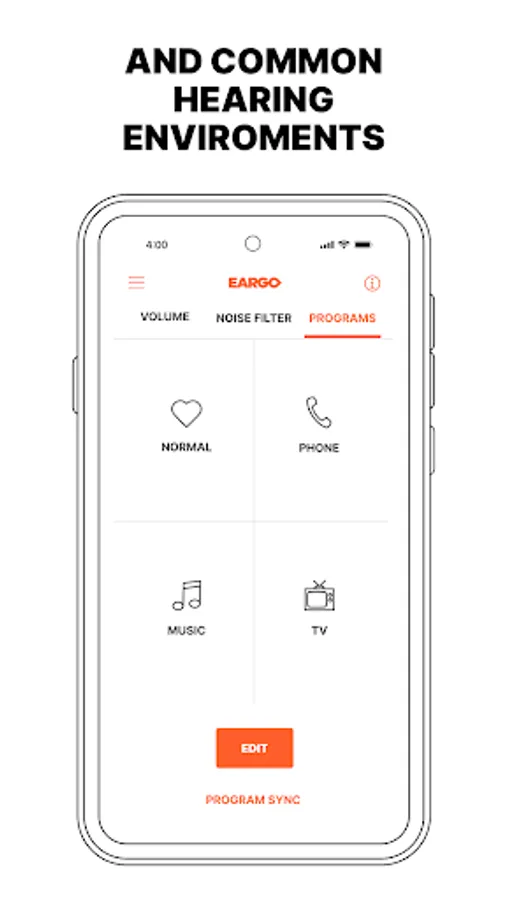
- Make situational adjustments to your hearing devices from the app. Change the program, mute/unmute, and increase/decrease the Noise Filter for your preferred speech clarity. (Features vary by product).
- Easily access How-to Videos, help articles and the full-length user guide.
- Reference the Eargo 30-day Tutorial to help you adapt to Eargo devices.
- Set up and manage Alerts and Reminders to help keep your devices in tip-top shape.
- Stay up to date by remotely applying Eargo’s latest software updates when available.
Disclaimer
Eargo 5, 6, SE, 7, or 8, their accessories, and application are intended to compensate for mild to moderate hearing loss in adults (those age 18 and older). Eargo 5, 6, SE, 7, or 8, their accessories, and application are not intended to prevent, diagnose nor cure disease and/or hearing loss. Sound Match is a tool designed to give you general information about your hearing and is not a test. Please see a healthcare provider if you have recently noticed a sudden change in hearing, ear pain, and/or discharge. Please stop the use of any Eargo accessory or device if you experience discomfort (e.g. dizziness, uncomfortably loud sounds).
Eargo Screenshots

Tap to Rate:
Reviews for Eargo
Mike Henke
12/3/2025
got different eargos and a week later they stop working will out do anything no value or can't change channels.
Jon Smith
11/29/2025
The app frequently loses all sound connection even though my phone's Bluetooth shows a connection and is paired. I press a setting in the app and no sound. I've reinstalled it twice - same reset after a few weeks.