
About PDF Sign & Annotate
Easily sign and annotate your PDFs on Android—quick and simple.
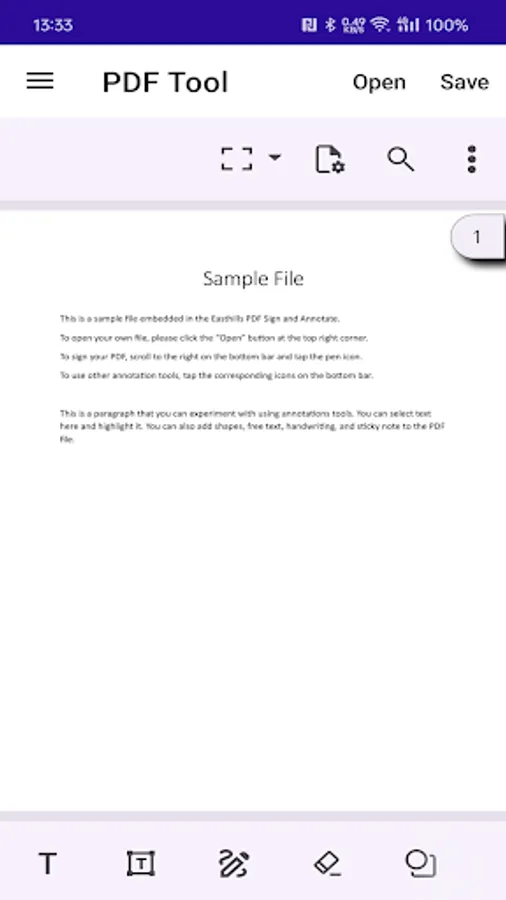
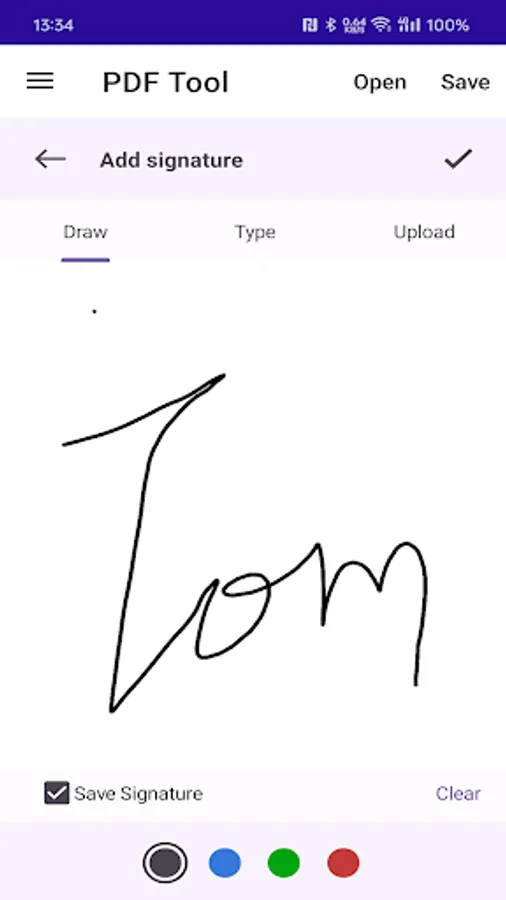
To sign a PDF, open the file, scroll the bottom toolbar to the right, and tap the pen icon.
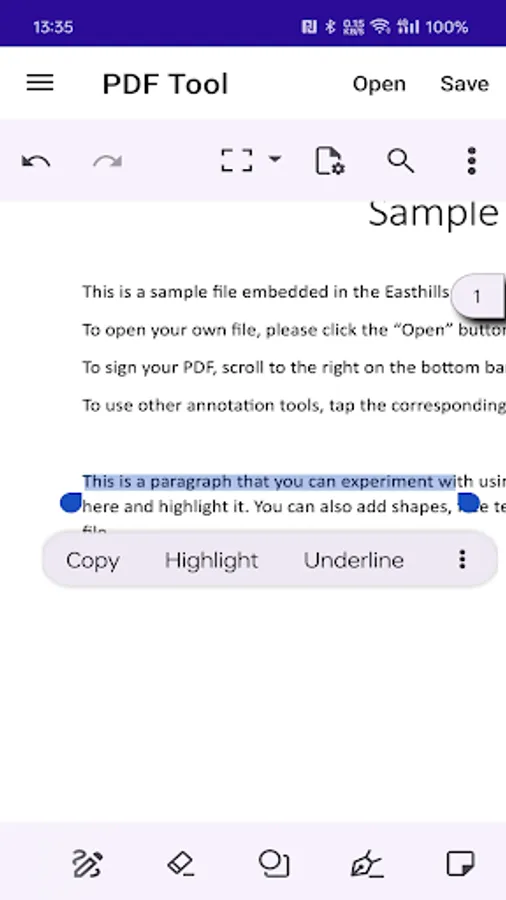
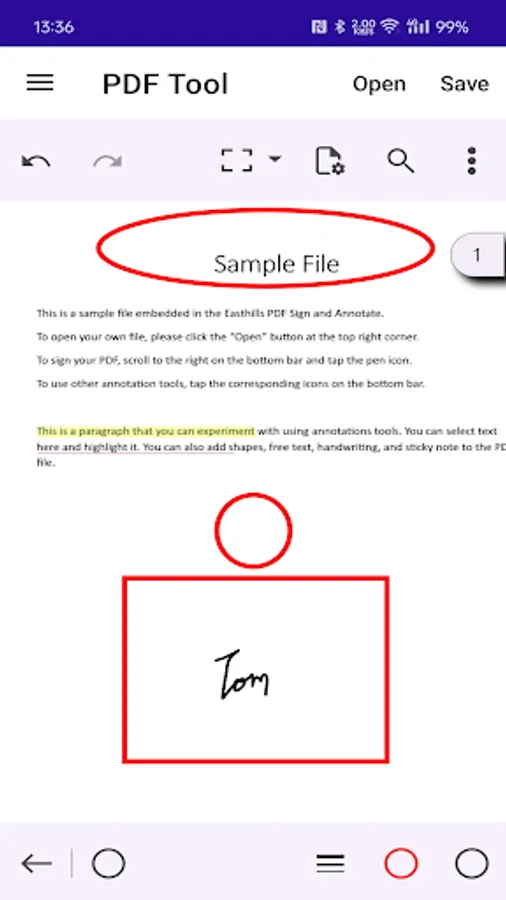
To annotate a PDF, open the file and use the tools available in the bottom toolbar.
Don’t forget to save your changes before exiting.
Features:
- PDF signature.
- PDF annotation.
To sign a PDF, open the file, scroll the bottom toolbar to the right, and tap the pen icon.
To annotate a PDF, open the file and use the tools available in the bottom toolbar.
Don’t forget to save your changes before exiting.
Features:
- PDF signature.
- PDF annotation.
PDF Sign & Annotate Screenshots
Tap to Rate: