My Next Alarm - Widget
EASY IT IS
3.9 ★
store rating
50,000+
downloads
Free
+ in-app
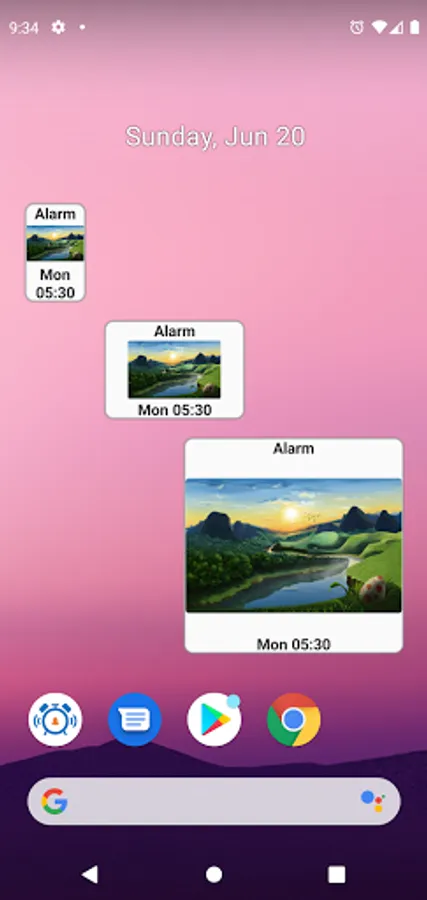
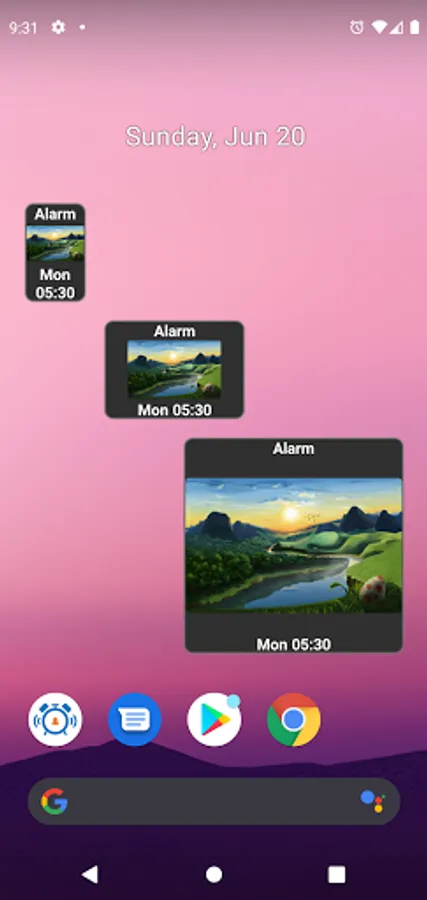
With this widget, you can view the time of your next alarm and refresh data by tapping. Includes customization options for text, background images, and support for dark themes.
AppRecs review analysis
AppRecs rating 3.4. Trustworthiness 58 out of 100. Review manipulation risk 35 out of 100. Based on a review sample analyzed.
★★★☆☆
3.4
AppRecs Rating
Ratings breakdown
5 star
56%
4 star
12%
3 star
12%
2 star
4%
1 star
16%
What to know
✓
Good user ratings
68% positive sampled reviews
✓
Authentic reviews
Natural distribution, no red flags
About My Next Alarm - Widget
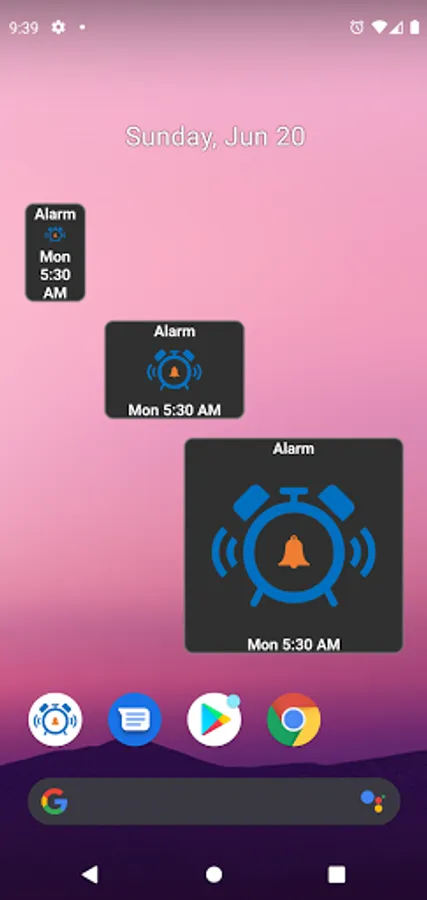
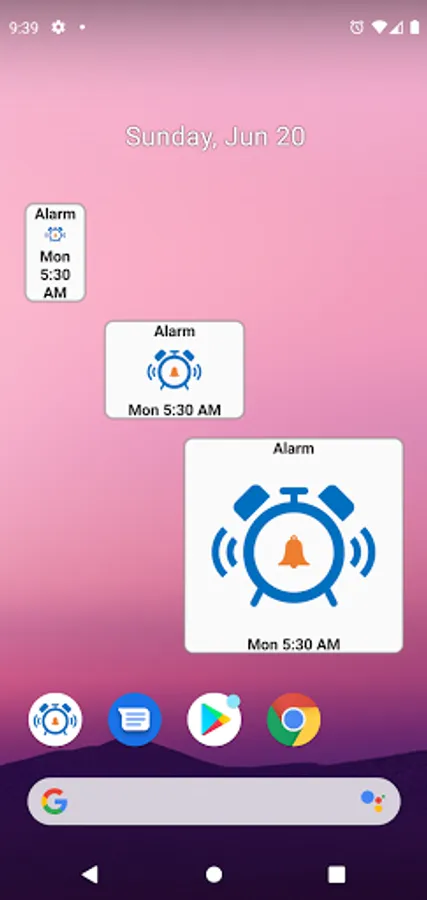
This simple yet useful widget shows you when your next alarm will ring including snooze alarm. It refreshes by itself every hour but can be refreshed simply by tapping on the widget.
Features:
- Resizable
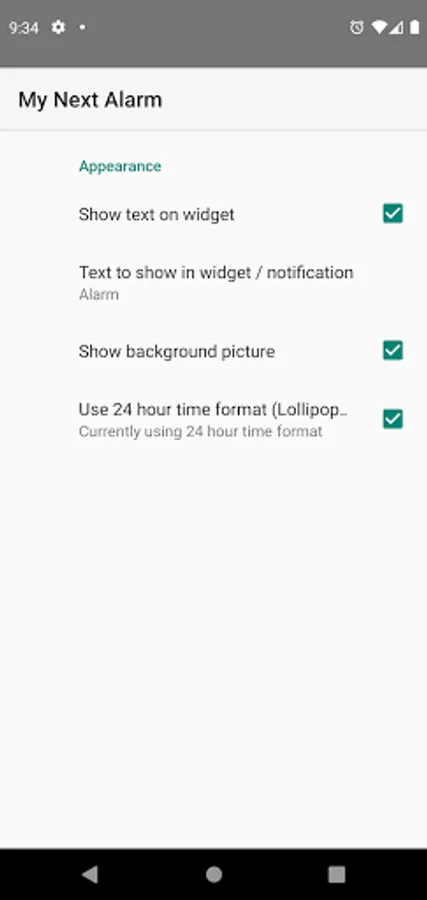
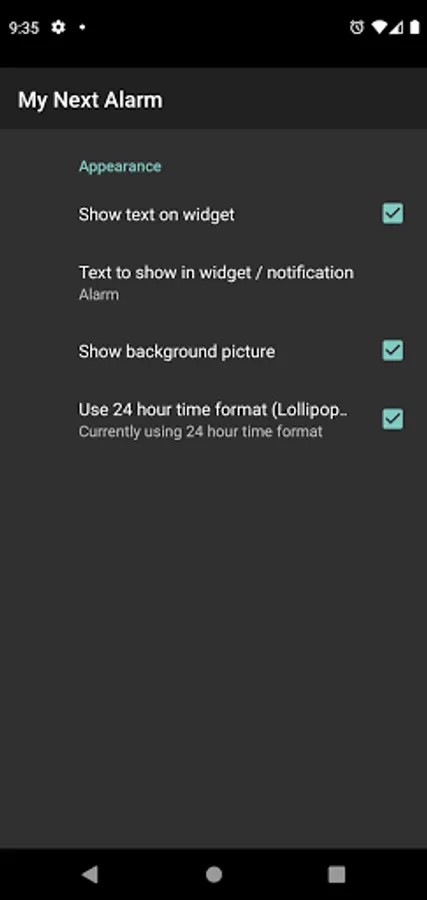
- Customize text to show with alarm
- Show time in 12/24 hour formats
- Supports dark theme
- Tap widget to launch alarms application (Kitkat and above)
- Automatic widget update when alarm setting changed or alarm rings (Lollipop and above)
Features - Pro Version:
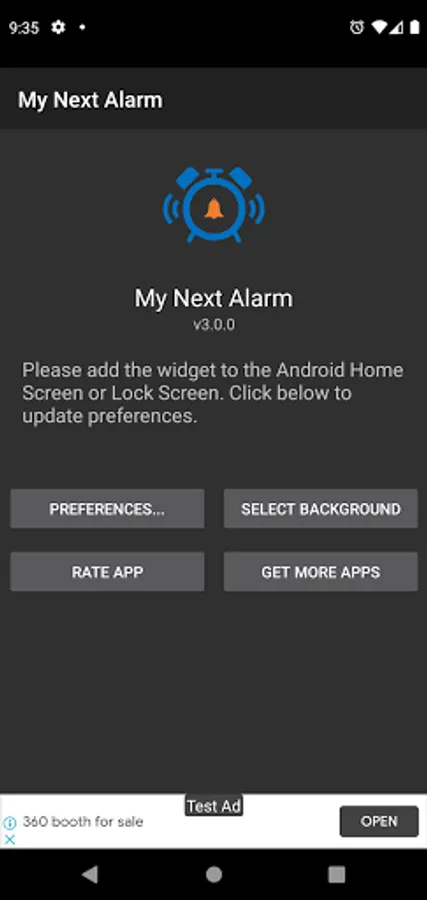
- Can choose background image (unless you love our clock image!)
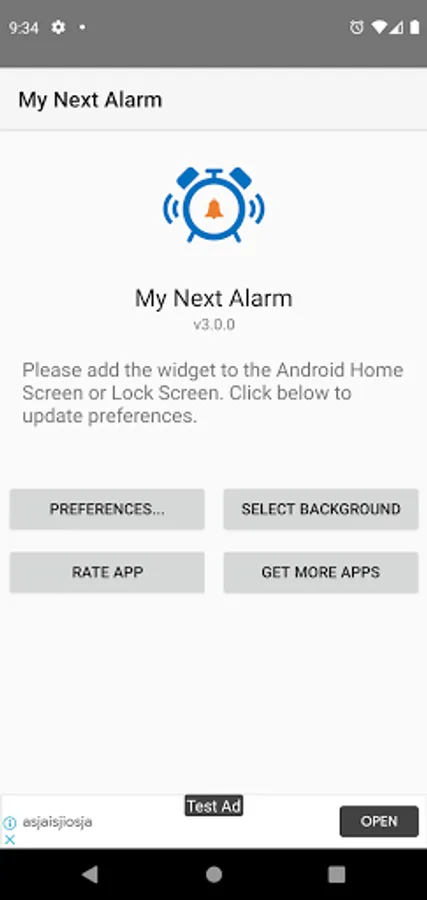
- No ads - if you've already purchased pro, simply go to the 'Select Background' screen and the ads will disappear.
In case of any issues please contact us directly by e-mail.
Note: Some Samsung / Redmi users have reported that this and other similar widgets do not work well for them and show a random alarm setting. This seems to be a specific issue with the device manufacturer's implementation of Android. If you face such an issue please contact us so that we can update you when a solution is received.
Features:
- Resizable
- Customize text to show with alarm
- Show time in 12/24 hour formats
- Supports dark theme
- Tap widget to launch alarms application (Kitkat and above)
- Automatic widget update when alarm setting changed or alarm rings (Lollipop and above)
Features - Pro Version:
- Can choose background image (unless you love our clock image!)
- No ads - if you've already purchased pro, simply go to the 'Select Background' screen and the ads will disappear.
In case of any issues please contact us directly by e-mail.
Note: Some Samsung / Redmi users have reported that this and other similar widgets do not work well for them and show a random alarm setting. This seems to be a specific issue with the device manufacturer's implementation of Android. If you face such an issue please contact us so that we can update you when a solution is received.