
EBSCO Mobile
EBSCO Information Services
3.3 ★
518 ratings
100,000+
downloads
Free
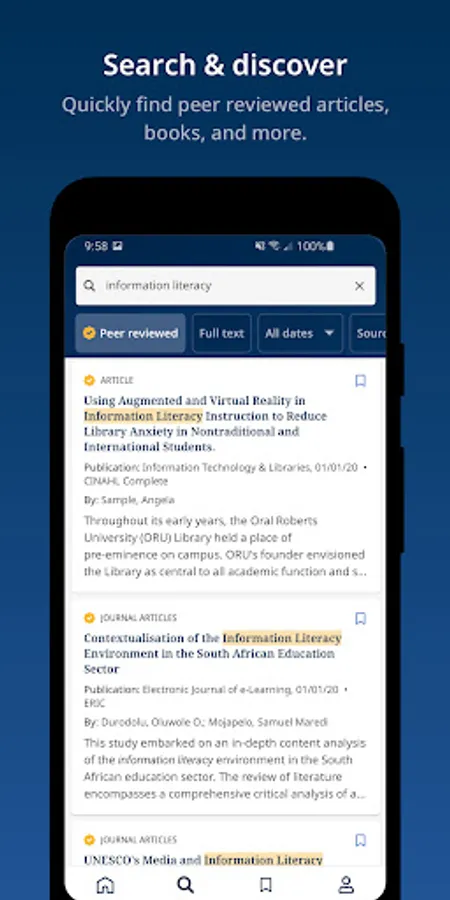
With this app, you can search library content, access eBooks, and sync research progress across devices. Includes library connection features, browsing tools, and accessibility information.
AppRecs review analysis
AppRecs rating 3.4. Trustworthiness 81 out of 100. Review manipulation risk 18 out of 100. Based on a review sample analyzed.
★★★☆☆
3.4
AppRecs Rating
Ratings breakdown
5 star
49%
4 star
8%
3 star
4%
2 star
3%
1 star
36%
What to know
✓
Low review manipulation risk
18% review manipulation risk
✓
Credible reviews
81% trustworthiness score from analyzed reviews
⚠
High negative review ratio
39% of sampled ratings are 1–2 stars
About EBSCO Mobile
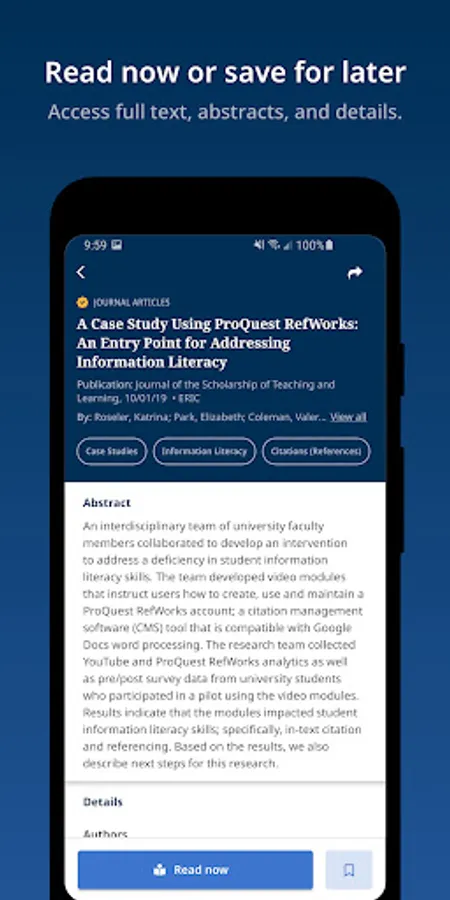
Make progress on your research anytime, anywhere with EBSCO’s mobile app!
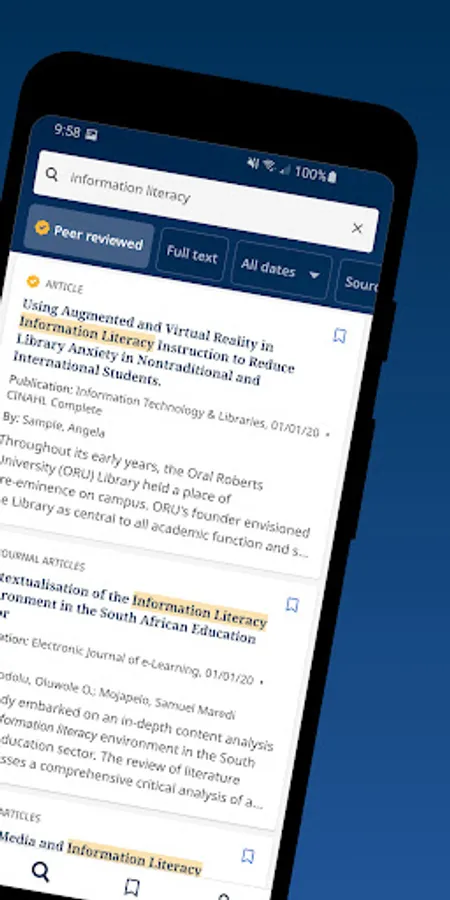
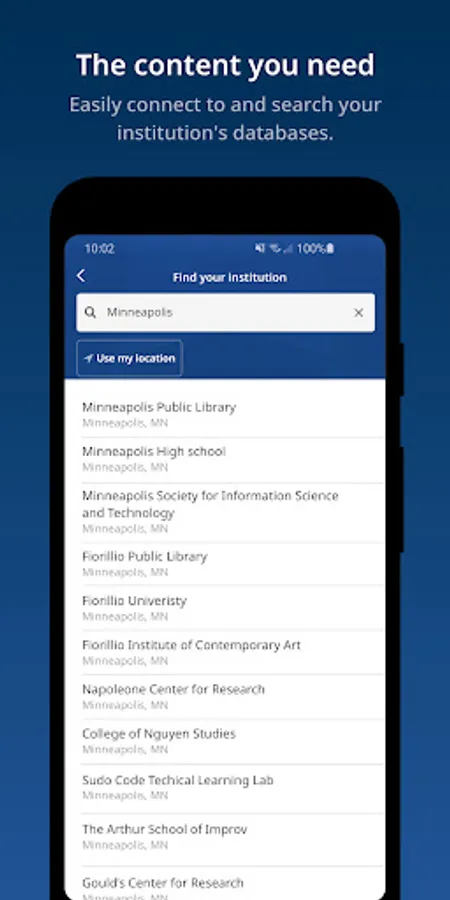
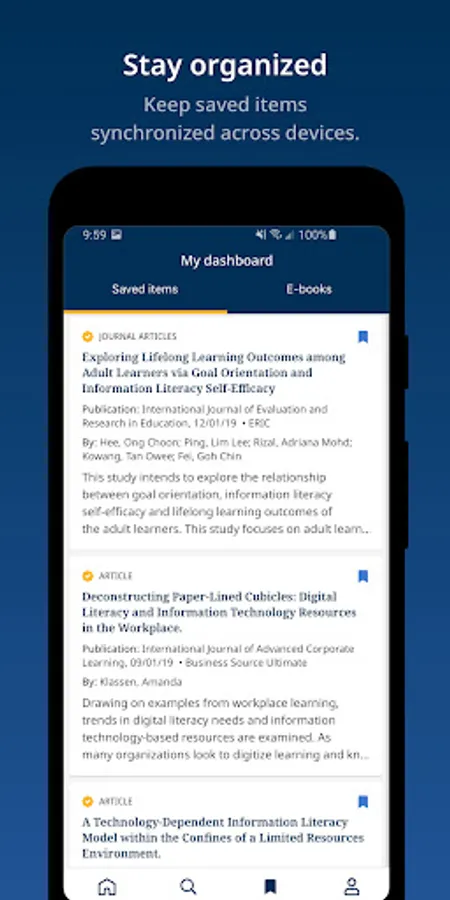
Find and connect to your library, then simply search, choose, and use your library’s content. Continue your research projects even when you’re away from your desk thanks to syncing across desktop and mobile devices.
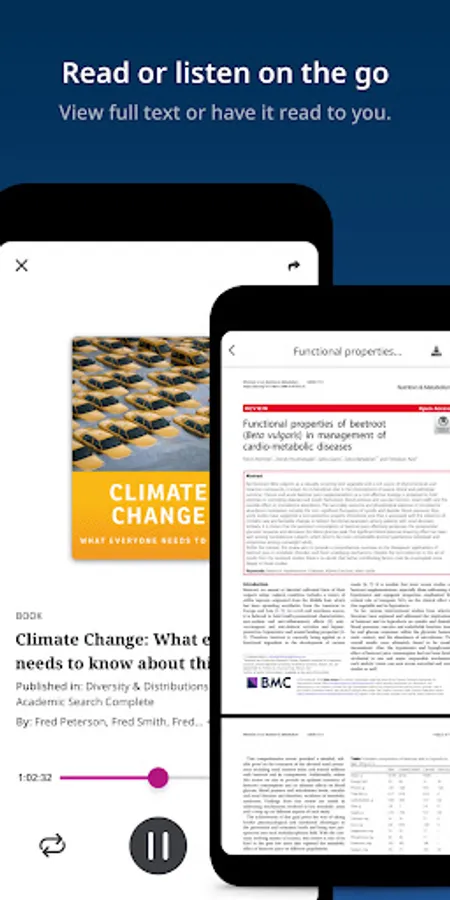
Access eBooks directly from the app and find accessibility information in the eBook detail card.
Designed to provide library users with an easy way to access library resources, the EBSCO app makes scholarly research more convenient.
Users, please note that if you can't find (or are unable to sign-in to) your library institution, please choose "EBSCO Essentials" from the institution list and follow the prompt to start using the app.
Find and connect to your library, then simply search, choose, and use your library’s content. Continue your research projects even when you’re away from your desk thanks to syncing across desktop and mobile devices.
Access eBooks directly from the app and find accessibility information in the eBook detail card.
Designed to provide library users with an easy way to access library resources, the EBSCO app makes scholarly research more convenient.
Users, please note that if you can't find (or are unable to sign-in to) your library institution, please choose "EBSCO Essentials" from the institution list and follow the prompt to start using the app.
EBSCO Mobile Screenshots
Tap to Rate:
Reviews for EBSCO Mobile
Dhrishit Bhansali
11/26/2025
worst app
Nithisha Sabi
10/20/2025
It's very useful for us to learn more creative things.