PDF to Word Converter - Docx
Card Scanner
4.3 ★
store rating
100,000+
downloads
Free
+ in-app
AppRecs review analysis
AppRecs rating 3.6. Trustworthiness 74 out of 100. Review manipulation risk 35 out of 100. Based on a review sample analyzed.
★★★☆☆
3.6
AppRecs Rating
Ratings breakdown
5 star
79%
4 star
4%
3 star
4%
2 star
0%
1 star
14%
What to know
✓
Credible reviews
74% trustworthiness score from analyzed reviews
✓
High user satisfaction
82% of sampled ratings are 4+ stars (4.3★ average)
⚠
Review quality concerns
79% of sampled 5-star reviews are very short
About PDF to Word Converter - Docx
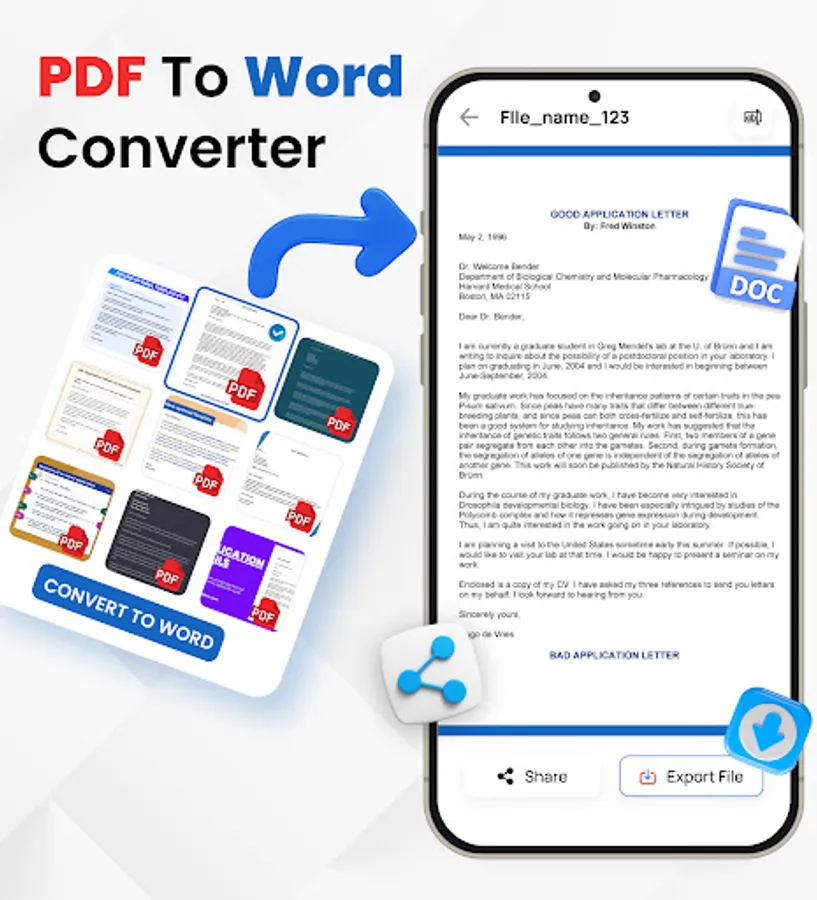
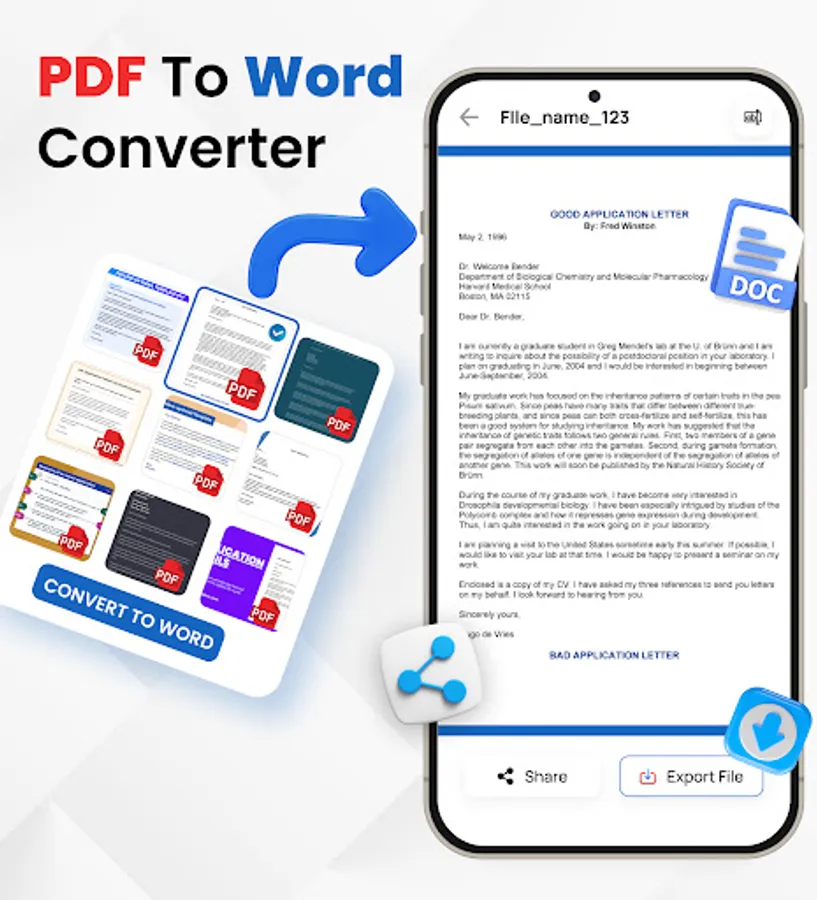
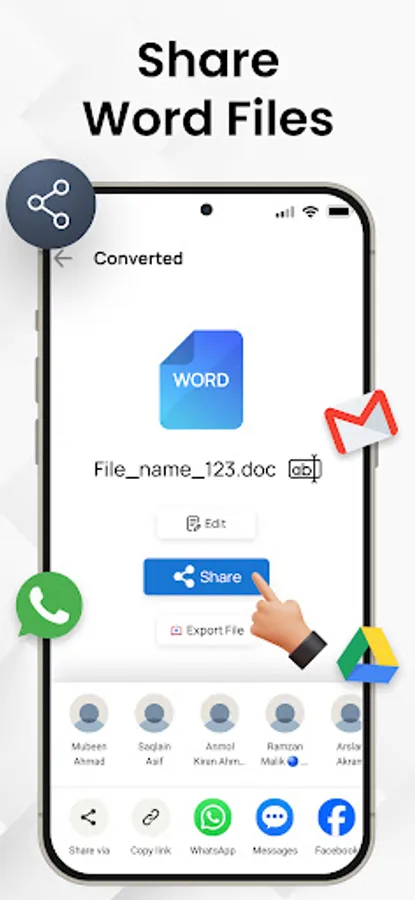
Convert PDF files and images to editable Word documents with this PDF to Word converter app. This pages to word converter app also allows you to pick images from your gallery and convert them to Word files using built-in text recognition (OCR). Whether you're handling documents or extracting text from pictures, this OCR PDF to Docx app helps you manage your files on the go.
With a user-friendly interface, you can convert PDF files to Word format in just a few taps, preserving text, formatting, and layouts with high accuracy.
PDF to Docx Conversion:
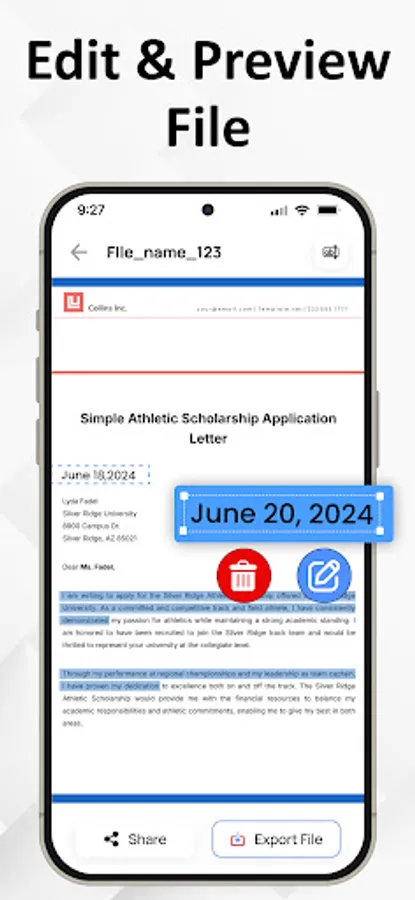
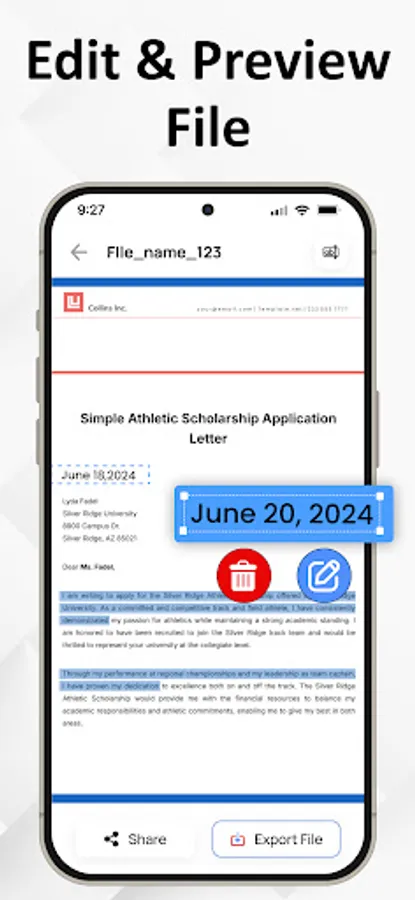
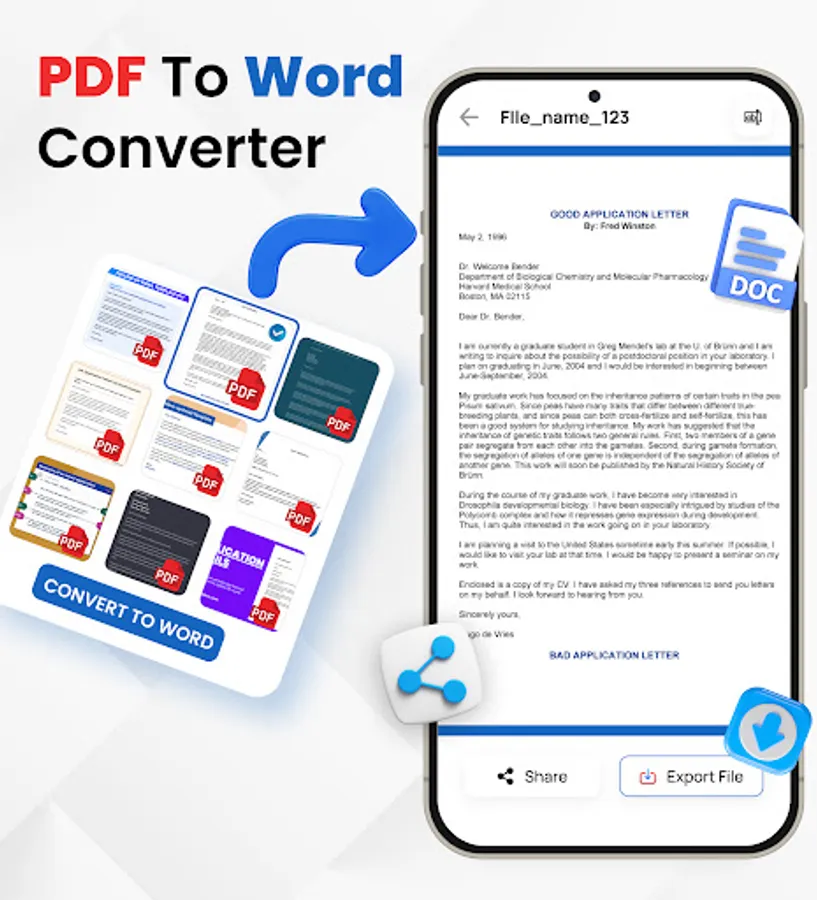
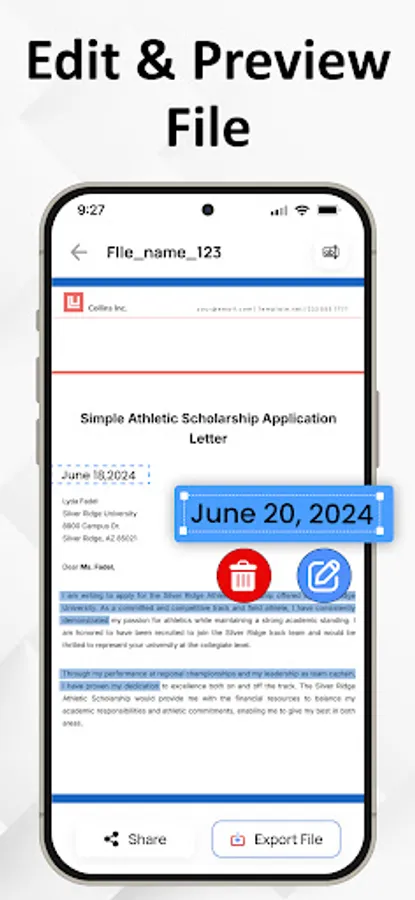
Select any PDF document from your device and convert it into a fully editable Word (Docx) file. The formatting is preserved as much as possible, making it easier to continue editing or reusing the content.
Image to Word Conversion:
Choose images from your gallery and convert them to Word format using Optical Character Recognition (OCR). Great for converting scanned pages, photos of notes, or other image-based content into editable text.
Fast Conversion:
PDF To Word Converter uses advanced technology to do instant file conversions.
Multiple Language Support
PDF to Docx Converter supports multiple languages. This feature makes our app usable throughout the globe.
If you want to know how to convert PDF to Word you came to the right place!
Here's how you easily convert PDF to Docx
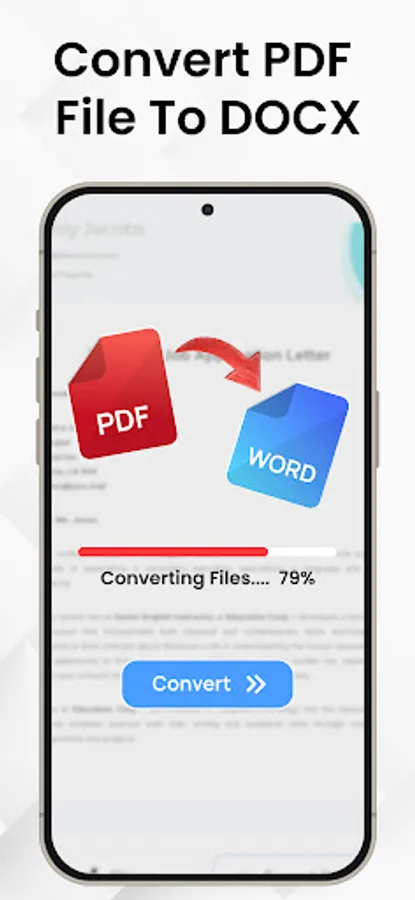
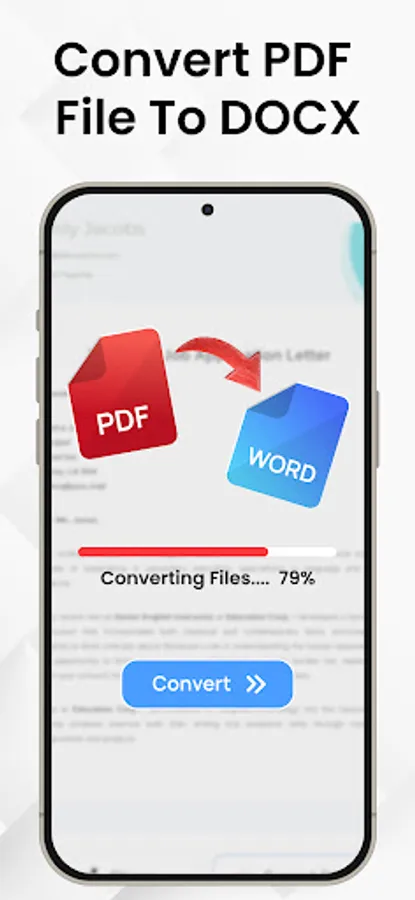
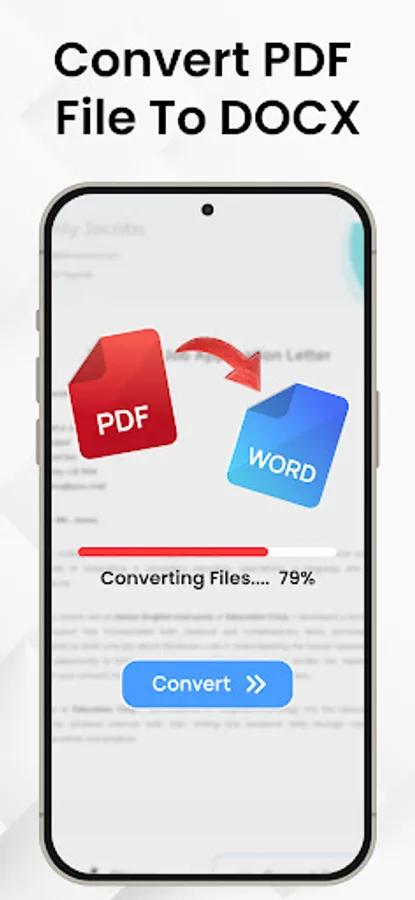
- Select a PDF file and click Convert
- Wait till the PDF is converted to Word. That's it
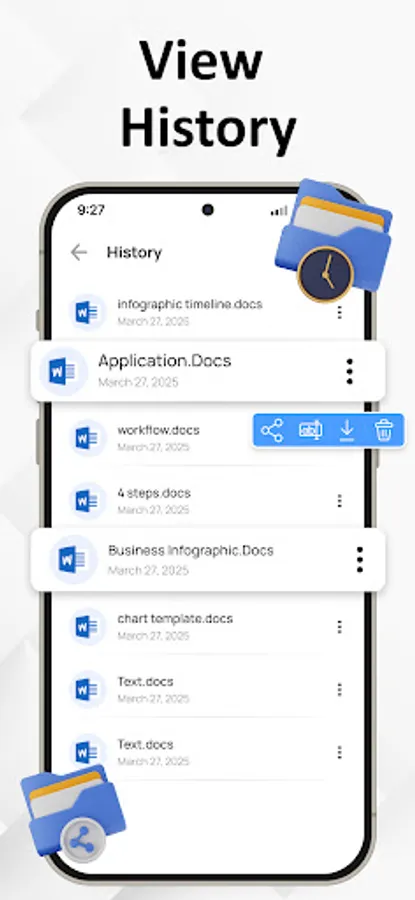
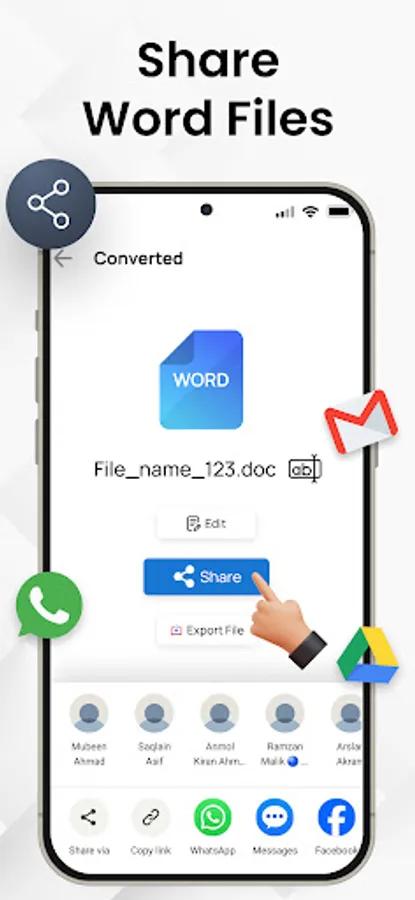
Manage your documents more with the OCR PDF to Word Converter app. Whether you are converting PDF files or extracting text from images, this tool provides a convenient way to create editable Word documents (Docx) right from your Android device. Start converting your files today and simplify your document workflow. Download Now!
With a user-friendly interface, you can convert PDF files to Word format in just a few taps, preserving text, formatting, and layouts with high accuracy.
PDF to Docx Conversion:
Select any PDF document from your device and convert it into a fully editable Word (Docx) file. The formatting is preserved as much as possible, making it easier to continue editing or reusing the content.
Image to Word Conversion:
Choose images from your gallery and convert them to Word format using Optical Character Recognition (OCR). Great for converting scanned pages, photos of notes, or other image-based content into editable text.
Fast Conversion:
PDF To Word Converter uses advanced technology to do instant file conversions.
Multiple Language Support
PDF to Docx Converter supports multiple languages. This feature makes our app usable throughout the globe.
If you want to know how to convert PDF to Word you came to the right place!
Here's how you easily convert PDF to Docx
- Select a PDF file and click Convert
- Wait till the PDF is converted to Word. That's it
Manage your documents more with the OCR PDF to Word Converter app. Whether you are converting PDF files or extracting text from images, this tool provides a convenient way to create editable Word documents (Docx) right from your Android device. Start converting your files today and simplify your document workflow. Download Now!