Notes, Notepad - FlyNote
Eco Mobile for Work
4.6 ★
449K ratings
10,000,000+
downloads
Free
+ in-app
In this note-taking app, you can create, organize, and protect notes and checklists. Includes synchronization with Google Drive and options to set reminders and customize themes.
AppRecs review analysis
AppRecs rating 4.3. Trustworthiness 55 out of 100. Review manipulation risk 37 out of 100. Based on a review sample analyzed.
★★★★☆
4.3
AppRecs Rating
Ratings breakdown
5 star
80%
4 star
12%
3 star
4%
2 star
1%
1 star
3%
What to know
✓
High user satisfaction
80% of sampled ratings are 5 stars
✓
Authentic reviews
Natural distribution, no red flags
⚠
Ad complaints
Many low ratings mention excessive ads
About Notes, Notepad - FlyNote
Notes - Notepad, Notebook is a powerful and versatile note-taking app that helps you stay organized and productive. With a wide range of features and customization options, FlyNote is the perfect tool for students, professionals, and anyone else who needs to keep track of their thoughts and ideas.
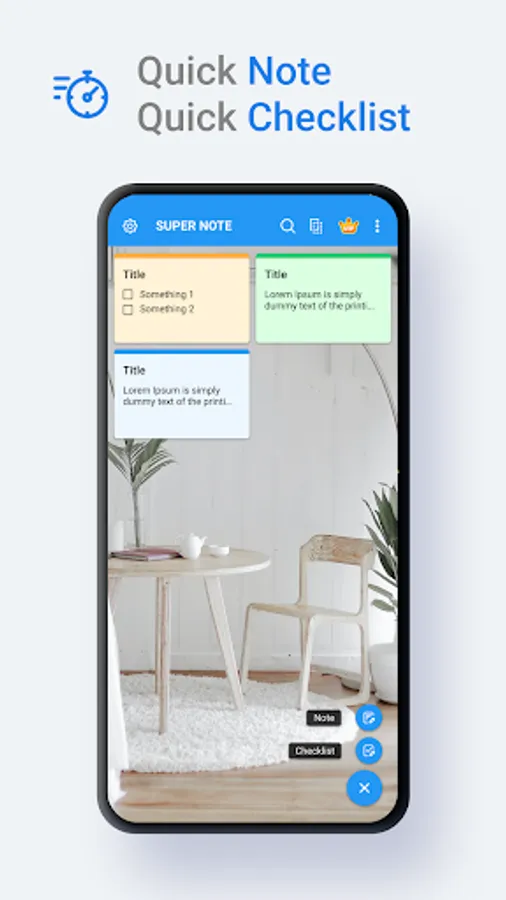
Try creating a new note, check list with FlyNote.
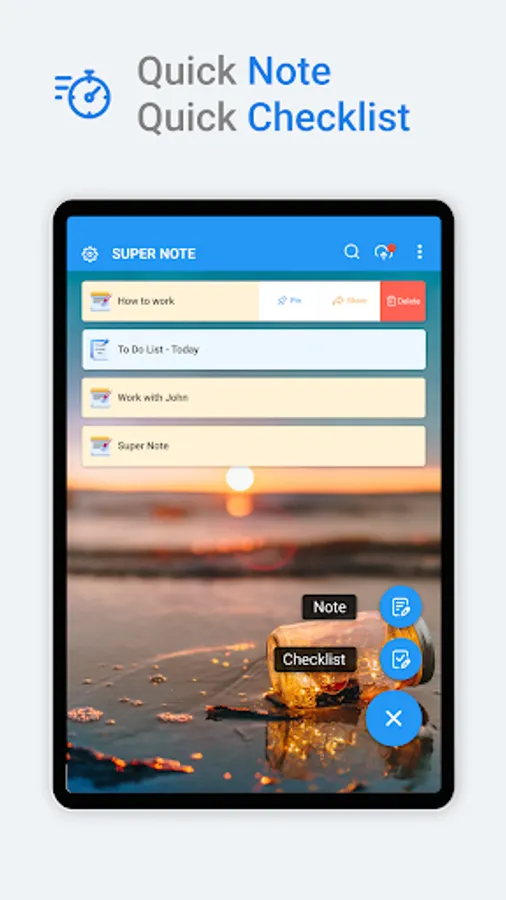
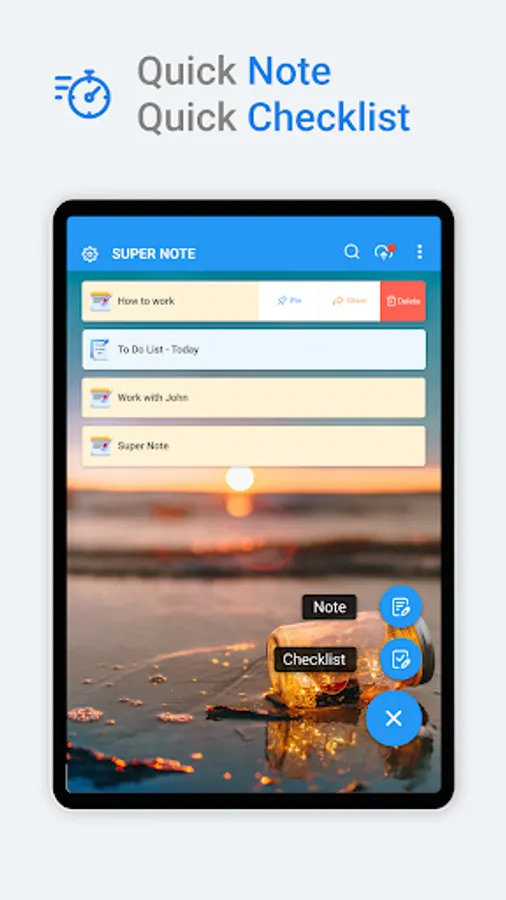
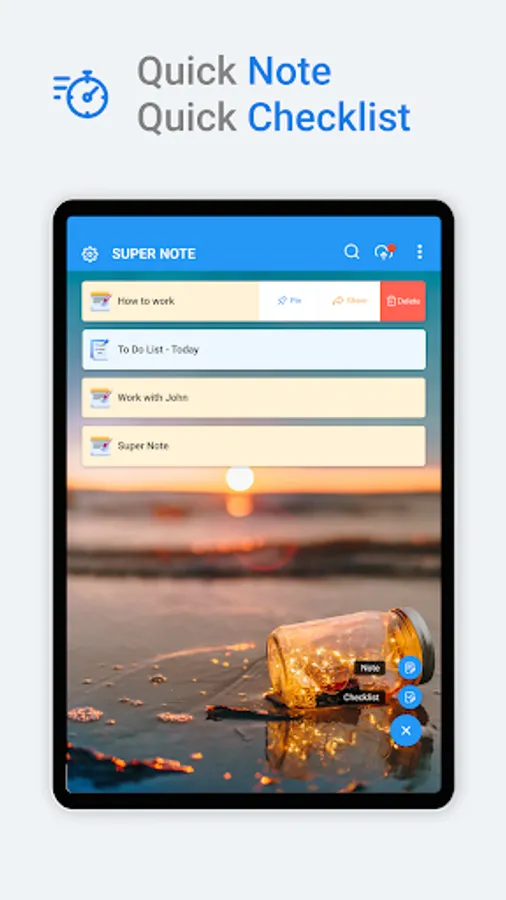
You can create a new note/check list by tapping + in the bottom right corner of the main screen.
Protect your notes and check list.
1. Click on the Note or check list you want to protect, then click on the lock icon in the upper right corner of the screen or click on more option and select the lock icon.
Then create your password and answer the security question.
2. Lock the notes and check lists you want to protect by touching the lock icon.
Key features:
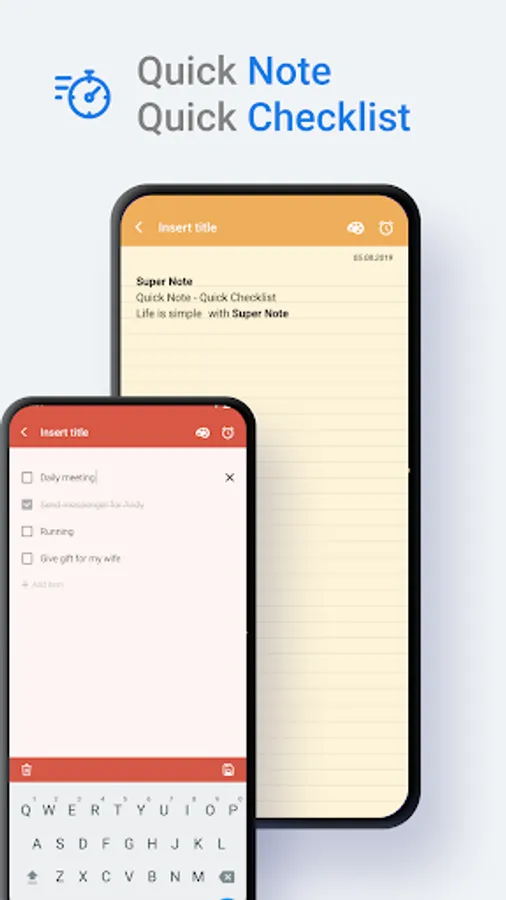
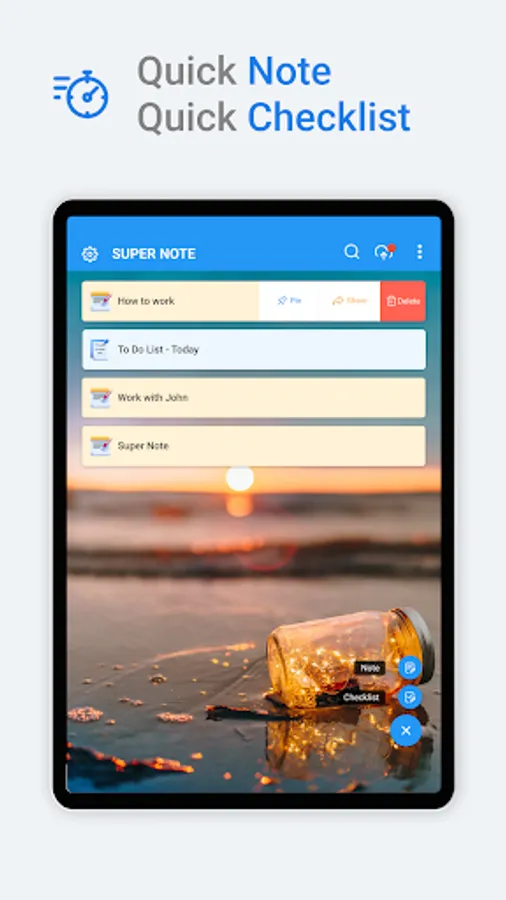
- Create notes and checklists anywhere.
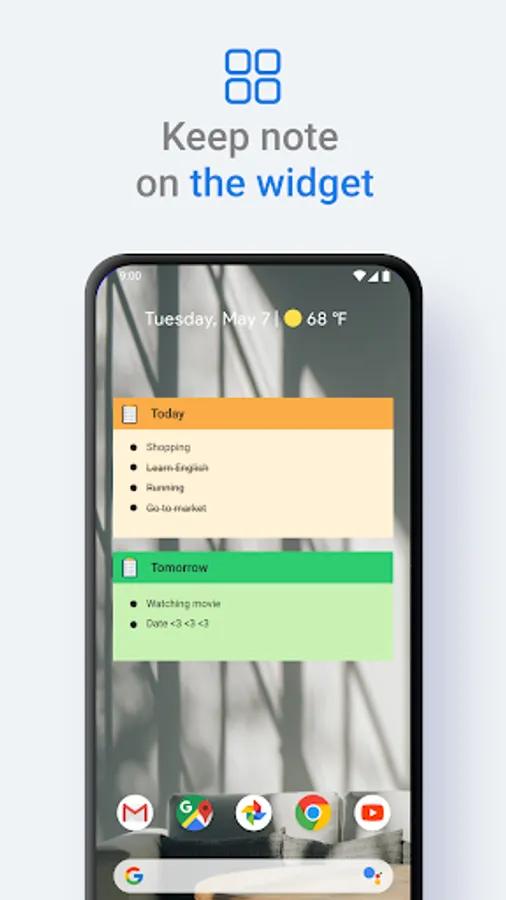
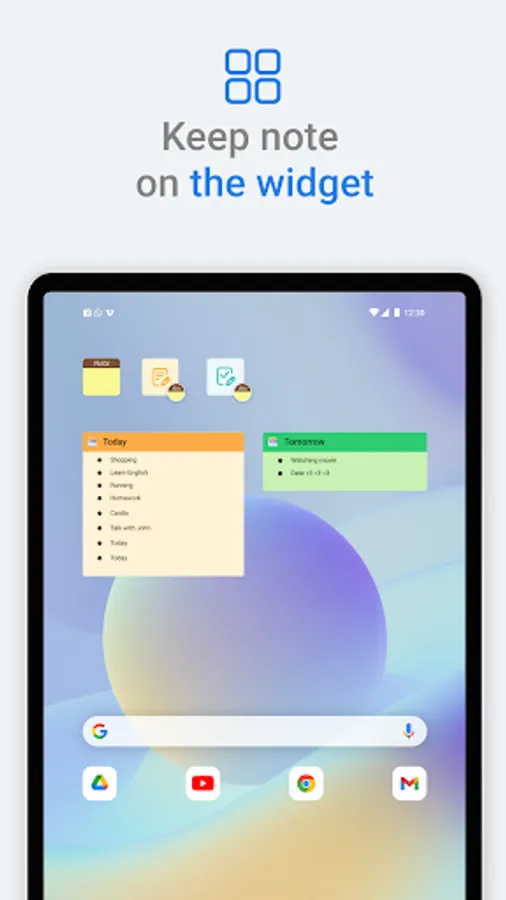
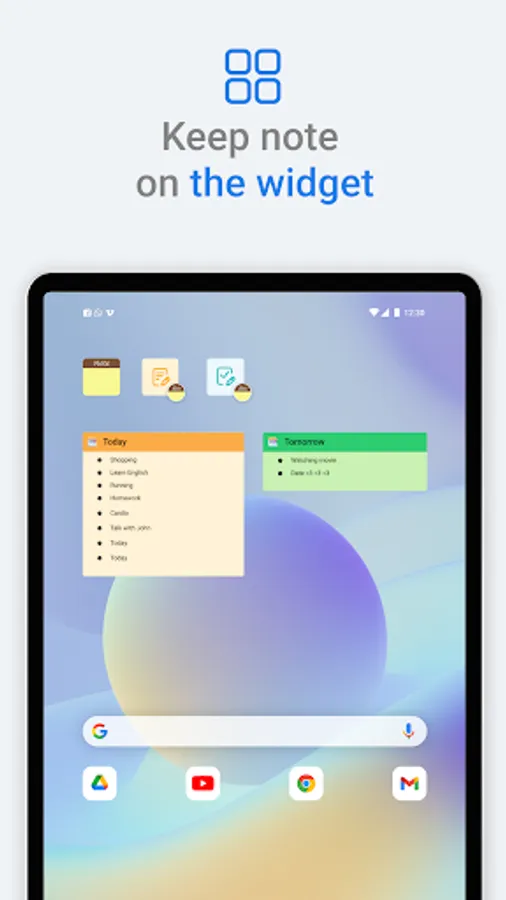
- Sticky Notes widget, View your note from Home screen
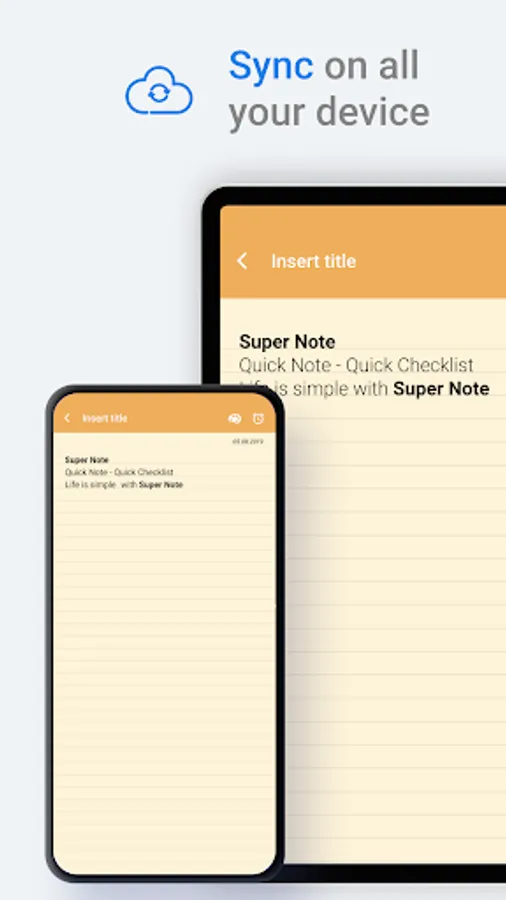
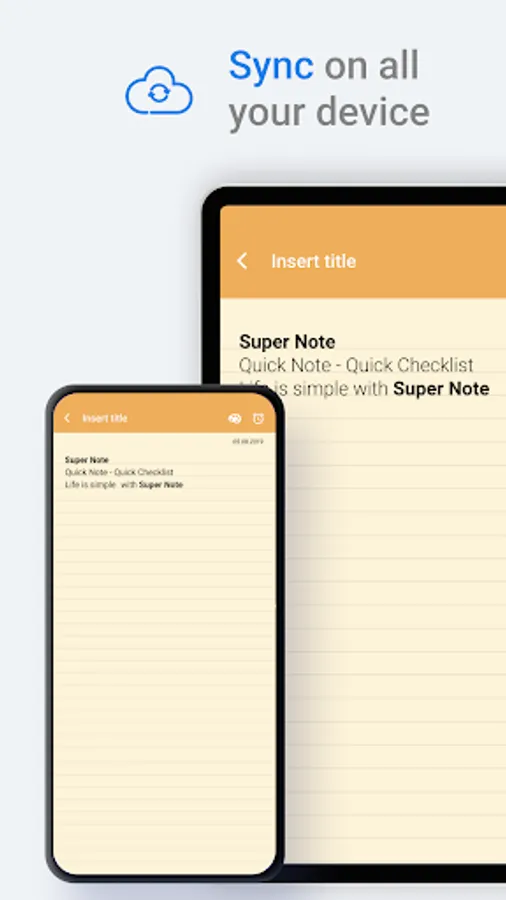
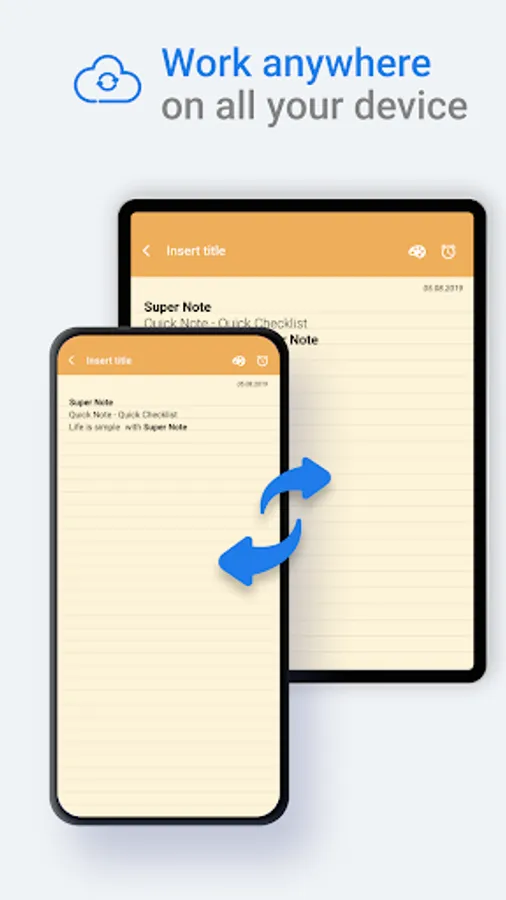
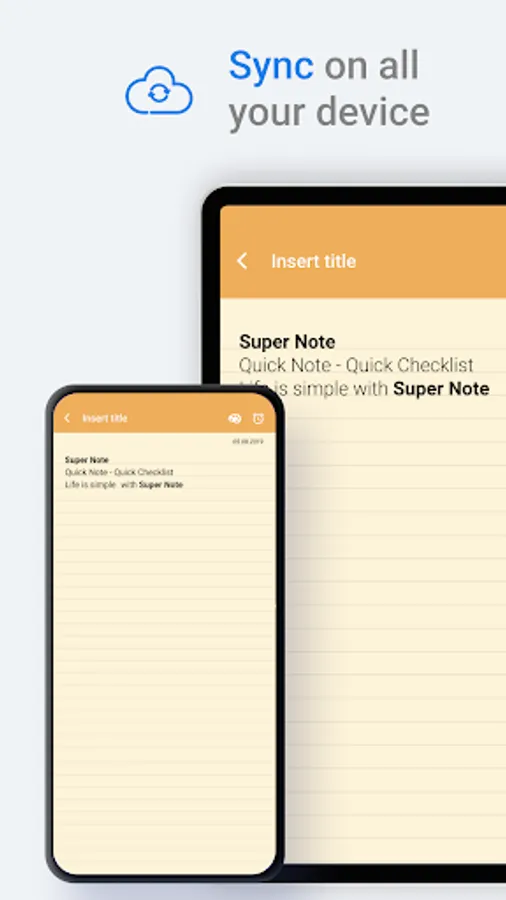
- Sync your notes: FlyNote supports sync with Google Drive, so you can access your notes on any device.
- Keep your notes safe: Notes lets you protect your notes with a password.
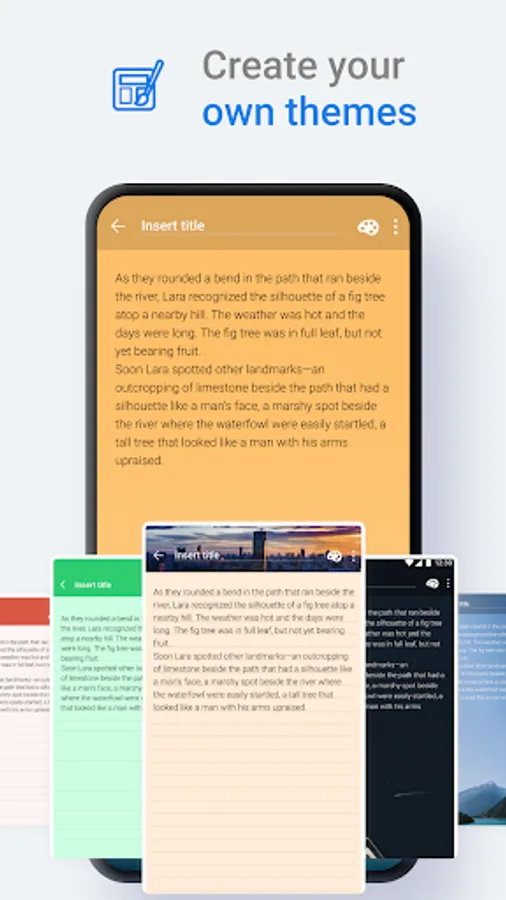
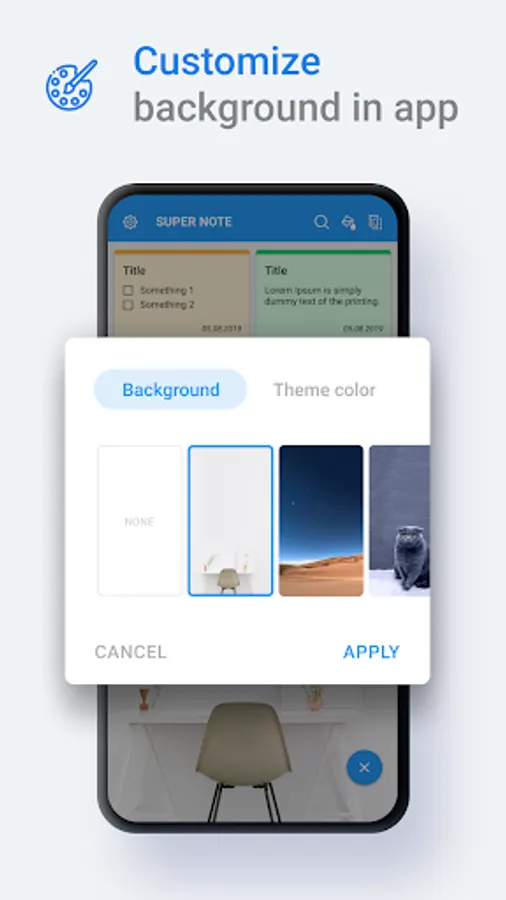
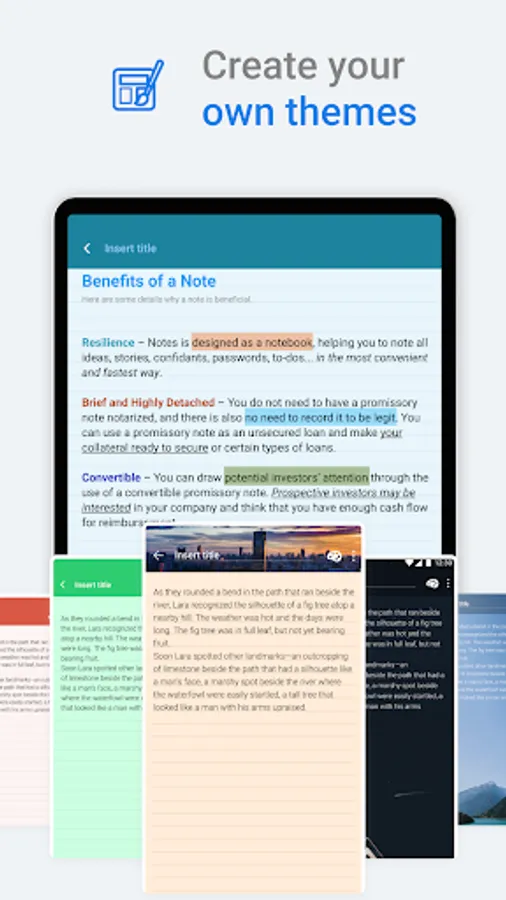
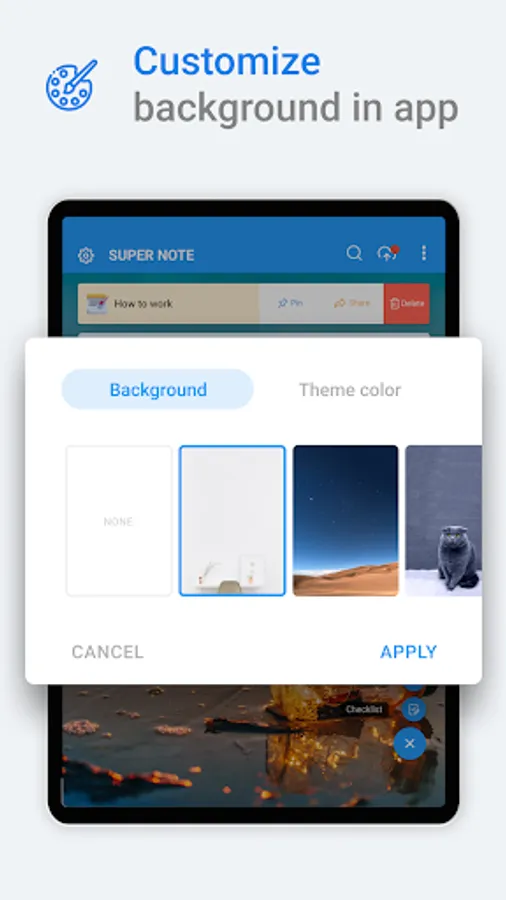
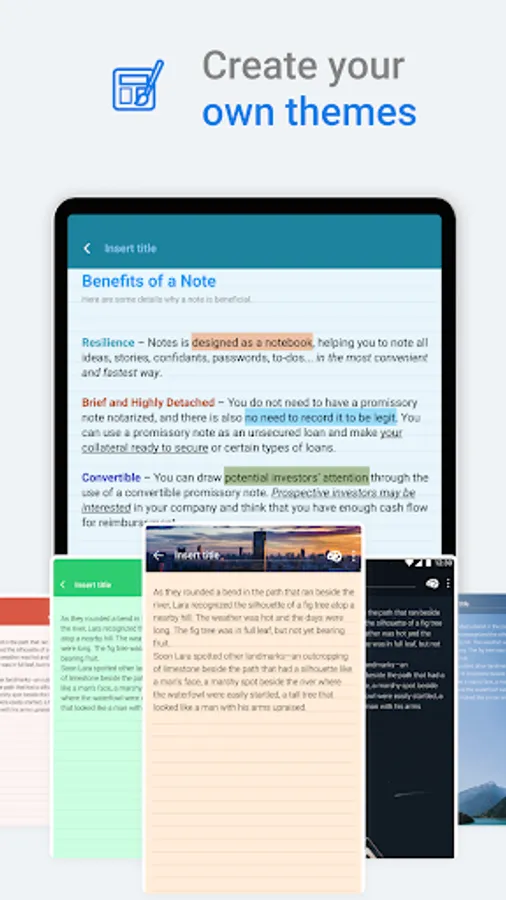
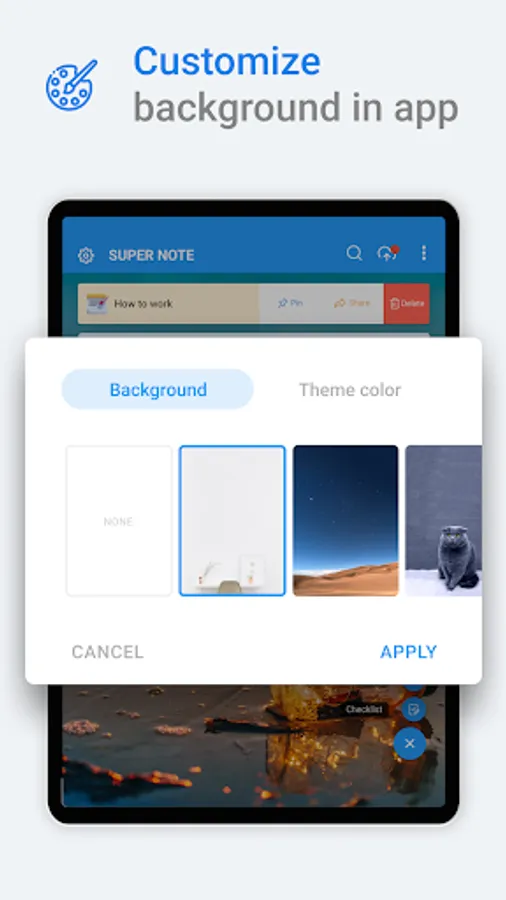
- Customize your notes with different themes and backgrounds
- Set reminders: FlyNote lets you set reminders for your notes and to-do lists, so you never miss a deadline.
- Back up your notes: Notes lets you back up your notes to Google Drive so you never have to worry about losing them.
- Recover deleted notes: Notes lets you recover deleted notes from the trash bin.
- Create shortcuts: Notes lets you create shortcuts to your notes on your home screen.
- Share your notes: FlyNote makes it easy to share your notes with others. From now on, we can share Notes in PDF format with the new PDF feature.
Benefits:
- Stay organized: FlyNote helps you keep track of your thoughts and ideas in one place. With smart search features, you can easily find the information you need when you need it.
- Be productive: Notes can help you be more productive by making it easy to capture and organize your ideas. With its variety of features, you can customize Notes to fit your specific needs.
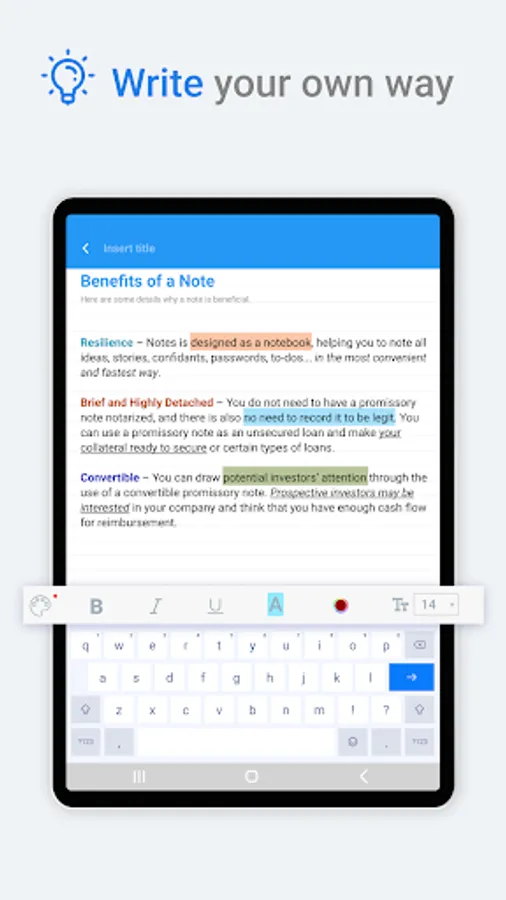
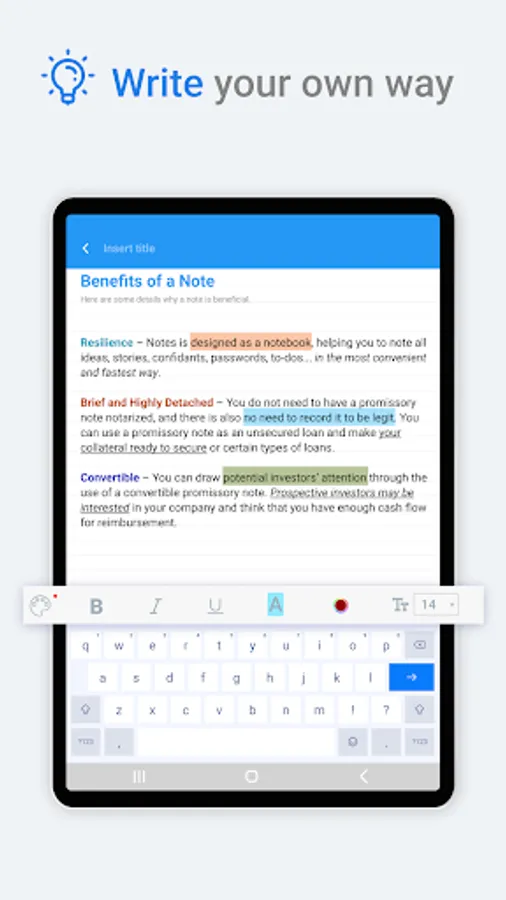
- Be creative: Notes lets you express your creativity in any way you want.
FlyNote is the perfect note-taking app for anyone who wants a powerful and versatile tool that can help them stay organized, productive, and creative. With its wide range of features and customization options, Notes is the perfect choice for students, professionals, and anyone else who needs to keep track of their thoughts and ideas.
Try creating a new note, check list with FlyNote.
You can create a new note/check list by tapping + in the bottom right corner of the main screen.
Protect your notes and check list.
1. Click on the Note or check list you want to protect, then click on the lock icon in the upper right corner of the screen or click on more option and select the lock icon.
Then create your password and answer the security question.
2. Lock the notes and check lists you want to protect by touching the lock icon.
Key features:
- Create notes and checklists anywhere.
- Sticky Notes widget, View your note from Home screen
- Sync your notes: FlyNote supports sync with Google Drive, so you can access your notes on any device.
- Keep your notes safe: Notes lets you protect your notes with a password.
- Customize your notes with different themes and backgrounds
- Set reminders: FlyNote lets you set reminders for your notes and to-do lists, so you never miss a deadline.
- Back up your notes: Notes lets you back up your notes to Google Drive so you never have to worry about losing them.
- Recover deleted notes: Notes lets you recover deleted notes from the trash bin.
- Create shortcuts: Notes lets you create shortcuts to your notes on your home screen.
- Share your notes: FlyNote makes it easy to share your notes with others. From now on, we can share Notes in PDF format with the new PDF feature.
Benefits:
- Stay organized: FlyNote helps you keep track of your thoughts and ideas in one place. With smart search features, you can easily find the information you need when you need it.
- Be productive: Notes can help you be more productive by making it easy to capture and organize your ideas. With its variety of features, you can customize Notes to fit your specific needs.
- Be creative: Notes lets you express your creativity in any way you want.
FlyNote is the perfect note-taking app for anyone who wants a powerful and versatile tool that can help them stay organized, productive, and creative. With its wide range of features and customization options, Notes is the perfect choice for students, professionals, and anyone else who needs to keep track of their thoughts and ideas.
Notes, Notepad - FlyNote Screenshots
Tap to Rate:
Reviews for Notes, Notepad - FlyNote
Pankaj Bhola
12/31/2025
good
Saksham Tiwari
12/31/2025
thank you