
EdrawMax: AI Flowchart Diagram
SHENZHEN EDRAW SOFTWARE Co., LTD.
3.9 ★
1K ratings
100,000+
downloads
Free
+ in-app
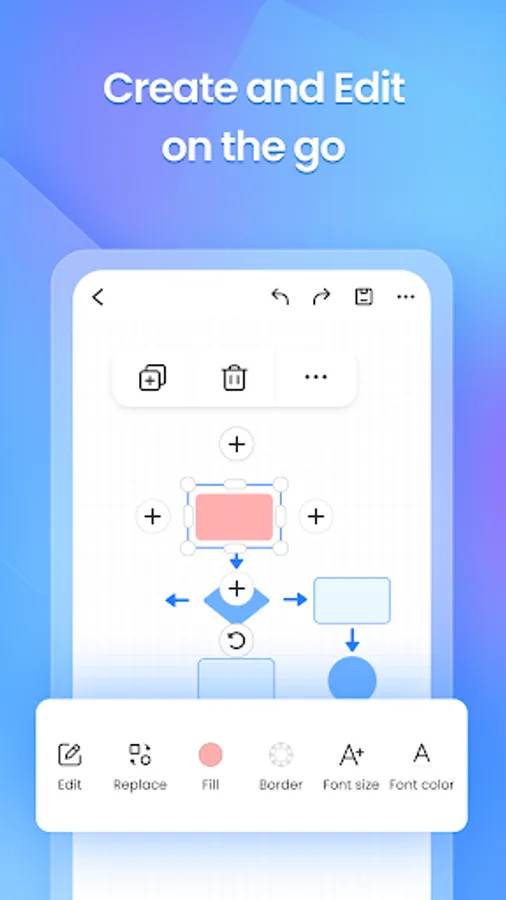
With this diagramming app, you can design workflows, mind maps, and technical diagrams using templates and AI tools. Includes template library, AI assistance, multi-platform sync, and export options.
AppRecs review analysis
AppRecs rating 3.9. Trustworthiness 76 out of 100. Review manipulation risk 37 out of 100. Based on a review sample analyzed.
★★★☆☆
3.9
AppRecs Rating
Ratings breakdown
5 star
63%
4 star
6%
3 star
8%
2 star
1%
1 star
22%
What to know
✓
Credible reviews
76% trustworthiness score from analyzed reviews
✓
Good user ratings
69% positive sampled reviews
⚠
Pricing complaints
Many low ratings mention paywalls or pricing
About EdrawMax: AI Flowchart Diagram
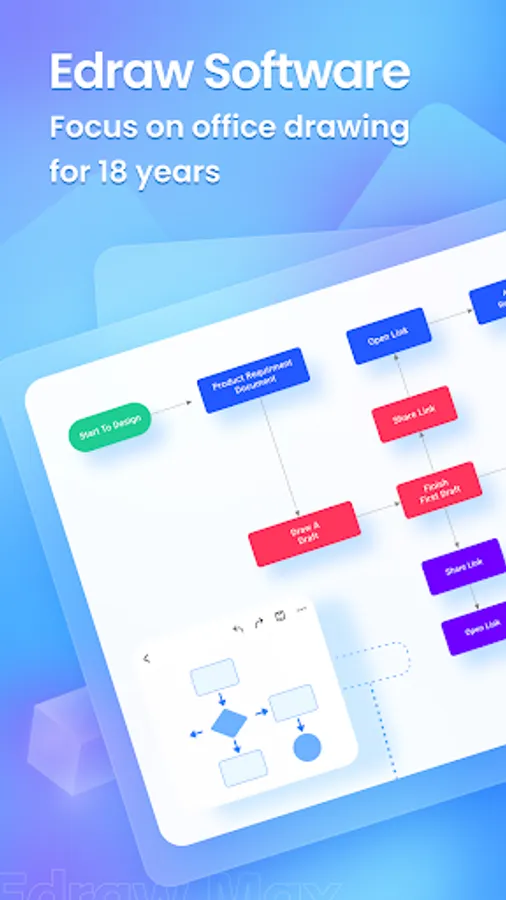
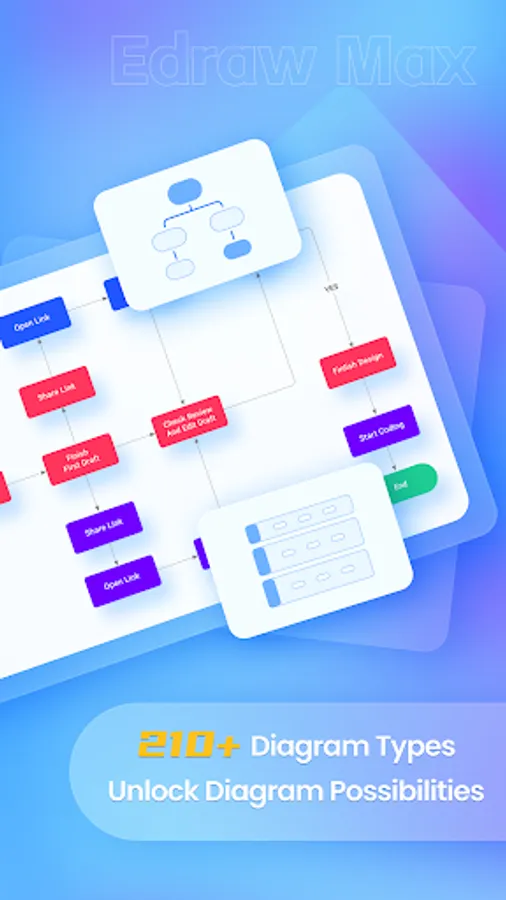
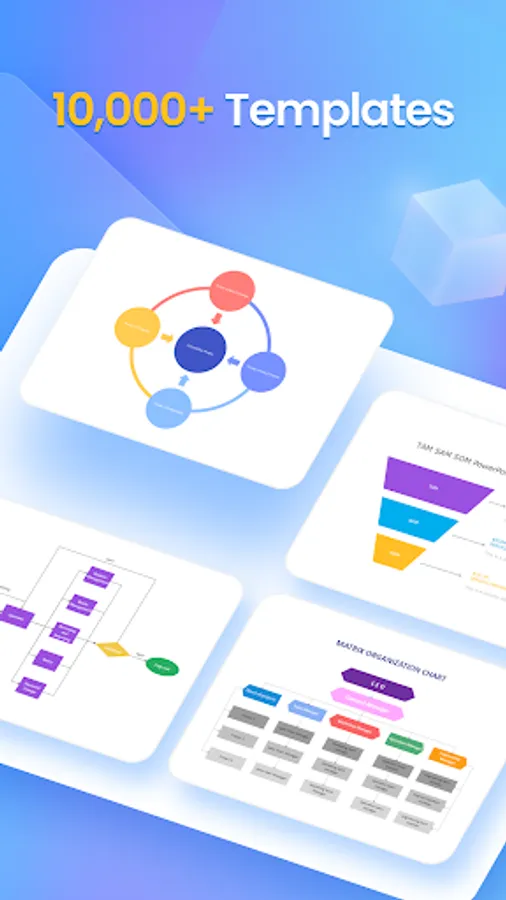
EdrawMax is your all-in-one AI diagramming tool that turns ideas into visuals with ease. Whether you’re sketching out a workflow, mind map, org chart, or technical diagram, EdrawMax empowers you to create professional-level visuals in seconds. Explore 40,000+ built-in templates, covering flowcharts, organizational charts, project plans, and more. Dive into a world of creativity and efficiency.
KEY FEATURES
📸 [Photo to Editable Diagram]
Snap and convert: Instantly turn paper notes or whiteboard content into editable diagrams
Auto-detects logic and layout: Preserve structure and clarity
Beautiful templates: Auto-style your content for a clean, modern look
Flexible export: Save as image, PDF, or editable Edraw (.eddx) file
Great for digitizing meeting notes, study cards, paper documents, and more
🤖 [Instant Diagrams with AI Templates]
One-tap to clone: Reproduce the look and feel of any popular template
Batch generation: Quickly create multiple diagrams with a unified style
Visual inspiration: Supports timelines, infographics, flowcharts, and socials
40,000+ templates and 17,000+ symbols at your fingertips
Ideal for office workflows, design layouts, academic diagrams, resumes, and scientific models
💡 [Smarter AI Assistant]
Multiple AI models supported: Chatgpt, Gemini and more
Side-by-side comparison: Easily evaluate answers from different AI models. Smarter answers, faster decisions.
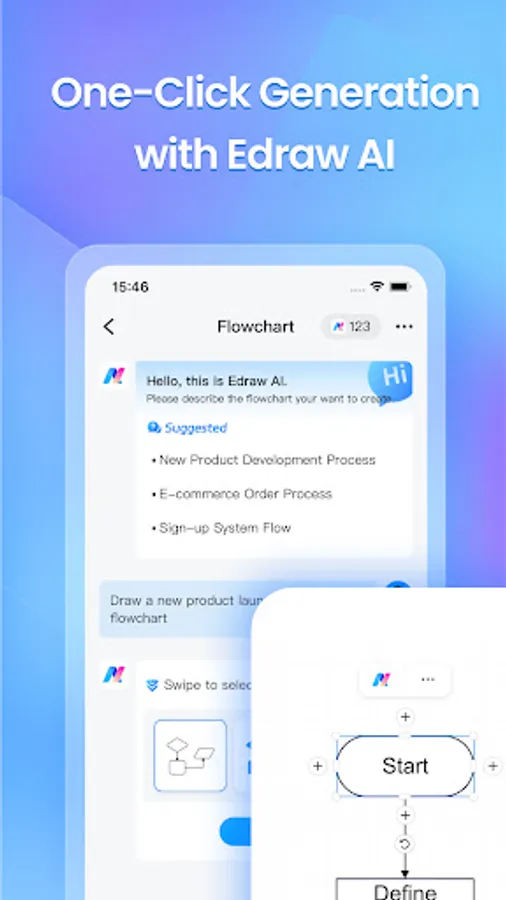
Specialized tools: AI diagram generator, AI translator, brainstorm bot, marketing copywriter, and more
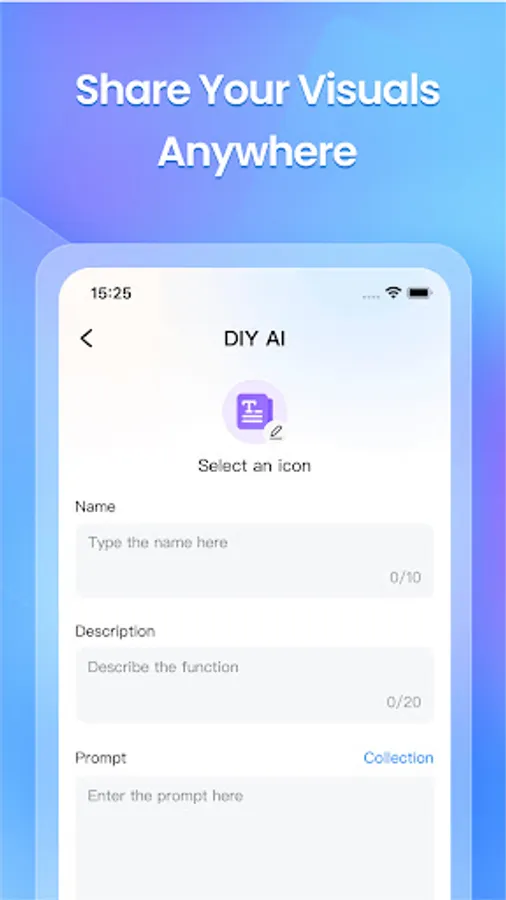
Fully customizable AI scenarios to fit your unique needs
🌐 [Multi-Platform Collaboration & Seamless Sharing]
Import Visio files and edit without compatibility issues
Export to multiple formats: PDF, image, and EDDX
Cloud sync across desktop, mobile, and online
One-tap share to email, Facebook, WhatsApp, and other social channels
Enhanced security with file encryption and share expiration settings
📌 Built for Every Use Case
Professionals: Create org charts, process diagrams, Gantt charts, circuit diagrams, timeline diagrams, and more
Students: Easily create history timeline, family tree, and math Algorithm flowcharts
Designers: Draft home layouts, HVAC plans, office designs, evacuation routes, and even wardrobe blueprints
Educators and Researchers: Visualize lab equipment, physics/biology diagrams, astronomy models, and thesis content with ease
💎 In-App Purchase Information
• Payment charged upon confirmation via iTunes account.
• Subscriptions auto-renew; disable 24hrs before current period ends in Settings > iTunes & App Store.
🛡 Privacy & Terms
• Privacy Policy: https://www.edrawsoft.com/privacy-policy.html
• Terms & Conditions: https://www.edrawsoft.com/terms-conditions.html
💬 Support You Can Rely On
Our dedicated support team is always here to help. Have questions or feedback? We’re committed to providing timely and effective assistance.
• Email: support@edrawsoft.com
• Support Center: https://www.edrawsoft.com/support-center.html
• Website: https://www.edrawsoft.com/
• Twitter: Edraw @edrawsoft
• Facebook: Edraw Software
⭐️ Love EdrawMax?
If EdrawMax makes your work or study easier, please leave us a positive review. Your feedback motivates us to keep improving and innovating!
KEY FEATURES
📸 [Photo to Editable Diagram]
Snap and convert: Instantly turn paper notes or whiteboard content into editable diagrams
Auto-detects logic and layout: Preserve structure and clarity
Beautiful templates: Auto-style your content for a clean, modern look
Flexible export: Save as image, PDF, or editable Edraw (.eddx) file
Great for digitizing meeting notes, study cards, paper documents, and more
🤖 [Instant Diagrams with AI Templates]
One-tap to clone: Reproduce the look and feel of any popular template
Batch generation: Quickly create multiple diagrams with a unified style
Visual inspiration: Supports timelines, infographics, flowcharts, and socials
40,000+ templates and 17,000+ symbols at your fingertips
Ideal for office workflows, design layouts, academic diagrams, resumes, and scientific models
💡 [Smarter AI Assistant]
Multiple AI models supported: Chatgpt, Gemini and more
Side-by-side comparison: Easily evaluate answers from different AI models. Smarter answers, faster decisions.
Specialized tools: AI diagram generator, AI translator, brainstorm bot, marketing copywriter, and more
Fully customizable AI scenarios to fit your unique needs
🌐 [Multi-Platform Collaboration & Seamless Sharing]
Import Visio files and edit without compatibility issues
Export to multiple formats: PDF, image, and EDDX
Cloud sync across desktop, mobile, and online
One-tap share to email, Facebook, WhatsApp, and other social channels
Enhanced security with file encryption and share expiration settings
📌 Built for Every Use Case
Professionals: Create org charts, process diagrams, Gantt charts, circuit diagrams, timeline diagrams, and more
Students: Easily create history timeline, family tree, and math Algorithm flowcharts
Designers: Draft home layouts, HVAC plans, office designs, evacuation routes, and even wardrobe blueprints
Educators and Researchers: Visualize lab equipment, physics/biology diagrams, astronomy models, and thesis content with ease
💎 In-App Purchase Information
• Payment charged upon confirmation via iTunes account.
• Subscriptions auto-renew; disable 24hrs before current period ends in Settings > iTunes & App Store.
🛡 Privacy & Terms
• Privacy Policy: https://www.edrawsoft.com/privacy-policy.html
• Terms & Conditions: https://www.edrawsoft.com/terms-conditions.html
💬 Support You Can Rely On
Our dedicated support team is always here to help. Have questions or feedback? We’re committed to providing timely and effective assistance.
• Email: support@edrawsoft.com
• Support Center: https://www.edrawsoft.com/support-center.html
• Website: https://www.edrawsoft.com/
• Twitter: Edraw @edrawsoft
• Facebook: Edraw Software
⭐️ Love EdrawMax?
If EdrawMax makes your work or study easier, please leave us a positive review. Your feedback motivates us to keep improving and innovating!
EdrawMax: AI Flowchart Diagram Screenshots


Tap to Rate:
Reviews for EdrawMax: AI Flowchart Diagram
Kollol Biswas
3/5/2026
Great free app for simple designs
Jonathan Morales Martinez
2/22/2026
Great interface and easy to use in an android