Premium Info - Watch Face
EK Watch Faces™
4.3 ★
store rating
1,000+
downloads
$1.99
AppRecs review analysis
AppRecs rating 4.0. Trustworthiness 73 out of 100. Review manipulation risk 25 out of 100. Based on a review sample analyzed.
★★★★☆
4.0
AppRecs Rating
Ratings breakdown
5 star
63%
4 star
19%
3 star
6%
2 star
6%
1 star
6%
What to know
✓
Low review manipulation risk
25% review manipulation risk
✓
Credible reviews
73% trustworthiness score from analyzed reviews
✓
High user satisfaction
82% of sampled ratings are 4+ stars (4.3★ average)
About Premium Info - Watch Face
🌟 Built for Wear OS
[ Only for Wear OS devices - API 33+ ]
📌 INSTALLATION NOTES:
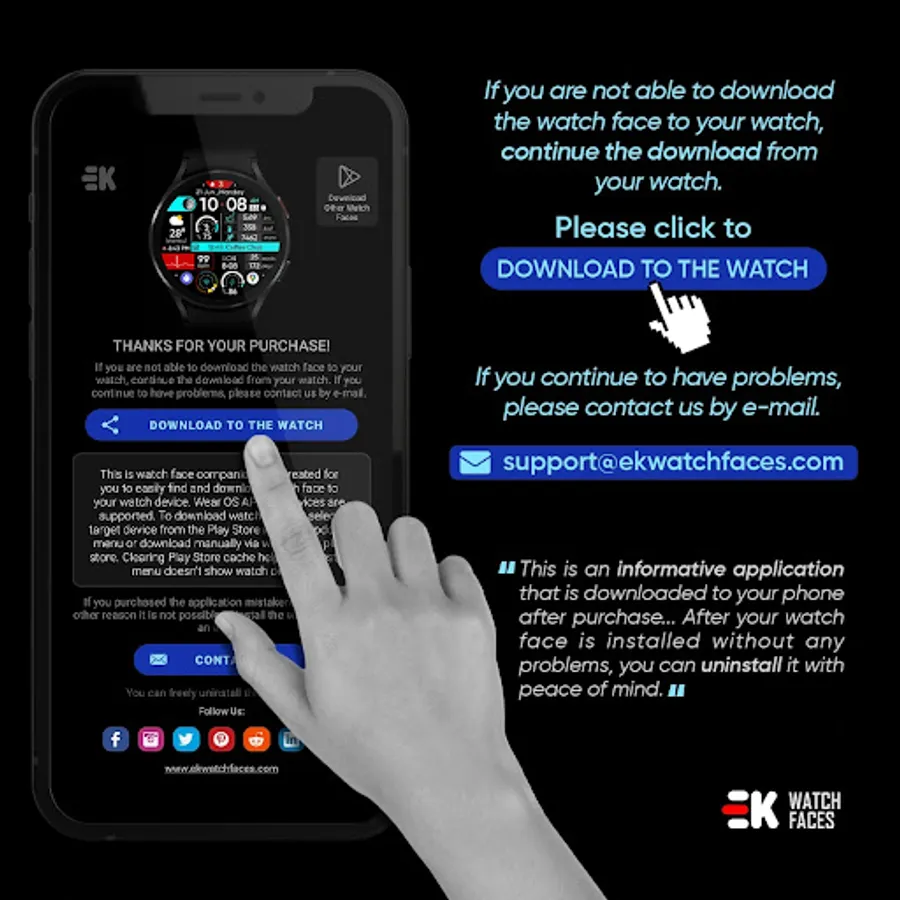
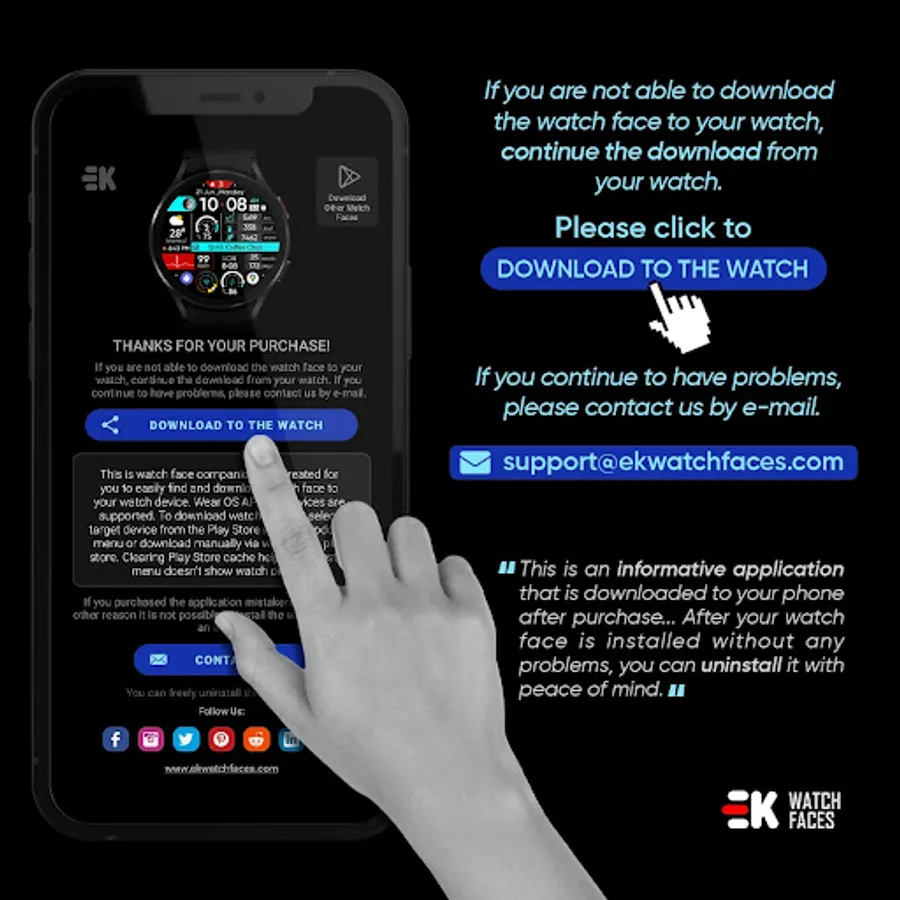
1 - 🔗 Ensure your watch is properly connected to your phone. Open the Phone App on your phone and tap on "DOWNLOAD TO THE WATCH", then follow the instructions on your watch.
⌛ A few minutes after tapping the install button on your watch, the watch face will be installed. You can then select your new watch face!
📱 The phone app serves as a placeholder to make it easier to install and find the watch face on your Wear OS device.
⚠️ Note: If you find yourself stuck in a payment loop, don’t worry! You will only be charged once, even if prompted to pay again. Wait 5 minutes or restart your watch and try again. This could be a synchronization issue between your device and Google servers.
2 - 💻 Alternatively, you can try installing the watch face from a web browser on your PC.
⚠️ Please note that any issues on this side are NOT developer-dependent. The developer has no control over the Play Store from this side. Thank you.
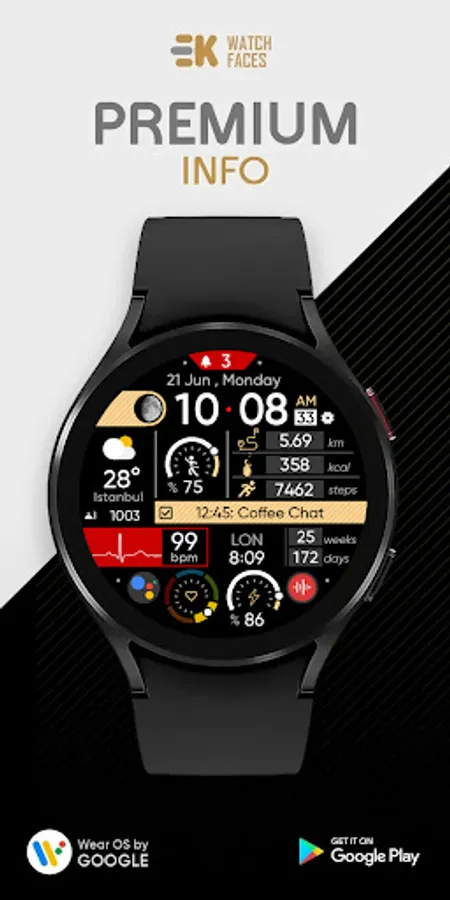
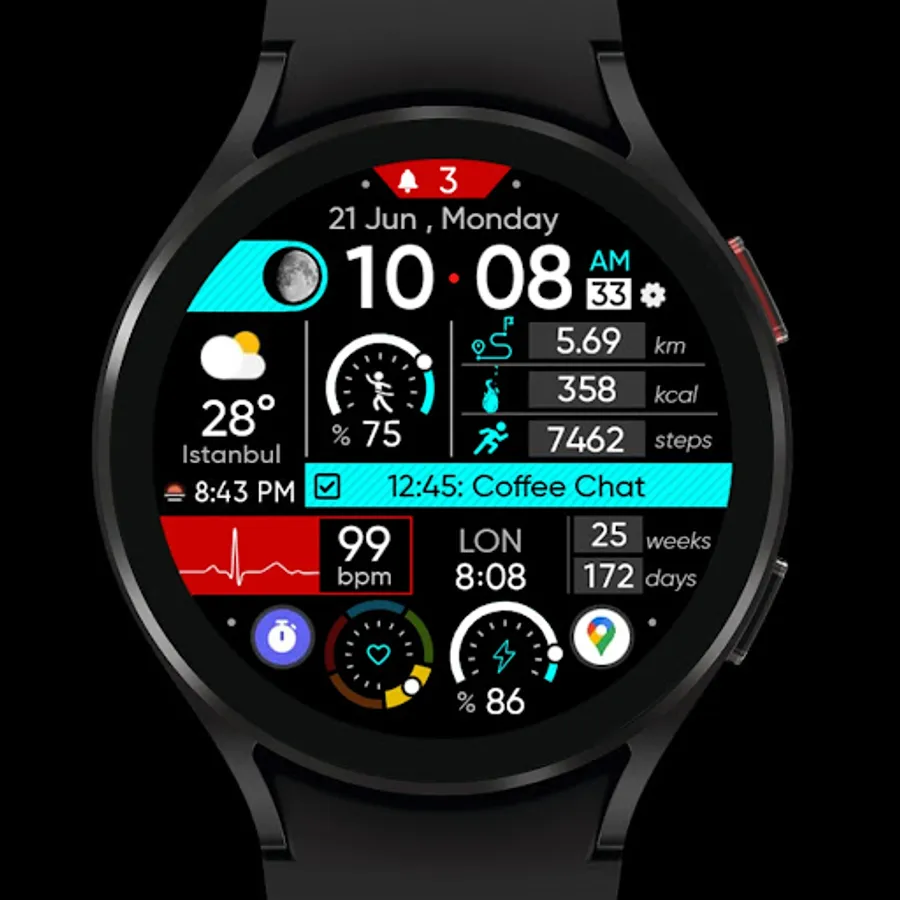
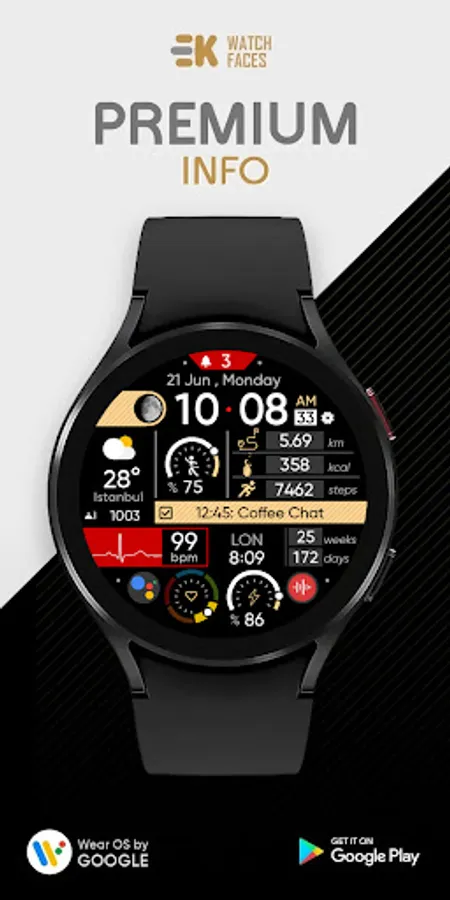
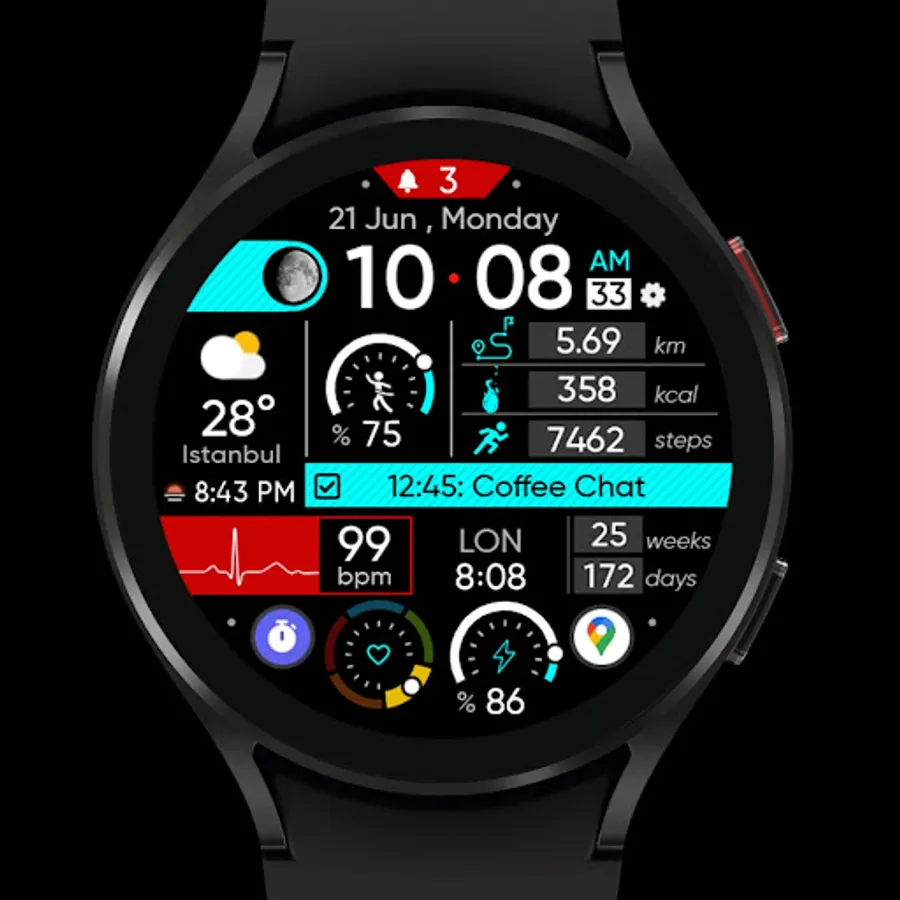
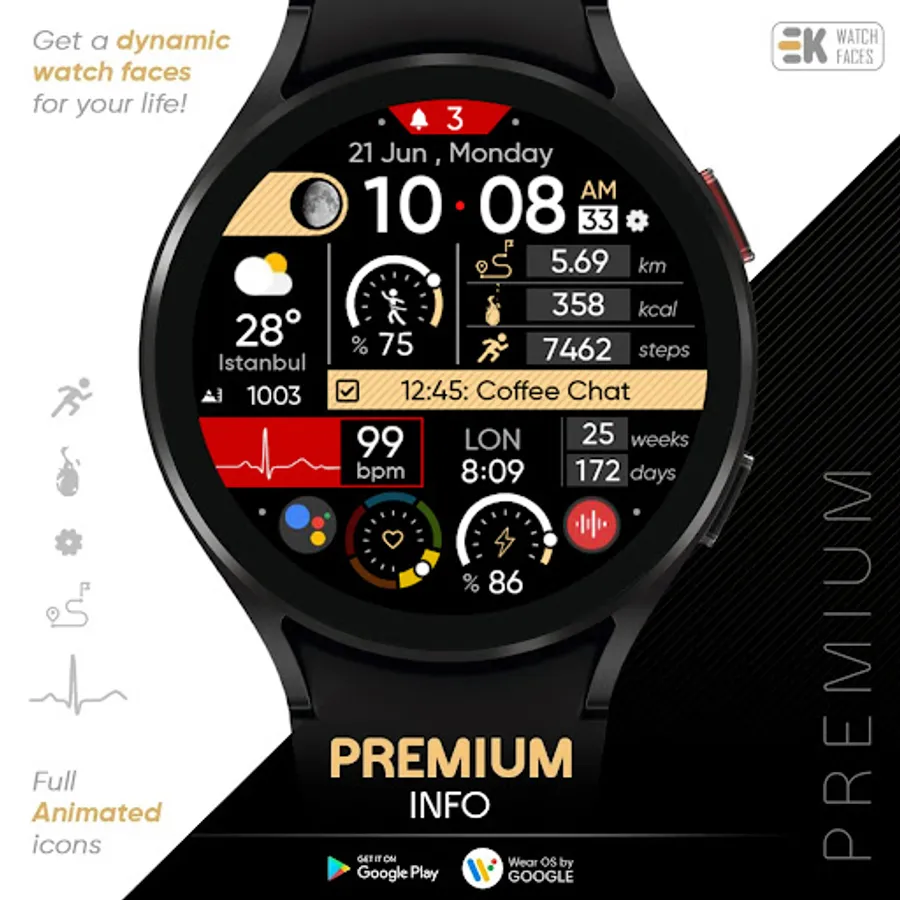
🚀 Get a dynamic watch face for your life..
FEATURES
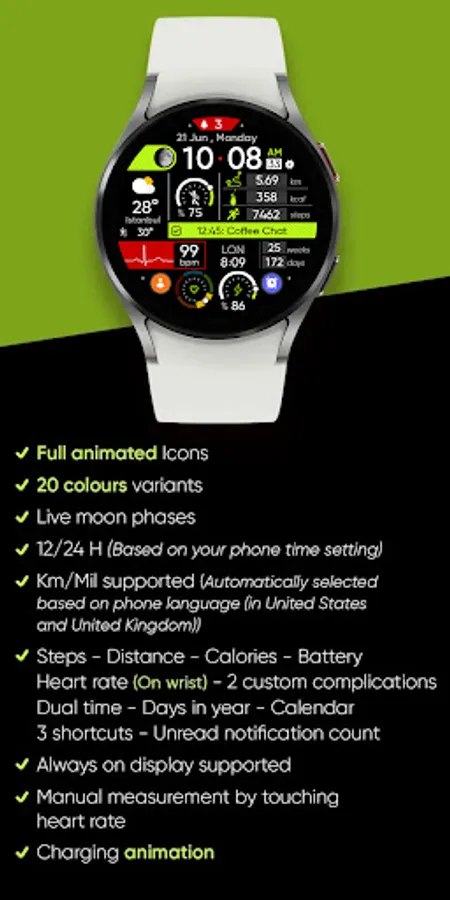
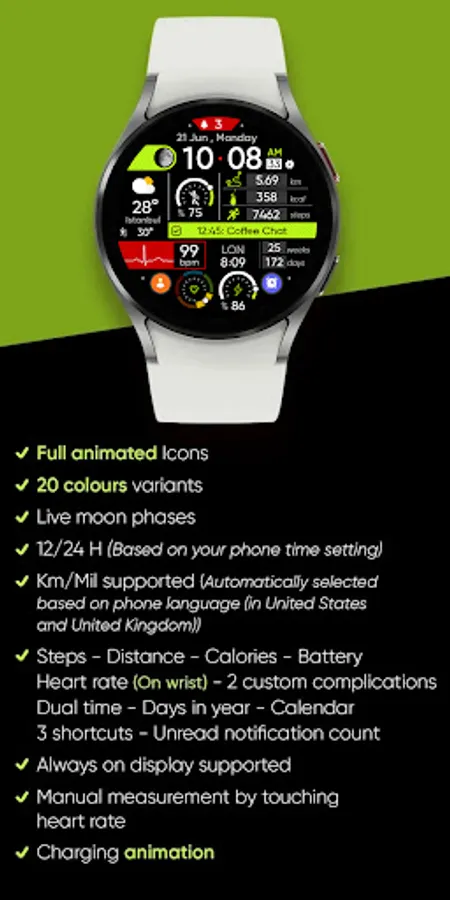
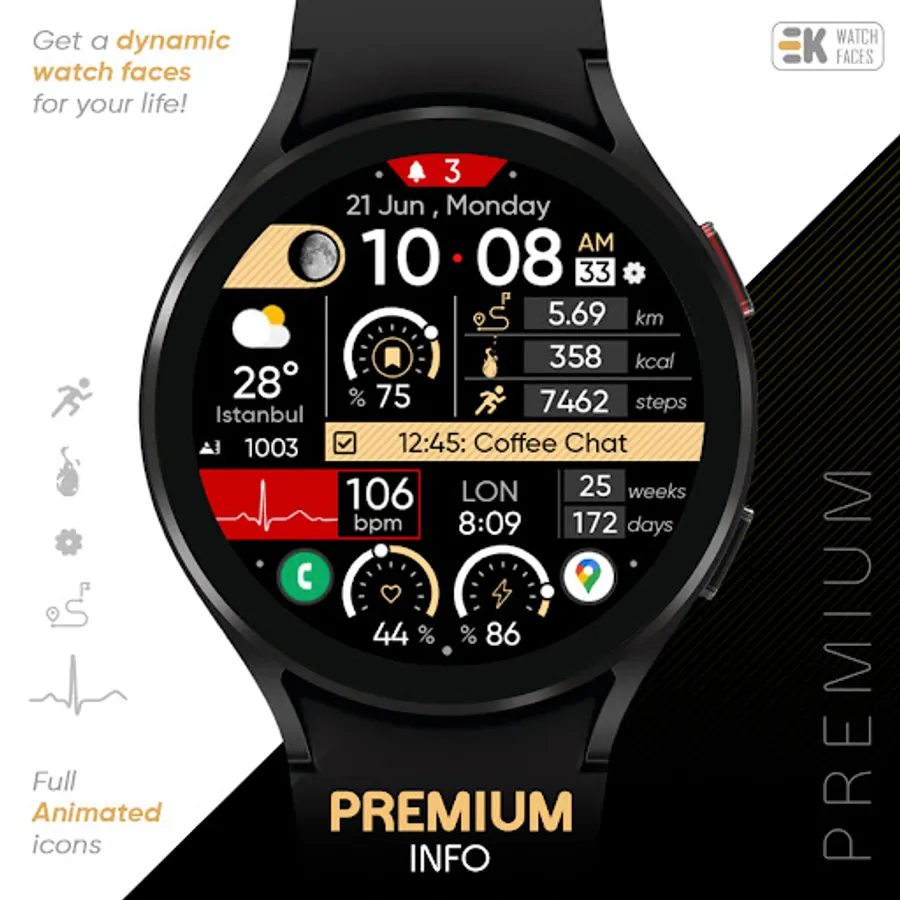
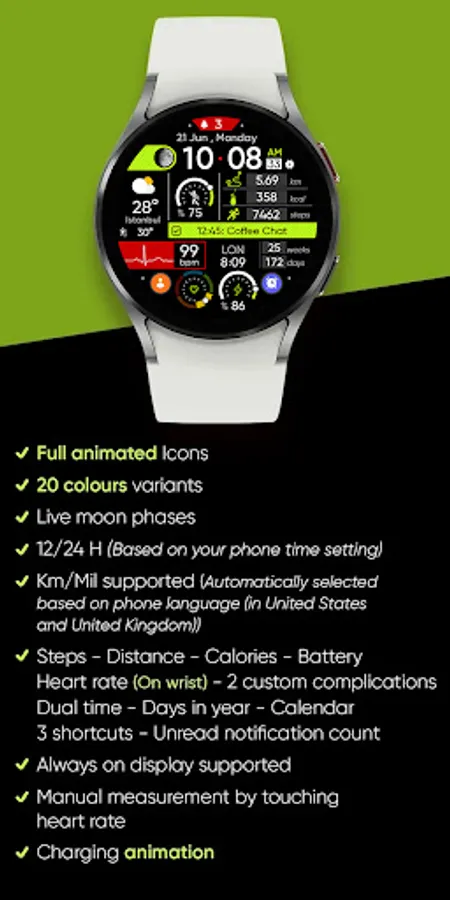
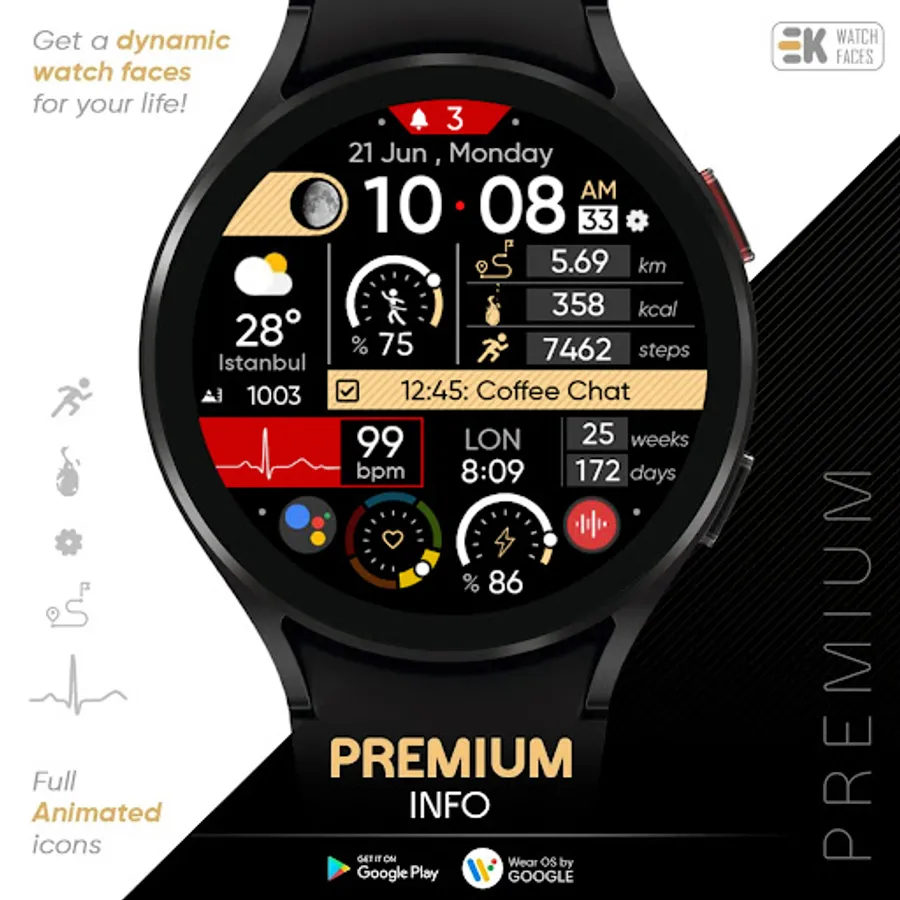
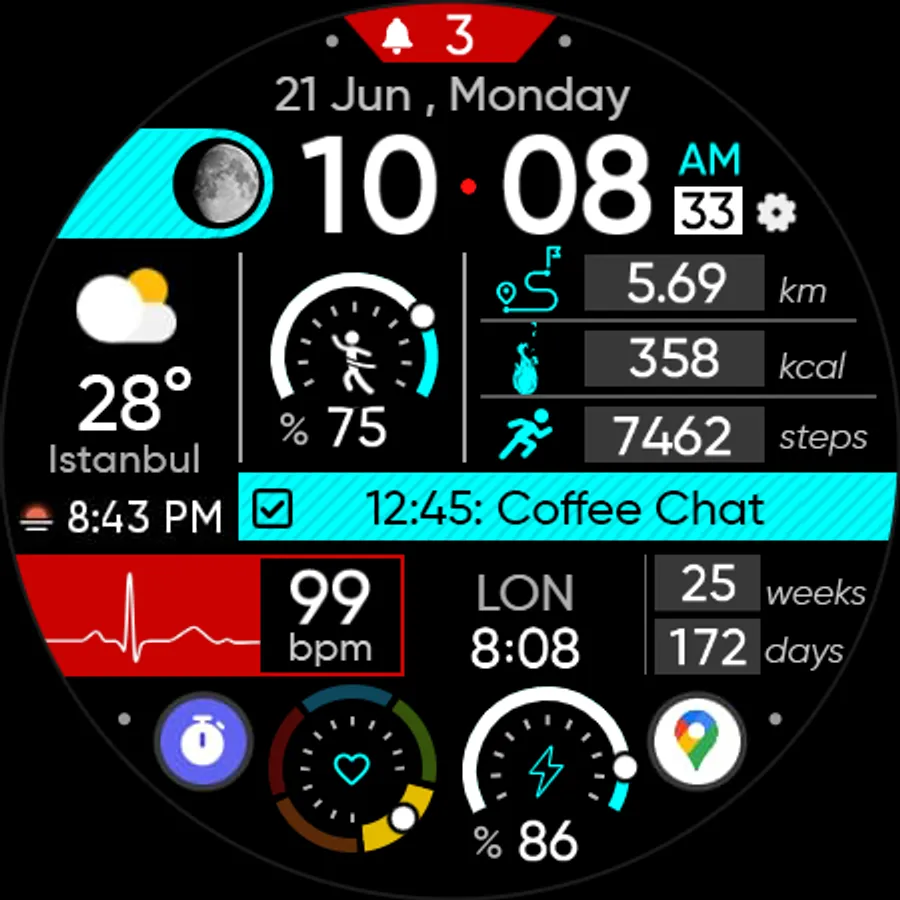
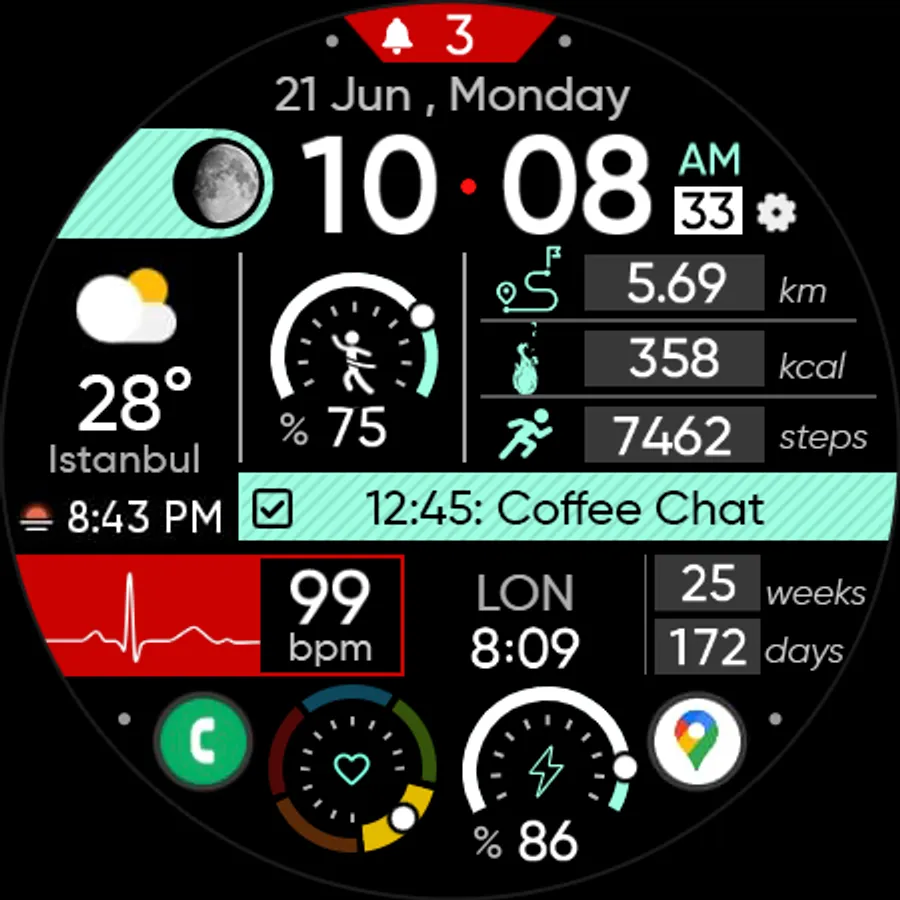
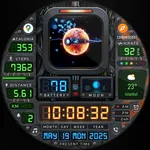
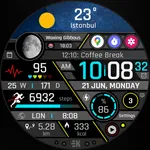
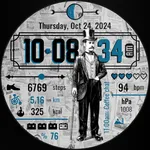
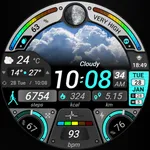
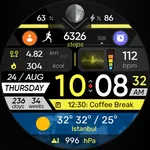
● 📺 Full animated Icons
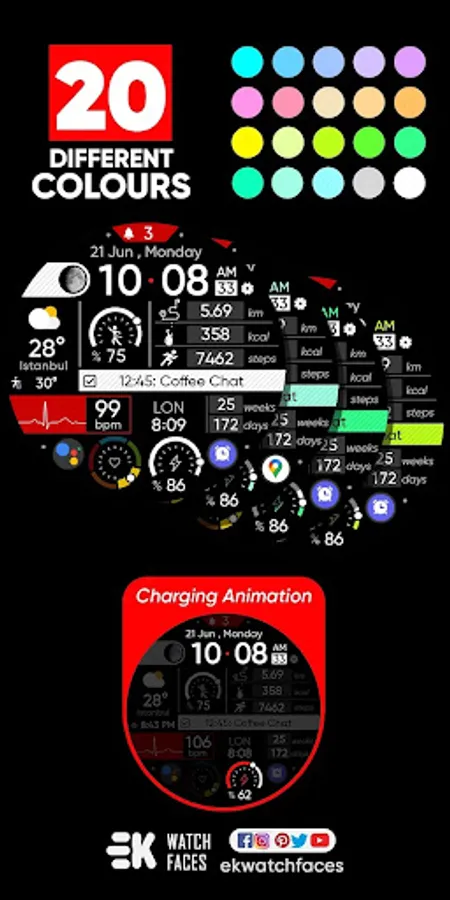
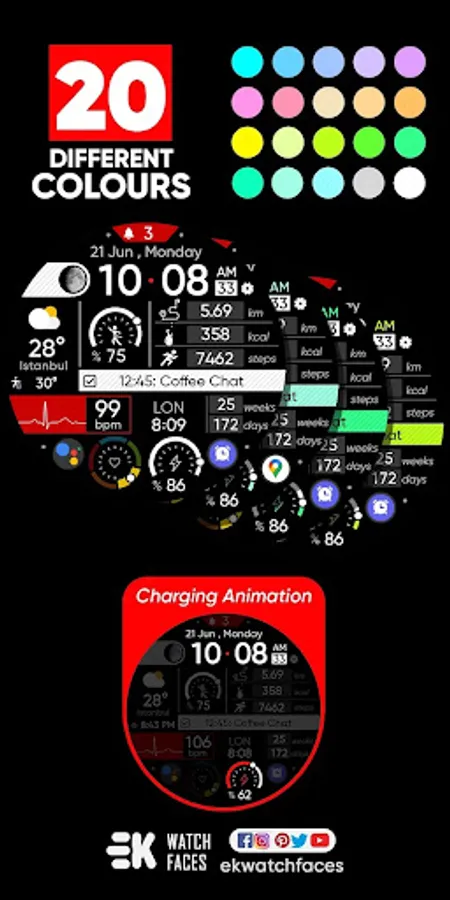
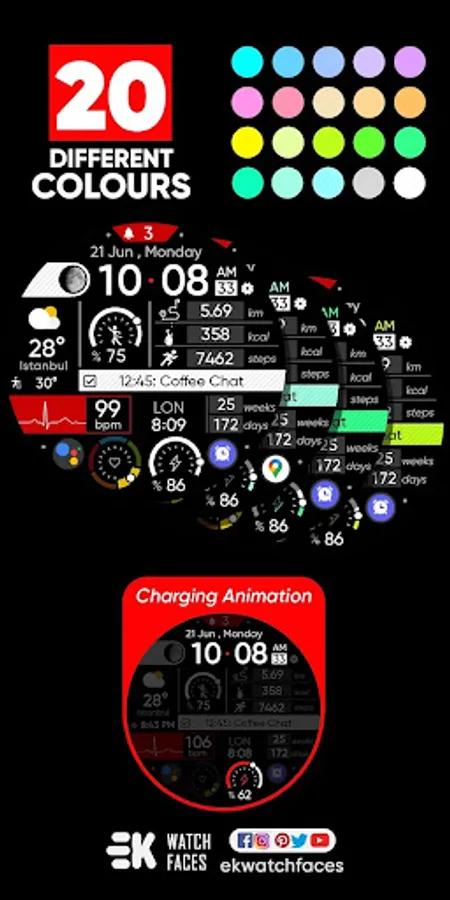
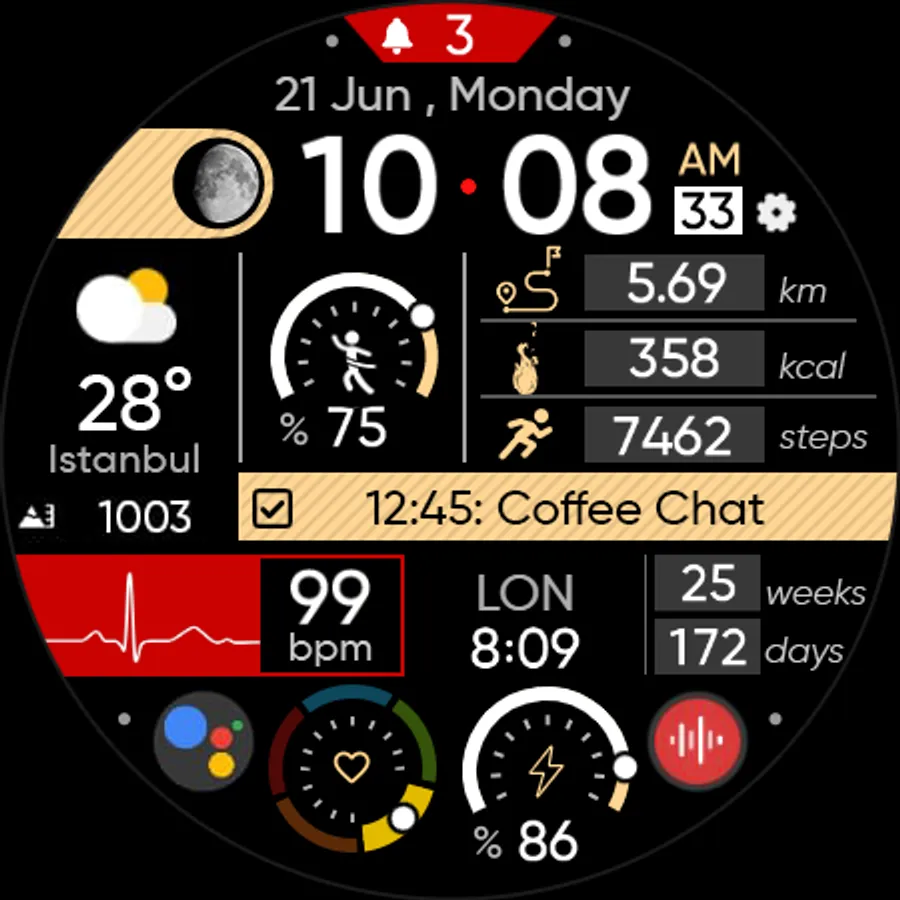
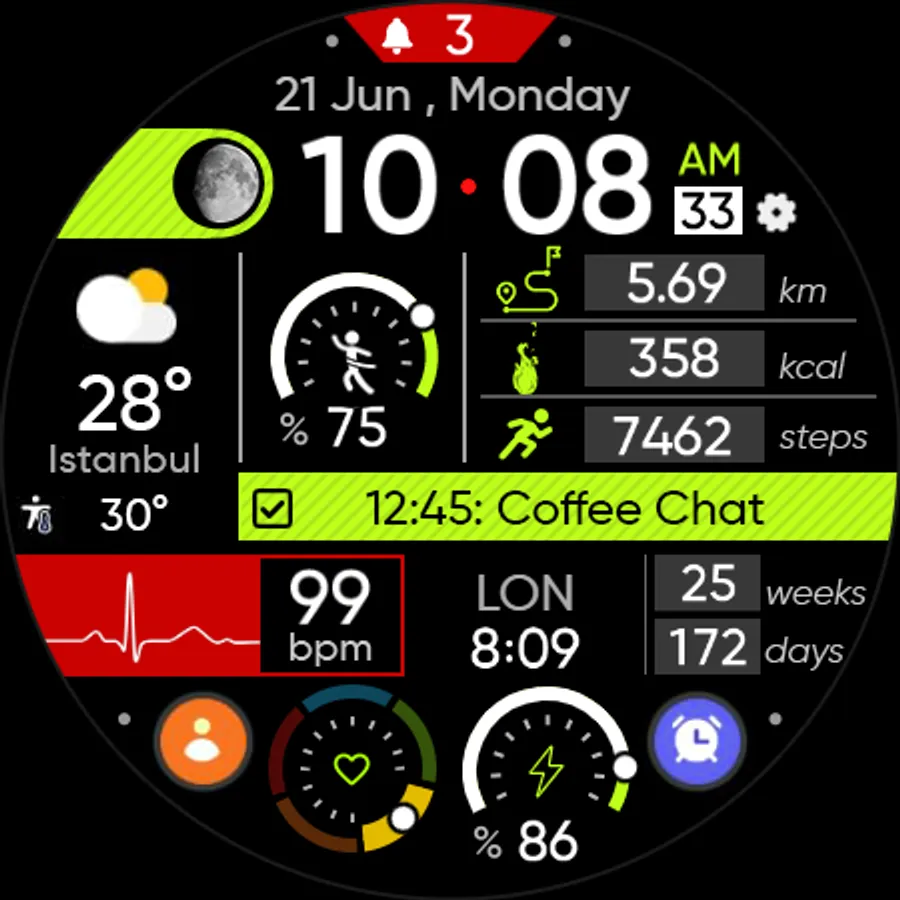
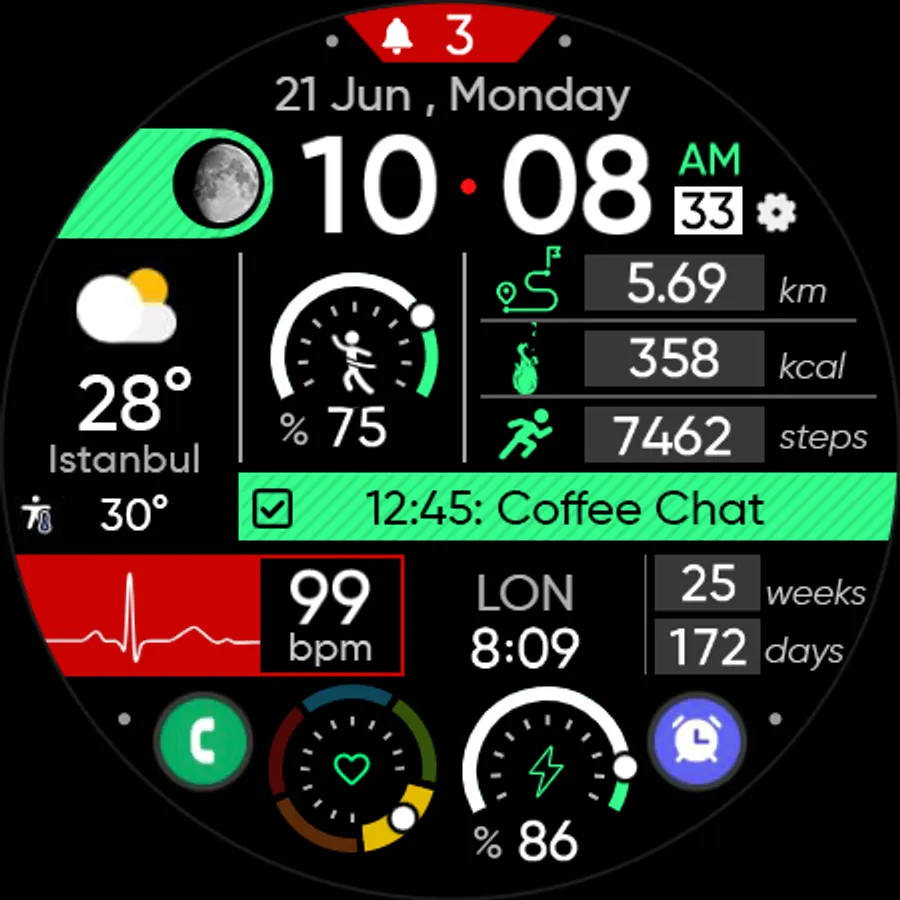
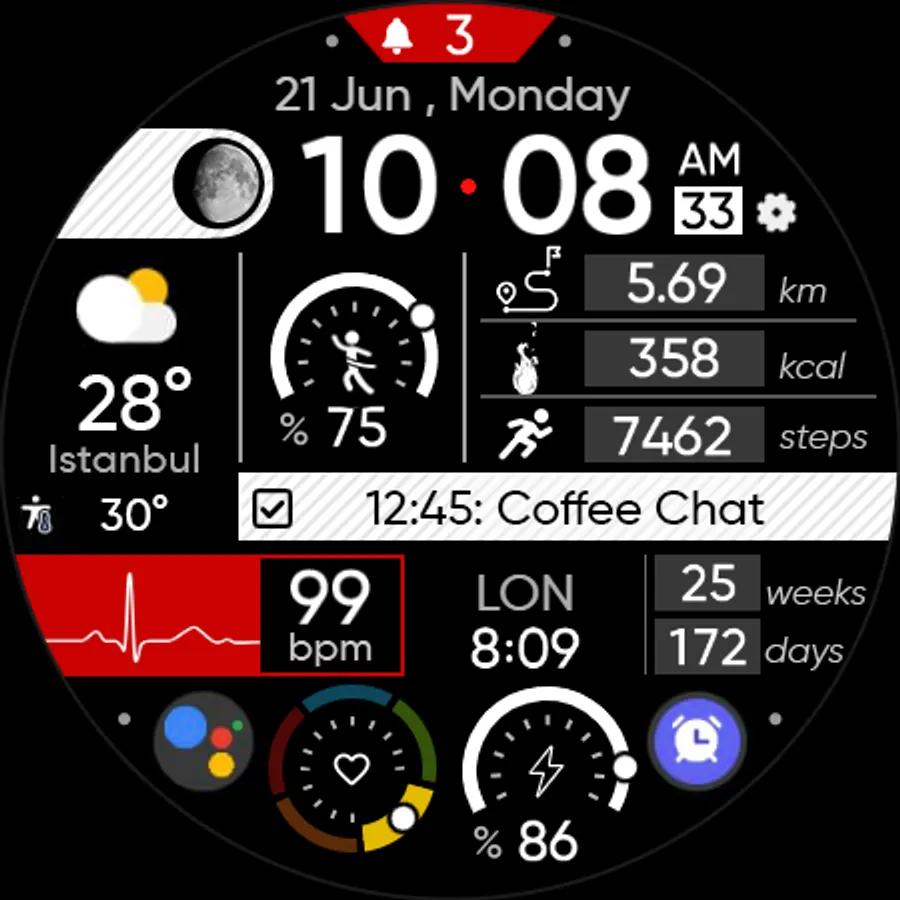
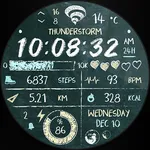
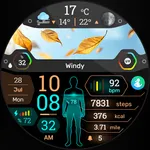
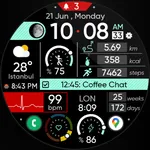
● 🎨 20 colours variants
● 🌕 Live moon phases
● 🕒 12/24 H (Based on your phone time setting)
● 🚧 Km/Mil supported (Automatically selected based on phone language (in United States and United Kingdom))
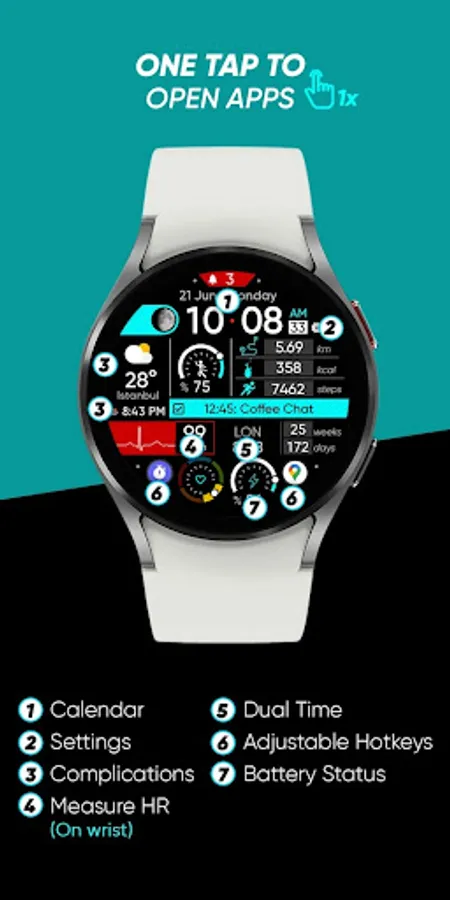
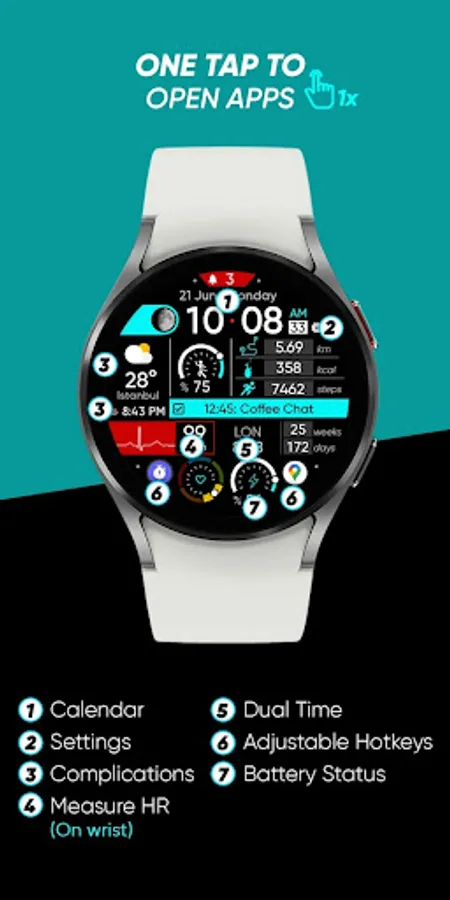
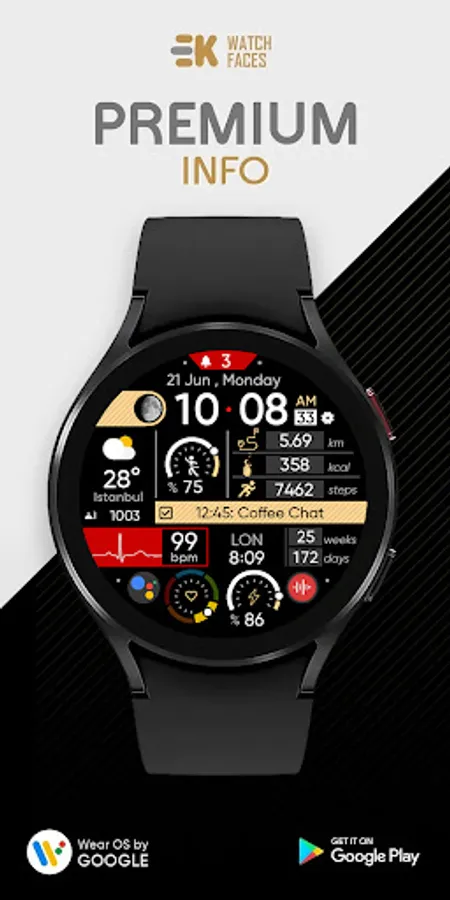
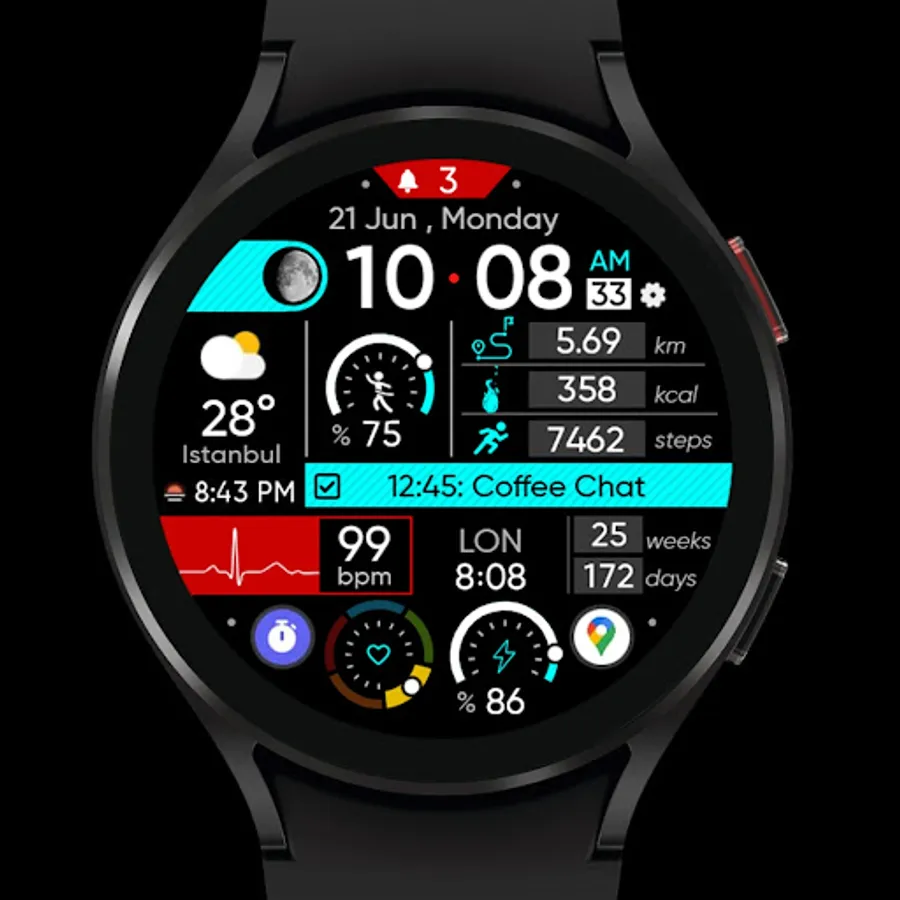
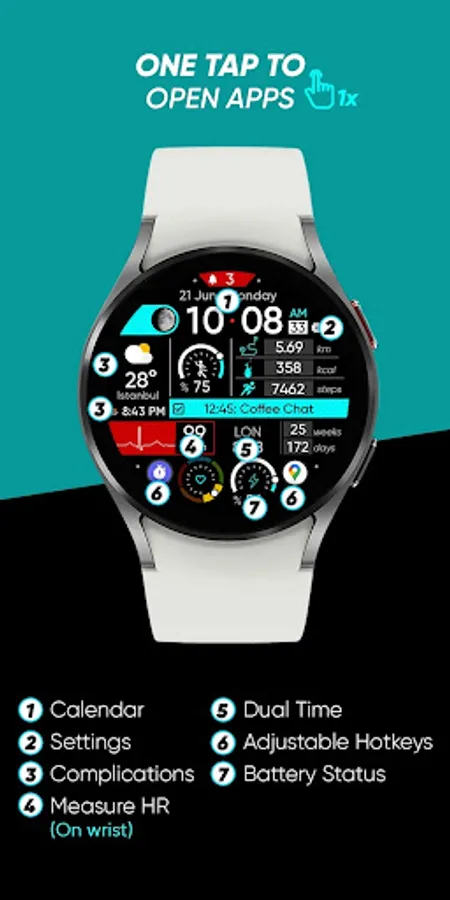
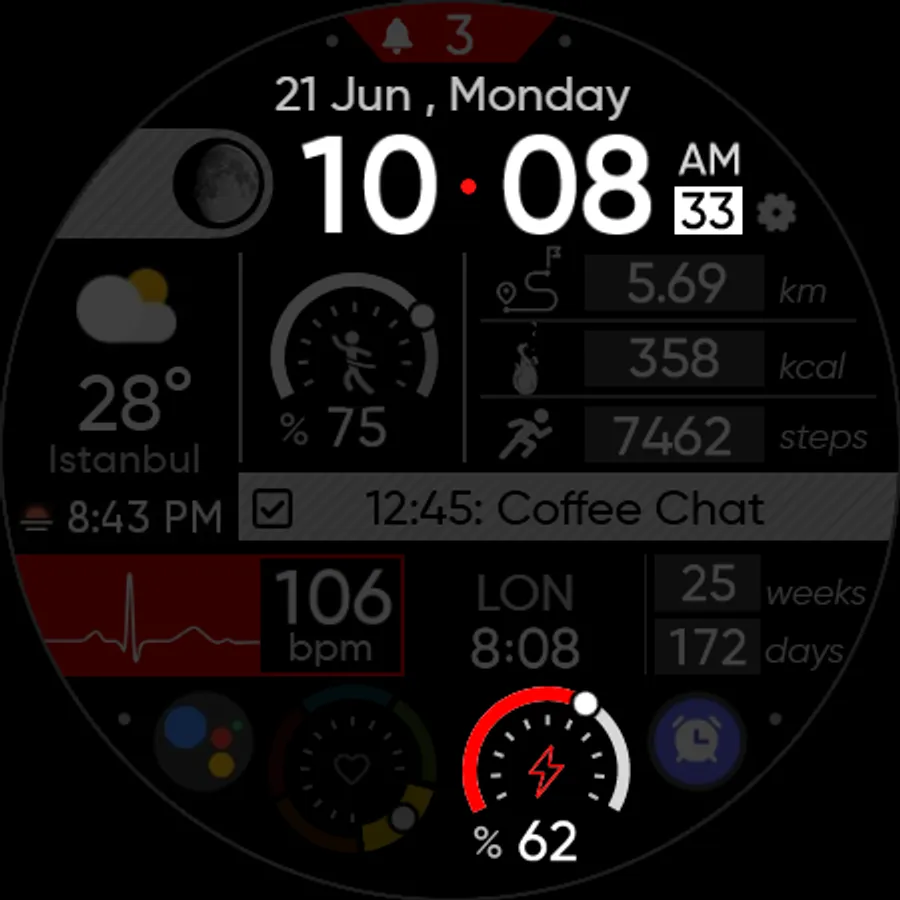
● 📊 Steps - Distance - Calories - Battery - Heart rate (On wrist) - 2 custom complications - Dual time - Days in year - Calendar - 3 shortcuts - Unread notification count
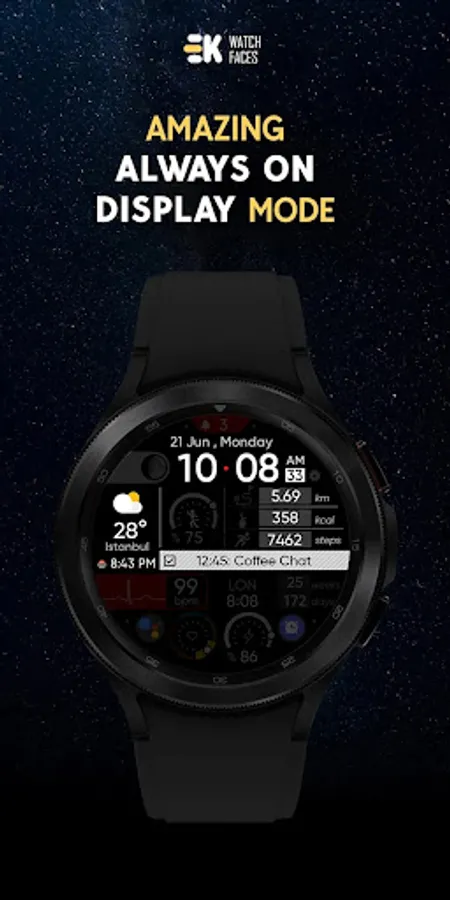
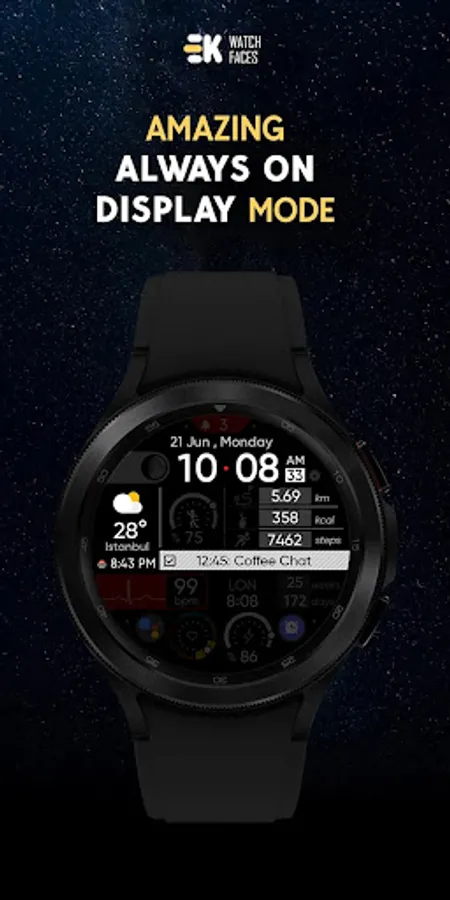
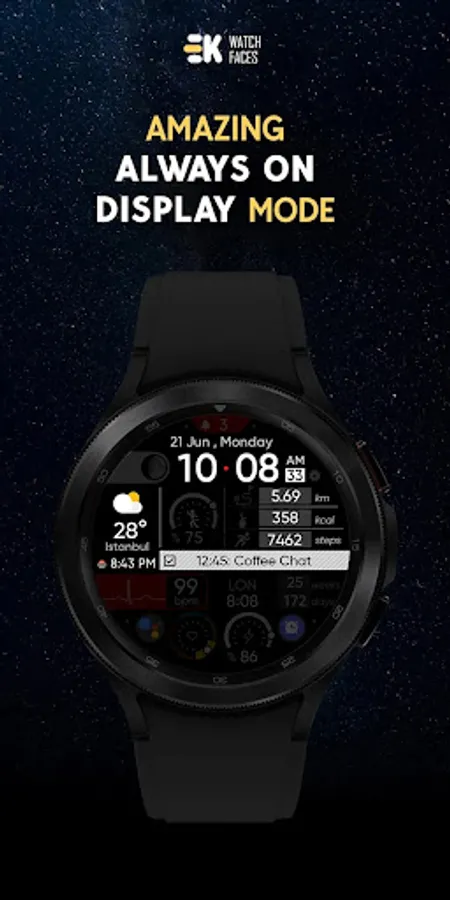
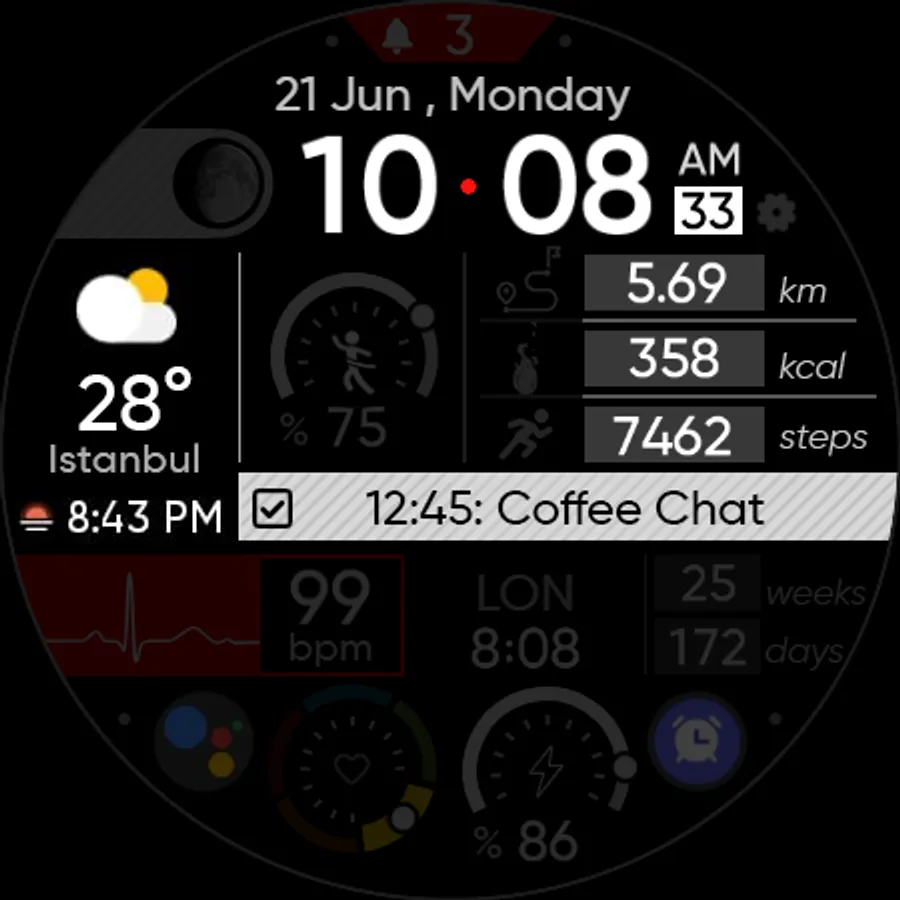
● 👀 Always on display supported
● ⚡ Charging animation
🔑 For full functionality, please manually enable Sensors & receive complication data permissions!
WEB
https://www.ekwatchfaces.com
INSTAGRAM
https://www.instagram.com/ekwatchfaces
FACEBOOK
https://www.facebook.com/ekwatchfaces
TWITTER
https://twitter.com/ekwatchfaces
PINTEREST
https://www.pinterest.com/ekwatchfaces
YOUTUBE
https://bit.ly/2TowlDE
[ Only for Wear OS devices - API 33+ ]
📌 INSTALLATION NOTES:
1 - 🔗 Ensure your watch is properly connected to your phone. Open the Phone App on your phone and tap on "DOWNLOAD TO THE WATCH", then follow the instructions on your watch.
⌛ A few minutes after tapping the install button on your watch, the watch face will be installed. You can then select your new watch face!
📱 The phone app serves as a placeholder to make it easier to install and find the watch face on your Wear OS device.
⚠️ Note: If you find yourself stuck in a payment loop, don’t worry! You will only be charged once, even if prompted to pay again. Wait 5 minutes or restart your watch and try again. This could be a synchronization issue between your device and Google servers.
2 - 💻 Alternatively, you can try installing the watch face from a web browser on your PC.
⚠️ Please note that any issues on this side are NOT developer-dependent. The developer has no control over the Play Store from this side. Thank you.
🚀 Get a dynamic watch face for your life..
FEATURES
● 📺 Full animated Icons
● 🎨 20 colours variants
● 🌕 Live moon phases
● 🕒 12/24 H (Based on your phone time setting)
● 🚧 Km/Mil supported (Automatically selected based on phone language (in United States and United Kingdom))
● 📊 Steps - Distance - Calories - Battery - Heart rate (On wrist) - 2 custom complications - Dual time - Days in year - Calendar - 3 shortcuts - Unread notification count
● 👀 Always on display supported
● ⚡ Charging animation
🔑 For full functionality, please manually enable Sensors & receive complication data permissions!
WEB
https://www.ekwatchfaces.com
https://www.instagram.com/ekwatchfaces
https://www.facebook.com/ekwatchfaces
https://twitter.com/ekwatchfaces
https://www.pinterest.com/ekwatchfaces
YOUTUBE
https://bit.ly/2TowlDE