Bluetooth Terminal/Graphics
Emrecan ÇETİN
3.9 ★
store rating
10,000+
downloads
Free
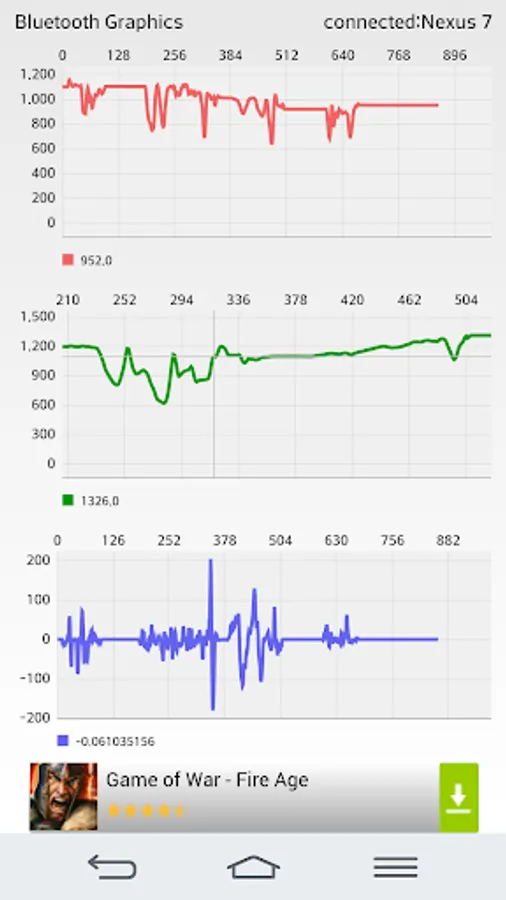
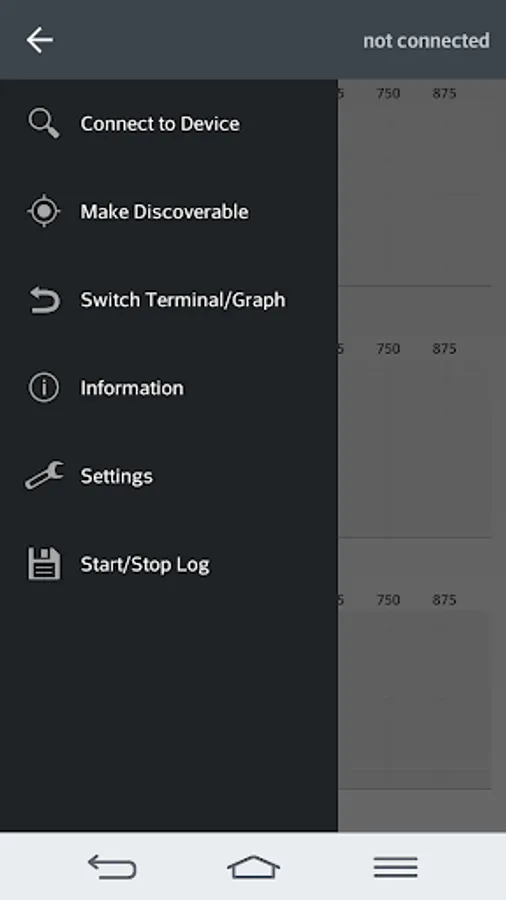
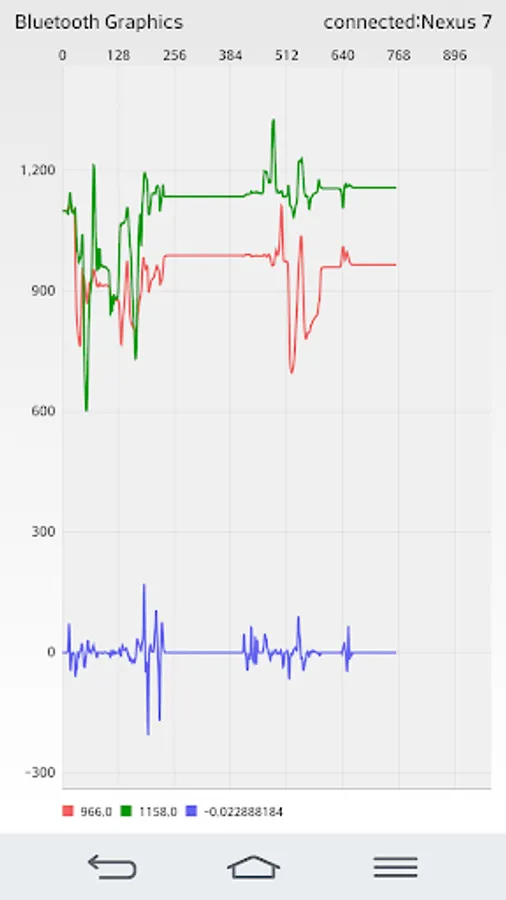
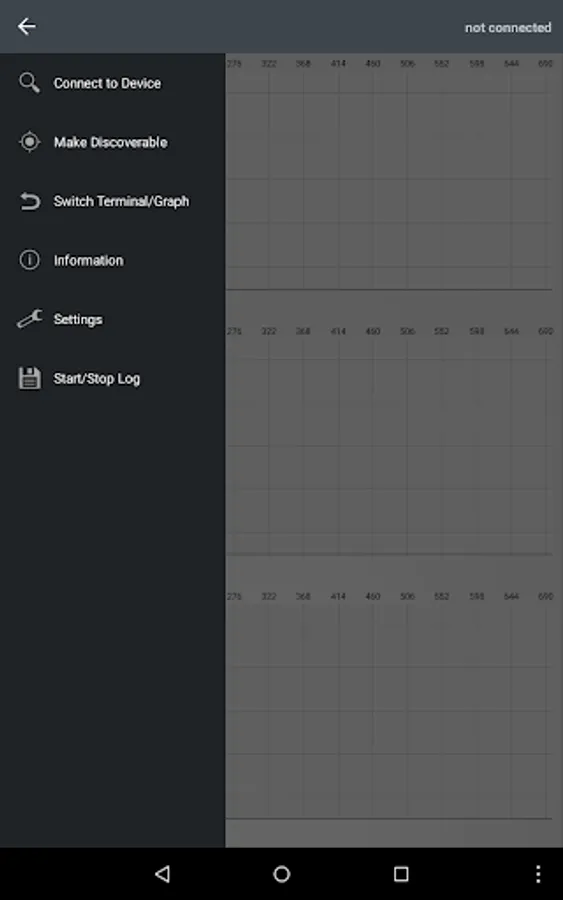
In this Bluetooth terminal app, you can connect to microcontrollers and monitor real-time data through serial communication. It allows viewing multiple graphical representations of values with customizable settings. Includes support for multiple graphs, data logging, and adjustable axes.
AppRecs review analysis
AppRecs rating 3.1. Trustworthiness 60 out of 100. Review manipulation risk 31 out of 100. Based on a review sample analyzed.
★★★☆☆
3.1
AppRecs Rating
Ratings breakdown
5 star
67%
4 star
8%
3 star
8%
2 star
8%
1 star
8%
What to know
✓
Good user ratings
76% positive sampled reviews
✓
Authentic reviews
Natural distribution, no red flags
⚠
Ad complaints
Many low ratings mention excessive ads
About Bluetooth Terminal/Graphics
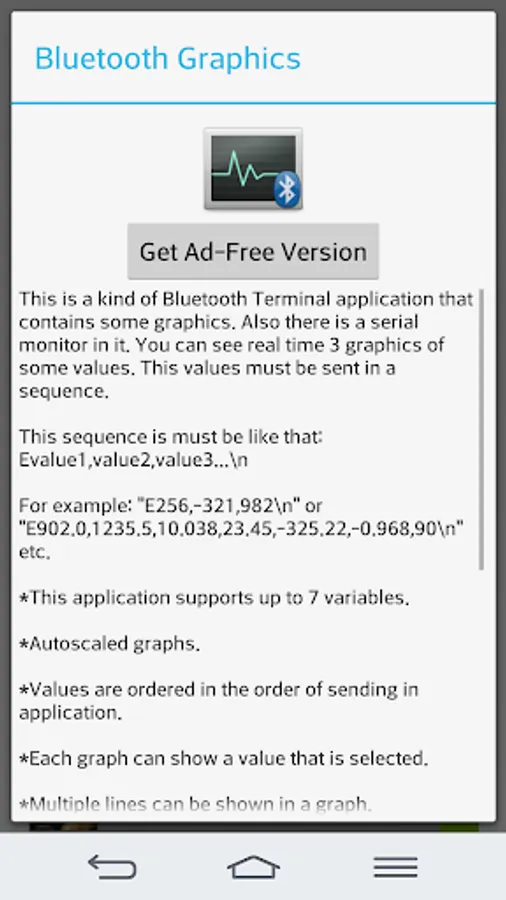
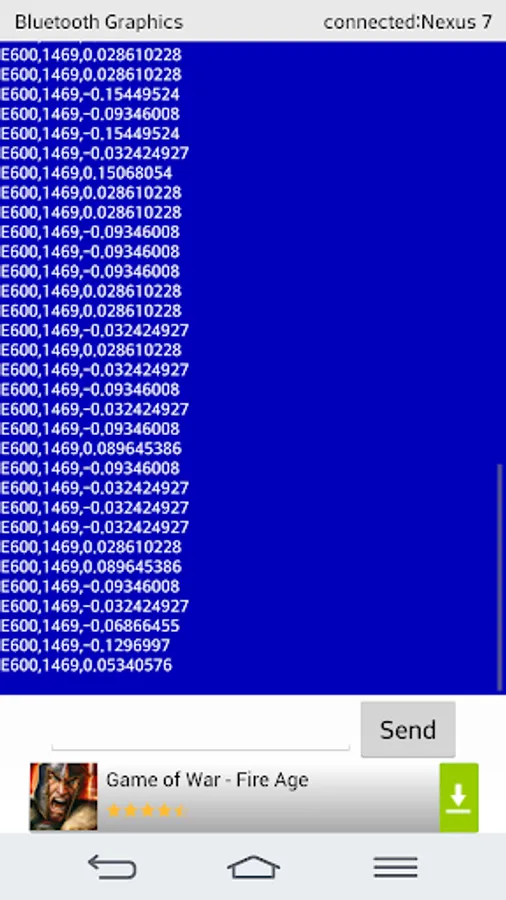
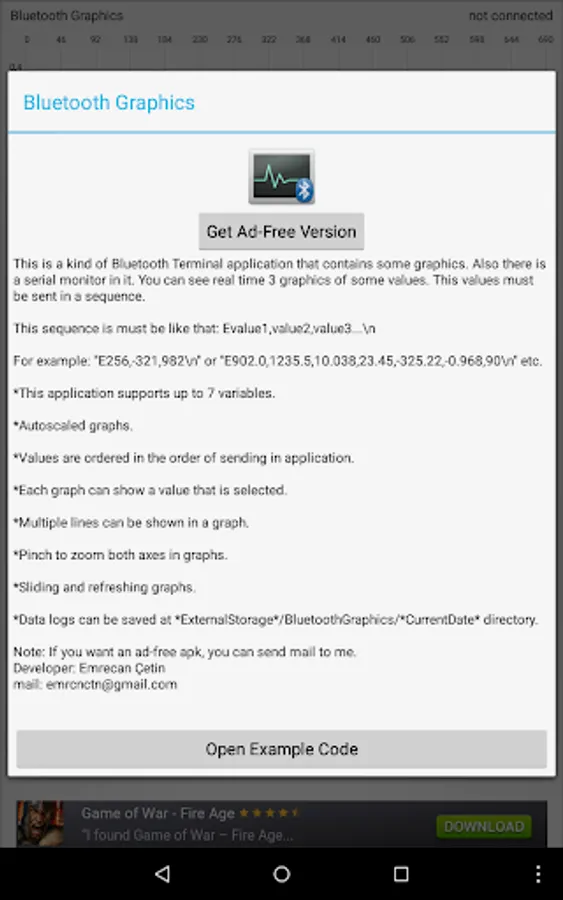
This is a kind of Bluetooth Terminal application that contains some graphics.
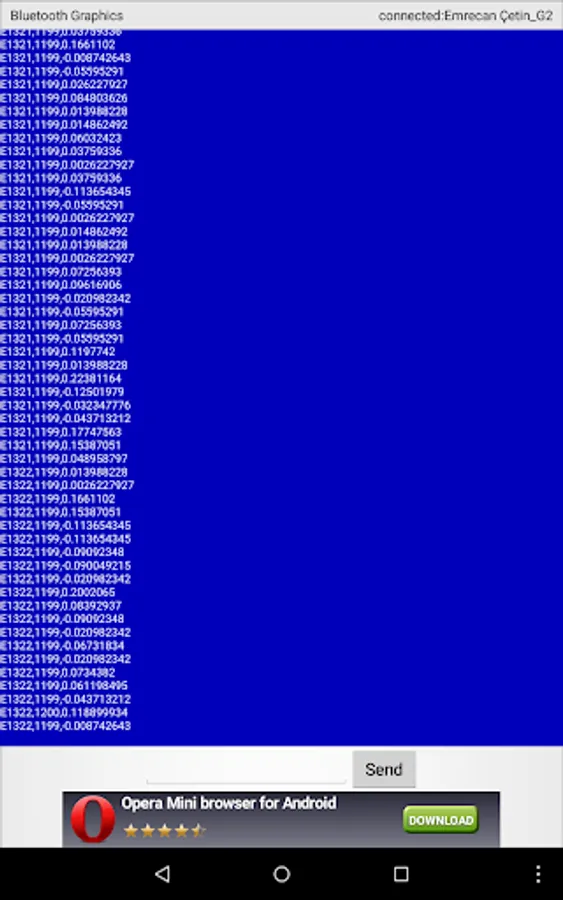
Also there is a serial monitor in it.
You can use this app with Arduino or another microcontroller for your robotics projects and etc.
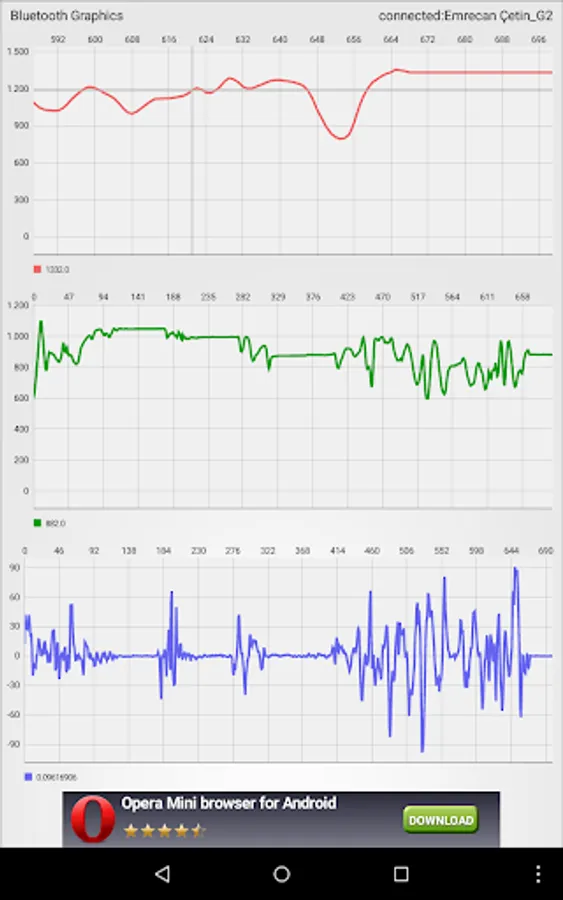
You can see real time 3 graphics of some values.
This values must be sent in a sequence.
This sequence must be like that: Evalue1,value2,value3...n
For example: "E256,-321,982n" or "E902,1235,10,23,-325,-1240,90n" etc.
***In Full version, you can see 7 graphs and there are no ads***
Warning: Do not send data too much frequently. If there is lag and freezing in the app when there is data traffic, decrease incoming data frequency.
*This application supports up to 7 variables.
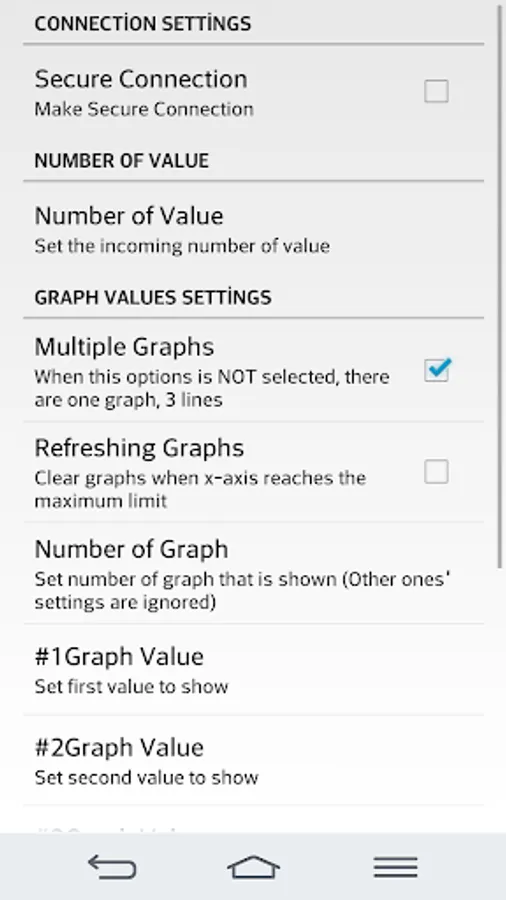
*You can set graphics' maximum and minimum values.
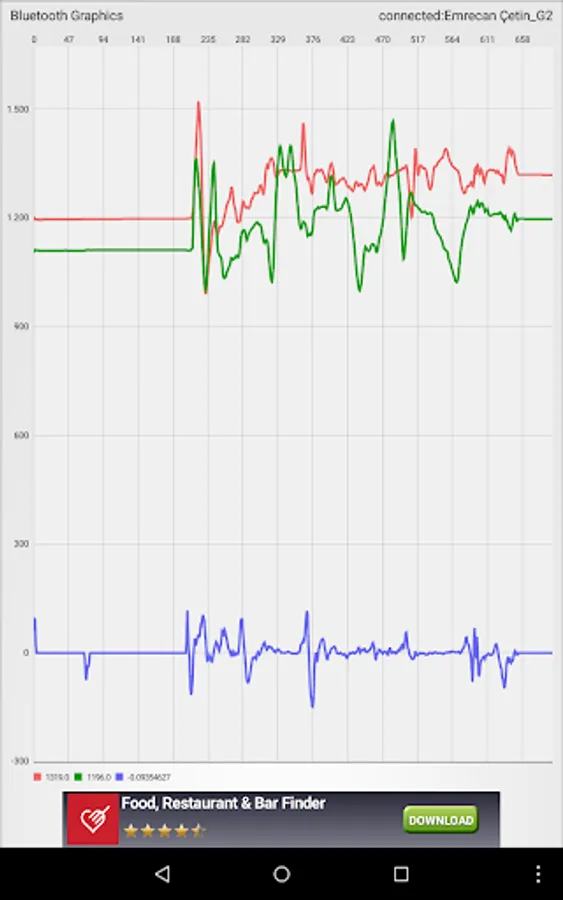
*Autoscaled graphs.
*Values are ordered in the order of sending in application.
*Each graph can show a value that is selected.
*You can set number of graphics that is shown.
*Multiple lines can be shown in a graph.
*Pinch to zoom both axes in graphs.
*Sliding and refreshing graphs.
*Data logs can be saved at *ExternalStorage*/BluetoothGraphics/*CurrentTime* directory
*Up to 7 lines in multiple line graph for Full version
MPAndroidChart library is used.
Arduino usage example for serial printing part for 2 values (adc1 and adc2 are example variables):
...
Serial.print("E");
Serial.print(adc1);
Serial.print(",");
Serial.print(adc2);
Serial.print("n");
...
Coming Soon: USB Serial Communication Support for Full version
For full application: BT Terminal/Graphics Full
Note: If you want a full apk of this application, you can send mail to me. Also, I can make a custom GUI for your projects or works.
Also there is a serial monitor in it.
You can use this app with Arduino or another microcontroller for your robotics projects and etc.
You can see real time 3 graphics of some values.
This values must be sent in a sequence.
This sequence must be like that: Evalue1,value2,value3...n
For example: "E256,-321,982n" or "E902,1235,10,23,-325,-1240,90n" etc.
***In Full version, you can see 7 graphs and there are no ads***
Warning: Do not send data too much frequently. If there is lag and freezing in the app when there is data traffic, decrease incoming data frequency.
*This application supports up to 7 variables.
*You can set graphics' maximum and minimum values.
*Autoscaled graphs.
*Values are ordered in the order of sending in application.
*Each graph can show a value that is selected.
*You can set number of graphics that is shown.
*Multiple lines can be shown in a graph.
*Pinch to zoom both axes in graphs.
*Sliding and refreshing graphs.
*Data logs can be saved at *ExternalStorage*/BluetoothGraphics/*CurrentTime* directory
*Up to 7 lines in multiple line graph for Full version
MPAndroidChart library is used.
Arduino usage example for serial printing part for 2 values (adc1 and adc2 are example variables):
...
Serial.print("E");
Serial.print(adc1);
Serial.print(",");
Serial.print(adc2);
Serial.print("n");
...
Coming Soon: USB Serial Communication Support for Full version
For full application: BT Terminal/Graphics Full
Note: If you want a full apk of this application, you can send mail to me. Also, I can make a custom GUI for your projects or works.