About Kolay Bütçe
Track your personal budget.
1. The database is on your phone. You don't need internet access.
2. Each user's data is kept separate.
3. You can enter the accounts you want on your first login. You can log in to this screen at any time.
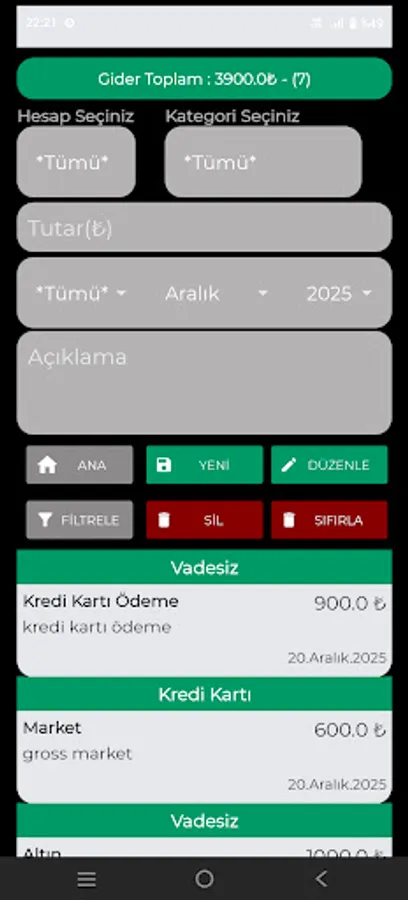
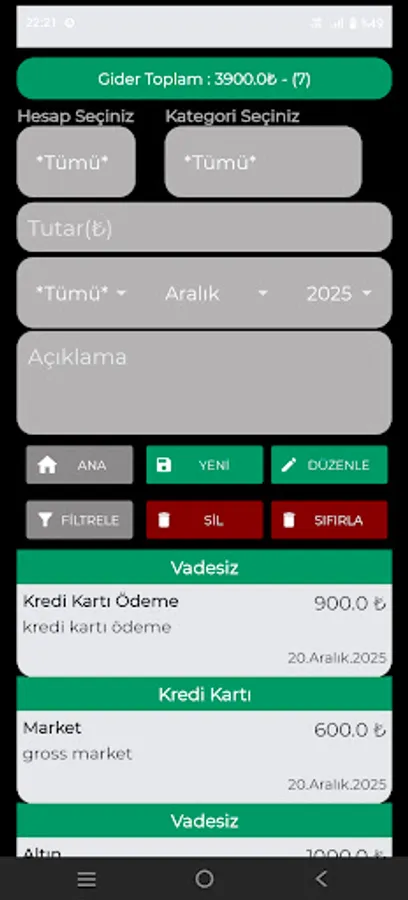
4. After entering category information, you can enter your expenses and income from the income and expense entry screens.
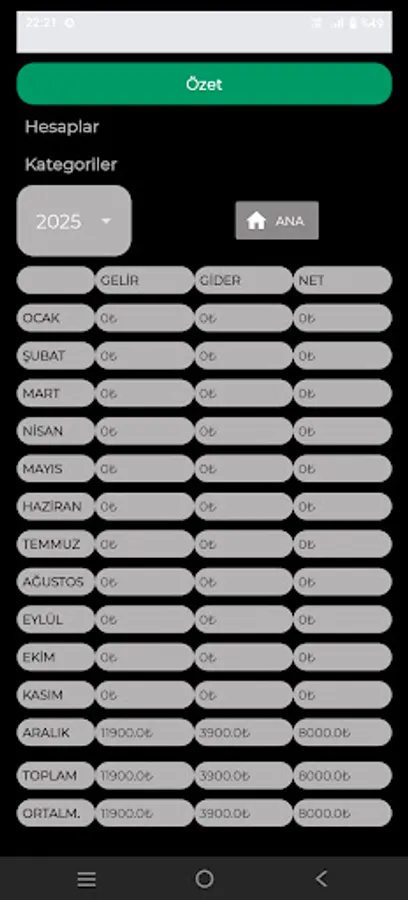
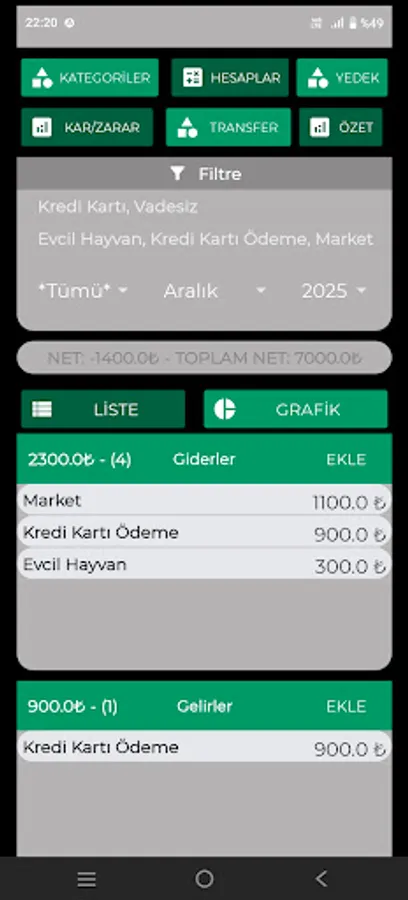
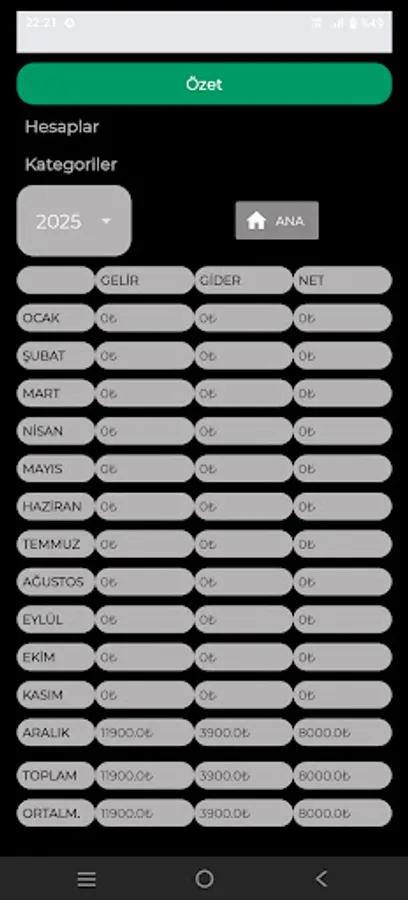
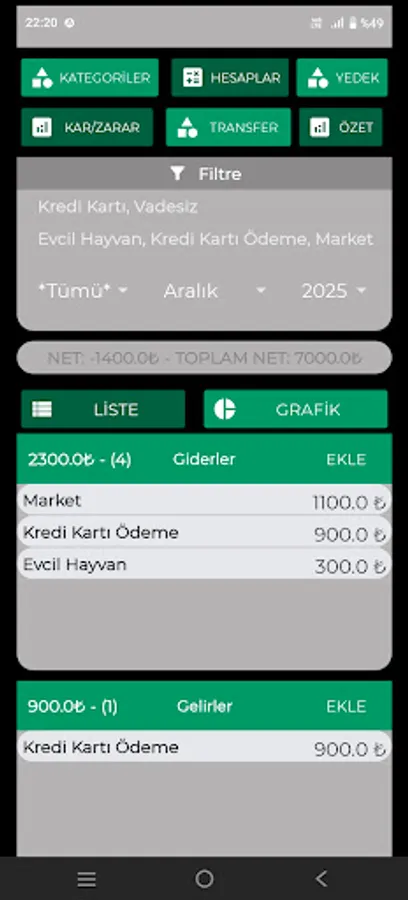
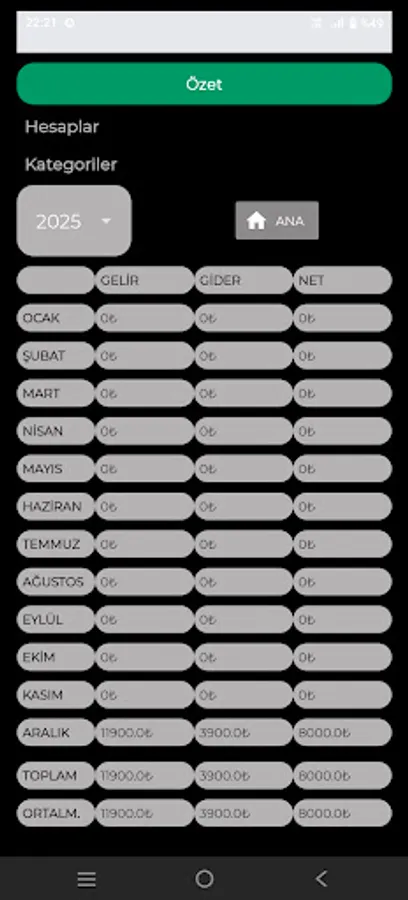
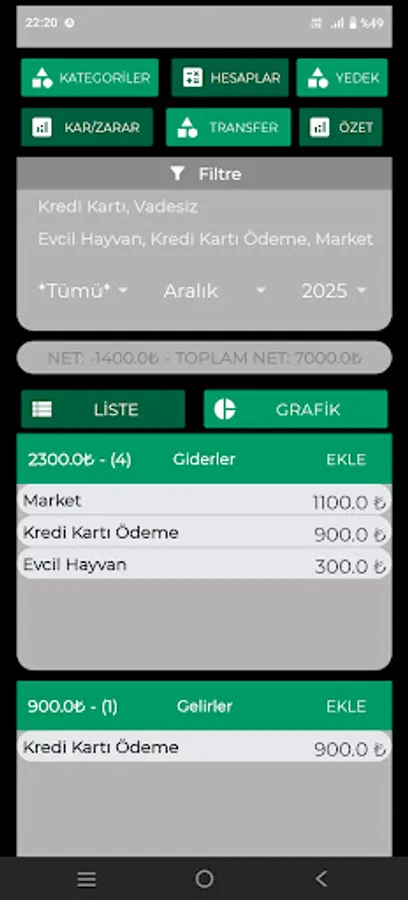
5. On the main screen, you can see the totals grouped by income and expense categories, either as a graph or a list.
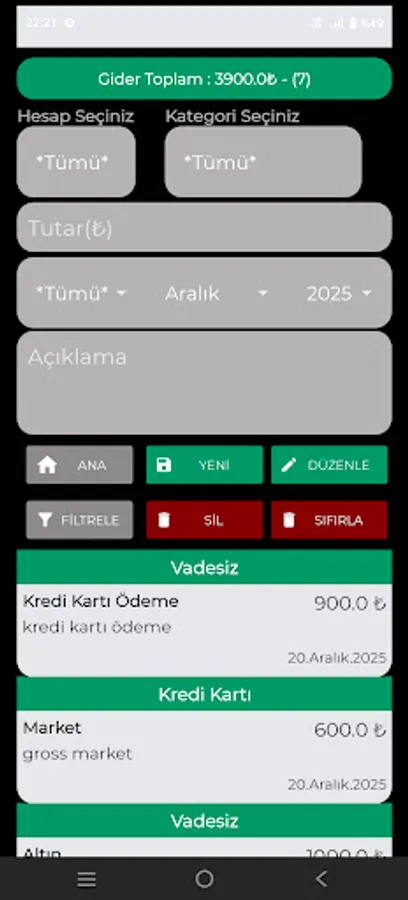
6. On the main screen, you can filter by year, month, account, and category.
7. On the main screen, clicking on any category total in the list view opens the details for that category.
8. With all these features, you can easily track your personal budget, household budget, and other financial operations.
9. You can back up the database from the backup menu and restore it to any phone you want.
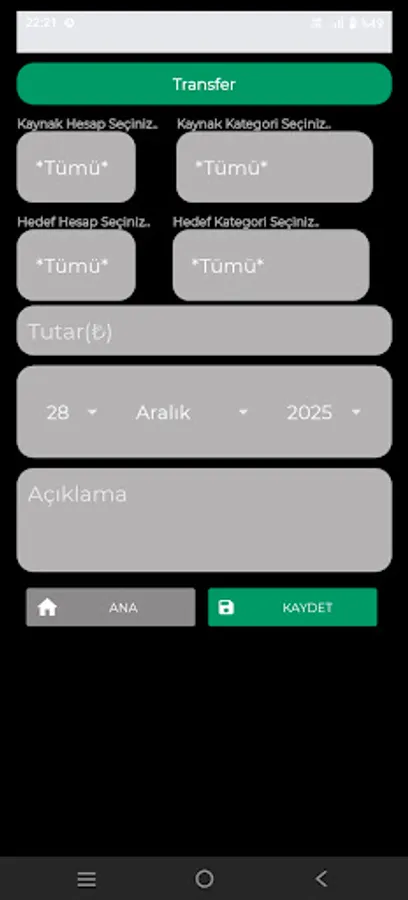
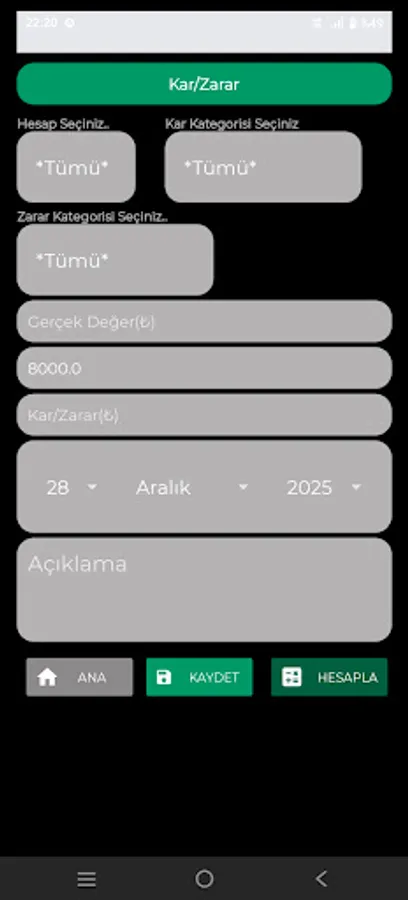
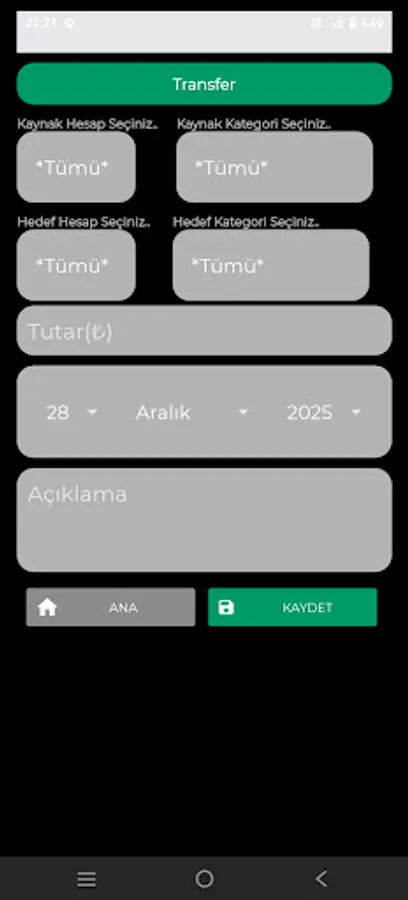
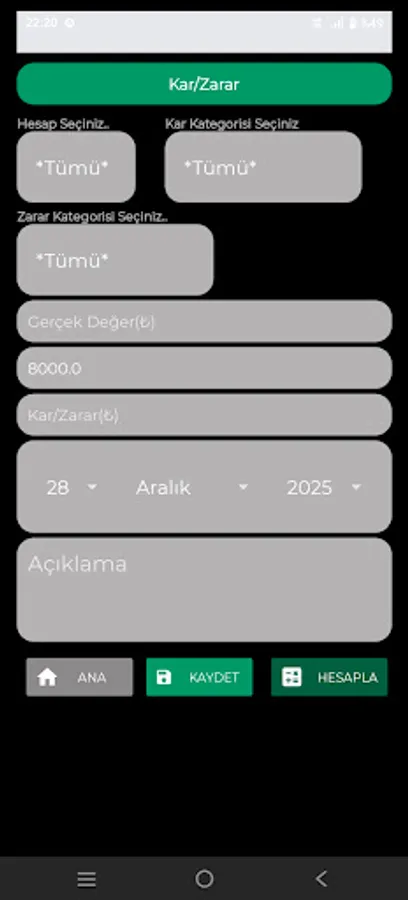
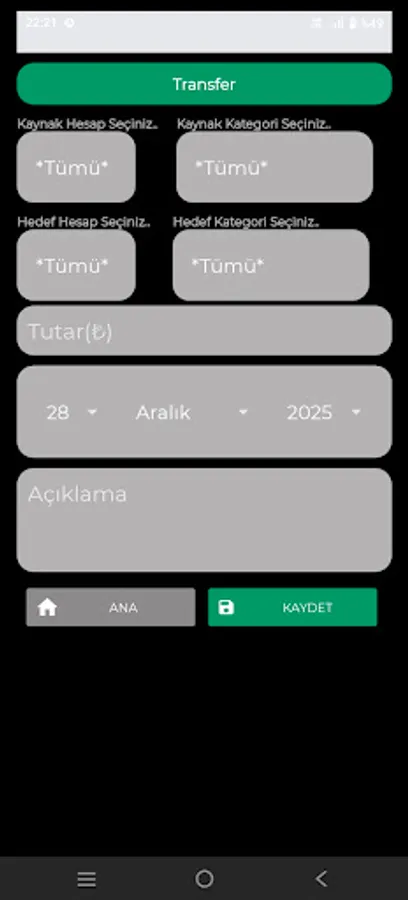
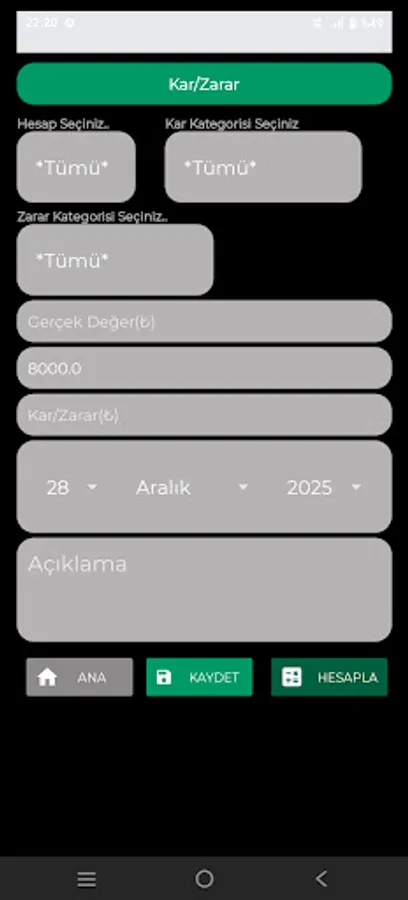
10. You can transfer funds between accounts from the transfer menu. 11. You can enter the current value from the Profit/Loss menu, calculate the profit/loss in the relevant investment account, and save it.
1. The database is on your phone. You don't need internet access.
2. Each user's data is kept separate.
3. You can enter the accounts you want on your first login. You can log in to this screen at any time.
4. After entering category information, you can enter your expenses and income from the income and expense entry screens.
5. On the main screen, you can see the totals grouped by income and expense categories, either as a graph or a list.
6. On the main screen, you can filter by year, month, account, and category.
7. On the main screen, clicking on any category total in the list view opens the details for that category.
8. With all these features, you can easily track your personal budget, household budget, and other financial operations.
9. You can back up the database from the backup menu and restore it to any phone you want.
10. You can transfer funds between accounts from the transfer menu. 11. You can enter the current value from the Profit/Loss menu, calculate the profit/loss in the relevant investment account, and save it.