
Beam - Escooter sharing
Ride Beam
4.7 ★
108K ratings
1,000,000+
downloads
Free
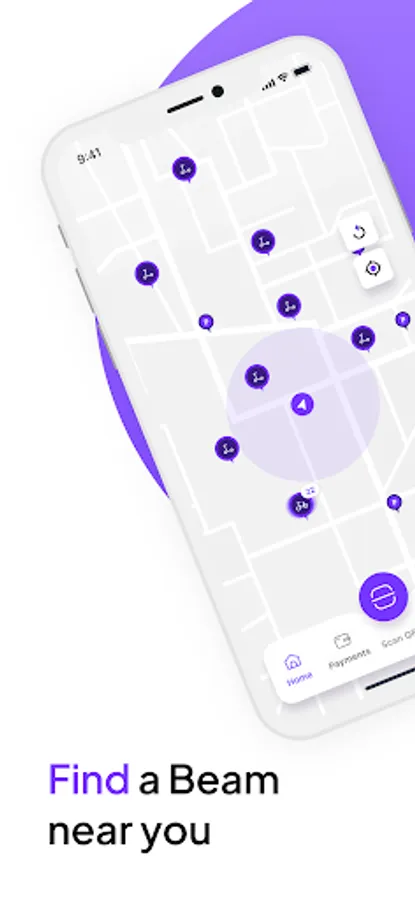
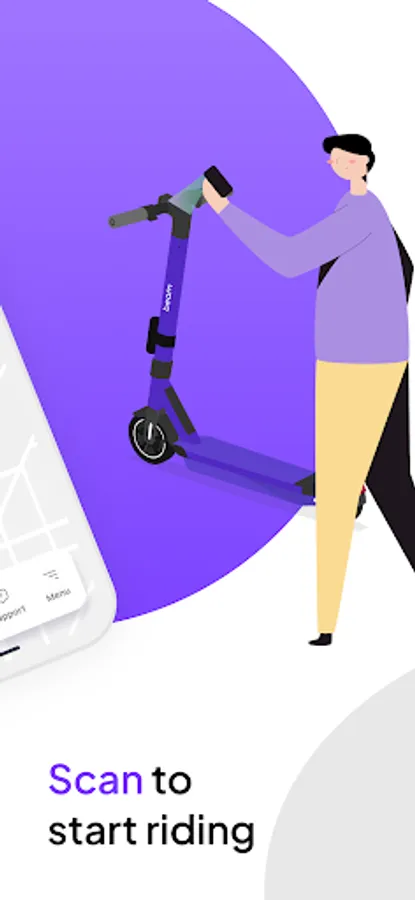
In this scooter-sharing app, users locate nearby Beam vehicles, scan QR codes to unlock, and ride to their destination. Includes features for trip tracking, vehicle locking, and account management.
AppRecs review analysis
AppRecs rating 4.1. Trustworthiness 82 out of 100. Review manipulation risk 24 out of 100. Based on a review sample analyzed.
★★★★☆
4.1
AppRecs Rating
Ratings breakdown
5 star
87%
4 star
5%
3 star
2%
2 star
2%
1 star
5%
What to know
✓
Low review manipulation risk
24% review manipulation risk
✓
Credible reviews
82% trustworthiness score from analyzed reviews
⚠
Pricing complaints
Many low ratings mention paywalls or pricing
About Beam - Escooter sharing
“Wherever you’re headed — Beam there.”
● At Beam, we want to help cities flow better for everyone.
We’re reimagining urban transport — replacing car trips with something cleaner, smarter, and way more fun.
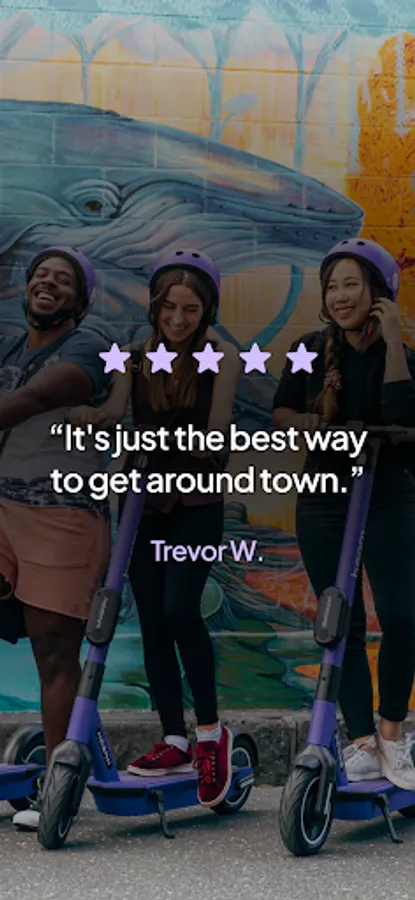
● As one of the leading micro mobility platforms across Asia Pacific and beyond, Beam is already helping people in 80+ cities in 7 countries move more freely. Riding a Beam is affordable, convenient and much better for the environment. Oh, and did we mention it’s really fun? — whether you’re commuting, exploring, or just cruising with friends. 🚀
● No deposit. No traffic. No stress. Just tap, ride, and feel the flow.
● Why Beam?
🌏 Trusted by millions across the globe
⚡️ Fast, flexible, and affordable
🌱 Better for the environment
🎉 And yes — it’s seriously fun
● How it works:
1. Download the app
2. Create your account
3. Find and unlock a Beam nearby
4. Check your local road rules
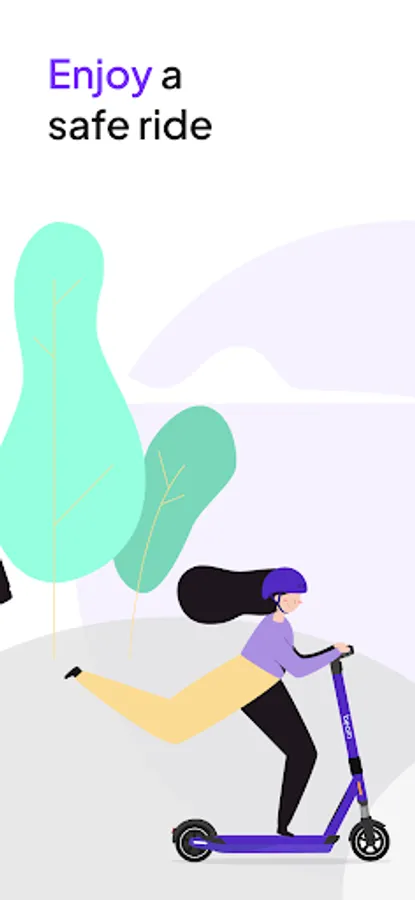
5. Enjoy the ride
Wherever you’re going — Beam there 🛴
Let’s help cities flow better. Together 💜
[Required Permissions]
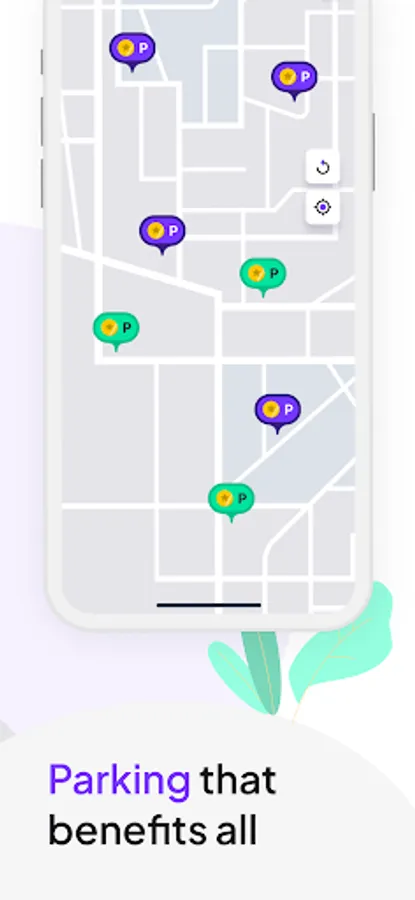
• Location: Location permission to find and use nearby Beam vehicles and provide parking location guidance
• Photo/Media/Files: To enable the saving & loading of photos of parked vehicle or helmet selfies etc.
• Storage: used for storing app settings locally
• Camera: Camera is used for scanning vehicle QR codes, taking photos at the end of a trip, helmet detection selfies, and scanning payment cards
• Wi-Fi: Checks your Wi-Fi connection to help the app stay connected and work smoothly.
• Internet: Allows the app to connect to the internet so you can use the app properly to find vehicles, start rides, and access maps.
• Bluetooth: Bluetooth used to unlock helmet locks and communicate with Beam's BLE-enabled vehicles
• Run at Startup: Lets the app stay synced even after your phone restarts.
• Vibration: Used to vibrate your phone for alerts and confirmations (e.g., ride start).
• Screen: Keeps your screen awake during important actions like scanning, unlocking, or whilst riding our vehicles.
• Google Services: Allows the app to access Google service settings needed for features like maps and location accuracy and to capture app crash and performance data
• Service notifications: To send you important service-related messages (updates to T&Cs, payment issues etc)
[Optional Permissions]
• Marketing Notifications: If you allow this, it enables us to send you promotional messages
*Optional access permissions are required only when using the corresponding features. Other services can still be used even if these permissions are not granted.
● At Beam, we want to help cities flow better for everyone.
We’re reimagining urban transport — replacing car trips with something cleaner, smarter, and way more fun.
● As one of the leading micro mobility platforms across Asia Pacific and beyond, Beam is already helping people in 80+ cities in 7 countries move more freely. Riding a Beam is affordable, convenient and much better for the environment. Oh, and did we mention it’s really fun? — whether you’re commuting, exploring, or just cruising with friends. 🚀
● No deposit. No traffic. No stress. Just tap, ride, and feel the flow.
● Why Beam?
🌏 Trusted by millions across the globe
⚡️ Fast, flexible, and affordable
🌱 Better for the environment
🎉 And yes — it’s seriously fun
● How it works:
1. Download the app
2. Create your account
3. Find and unlock a Beam nearby
4. Check your local road rules
5. Enjoy the ride
Wherever you’re going — Beam there 🛴
Let’s help cities flow better. Together 💜
[Required Permissions]
• Location: Location permission to find and use nearby Beam vehicles and provide parking location guidance
• Photo/Media/Files: To enable the saving & loading of photos of parked vehicle or helmet selfies etc.
• Storage: used for storing app settings locally
• Camera: Camera is used for scanning vehicle QR codes, taking photos at the end of a trip, helmet detection selfies, and scanning payment cards
• Wi-Fi: Checks your Wi-Fi connection to help the app stay connected and work smoothly.
• Internet: Allows the app to connect to the internet so you can use the app properly to find vehicles, start rides, and access maps.
• Bluetooth: Bluetooth used to unlock helmet locks and communicate with Beam's BLE-enabled vehicles
• Run at Startup: Lets the app stay synced even after your phone restarts.
• Vibration: Used to vibrate your phone for alerts and confirmations (e.g., ride start).
• Screen: Keeps your screen awake during important actions like scanning, unlocking, or whilst riding our vehicles.
• Google Services: Allows the app to access Google service settings needed for features like maps and location accuracy and to capture app crash and performance data
• Service notifications: To send you important service-related messages (updates to T&Cs, payment issues etc)
[Optional Permissions]
• Marketing Notifications: If you allow this, it enables us to send you promotional messages
*Optional access permissions are required only when using the corresponding features. Other services can still be used even if these permissions are not granted.
Beam - Escooter sharing Screenshots

Tap to Rate:
Reviews for Beam - Escooter sharing
Danish asyraf pubg chanel
2/22/2026
so expensive
Nuala Everett
2/22/2026
love the rides