
Sign Documents PDF eSignDocPDF
Mazanik Yury
4.6 ★
286 ratings
5,000+
downloads
Free
+ in-app
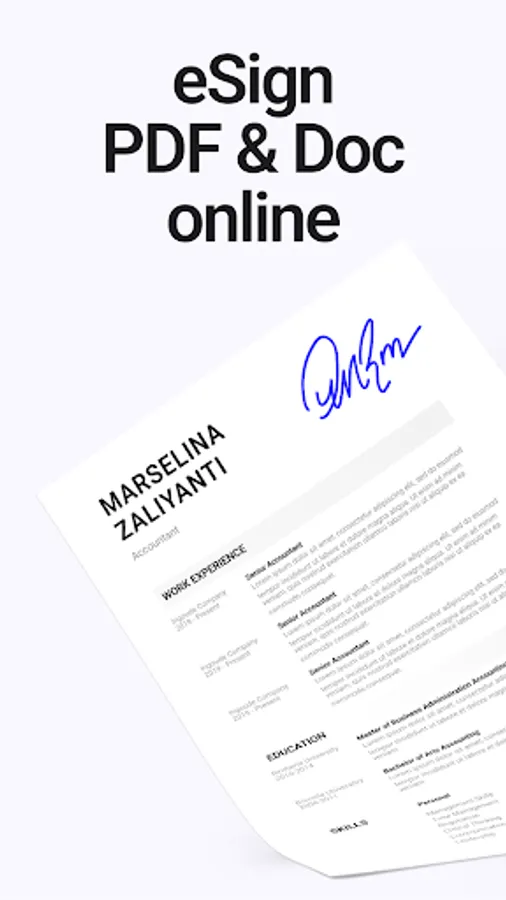
In this document signing app, you can create electronic signatures, sign PDFs, and scan documents using your camera. Includes digital signature creation, document scanning, and secure file sharing features.
AppRecs review analysis
AppRecs rating 4.6. Trustworthiness 79 out of 100. Review manipulation risk 37 out of 100. Based on a review sample analyzed.
★★★★☆
4.6
AppRecs Rating
Ratings breakdown
5 star
79%
4 star
11%
3 star
5%
2 star
0%
1 star
5%
What to know
✓
Credible reviews
79% trustworthiness score from analyzed reviews
✓
High user satisfaction
79% of sampled ratings are 5 stars
✓
Authentic reviews
Natural distribution, no red flags
About Sign Documents PDF eSignDocPDF
Need to sign a document fast but don’t have a printer or scanner nearby?
Meet eSignDocPDF — the simple, secure, and fast way to sign PDF documents, create your digital signature, and send signed files in seconds. Whether you’re working remotely, freelancing, or just need to sign a form on the go, this document signing app saves your time and eliminates paper chaos.
💥 Problems that eSignDocPDF solves
1. No printer or scanner needed
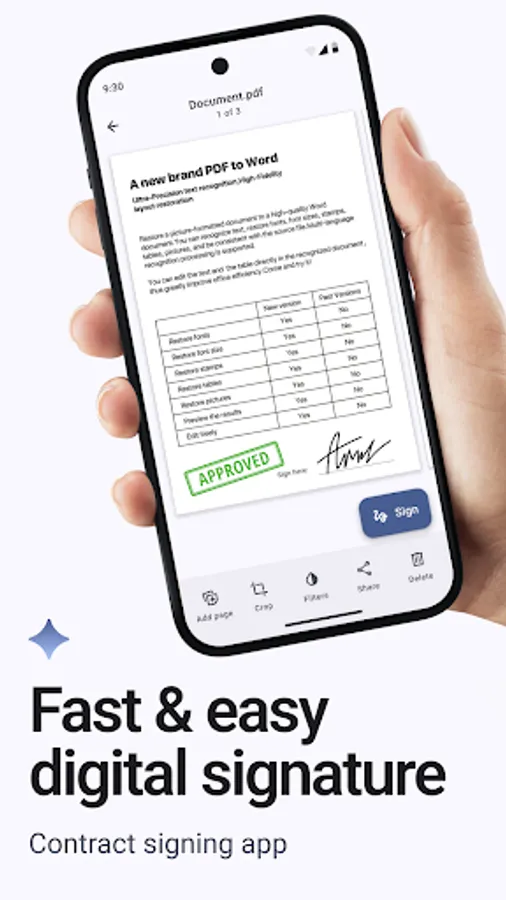
Forget about printing, signing, scanning, and sending back. Just open your file, add digital signature to PDF, and send it instantly.
2. Signing documents anywhere, anytime
Whether you’re in a meeting, at the airport, or working from home — simply electronically sign PDF and share it. eSignDocPDF is your personal contract signing app that fits in your pocket.
3. Poor-quality photos and long editing
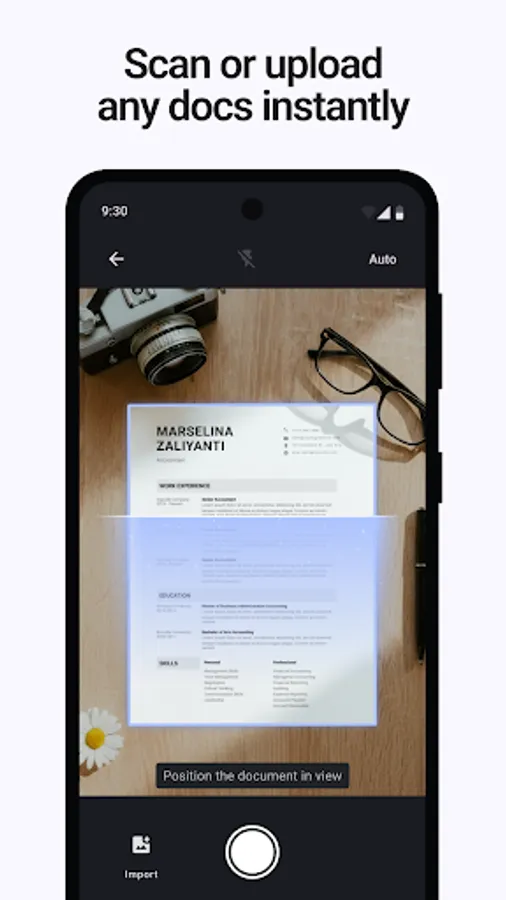
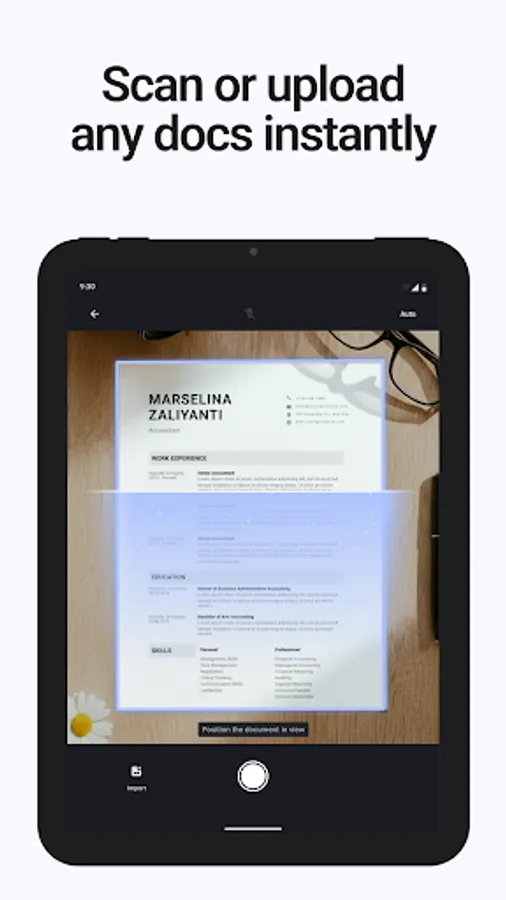
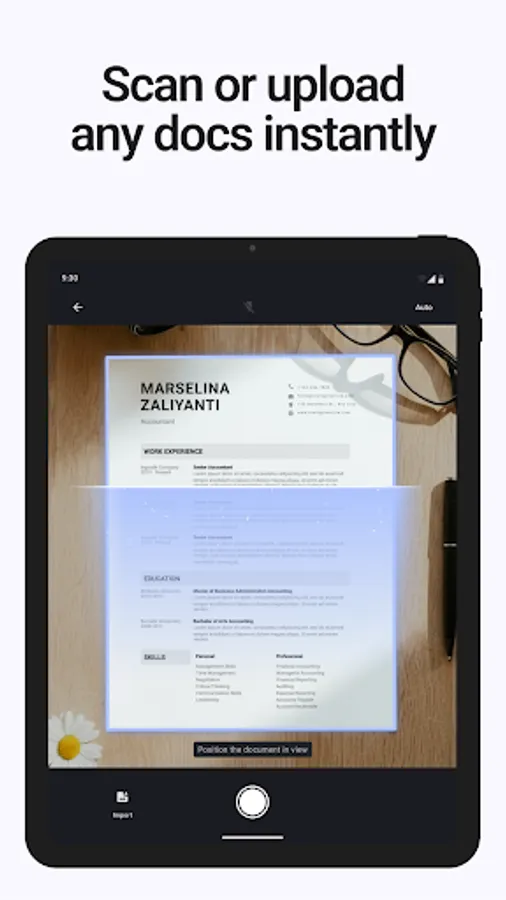
Take a quick photo of your paper document — the built-in scanner will automatically crop, enhance, and turn it into a professional PDF ready for e signature.
4. Lost signatures and messy file storage
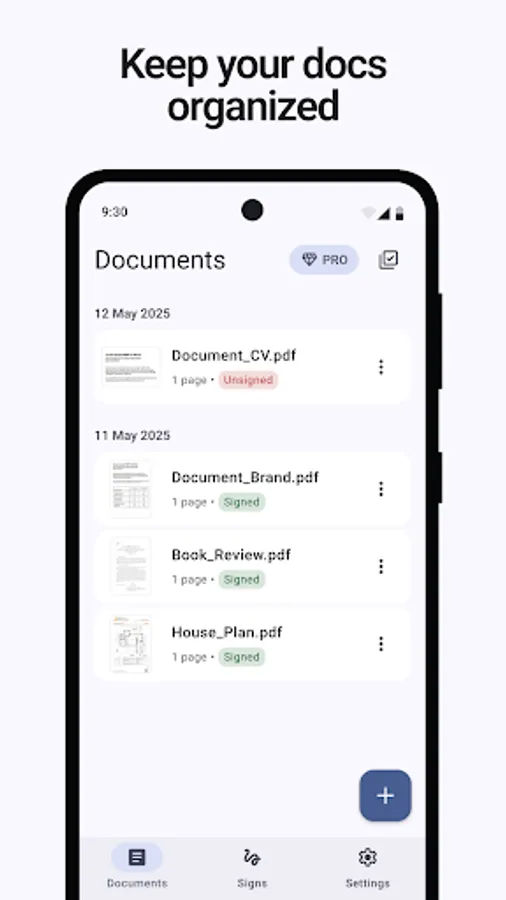
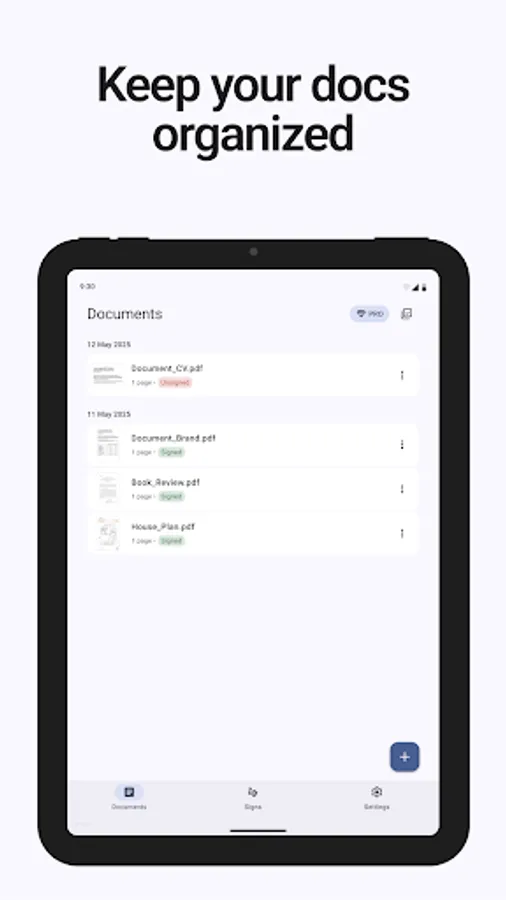
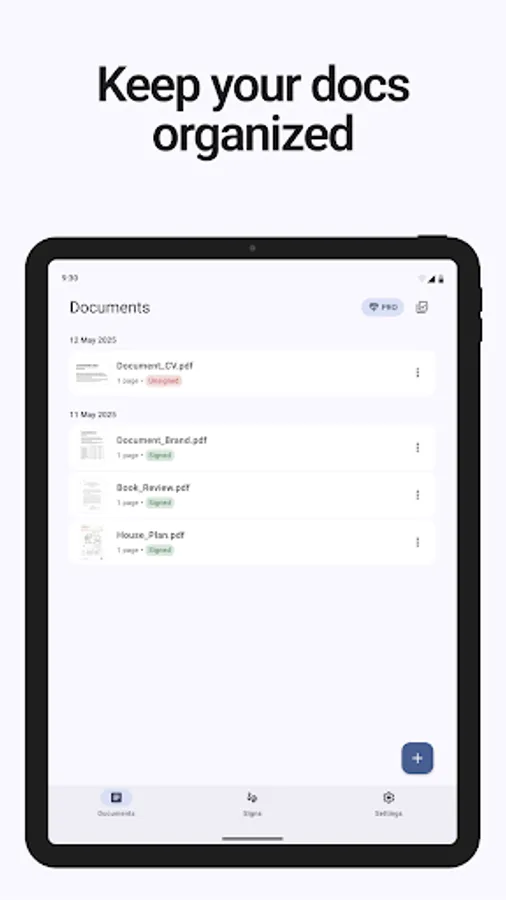
Keep all your signed documents in one secure place. Manage your digital document signing workflow easily and safely.
⚙️ Main features
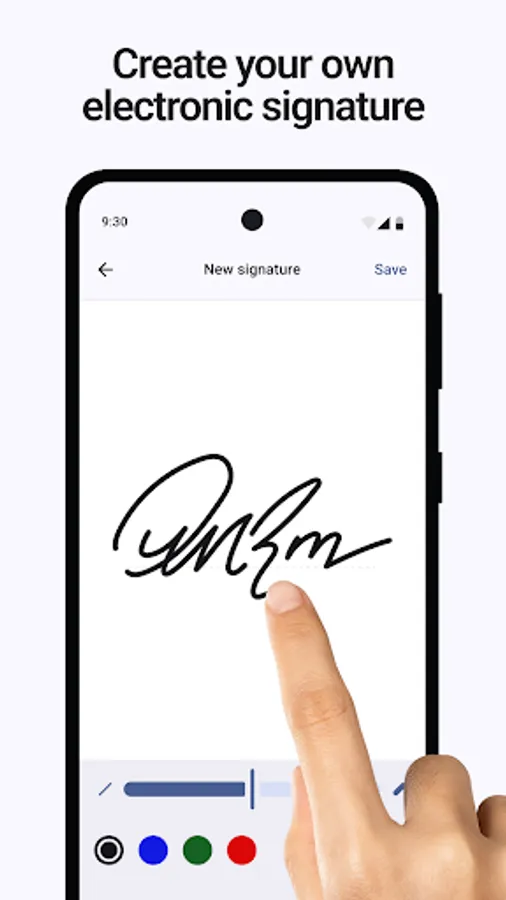
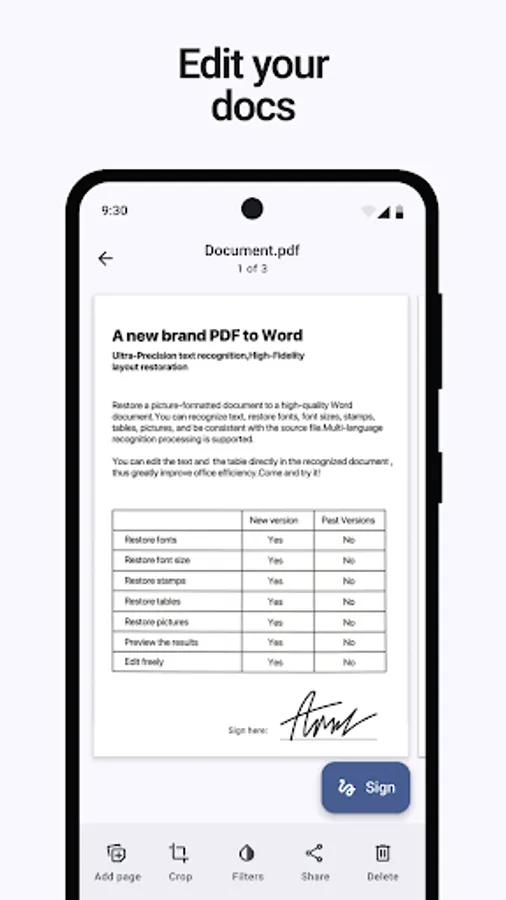
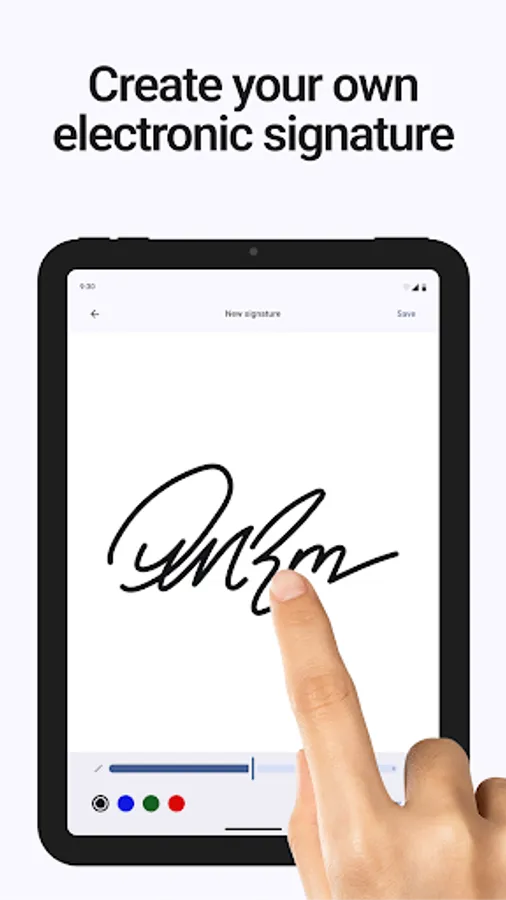
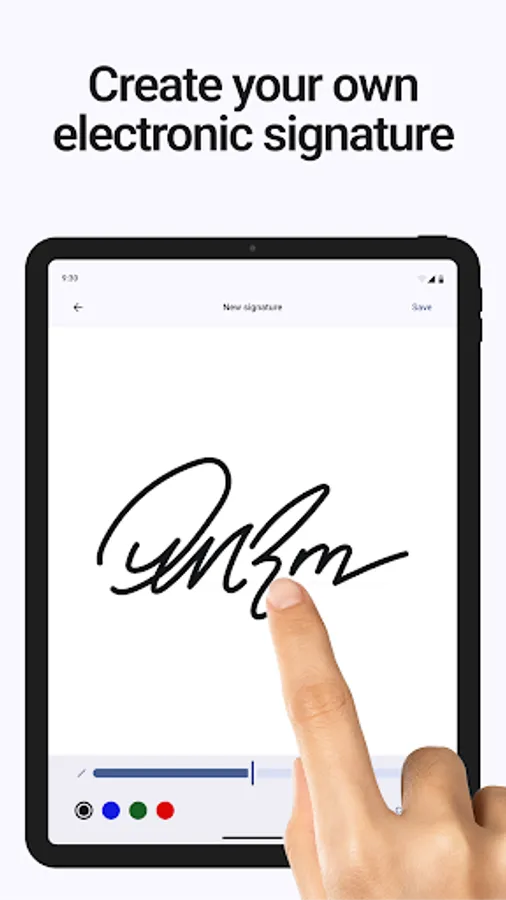
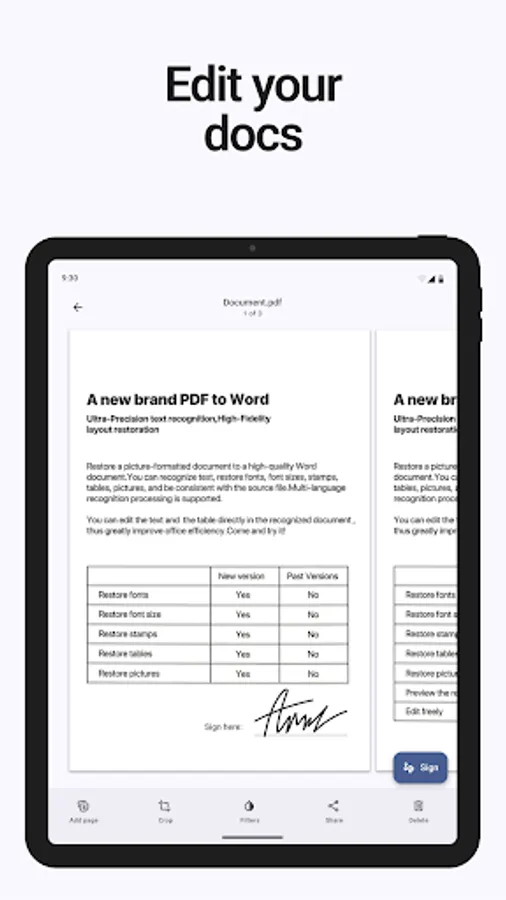
✍️ Create electronic signature — draw with your finger or stylus, or upload an image of your signature.
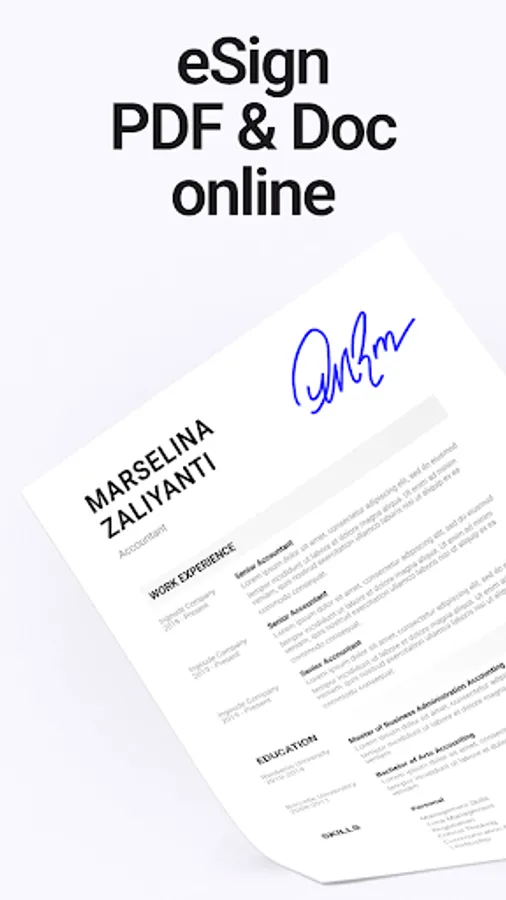
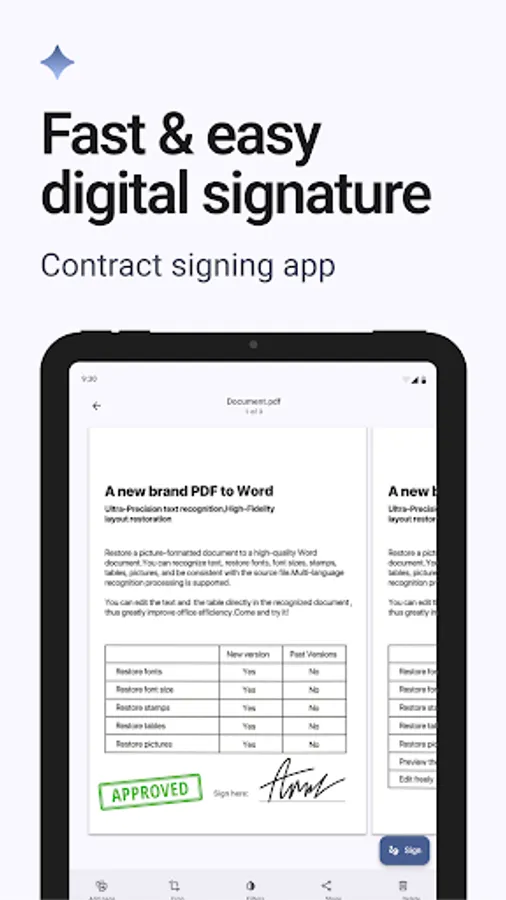
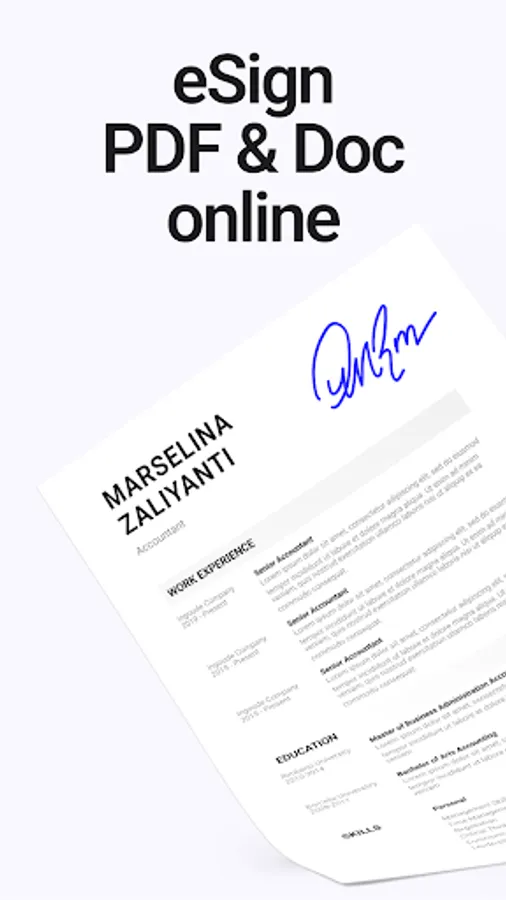
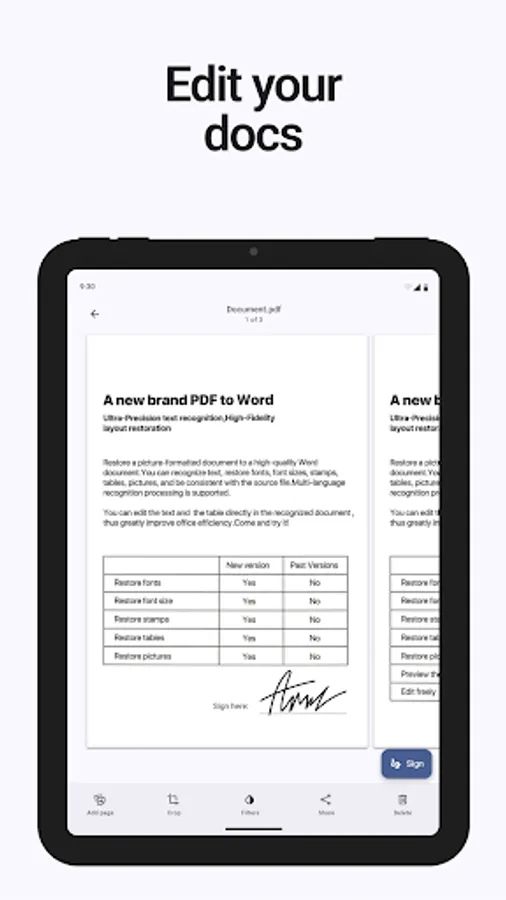
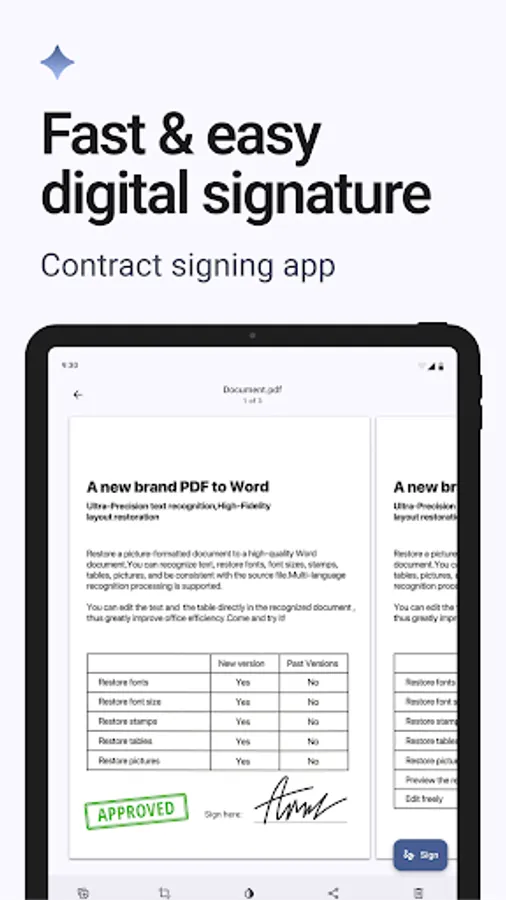
📄 Sign PDF & DOC files — add your e signature to contracts, forms, or any document.
📷 Scan documents — use your camera to scan papers and convert them into editable PDFs.
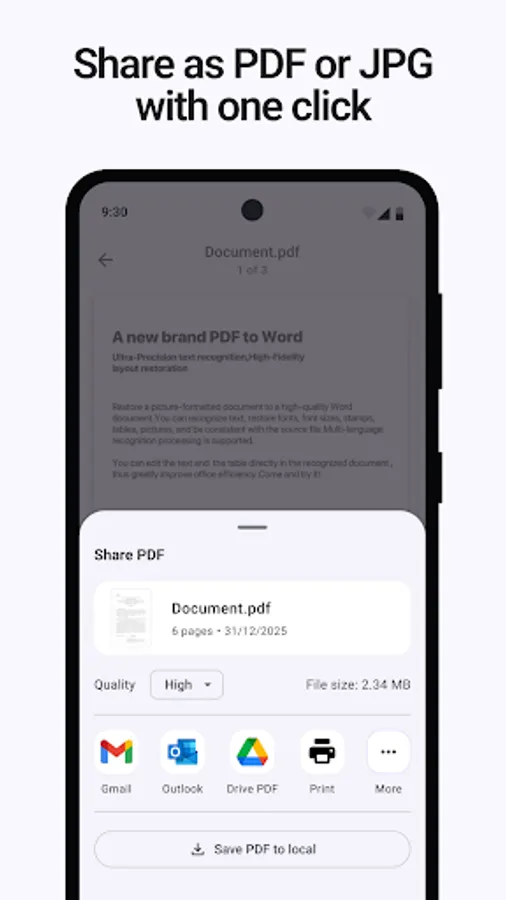
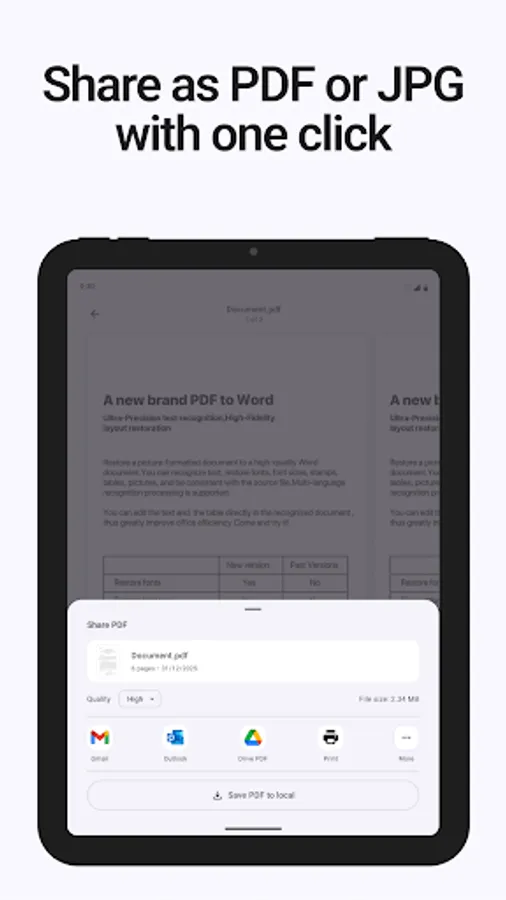
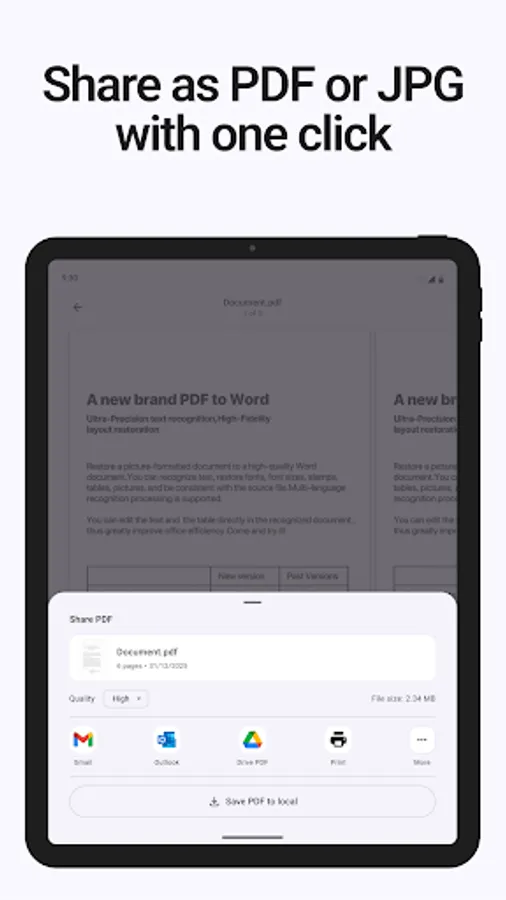
📤 Send signed files instantly — share via email, messengers, or cloud storage.
🔒 Safe and private — your electronic signatures are stored only on your device.
👥 Who will benefit from eSignDocPDF
- Freelancers and entrepreneurs
Quickly sign PDF documents and send them to clients without opening a laptop.
- Small businesses and startups
Simplify document workflows and speed up approvals with one e sign app.
- Lawyers, accountants, HR specialists
Sign, manage, and send multiple contracts and forms daily in a few taps.
- Everyday users
Perfect for signing rental agreements, applications, or consent forms.
🚀 Why choose eSignDocPDF
Simple and intuitive — fill and sign PDF in just a few seconds.
Fast — create and sign doc files instantly, even offline.
Universal — works with PDF, DOC, JPG, and other formats.
Secure — all digitally signed PDF documents are kept private.
Professional — generate clean, official-looking PDF with e signature.
Is it possible for free?
Is your document signing app free?
Yes, our electronic document signing app can be used for free. You can also try the extended features (advanced filters, high-quality export, unlimited scans and PDF signatures) by starting a free trial!
Can I sign a document for free?
Yes, in our app you can create a digital signature for free and sign a PDF document for free!
Can I create more than one electronic signature for free?
No, in the free version of the app only one electronic signature is available.
💡 Key advantages
No registration or subscription required to start signing.
Fully offline mode — you can digitally sign PDF document without internet.
Smart scanning — fix lighting, crop, and convert photos to perfect PDF.
Save time — forget about printing or rescanning paperwork.
Trusted tool for all your electronic signature PDF needs.
eSignDocPDF — your reliable tool for creating an electronic signature and signing any PDF or DOC file in seconds.
Turn your phone into a professional digital document signing app.
No more printing, no more scanning — just sign, send, and done.
📲 Download eSignDocPDF now and experience the fastest, easiest way to e sign documents online or offline.
Sign PDF. Send instantly. Save your time.
Meet eSignDocPDF — the simple, secure, and fast way to sign PDF documents, create your digital signature, and send signed files in seconds. Whether you’re working remotely, freelancing, or just need to sign a form on the go, this document signing app saves your time and eliminates paper chaos.
💥 Problems that eSignDocPDF solves
1. No printer or scanner needed
Forget about printing, signing, scanning, and sending back. Just open your file, add digital signature to PDF, and send it instantly.
2. Signing documents anywhere, anytime
Whether you’re in a meeting, at the airport, or working from home — simply electronically sign PDF and share it. eSignDocPDF is your personal contract signing app that fits in your pocket.
3. Poor-quality photos and long editing
Take a quick photo of your paper document — the built-in scanner will automatically crop, enhance, and turn it into a professional PDF ready for e signature.
4. Lost signatures and messy file storage
Keep all your signed documents in one secure place. Manage your digital document signing workflow easily and safely.
⚙️ Main features
✍️ Create electronic signature — draw with your finger or stylus, or upload an image of your signature.
📄 Sign PDF & DOC files — add your e signature to contracts, forms, or any document.
📷 Scan documents — use your camera to scan papers and convert them into editable PDFs.
📤 Send signed files instantly — share via email, messengers, or cloud storage.
🔒 Safe and private — your electronic signatures are stored only on your device.
👥 Who will benefit from eSignDocPDF
- Freelancers and entrepreneurs
Quickly sign PDF documents and send them to clients without opening a laptop.
- Small businesses and startups
Simplify document workflows and speed up approvals with one e sign app.
- Lawyers, accountants, HR specialists
Sign, manage, and send multiple contracts and forms daily in a few taps.
- Everyday users
Perfect for signing rental agreements, applications, or consent forms.
🚀 Why choose eSignDocPDF
Simple and intuitive — fill and sign PDF in just a few seconds.
Fast — create and sign doc files instantly, even offline.
Universal — works with PDF, DOC, JPG, and other formats.
Secure — all digitally signed PDF documents are kept private.
Professional — generate clean, official-looking PDF with e signature.
Is it possible for free?
Is your document signing app free?
Yes, our electronic document signing app can be used for free. You can also try the extended features (advanced filters, high-quality export, unlimited scans and PDF signatures) by starting a free trial!
Can I sign a document for free?
Yes, in our app you can create a digital signature for free and sign a PDF document for free!
Can I create more than one electronic signature for free?
No, in the free version of the app only one electronic signature is available.
💡 Key advantages
No registration or subscription required to start signing.
Fully offline mode — you can digitally sign PDF document without internet.
Smart scanning — fix lighting, crop, and convert photos to perfect PDF.
Save time — forget about printing or rescanning paperwork.
Trusted tool for all your electronic signature PDF needs.
eSignDocPDF — your reliable tool for creating an electronic signature and signing any PDF or DOC file in seconds.
Turn your phone into a professional digital document signing app.
No more printing, no more scanning — just sign, send, and done.
📲 Download eSignDocPDF now and experience the fastest, easiest way to e sign documents online or offline.
Sign PDF. Send instantly. Save your time.
Sign Documents PDF eSignDocPDF Screenshots
Tap to Rate:
Reviews for Sign Documents PDF eSignDocPDF
Anesha Hosein
12/29/2025
horrible
hana baker
12/27/2025
Looks like it's pay and not free