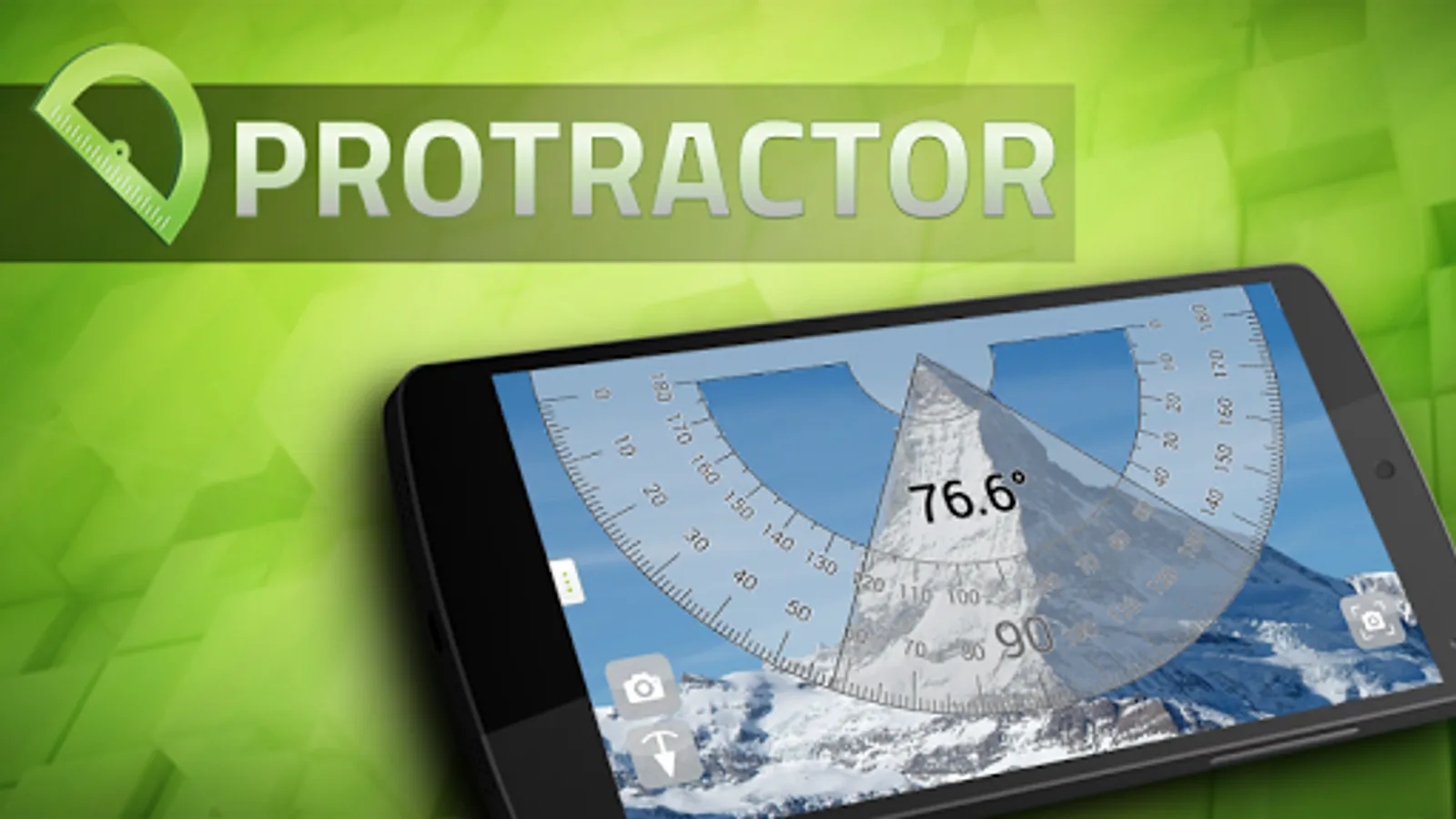
With this measurement app, you can use camera view to measure angles of objects and calibrate slopes with plumb bob mode. Includes touch and pendulum measurement modes, as well as premium polygon shape analysis and screenshot features.
AppRecs review analysis
AppRecs rating 4.2. Trustworthiness 78 out of 100. Review manipulation risk 30 out of 100. Based on a review sample analyzed.
★★★★☆
4.2
AppRecs Rating
Ratings breakdown
5 star
74%
4 star
5%
3 star
3%
2 star
5%
1 star
13%
What to know
✓
Low review manipulation risk
30% review manipulation risk
✓
Credible reviews
78% trustworthiness score from analyzed reviews
✓
High user satisfaction
79% of sampled ratings are 4+ stars (4.2★ average)
About Protractor
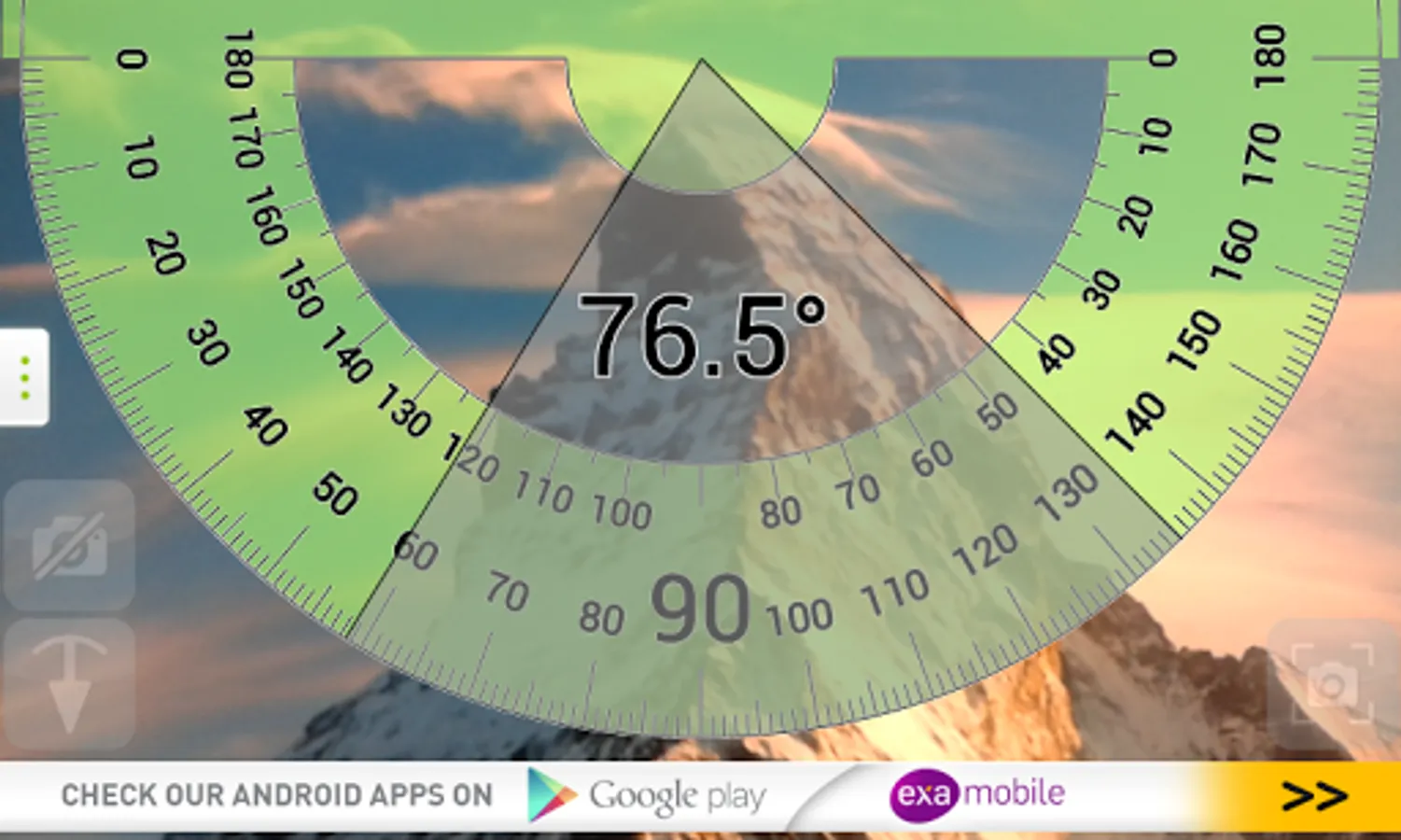
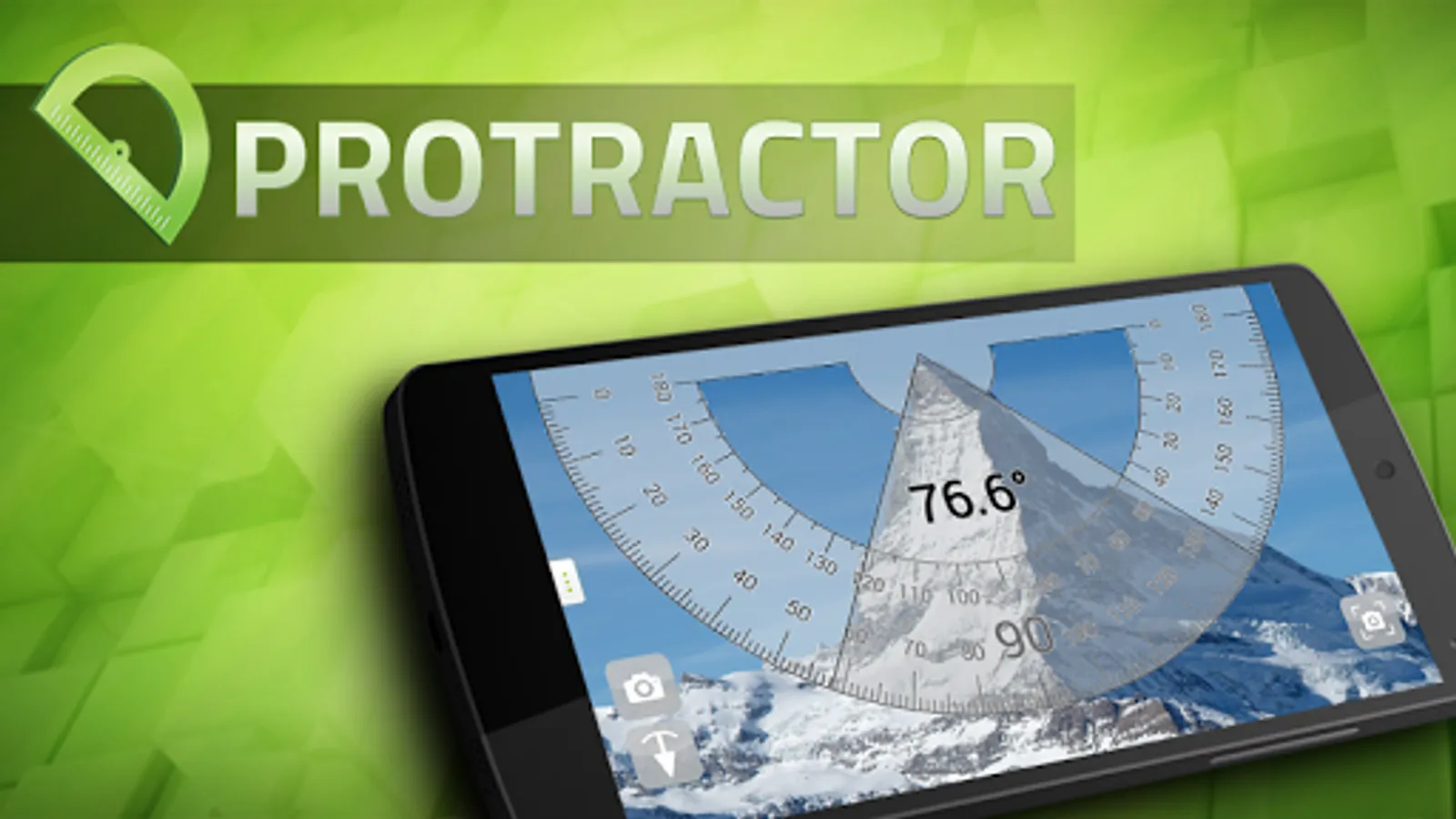
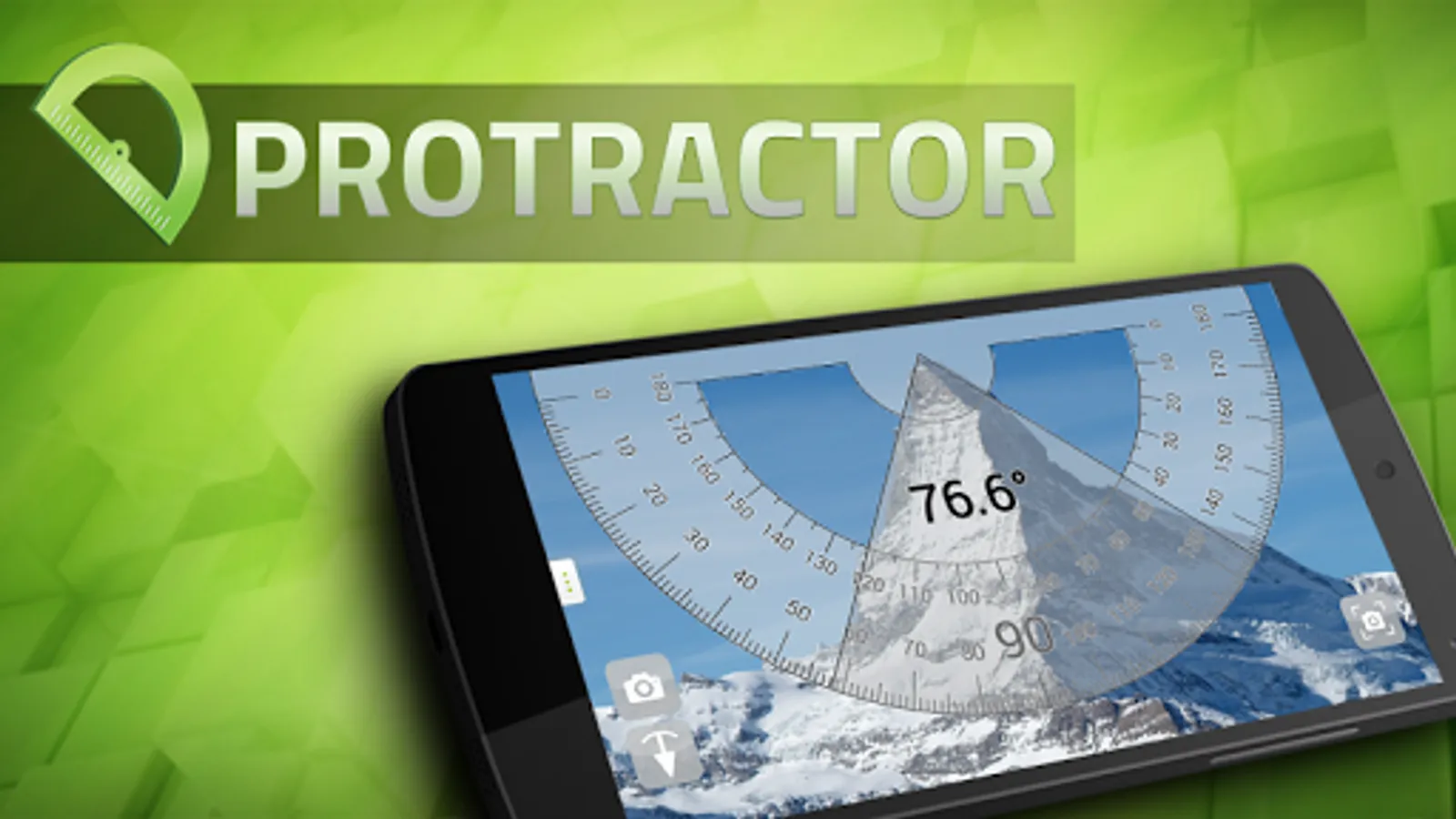
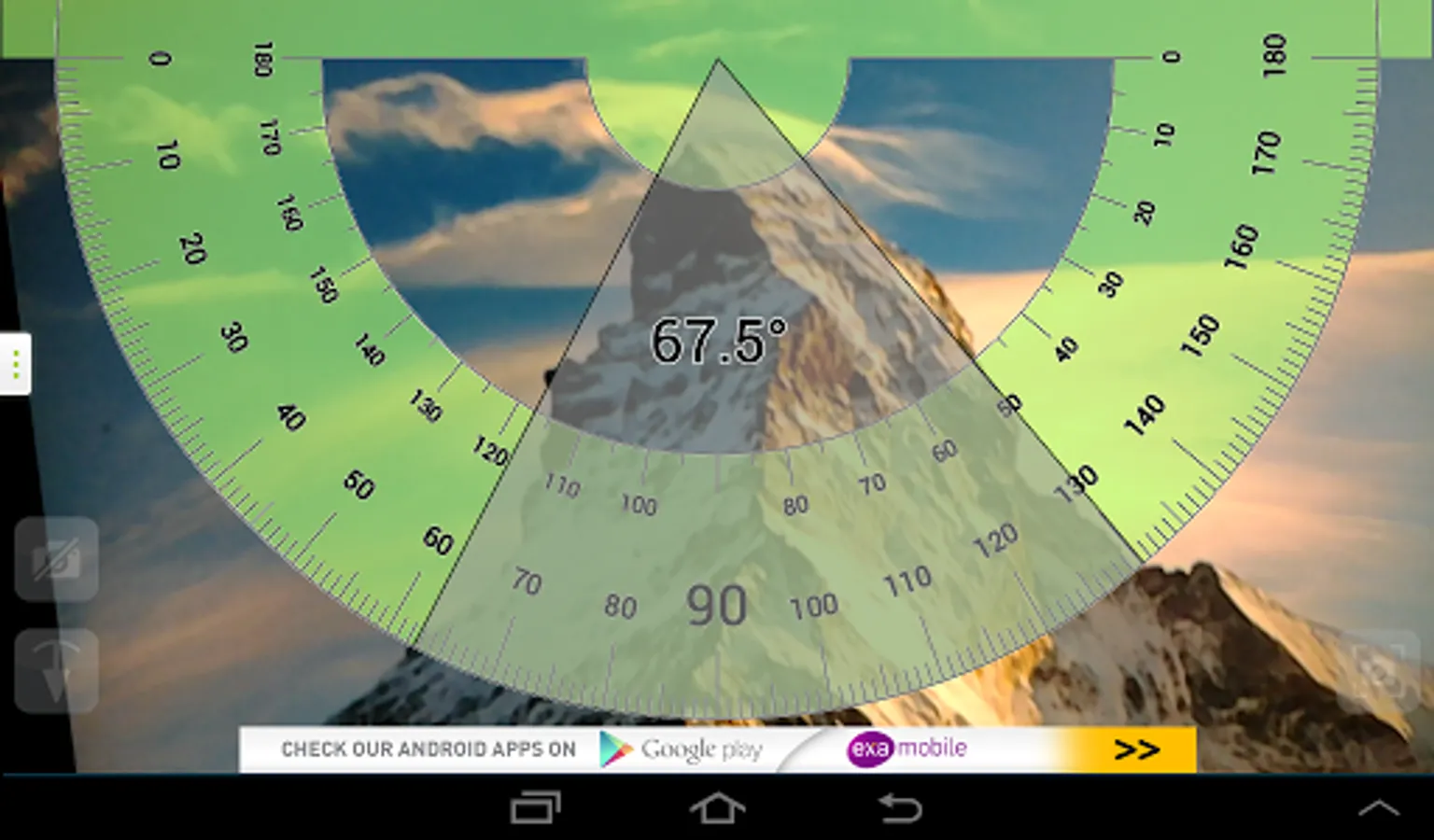
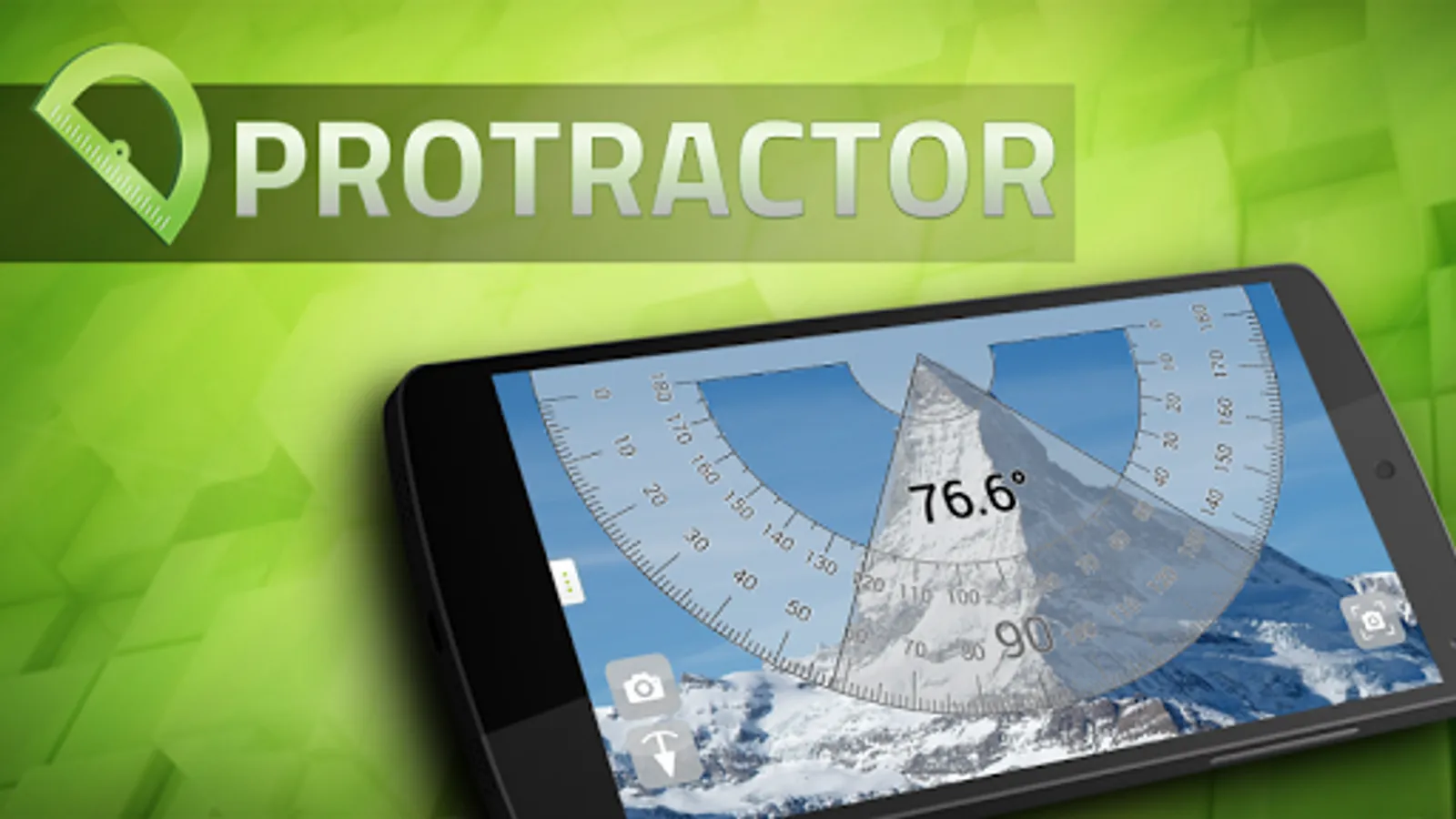
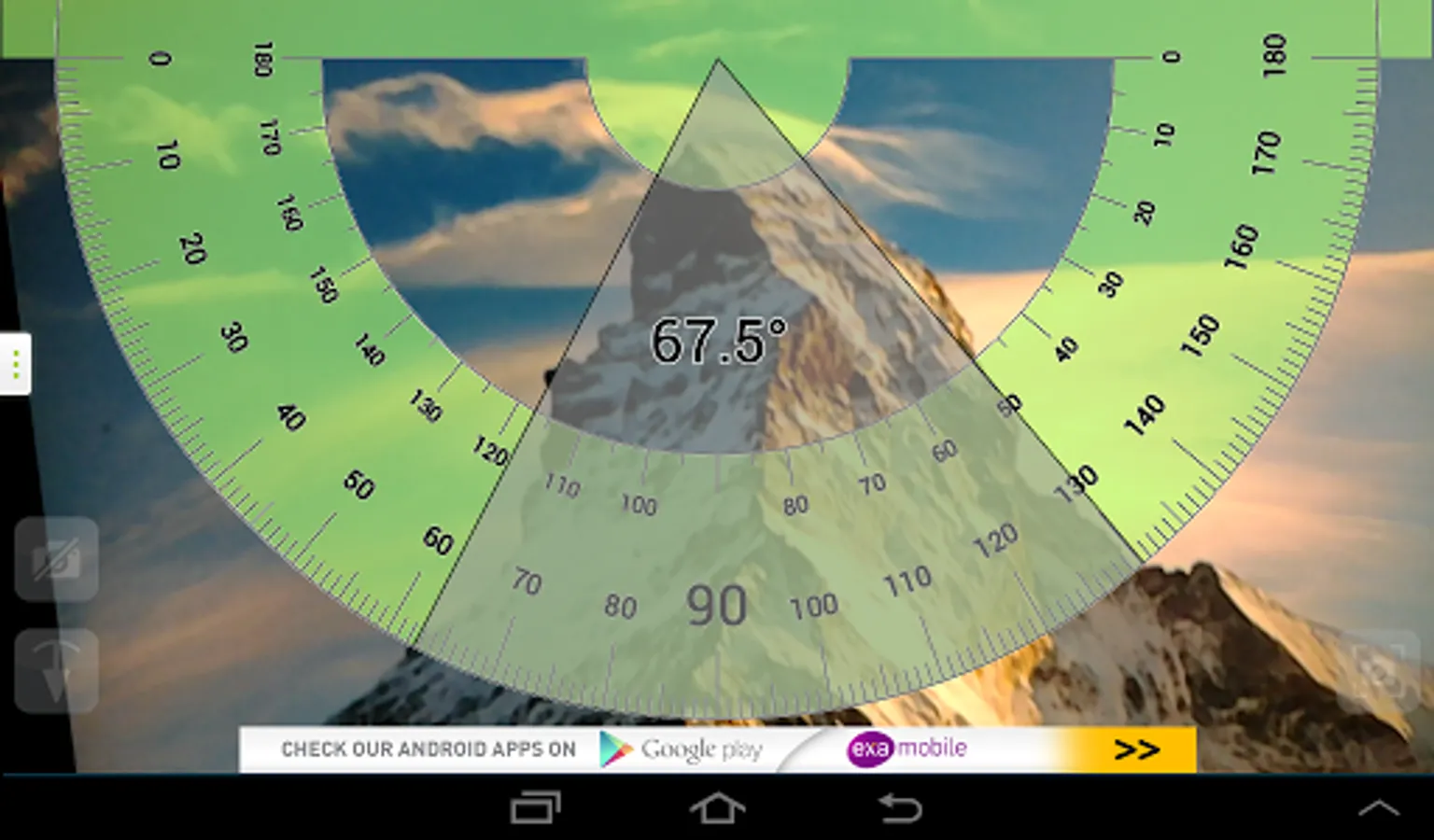
Protractor - smart instrument to measure angles. Turn on the camera mode and measure the angle of buildings, mountains, or any other object around you.
This app includes two free measuring modes:
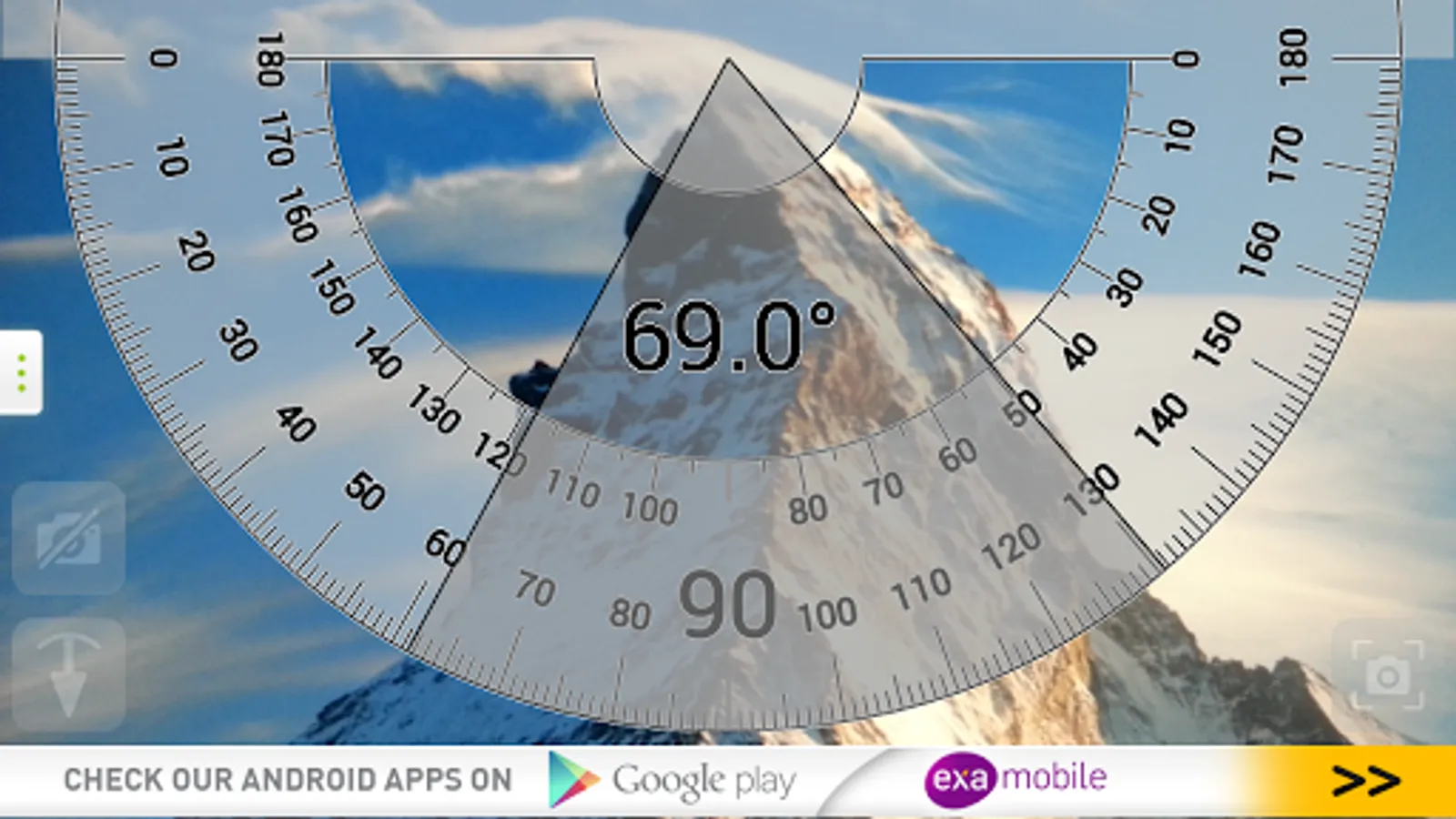
- Touch measure - touch the screen to set the angle (use camera view!).
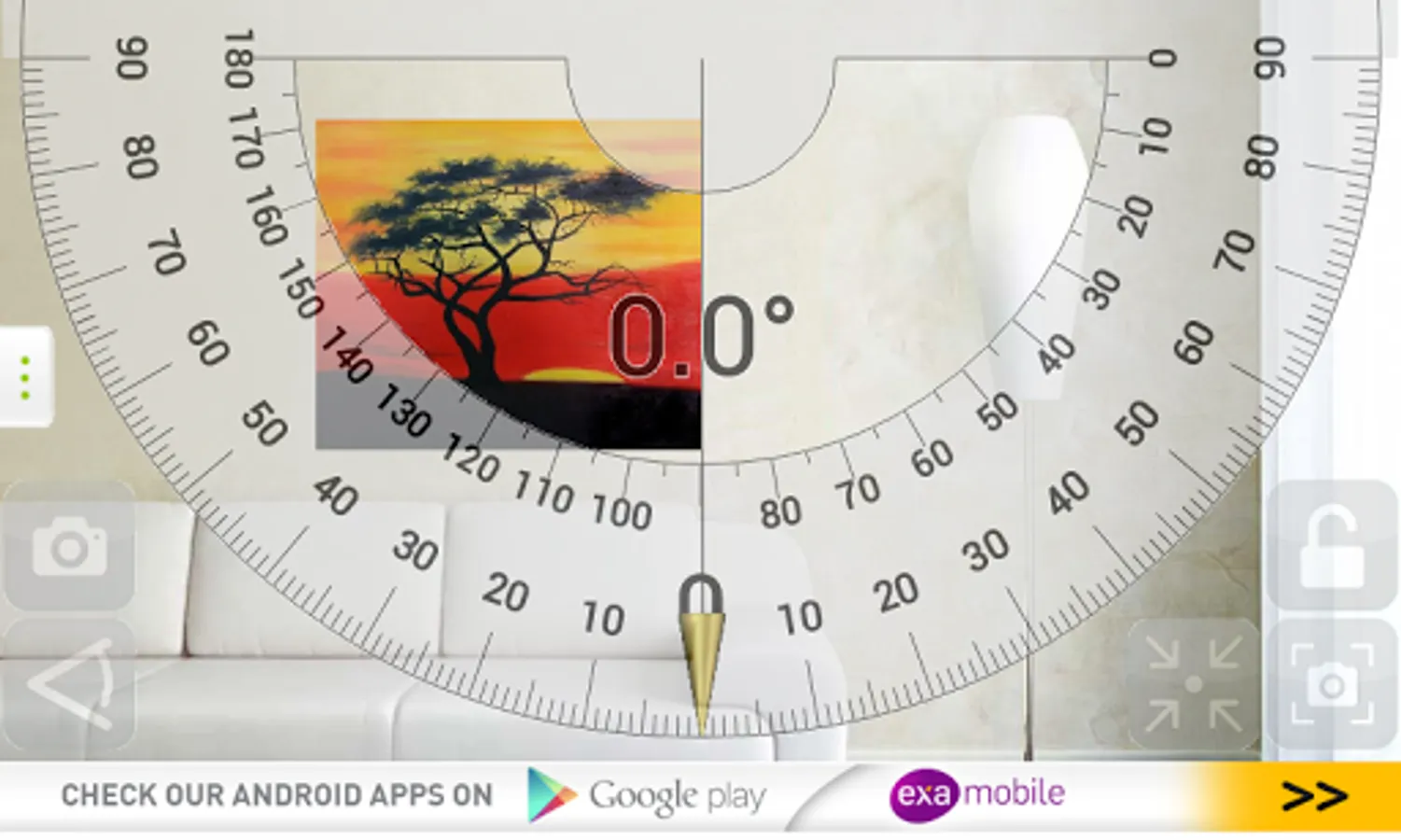
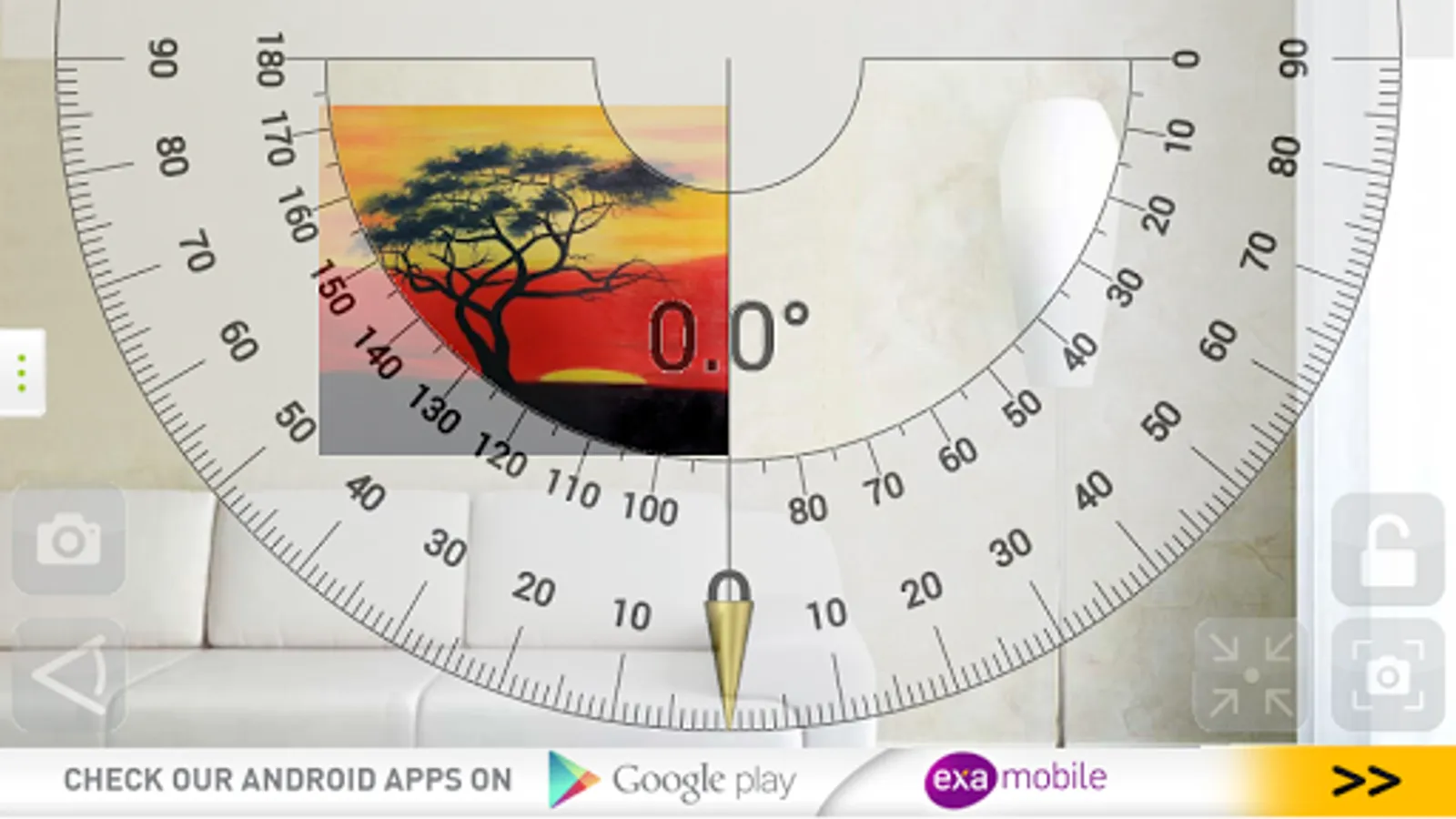
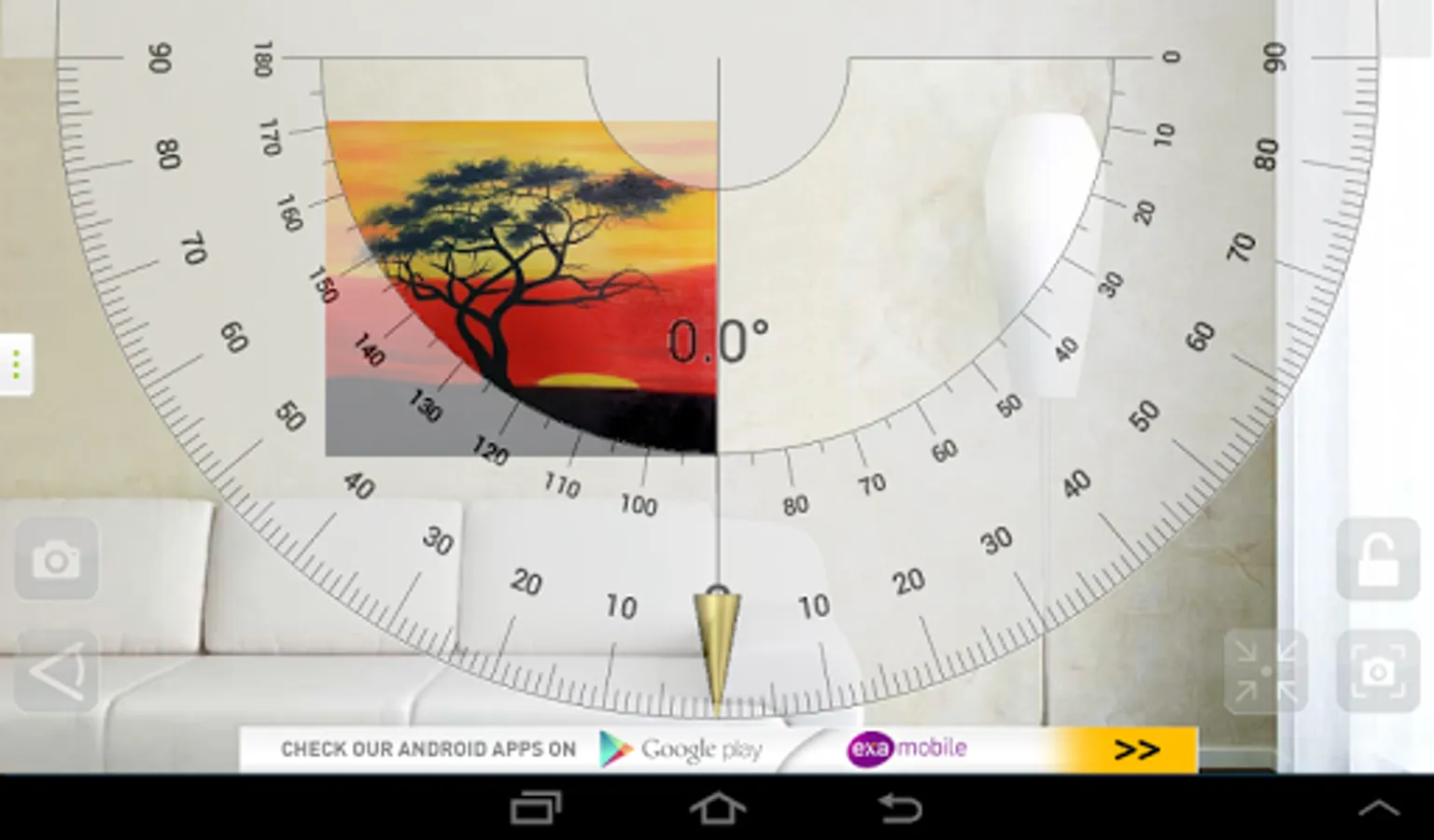
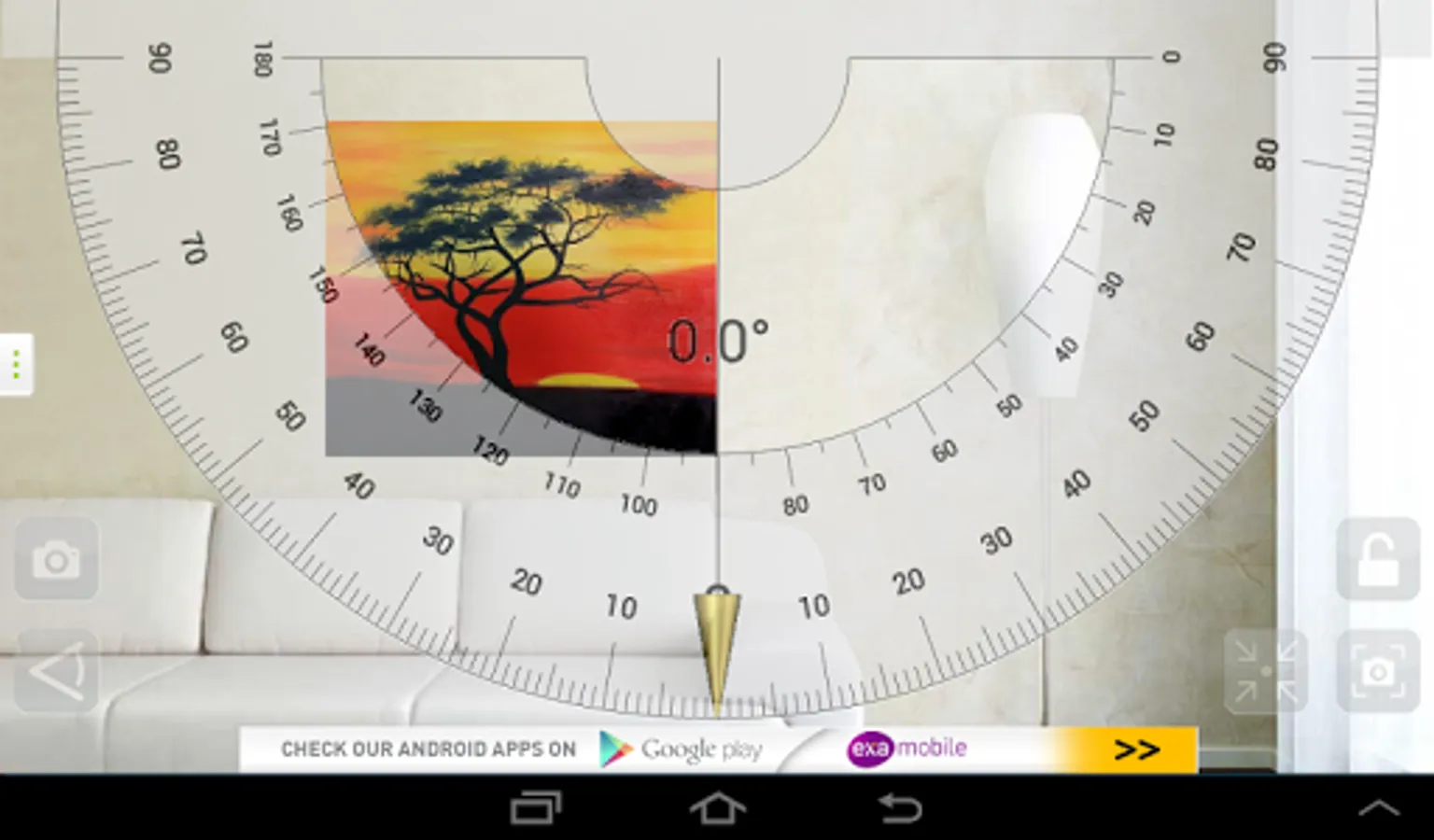
- Plumb bob measure - pendulum - use to determine the slope (remember to calibrate the plumb).
In each mode, you can switch to camera view and take measurements of all objects around you.
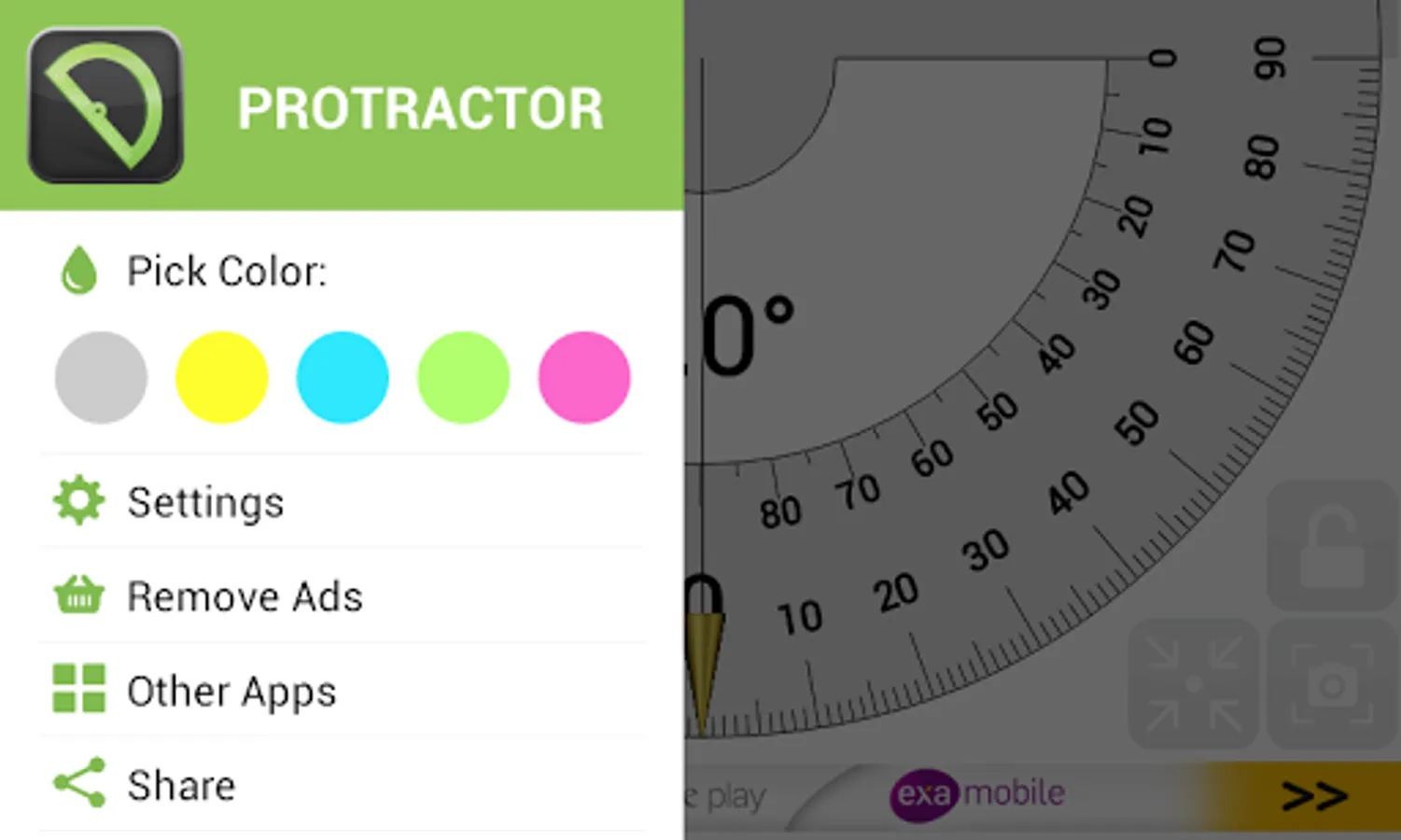
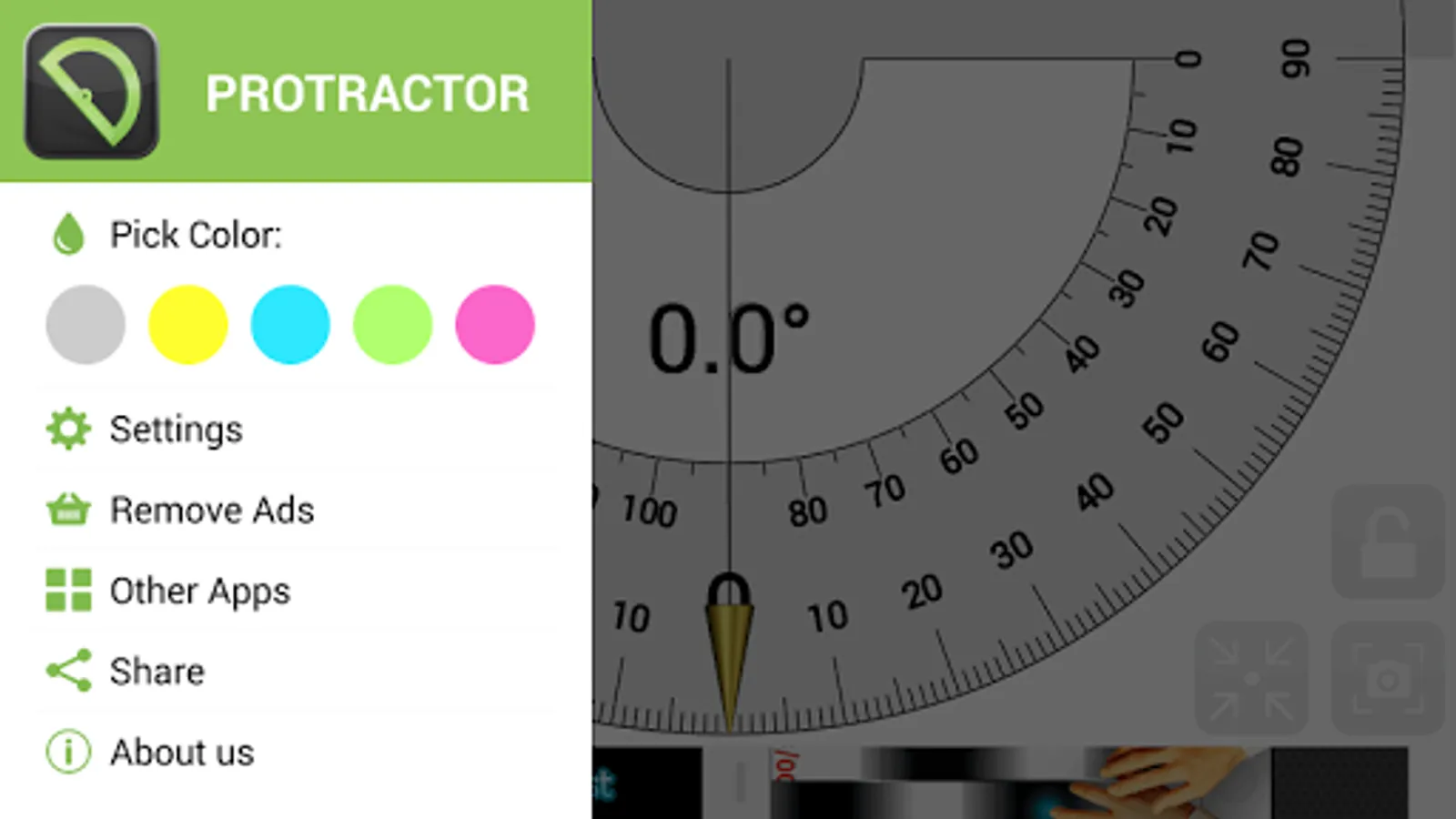
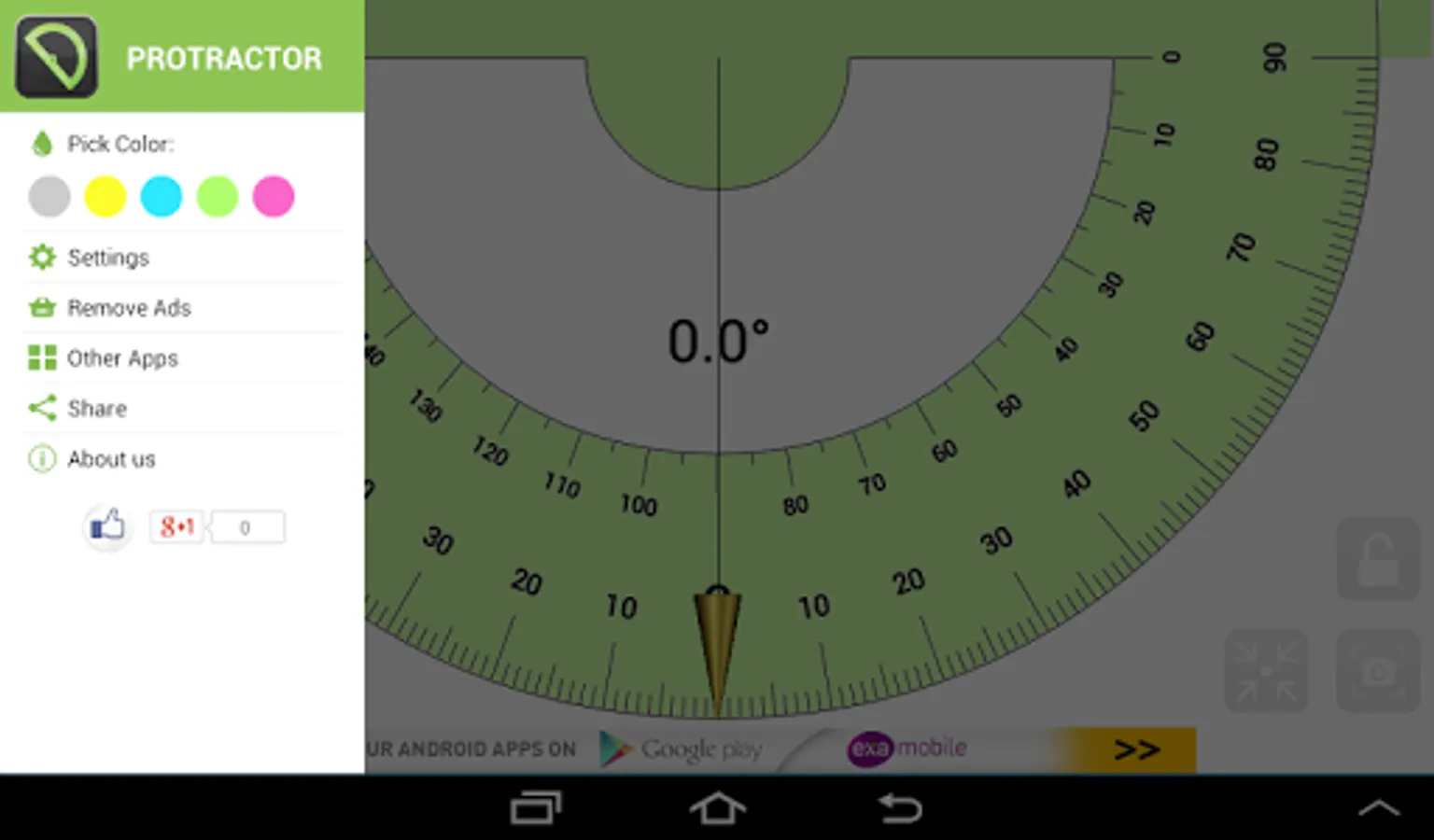
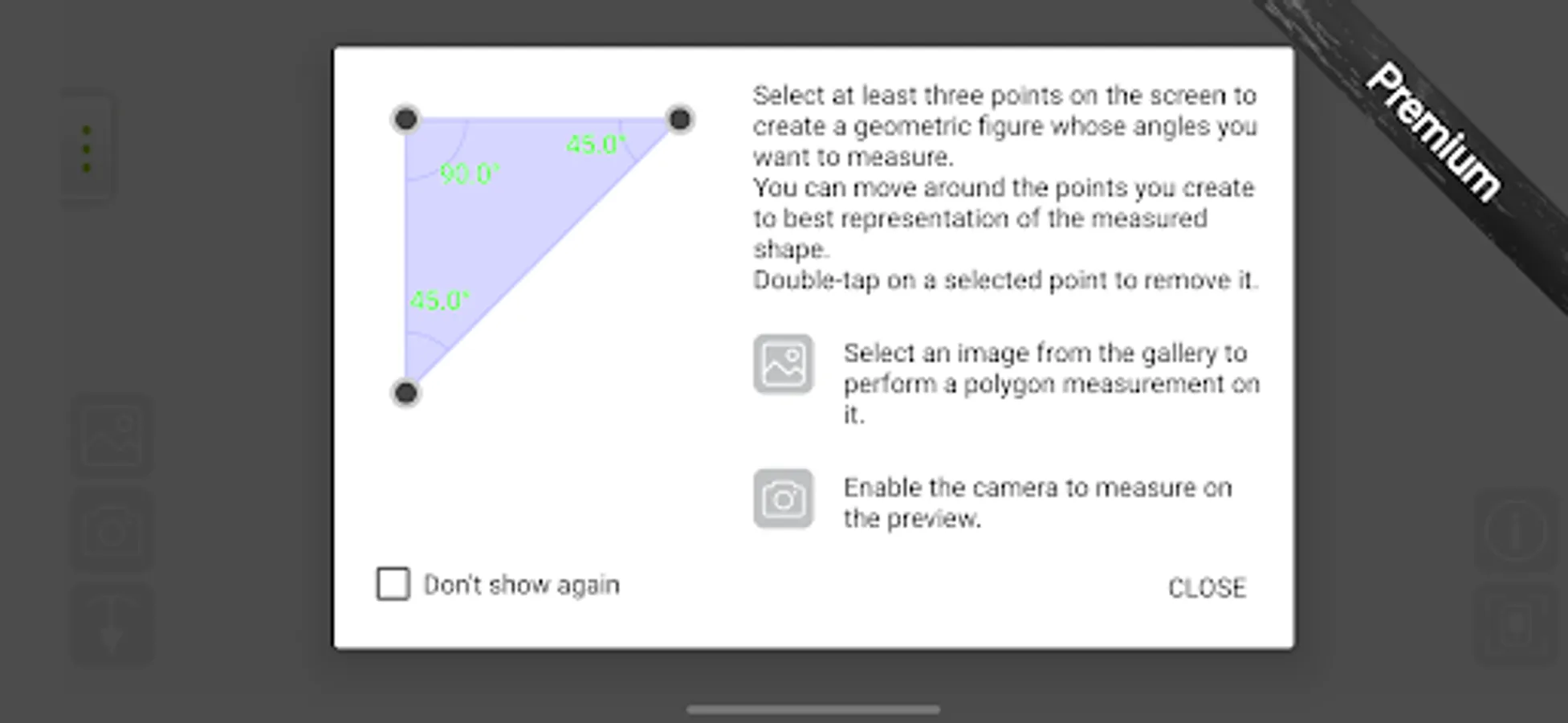
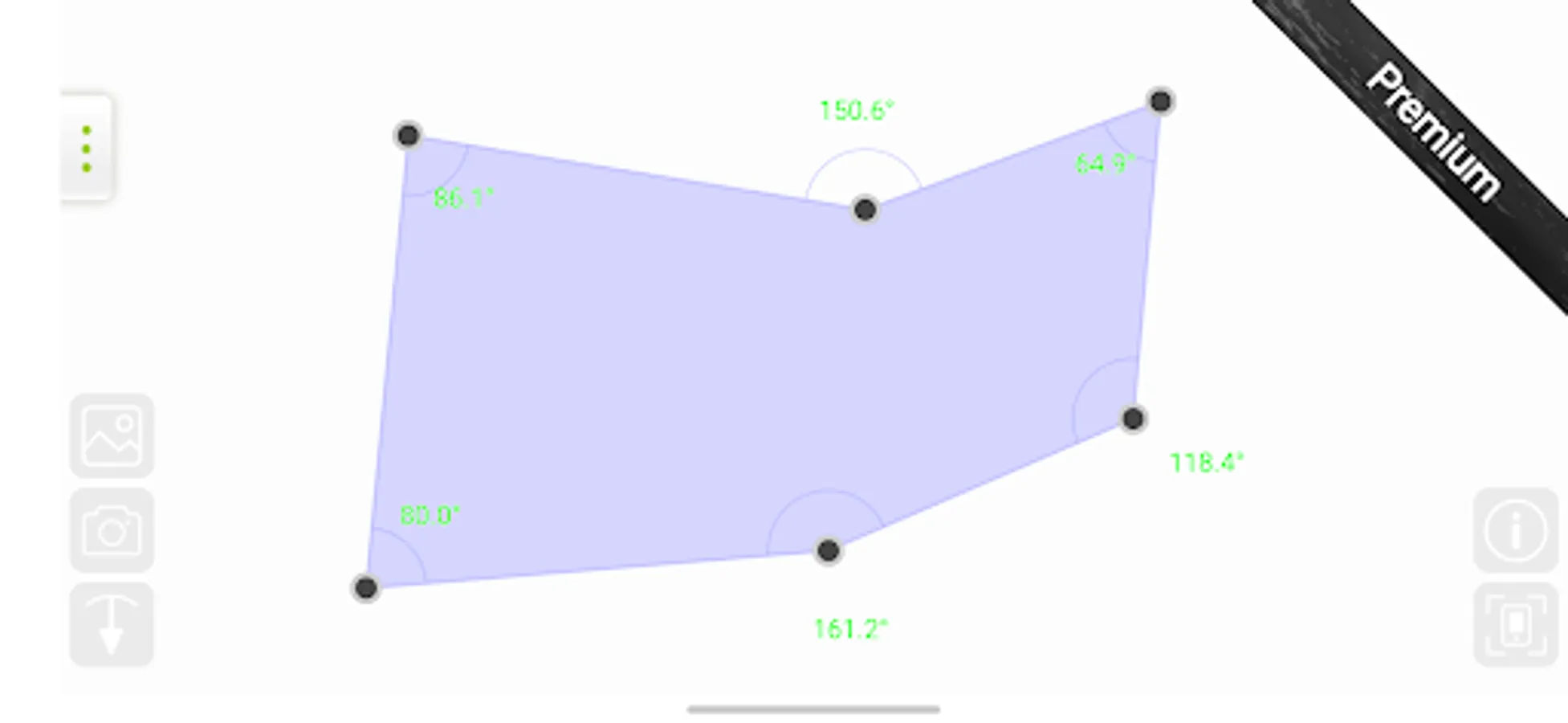
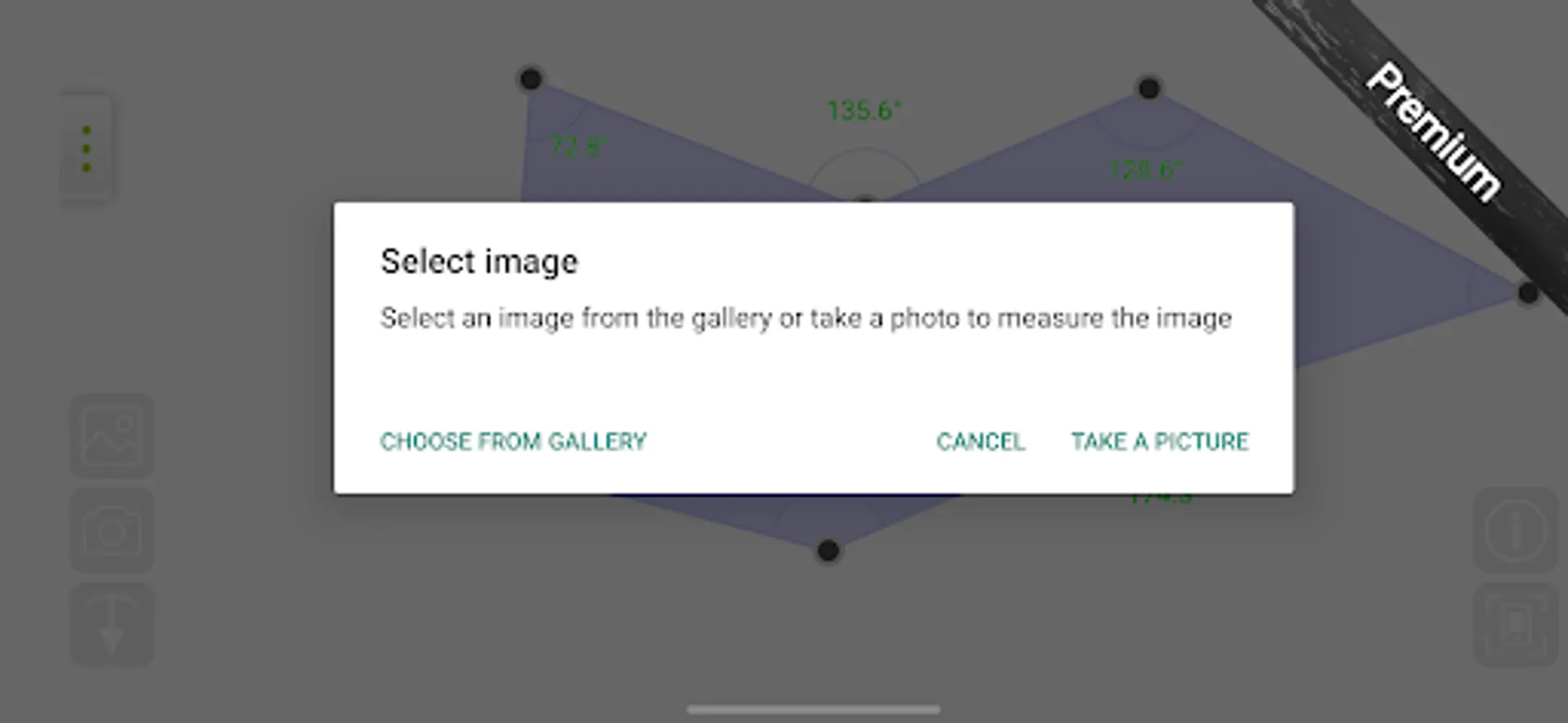
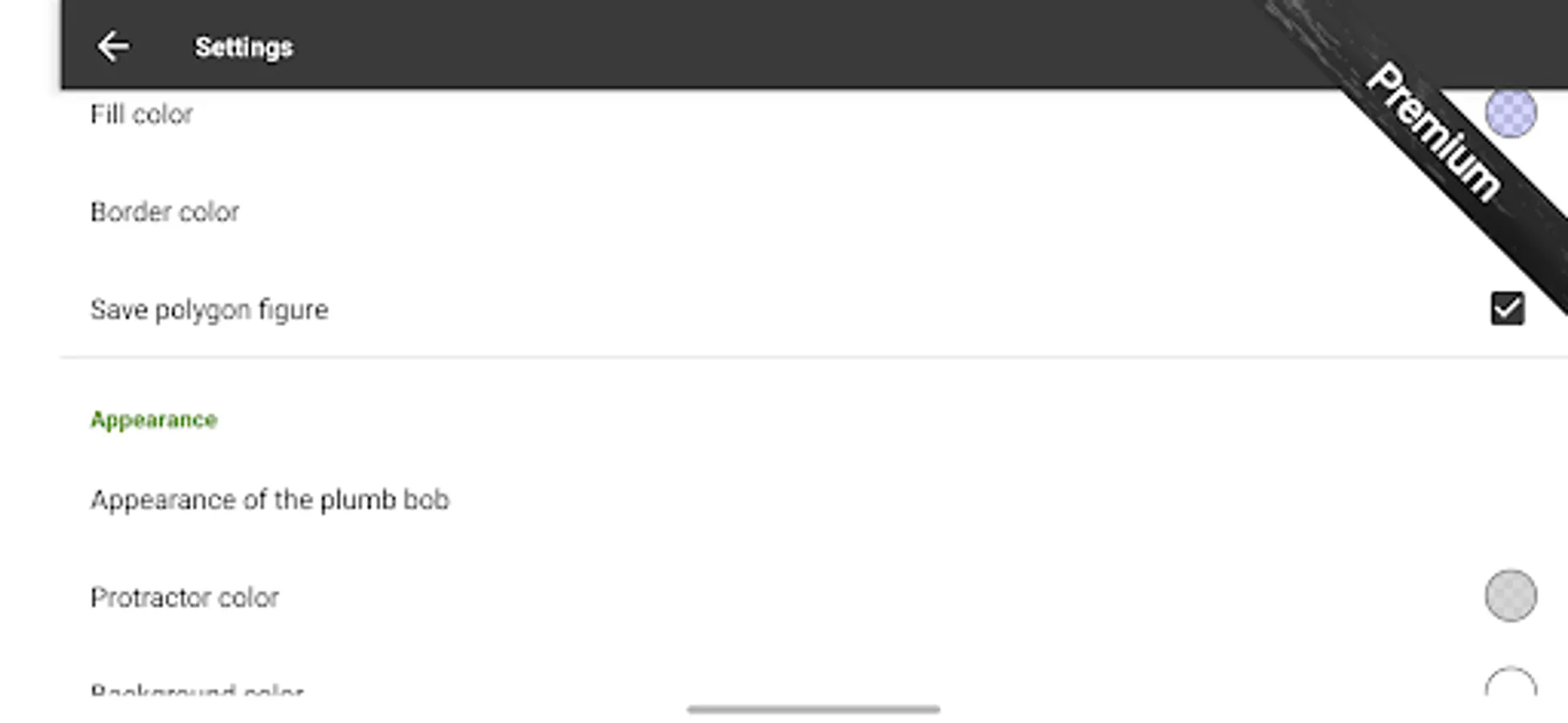
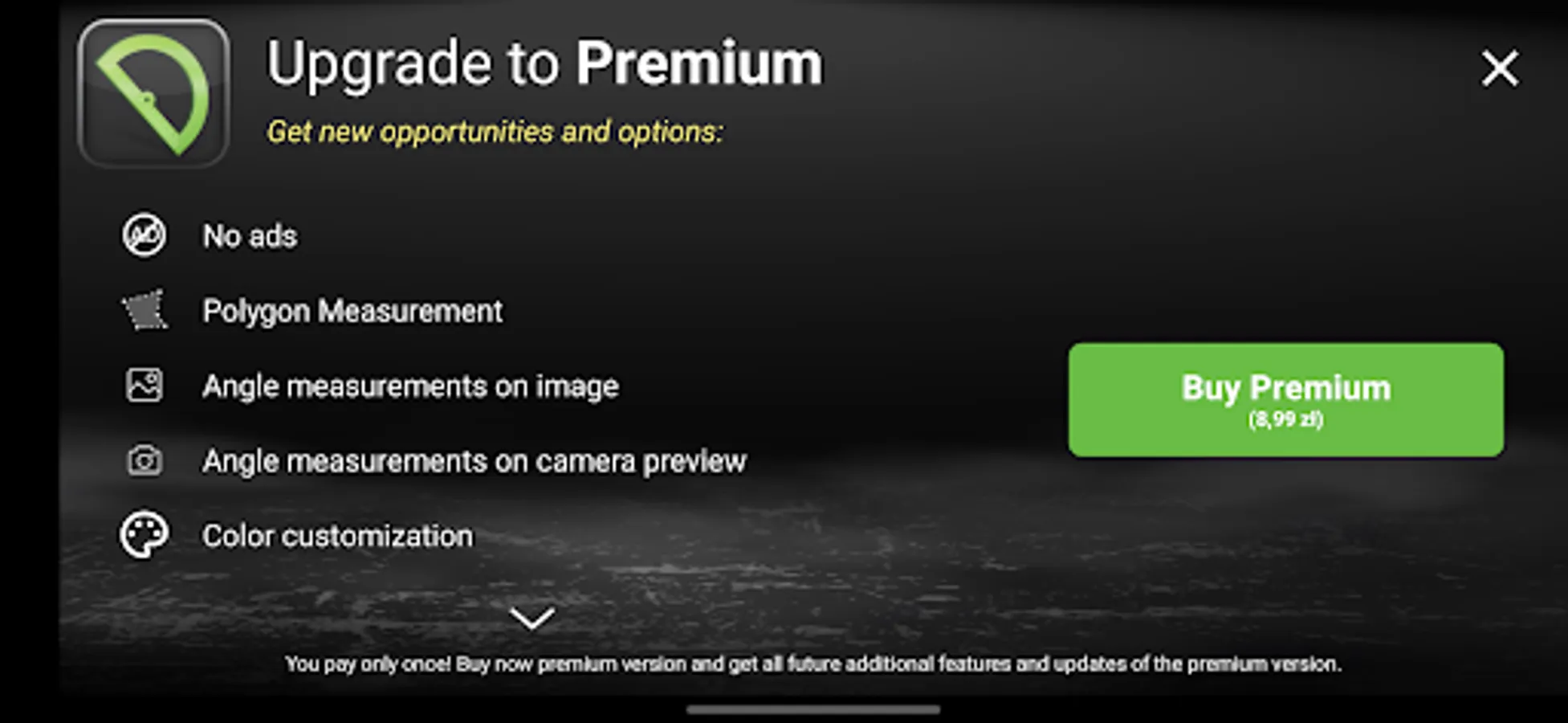
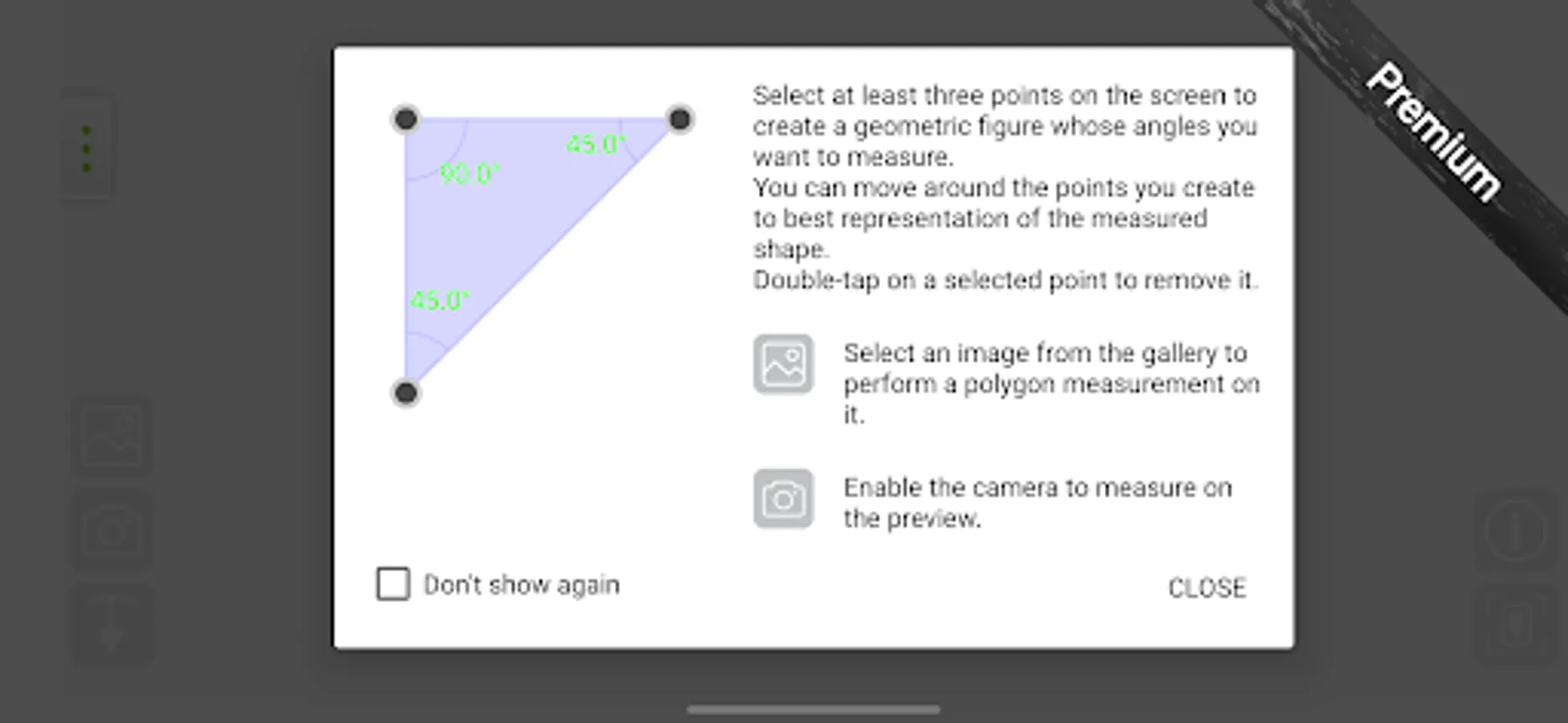
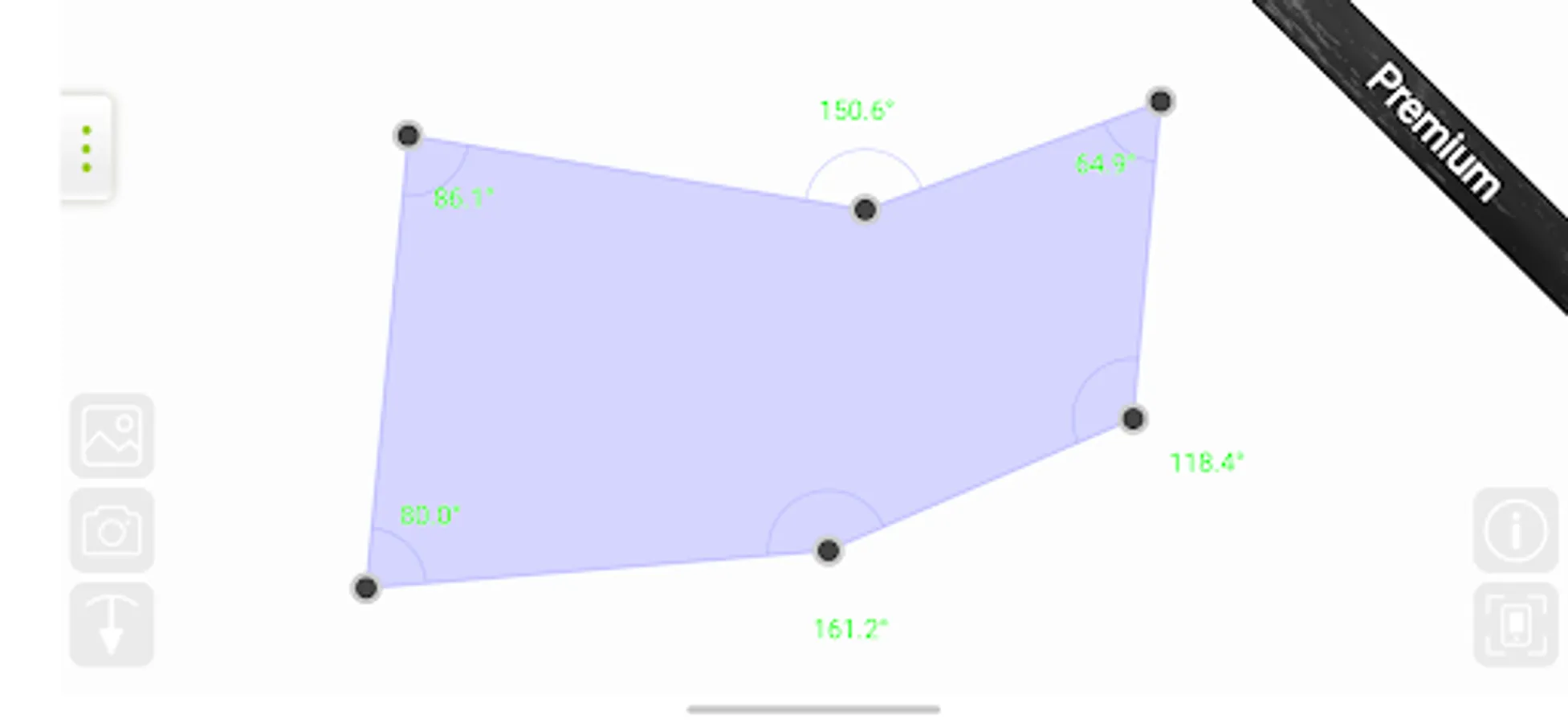
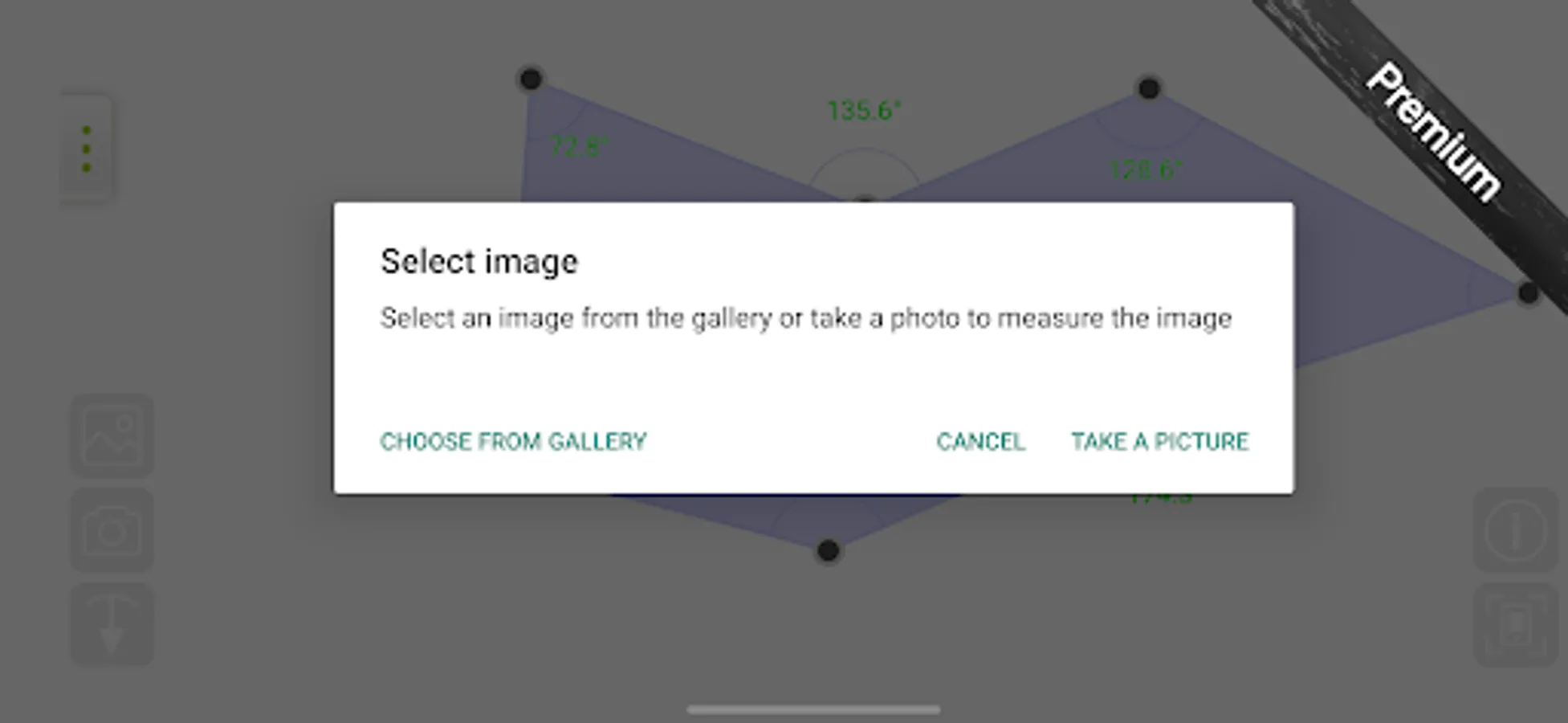
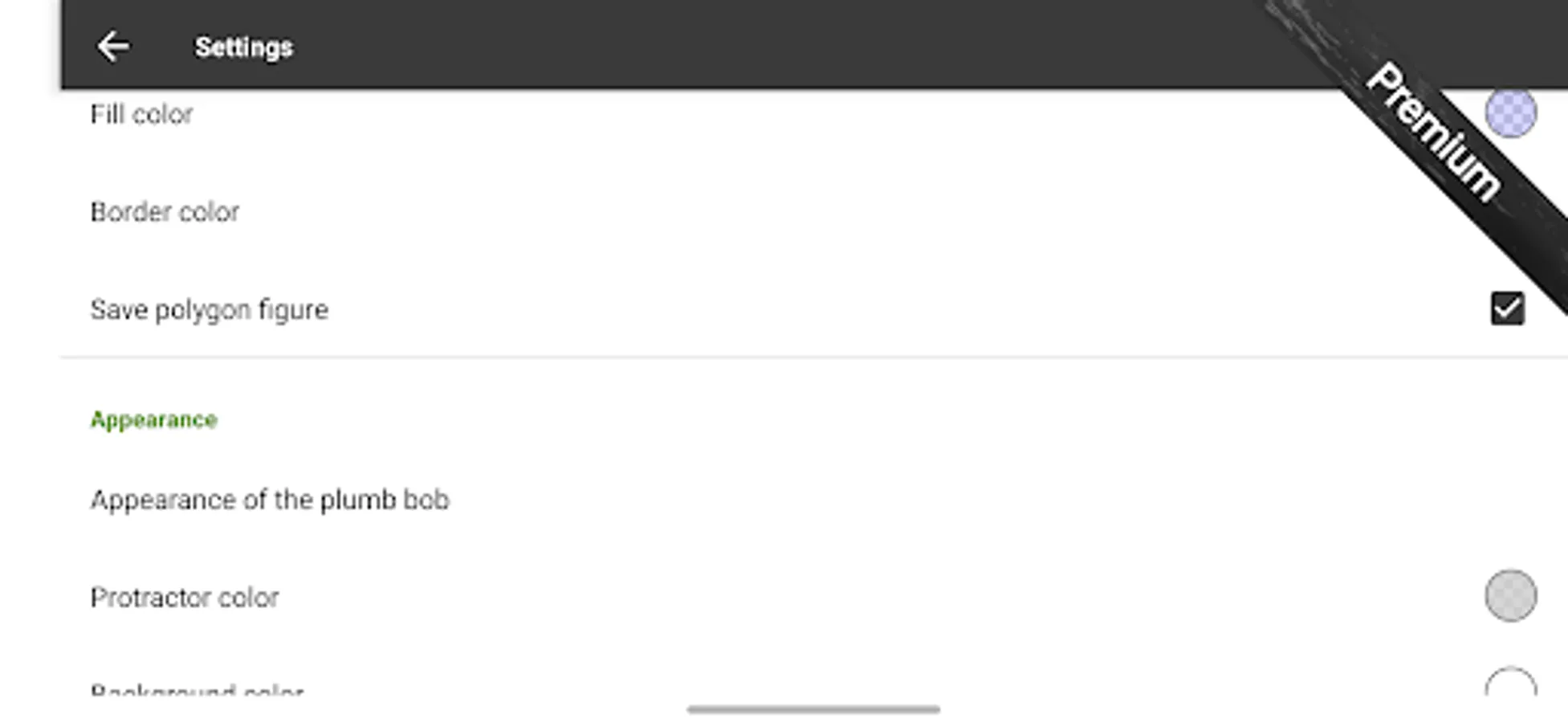
Additional Premium mode: Polygon measurement lets you draw any shape on your screen to check all its angles. Turn on the camera to see the real object through your phone and copy its shape. You can also pick a photo from your gallery or take a new picture to draw a shape on the image. In Premium mode, you can change colors, add helper lines, and switch between different angle units.
All modes allows you to make a screenshot of anything on the screen.
Enjoy !!!
This app includes two free measuring modes:
- Touch measure - touch the screen to set the angle (use camera view!).
- Plumb bob measure - pendulum - use to determine the slope (remember to calibrate the plumb).
In each mode, you can switch to camera view and take measurements of all objects around you.
Additional Premium mode: Polygon measurement lets you draw any shape on your screen to check all its angles. Turn on the camera to see the real object through your phone and copy its shape. You can also pick a photo from your gallery or take a new picture to draw a shape on the image. In Premium mode, you can change colors, add helper lines, and switch between different angle units.
All modes allows you to make a screenshot of anything on the screen.
Enjoy !!!
Protractor Screenshots
Tap to Rate:
Reviews for Protractor
Milton Vidal Díaz
11/27/2025
Useful tool. Great experience
Faezaeh Mirhosseini
11/21/2025
nice