Split Bill Expense Settle
UniqueApp Technologies
10+
downloads
Free
AppRecs review analysis
AppRecs rating 2.0. Trustworthiness 55 out of 100. Review manipulation risk 15 out of 100. Based on a review sample analyzed.
★★☆☆☆
2.0
AppRecs Rating
Ratings breakdown
5 star
0%
4 star
0%
3 star
0%
2 star
100%
1 star
0%
What to know
⚠
Mixed user feedback
Average 2.0★ rating suggests room for improvement
About Split Bill Expense Settle
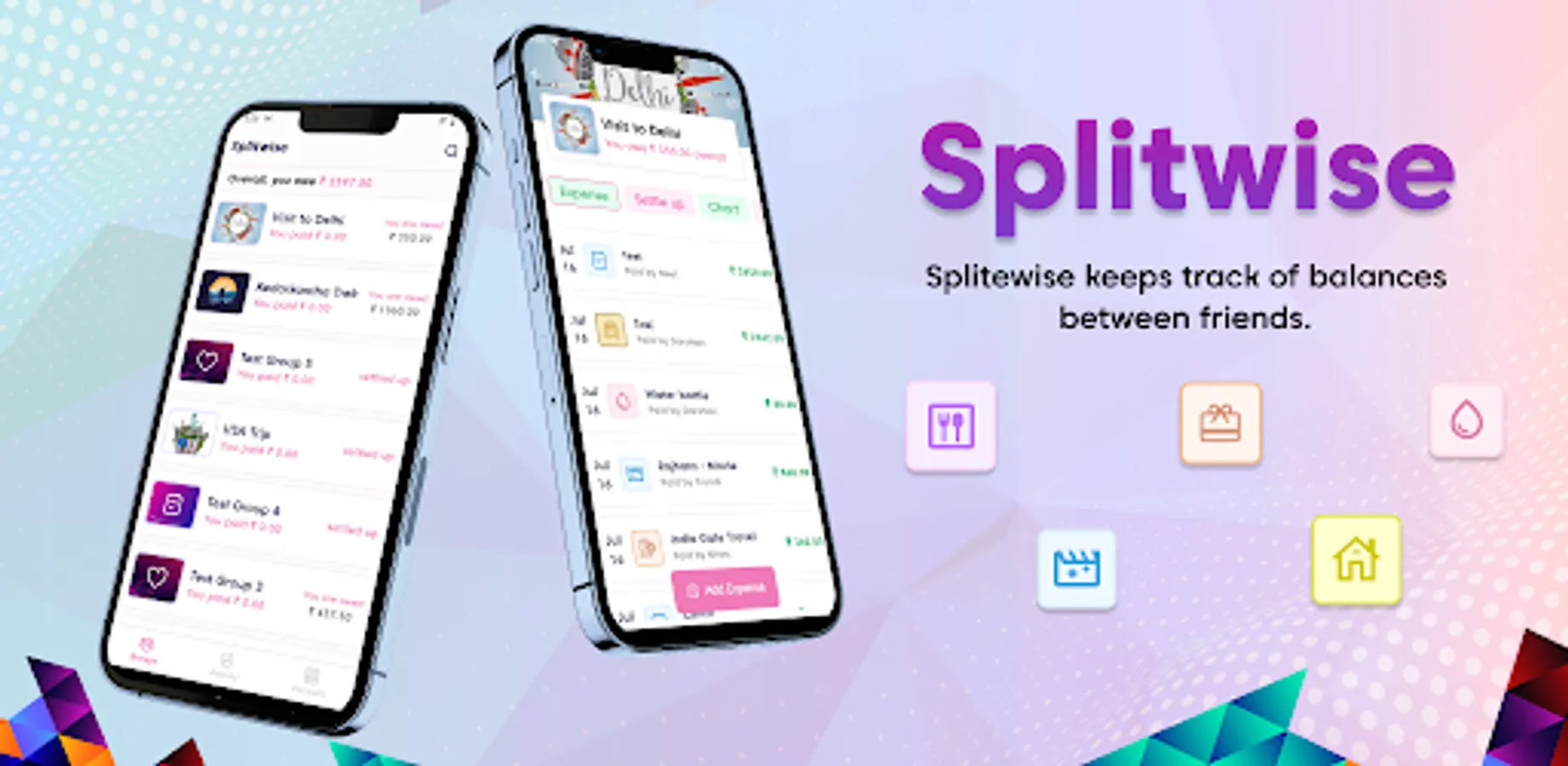
Smartly manage debts between friends. Split Bill Expense is the easiest way to share bills with friends. No registration, no password, totally free.
Easy splitting of group bill expenses. The simplest way to calculate who owes what
We tell you who owes whom and how to settle debts in groups with shared costs after holidays, partys, in shared apartments and so much more.
Features:
- No Sign-Up Required: Start using Split Bill without the hassle of creating an account or remembering passwords.
- Create Groups: Organize your expenses by creating groups for home, trips, and more.
- Add Members: Easily add users or members to your groups.
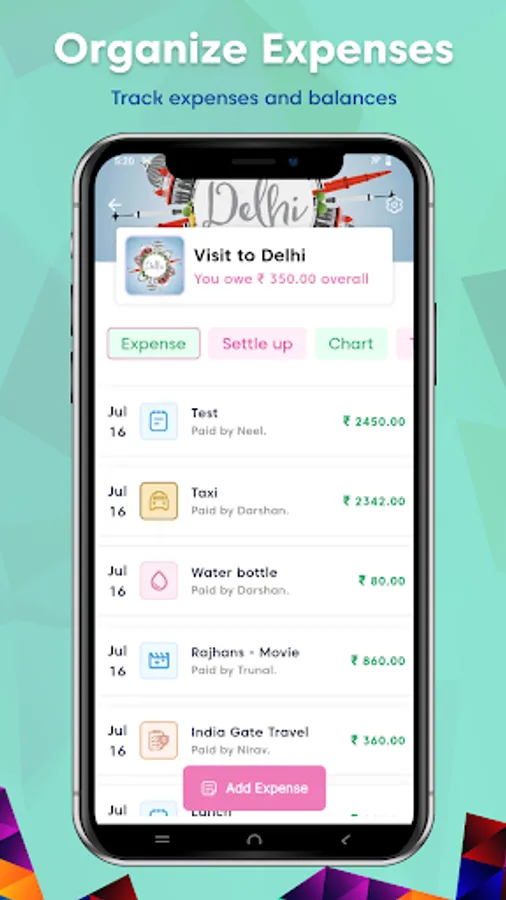
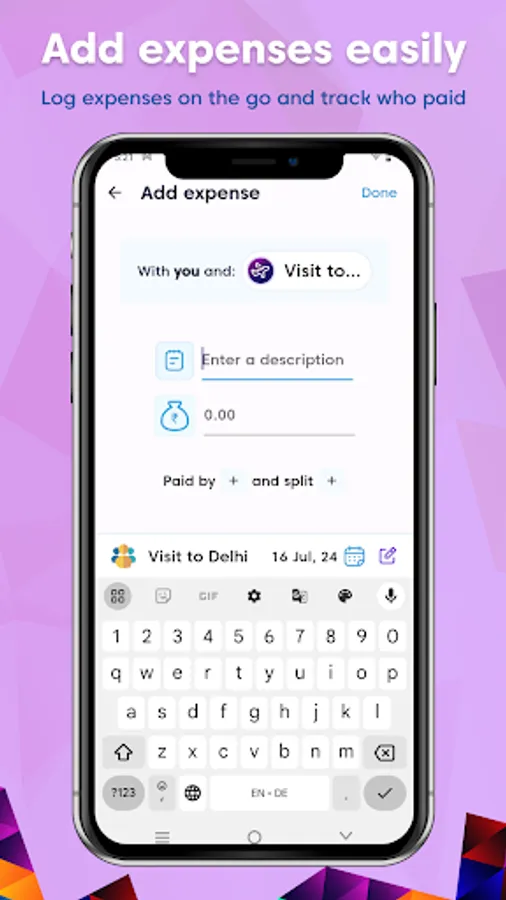
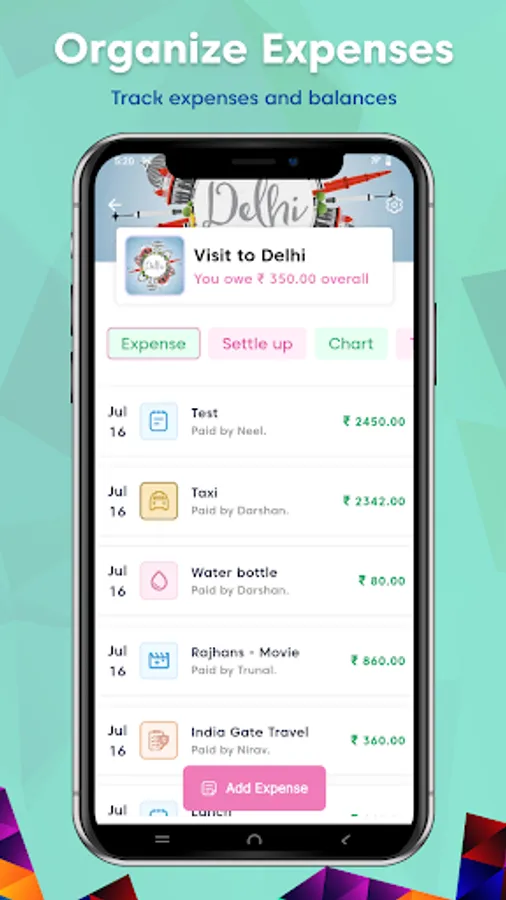
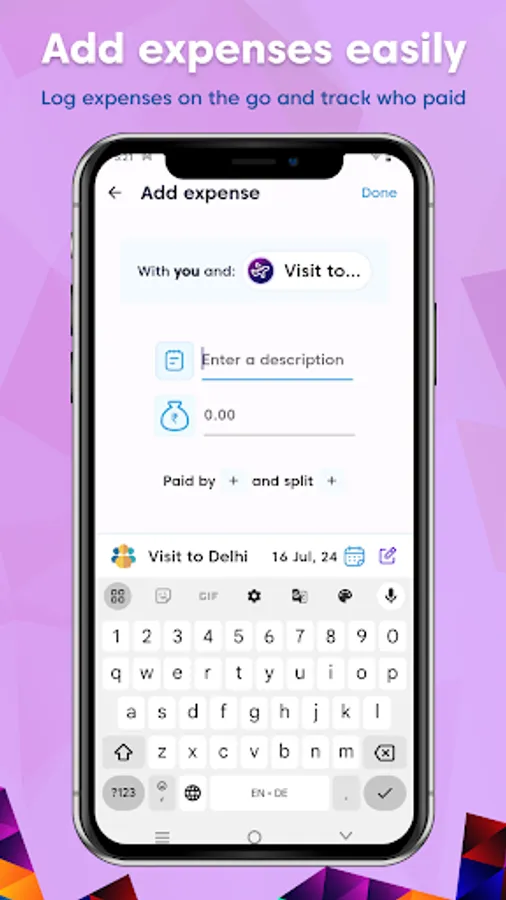
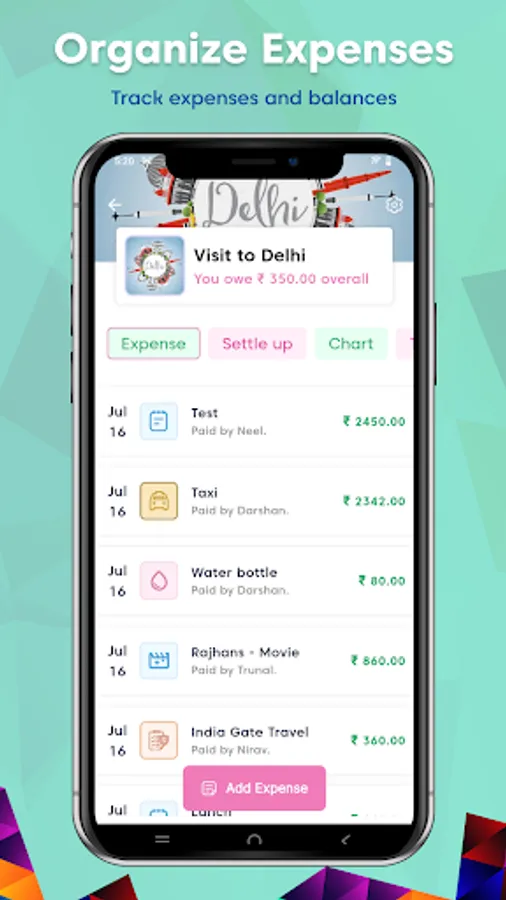
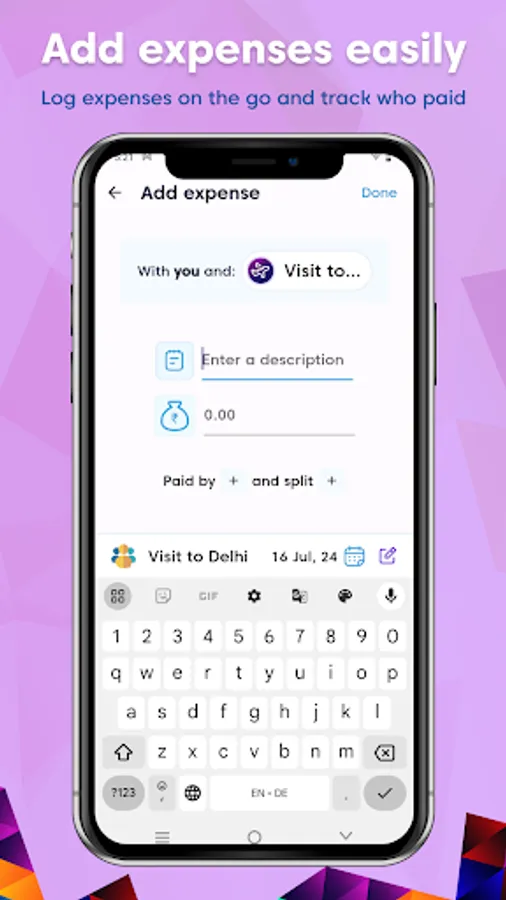
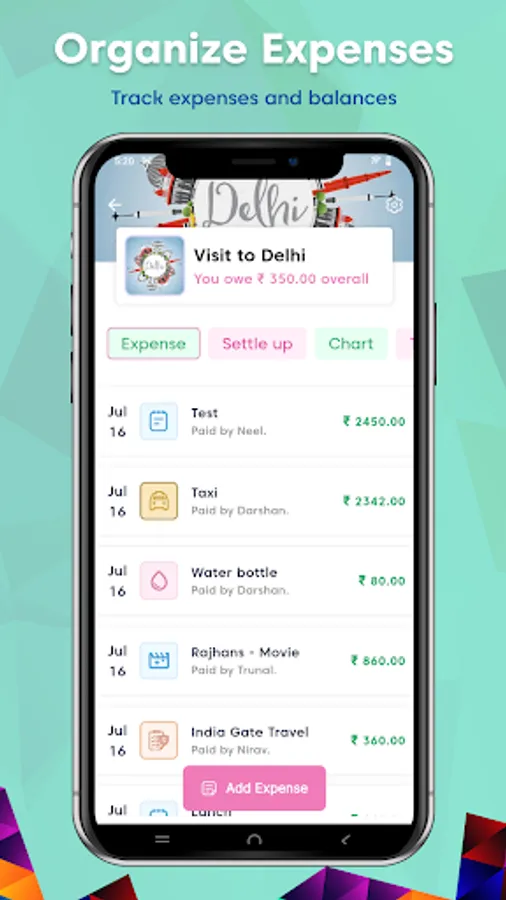
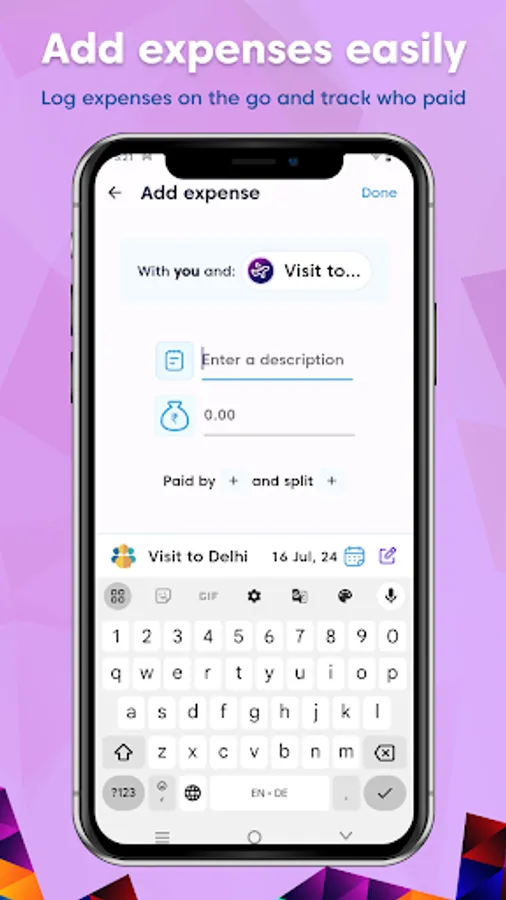
- Add Expenses: Record all your shared expenses in one place.
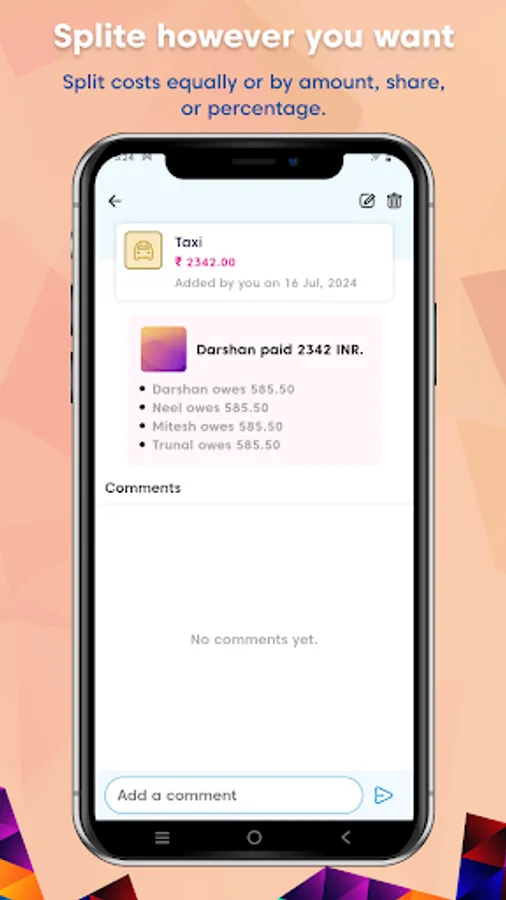
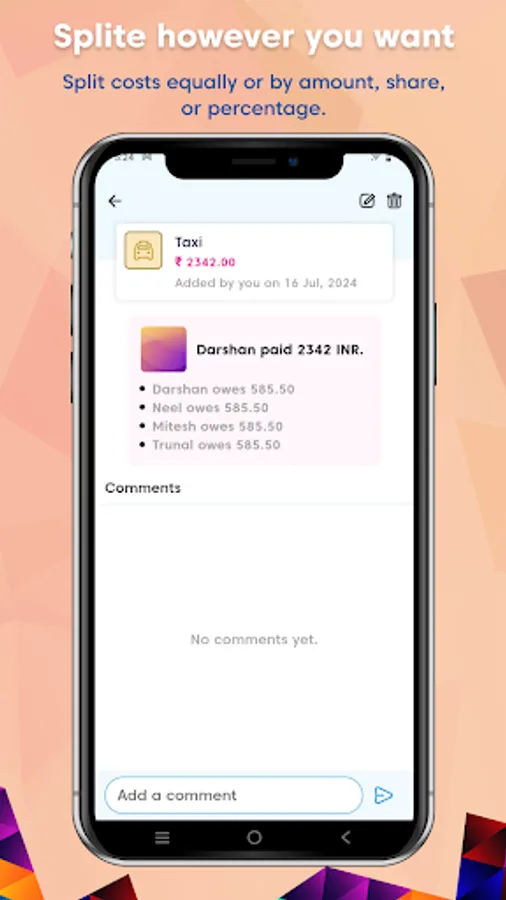
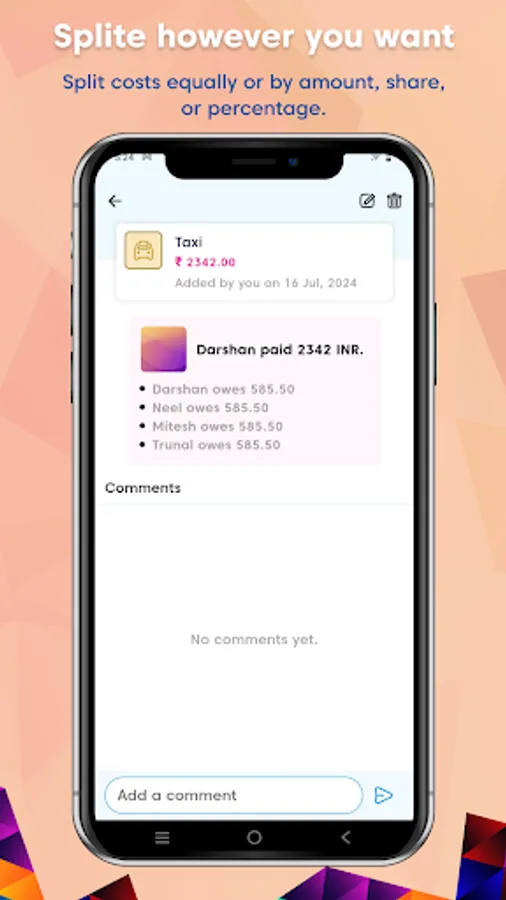
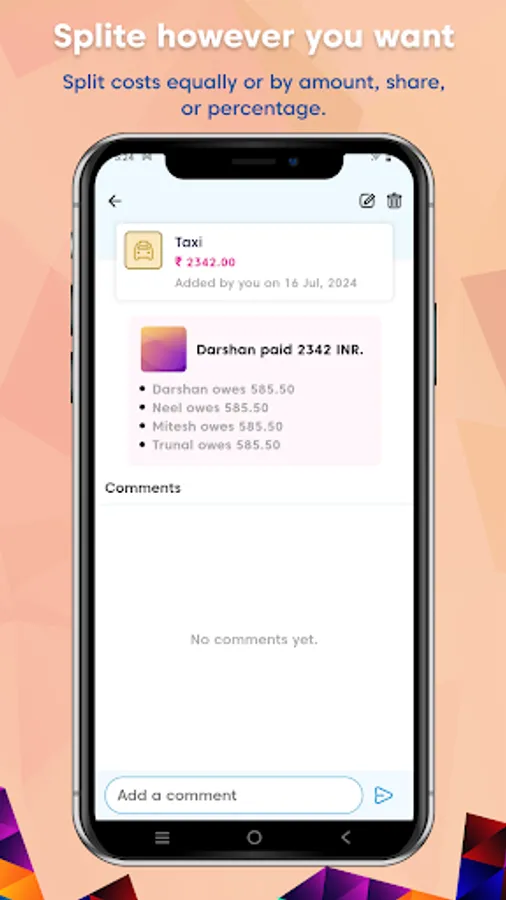
- Flexible Splitting Options: Split expenses equally or unequally based on your needs.
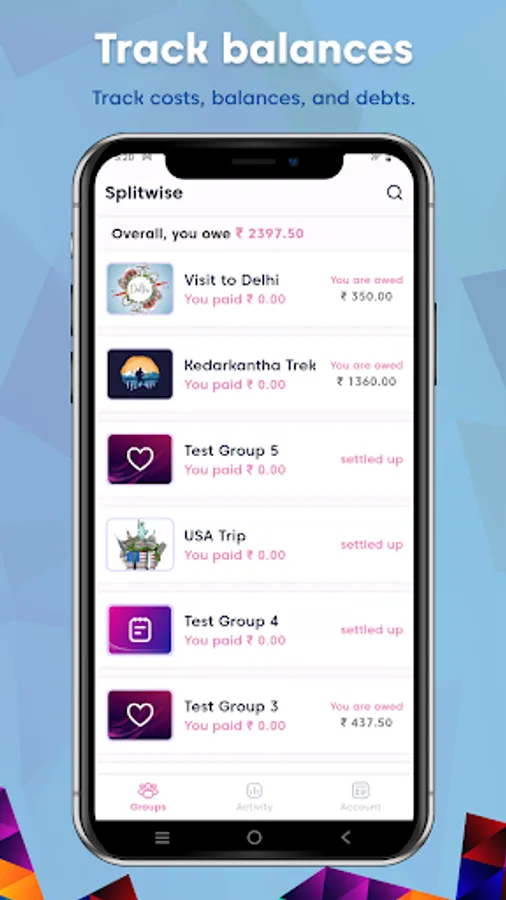
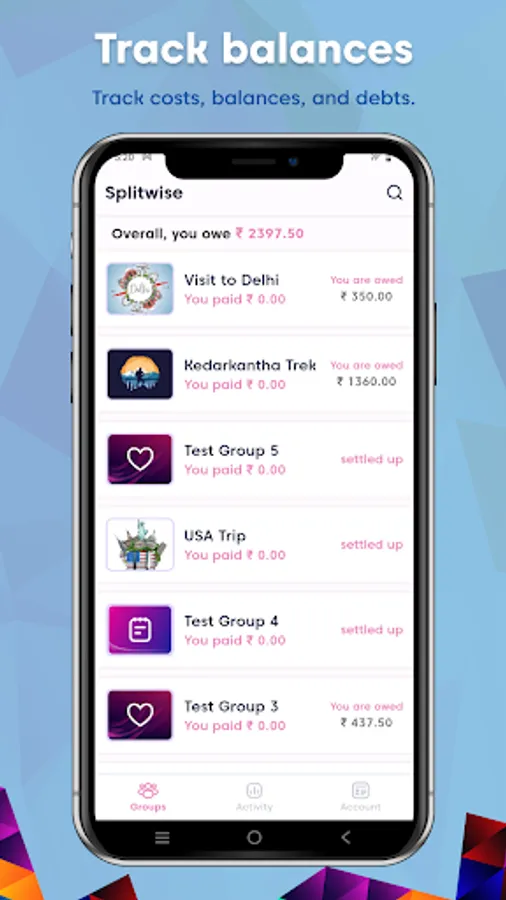
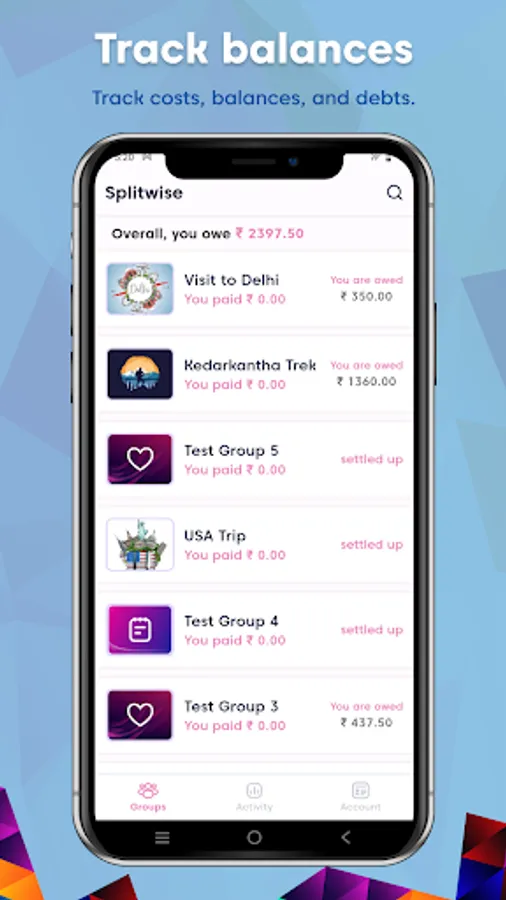
- Settle Bills: Keep track of who owes what and settle bills with ease.
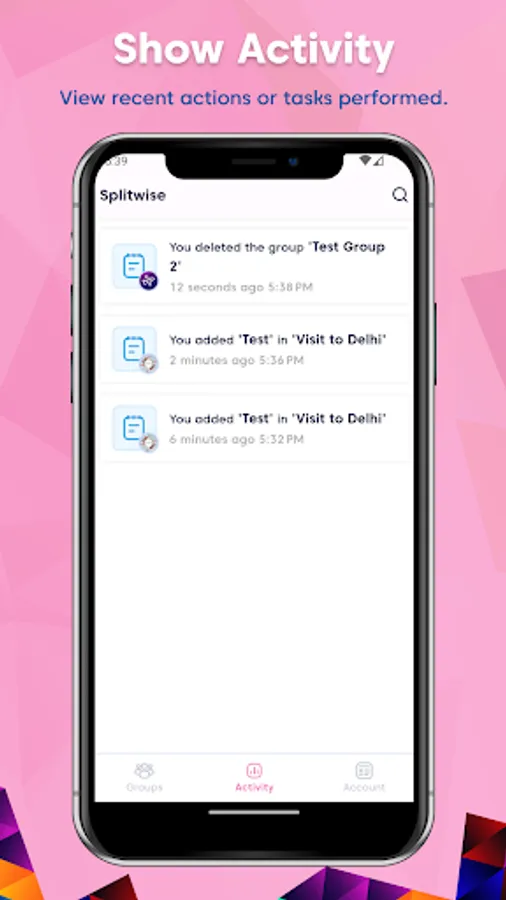
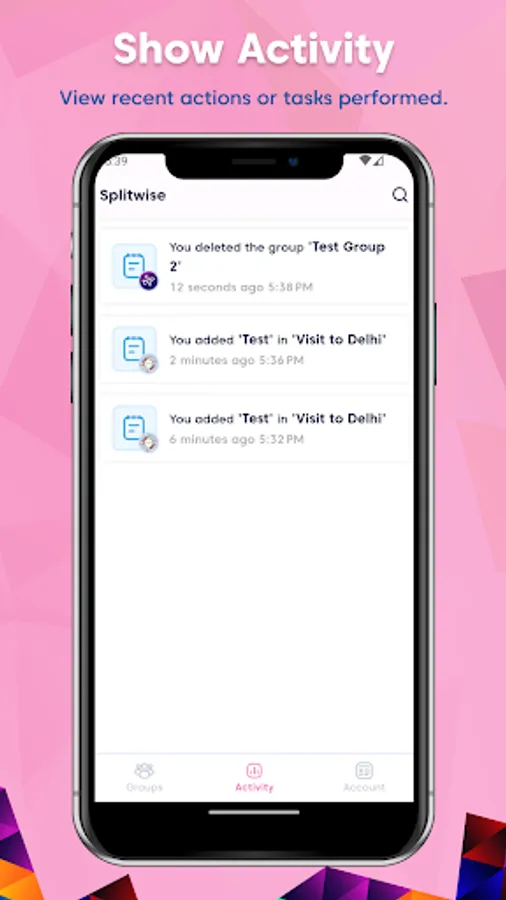
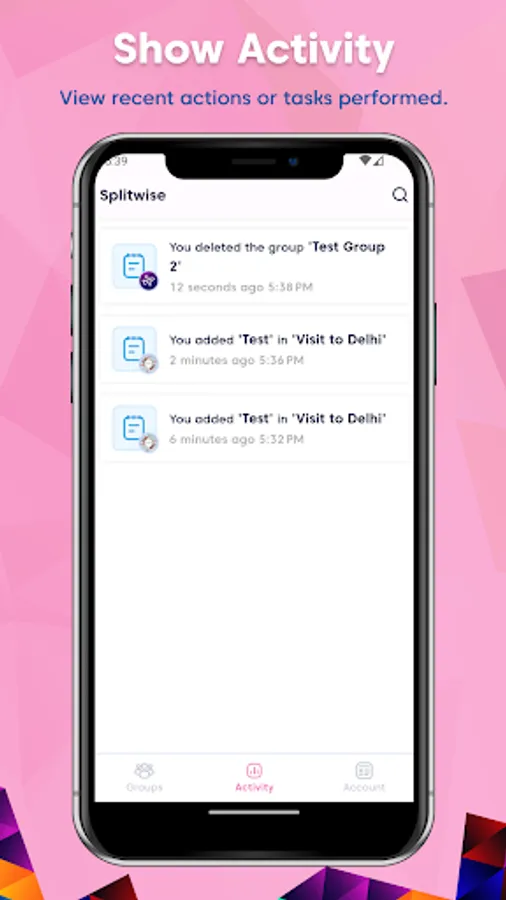
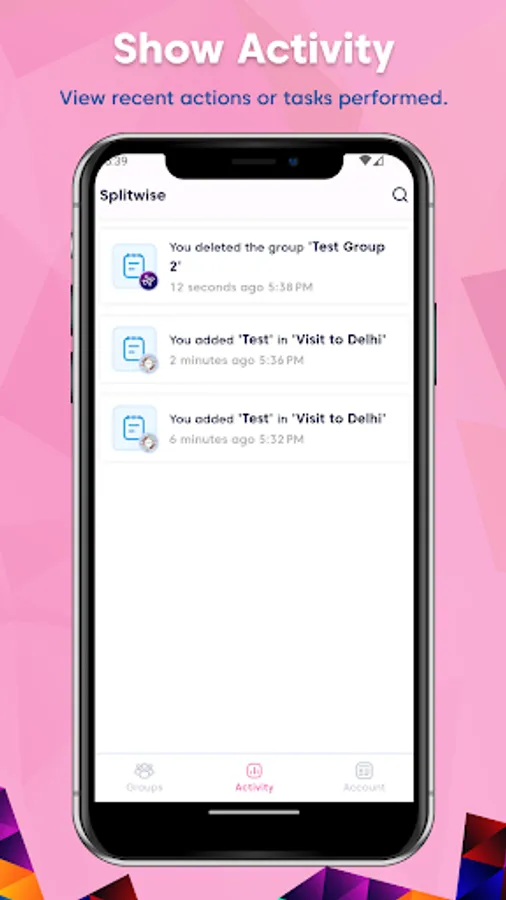
- Activity Log: Stay updated with a detailed log of all group activities.
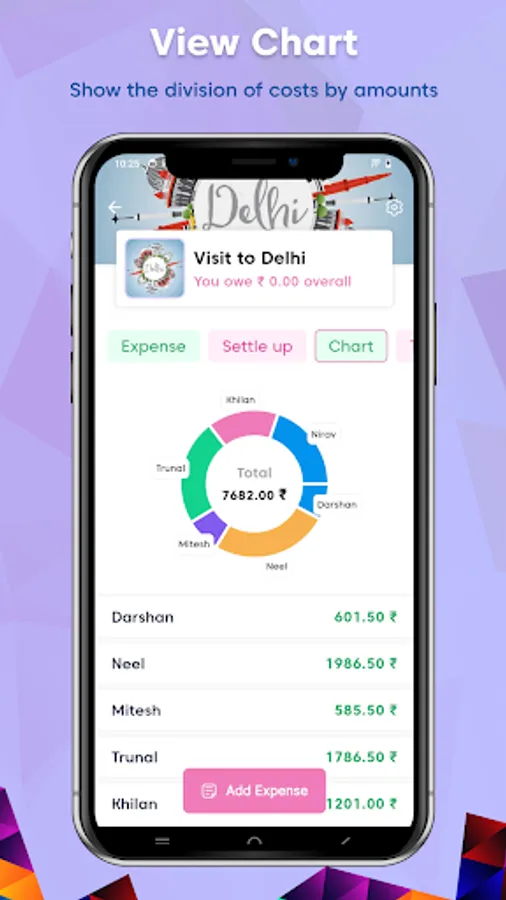
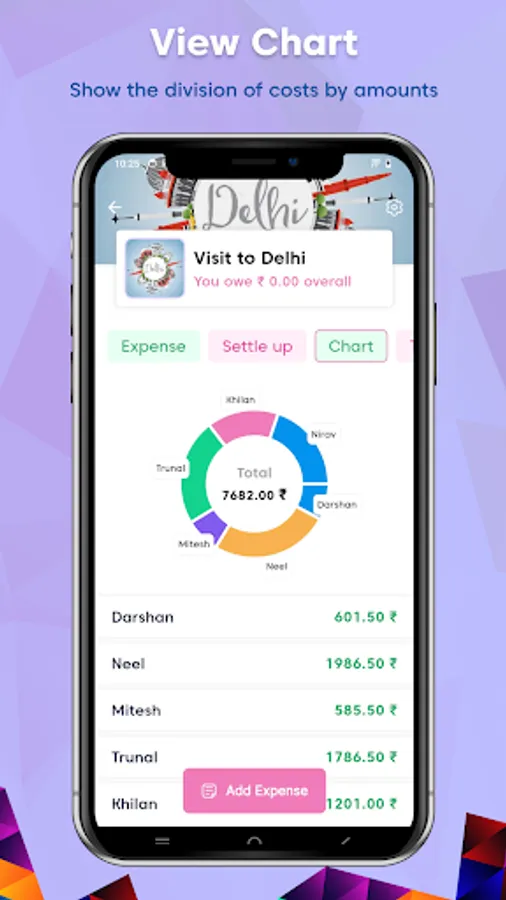
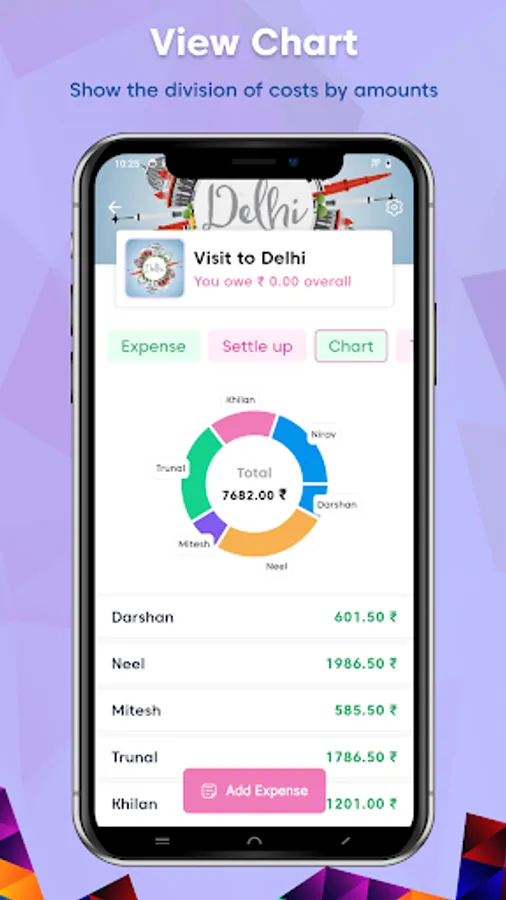
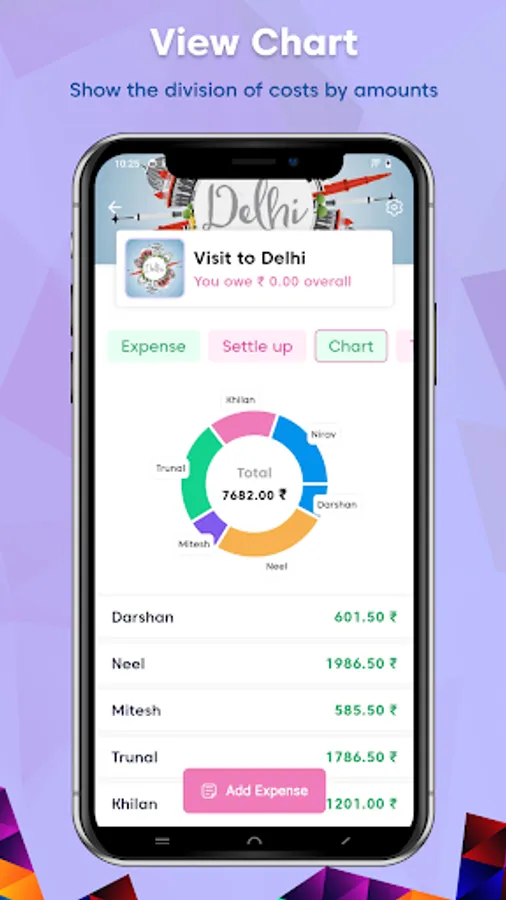
- Expense Charts: Visualize your expenses with informative charts for better understanding.
How It Works:
1. Create a Group: Whether it's for a household or a trip, set up a group for your expenses.
2. Add Members: Invite friends or family to join your group.
3, Add Expenses: Record all shared expenses, from groceries to travel costs.
4. Choose Splitting Option: Split bills equally or unequally, depending on your preference.
5. Settle Bills: The app calculates who owes what, making it easy to settle up.
6. View Activity: Check the activity log to see all group transactions.
7. Visualize with Charts: Use charts to get a clear picture of your spending.
Example:
Tom, Lisa, and Mike go on a weekend trip. Tom pays for ski rentals, Lisa covers the hotel, and Mike handles dinner. Who owes what? Tom creates a group on Split Bill, adds his expenses, and the app calculates the rest.
Download Split Bill today and simplify your shared expenses!
Easy splitting of group bill expenses. The simplest way to calculate who owes what
We tell you who owes whom and how to settle debts in groups with shared costs after holidays, partys, in shared apartments and so much more.
Features:
- No Sign-Up Required: Start using Split Bill without the hassle of creating an account or remembering passwords.
- Create Groups: Organize your expenses by creating groups for home, trips, and more.
- Add Members: Easily add users or members to your groups.
- Add Expenses: Record all your shared expenses in one place.
- Flexible Splitting Options: Split expenses equally or unequally based on your needs.
- Settle Bills: Keep track of who owes what and settle bills with ease.
- Activity Log: Stay updated with a detailed log of all group activities.
- Expense Charts: Visualize your expenses with informative charts for better understanding.
How It Works:
1. Create a Group: Whether it's for a household or a trip, set up a group for your expenses.
2. Add Members: Invite friends or family to join your group.
3, Add Expenses: Record all shared expenses, from groceries to travel costs.
4. Choose Splitting Option: Split bills equally or unequally, depending on your preference.
5. Settle Bills: The app calculates who owes what, making it easy to settle up.
6. View Activity: Check the activity log to see all group transactions.
7. Visualize with Charts: Use charts to get a clear picture of your spending.
Example:
Tom, Lisa, and Mike go on a weekend trip. Tom pays for ski rentals, Lisa covers the hotel, and Mike handles dinner. Who owes what? Tom creates a group on Split Bill, adds his expenses, and the app calculates the rest.
Download Split Bill today and simplify your shared expenses!