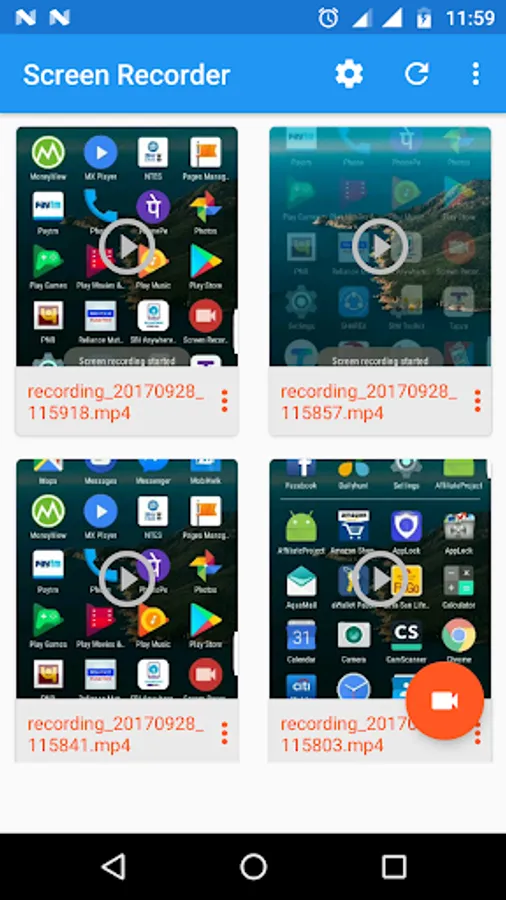
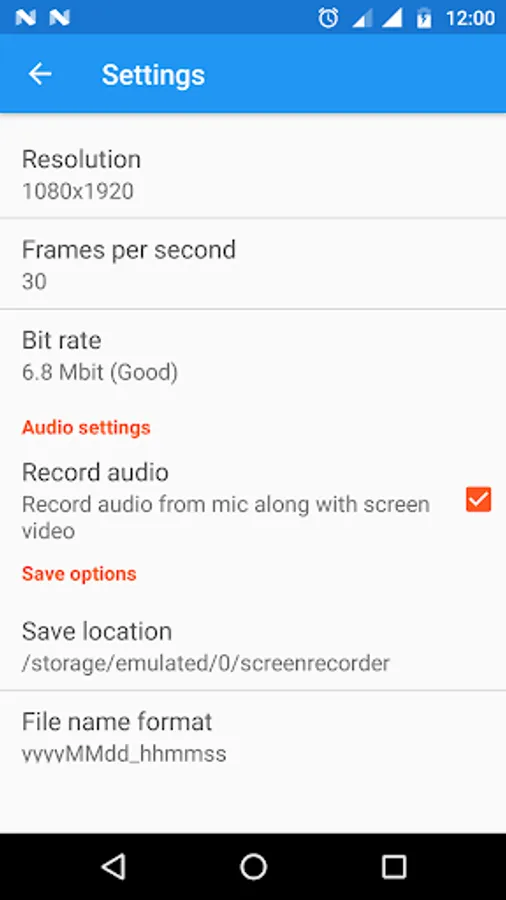
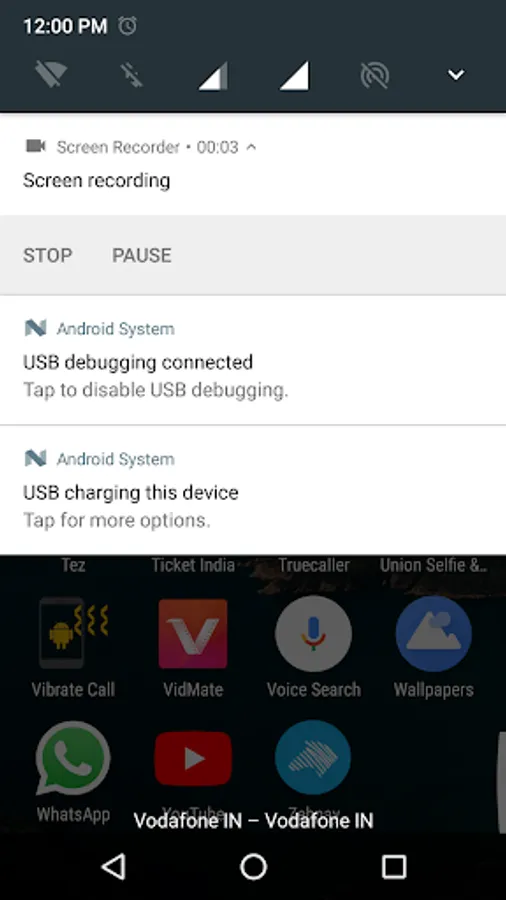
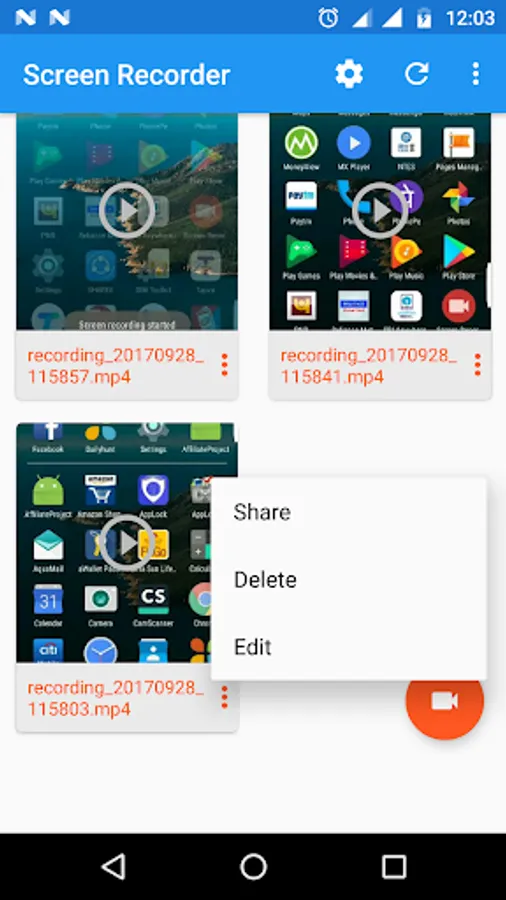
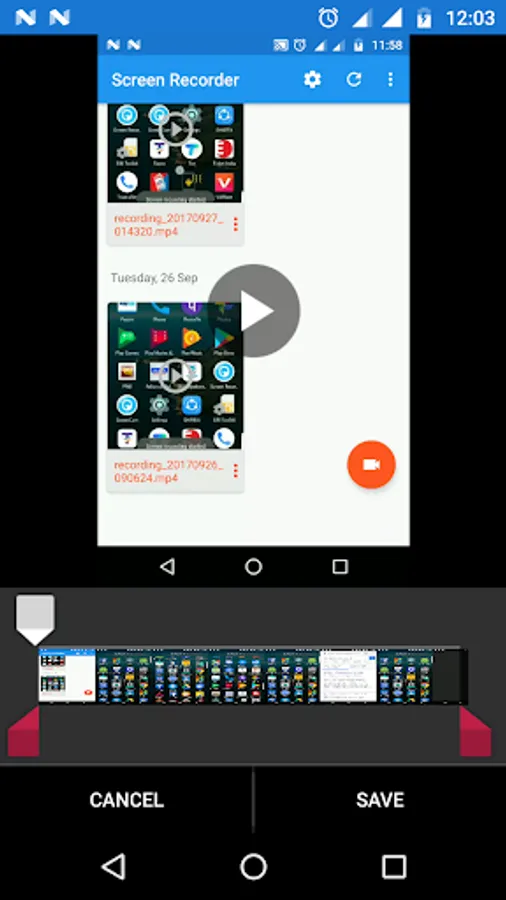
In this screen recorder app, you can record and edit mobile screen videos in HD quality with customizable resolution, frame rate, and bit rate. Includes support for multiple devices, no time limits, and easy sharing from notifications.
AppRecs review analysis
AppRecs rating 2.6. Trustworthiness 68 out of 100. Review manipulation risk 38 out of 100. Based on a review sample analyzed.
★★☆☆☆
2.6
AppRecs Rating
Ratings breakdown
5 star
40%
4 star
0%
3 star
0%
2 star
0%
1 star
60%
What to know
✓
Authentic reviews
No red flags detected
⚠
Mixed user feedback
Average 2.6★ rating suggests room for improvement
⚠
High negative review ratio
60% of sampled ratings are 1–2 stars
About Screen Recorder
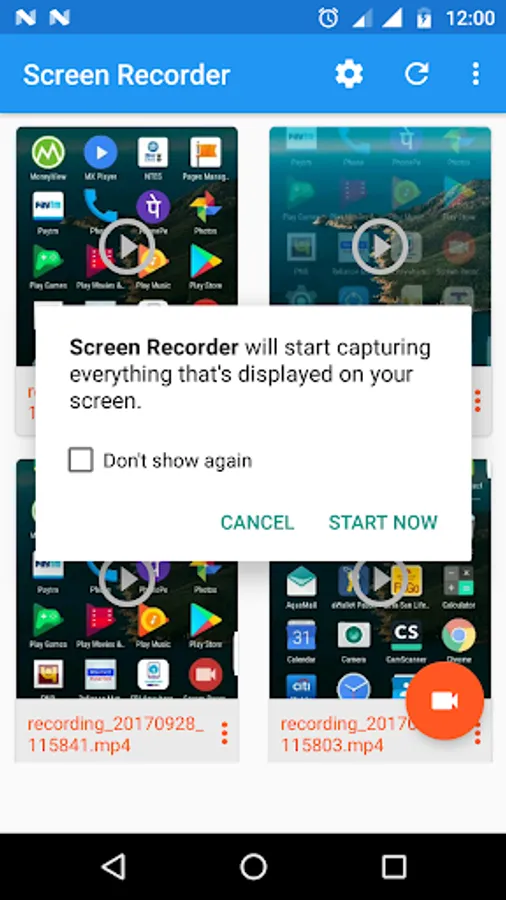
Screen Recorder is very amazing application for record mobile screen.this application allow the user to capture video and edit on the fly without any limitation.
Application provide HD quality video.
there are 4 diffeent resolution.
Features:
1: Works without root device.
2: Support all latest device
3: Choose video resolution.
4: Choose Frame per second
5: Choose Bit rate
6: No In app purchase
7: No Time Limitation
8: Share from the Notification.
9: Day wise recording display
NOTE: If your are using XIAOMI device, please do the following:
You must go to security ->choose permission -> permission -> Screen Recorder and turn on pop up window. Follow up, you go to security -> Permission -> AutoStart -> turn on Screen Recorder.
Press recently app button and look at Screen Recorder, if Recorder hasn't locked (lock icon over Screen Recorder), please pull down it -> OK
※ To experience all the features of Mobizen Screen Recorder, you must agree to Storage, Camera, Mic, and Draw over Apps Permissions.
Application provide HD quality video.
there are 4 diffeent resolution.
Features:
1: Works without root device.
2: Support all latest device
3: Choose video resolution.
4: Choose Frame per second
5: Choose Bit rate
6: No In app purchase
7: No Time Limitation
8: Share from the Notification.
9: Day wise recording display
NOTE: If your are using XIAOMI device, please do the following:
You must go to security ->choose permission -> permission -> Screen Recorder and turn on pop up window. Follow up, you go to security -> Permission -> AutoStart -> turn on Screen Recorder.
Press recently app button and look at Screen Recorder, if Recorder hasn't locked (lock icon over Screen Recorder), please pull down it -> OK
※ To experience all the features of Mobizen Screen Recorder, you must agree to Storage, Camera, Mic, and Draw over Apps Permissions.
Screen Recorder Screenshots
Tap to Rate:
Reviews for Screen Recorder
Bhagirath Bhogata
1/27/2022
SANTOSH
Surender Negi
10/9/2021
It's good first I didn't understoonld it but not very clear to me. ☺ ☺ ♡♡♡♡♡