About PDF Viewer - Reading & Crop
📄 PDF Viewer - Simple Document Reading & Cropping
Read and manage PDF documents easily for study, work, and daily life.
No complicated features - just the essential functions you need.
✨ Key Features
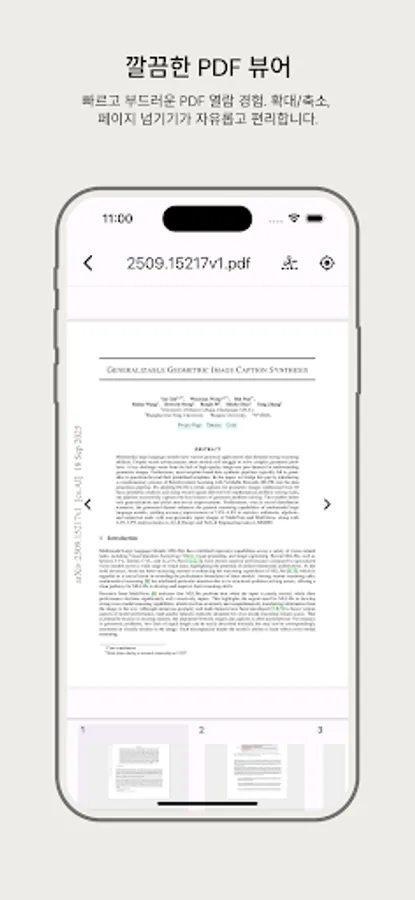
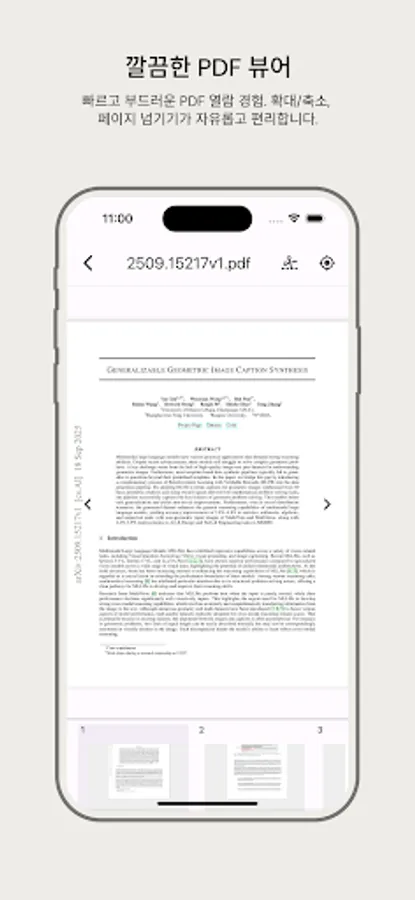
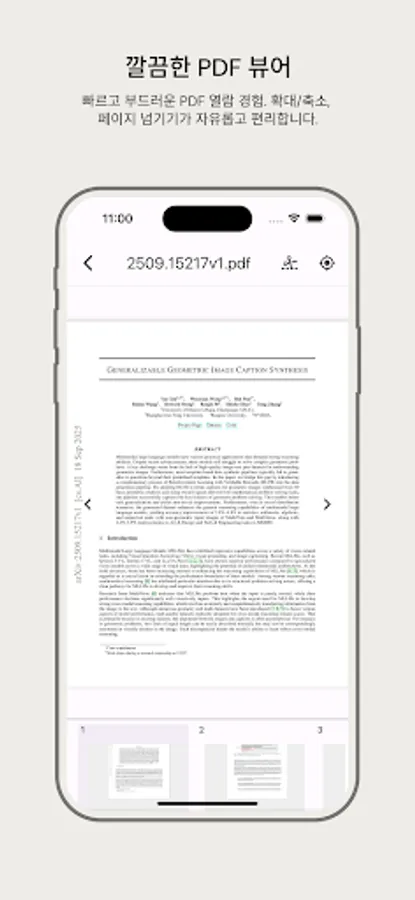
📖 Fast PDF Viewing
Instant document access with high-speed rendering
Smooth vertical scrolling
Easy zoom in/out (pinch gesture)
Page-by-page navigation
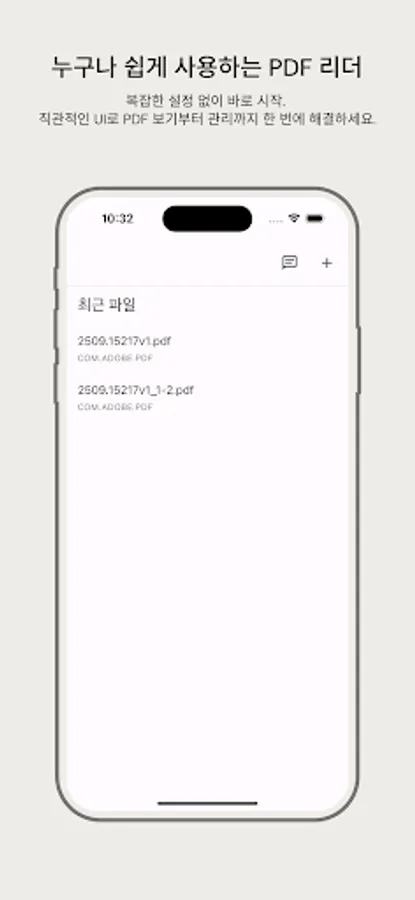
📂 Smart File Management
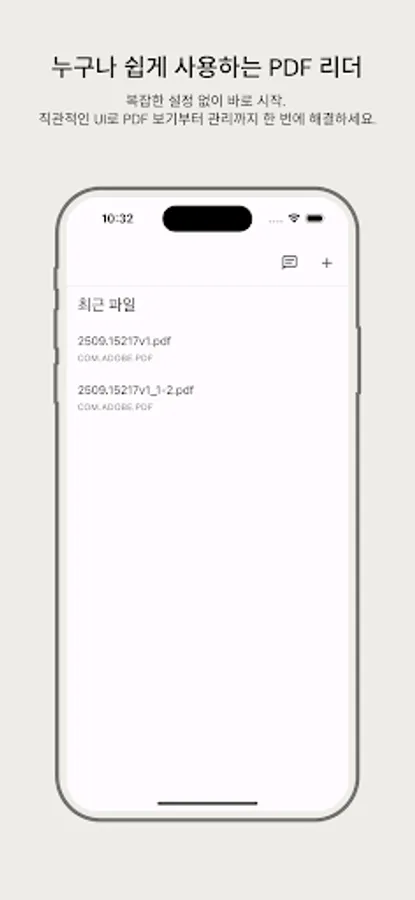
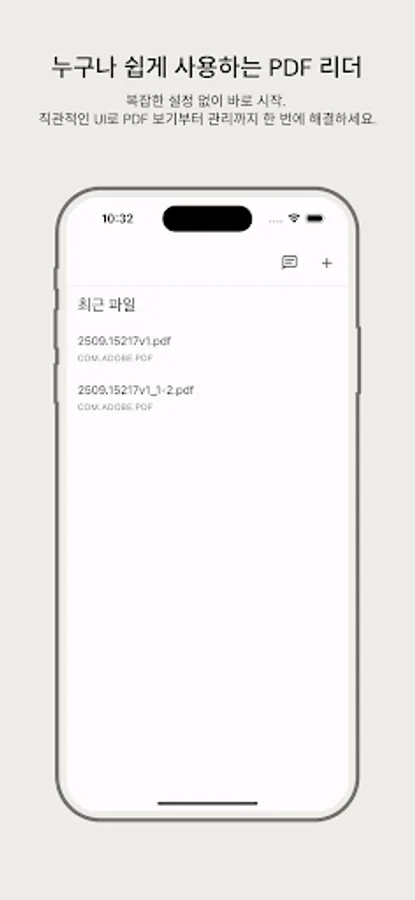
Auto-save recently opened files
Quick file access
Easy file adding
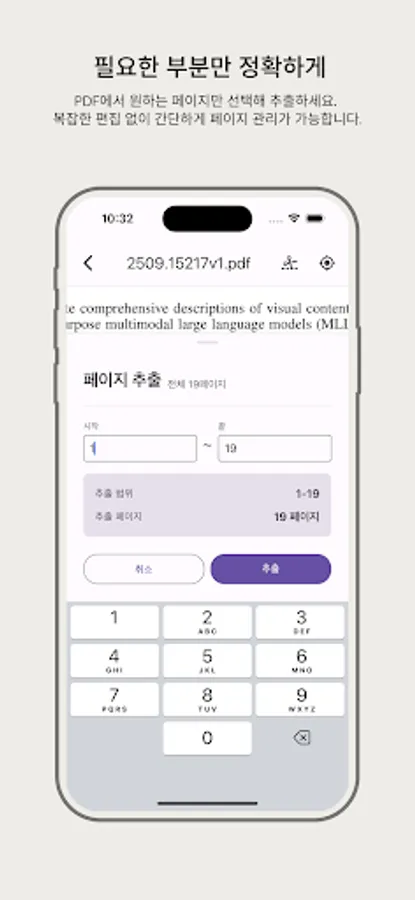
✂️ Page Extraction
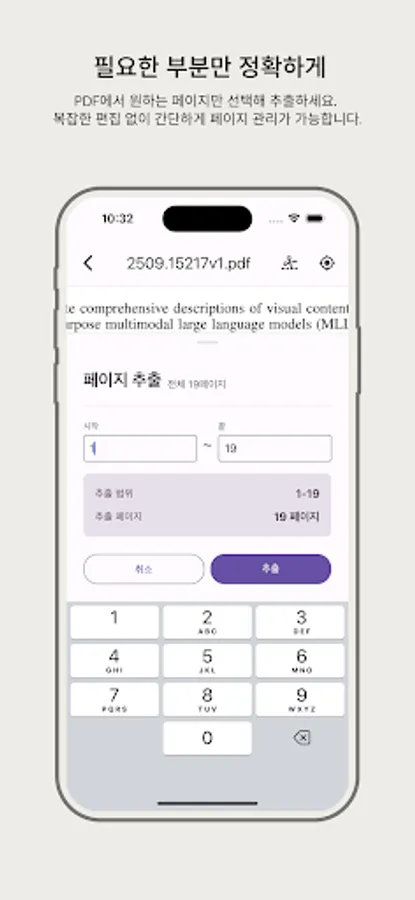
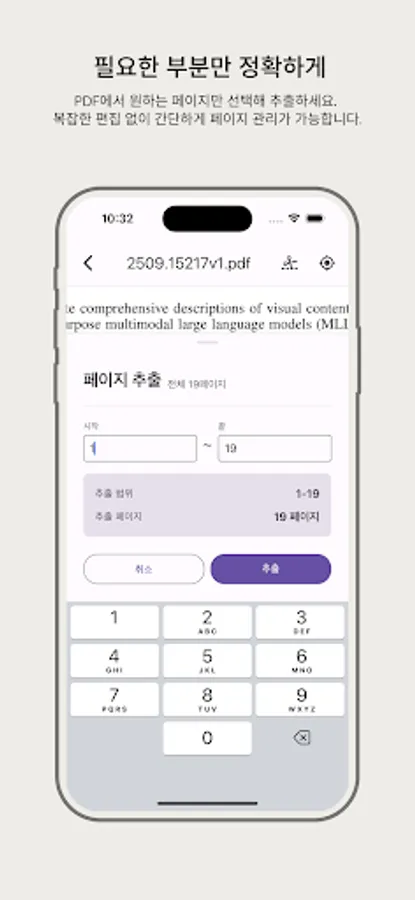
Select and extract only the pages you want
Save only the necessary parts as a new PDF
Range selection extraction supported
🎨 User Experience
Intuitive and clean UI
Fast loading speed
Stable performance
Dark mode support
Korean/English support
👥 Recommended For
📚 Students
Reading lecture materials, papers, and assignments
Extract and save important pages only
💼 Professionals
Review contracts, reports, and proposals
Quick document check on the go
📱 General Users
Store e-books, manuals, and certificates
Simple PDF management
🚀 PDF Viewer - Simple Document Reading & Cropping
✓ Fast: Instantly opening PDF viewer
✓ Simple: Intuitive UI without complexity
✓ Light: Minimal size with maximum performance
✓ Stable: Crash-free stable viewer
✓ Free: Core features completely free
📥 Download now and start your convenient PDF experience!
💬 Feedback & Inquiries
Send us your opinions through the in-app feedback feature.
Your valuable feedback helps us create a better app.
🔒 Privacy Protection
All PDF files are stored only on your device
and are never transmitted externally.
Read and manage PDF documents easily for study, work, and daily life.
No complicated features - just the essential functions you need.
✨ Key Features
📖 Fast PDF Viewing
Instant document access with high-speed rendering
Smooth vertical scrolling
Easy zoom in/out (pinch gesture)
Page-by-page navigation
📂 Smart File Management
Auto-save recently opened files
Quick file access
Easy file adding
✂️ Page Extraction
Select and extract only the pages you want
Save only the necessary parts as a new PDF
Range selection extraction supported
🎨 User Experience
Intuitive and clean UI
Fast loading speed
Stable performance
Dark mode support
Korean/English support
👥 Recommended For
📚 Students
Reading lecture materials, papers, and assignments
Extract and save important pages only
💼 Professionals
Review contracts, reports, and proposals
Quick document check on the go
📱 General Users
Store e-books, manuals, and certificates
Simple PDF management
🚀 PDF Viewer - Simple Document Reading & Cropping
✓ Fast: Instantly opening PDF viewer
✓ Simple: Intuitive UI without complexity
✓ Light: Minimal size with maximum performance
✓ Stable: Crash-free stable viewer
✓ Free: Core features completely free
📥 Download now and start your convenient PDF experience!
💬 Feedback & Inquiries
Send us your opinions through the in-app feedback feature.
Your valuable feedback helps us create a better app.
🔒 Privacy Protection
All PDF files are stored only on your device
and are never transmitted externally.