
AppRecs review analysis
AppRecs rating 2.2. Trustworthiness 85 out of 100. Review manipulation risk 19 out of 100. Based on a review sample analyzed.
★★☆☆☆
2.2
AppRecs Rating
Ratings breakdown
5 star
19%
4 star
8%
3 star
9%
2 star
8%
1 star
56%
What to know
✓
Low review manipulation risk
19% review manipulation risk
⚠
Mixed user feedback
Average 2.3★ rating suggests room for improvement
⚠
High negative review ratio
64% of sampled ratings are 1–2 stars
About FiiO Control
Features:
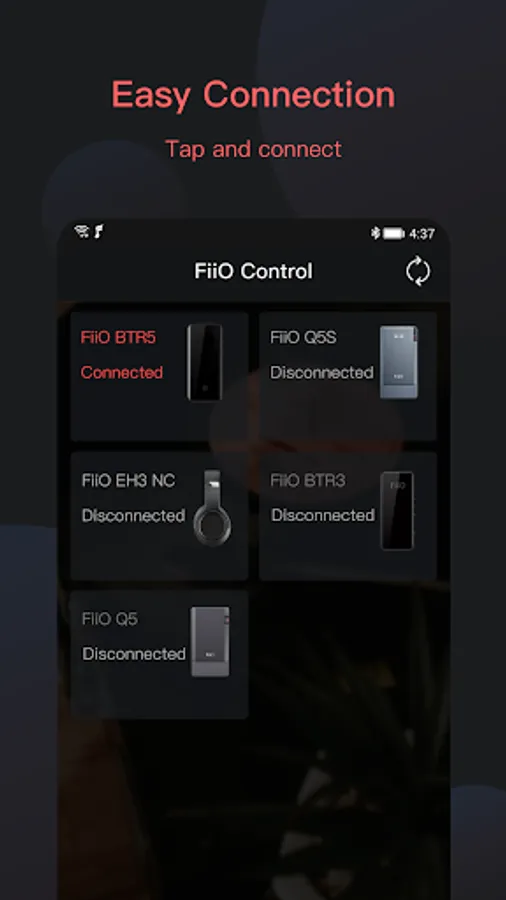
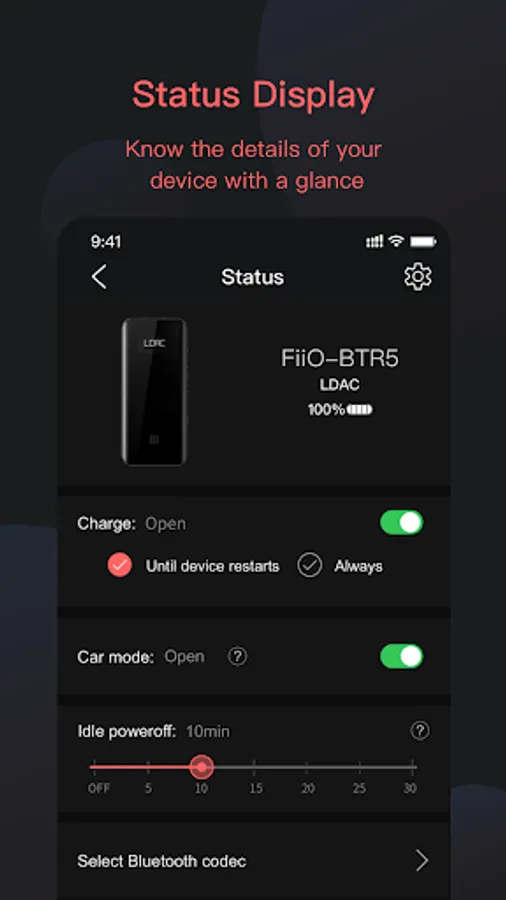
· Customize the general functions such as Charging on-off, RGB indicator light on-off, in-vehicle mode, DAC work mode, etc;
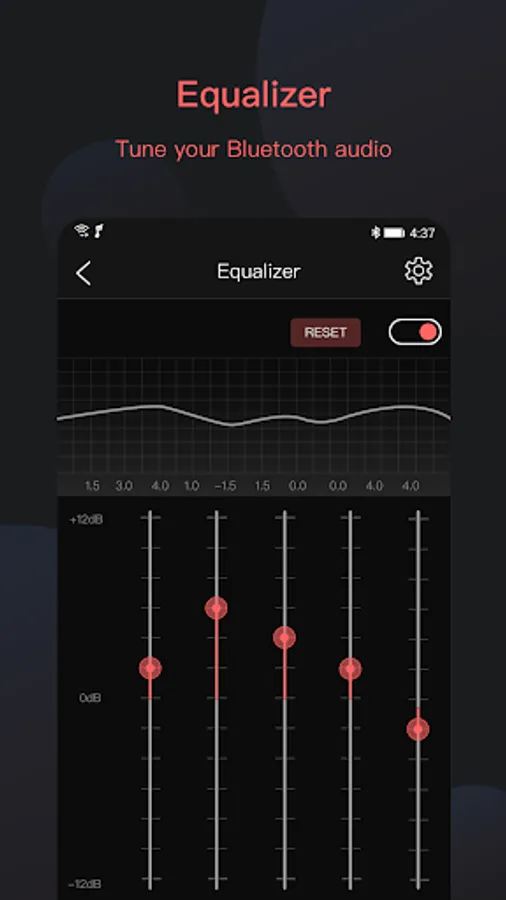
· Adjust the equalizer;
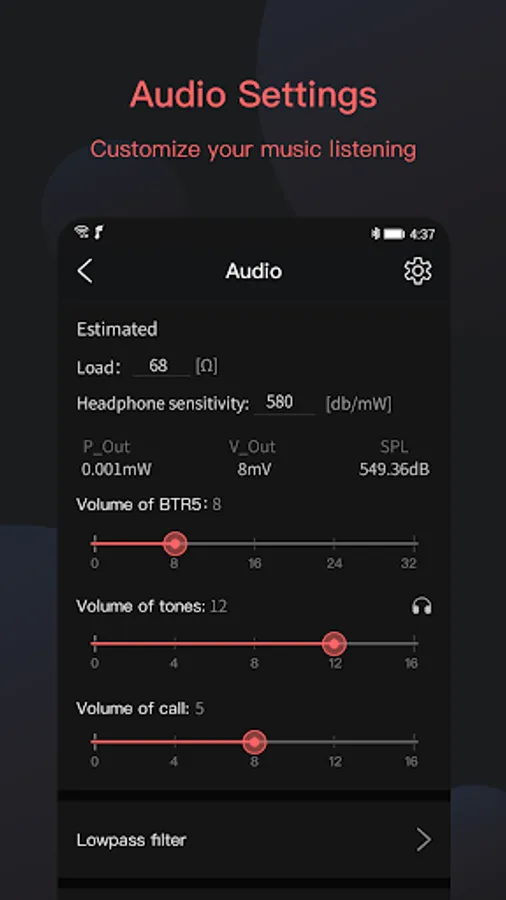
· Change audio settings such as digital filter, channel balance, etc.
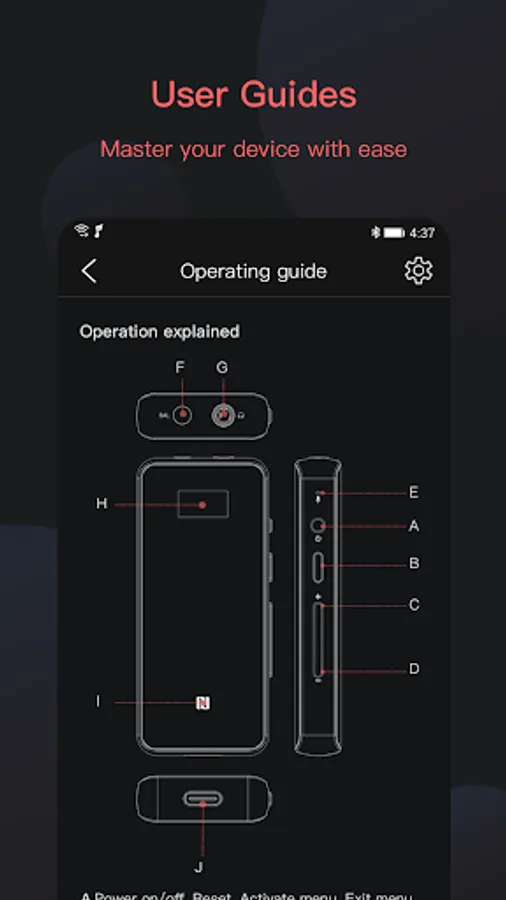
· View the embedded user guide for device introductions;
Note: This app currently supports connecting with FiiO Q5, Q5s, BTR3, BTR3K, BTR5, EH3 NC, LC-BT2. The support for newer models will be added once they're available.
Due to the differences in Bluetooth chips and DAC chips, the settings for each model may vary. Please refer to the menus that appear after device connection for the actual settings.
-----------------------------------------------------------
If you have any questions of using this app or any suggestions, feel free to contact us using the below methods:
E-mail: support@fiio.net
FiiO Control Screenshots
Tap to Rate:
Reviews for FiiO Control
Ben Howes
12/30/2025
"new look" and so many new bugs it's literally completely unusable. You try tapping on existing devices and it does nothing. So you remove them but when you try to add again the app just crashes and exits.
Tommy
12/30/2025
EDIT: It is on ALL pages where I have to be absolutely perfect to tap anything in the top area under the status bar now ----- Overlapping status bar is STILL not fixed. Pixel 10 Pro XL