PDF File Manager
Znd Digital
3.8 ★
store rating
50,000+
downloads
Free
AppRecs review analysis
AppRecs rating 3.6. Trustworthiness 75 out of 100. Review manipulation risk 21 out of 100. Based on a review sample analyzed.
★★★☆☆
3.6
AppRecs Rating
Ratings breakdown
5 star
67%
4 star
0%
3 star
0%
2 star
16%
1 star
16%
What to know
✓
Low review manipulation risk
21% review manipulation risk
✓
Credible reviews
75% trustworthiness score from analyzed reviews
⚠
High negative review ratio
33% of sampled ratings are 1–2 stars
About PDF File Manager
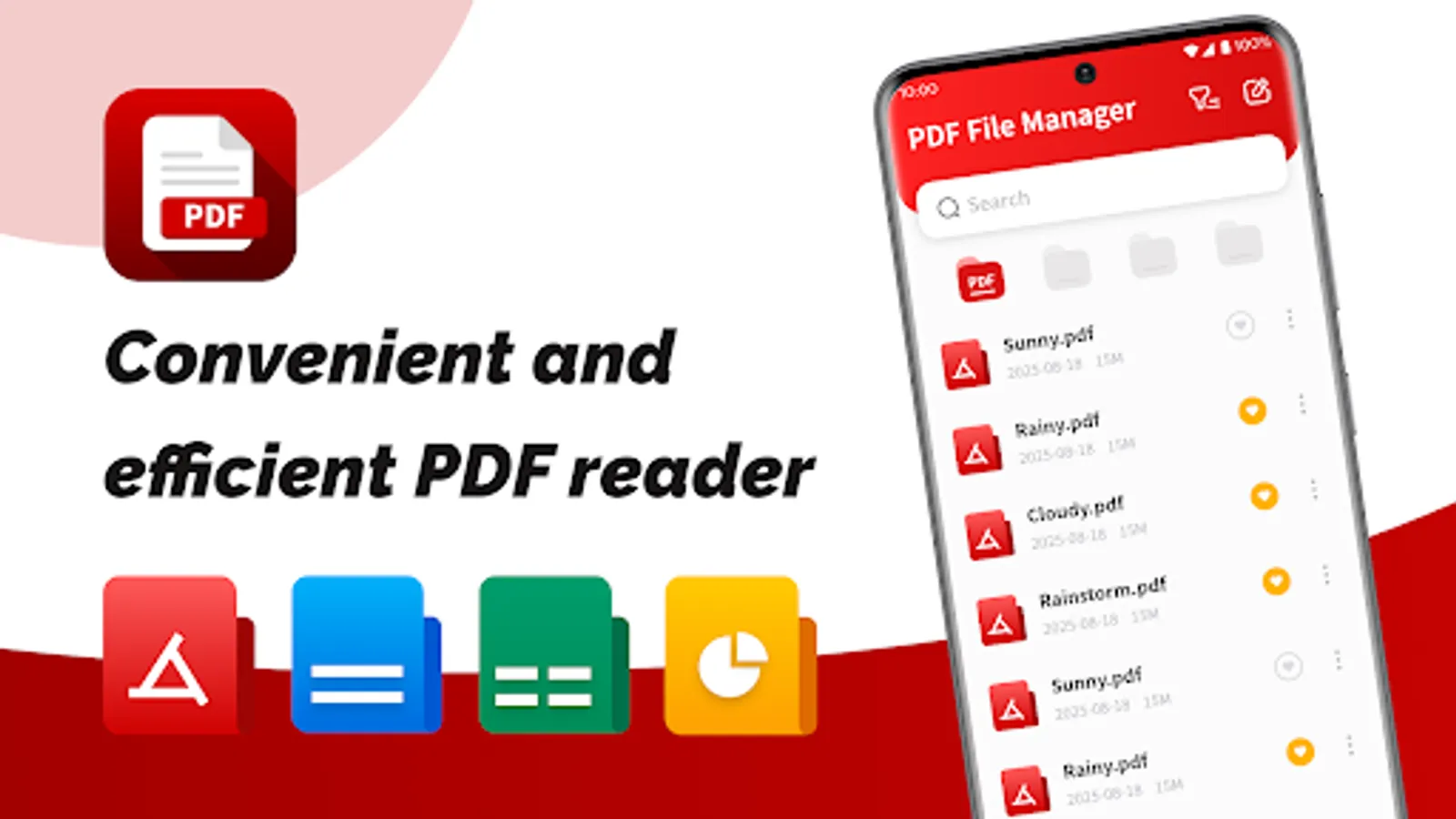
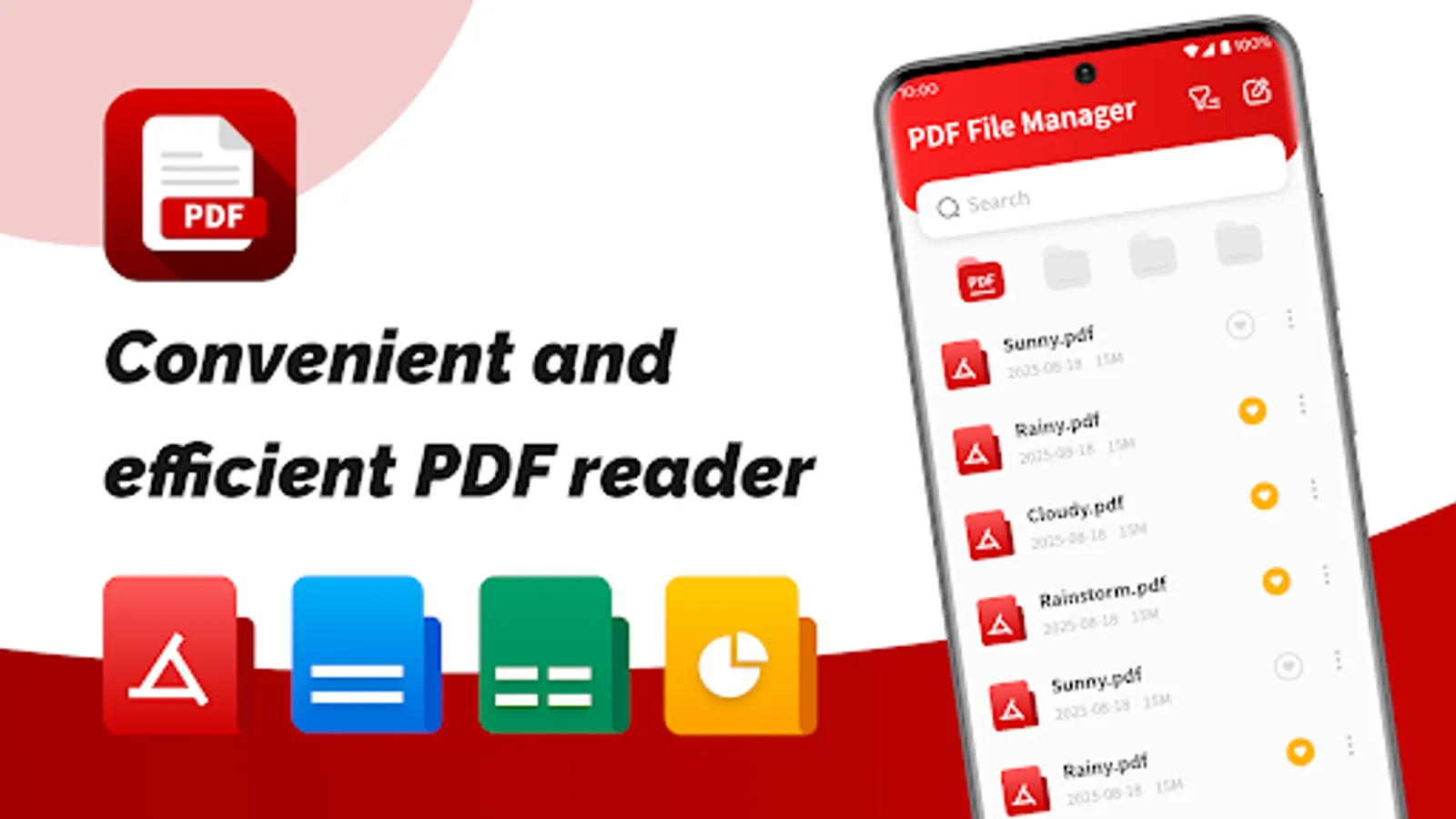
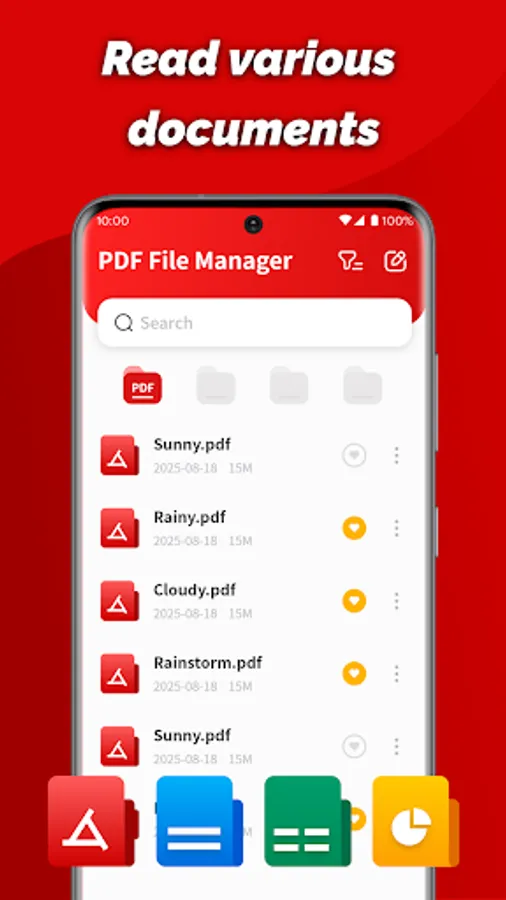
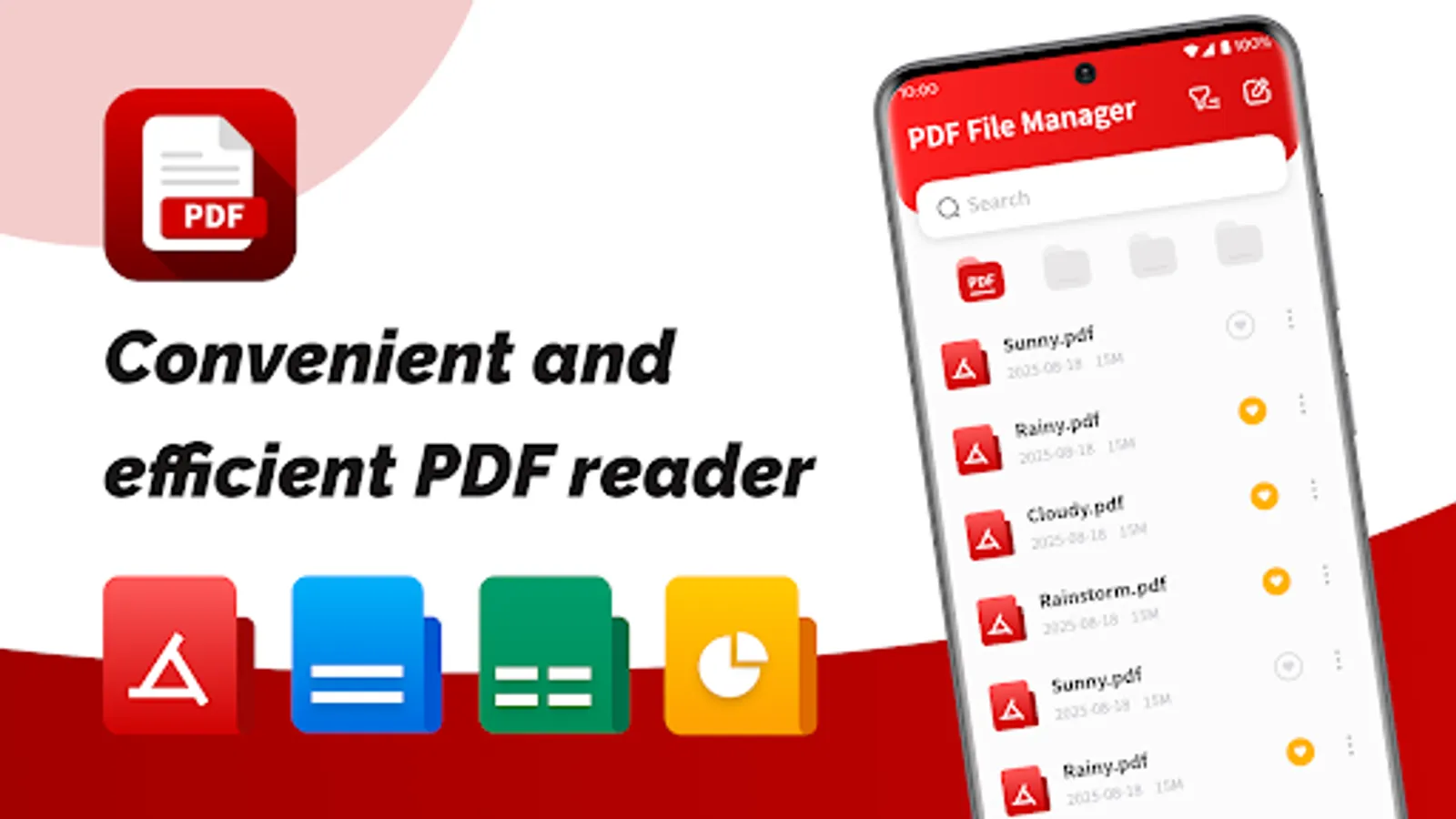
Still struggling with cluttered file management and hassle-free PDF processing? PDF File Manager supports viewing various document types.
[Key Features]
📄 Document Viewer
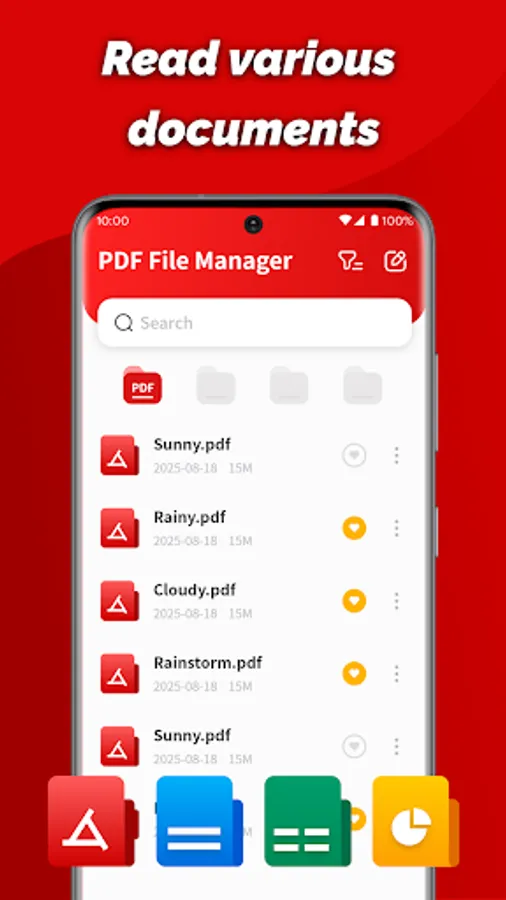
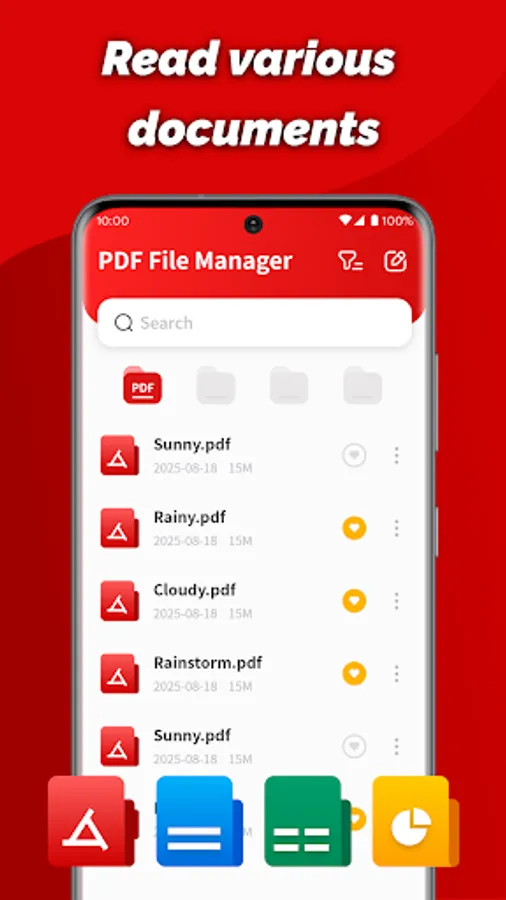
View PDF, Word, PPT, Excel, and other formats directly within the app, without switching between different apps.
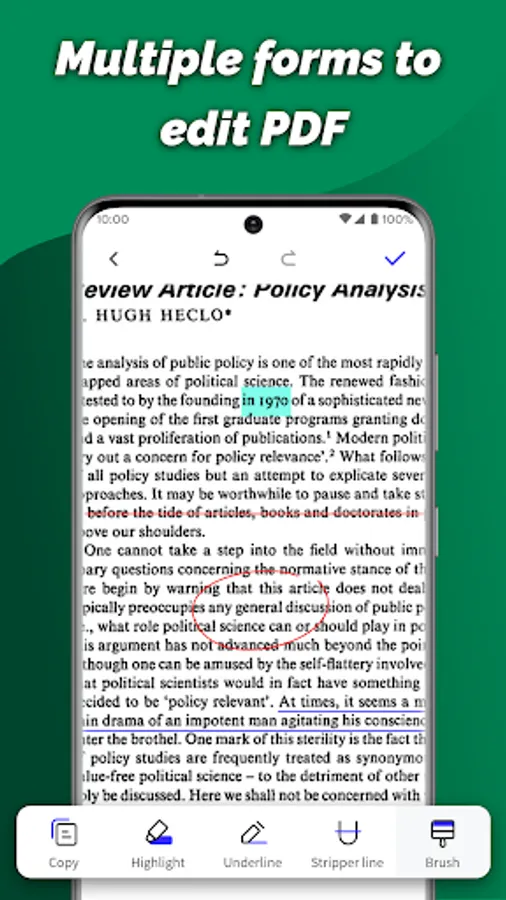
✏️ PDF Annotation
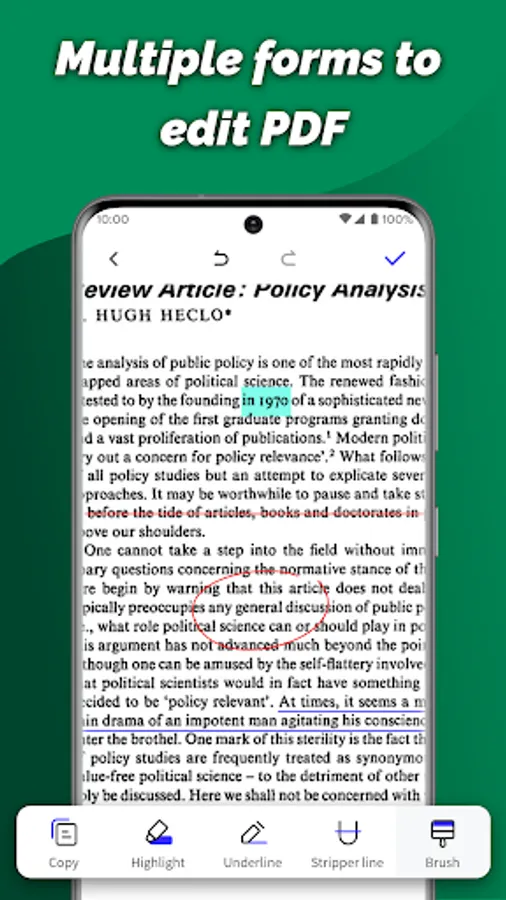
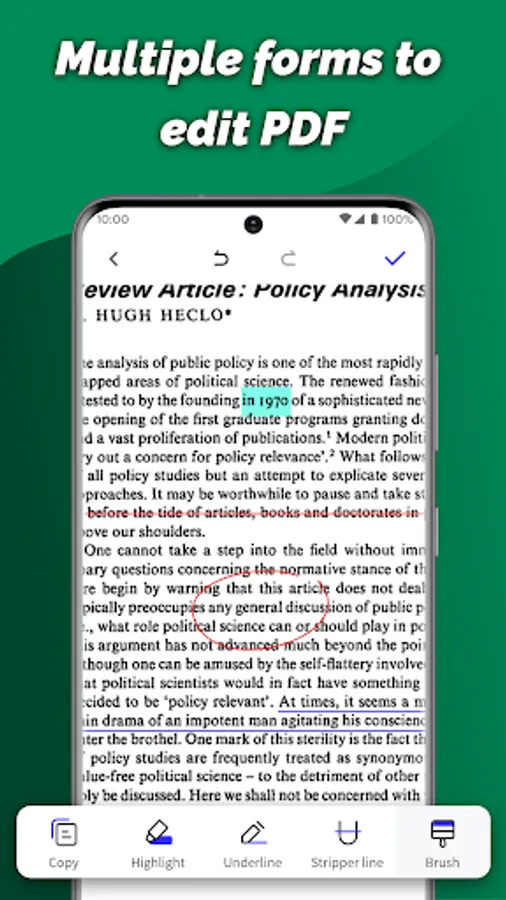
Highlight: Highlight important text and focus on key points.
Annotation Tools: Annotate content with underlining and strikethrough.
🔧 PDF Format Processing
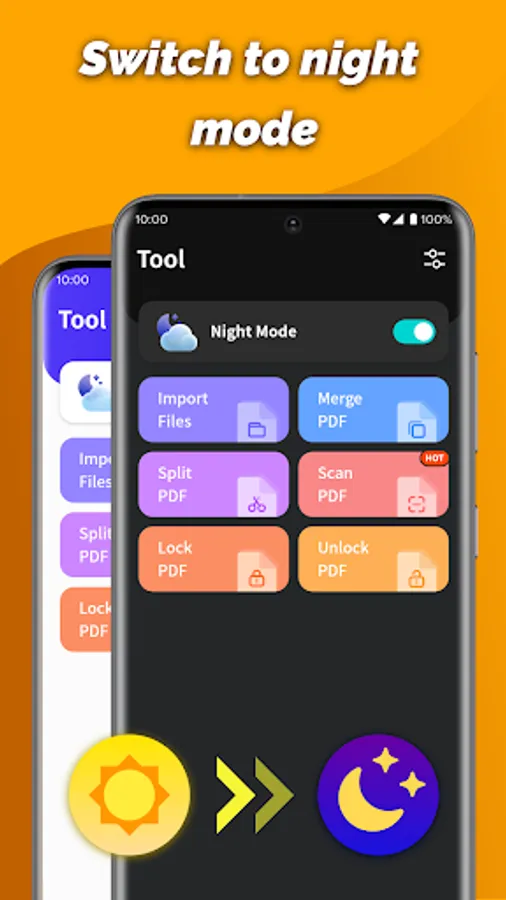
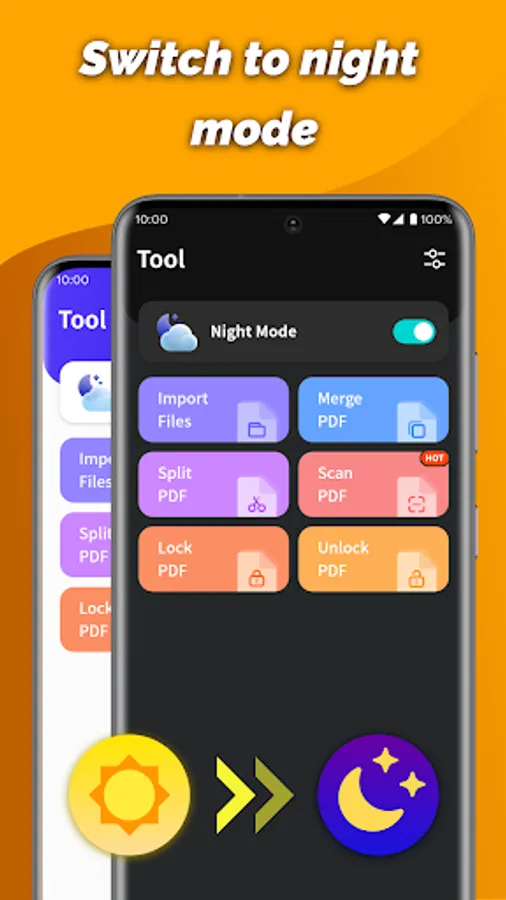
Merge PDFs: Easily merge two or more PDF files into one, making document organization easier.
Split PDFs: Freely select a page range to separate specific pages within a PDF into separate, new files.
Document Encryption: Lock/unlock important PDFs with a digital password to effectively protect your privacy.
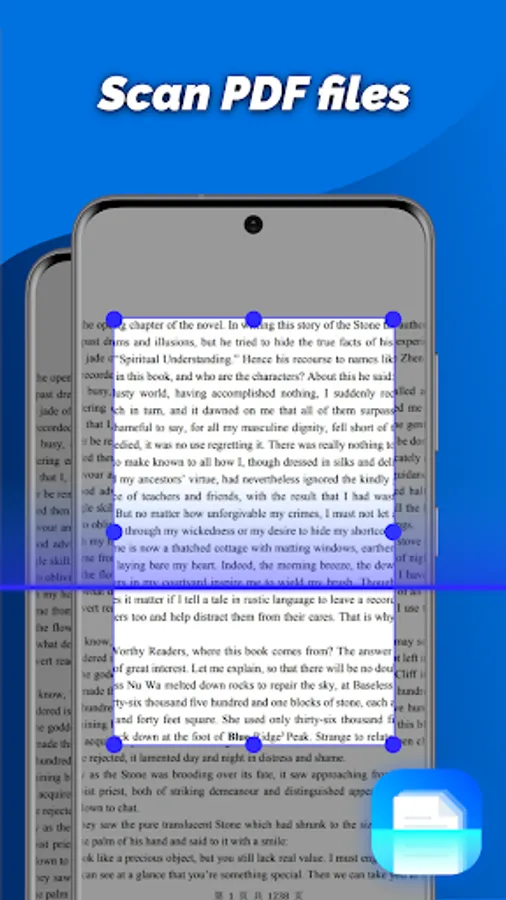
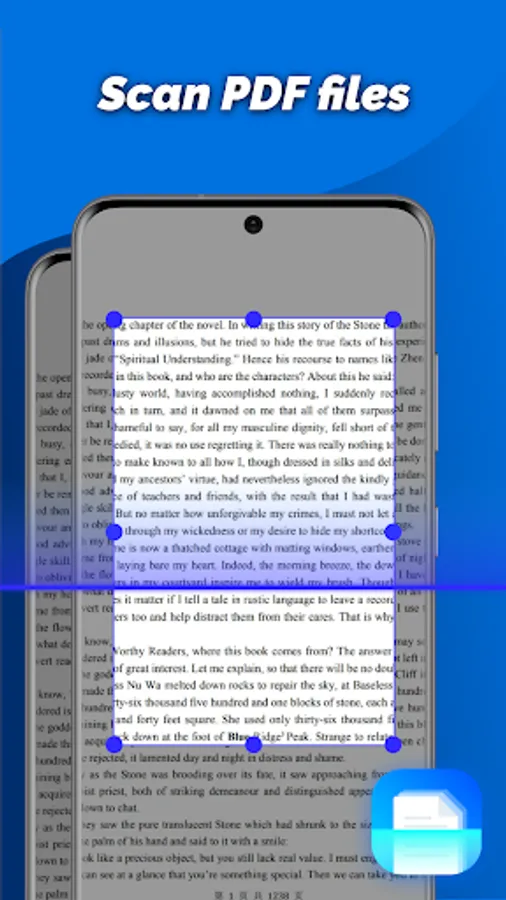
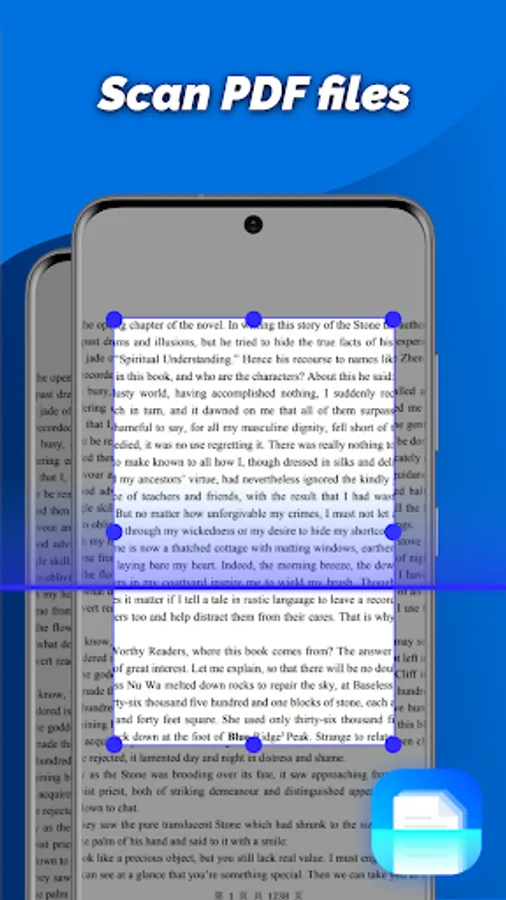
Scan and Create: Use your camera to capture documents or images and convert them to PDFs in one click.
📂 File Management
Rename, delete, share, and save files to help you manage your documents.
Quickly view file paths and locate files.
🌙 Personalized Experience
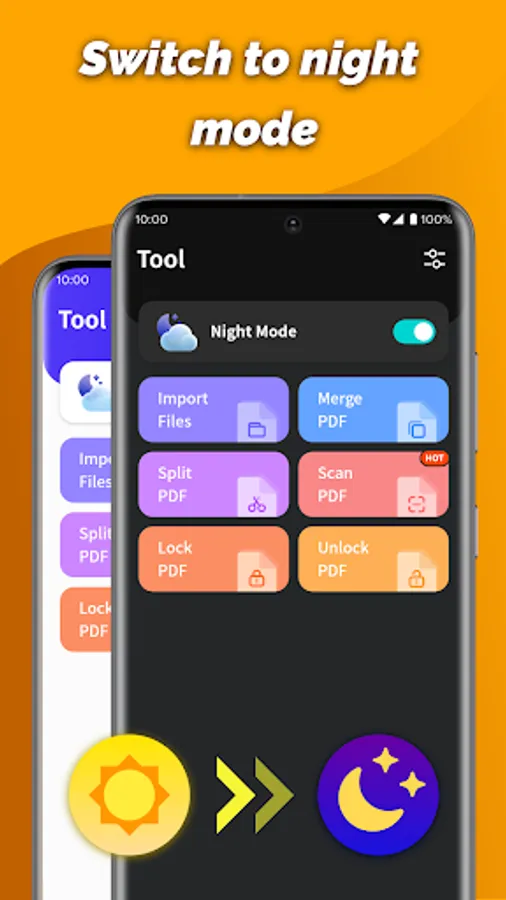
Night Mode provides a comfortable reading experience in low-light environments.
PDF File Manager is dedicated to transforming complex document management into a simple and smooth experience. Whether you're working with daily office files or managing important personal documents, it provides solid support.
[Key Features]
📄 Document Viewer
View PDF, Word, PPT, Excel, and other formats directly within the app, without switching between different apps.
✏️ PDF Annotation
Highlight: Highlight important text and focus on key points.
Annotation Tools: Annotate content with underlining and strikethrough.
🔧 PDF Format Processing
Merge PDFs: Easily merge two or more PDF files into one, making document organization easier.
Split PDFs: Freely select a page range to separate specific pages within a PDF into separate, new files.
Document Encryption: Lock/unlock important PDFs with a digital password to effectively protect your privacy.
Scan and Create: Use your camera to capture documents or images and convert them to PDFs in one click.
📂 File Management
Rename, delete, share, and save files to help you manage your documents.
Quickly view file paths and locate files.
🌙 Personalized Experience
Night Mode provides a comfortable reading experience in low-light environments.
PDF File Manager is dedicated to transforming complex document management into a simple and smooth experience. Whether you're working with daily office files or managing important personal documents, it provides solid support.