Mobile Number Tracker GPS
Servercali
3.8 ★
136 ratings
50,000+
downloads
Free
+ in-app
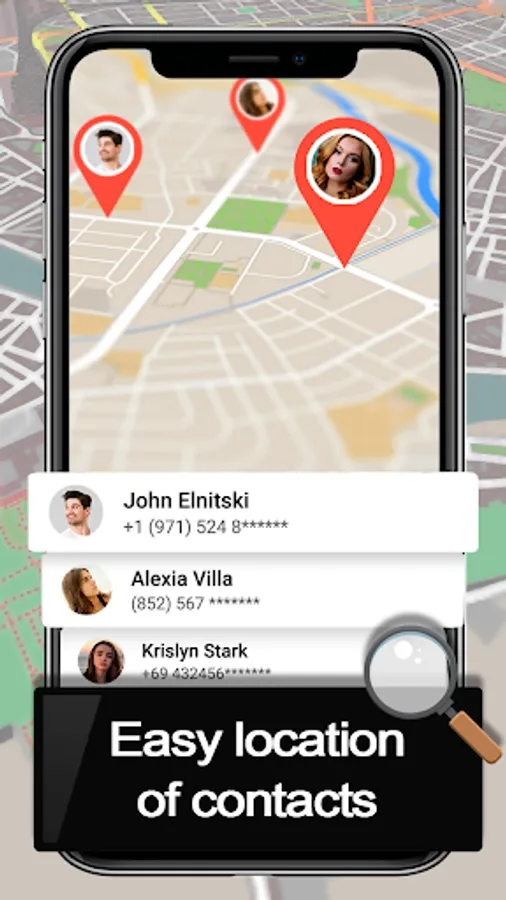
With this mobile number tracker GPS, you can locate a phone on the map using the provided number and access additional features like caller blocking and ISD code lookup. Includes country code information, call blocking options, and location details.
AppRecs review analysis
AppRecs rating 3.8. Trustworthiness 0 out of 100. Review manipulation risk 0 out of 100. Based on a review sample analyzed.
★★★☆☆
3.8
AppRecs Rating
Ratings breakdown
5 star
67%
4 star
0%
3 star
0%
2 star
8%
1 star
25%
What to know
✓
Good user ratings
67% positive sampled reviews
✓
Authentic reviews
No red flags detected
⚠
High negative review ratio
33% of sampled ratings are 1–2 stars
About Mobile Number Tracker GPS
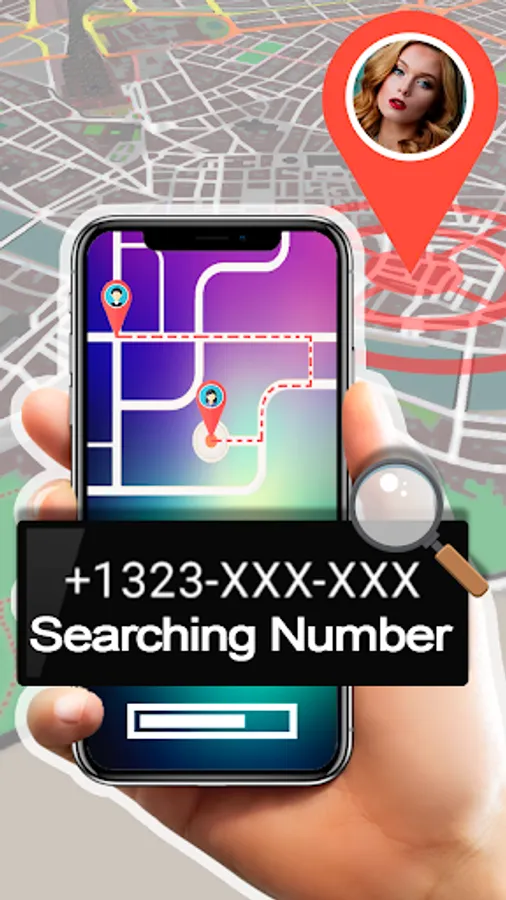
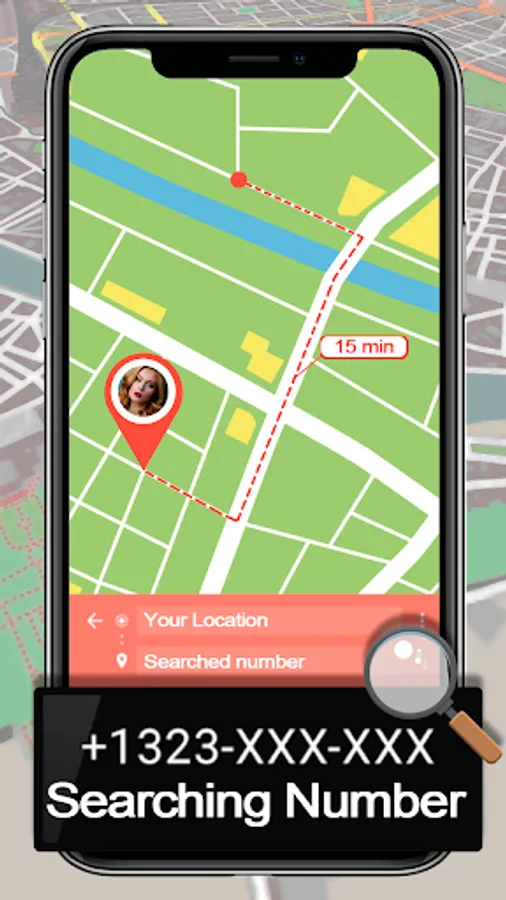
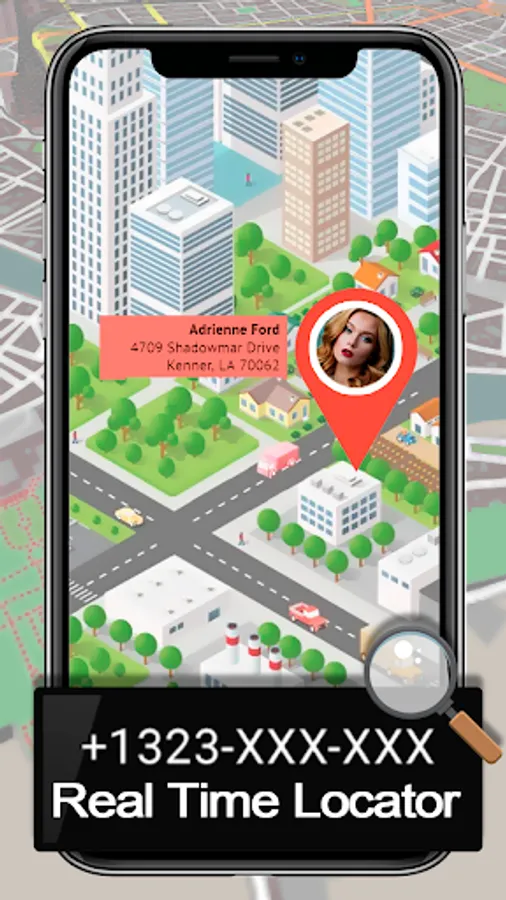
Mobile number location GPS allows you to get the real location 🔍 of your phone on the map 🛣 through a marker. Get the specific position of the phone number.
The location tracker has many more options such as
- Caller blocker
- STD codes, country codes, DME codes.
- Current location.
✅ How to use ✅
1.- Open the cell phone tracker application you have downloaded.
2.- Click on the Locate Number option to access other options such as ISD Codes, STD Codes, Locator, Contacts.
3.- You will get an option to track the number.
4.- We will have to select the country code and the number. The number must be in real format to be accepted by our mobile number location application.
5.- Once entered click on the search button, the user will get the location and the call blocking option.
6.- The ISD Codes option allows you to know the country prefixes, by default, the one of your current location and selected language appears.
7.- If you wish to consult another one, you can choose one from the list of more than 150 countries around the world. The ISD/STD codes are very important for making international calls, call records or blocking the number directly.
✅ PERMISSIONS ✅
* This application does not store any personal data of the user.
* This application can be used without Internet, but the location is needed to know the current location of the phone
The location tracker has many more options such as
- Caller blocker
- STD codes, country codes, DME codes.
- Current location.
✅ How to use ✅
1.- Open the cell phone tracker application you have downloaded.
2.- Click on the Locate Number option to access other options such as ISD Codes, STD Codes, Locator, Contacts.
3.- You will get an option to track the number.
4.- We will have to select the country code and the number. The number must be in real format to be accepted by our mobile number location application.
5.- Once entered click on the search button, the user will get the location and the call blocking option.
6.- The ISD Codes option allows you to know the country prefixes, by default, the one of your current location and selected language appears.
7.- If you wish to consult another one, you can choose one from the list of more than 150 countries around the world. The ISD/STD codes are very important for making international calls, call records or blocking the number directly.
✅ PERMISSIONS ✅
* This application does not store any personal data of the user.
* This application can be used without Internet, but the location is needed to know the current location of the phone
Mobile Number Tracker GPS Screenshots
Tap to Rate: