About Ecommerce Trial App
Steps to Setup Mobile App Trial :
1 ) Activate Mobile Sales Channel on Shopify
2) Go to Admin menu of Shopify store, Click on Sales Channel and add Mobile App Sales Channel
3) Copy APP KEY and APP ID
4) Register on http://shop.firstwire.co/
5) Go to Store Registration page on http://shop.firstwire.co/
6) Input Shopify Store URL , APP KEY and APP ID in the form and Submit.
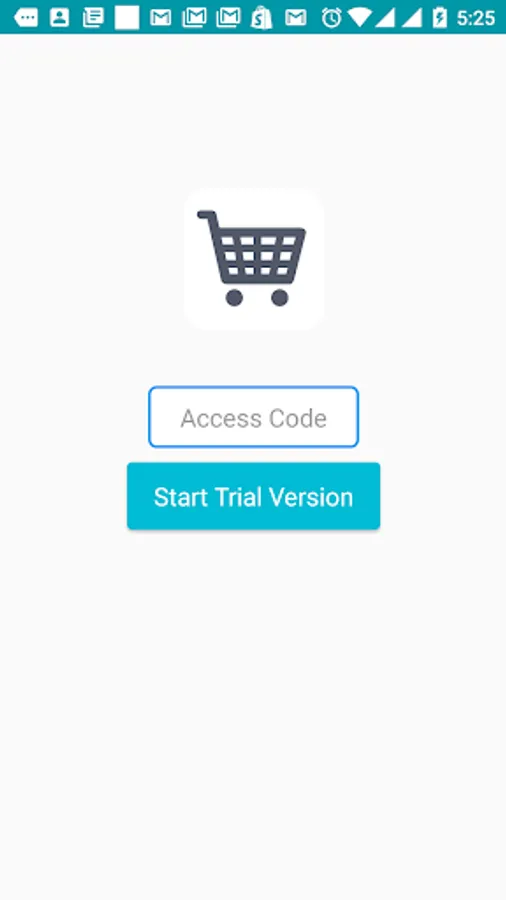
7) A Trial "Access Code" will be generated. Please keep this code ready for trial.
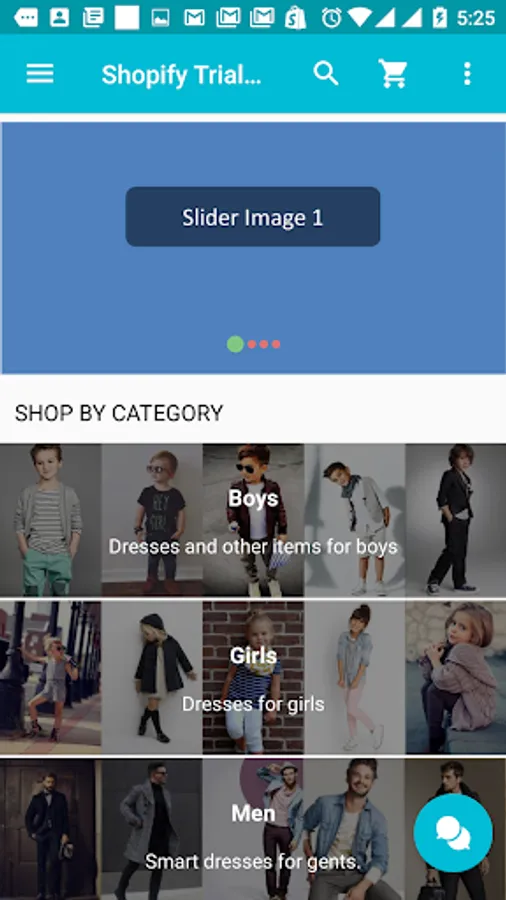
8) Download the App. Insert Access Code and see your Store Live on Trial App
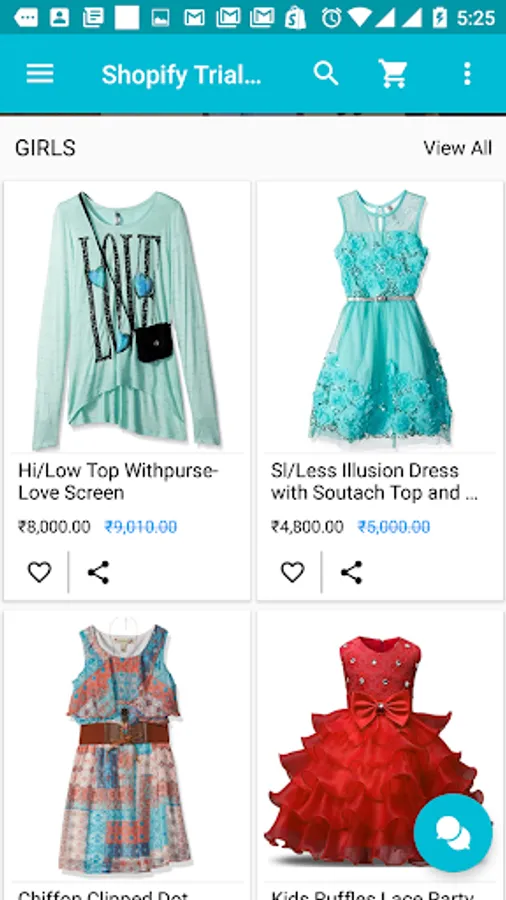
9) Please note that images might not look perfect on Trial App, we will need to customize it for you.
10) Some features might require special customization for your Shopify Stores
1 ) Activate Mobile Sales Channel on Shopify
2) Go to Admin menu of Shopify store, Click on Sales Channel and add Mobile App Sales Channel
3) Copy APP KEY and APP ID
4) Register on http://shop.firstwire.co/
5) Go to Store Registration page on http://shop.firstwire.co/
6) Input Shopify Store URL , APP KEY and APP ID in the form and Submit.
7) A Trial "Access Code" will be generated. Please keep this code ready for trial.
8) Download the App. Insert Access Code and see your Store Live on Trial App
9) Please note that images might not look perfect on Trial App, we will need to customize it for you.
10) Some features might require special customization for your Shopify Stores
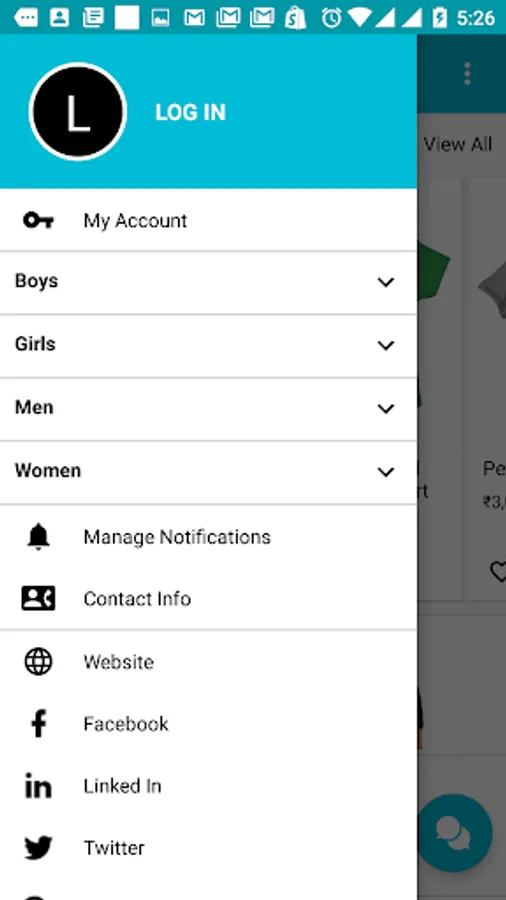
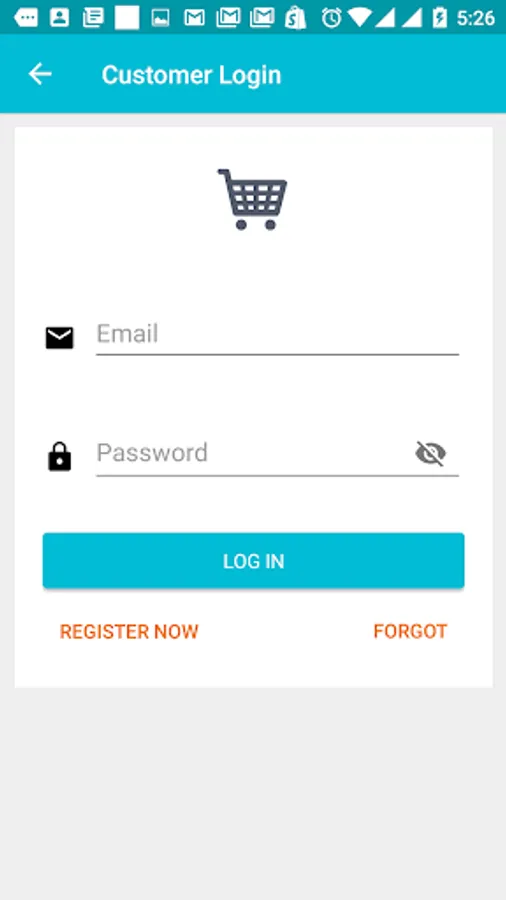
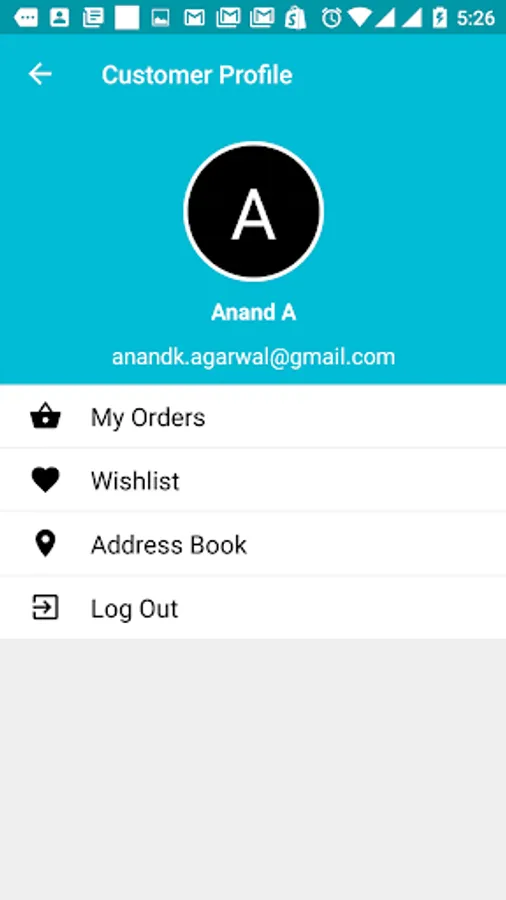
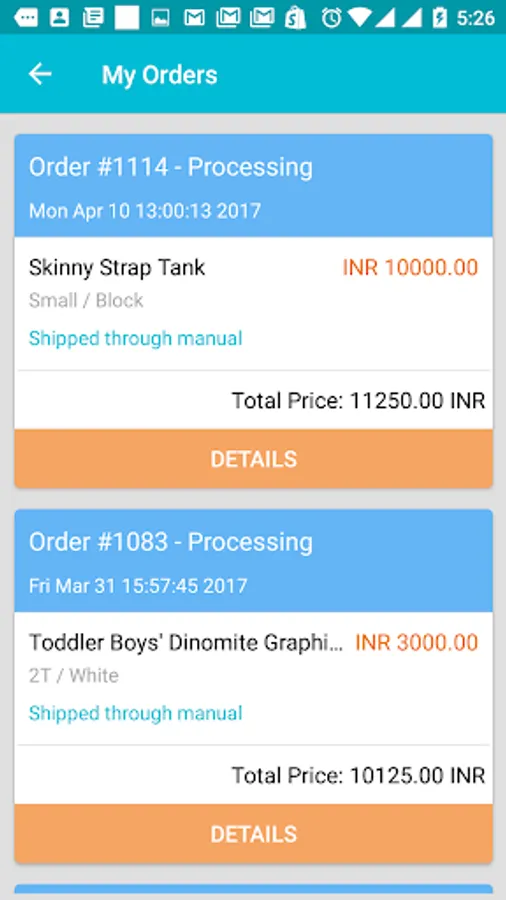
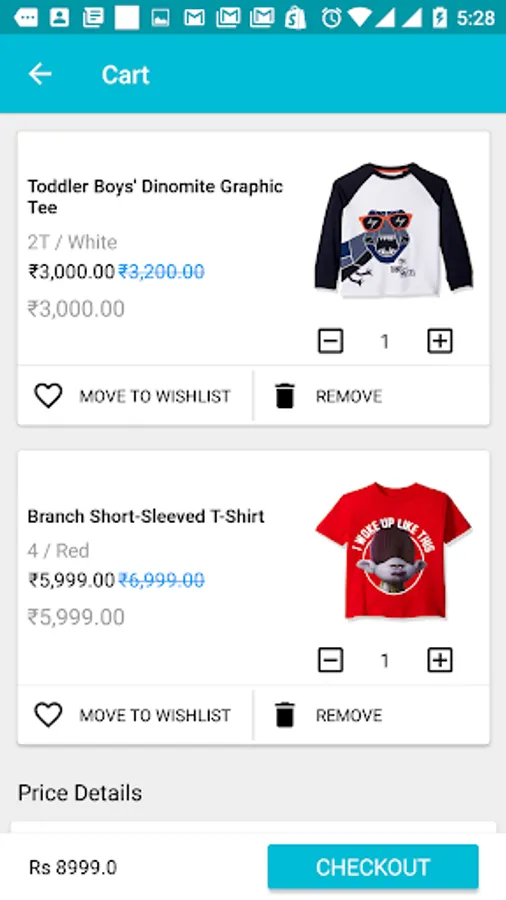
Ecommerce Trial App Screenshots
Tap to Rate: