Trigonometrics
Kyle Fischer
5.0 ★
store rating
100+
downloads
$0.99
AppRecs review analysis
AppRecs rating 4.0. Trustworthiness 45 out of 100. Review manipulation risk 59 out of 100. Based on a review sample analyzed.
★★★★☆
4.0
AppRecs Rating
Ratings breakdown
5 star
100%
4 star
0%
3 star
0%
2 star
0%
1 star
0%
What to know
⚠
Questionable review patterns
59% review manipulation risk - some review patterns appear unusual
⚠
Unusually uniform ratings
100% of sampled ratings are 5 stars with very little variation
About Trigonometrics
REASONS TO PURCHASE THIS APP:
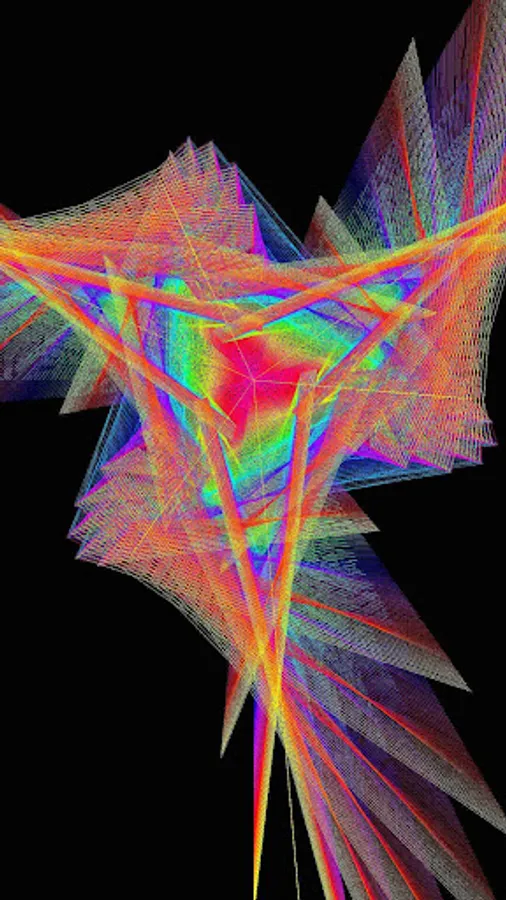
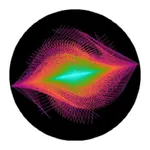
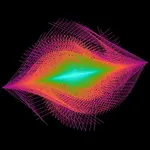
- Design rainbow patterns.
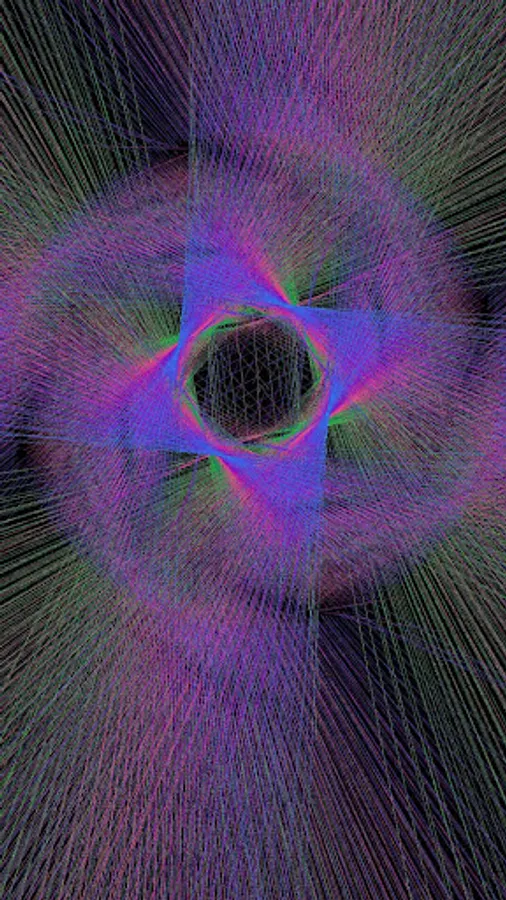
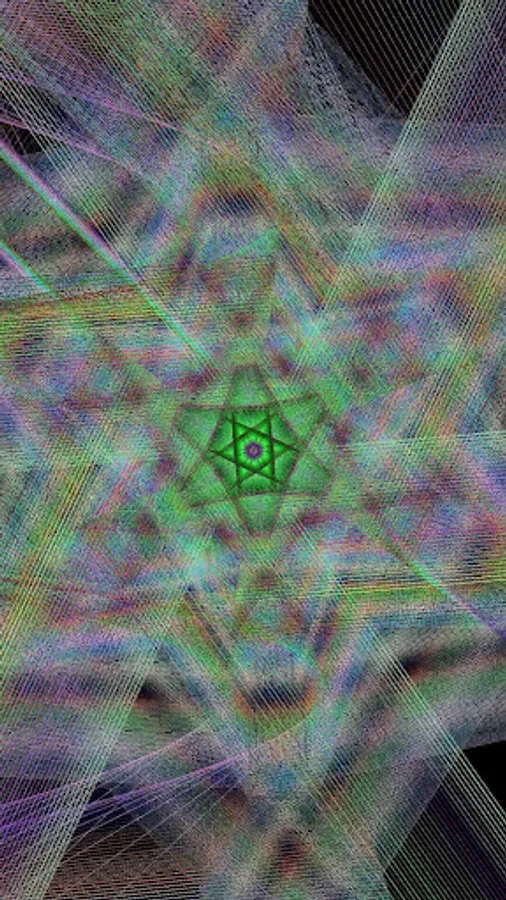
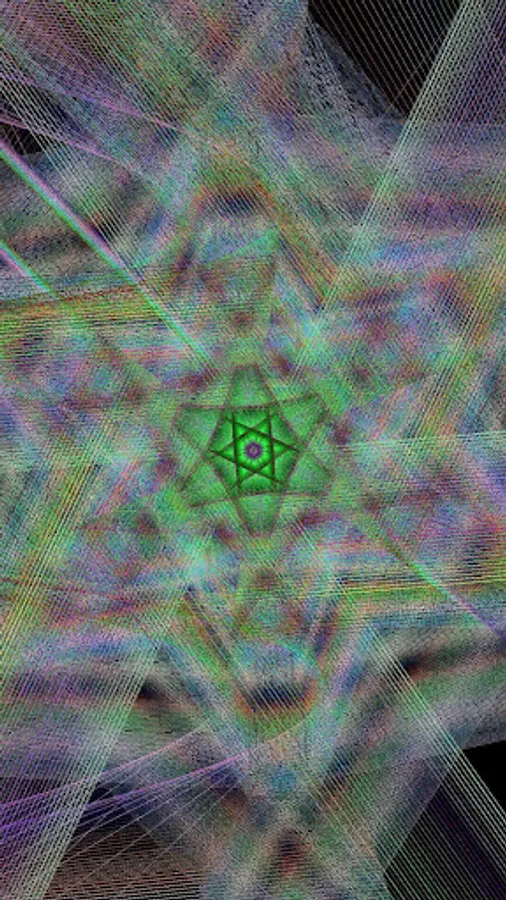
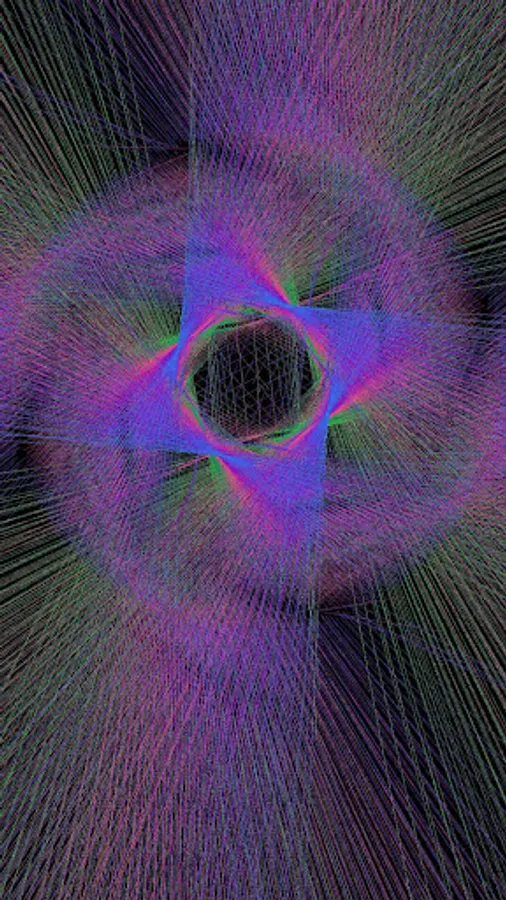
- The color and geometric patterns are works of art.
- Other apps in the app store that are similar have pretty designs, but their pictures were created for you by the developer or an artist. With Trigonometrics, you discover the patterns.
- The generated images are a product of mathematical rules.
- The patterns excite us because we have a predisposition to see patterns.
- The images in these designs are the fingerprints of the universe around us..
TRIGONOMETRY OVERVIEW:
A polar graph represents a math equation where the distance [r] from the center of the graph is determined by an equation. [r=1 is a circle. r=sin(angle) makes loops]
Polar Graph:
http://en.wikipedia.org/wiki/Polar_graph
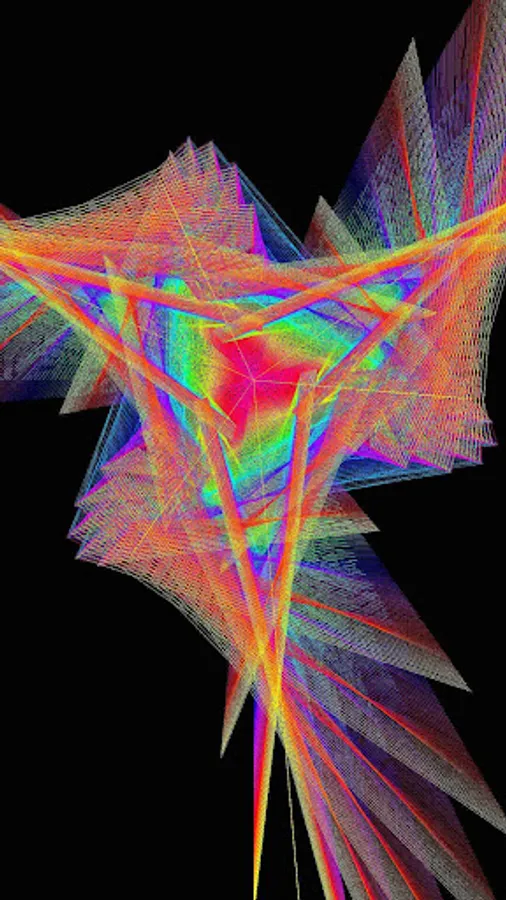
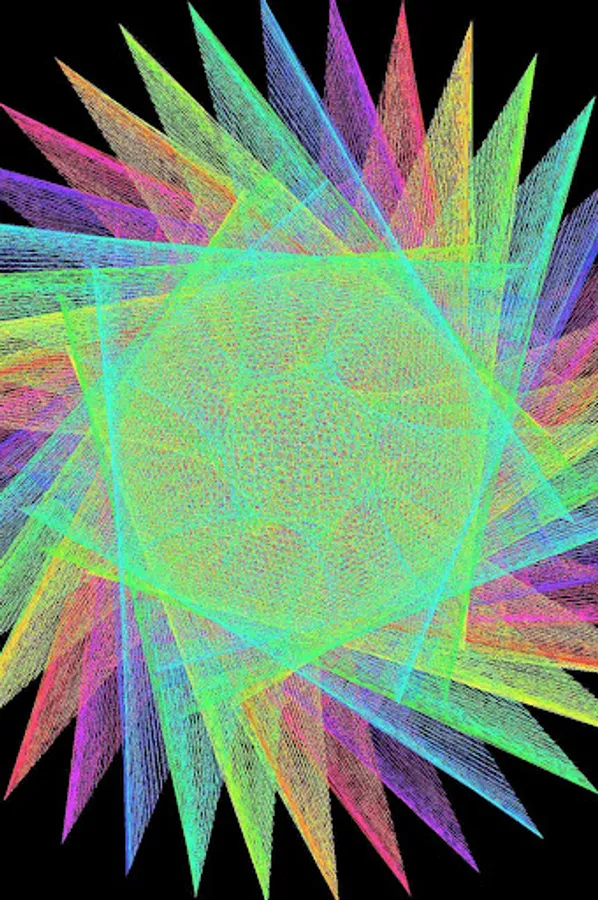
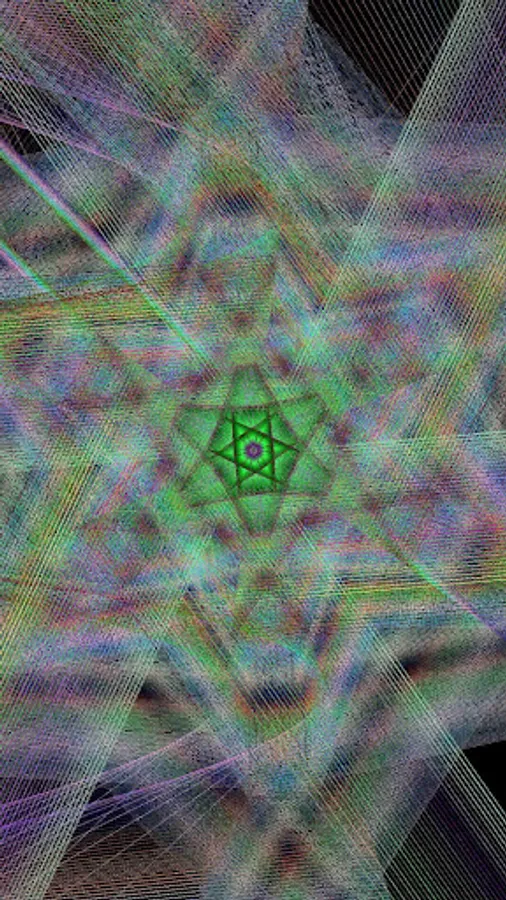
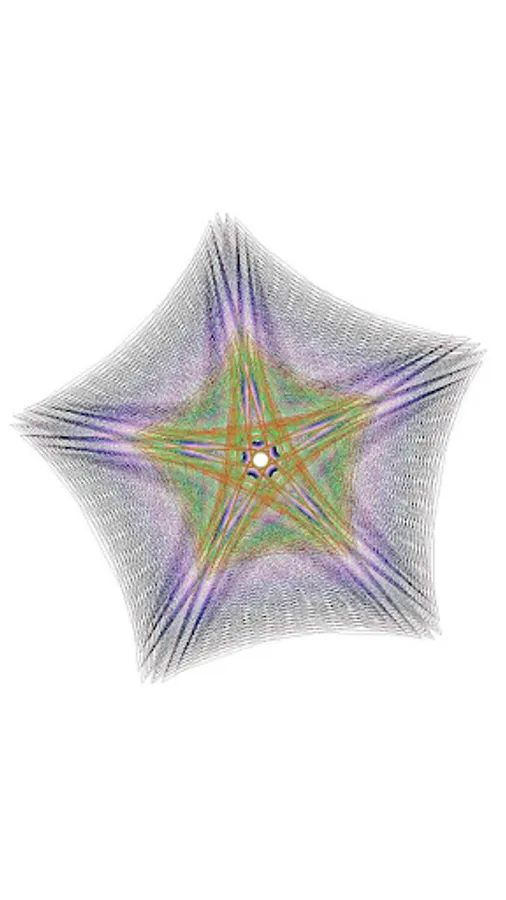
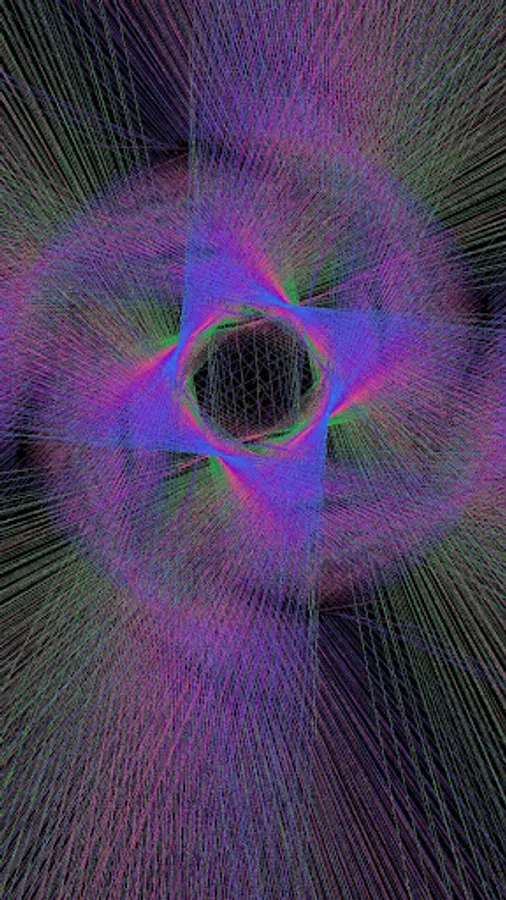
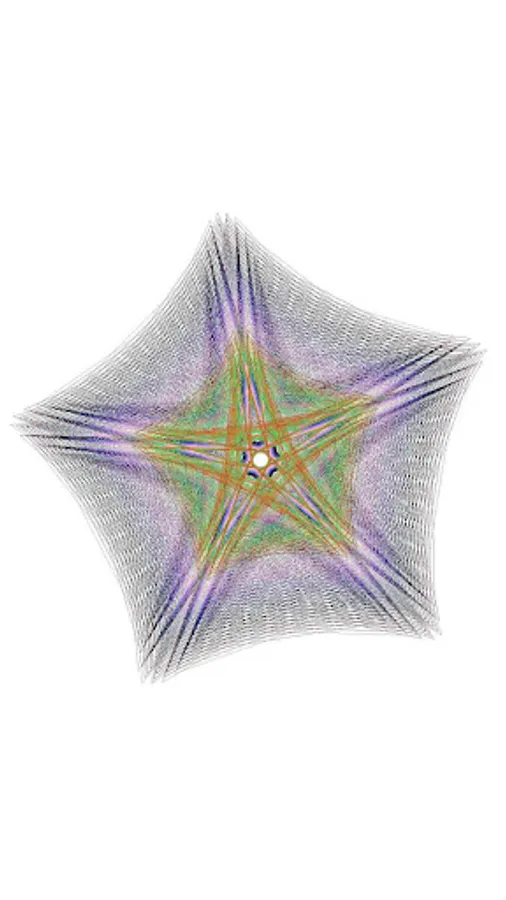
Normally you start the angle from 0 and go all the way around to 360 degrees incrementing by some small amount. When you skip faster around the circle in a regular interval (say every 80 degrees), you get something interesting. A Maurer Rose http://en.wikipedia.org/wiki/Maurer_rose
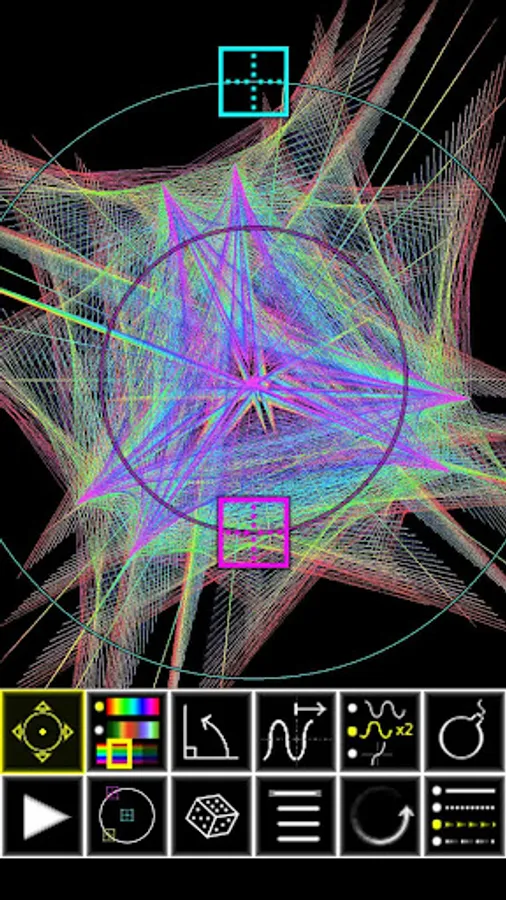
Trigonometrics takes this maurer rose idea and puts you in control of every aspect of the design:
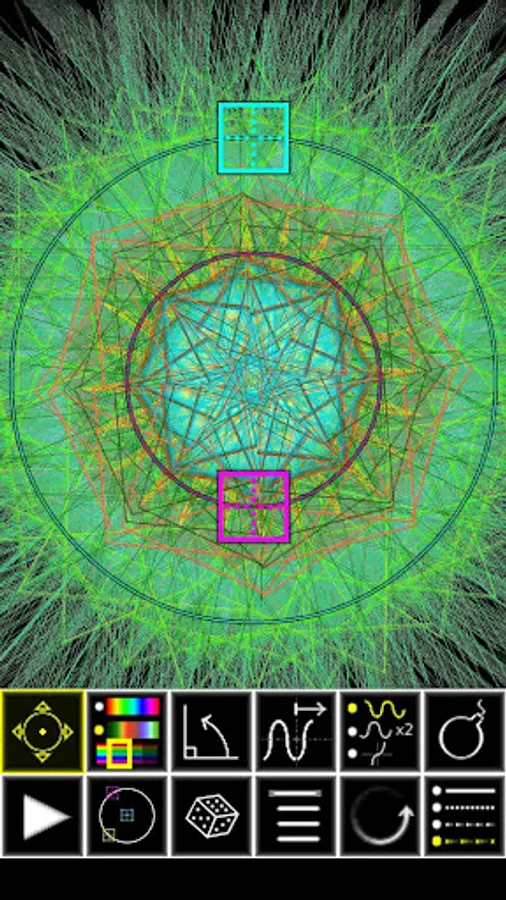
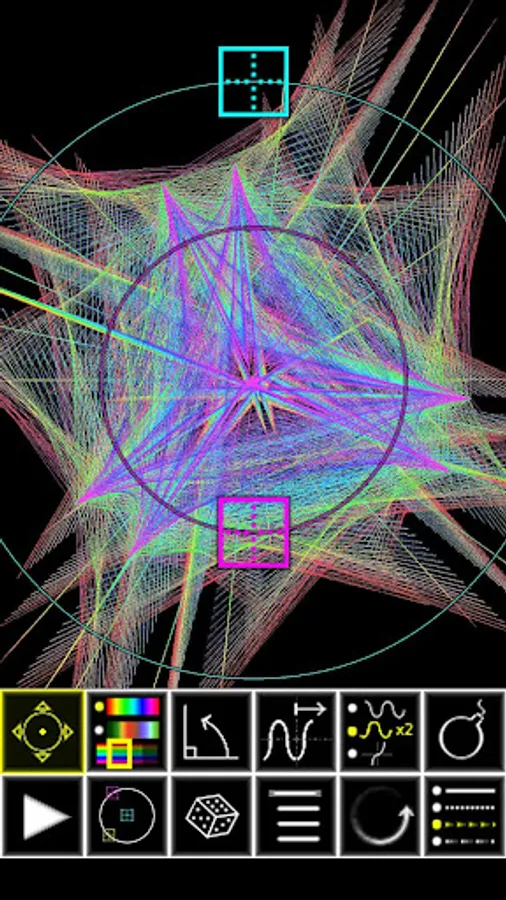
The size, location, color palette, amount to skip, and a multiplier for the angle (to determine how many petals your maurer rose will have).
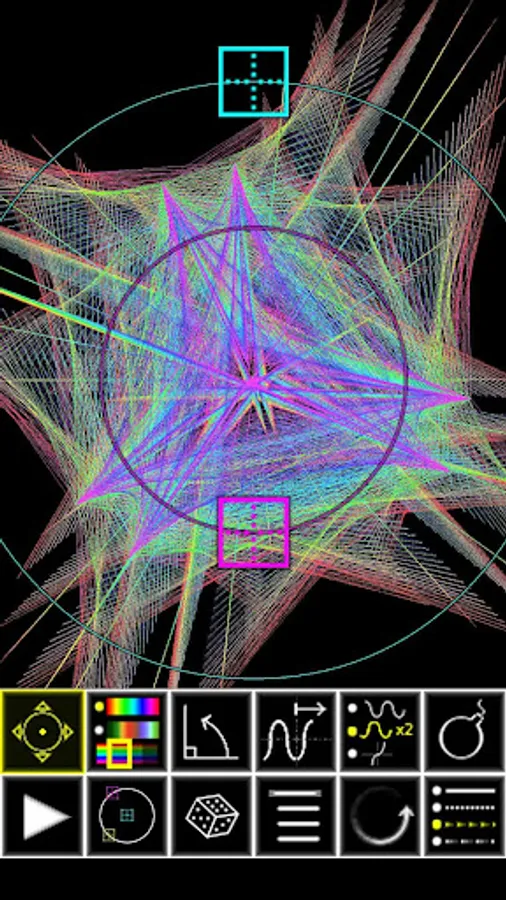
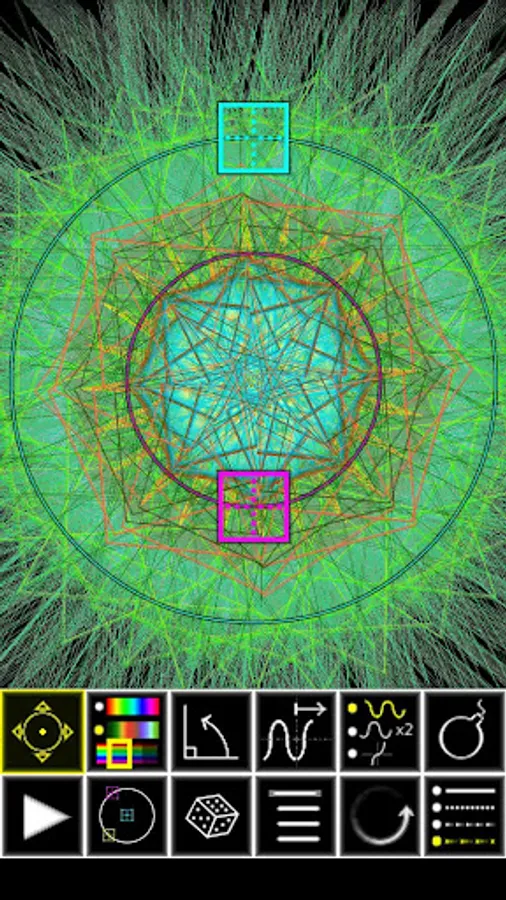
DESCRIPTION OF CONTROLS:
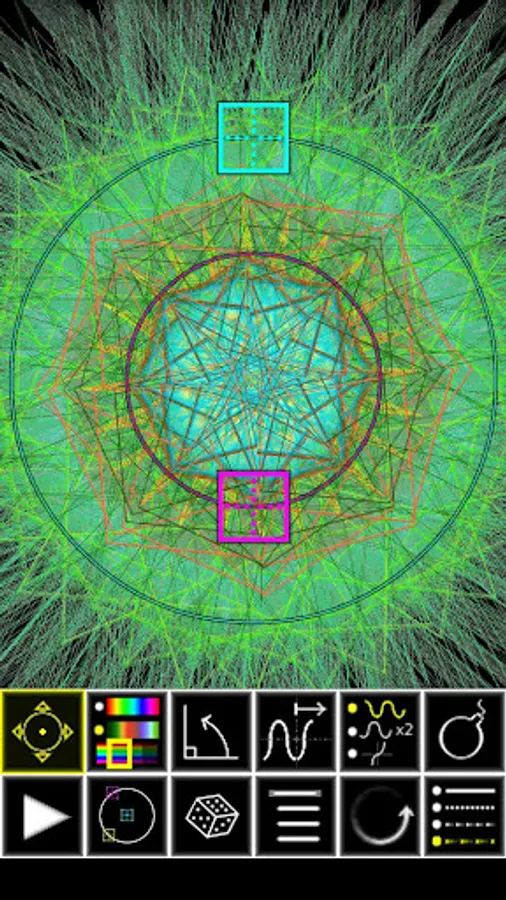
ROW 1 BUTTONS
1. Change the Size: Your Pattern will grow and shrink between the two circles.
2. Change the rainbow: Switch between a rainbow and a random color palette. Continue to press to get different varieties of rainbow and random palette change speeds.
3. Control the Skip Angle: Press this button and drag the cyan target around the circle to control the skip. (If you put the target on the far left, this will skip 180 degrees and make only a solid line)
4. Control the wave: Press this button and drag the cyan target around the circle to change the number of petals your rose has.
5. Change the Equation: Cycle between a Sin wave, multiple Sin waves and the Tan Trigonometric functions.
6. Bomb Button: This will clear the screen but keep all your properties and continue drawing. Cycles between a black and white background.
ROW 2 BUTTONS
1. Play/Pause Button: "Pause" the action, then "Play" to restart.
2. Turn ON/OFF Targets: Toggle display of "grippers".
3. Dice: Generate a random pattern.
4. Menu button: Save your image or Exit.
5. Rotate: Rotate the design around the center axis.
6. Skip Selector: Select how many degrees to skip: continuous, 5, 12.5 or 22.5
- Design rainbow patterns.
- The color and geometric patterns are works of art.
- Other apps in the app store that are similar have pretty designs, but their pictures were created for you by the developer or an artist. With Trigonometrics, you discover the patterns.
- The generated images are a product of mathematical rules.
- The patterns excite us because we have a predisposition to see patterns.
- The images in these designs are the fingerprints of the universe around us..
TRIGONOMETRY OVERVIEW:
A polar graph represents a math equation where the distance [r] from the center of the graph is determined by an equation. [r=1 is a circle. r=sin(angle) makes loops]
Polar Graph:
http://en.wikipedia.org/wiki/Polar_graph
Normally you start the angle from 0 and go all the way around to 360 degrees incrementing by some small amount. When you skip faster around the circle in a regular interval (say every 80 degrees), you get something interesting. A Maurer Rose http://en.wikipedia.org/wiki/Maurer_rose
Trigonometrics takes this maurer rose idea and puts you in control of every aspect of the design:
The size, location, color palette, amount to skip, and a multiplier for the angle (to determine how many petals your maurer rose will have).
DESCRIPTION OF CONTROLS:
ROW 1 BUTTONS
1. Change the Size: Your Pattern will grow and shrink between the two circles.
2. Change the rainbow: Switch between a rainbow and a random color palette. Continue to press to get different varieties of rainbow and random palette change speeds.
3. Control the Skip Angle: Press this button and drag the cyan target around the circle to control the skip. (If you put the target on the far left, this will skip 180 degrees and make only a solid line)
4. Control the wave: Press this button and drag the cyan target around the circle to change the number of petals your rose has.
5. Change the Equation: Cycle between a Sin wave, multiple Sin waves and the Tan Trigonometric functions.
6. Bomb Button: This will clear the screen but keep all your properties and continue drawing. Cycles between a black and white background.
ROW 2 BUTTONS
1. Play/Pause Button: "Pause" the action, then "Play" to restart.
2. Turn ON/OFF Targets: Toggle display of "grippers".
3. Dice: Generate a random pattern.
4. Menu button: Save your image or Exit.
5. Rotate: Rotate the design around the center axis.
6. Skip Selector: Select how many degrees to skip: continuous, 5, 12.5 or 22.5