
Use this ECG app to monitor your heart rhythm and detect signs of atrial fibrillation. Includes PDF report sharing and results storage.
AppRecs review analysis
AppRecs rating 2.6. Trustworthiness 73 out of 100. Review manipulation risk 22 out of 100. Based on a review sample analyzed.
★★☆☆☆
2.6
AppRecs Rating
Ratings breakdown
5 star
32%
4 star
8%
3 star
7%
2 star
6%
1 star
47%
What to know
✓
Low review manipulation risk
22% review manipulation risk
⚠
Mixed user feedback
Average 2.7★ rating suggests room for improvement
⚠
High negative review ratio
53% of sampled ratings are 1–2 stars
About Fitbit ECG App
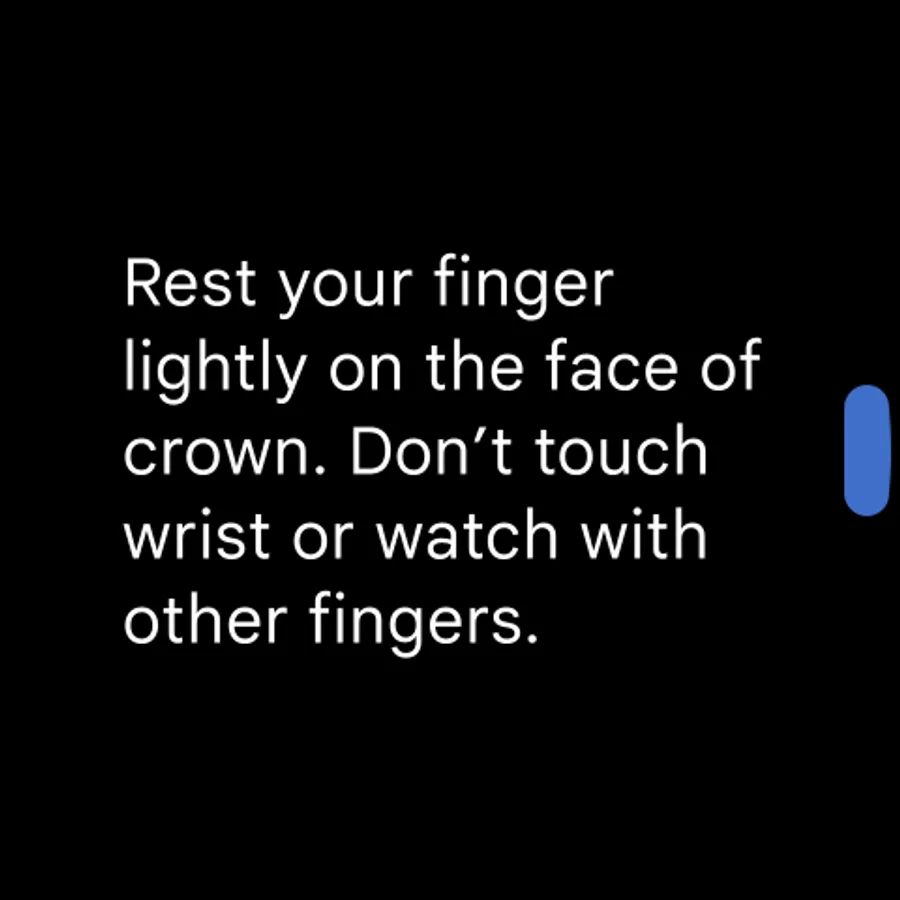
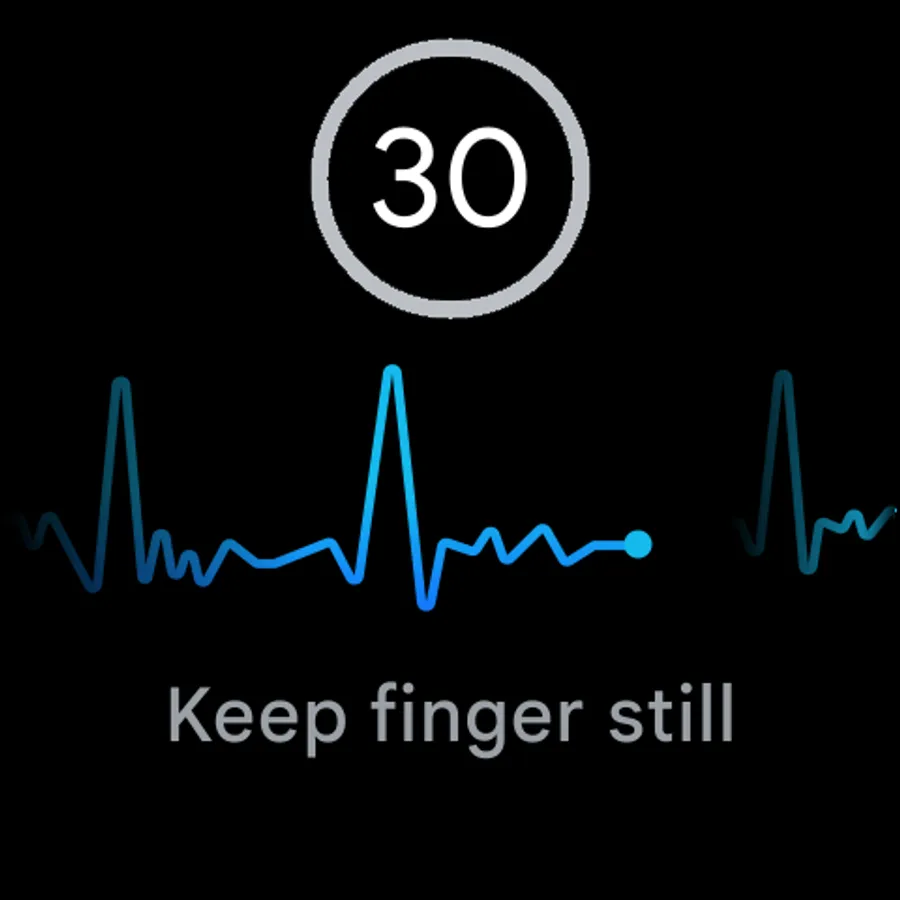
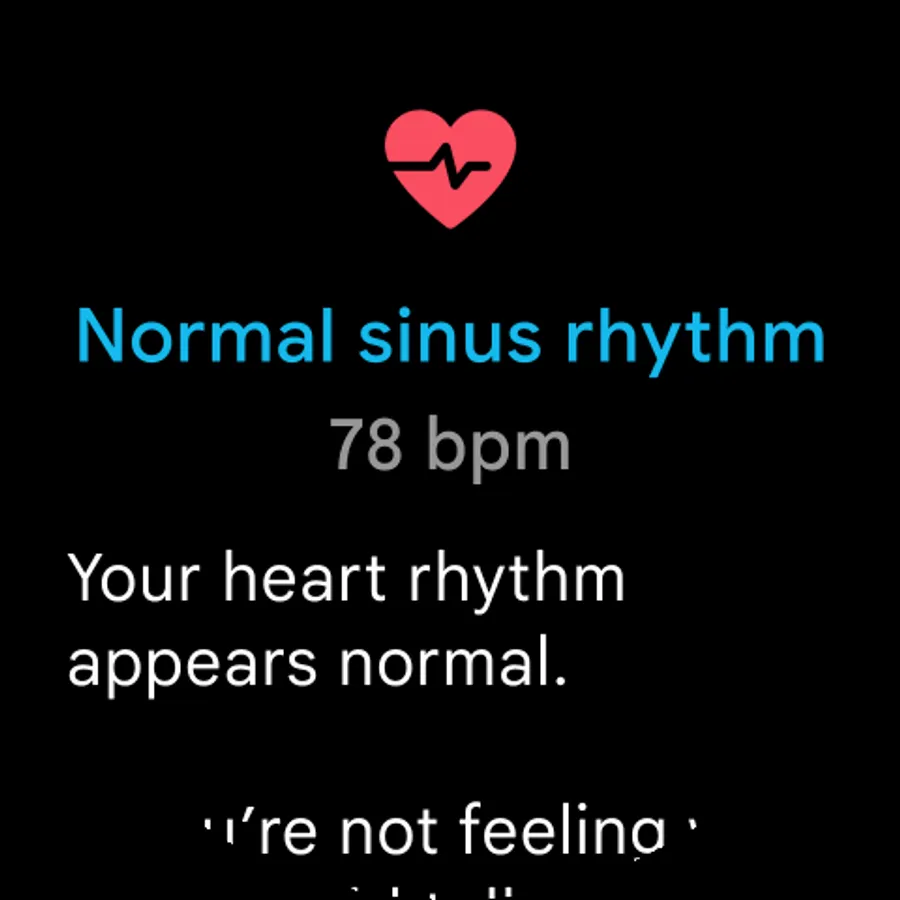
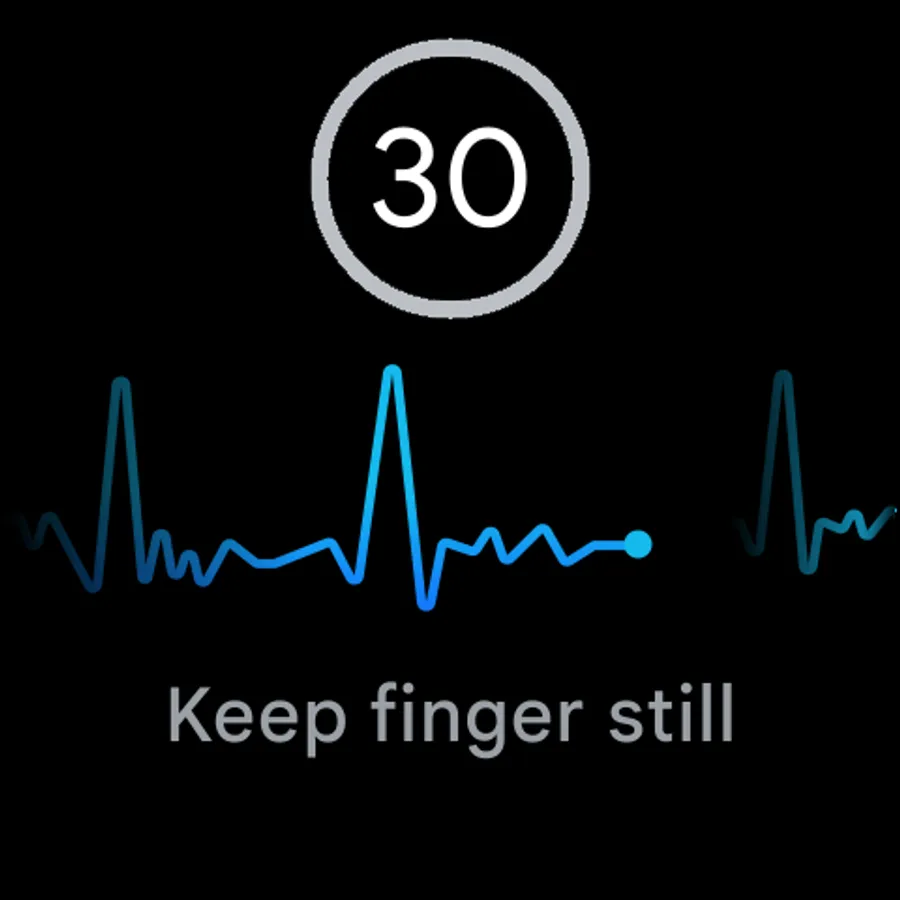
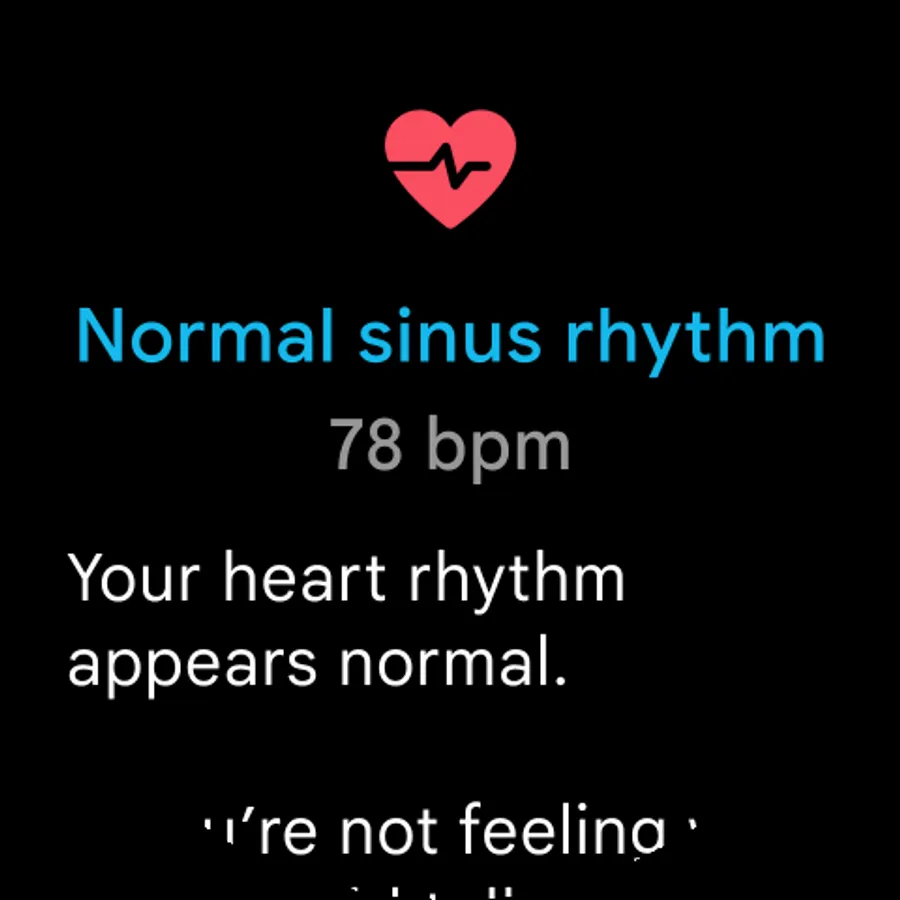
Use the Fitbit ECG app to check your heart for signs of atrial fibrillation, an irregular heart rhythm. You can create a PDF of your results to share with a healthcare provider.
To take your first reading, follow these steps:
1. In the Play Store app on your Pixel Watch, search for the Fitbit ECG app.
2. Tap the Fitbit ECG app and tap Install.
3. Open the Fitbit ECG tile on your watch. If you haven't set up the Fitbit app on your phone, you're prompted to do so. Follow the instructions to install and log in to the Fitbit app on your phone.
4. Reopen the Fitbit ECG tile to take a measurement.
The Fitbit ECG app is available on the Wear OS platform for Pixel Watch in select countries. It is not intended for use by people under 22 years old.
For technology information, go to: https://store.google.com/magazine/fitbit_irregular_rhythm
For indications and safety information, go to: https://support.google.com/fitbit/answer/14253977#samd
If you feel like this app violates any laws or is threatening to any individual, please report it to your local health authority.
To take your first reading, follow these steps:
1. In the Play Store app on your Pixel Watch, search for the Fitbit ECG app.
2. Tap the Fitbit ECG app and tap Install.
3. Open the Fitbit ECG tile on your watch. If you haven't set up the Fitbit app on your phone, you're prompted to do so. Follow the instructions to install and log in to the Fitbit app on your phone.
4. Reopen the Fitbit ECG tile to take a measurement.
The Fitbit ECG app is available on the Wear OS platform for Pixel Watch in select countries. It is not intended for use by people under 22 years old.
For technology information, go to: https://store.google.com/magazine/fitbit_irregular_rhythm
For indications and safety information, go to: https://support.google.com/fitbit/answer/14253977#samd
If you feel like this app violates any laws or is threatening to any individual, please report it to your local health authority.
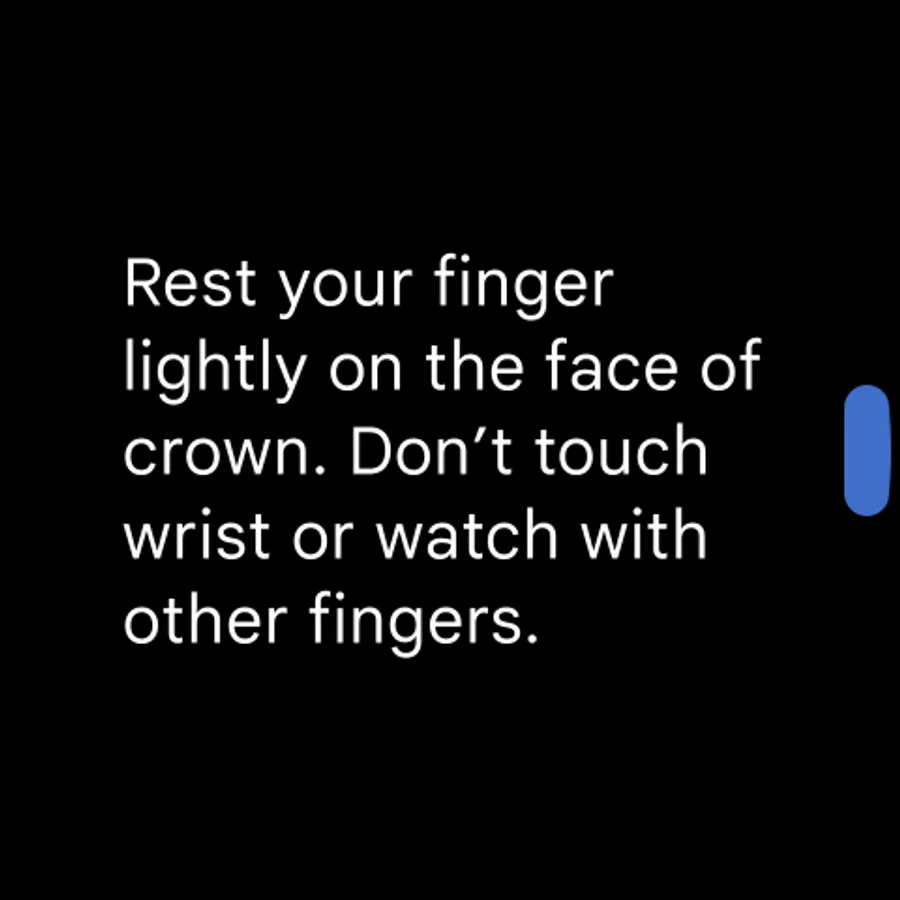
Fitbit ECG App Screenshots




Tap to Rate:
Reviews for Fitbit ECG App
Craig
12/29/2025
Doesn't work
Nikki M
12/27/2025
no longer works