
Network Tools: WiFi Analyzer,
Fit Tech
4.1 ★
613 ratings
50,000+
downloads
Free
+ in-app
With this network tools app, you can analyze WiFi networks, scan ports, and perform DNS lookups. Includes WiFi scanning, port checking, ping testing, and IP information features.
AppRecs review analysis
AppRecs rating 3.6. Trustworthiness 79 out of 100. Review manipulation risk 29 out of 100. Based on a review sample analyzed.
★★★☆☆
3.6
AppRecs Rating
Ratings breakdown
5 star
65%
4 star
7%
3 star
12%
2 star
5%
1 star
12%
What to know
✓
Low review manipulation risk
29% review manipulation risk
✓
Credible reviews
79% trustworthiness score from analyzed reviews
⚠
Ad complaints
Many low ratings mention excessive ads
About Network Tools: WiFi Analyzer,
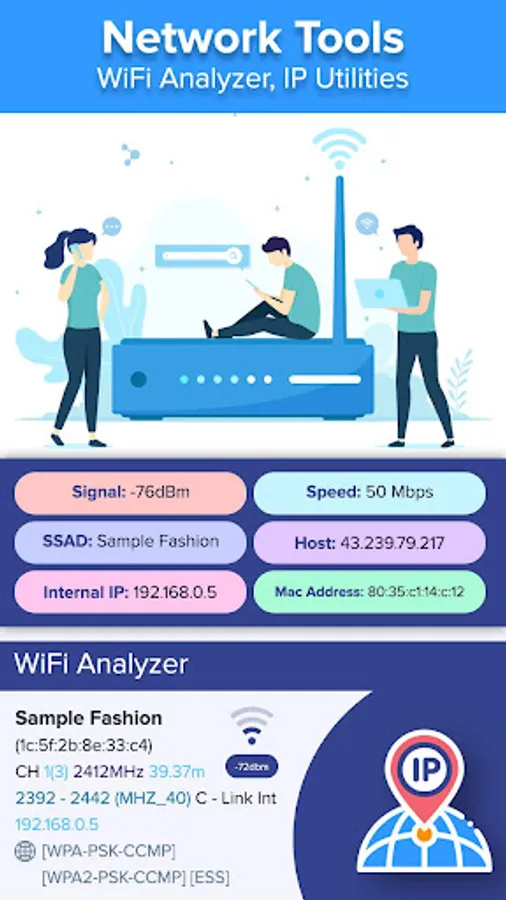
Network Tools: WiFi Analyzer, IP Utilities app is a combination of tools to help you to understand your network's configuration, WiFi states, any potential issues, the availability of the network and its performance.
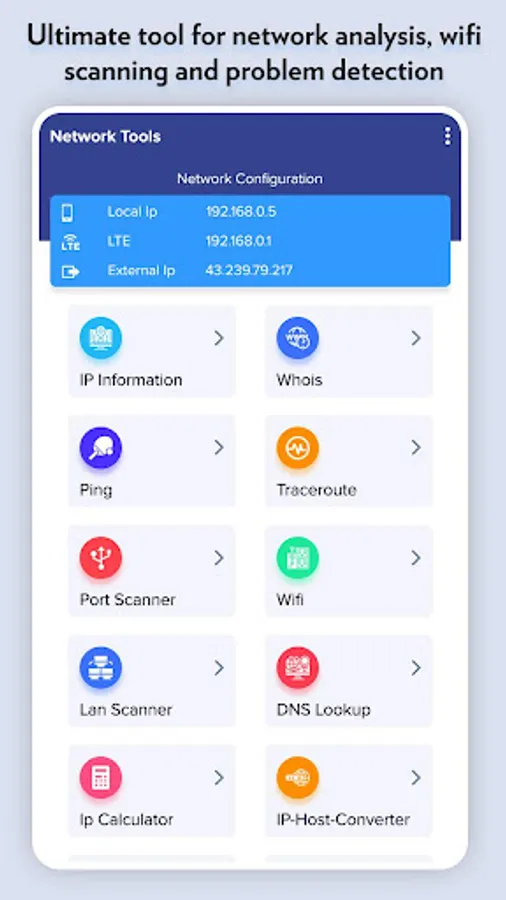
• IPInfo: Network Summary, Wireless network type, status, name and IP address
• Ping - TCP and HTTP ping, Shows how long it takes for packets to reach host.
• Traceroute - discover all intermediate hops that packets pass on their way to their destination.
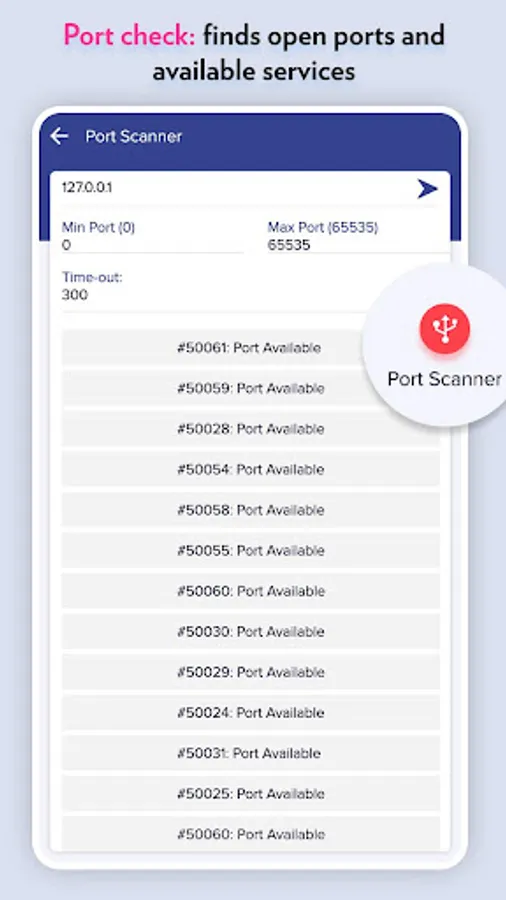
• Port scanner - TCP ports scanner, you can know which ports are open on the host.
• Whois lookup - view DNS records for a given domain/hostname
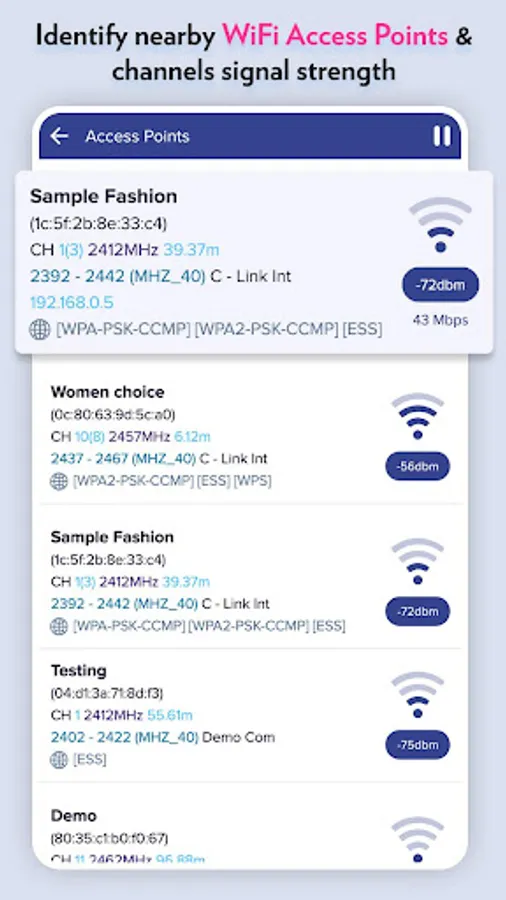
• Wi-Fi scanner - available wifi connections, WiFi band, Signal strength, Security and SSID
• DNS Lookup - reverse lookup & just type in a numeric address
• IP Calculator - subnet/IP address calculator for setting up routers and addresses on IP networks
• Wifi signal meter can view your current WiFi signal strength and detect WiFi Signal Strength around you in real time.
Very useful features of Network Tools: WiFi Analyzer, IP Utilities app:
- Ultimate tool for network analysis, wifi scanning and problem detection
- Network Summary: Wireless network type, status, name and IP address
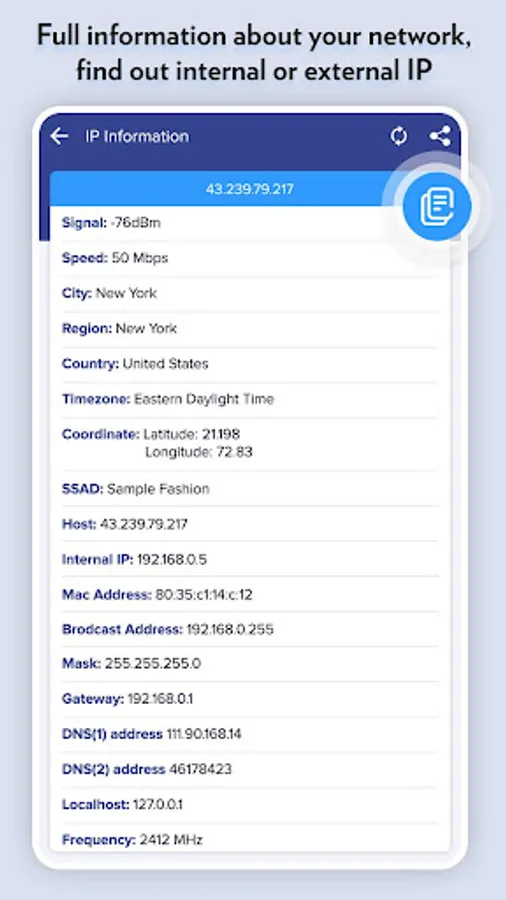
- Full information about your network, find out internal or external IP
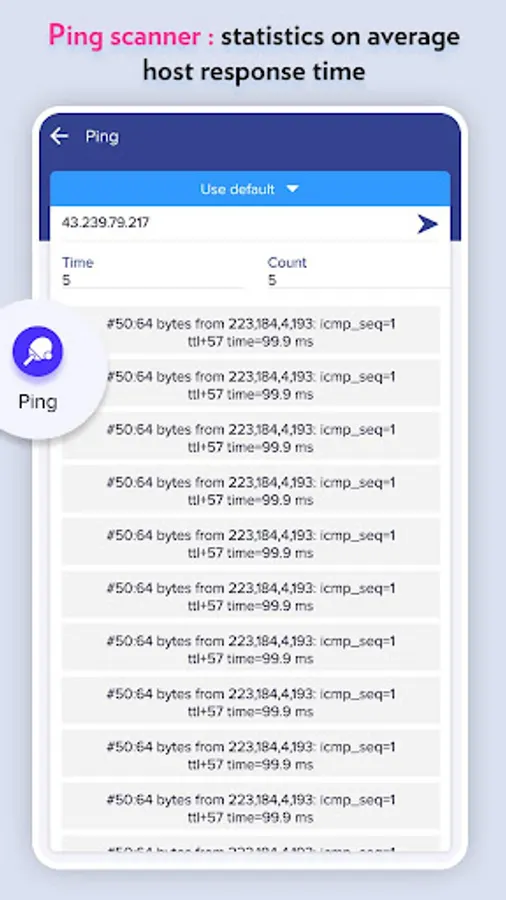
- Ping scanner : statistics on average host response time
- Port check: finds open ports and available services
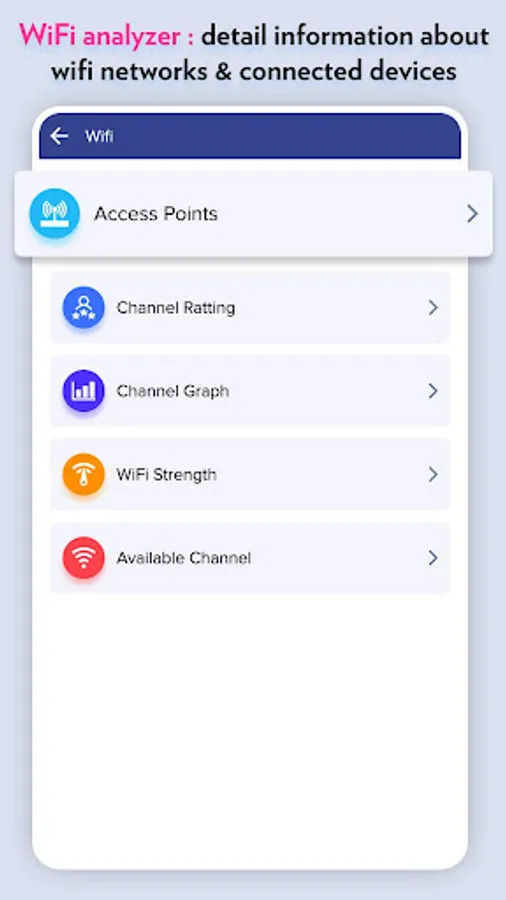
- WiFi analyzer : detail information about wifi networks & connected devices
- Identify nearby WiFi Access Points & channels signal strength
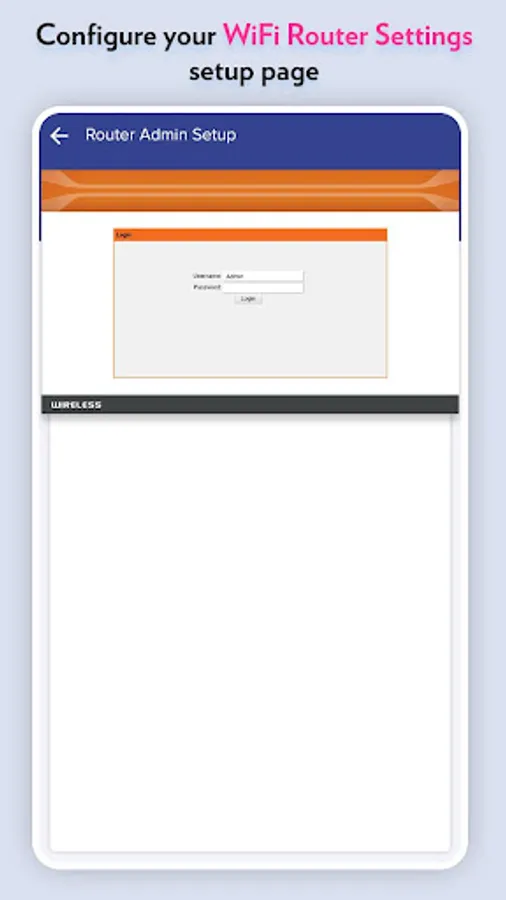
- Configure your WiFi Router Settings setup page, 192.168.0.1 on router setup page
*WiFi Analyzer offers very useful functions for WiFI analysis such as Access points, channel rating, channel graph, WiFi strength and recommends the best available wifi channels.
- Supports 2.4GHz/5GHz and WiFi Channel Optimizer
- Provides you information individually on wifi channels
- WiFi Analyzer tool shows signal strength in history graph
• IPInfo: Network Summary, Wireless network type, status, name and IP address
• Ping - TCP and HTTP ping, Shows how long it takes for packets to reach host.
• Traceroute - discover all intermediate hops that packets pass on their way to their destination.
• Port scanner - TCP ports scanner, you can know which ports are open on the host.
• Whois lookup - view DNS records for a given domain/hostname
• Wi-Fi scanner - available wifi connections, WiFi band, Signal strength, Security and SSID
• DNS Lookup - reverse lookup & just type in a numeric address
• IP Calculator - subnet/IP address calculator for setting up routers and addresses on IP networks
• Wifi signal meter can view your current WiFi signal strength and detect WiFi Signal Strength around you in real time.
Very useful features of Network Tools: WiFi Analyzer, IP Utilities app:
- Ultimate tool for network analysis, wifi scanning and problem detection
- Network Summary: Wireless network type, status, name and IP address
- Full information about your network, find out internal or external IP
- Ping scanner : statistics on average host response time
- Port check: finds open ports and available services
- WiFi analyzer : detail information about wifi networks & connected devices
- Identify nearby WiFi Access Points & channels signal strength
- Configure your WiFi Router Settings setup page, 192.168.0.1 on router setup page
*WiFi Analyzer offers very useful functions for WiFI analysis such as Access points, channel rating, channel graph, WiFi strength and recommends the best available wifi channels.
- Supports 2.4GHz/5GHz and WiFi Channel Optimizer
- Provides you information individually on wifi channels
- WiFi Analyzer tool shows signal strength in history graph
Network Tools: WiFi Analyzer, Screenshots
Tap to Rate:
Reviews for Network Tools: WiFi Analyzer,
Luvin _007
6/29/2024
Full adult content ad's are showing..... please stop that ad in admob
Md Mazharul Islam
3/19/2024
not good