Flashcards Club - Create/Share
RE Designs
4.0 ★
61 ratings
5,000+
downloads
$3.99
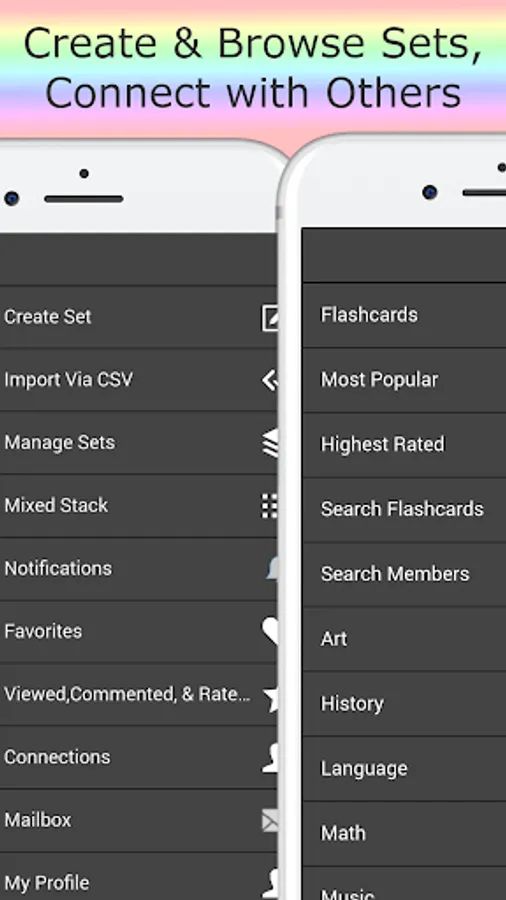
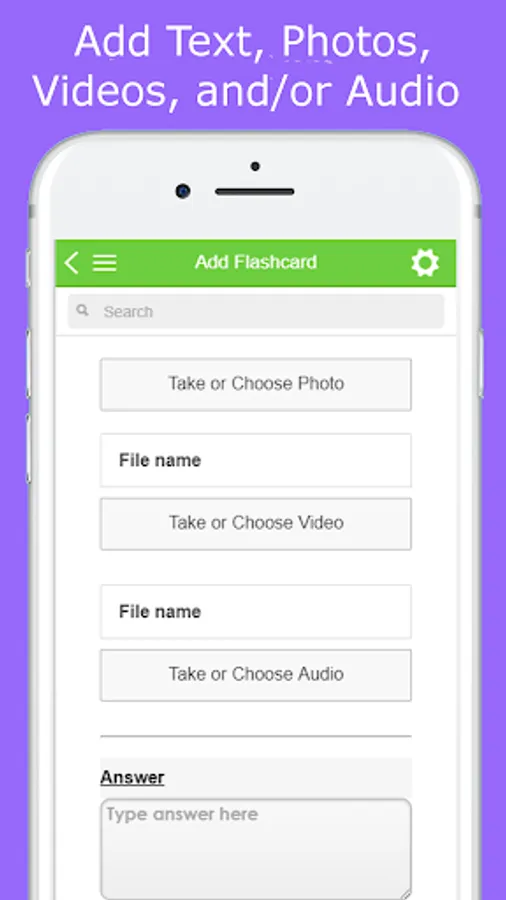
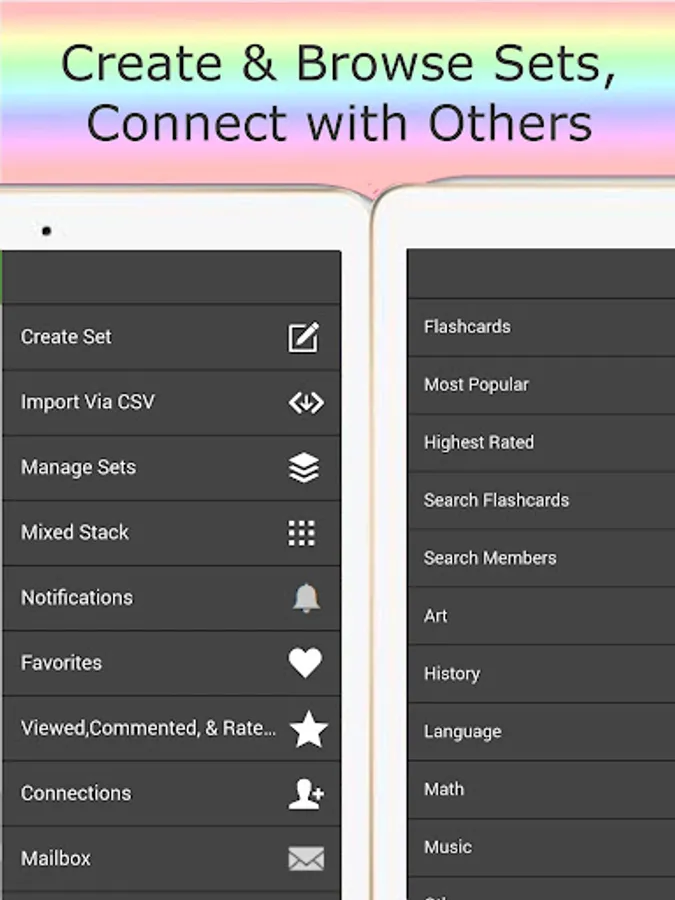
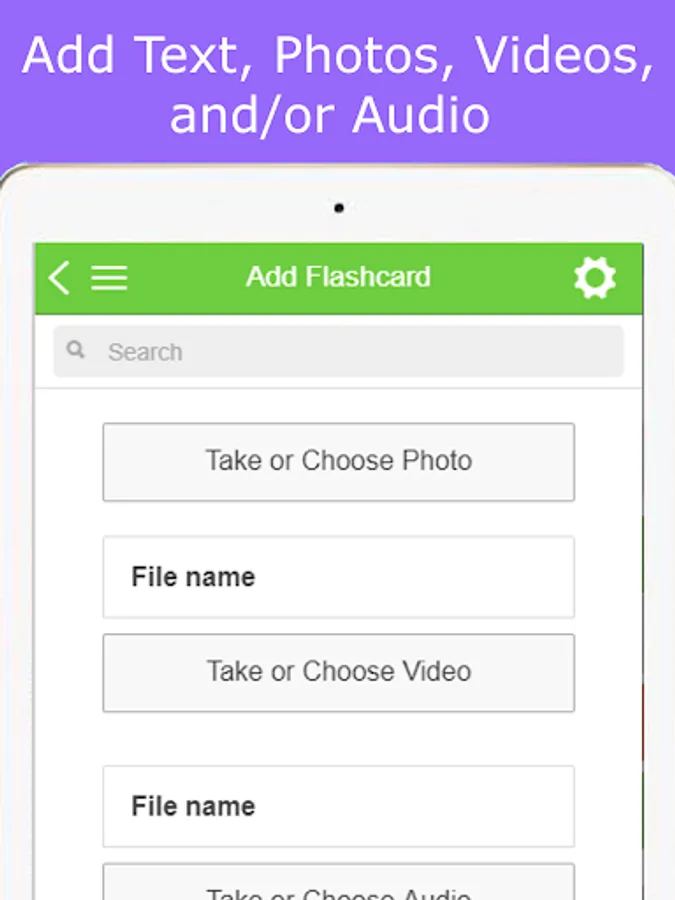
In this app, you can create and share flashcards with multimedia content like text, photos, videos, and audio. Includes collaboration features, flashcard rating, search options, and study modes.
AppRecs review analysis
AppRecs rating 4.0. Trustworthiness 69 out of 100. Review manipulation risk 28 out of 100. Based on a review sample analyzed.
★★★★☆
4.0
AppRecs Rating
Ratings breakdown
5 star
54%
4 star
24%
3 star
7%
2 star
0%
1 star
15%
What to know
✓
Low review manipulation risk
28% review manipulation risk
✓
High user satisfaction
78% of sampled ratings are 4+ stars (4.0★ average)
✓
Authentic reviews
Natural distribution, no red flags
About Flashcards Club - Create/Share
*Desktop version too: You can create/view flashcards online on our website or on the app
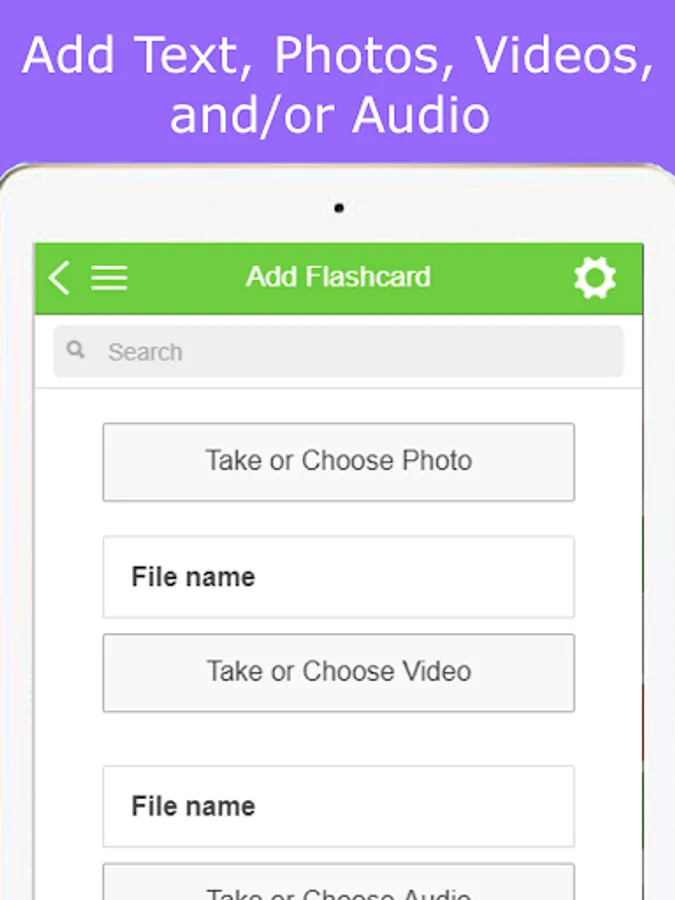
*Flashcards can include a combination of Text, Photo, Video, and Audio on each side.
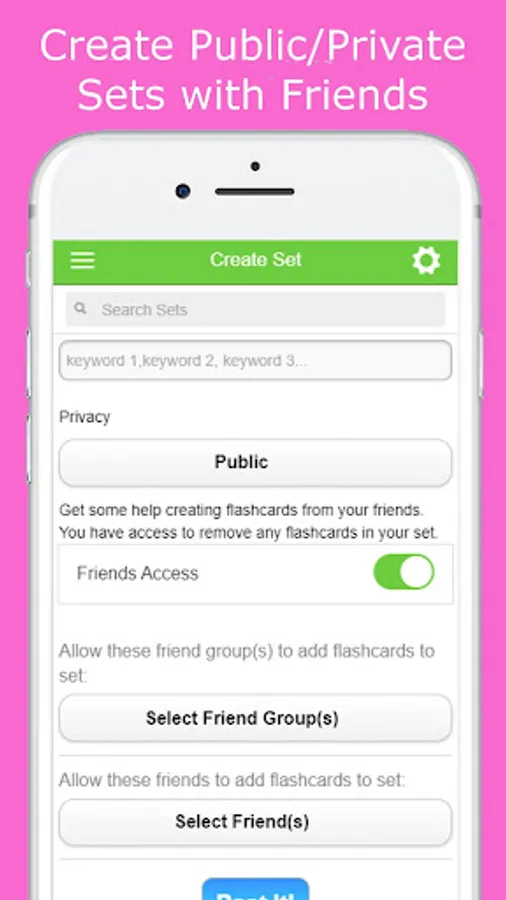
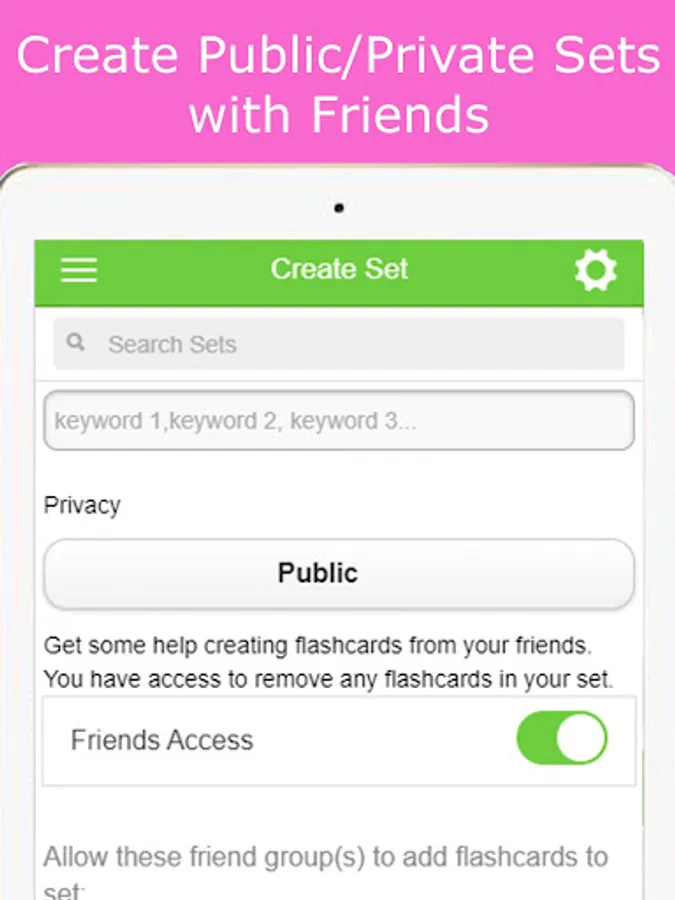
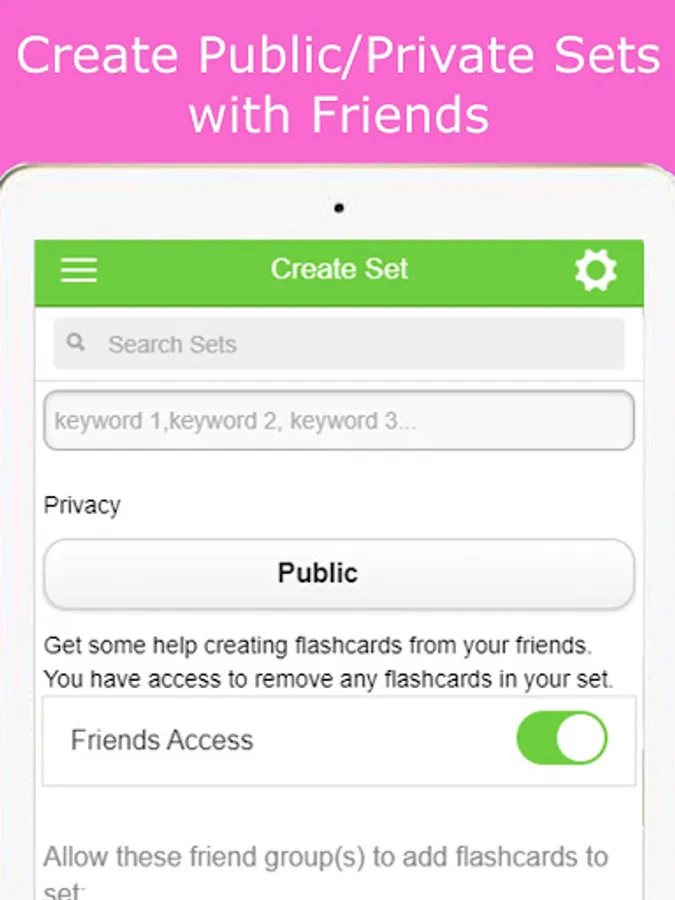
*Teamwork welcomed! Allow friends to help you add flashcards to your set. Each person can edit/delete their own flashcards and the set creator also has moderator access to delete flashcards from the set.
*Sharing encouraged! Sharing is caring whether you are a teacher or a student. Set your flashcards to Public to share with your study group, students in your classroom, or the world.
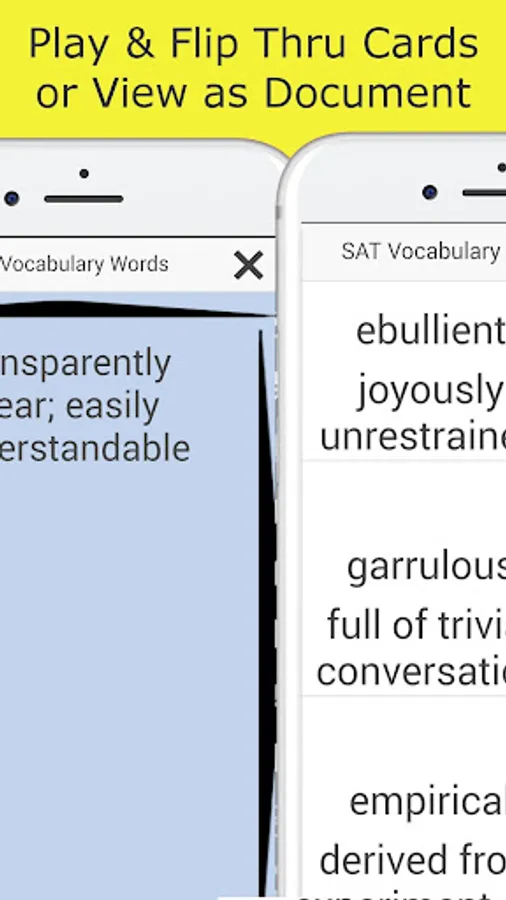
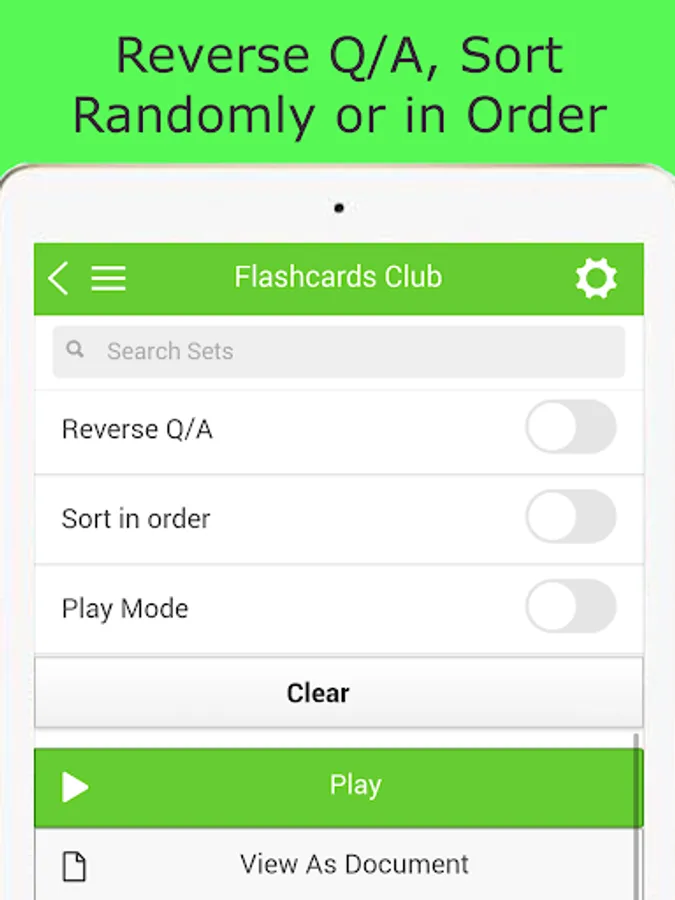
*Shuffle flashcards, or view them in order. Need flashcards to give a speech? Do it with electronic flashcards. When you're done, rather than throwing away paper, just delete your flashcards set.
*You can have up to 2 Private flashcard sets with 20 flashcards each.
*User Friendly.
Don't waste time flipping the flashcard if you know the answer and you're just cramming (we mean reviewing :-) right before the test.
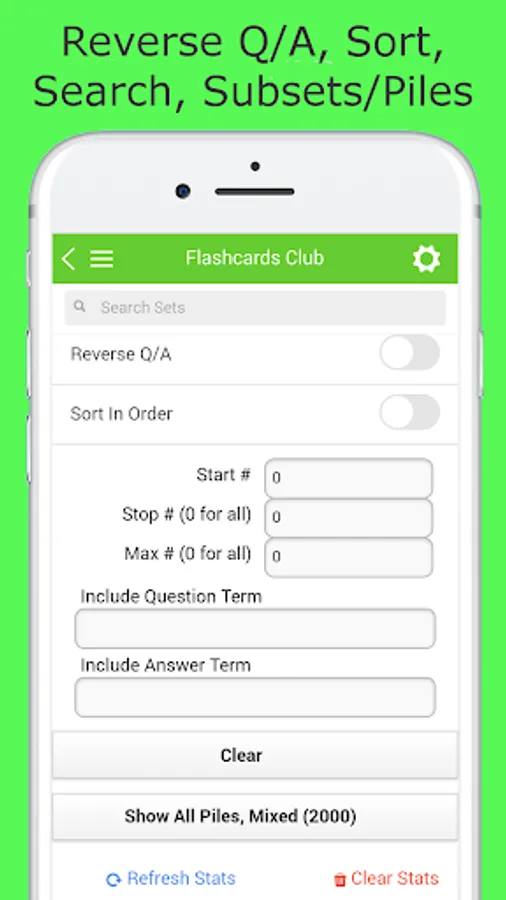
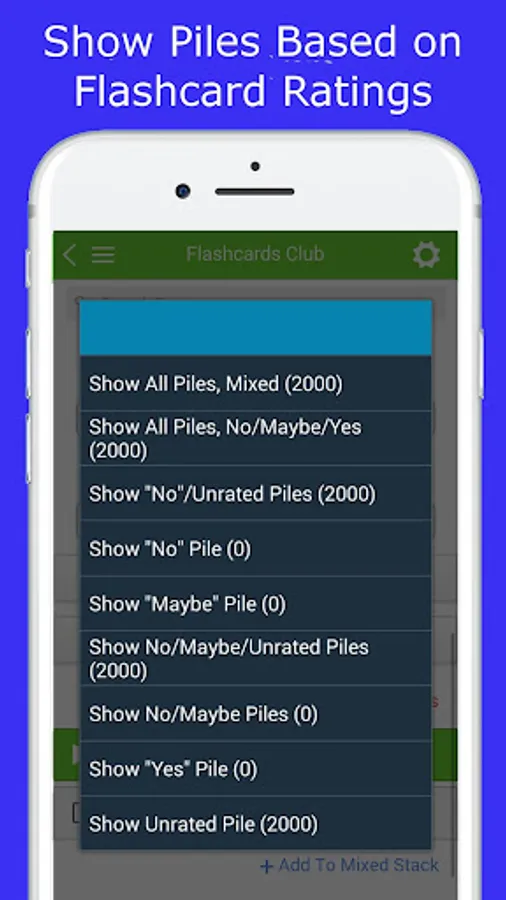
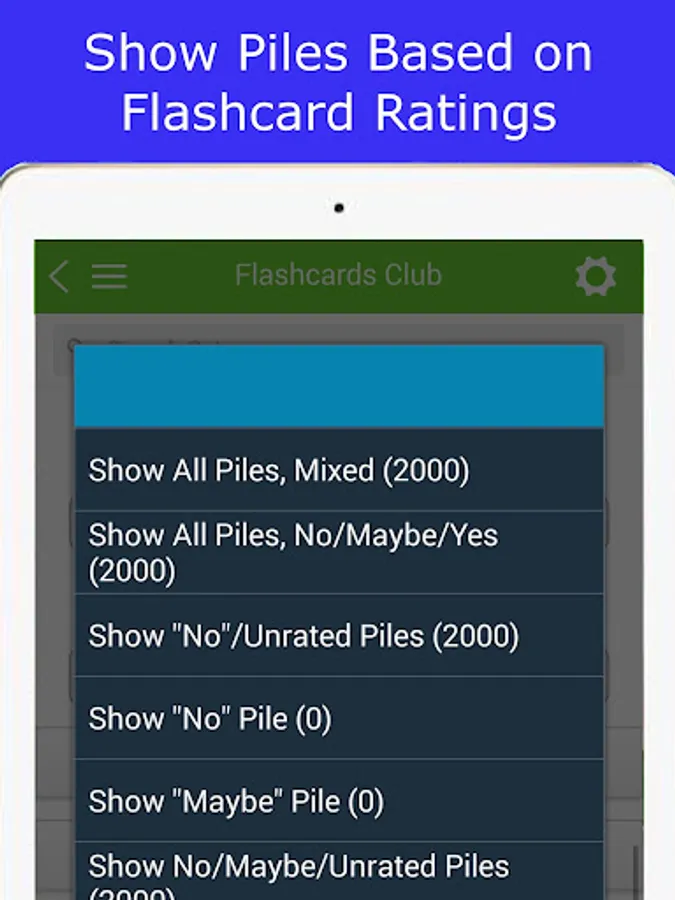
Rate flashcards as "Yes", "Maybe", "No". You can view flashcards in piles based on your ratings. View rating statistics/clear statistics.
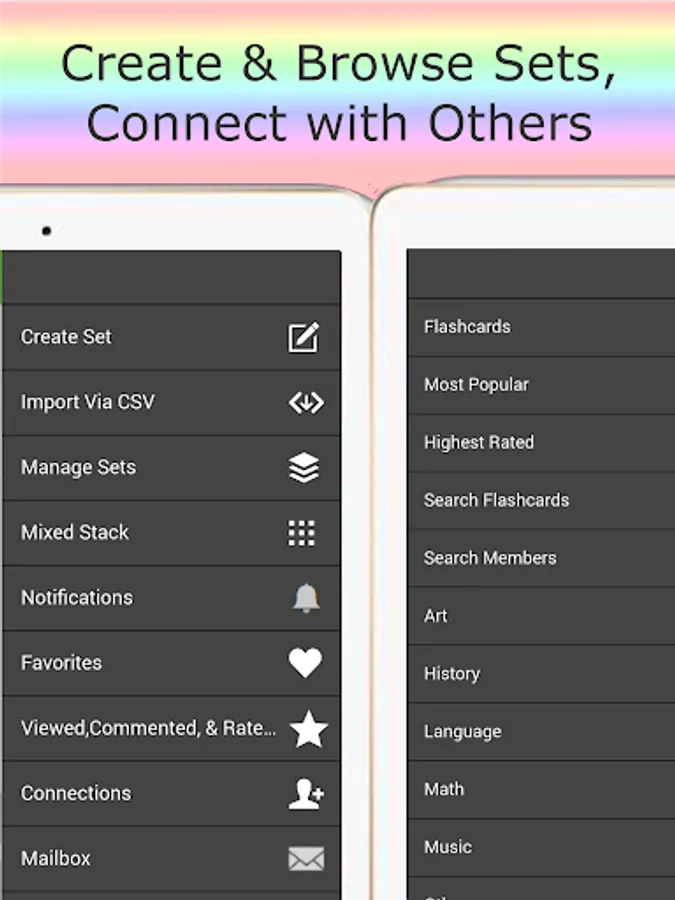
Study different subjects/sets together. Combine flashcard sets as a mixed stack, with also the option to view in piles based on your "Yes", "Maybe", "No" ratings.
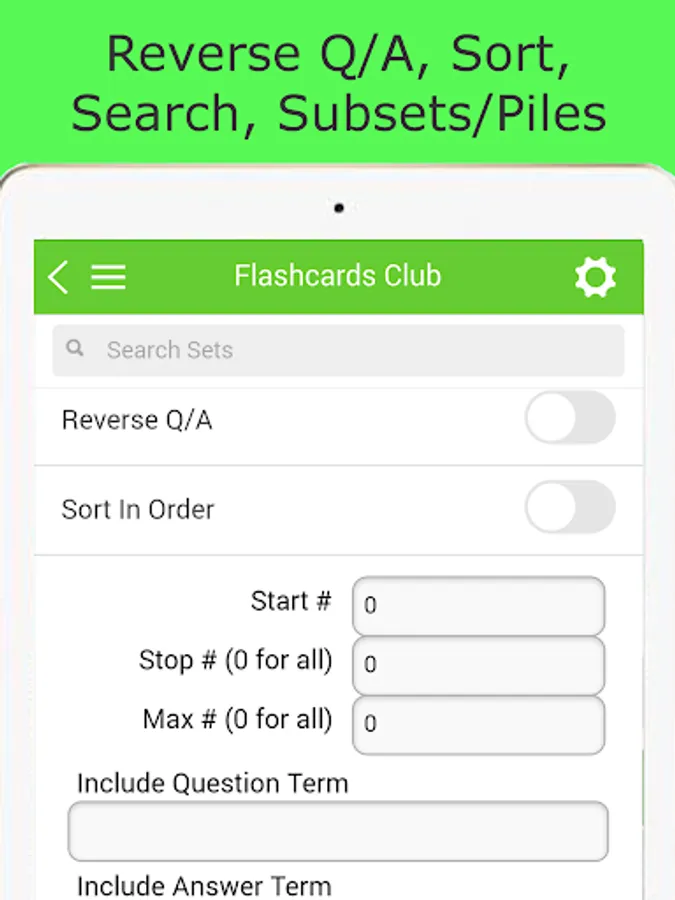
Search through flashcards based on the question/answer text in flashcards.
Text is written larger when there's less of it - just like you are writing it on a paper flashcard!
Reverse the question / answer sides.
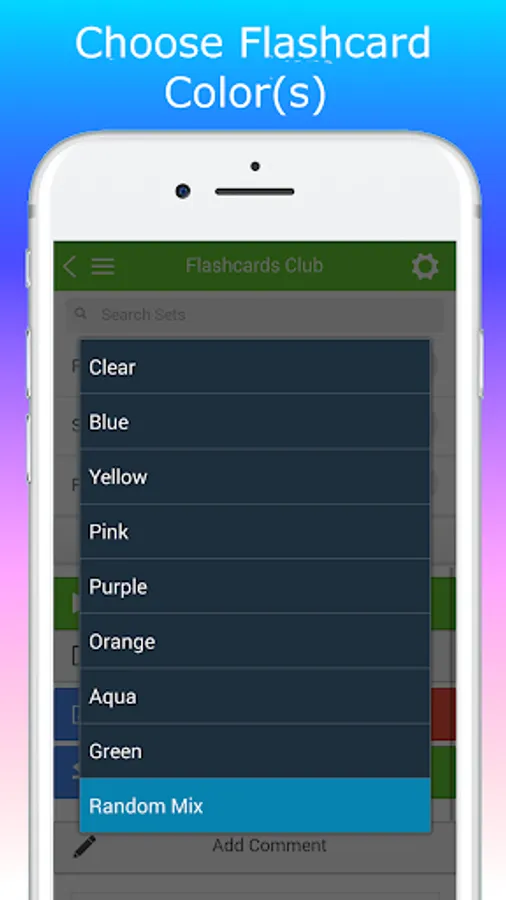
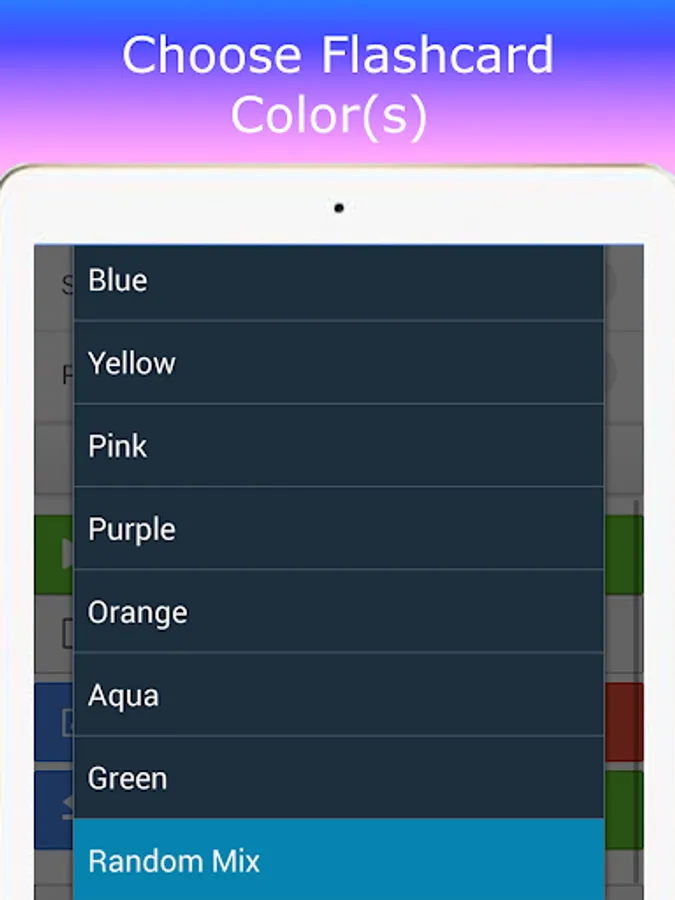
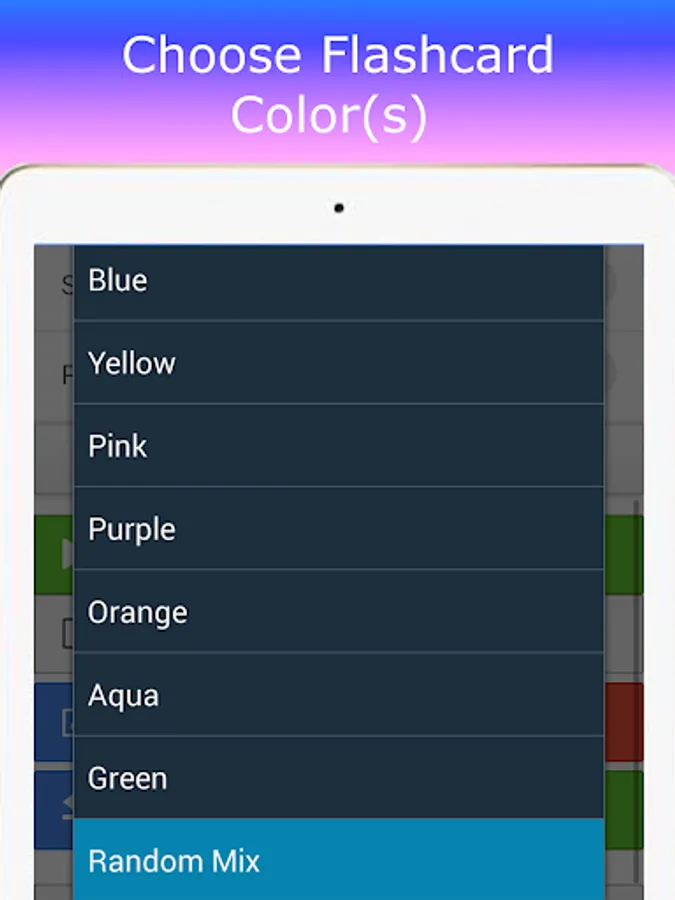
Choose / randomize flashcard colors.
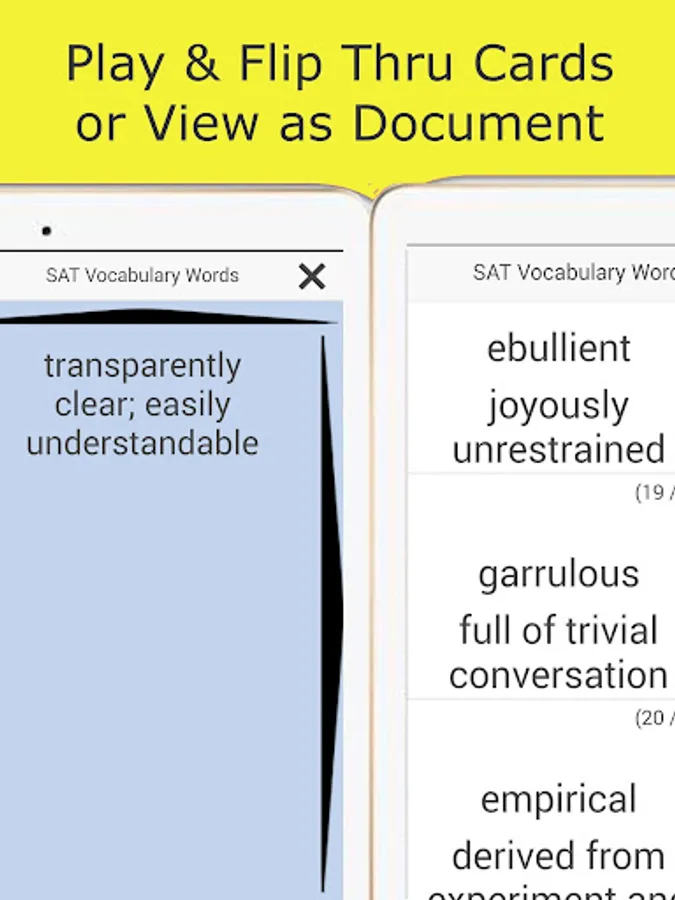
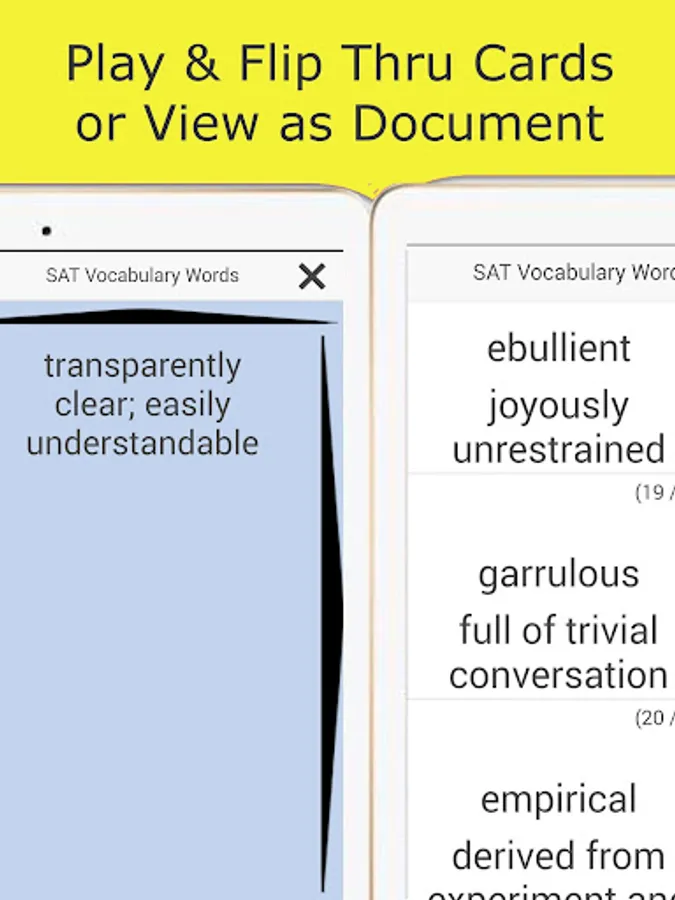
View the flashcards set as a document for a quick study guide reference.
Search for flashcard sets by category, keyword, author, or size. Search for other members on the app. There is a member search opt-out option.
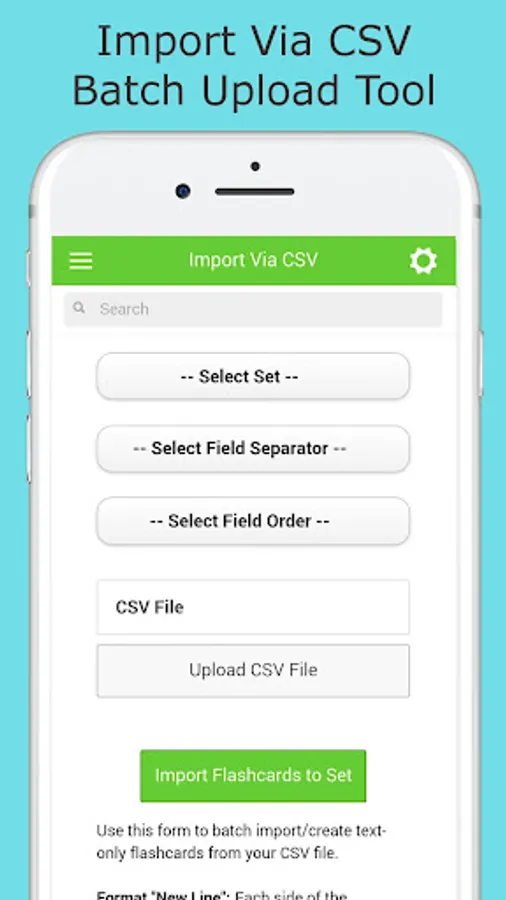
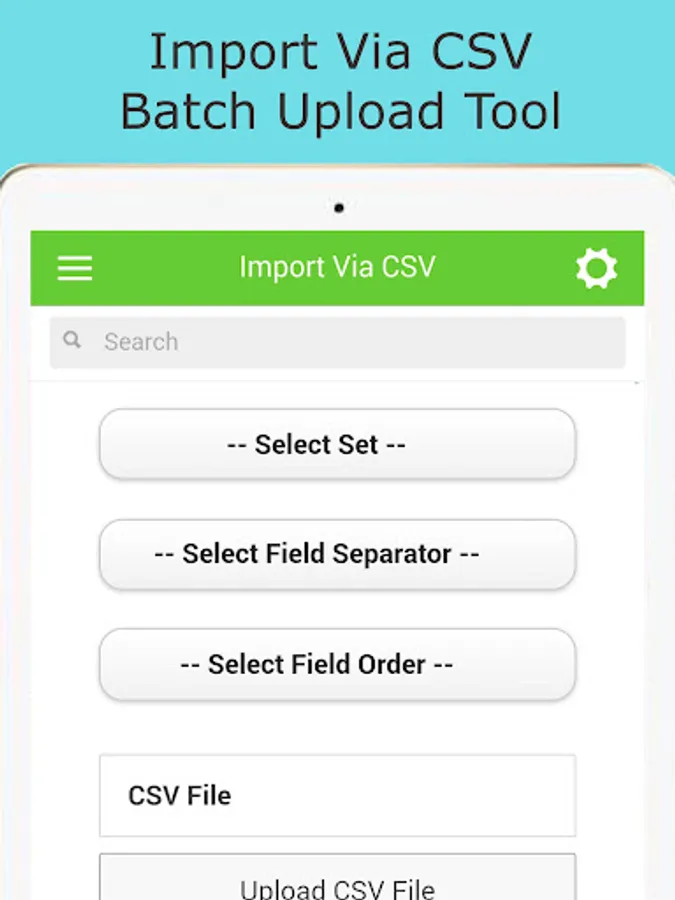
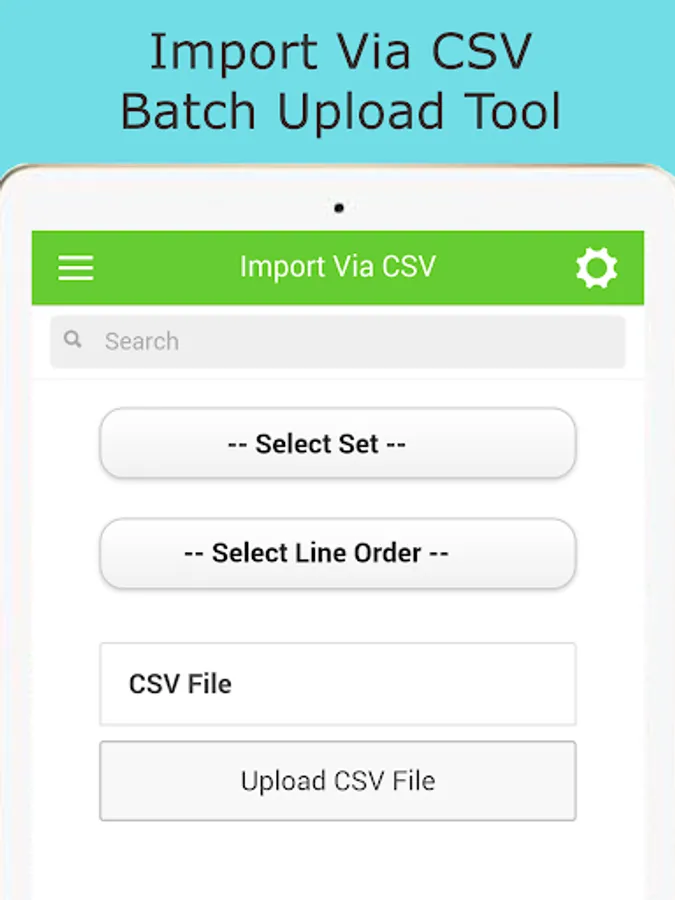
Batch upload/create text flashcards with the Import via CSV tool.
After opening a flashcards set via the Play or View As Document features, no further access to internet is needed to continue to view text flashcards.
Flashcards Club - Create/Share Screenshots
Tap to Rate:
Reviews for Flashcards Club - Create/Share
S.A. Sayed Ahmed
1/25/2024
Worst experience, and it's paid app and not ad free
A Humphrey
3/28/2023
Shares your stack of flash cards publicly, you see everyone else's pile of weird cards. Developer responded saying I could make my flashcards private - as I understand, I can only make two piles of cards private. I'd also like to NOT see other people's public stacks of cards by default, or for the stacks to be easily grouped. Currently it's a mess. Tidy it up? Filter? Sort? Group? Index?