AppRecs review analysis
AppRecs rating 1.0. Trustworthiness 79 out of 100. Review manipulation risk 27 out of 100. Based on a review sample analyzed.
★☆☆☆☆
1.0
AppRecs Rating
Ratings breakdown
5 star
18%
4 star
2%
3 star
2%
2 star
2%
1 star
76%
What to know
⚠
Mixed user feedback
Average 1.8★ rating suggests room for improvement
⚠
Review quality concerns
89% of sampled 5-star reviews are very short
⚠
High negative review ratio
78% of sampled ratings are 1–2 stars
About Flash Wallet
Flash Wallet is designed to be a cryptocurrency wallet application, offering a safe and secure experience to our users.
Use your biometric fingerprint ID or conventional passwords to secure your wallet.
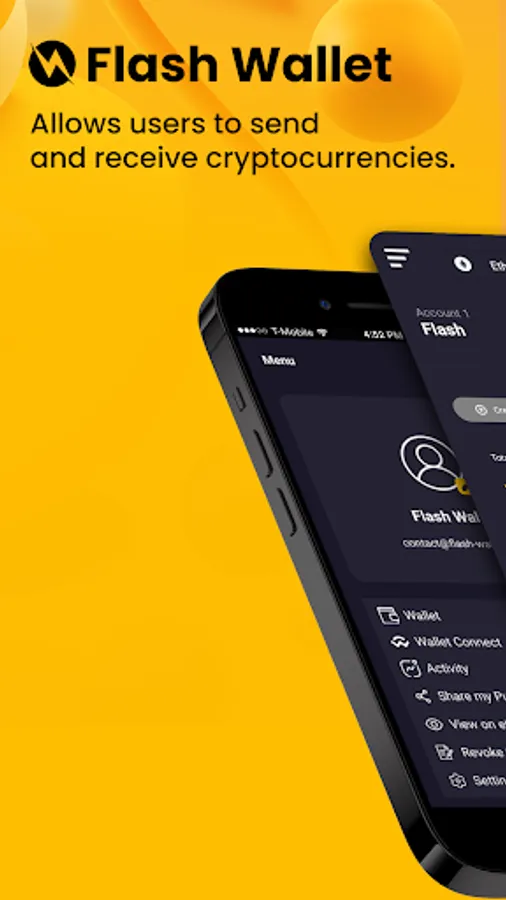
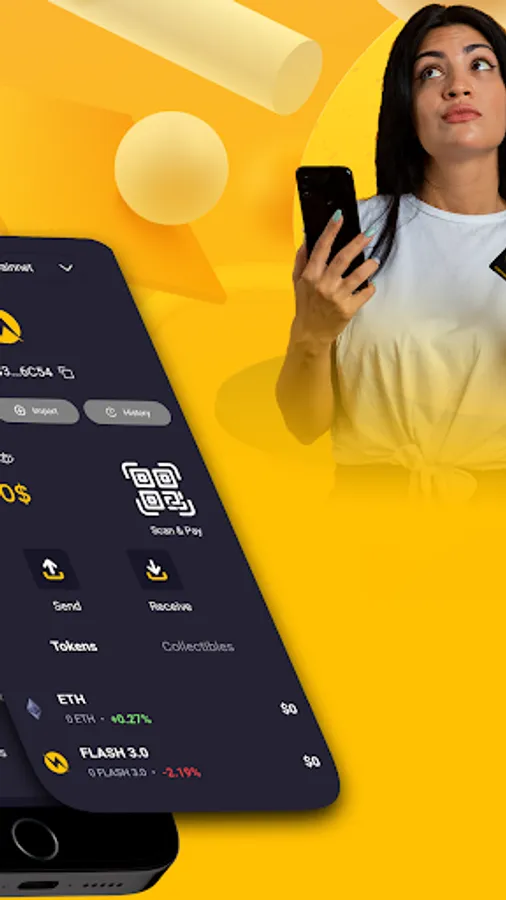
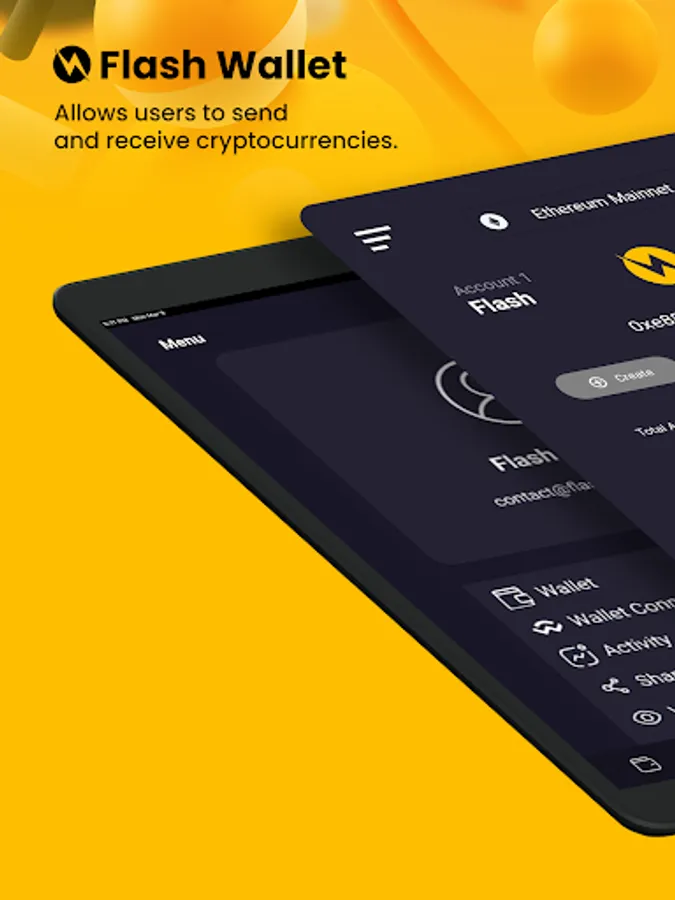
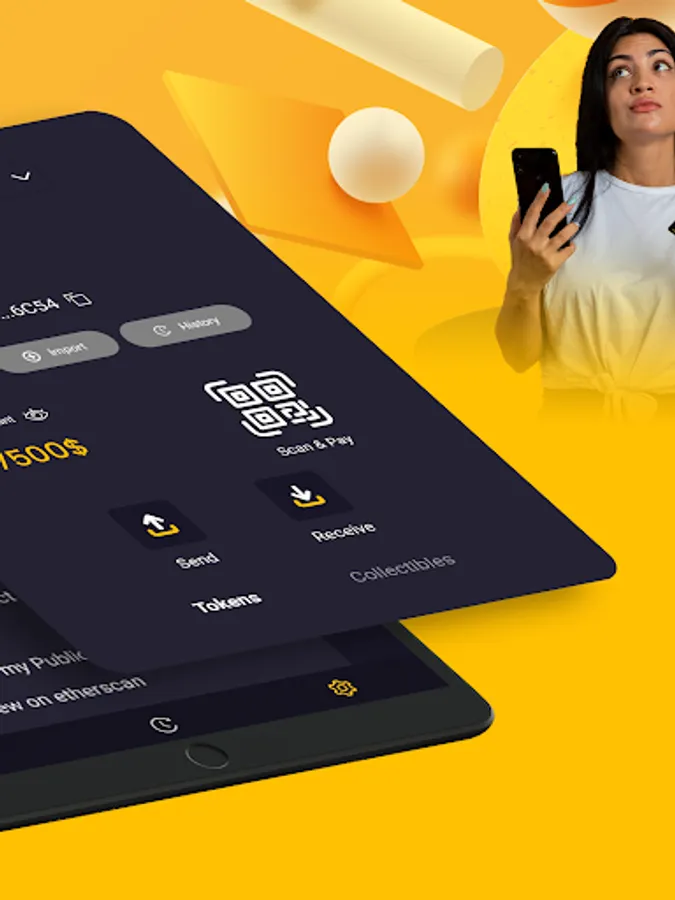
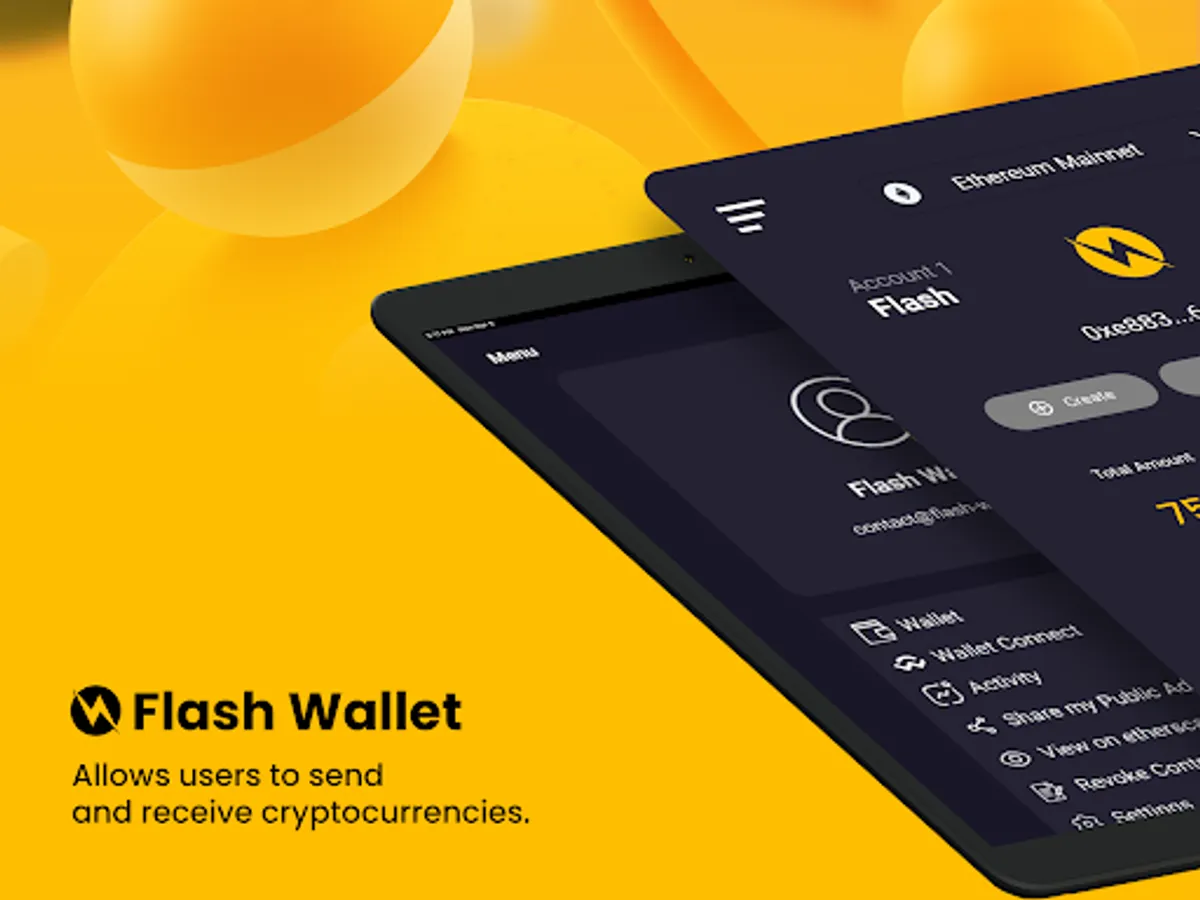
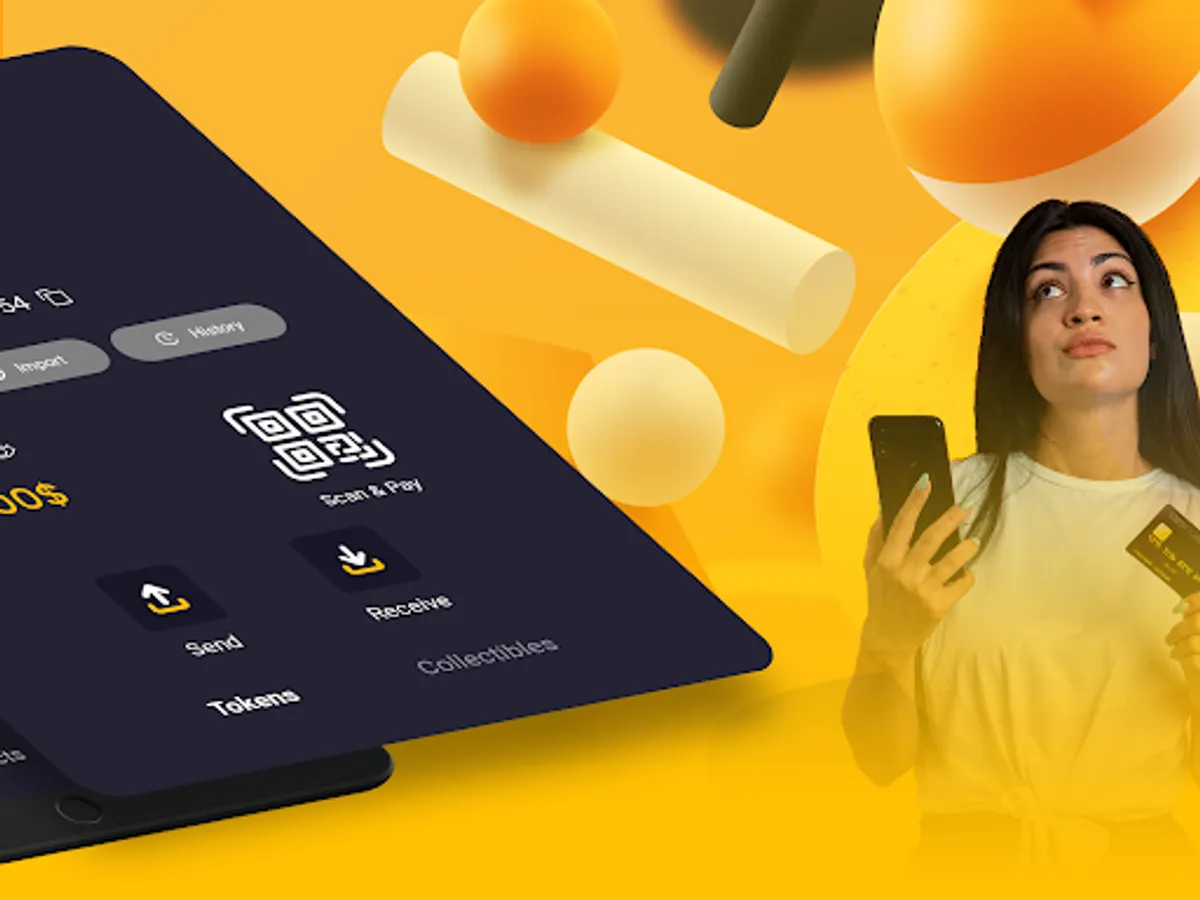
Upon launching the application, you will create a recovery phrase; keep it safe, never share it! The home page with the wallet icon allows you to send and receive crypto; find your wallet number at the top to receive crypto, and easily copy the number using the square icon on the right. You can create a new wallet with the "create" button and import an existing wallet with the "import" button. The "history" button is used to view your crypto sending and receiving activity. You can import a new token by clicking on "import token" and then entering the corresponding token information. You can use Scan & Pay to quickly pay by QR code, avoiding manually entering the recipient's wallet number during a payment. The "Token" section is used to view your tokens, and the "Collectibles" section is used to view your imported NFTs.
The history page allows you to track your cryptocurrency sending and receiving activity.
Use your biometric fingerprint ID or conventional passwords to secure your wallet.
Upon launching the application, you will create a recovery phrase; keep it safe, never share it! The home page with the wallet icon allows you to send and receive crypto; find your wallet number at the top to receive crypto, and easily copy the number using the square icon on the right. You can create a new wallet with the "create" button and import an existing wallet with the "import" button. The "history" button is used to view your crypto sending and receiving activity. You can import a new token by clicking on "import token" and then entering the corresponding token information. You can use Scan & Pay to quickly pay by QR code, avoiding manually entering the recipient's wallet number during a payment. The "Token" section is used to view your tokens, and the "Collectibles" section is used to view your imported NFTs.
The history page allows you to track your cryptocurrency sending and receiving activity.