デジタル英単語帳(中学)
YTobita
50+
downloads
Free
About デジタル英単語帳(中学)
In English for university entrance exams, I think you will study English idioms as well as English words. However, English words tend to be left unattended in high school entrance exams and regular test preparation for junior high school students. In the first place, I think that junior high school students rarely carry vocabulary books.
This app was created for such junior high school students.
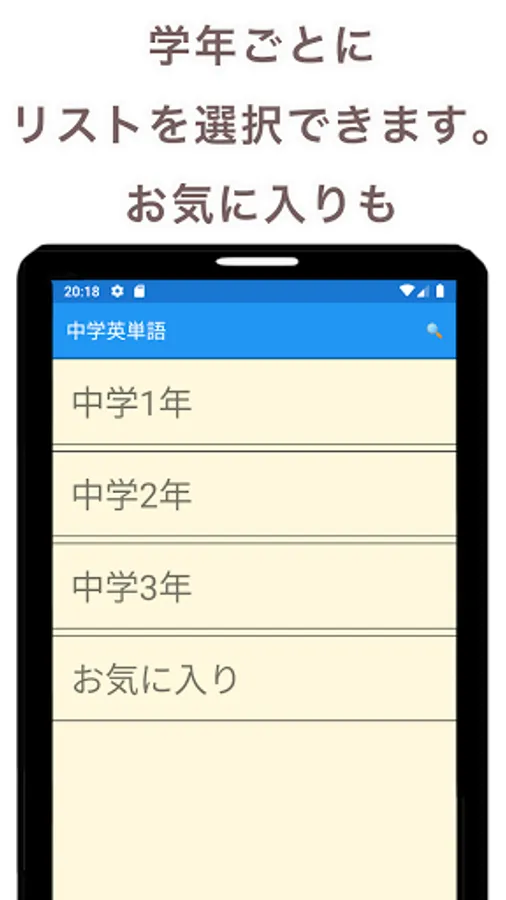
Words are categorized by grade and semester, and you can check and study anywhere with a smartphone.
This app has 3 modes.
Wordbook mode
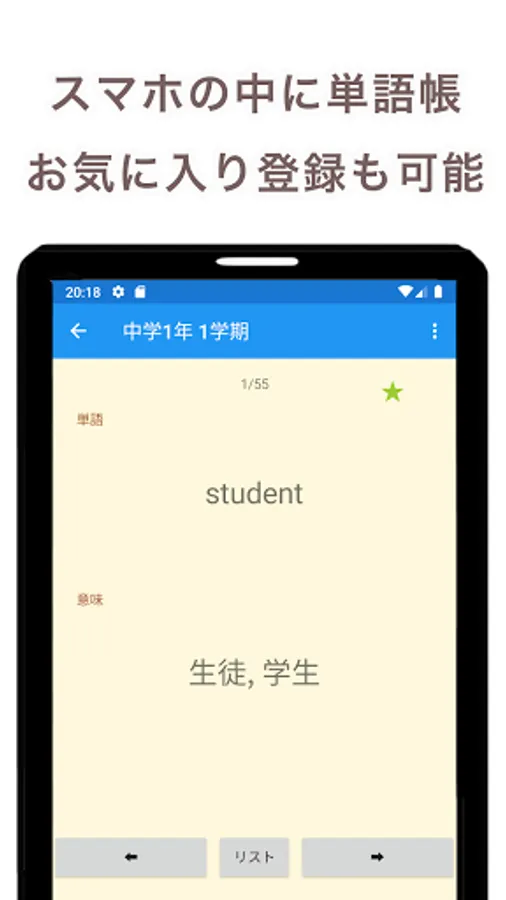
You can check the word and the meaning, and switch the word with the "←" and "→" buttons, and you can use it for confirmation like a paper word book.
Word card mode
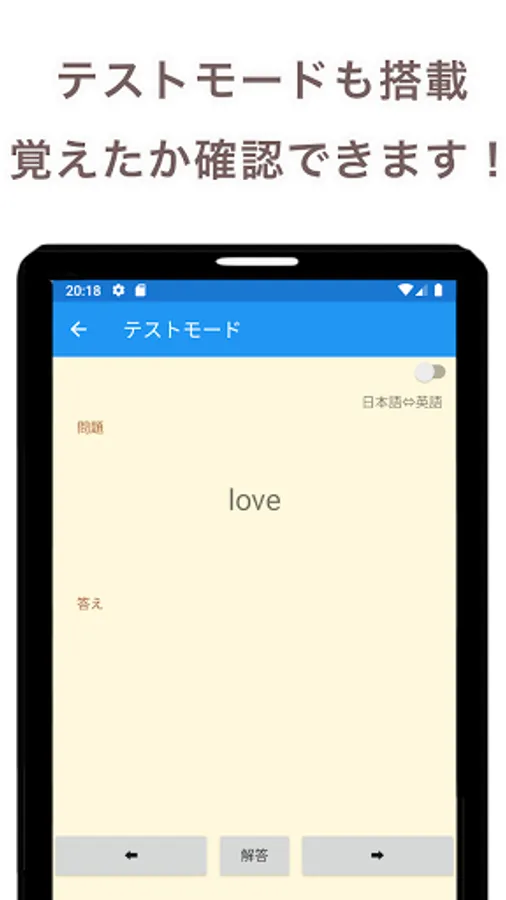
The word (or meaning) is displayed at the beginning, and the answer is considered. The answer is displayed by pressing the "Answer display" button. You can switch the problem with the "←" and "→" buttons.
4-choice test mode
The word (or meaning) is displayed. The four buttons are displayed as candidates for the answer, so answer the correct answer. If you answer correctly, you will be asked the next question. If you make a mistake, the question will not change until you select the correct answer.
You can study English words anytime, anywhere using these three modes.
If you have a smartphone, your luggage will not increase.
In addition, this app has various functions, and it will be easier to use by using it.
Search
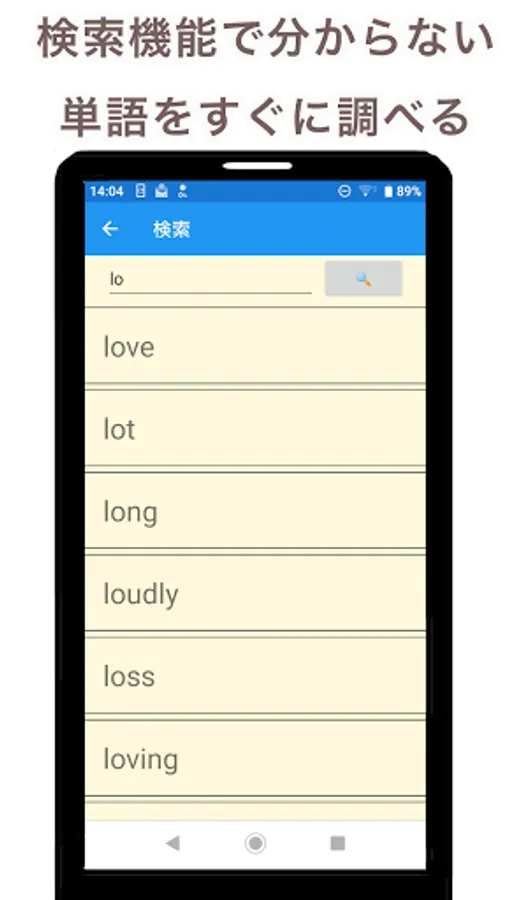
You can also quickly search for words and meanings that you do not understand with the search function.
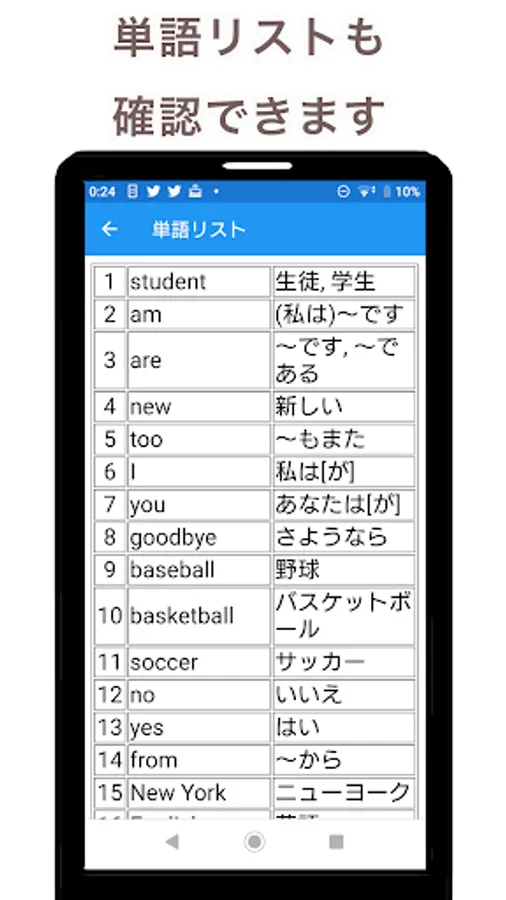
You can jump to the page of the word book by tapping the word that hits the search from the list.
favorite
By tapping "☆" on the upper right of the wordbook page, you can register the word as a favorite. By registering, you can create your own favorite wordbook.
Features will be added at any time.
This app was created for such junior high school students.
Words are categorized by grade and semester, and you can check and study anywhere with a smartphone.
This app has 3 modes.
Wordbook mode
You can check the word and the meaning, and switch the word with the "←" and "→" buttons, and you can use it for confirmation like a paper word book.
Word card mode
The word (or meaning) is displayed at the beginning, and the answer is considered. The answer is displayed by pressing the "Answer display" button. You can switch the problem with the "←" and "→" buttons.
4-choice test mode
The word (or meaning) is displayed. The four buttons are displayed as candidates for the answer, so answer the correct answer. If you answer correctly, you will be asked the next question. If you make a mistake, the question will not change until you select the correct answer.
You can study English words anytime, anywhere using these three modes.
If you have a smartphone, your luggage will not increase.
In addition, this app has various functions, and it will be easier to use by using it.
Search
You can also quickly search for words and meanings that you do not understand with the search function.
You can jump to the page of the word book by tapping the word that hits the search from the list.
favorite
By tapping "☆" on the upper right of the wordbook page, you can register the word as a favorite. By registering, you can create your own favorite wordbook.
Features will be added at any time.