Force Fields - Live Wallpaper
Paolo Zuliani
4.1 ★
185 ratings
10,000+
downloads
Free
In this app, users can customize and interact with a physics-based particle simulation on their device homescreen. Includes adjustable force fields, particle behaviors, and background options.
AppRecs review analysis
AppRecs rating 4.1. Trustworthiness 0 out of 100. Review manipulation risk 0 out of 100. Based on a review sample analyzed.
★★★★☆
4.1
AppRecs Rating
Ratings breakdown
5 star
57%
4 star
22%
3 star
8%
2 star
2%
1 star
11%
What to know
✓
High user satisfaction
79% of sampled ratings are 4+ stars (4.1★ average)
✓
Authentic reviews
Natural distribution, no red flags
About Force Fields - Live Wallpaper
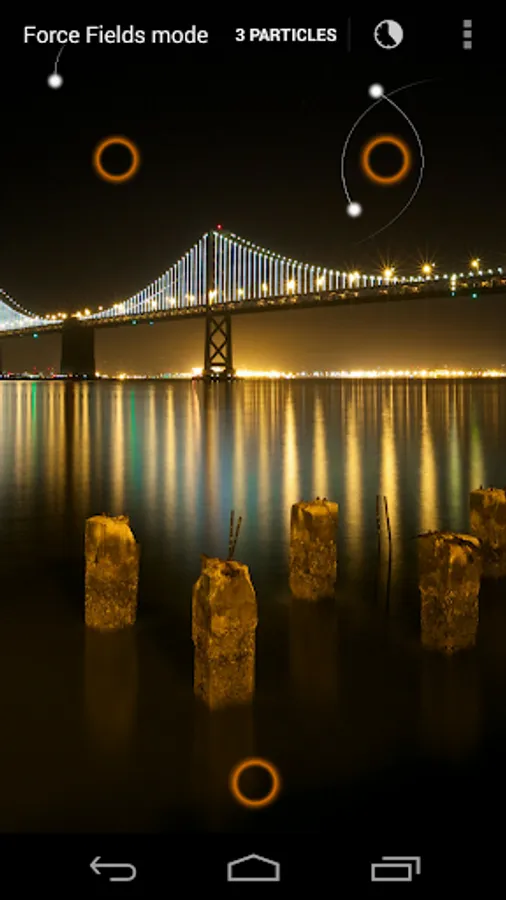
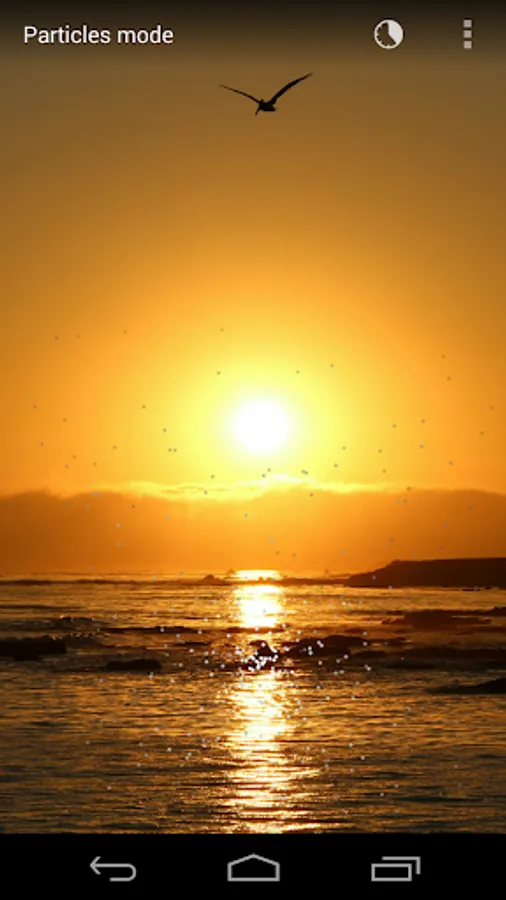
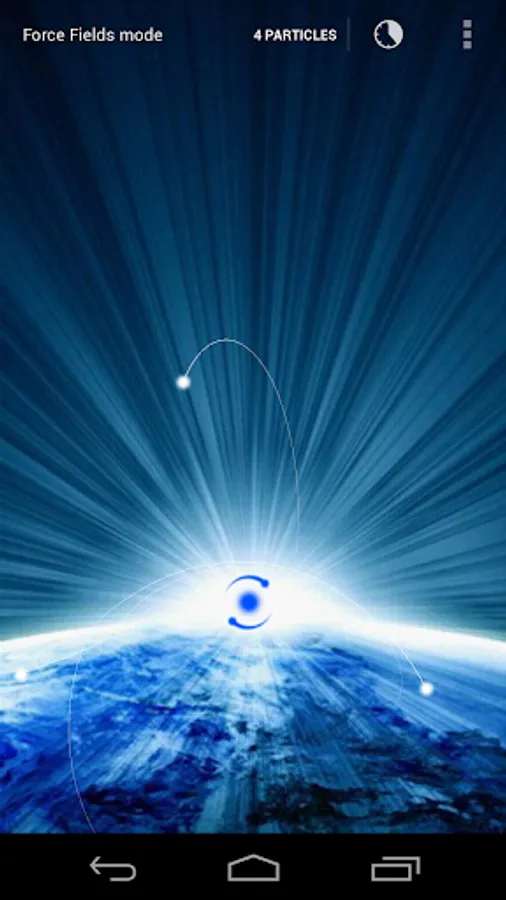
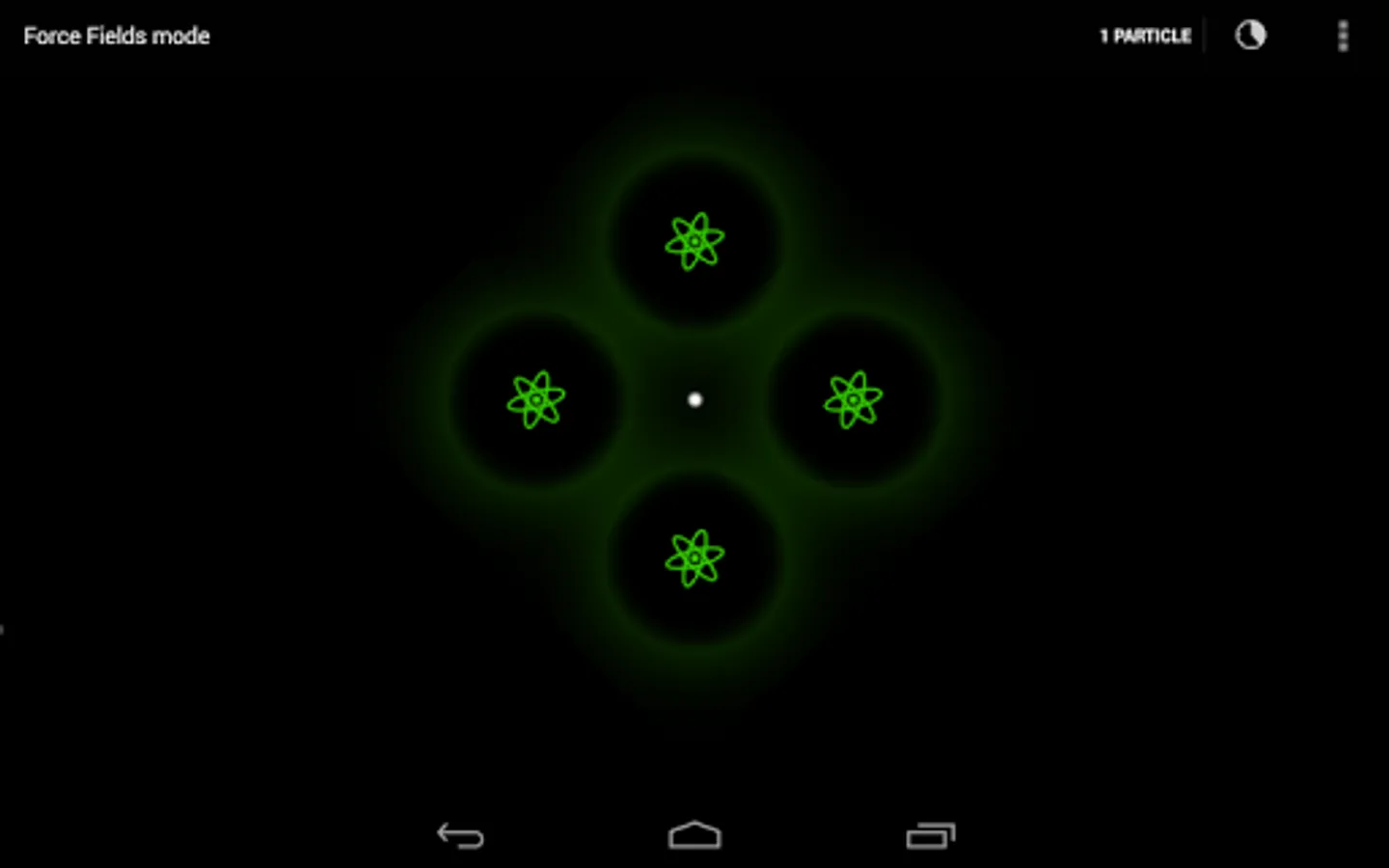
Particles and force fields interact with each other in this cool physics simulation of a gravity system, right on your device homescreen!
This is now available for FREE, don't miss it!
---
There are many customizations available:
- interactive mode;
- extended screen: particles can move beyond the screen borders;
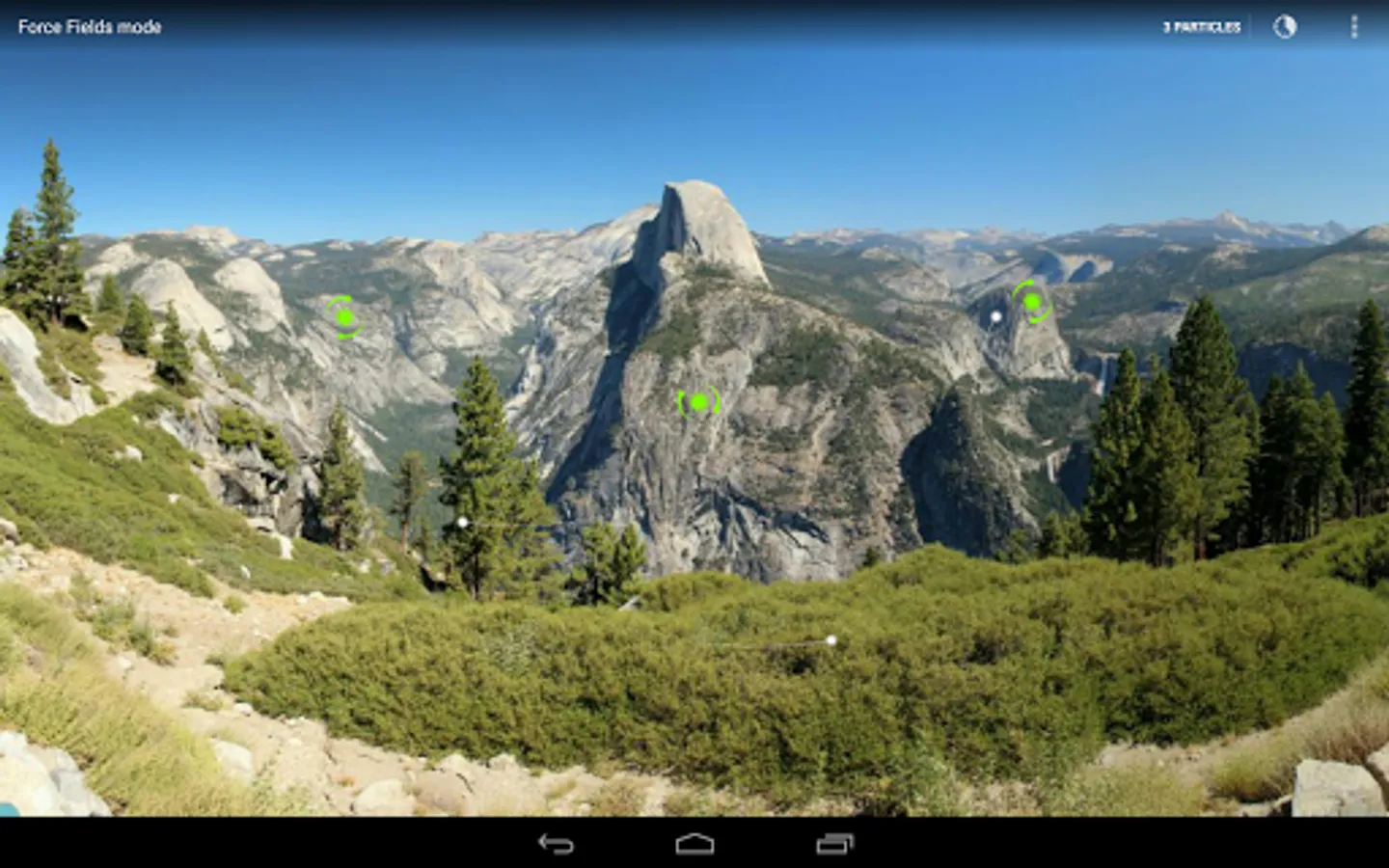
- background image;
- shape and color of the force fields;
- duration of the temporary force fields on the screen;
- number of particles in the simulation;
- interaction between the particles (attraction, repulsion or none) and its strength;
- length of the trace that the particles leave when they're moving around on the screen;
- color of the particles and their traces.
There are two interaction modes:
- you can enable the main force field that will stay on the screen, tapping anywhere will move it to the new position;
- if the main force field is not enabled, tapping on the screen will create a temporary force field that will disappear after a few seconds.
Finally, dropping an icon on the screen will temporarily attract the particles like a force field!
This is now available for FREE, don't miss it!
---
There are many customizations available:
- interactive mode;
- extended screen: particles can move beyond the screen borders;
- background image;
- shape and color of the force fields;
- duration of the temporary force fields on the screen;
- number of particles in the simulation;
- interaction between the particles (attraction, repulsion or none) and its strength;
- length of the trace that the particles leave when they're moving around on the screen;
- color of the particles and their traces.
There are two interaction modes:
- you can enable the main force field that will stay on the screen, tapping anywhere will move it to the new position;
- if the main force field is not enabled, tapping on the screen will create a temporary force field that will disappear after a few seconds.
Finally, dropping an icon on the screen will temporarily attract the particles like a force field!
Force Fields - Live Wallpaper Screenshots
Tap to Rate: