Ford Pro Telematics Drive
Ford Motor Co.
3.8 ★
109 ratings
10,000+
downloads
Free
With this fleet management app, you can report vehicle issues, complete driver checks, and share vehicle details with your manager. Includes issue reporting, vehicle checklists, and driver-vehicle communication features.
AppRecs review analysis
AppRecs rating 3.8. Trustworthiness 81 out of 100. Review manipulation risk 16 out of 100. Based on a review sample analyzed.
★★★☆☆
3.8
AppRecs Rating
Ratings breakdown
5 star
58%
4 star
11%
3 star
3%
2 star
6%
1 star
22%
What to know
✓
Low review manipulation risk
16% review manipulation risk
✓
Credible reviews
81% trustworthiness score from analyzed reviews
✓
Good user ratings
69% positive sampled reviews
About Ford Pro Telematics Drive
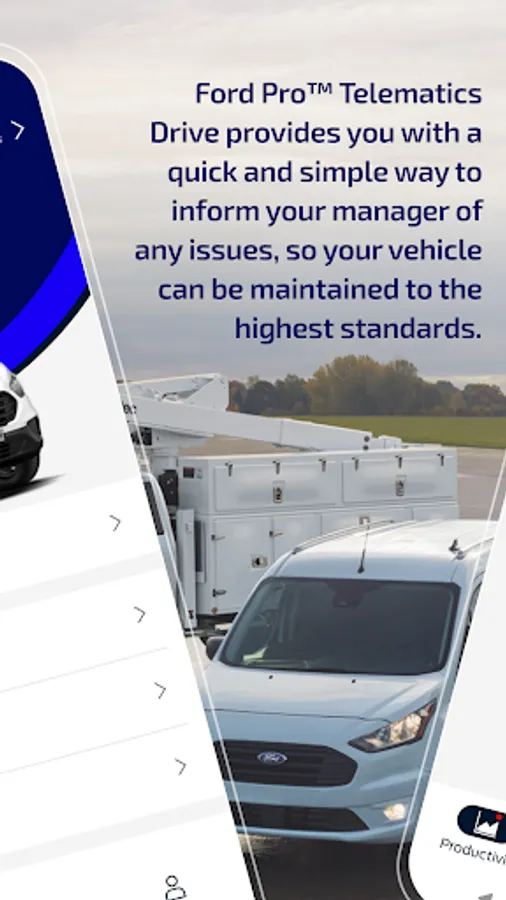
As a busy driver of a company fleet vehicle, having a well-maintained vehicle is critical to ensuring you can complete your jobs on time. Ford Pro Telematics™ Drive is designed to help you do just that. By providing you with a quick and simple way to inform your manager of any issues, your vehicle can be maintained to the highest standards.
This is the reason your company has invited you to download the Ford Pro Telematics™ Drive app. When you install the mobile application and login with your email and password, you will be able to perform the following tasks;
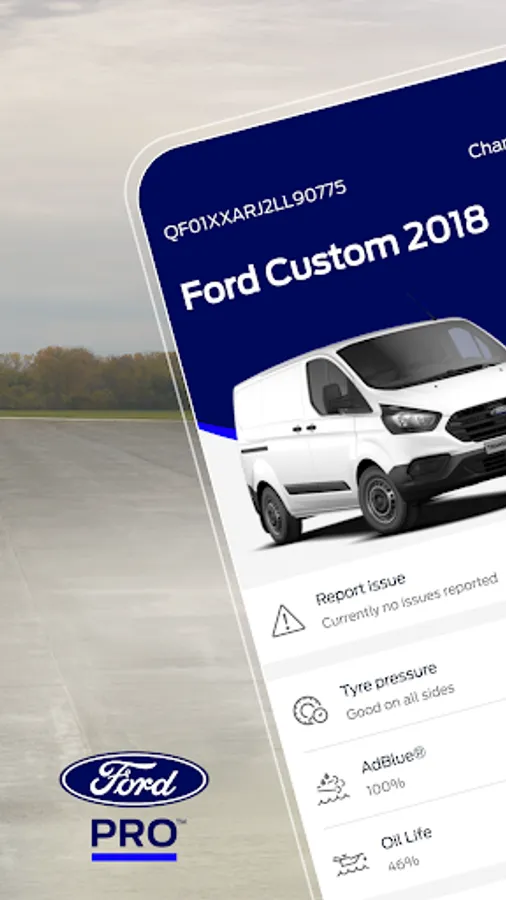
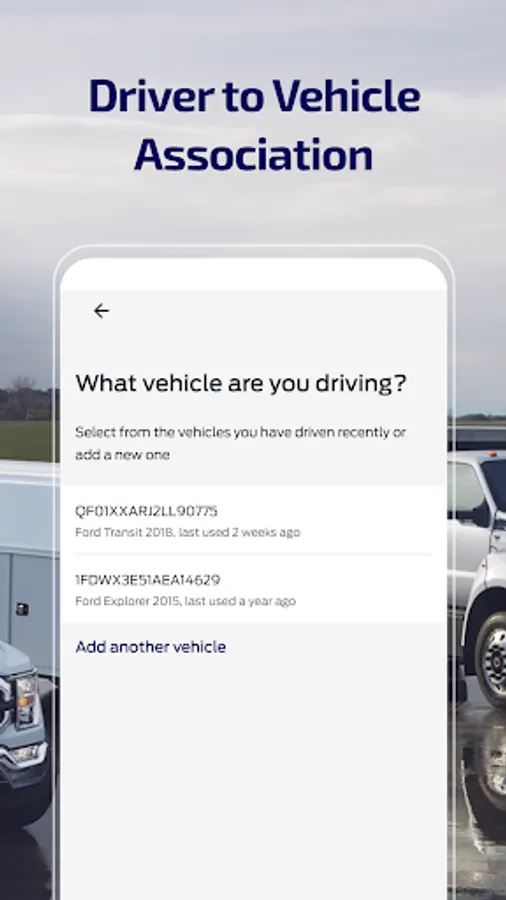
• Driver to Vehicle Association. Select and share the details of the vehicle you are driving with your manager
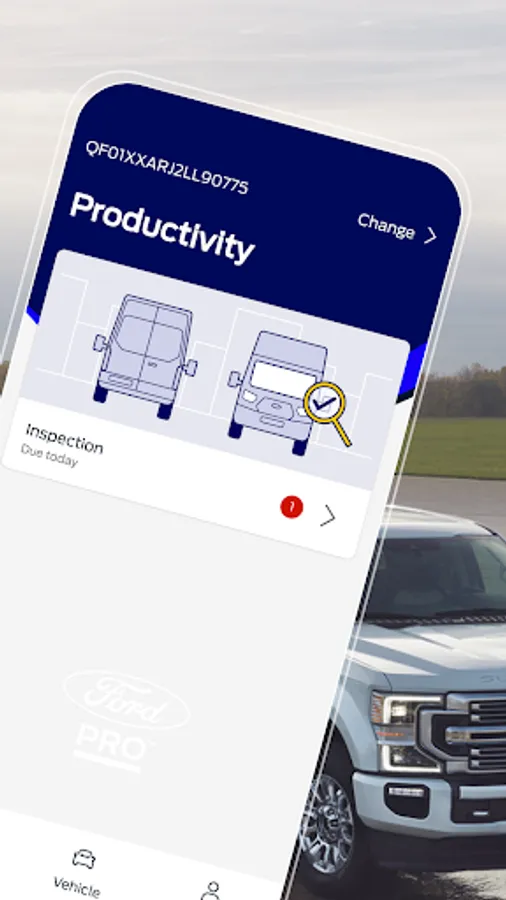
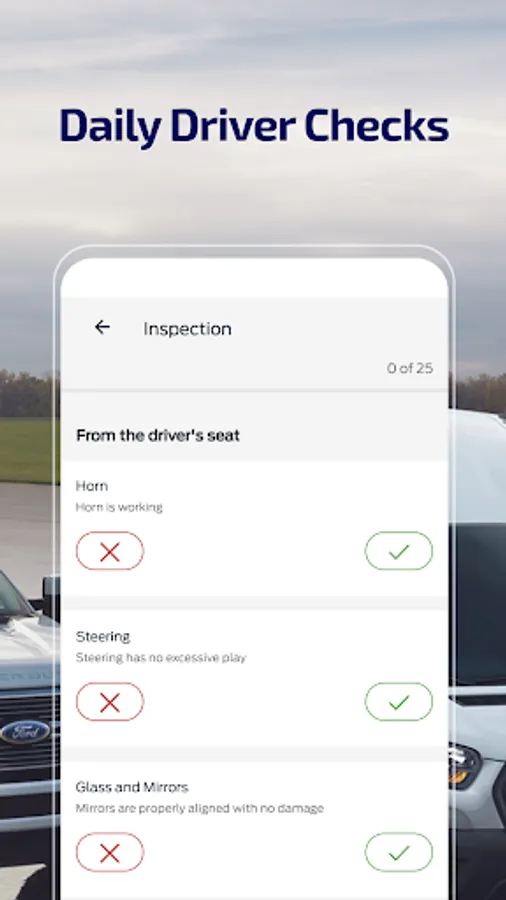
• Daily Driver Checks. Complete a simple checklist to ensure that your vehicle is road worthy.
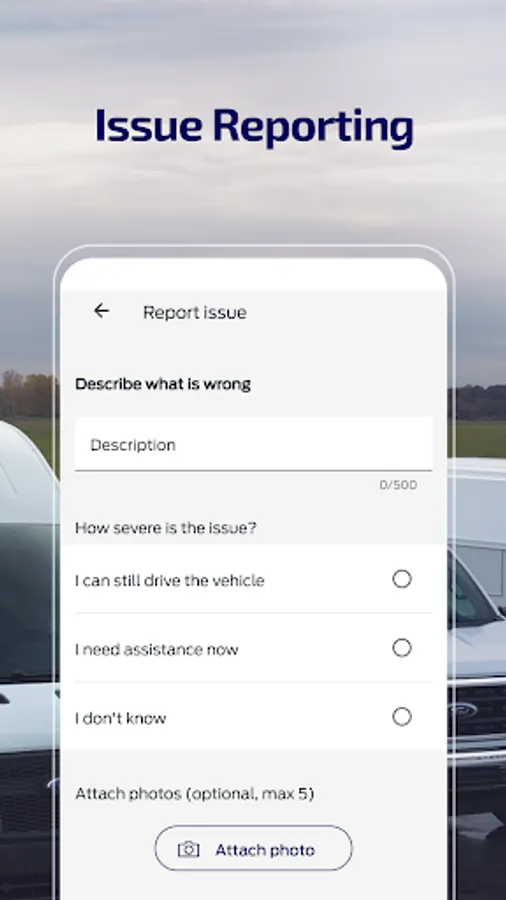
• Issue Reporting. Quickly and easily report issues with your vehicle to your company either during the daily check or at any time during the day.
Please Note: You can only use this app if your company has a signed an agreement for Ford Pro Telematics™. Please do not download this app if you have not received an invitation from your company fleet administrator.
For more information, please visit www.commercialsolutions.ford.com, contact softwaresolutions@fordpro.com or call (833) 811-3673.
Please note that in order to use this app, you must subscribe to Ford Pro Telematics™.
This is the reason your company has invited you to download the Ford Pro Telematics™ Drive app. When you install the mobile application and login with your email and password, you will be able to perform the following tasks;
• Driver to Vehicle Association. Select and share the details of the vehicle you are driving with your manager
• Daily Driver Checks. Complete a simple checklist to ensure that your vehicle is road worthy.
• Issue Reporting. Quickly and easily report issues with your vehicle to your company either during the daily check or at any time during the day.
Please Note: You can only use this app if your company has a signed an agreement for Ford Pro Telematics™. Please do not download this app if you have not received an invitation from your company fleet administrator.
For more information, please visit www.commercialsolutions.ford.com, contact softwaresolutions@fordpro.com or call (833) 811-3673.
Please note that in order to use this app, you must subscribe to Ford Pro Telematics™.
Ford Pro Telematics Drive Screenshots
Tap to Rate:
Reviews for Ford Pro Telematics Drive
danielle chapman
9/26/2025
horrible app doesn't open
Christina Rodricks
9/10/2025
great app works well