
Text Tracker - screen utility
fossor coding
3.8 ★
43 ratings
1,000+
downloads
Free
+ in-app
With this screen utility app, you can automatically extract data from screenshots and receive notifications for identified entities such as addresses, emails, or dates. Includes OCR, automatic scanning, and support for multiple languages.
AppRecs review analysis
AppRecs rating 3.8. Trustworthiness 79 out of 100. Review manipulation risk 22 out of 100. Based on a review sample analyzed.
★★★☆☆
3.8
AppRecs Rating
Ratings breakdown
5 star
39%
4 star
27%
3 star
22%
2 star
0%
1 star
12%
What to know
✓
Low review manipulation risk
22% review manipulation risk
✓
Credible reviews
79% trustworthiness score from analyzed reviews
✓
Good user ratings
66% positive sampled reviews
About Text Tracker - screen utility
• Address
• Date-Time
• Flight Number
• IBAN
• ISBN
• Money/Currency
• Payment / Credit Cards
• Phone Number
• Tracking Number (standardized international formats)
• URL
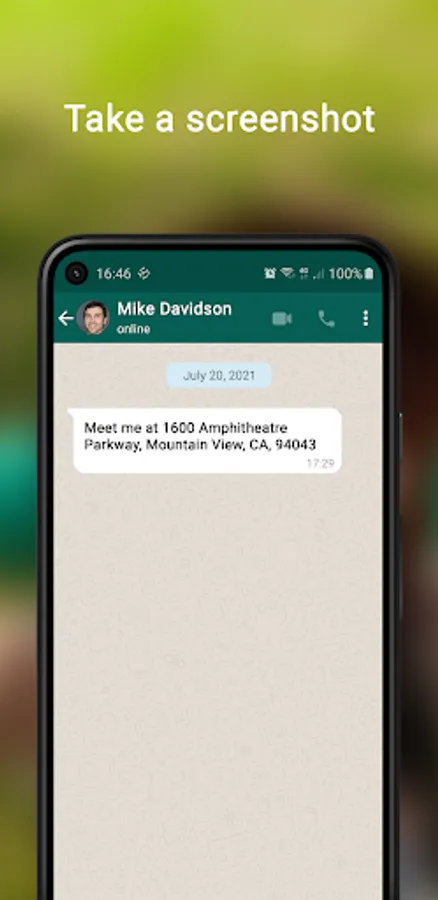
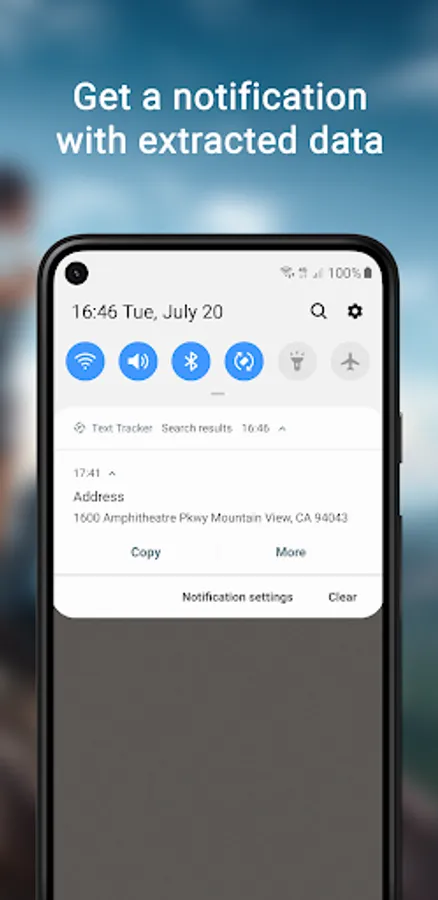
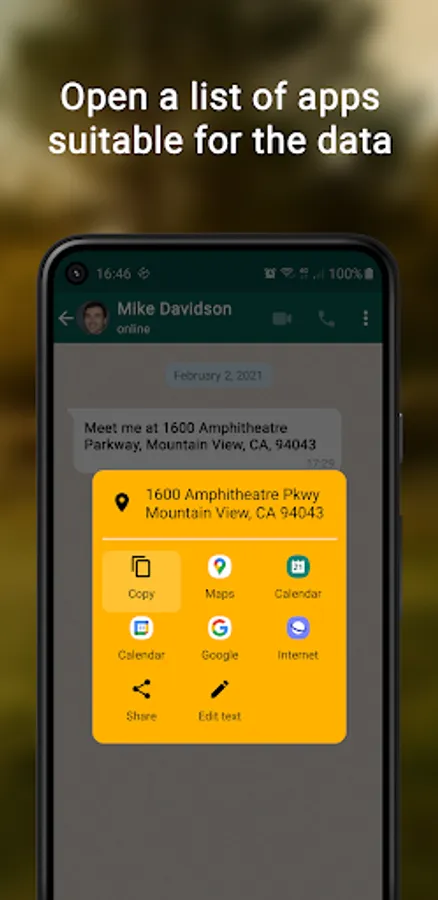
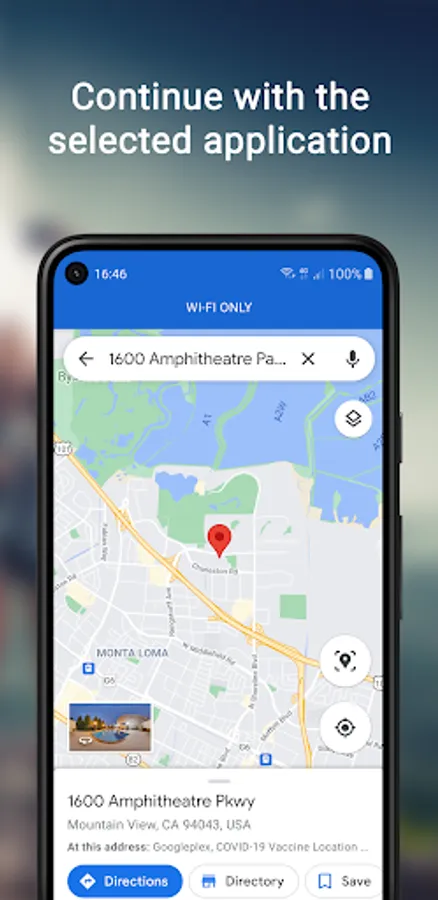
No need to select and copy text - simply take a screenshot and receive a notification. After that you can choose what to do with the found text entities - copy to the clipboard or process in another app. For example you can choose to open the Address using Maps, create an Event in your Calendar or share it with any app that supports text input.
Features:
• OCR
• Automatic screenshot scanning
• Machine learning technologies that extract useful data on your screen
• Text Tracker will build a specific list of apps for each found data type, with even more control in the Premium version
• Regular expressions support
• Minimal use of system resources
• Clipboard support directly from the notification (copy/paste)
Supported languages:
• Portuguese
• English
• Dutch
• French
• German
• Italian
• Polish
• Spanish
Text Tracker - screen utility Screenshots
Tap to Rate:
Reviews for Text Tracker - screen utility
Philippe Choquette
5/20/2025
Nice complement to other apps that use the "default assistant" access to retrieve text from within elements on the screen, as not every app is coded in a way to expose the information, leaving OCR as the only resort. I would like to see improvements in the general detection of the text however, as the result is often messy and split in too many lines.
Leeadam Apeira
8/15/2024
Wow what a great idea. Would be nice to have the option of a pop-up as the notification can need finding but it's still better than going all the way over into Google photos, using lens, then copying that. I think it could be named better so that people will understand it's function and simplicity. Immediately get extracted screenshot info to copy right into something else.