FPS Meter : FPS Overlay
MT Belg Studio
10,000+
downloads
Free
AppRecs review analysis
AppRecs rating 3.3. Trustworthiness 83 out of 100. Review manipulation risk 27 out of 100. Based on a review sample analyzed.
★★★☆☆
3.3
AppRecs Rating
Ratings breakdown
5 star
50%
4 star
17%
3 star
0%
2 star
0%
1 star
33%
What to know
✓
Low review manipulation risk
27% review manipulation risk
✓
Credible reviews
83% trustworthiness score from analyzed reviews
✓
Good user ratings
67% positive sampled reviews
About FPS Meter : FPS Overlay
FPS Meter – Real-Time FPS Monitor, Counter & Overlay Display
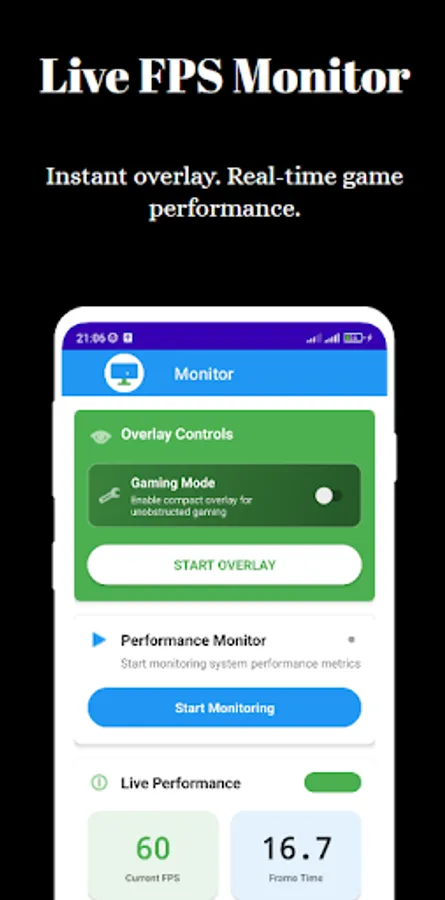
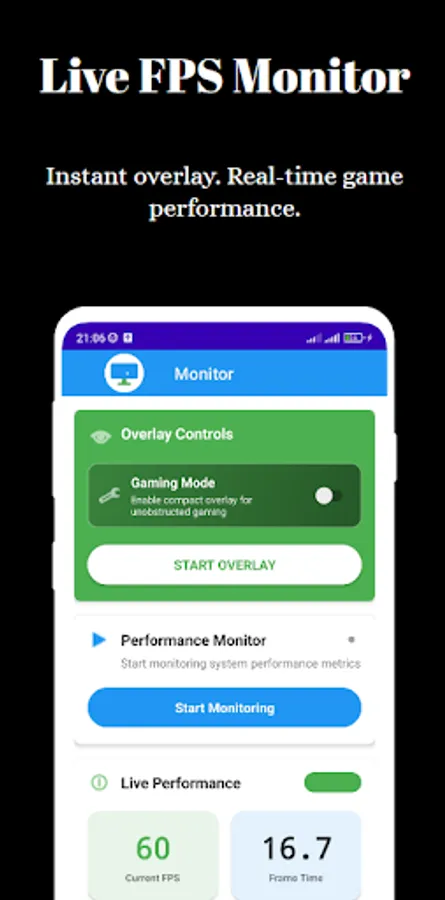
Want to know how your device really performs during games or heavy apps? FPS Meter is a powerful and lightweight tool that helps you measure frame rates in real-time. With a floating FPS overlay, smart logging, and precision monitoring, this app turns your Android phone into a full FPS monitor – no root, no ads, no login required.
🎮 Accurate FPS Counter for Every Game
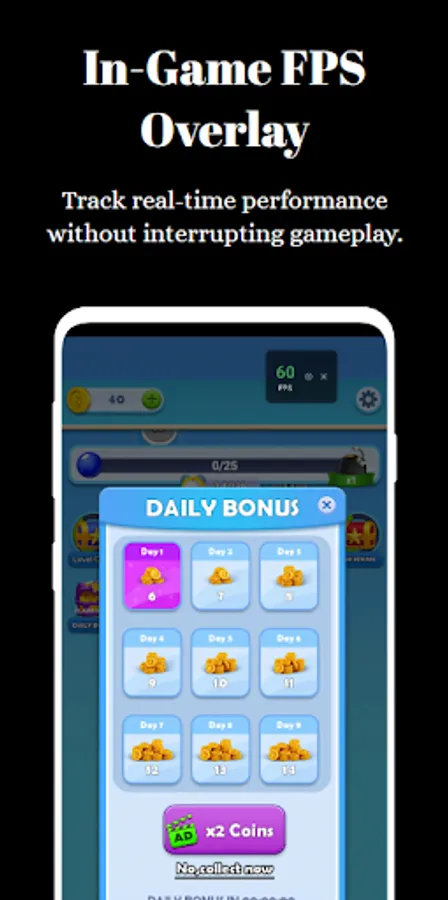
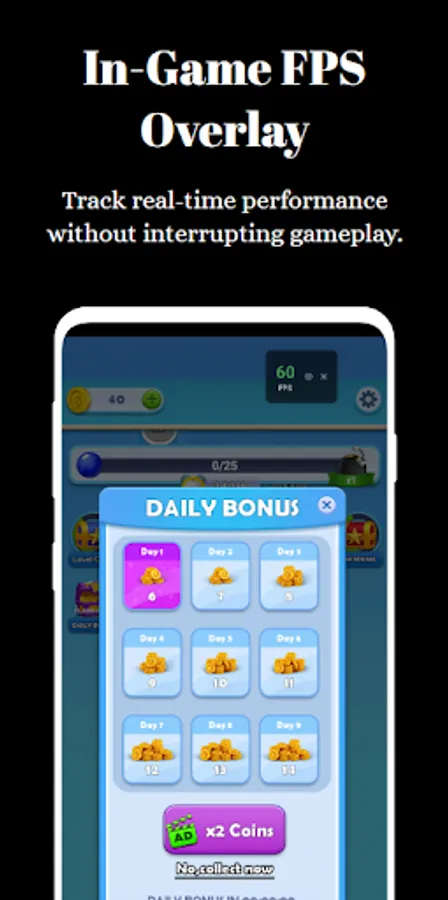
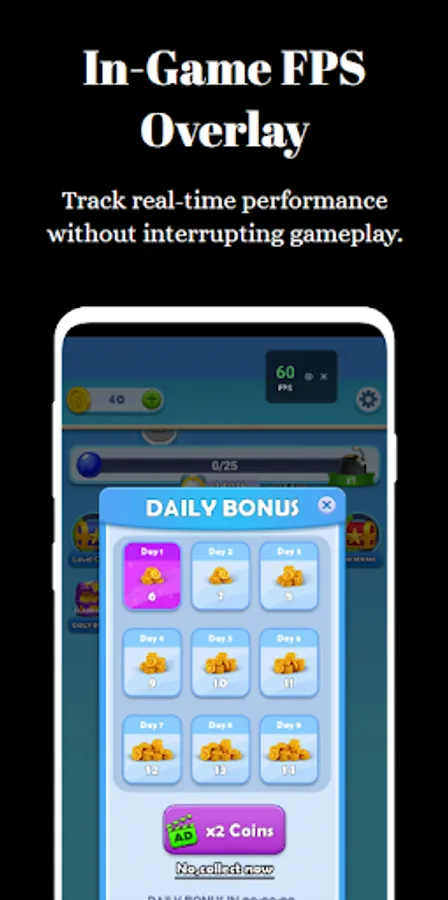
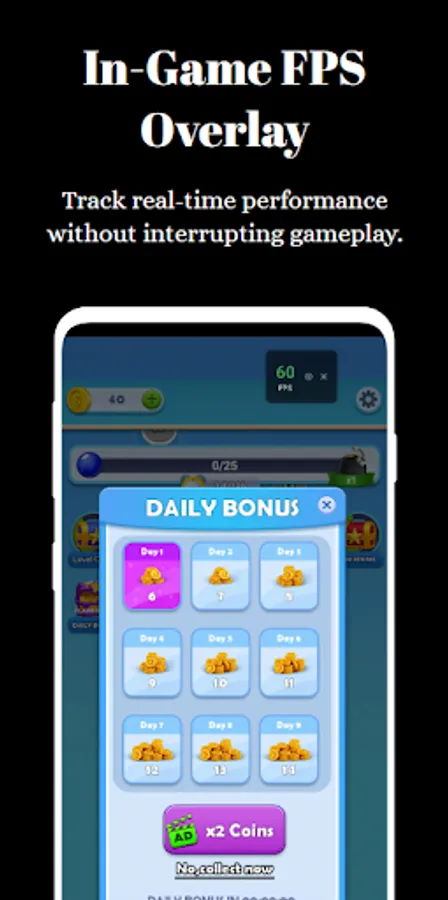
Whether you’re playing PUBG, BGMI, or testing your favorite emulator, the built-in FPS counter displays frame rates in real-time. You’ll instantly see when your FPS on screen drops, helping you pinpoint lag sources or optimize settings for smoother gameplay.
The FPS counter overlay is clean, readable, and stays visible without disrupting controls. It supports both portrait and landscape orientations for maximum compatibility.
📊 Customizable FPS Overlay
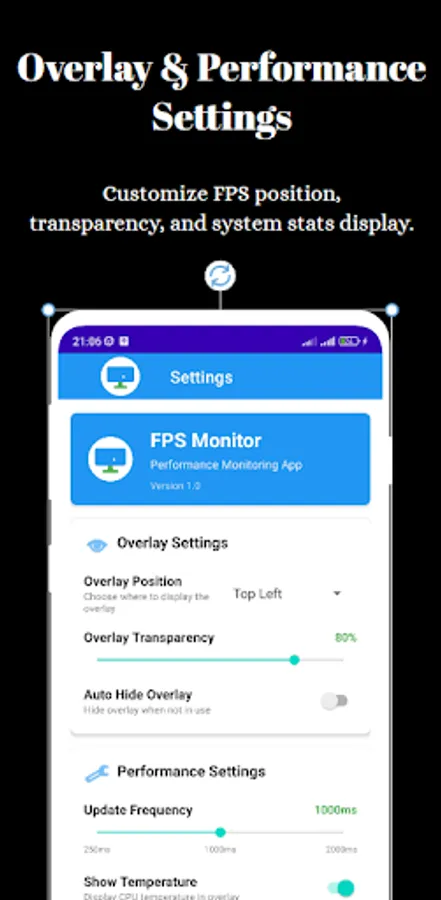
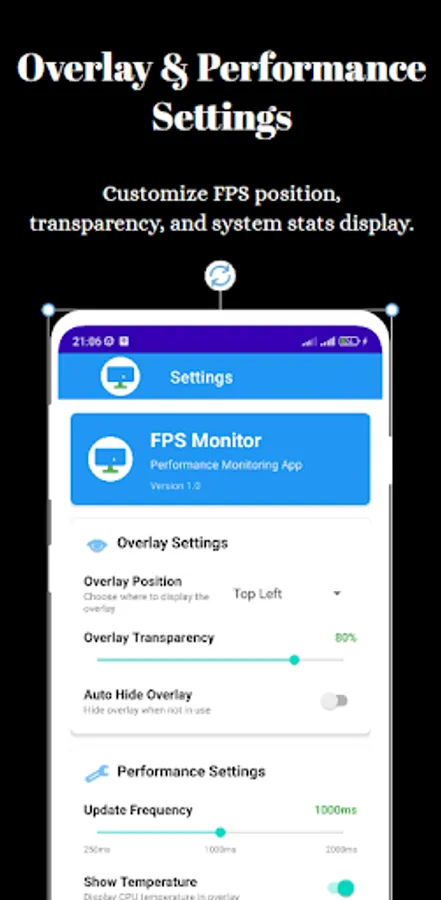
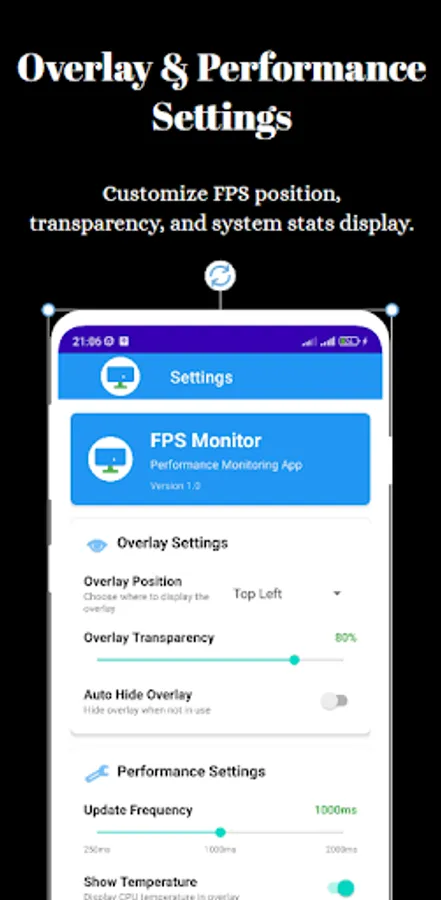
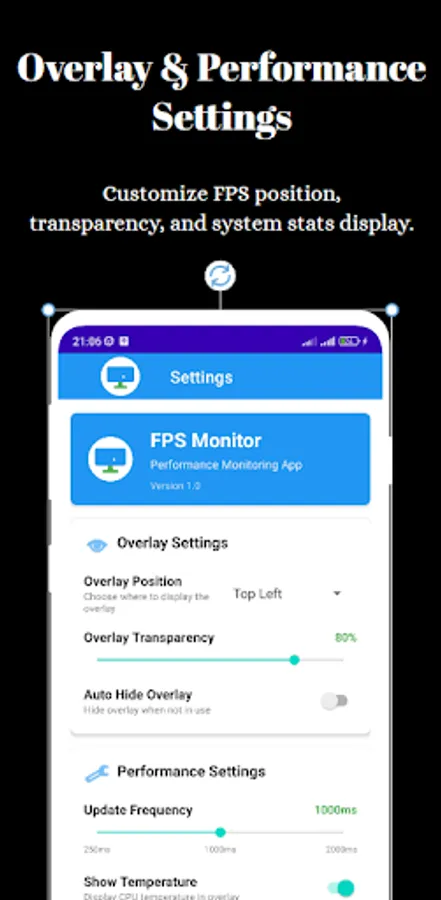
Unlike cluttered performance tools, this FPS overlay is user-friendly. You can resize, drag, or hide the floating window anytime. Prefer a specific font size or background color? Make the FPS overlay your own with full customization settings.
Use it during competitive gaming or app development to ensure your visuals match the refresh rate. You’ll always know when you're getting a full 60 or 120 FPS on screen.
🧠 Smart FPS Monitor with Session Logging
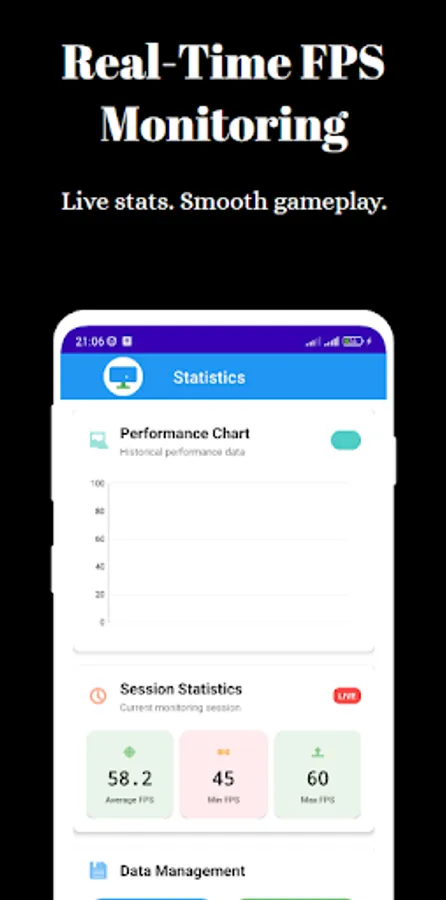
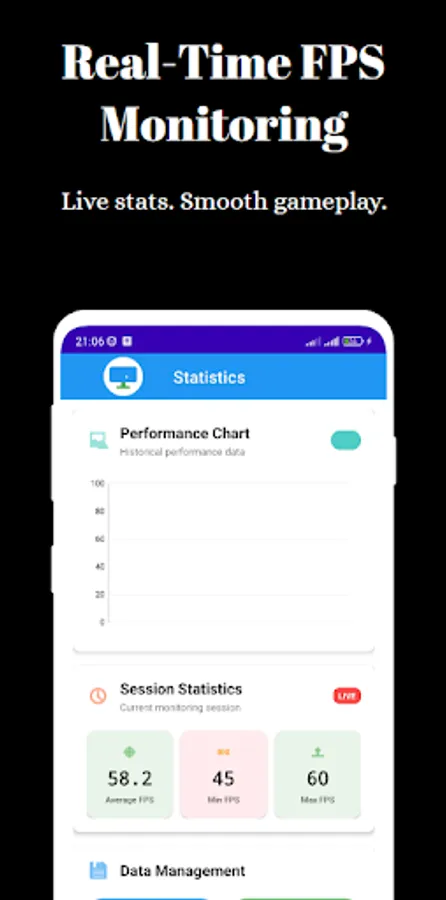
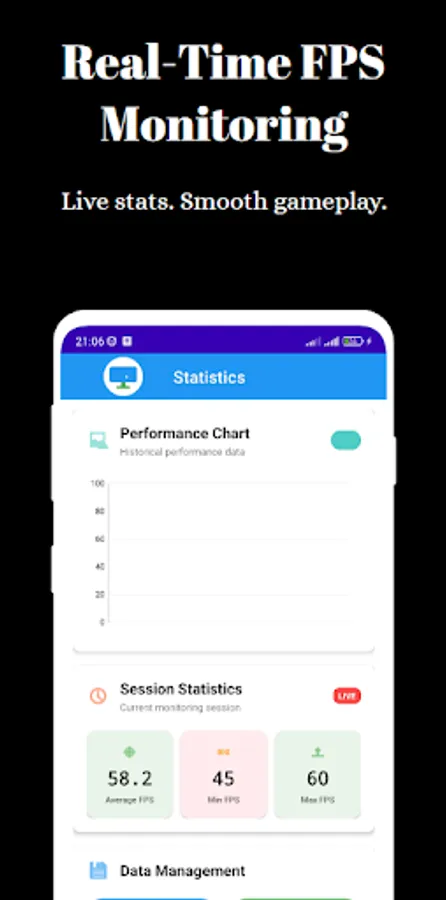
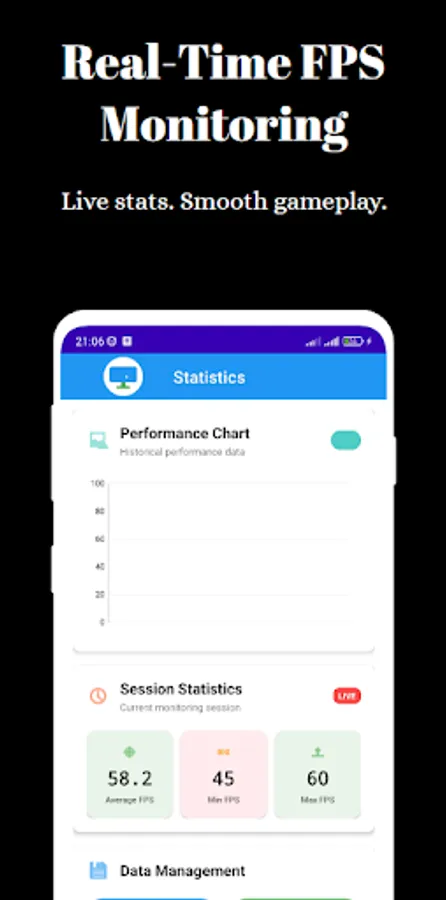
The FPS monitor tracks your frame rate throughout the session. You can launch it manually or enable auto-start when opening selected games. It's ideal for benchmarking over time or comparing performance across devices.
Developers and testers benefit from the clean, timestamped view — the FPS monitor lets you focus on frame trends, bottlenecks, and responsiveness.
🔄 Advanced FPS Meter Tools
Beyond basic numbers, this FPS meter includes:
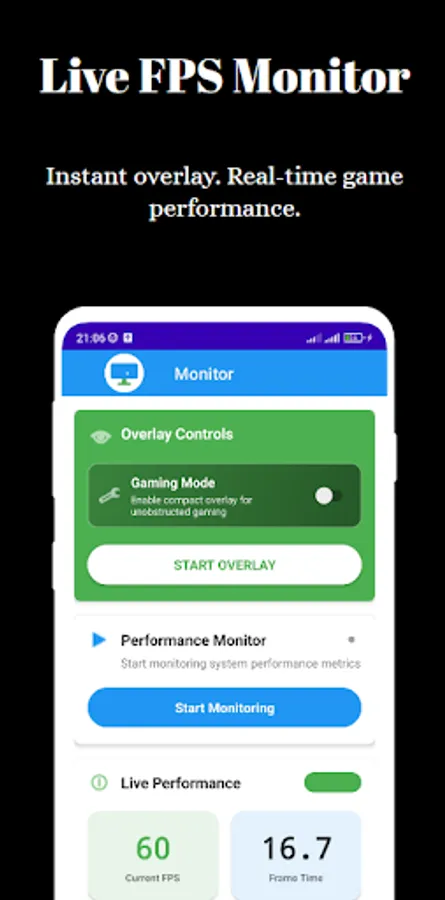
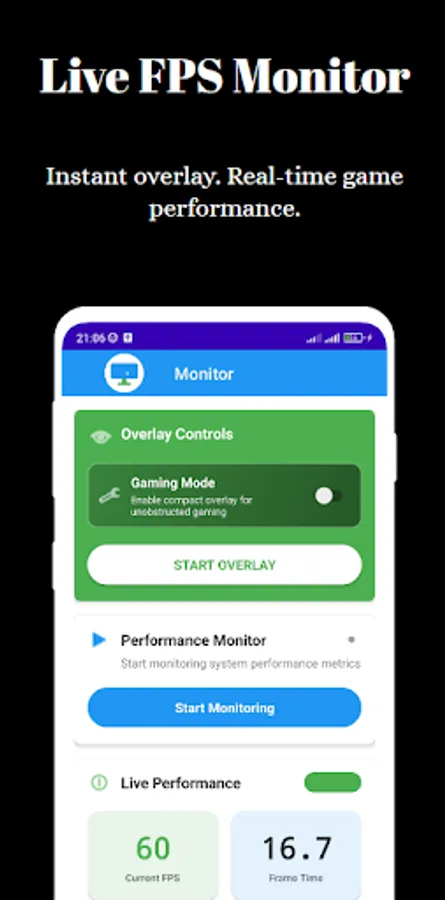
Instant FPS on screen display
Auto-hide when not needed
Compatible with thousands of Android titles
Works even in floating windows and split-screen modes
No background tracking – your data stays private
Use the FPS meter to evaluate graphics-heavy games, productivity apps, or UI animations. Even casual users will find it useful for checking if their phone delivers what was promised.
🔐 Privacy & Performance Built-In
We don’t collect personal data. The FPS counter and FPS meter overlay run locally and require no sign-up. Lightweight and battery-friendly, it works even when offline.
📲 Why Use FPS Monitor?
Pinpoint frame drops
Validate 60Hz/90Hz/120Hz support
Adjust settings based on real performance
Combine FPS overlay with screen recording
Replace PC tools with a clean mobile-based FPS monitor
📥 Download FPS Meter Now
Try a smooth, real-time FPS meter that delivers what gamers and testers need most: truth. With a responsive FPS overlay, reliable FPS counter, and session-based FPS monitor, this app gives you the facts — frame by frame.
Want to know how your device really performs during games or heavy apps? FPS Meter is a powerful and lightweight tool that helps you measure frame rates in real-time. With a floating FPS overlay, smart logging, and precision monitoring, this app turns your Android phone into a full FPS monitor – no root, no ads, no login required.
🎮 Accurate FPS Counter for Every Game
Whether you’re playing PUBG, BGMI, or testing your favorite emulator, the built-in FPS counter displays frame rates in real-time. You’ll instantly see when your FPS on screen drops, helping you pinpoint lag sources or optimize settings for smoother gameplay.
The FPS counter overlay is clean, readable, and stays visible without disrupting controls. It supports both portrait and landscape orientations for maximum compatibility.
📊 Customizable FPS Overlay
Unlike cluttered performance tools, this FPS overlay is user-friendly. You can resize, drag, or hide the floating window anytime. Prefer a specific font size or background color? Make the FPS overlay your own with full customization settings.
Use it during competitive gaming or app development to ensure your visuals match the refresh rate. You’ll always know when you're getting a full 60 or 120 FPS on screen.
🧠 Smart FPS Monitor with Session Logging
The FPS monitor tracks your frame rate throughout the session. You can launch it manually or enable auto-start when opening selected games. It's ideal for benchmarking over time or comparing performance across devices.
Developers and testers benefit from the clean, timestamped view — the FPS monitor lets you focus on frame trends, bottlenecks, and responsiveness.
🔄 Advanced FPS Meter Tools
Beyond basic numbers, this FPS meter includes:
Instant FPS on screen display
Auto-hide when not needed
Compatible with thousands of Android titles
Works even in floating windows and split-screen modes
No background tracking – your data stays private
Use the FPS meter to evaluate graphics-heavy games, productivity apps, or UI animations. Even casual users will find it useful for checking if their phone delivers what was promised.
🔐 Privacy & Performance Built-In
We don’t collect personal data. The FPS counter and FPS meter overlay run locally and require no sign-up. Lightweight and battery-friendly, it works even when offline.
📲 Why Use FPS Monitor?
Pinpoint frame drops
Validate 60Hz/90Hz/120Hz support
Adjust settings based on real performance
Combine FPS overlay with screen recording
Replace PC tools with a clean mobile-based FPS monitor
📥 Download FPS Meter Now
Try a smooth, real-time FPS meter that delivers what gamers and testers need most: truth. With a responsive FPS overlay, reliable FPS counter, and session-based FPS monitor, this app gives you the facts — frame by frame.