In this video playback app, you can watch videos, manage a custom library, and capture screenshots. Includes editing filters, rotation tools, and audio extraction features.
AppRecs review analysis
AppRecs rating 3.1. Trustworthiness 0 out of 100. Review manipulation risk 0 out of 100. Based on a review sample analyzed.
★★★☆☆
3.1
AppRecs Rating
Ratings breakdown
5 star
41%
4 star
11%
3 star
5%
2 star
6%
1 star
37%
What to know
✓
Authentic reviews
Natural distribution, no red flags
⚠
High negative review ratio
43% of sampled ratings are 1–2 stars
About Frame Capture
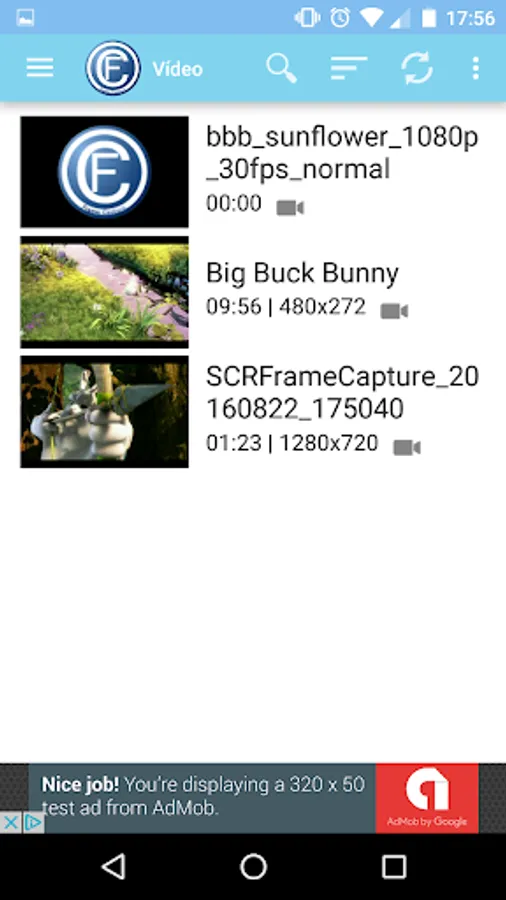
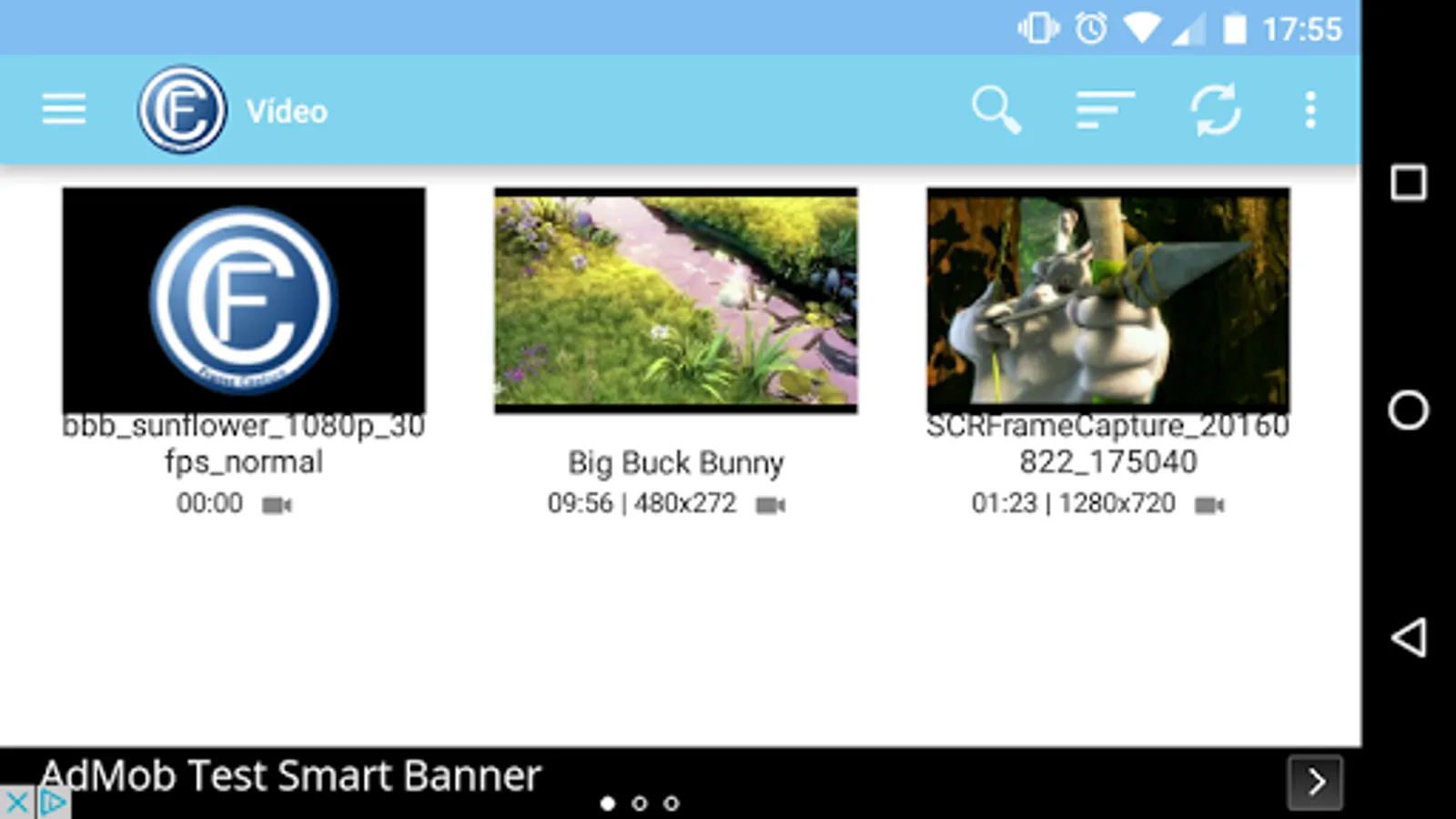
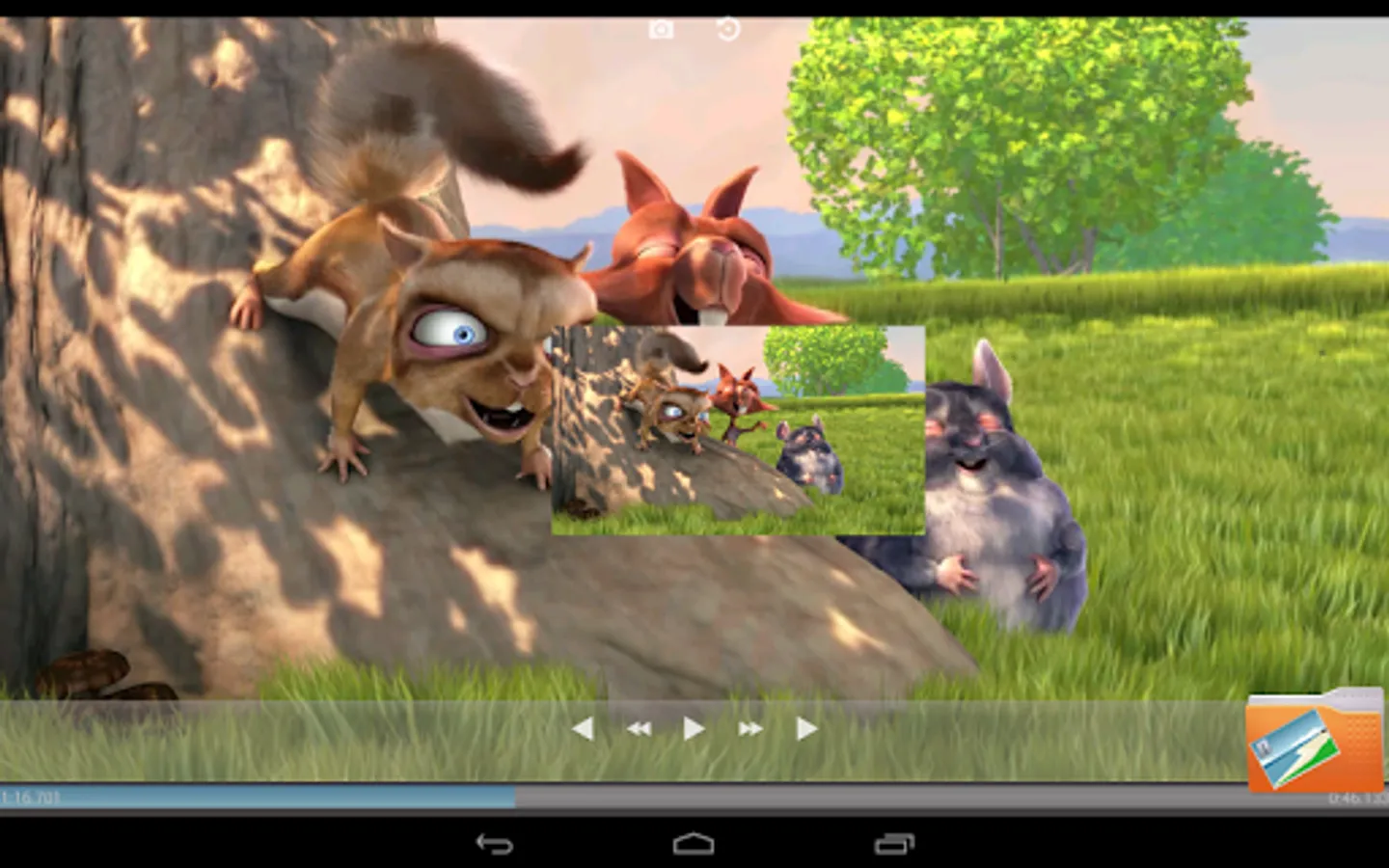
Frame Capture is an application to play videos.
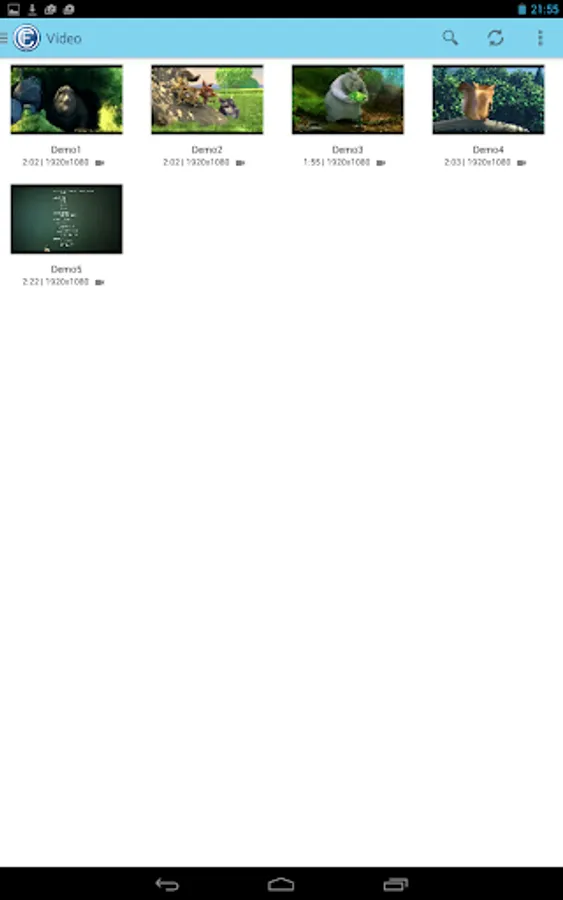
Maintains a custom library with all the videos on the device.
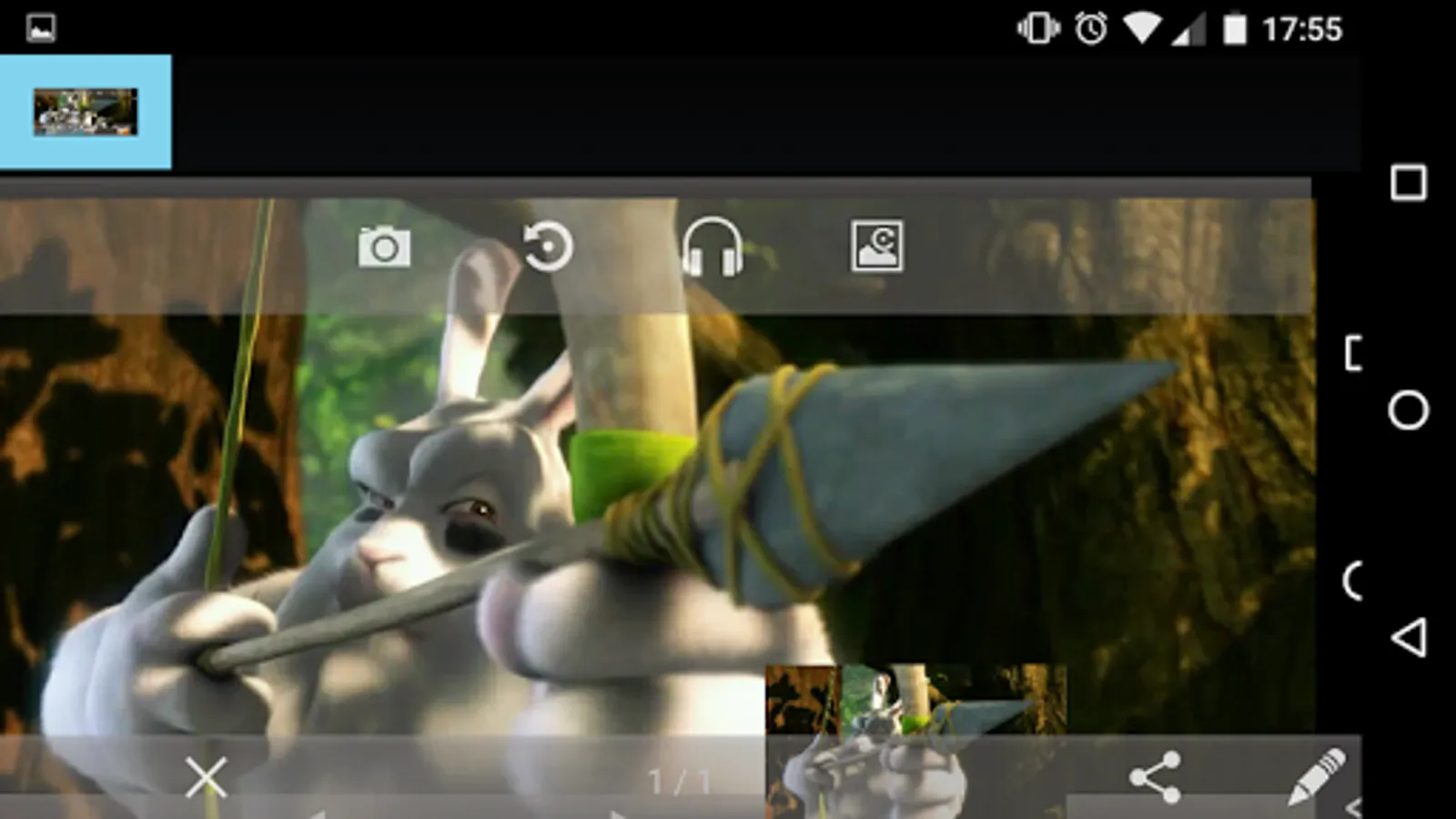
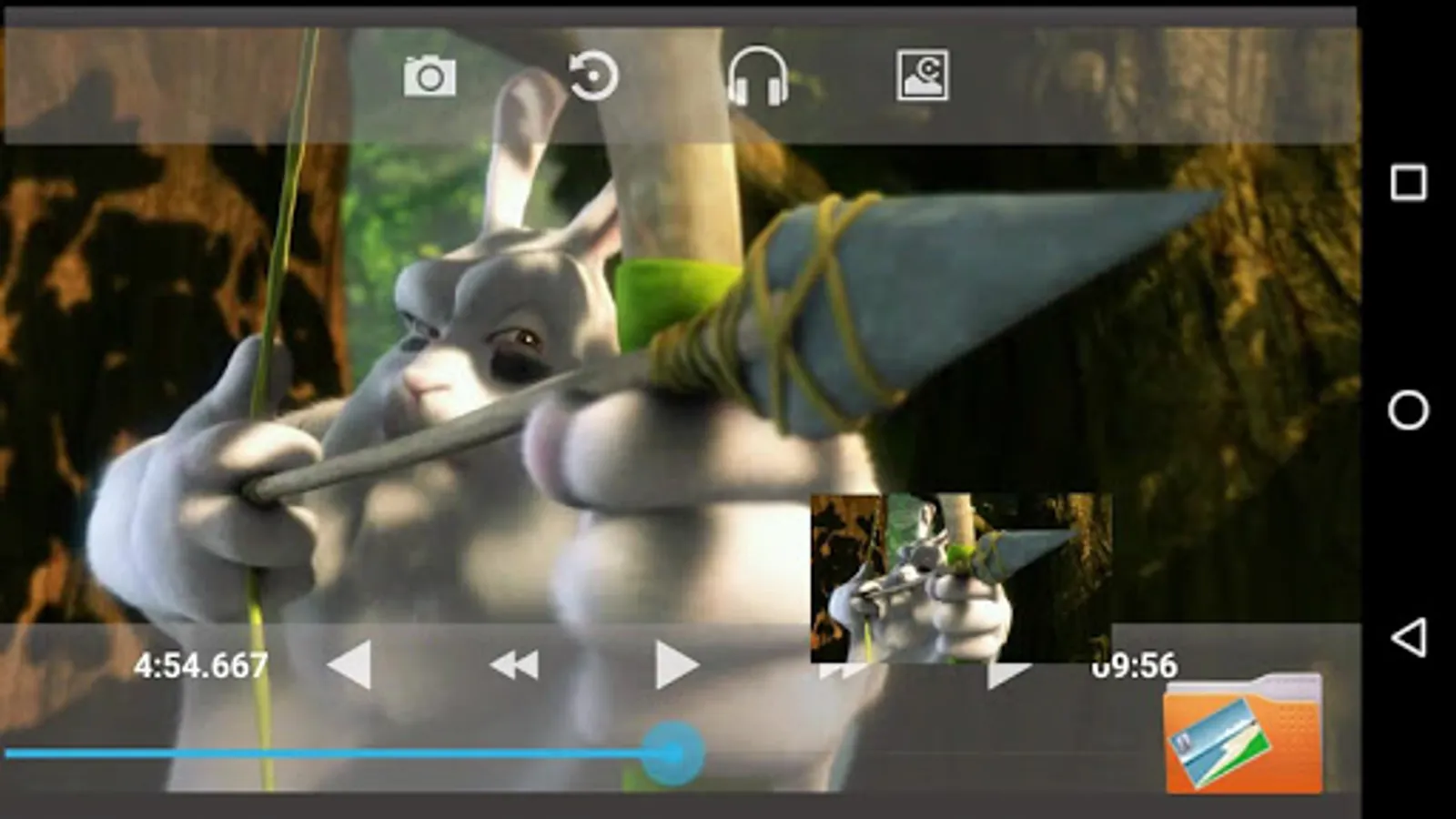
You can also capture images from video playback.
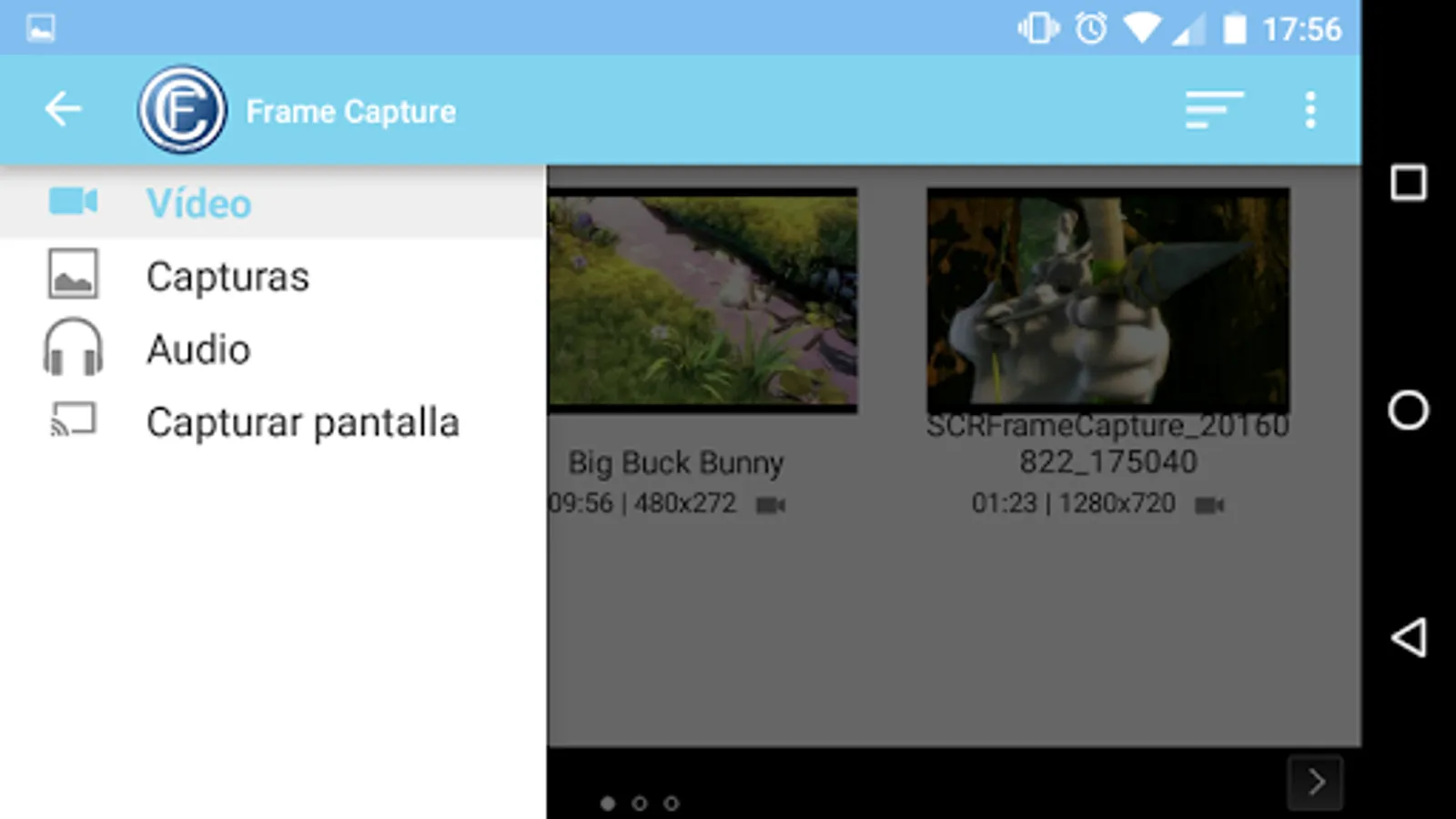
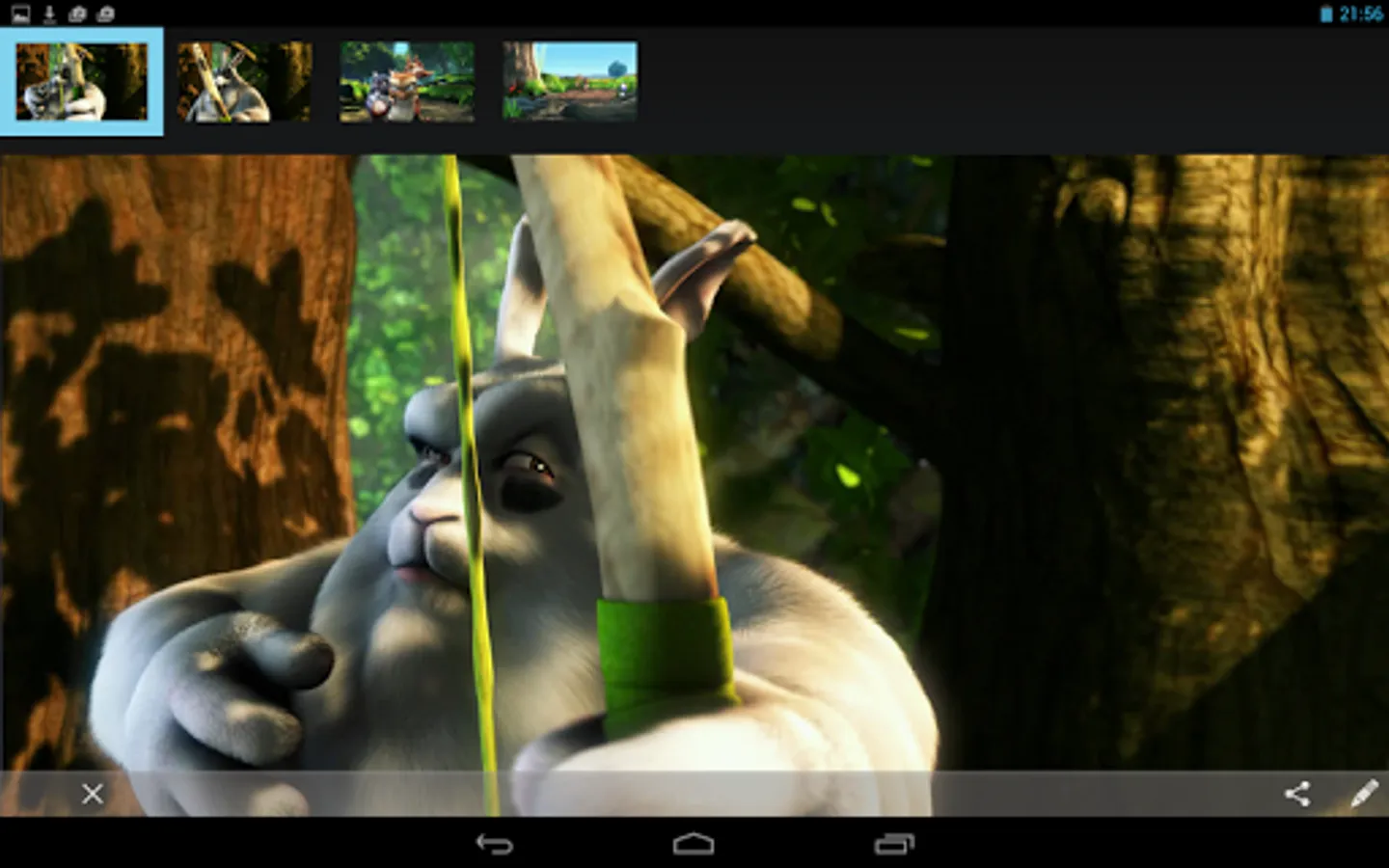
Catches are automatically stored in the directory FrameCapture, which can be managed from the application. To access the screenshots we have to press on the logo of the application to display the menu, find 2 options (Video and Captures). We navigate the captured images, delete the ones you do not want, and share them with other application.
We have an area for editing the captures, we can apply some filters to our captures and keep a copy of the changes.
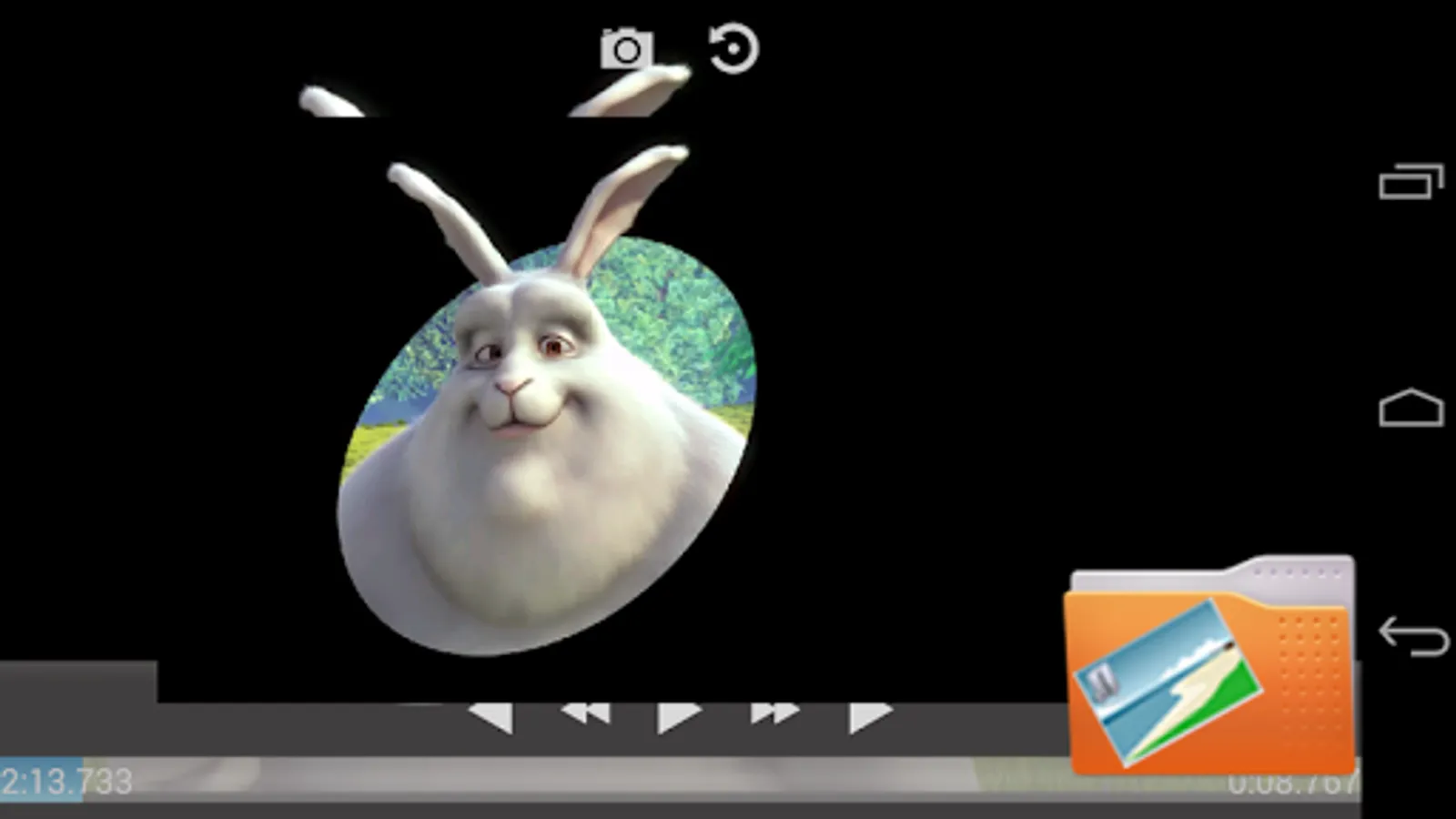
You can rotate your video, designed for those videos that we all have, and have been recorded incorrectly terminal, this functionality is still in beta.
Audio options
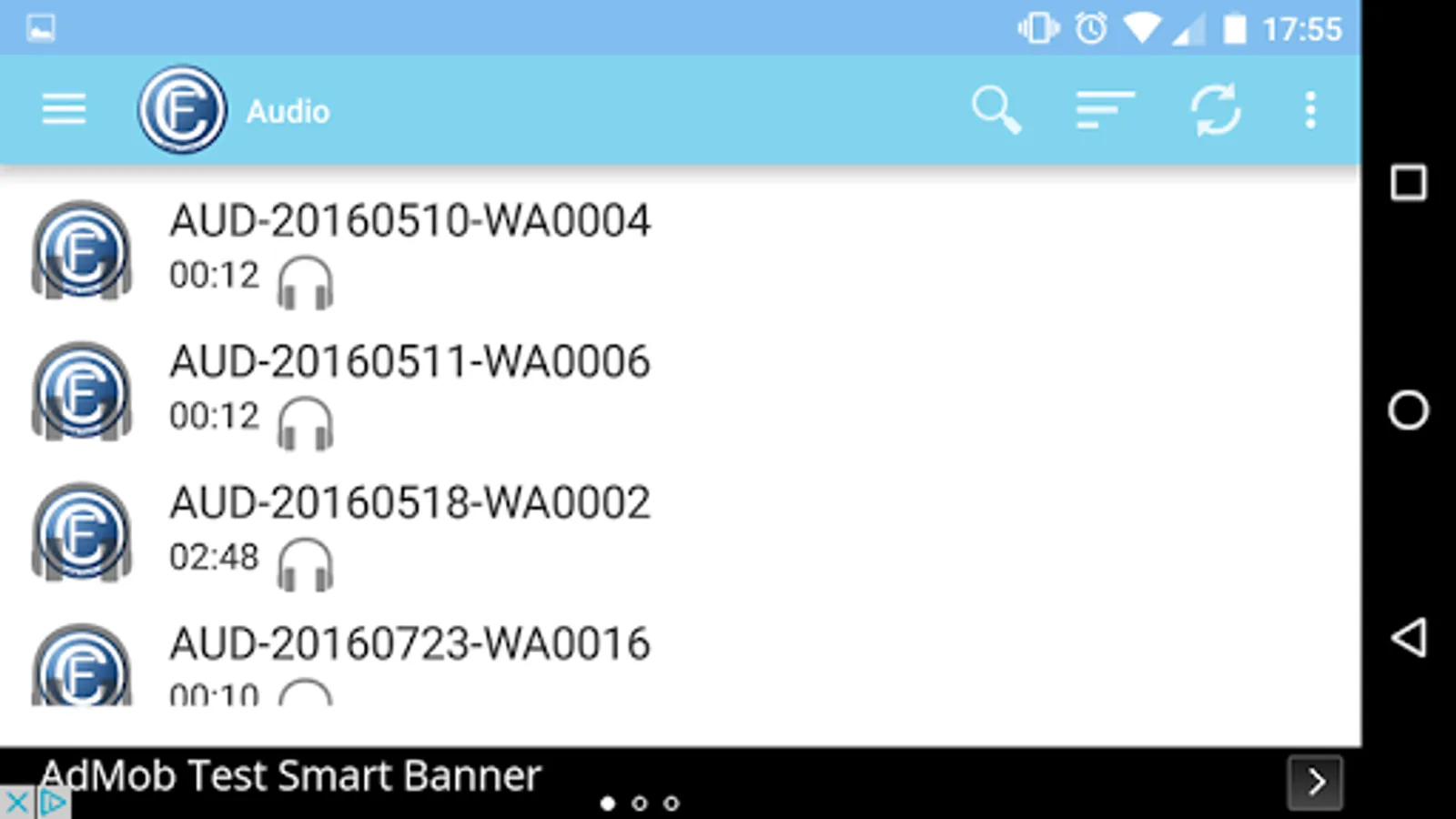
- Get video's audio in mp3 format.
- Insert an audio track on video.
- Video dubbing. Add own audio, all you can capture by the microphone of your device.
For versions of android 5.0 and above (Lollipop), you can make game plays, you can record your screen in a video. In preferences you can adjust the parameters of the resulting video.
Maintains a custom library with all the videos on the device.
You can also capture images from video playback.
Catches are automatically stored in the directory FrameCapture, which can be managed from the application. To access the screenshots we have to press on the logo of the application to display the menu, find 2 options (Video and Captures). We navigate the captured images, delete the ones you do not want, and share them with other application.
We have an area for editing the captures, we can apply some filters to our captures and keep a copy of the changes.
You can rotate your video, designed for those videos that we all have, and have been recorded incorrectly terminal, this functionality is still in beta.
Audio options
- Get video's audio in mp3 format.
- Insert an audio track on video.
- Video dubbing. Add own audio, all you can capture by the microphone of your device.
For versions of android 5.0 and above (Lollipop), you can make game plays, you can record your screen in a video. In preferences you can adjust the parameters of the resulting video.