Photo Collage Maker MixCollage
TransMedia Inc
4.3 ★
7K ratings
500,000+
downloads
Free
+ in-app
In this photo collage maker, you can select layouts, add photos, customize borders, and insert stickers or text. Includes over 700 layouts, photo editing tools, and a variety of backgrounds and stickers.
AppRecs review analysis
AppRecs rating 4.3. Trustworthiness 71 out of 100. Review manipulation risk 31 out of 100. Based on a review sample analyzed.
★★★★☆
4.3
AppRecs Rating
Ratings breakdown
5 star
67%
4 star
19%
3 star
5%
2 star
2%
1 star
8%
What to know
✓
Credible reviews
71% trustworthiness score from analyzed reviews
✓
High user satisfaction
85% of sampled ratings are 4+ stars (4.3★ average)
✓
Authentic reviews
Natural distribution, no red flags
About Photo Collage Maker MixCollage
Collage Maker makes it easy for you to create a beautiful photo collage with just a few clicks. Choose a photo layout and add stickers, backgrounds, doodles, or fonts to make your collage stand out.
FEATURES:
- Add up to 20 photos!
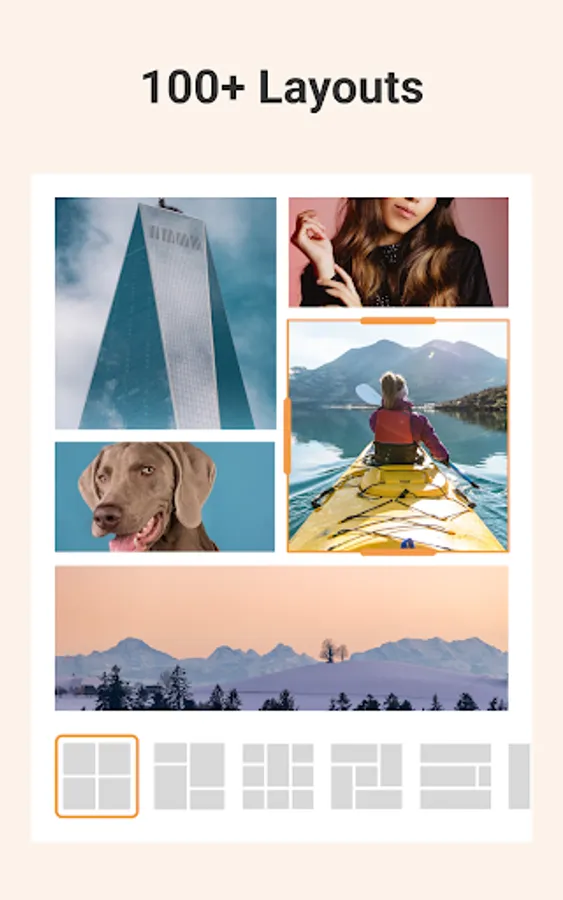
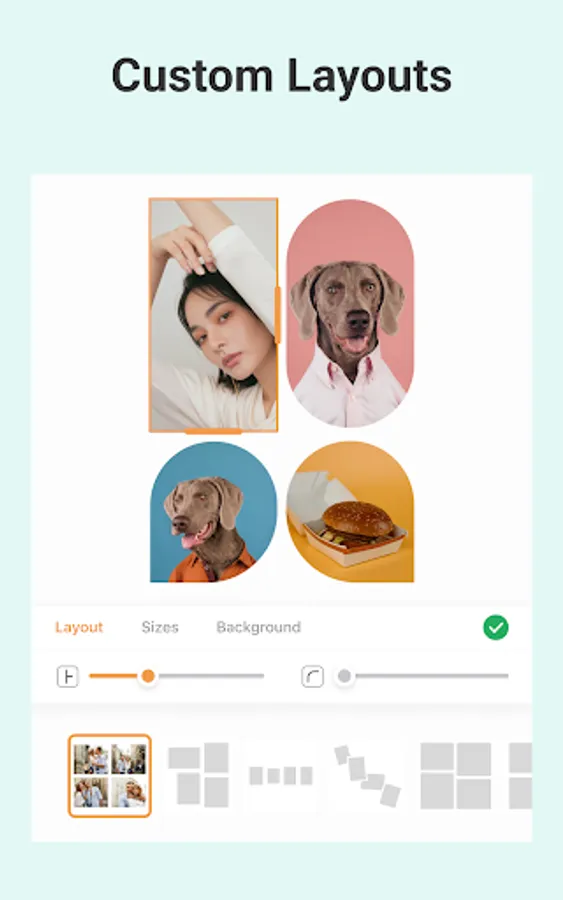
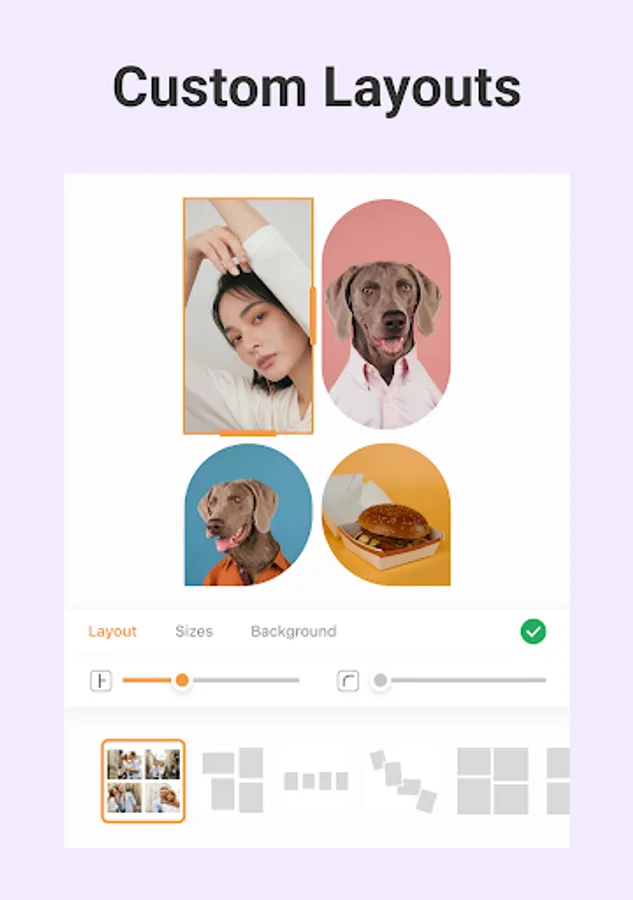
- 700+ layouts to choose from
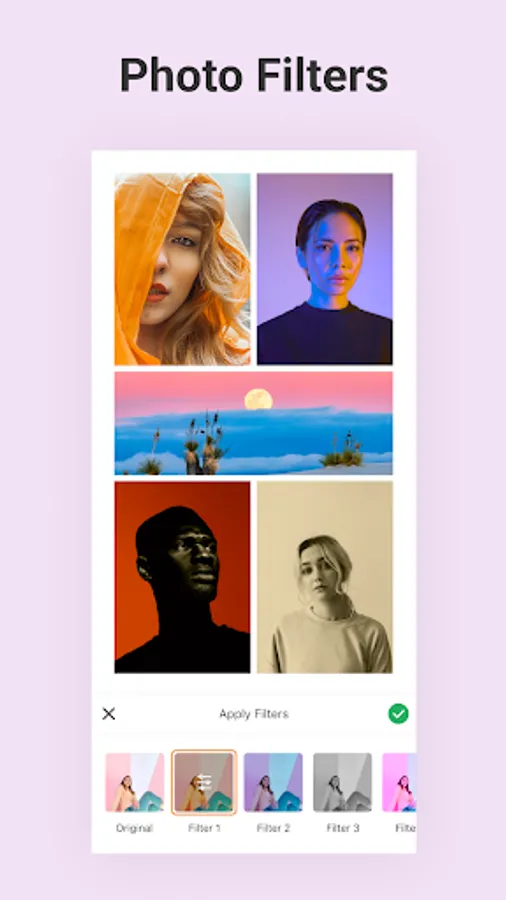
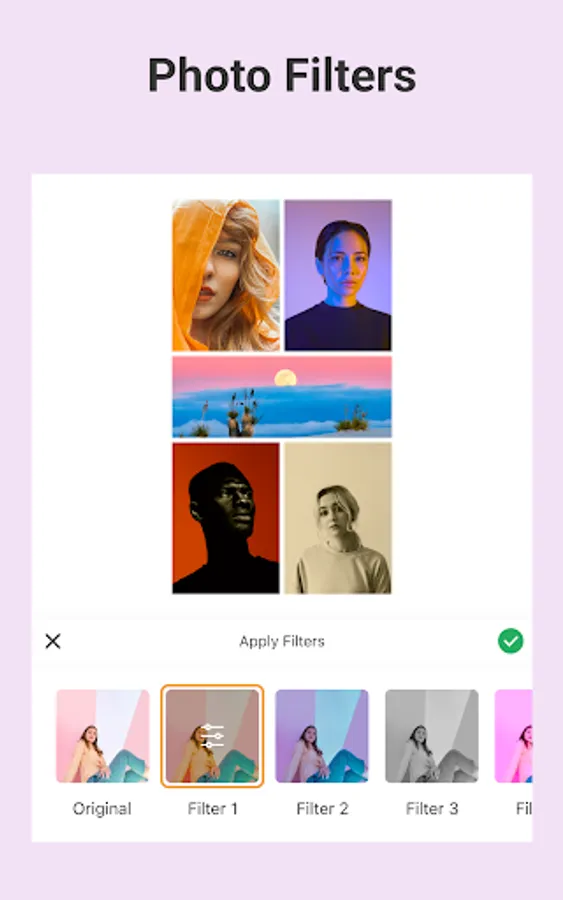
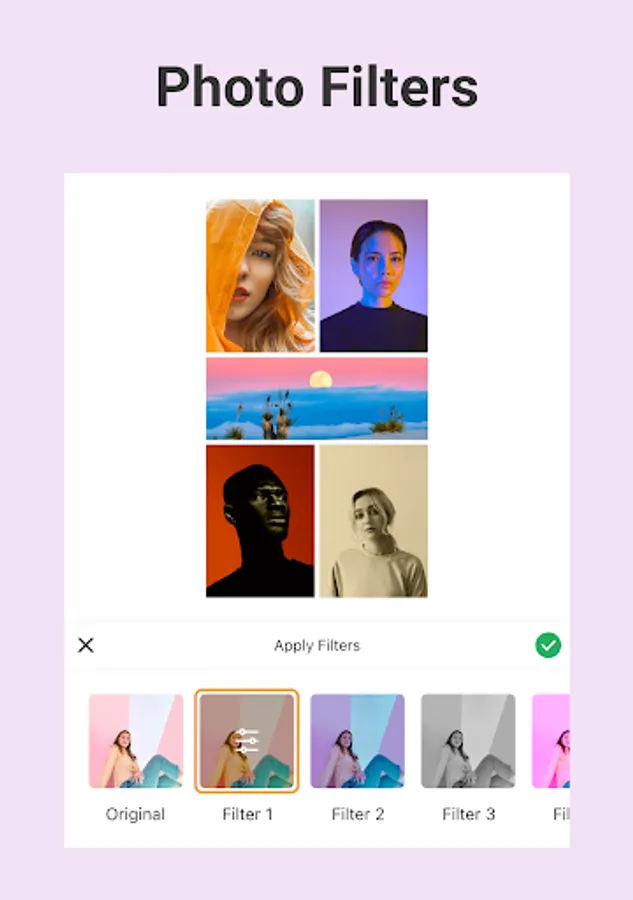
- Photo editor with photo filters, crop, rotate, brightness, and more.
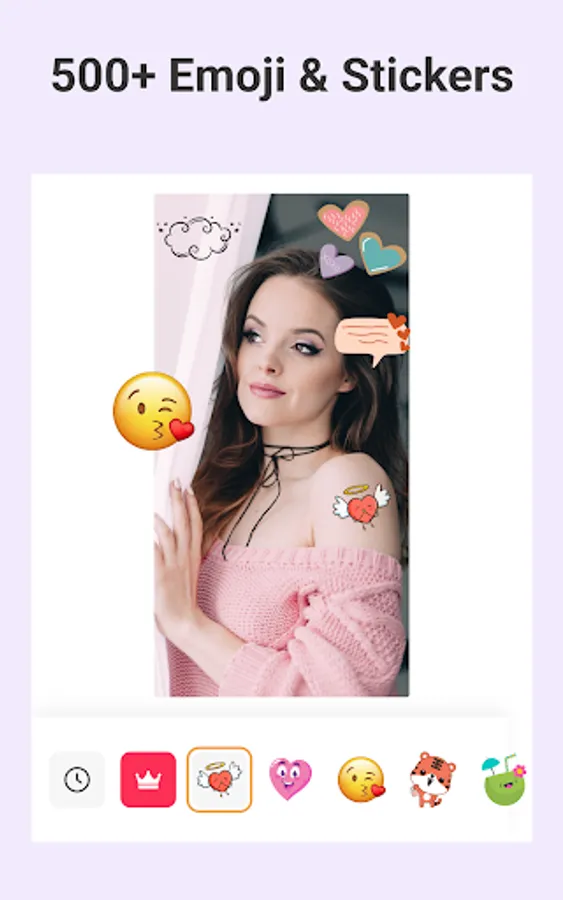
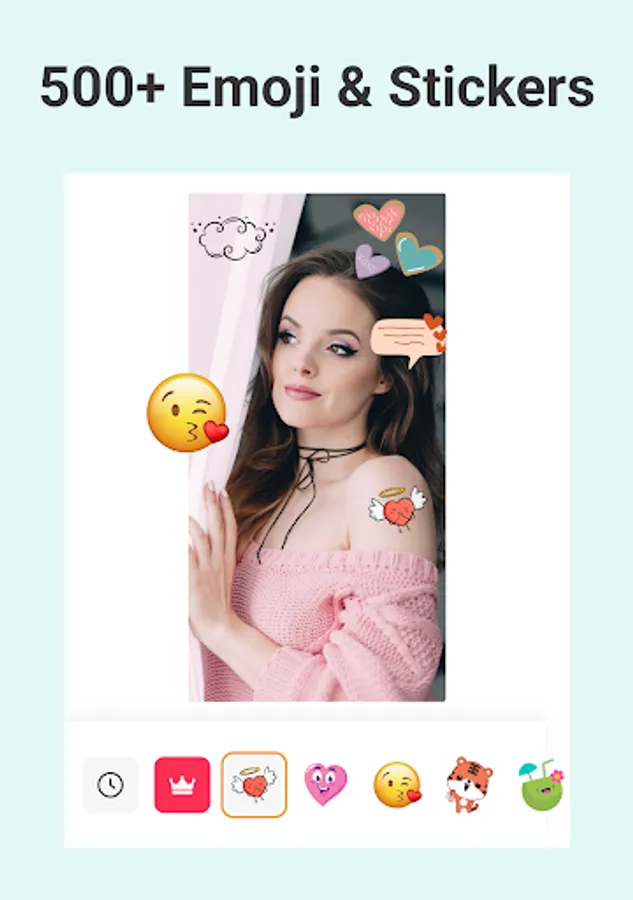
- FREE Stickers, emojis, and backgrounds
- Doodle on your collage to personalize it
- Choose from 100s of stylish fonts
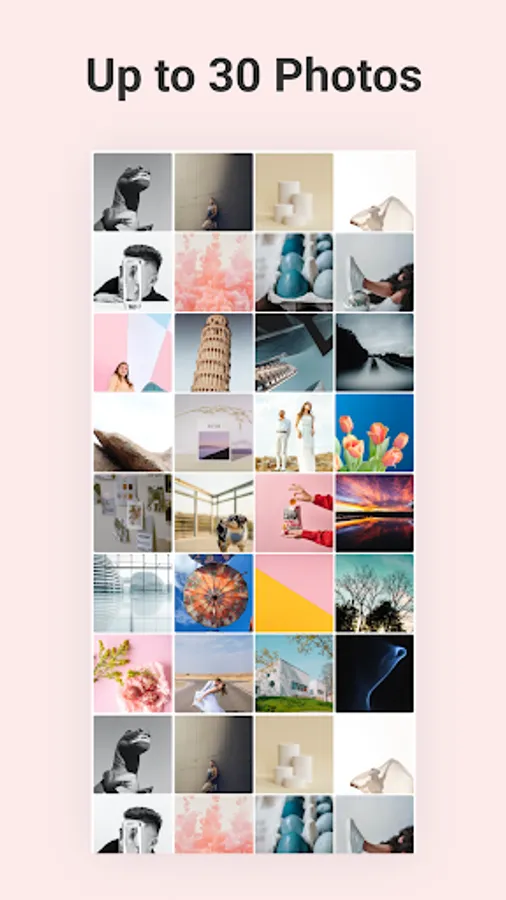
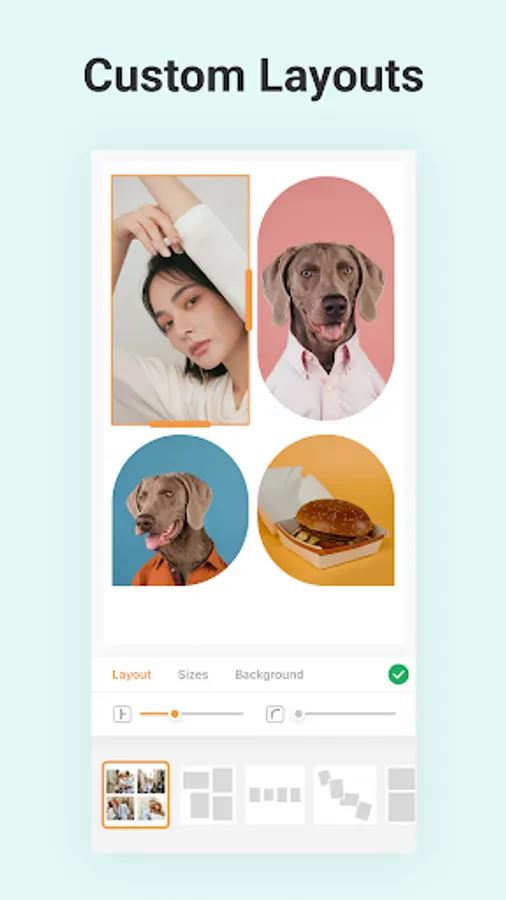
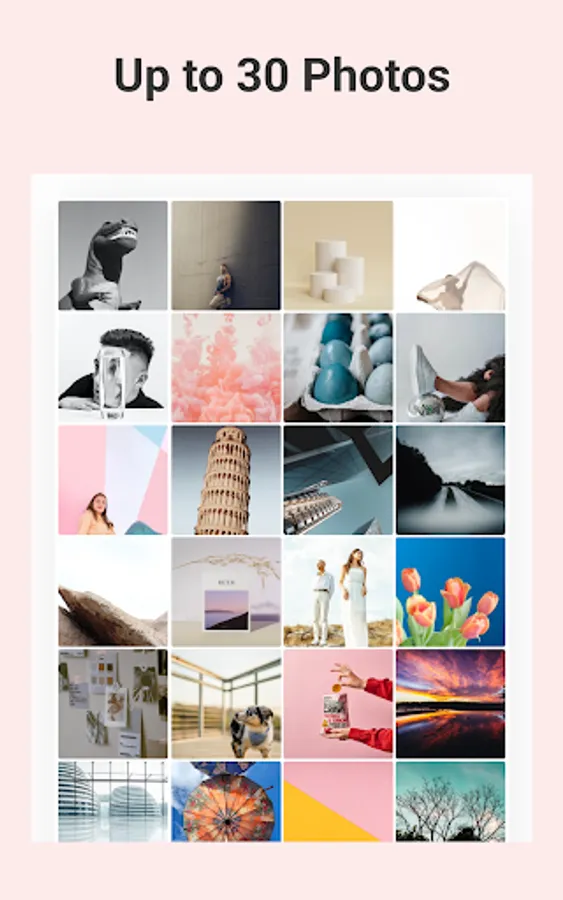
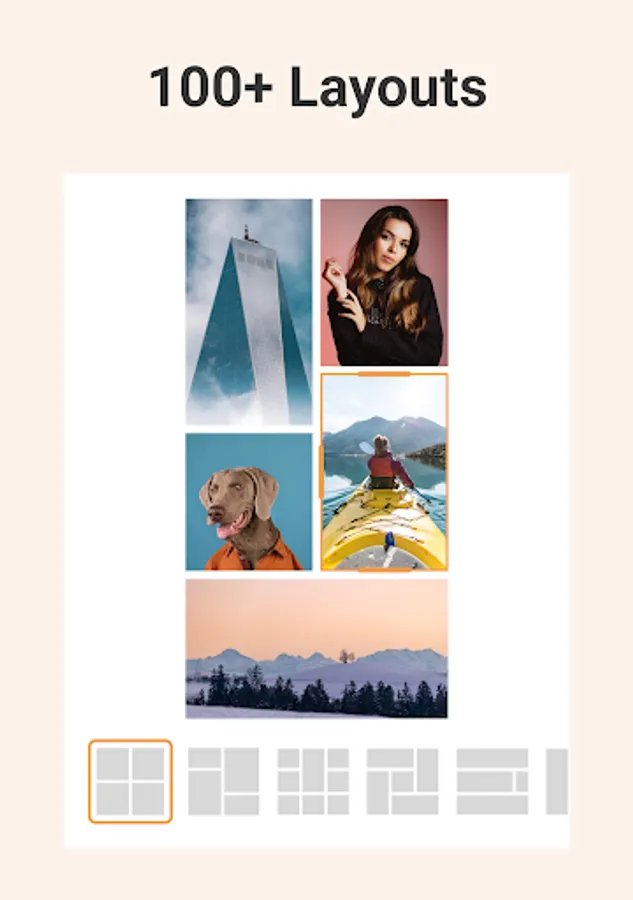
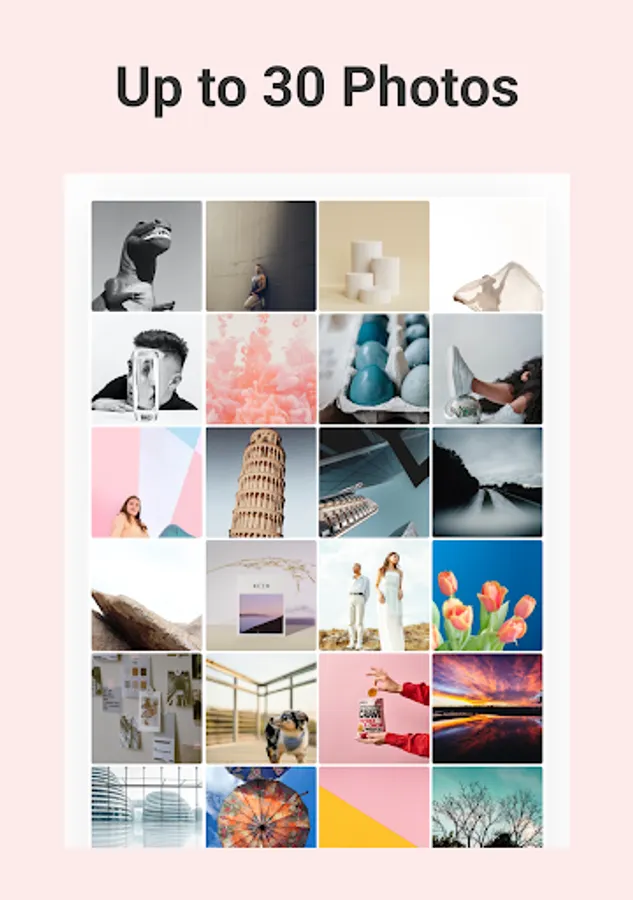
Whether you have a single image or 30, we have the perfect layout for you to create the best photo collage. Personalize your collage by adjusting border radius, spacing, and photo size.
Are you looking to create a Pic Collage with lots of photos? You've come to the right place. With PhotoJoiner's pic collage app, you can select up to 20 pictures for your collage.
Fit your picture collage to any social platform pixel perfectly without cropping. Easily switch between canvas sizes such as insta 1:1 square or 9:16.
Style your photo collages with thousands of Emojis and stickers that fit any occasion or celebration.
Easily show two or more photos side by side in a collage. Great for YouTube thumbnails or to highlight Before & After effects in your social media posts (outfits, old vs. new)
Need to crop your photo for a perfect fit? Or boost color & brightness for that extra kick. We got you covered with our full-fledged image editor. Crop, rotate, edit, apply filters, and more!
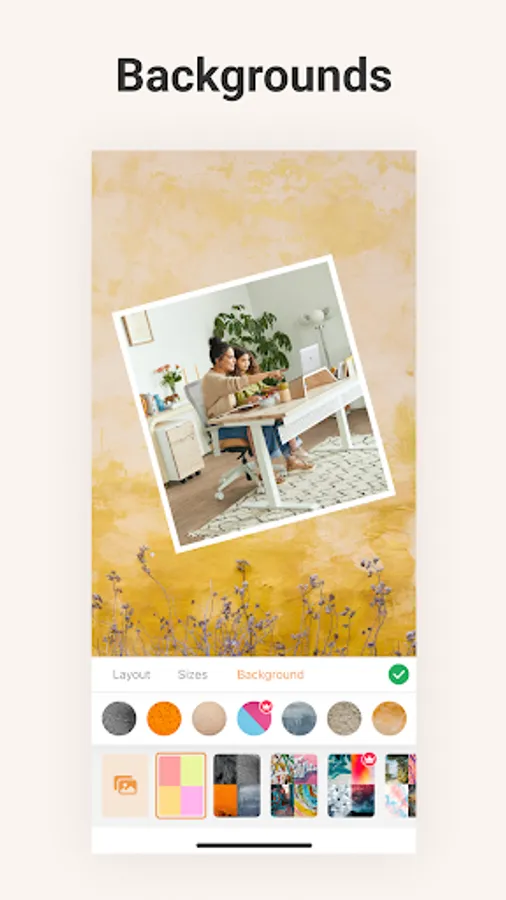
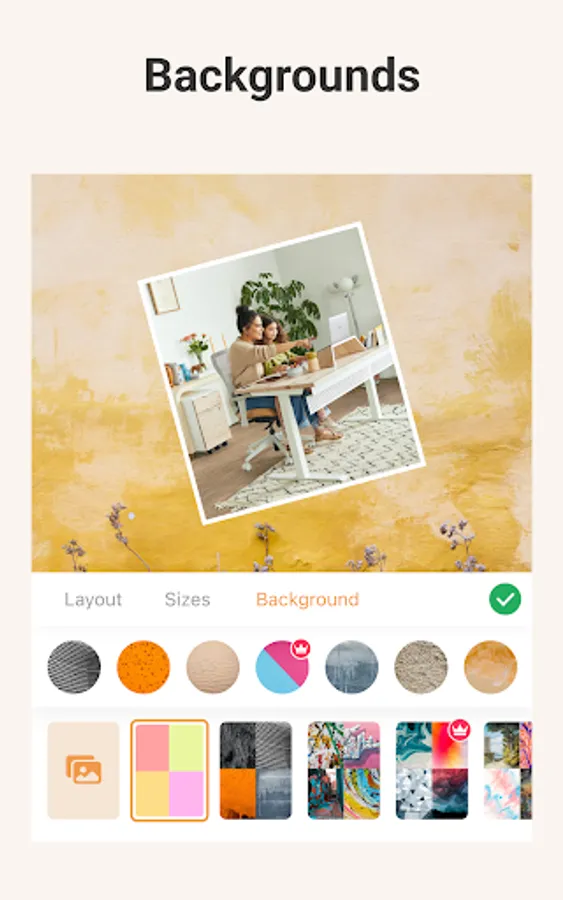
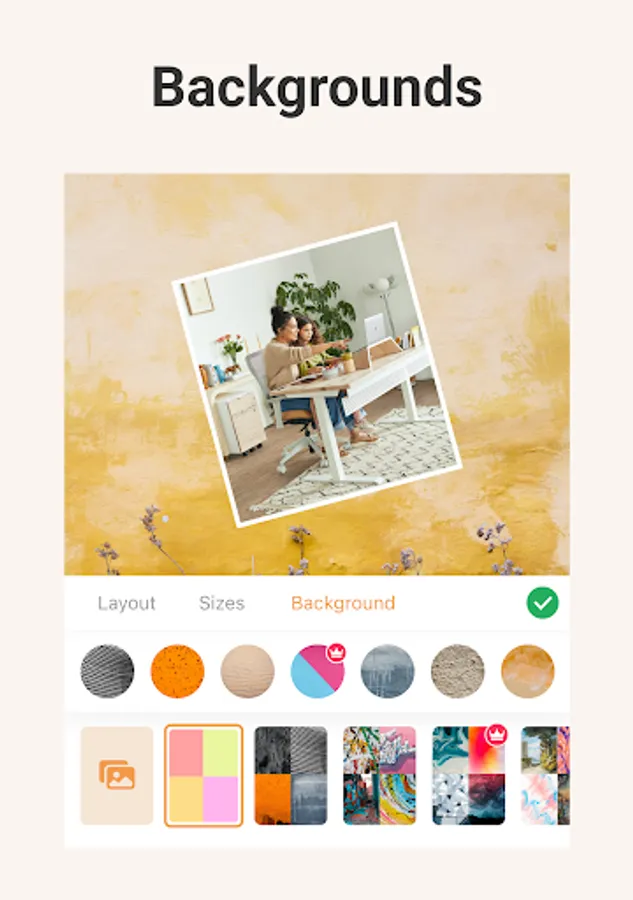
Choose a stylish background pattern for your collage that captures the mode of your creation. Choose from 100s of free seamless backgrounds.
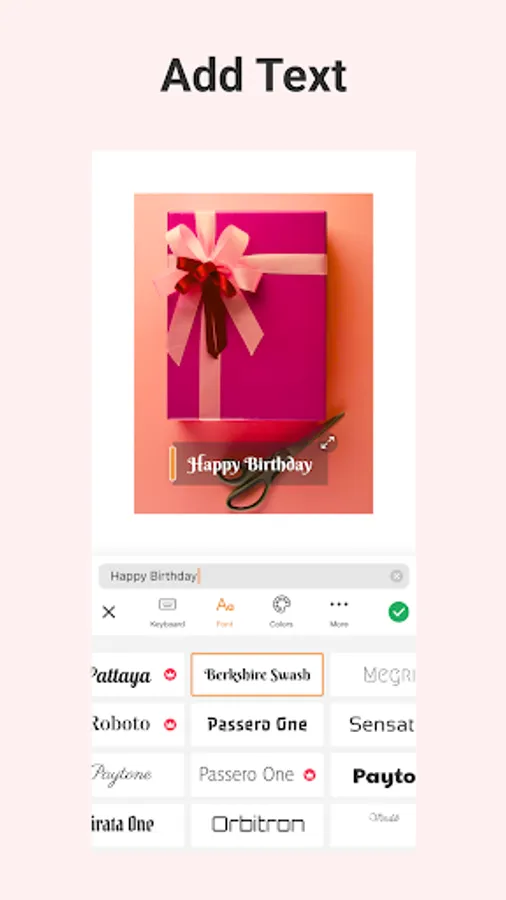
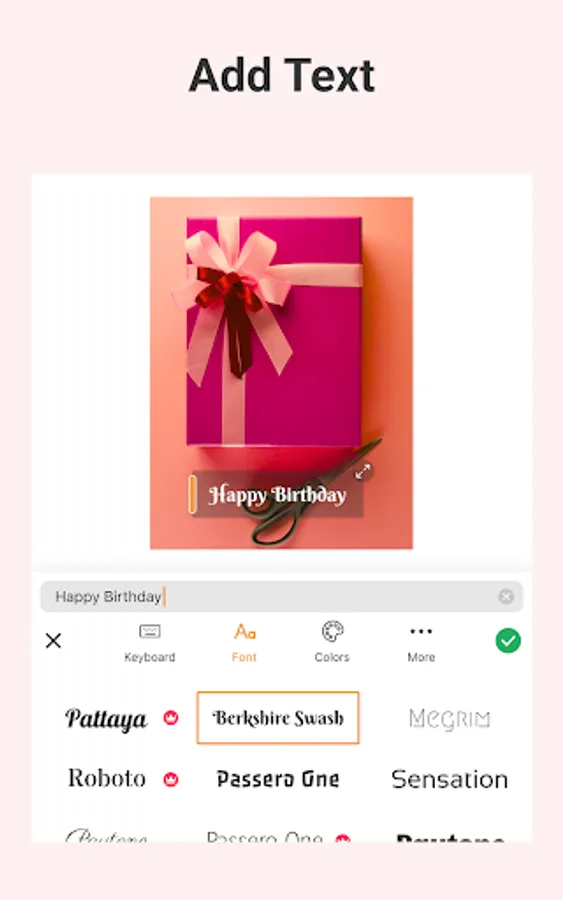
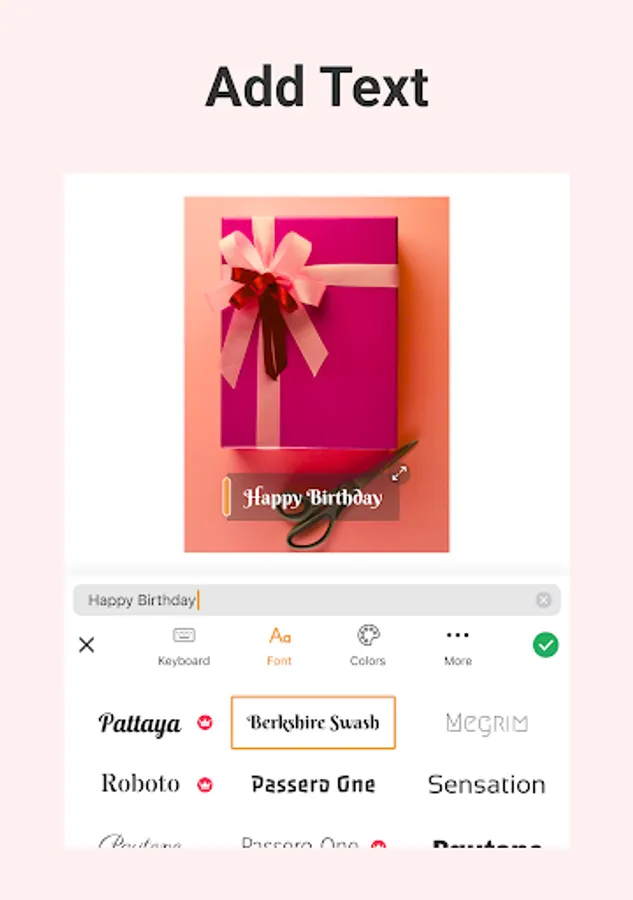
A collage is an expression. What's a better way to express yourself than words? Choose from hundreds of artistic font styles to bring your message to life. Adjust font color, shadows, background, and more!
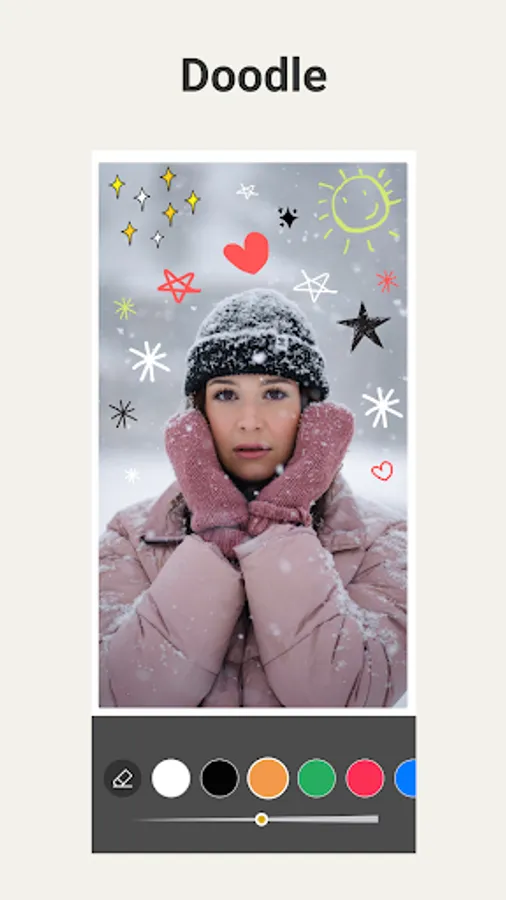
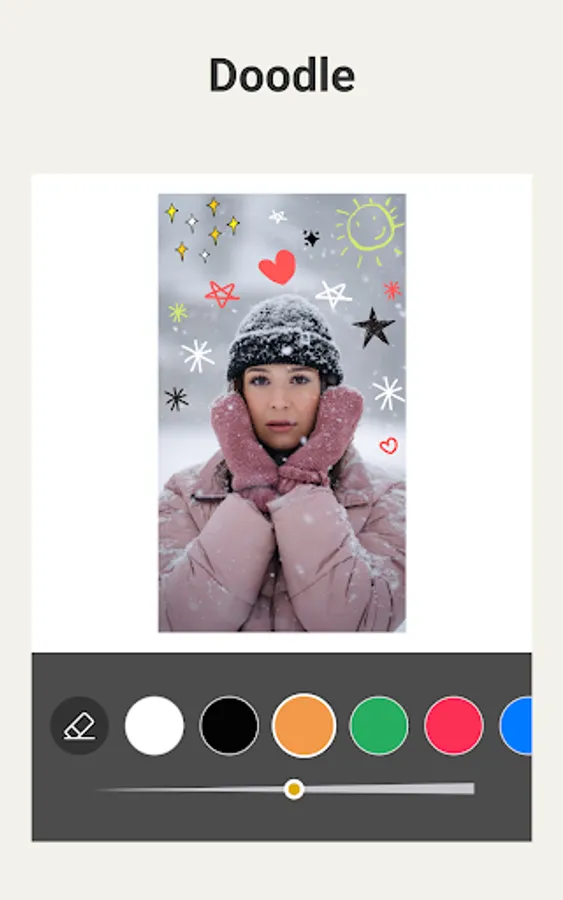
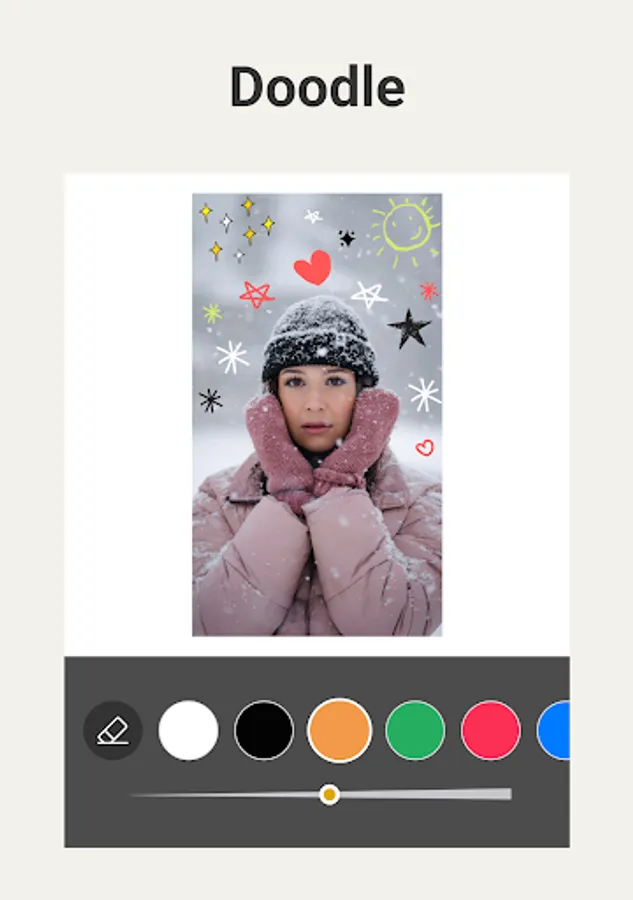
No sticker or emoji can match a handwritten doodle done by you! Add a personal touch to your collage with a handwritten doodle.
Collage Maker is your one-stop app for photo collage, insta story layouts, pic stitch, or scrapbook ideas. Let your creativity flourish with an app that's built for the artist in you.
FEATURES:
- Add up to 20 photos!
- 700+ layouts to choose from
- Photo editor with photo filters, crop, rotate, brightness, and more.
- FREE Stickers, emojis, and backgrounds
- Doodle on your collage to personalize it
- Choose from 100s of stylish fonts
◆ 700+ Layouts
Whether you have a single image or 30, we have the perfect layout for you to create the best photo collage. Personalize your collage by adjusting border radius, spacing, and photo size.
◆ Add up to 20 photos!
Are you looking to create a Pic Collage with lots of photos? You've come to the right place. With PhotoJoiner's pic collage app, you can select up to 20 pictures for your collage.
◆ Fit Any Size
Fit your picture collage to any social platform pixel perfectly without cropping. Easily switch between canvas sizes such as insta 1:1 square or 9:16.
◆ 1000+ Emoji & Stickers
Style your photo collages with thousands of Emojis and stickers that fit any occasion or celebration.
◆ Side by Side Photo
Easily show two or more photos side by side in a collage. Great for YouTube thumbnails or to highlight Before & After effects in your social media posts (outfits, old vs. new)
◆ Photo Editor
Need to crop your photo for a perfect fit? Or boost color & brightness for that extra kick. We got you covered with our full-fledged image editor. Crop, rotate, edit, apply filters, and more!
◆ Backgrounds
Choose a stylish background pattern for your collage that captures the mode of your creation. Choose from 100s of free seamless backgrounds.
◆ Add Text to Image
A collage is an expression. What's a better way to express yourself than words? Choose from hundreds of artistic font styles to bring your message to life. Adjust font color, shadows, background, and more!
◆ Doodle
No sticker or emoji can match a handwritten doodle done by you! Add a personal touch to your collage with a handwritten doodle.
Collage Maker is your one-stop app for photo collage, insta story layouts, pic stitch, or scrapbook ideas. Let your creativity flourish with an app that's built for the artist in you.
Photo Collage Maker MixCollage Screenshots


Tap to Rate:
Reviews for Photo Collage Maker MixCollage
Amina Oluwabukunmi
11/24/2025
a very amazing app. really helps and smooth and fast to use
KRITIKA RAJ
10/26/2025
good