Bluetooth Radar Trial
FruitMobile LLC
3.9 ★
309 ratings
50,000+
downloads
Free
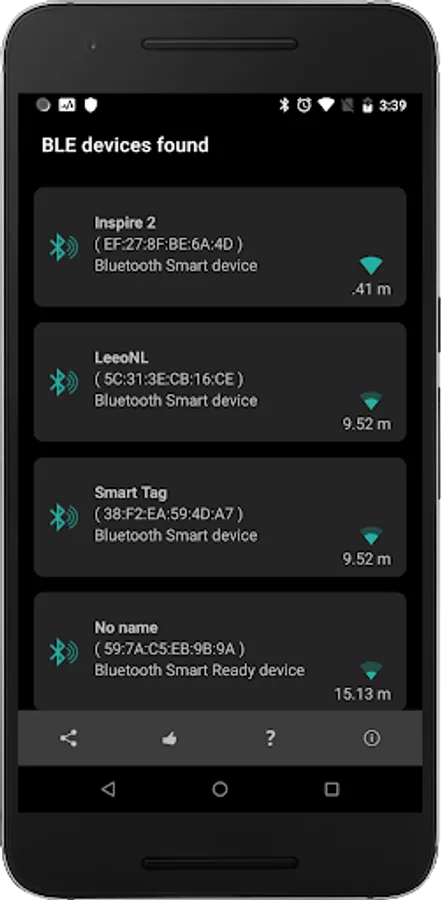
In this Bluetooth radar app, you can scan for nearby Bluetooth devices and view their real-time positions on the radar. Includes device details, beacon information, and save options for future reference.
AppRecs review analysis
AppRecs rating 4.0. Trustworthiness 74 out of 100. Review manipulation risk 36 out of 100. Based on a review sample analyzed.
★★★★☆
4.0
AppRecs Rating
Ratings breakdown
5 star
58%
4 star
13%
3 star
5%
2 star
5%
1 star
19%
What to know
✓
Credible reviews
74% trustworthiness score from analyzed reviews
✓
Good user ratings
71% positive sampled reviews
✓
Authentic reviews
Natural distribution, no red flags
About Bluetooth Radar Trial
This is a 35 day trial version.
Why pick Bluetooth smart radar to track your lost accessory?
-----------------------------------------------------------
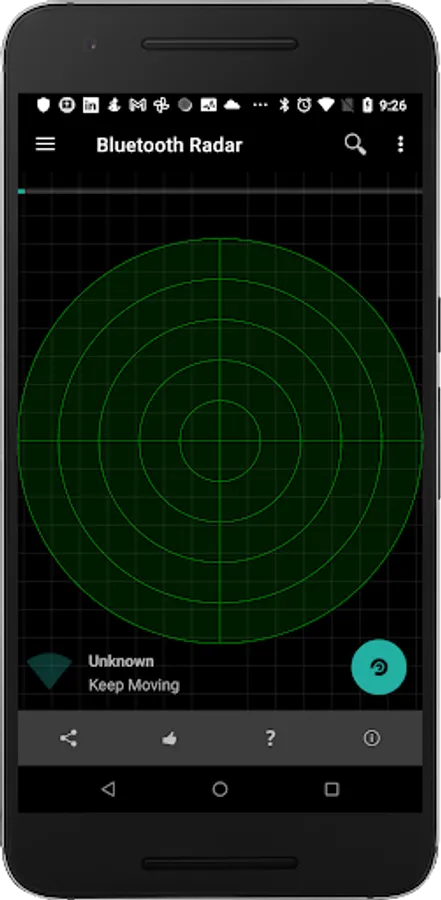
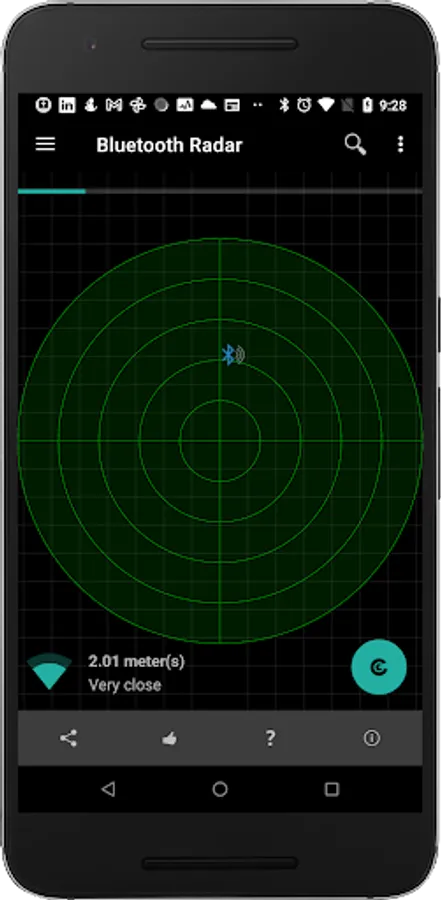
It's easy to use and it updates the position of the device on the radar every second so that you can see whether you're moving away or towards it.
Fruitmobile 'Bluetooth Radar' is the perfect app to find a lost fitness accessory or simply to find all beacons and bluetooth accessories around you.
No Root required. Permissions other than bluetooth & location are used for Ad display.
Location permission is for finding devices in Android Marshmallow.
Paid version needs only bluetooth permissions & location.
Features:
1. Shows bluetooth smart devices and updates their position on the radar every second.
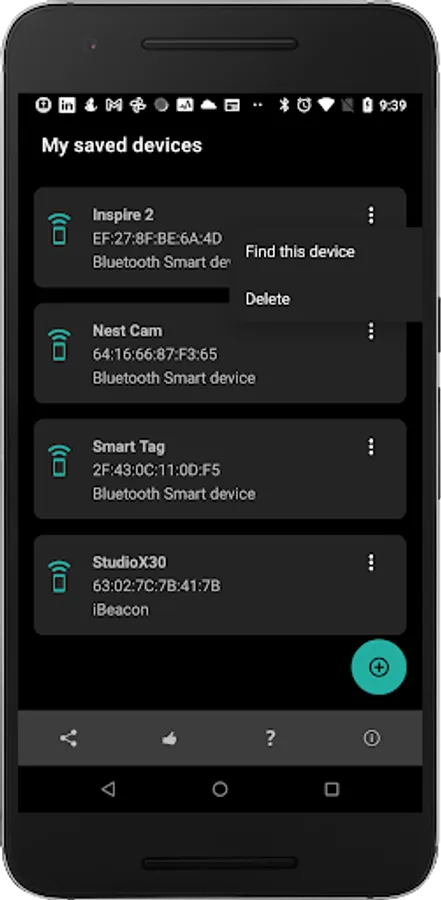
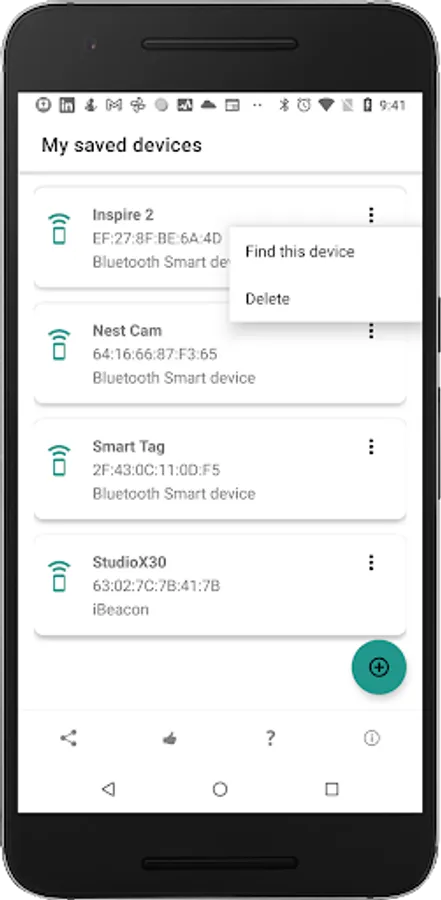
2. Find a lost bluetooth accessory or any other saved device.
3. Find all beacons around you like EddyStone , iBeacon, or alt beacon.
4. See the URLs advertised by EddyStone beacons.
5. See full details of other types of EddyStone beacons (TLM or Uid).
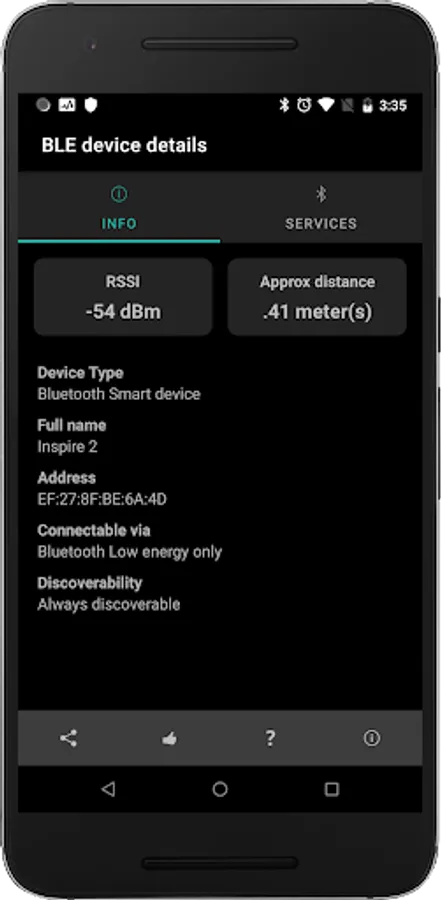
6. Tap on each device on the radar and get all details about it.
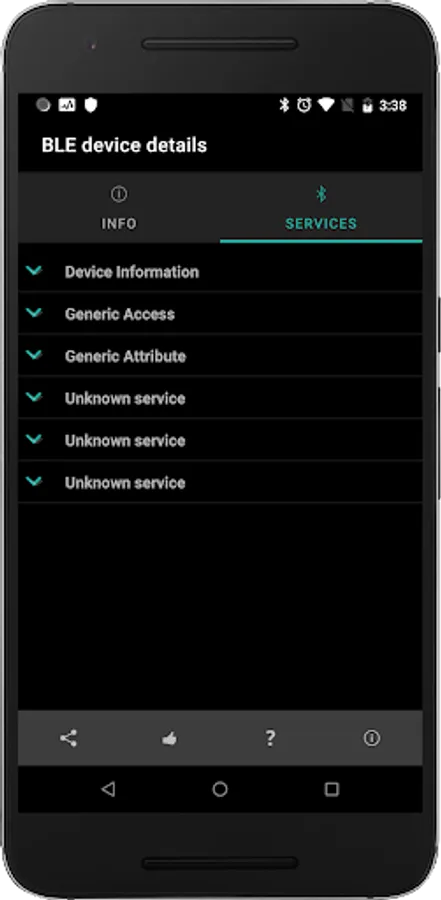
7. Connect to a device and find the services running on it.
8. Save favorite devices so that they can be found later if lost.
====================================
For more details on this app with screenshots go to:
Discover How to Use Bluetooth Radar to Find Lost devices
===========================================
Questions, Suggestions, Feature requests? mail us at support@fruitmobile.com
FAQ
-------
1. Should I save all my devices ?
Ans:
Definitely. This way you can find the device if you misplace it later.
2. I lost my fitbit. How can I find it ?
Ans:
a. Go to menu > Find a Device
b. Pick your device from saved devices list
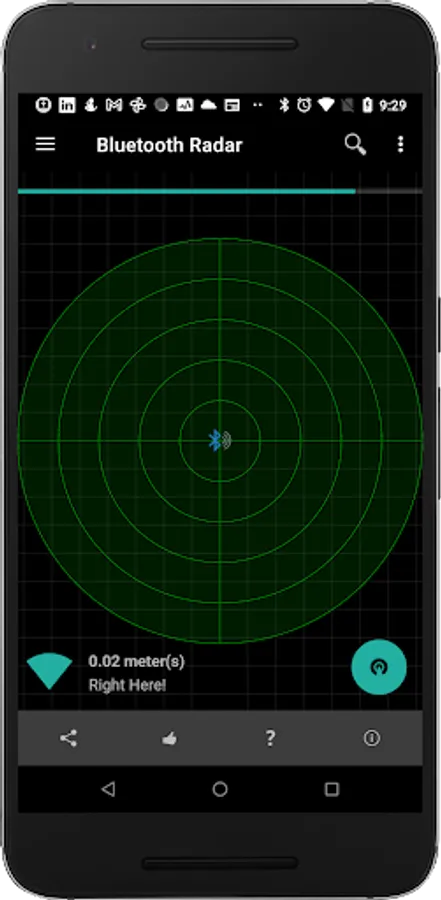
c. Move around in the room/home where you think you might have misplaced it. If the device is somewhere there it'll show up on the radar. Once it does try moving around till you have the device right in the middle of the radar like the last screenshot.
Why pick Bluetooth smart radar to track your lost accessory?
-----------------------------------------------------------
It's easy to use and it updates the position of the device on the radar every second so that you can see whether you're moving away or towards it.
Fruitmobile 'Bluetooth Radar' is the perfect app to find a lost fitness accessory or simply to find all beacons and bluetooth accessories around you.
No Root required. Permissions other than bluetooth & location are used for Ad display.
Location permission is for finding devices in Android Marshmallow.
Paid version needs only bluetooth permissions & location.
Features:
1. Shows bluetooth smart devices and updates their position on the radar every second.
2. Find a lost bluetooth accessory or any other saved device.
3. Find all beacons around you like EddyStone , iBeacon, or alt beacon.
4. See the URLs advertised by EddyStone beacons.
5. See full details of other types of EddyStone beacons (TLM or Uid).
6. Tap on each device on the radar and get all details about it.
7. Connect to a device and find the services running on it.
8. Save favorite devices so that they can be found later if lost.
====================================
For more details on this app with screenshots go to:
Discover How to Use Bluetooth Radar to Find Lost devices
===========================================
Questions, Suggestions, Feature requests? mail us at support@fruitmobile.com
FAQ
-------
1. Should I save all my devices ?
Ans:
Definitely. This way you can find the device if you misplace it later.
2. I lost my fitbit. How can I find it ?
Ans:
a. Go to menu > Find a Device
b. Pick your device from saved devices list
c. Move around in the room/home where you think you might have misplaced it. If the device is somewhere there it'll show up on the radar. Once it does try moving around till you have the device right in the middle of the radar like the last screenshot.