TalkTalk SuperSafe
TalkTalk Telecom Group Limited
100,000+
downloads
Free
AppRecs review analysis
AppRecs rating . Trustworthiness 0 out of 100. Review manipulation risk 0 out of 100. Based on a review sample analyzed.
★
AppRecs Rating
Ratings breakdown
5 star
58%
4 star
4%
3 star
4%
2 star
8%
1 star
26%
What to know
✓
Good user ratings
62% positive sampled reviews
✓
Authentic reviews
Natural distribution, no red flags
⚠
High negative review ratio
34% of sampled ratings are 1–2 stars
About TalkTalk SuperSafe
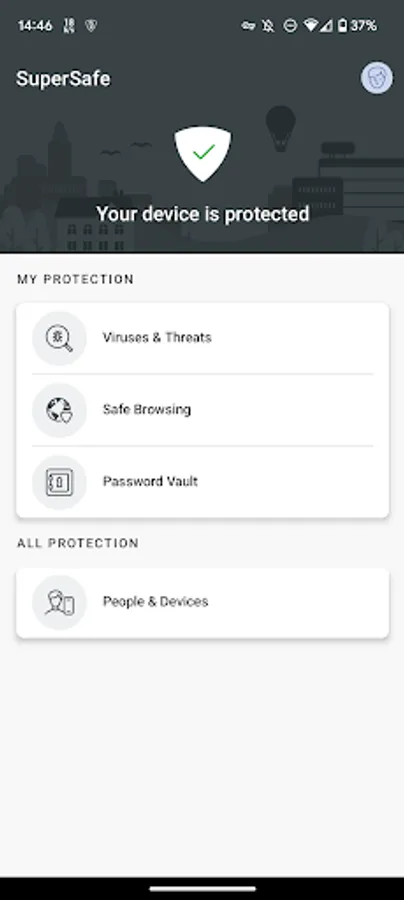
The more we do online, the more threats seem to pop up: viruses, scam attempts, banking fraud and privacy hacks just to name a few. Our new and improved SuperSafe Boost has been developed in partnership with award-winning security experts, F-Secure, to bring a new level of security for all TalkTalk customers.
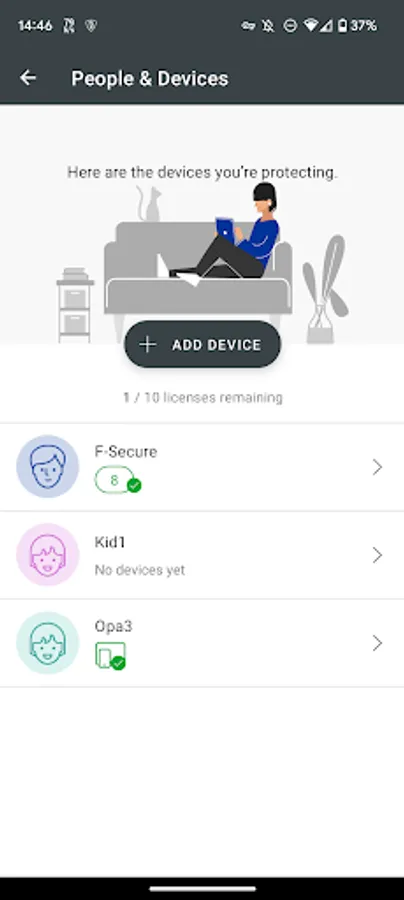
Drawing on F-Secure’s 25 years of experience, SuperSafe Boost has advanced to work quietly in the background to protect up to 10 of your devices including computers, tablets and mobiles. And with regular automatic updates ensuring you're protected against the latest threats, you’ll enjoy peace-of-mind knowing that you and your family can browse, bank, shop and game safely both in and out of the home.
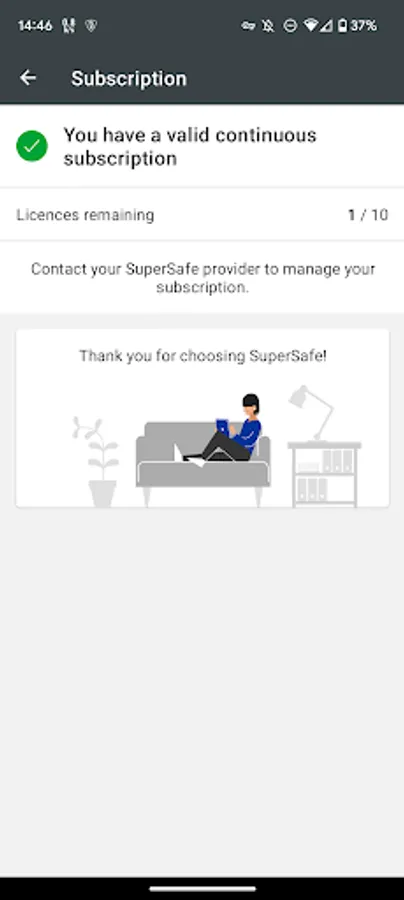
Subscribe to our 10 device protection (valued at over £140/year) for just £4 a month.
Haven't switched on your SuperSafe Boost yet? Do it here in TalkTalk MyAccount: https://myaccount.talktalk.co.uk/myservices/Fsecure
KEY FEATURES
• Protects up to 10 devices from online threats, both in and out of the home
• Protects computers, phones and tablets
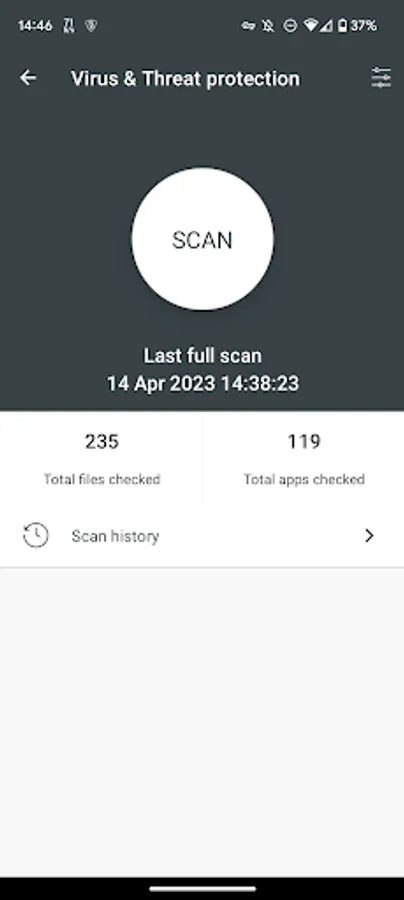
• Updates automatically against new virus threats
• Combats phishing attempts
• Provides multi-layered banking protection
• Gives control over what your children can access online
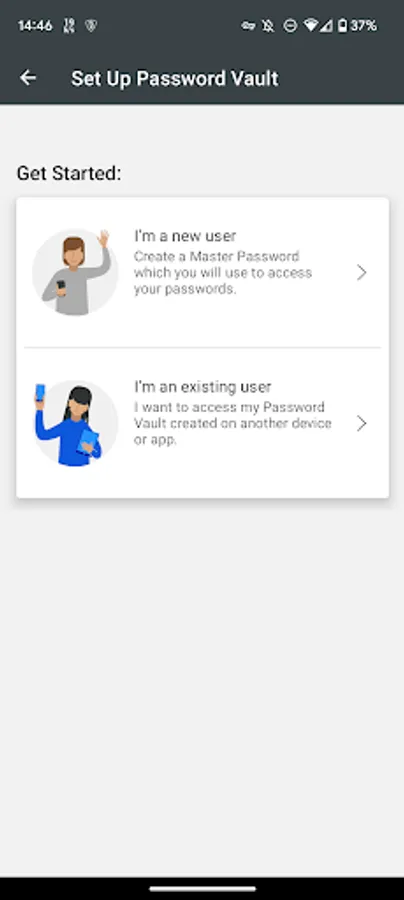
• Password Manager app
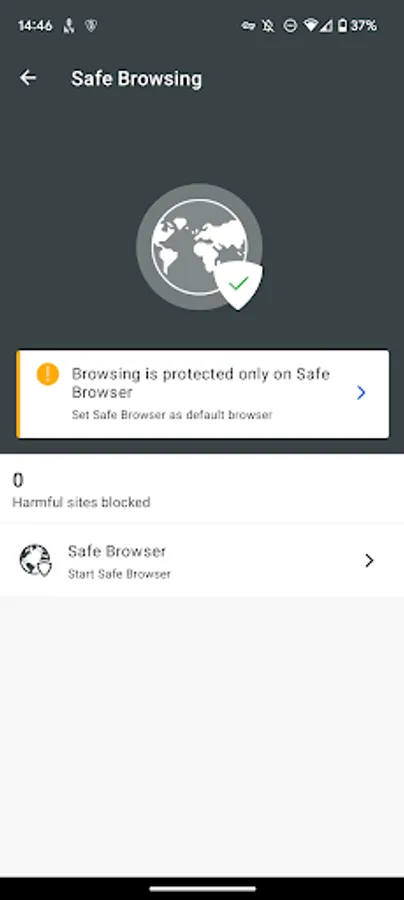
SEPARATE ‘SAFE BROWSER’ ICON IN LAUNCHER
Safe browsing works only when you are browsing the Internet with Safe Browser. To easily allow you to set Safe Browser as default browser, we install this as an additional icon in the launcher. This also helps a child launch the Safe Browser more intuitively.
DATA PRIVACY COMPLIANCE
TalkTalk SuperSafe always applies strict security measures to protect the confidentiality and integrity of your personal data. See the full privacy policy here: https://new.talktalk.co.uk/legal/privacy-policy
THIS APP USES THE DEVICE ADMINISTRATOR PERMISSION
Device Administrator rights are required for the application to perform and TalkTalk SuperSafe is using the respective permissions in full accordance to Google Play policies and with active consent by the end-user. The Device Administrator permissions are used for Finder and Parental Control features, in particular:
• Remote alarm, wipe and locate functionalities used in Finder feature
• Preventing children from removing the application without parental guidance
• Browsing Protection
THIS APP USES ACCESSIBILITY SERVICES
This app uses Accessibility services. TalkTalk SuperSafe is using the respective permissions with active consent by the end-user. The Accessibility permissions are used for Family Rules feature, in particular:
• Allowing a parent to protect child from unsuitable web content
• Allowing a parent to apply device and apps usage restrictions for a child. With the Accessibility service applications usage can be monitored and restricted.
Drawing on F-Secure’s 25 years of experience, SuperSafe Boost has advanced to work quietly in the background to protect up to 10 of your devices including computers, tablets and mobiles. And with regular automatic updates ensuring you're protected against the latest threats, you’ll enjoy peace-of-mind knowing that you and your family can browse, bank, shop and game safely both in and out of the home.
Subscribe to our 10 device protection (valued at over £140/year) for just £4 a month.
Haven't switched on your SuperSafe Boost yet? Do it here in TalkTalk MyAccount: https://myaccount.talktalk.co.uk/myservices/Fsecure
KEY FEATURES
• Protects up to 10 devices from online threats, both in and out of the home
• Protects computers, phones and tablets
• Updates automatically against new virus threats
• Combats phishing attempts
• Provides multi-layered banking protection
• Gives control over what your children can access online
• Password Manager app
SEPARATE ‘SAFE BROWSER’ ICON IN LAUNCHER
Safe browsing works only when you are browsing the Internet with Safe Browser. To easily allow you to set Safe Browser as default browser, we install this as an additional icon in the launcher. This also helps a child launch the Safe Browser more intuitively.
DATA PRIVACY COMPLIANCE
TalkTalk SuperSafe always applies strict security measures to protect the confidentiality and integrity of your personal data. See the full privacy policy here: https://new.talktalk.co.uk/legal/privacy-policy
THIS APP USES THE DEVICE ADMINISTRATOR PERMISSION
Device Administrator rights are required for the application to perform and TalkTalk SuperSafe is using the respective permissions in full accordance to Google Play policies and with active consent by the end-user. The Device Administrator permissions are used for Finder and Parental Control features, in particular:
• Remote alarm, wipe and locate functionalities used in Finder feature
• Preventing children from removing the application without parental guidance
• Browsing Protection
THIS APP USES ACCESSIBILITY SERVICES
This app uses Accessibility services. TalkTalk SuperSafe is using the respective permissions with active consent by the end-user. The Accessibility permissions are used for Family Rules feature, in particular:
• Allowing a parent to protect child from unsuitable web content
• Allowing a parent to apply device and apps usage restrictions for a child. With the Accessibility service applications usage can be monitored and restricted.