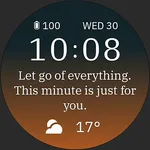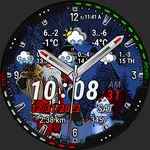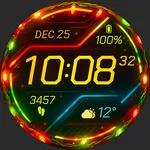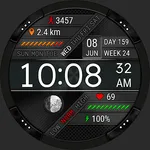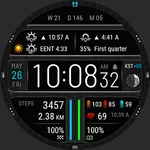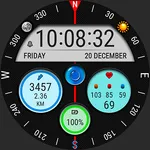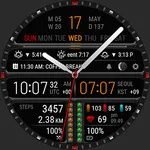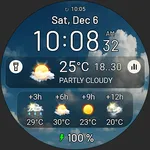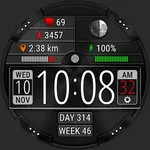
Futorum H15 Digital watch face
Futorum
4.7 ★
196 ratings
10,000+
downloads
$1.49
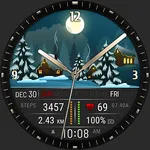
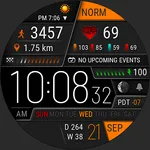
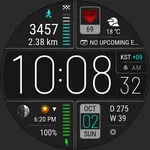
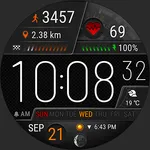
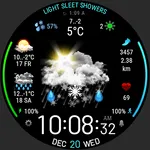
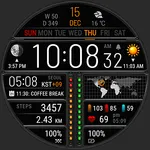
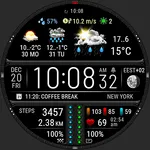
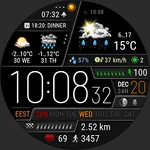
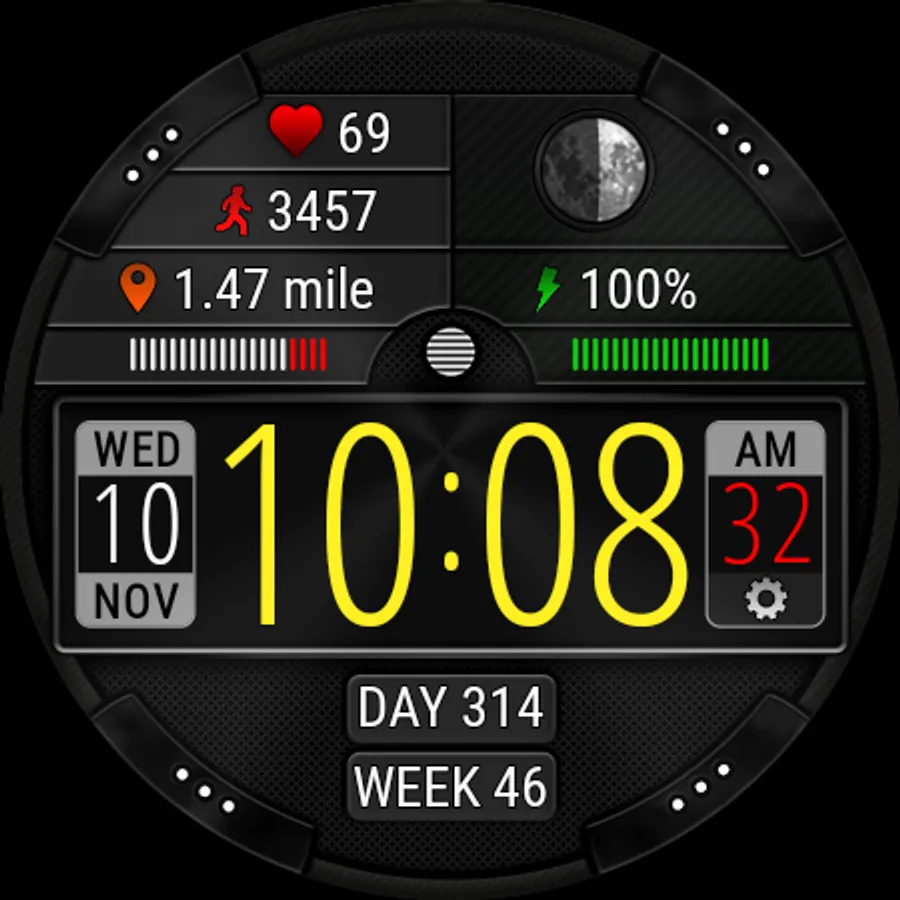
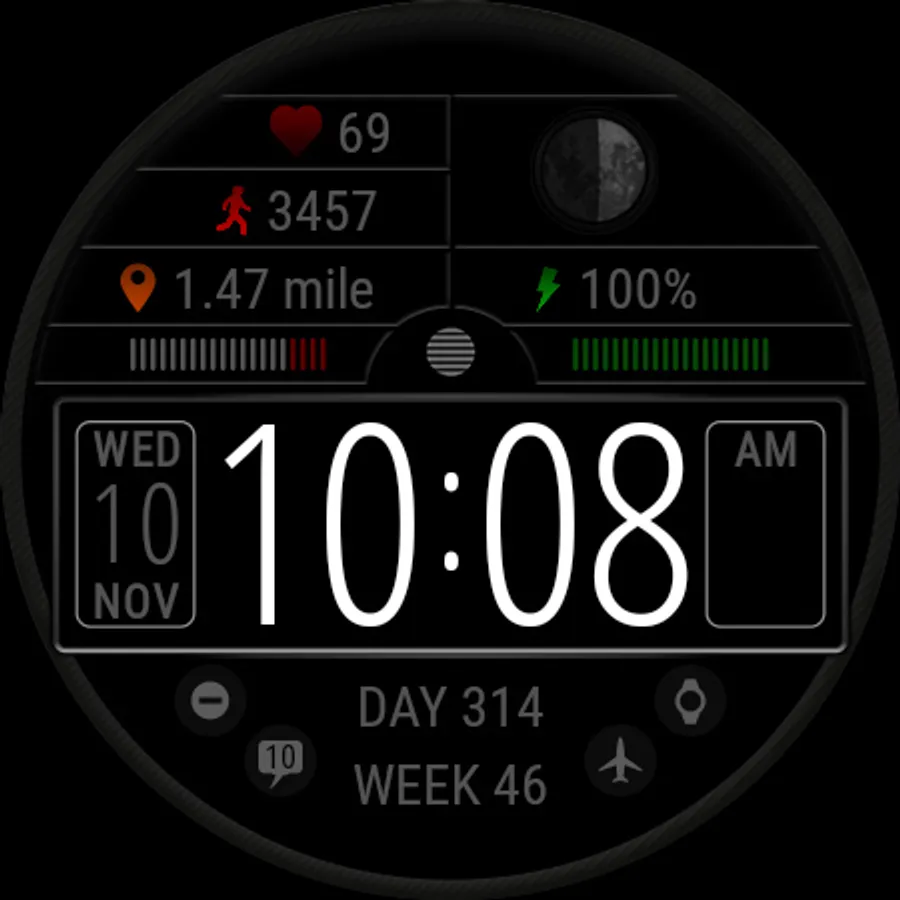
With this digital watch face, you can customize styles, display activity metrics, and monitor heart rate measurements. Includes color themes, complications, and app shortcuts.
AppRecs review analysis
AppRecs rating 4.3. Trustworthiness 67 out of 100. Review manipulation risk 30 out of 100. Based on a review sample analyzed.
★★★★☆
4.3
AppRecs Rating
Ratings breakdown
5 star
92%
4 star
0%
3 star
0%
2 star
4%
1 star
4%
What to know
✓
High user satisfaction
92% of sampled ratings are 5 stars
✓
Authentic reviews
No red flags detected
About Futorum H15 Digital watch face
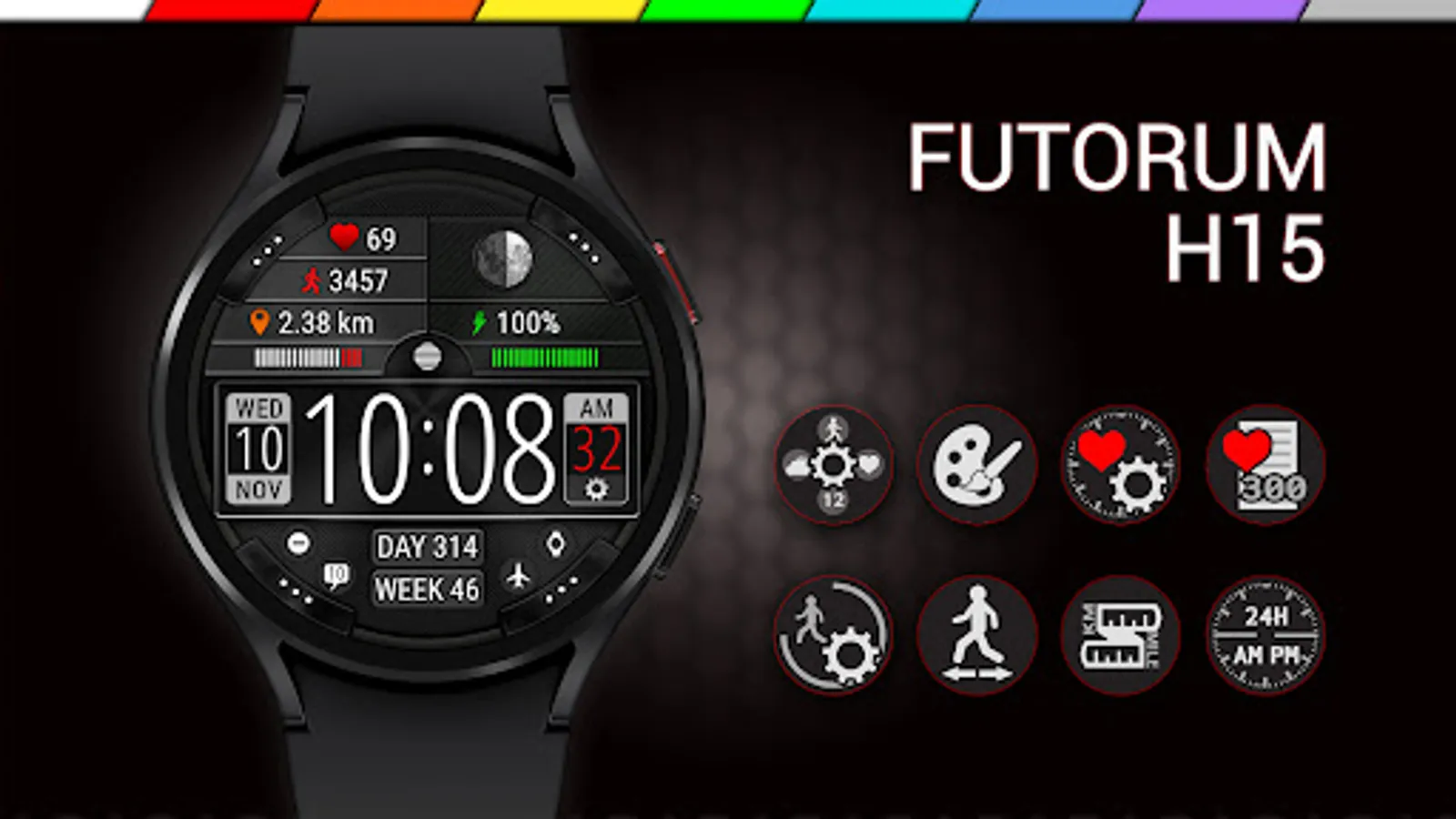
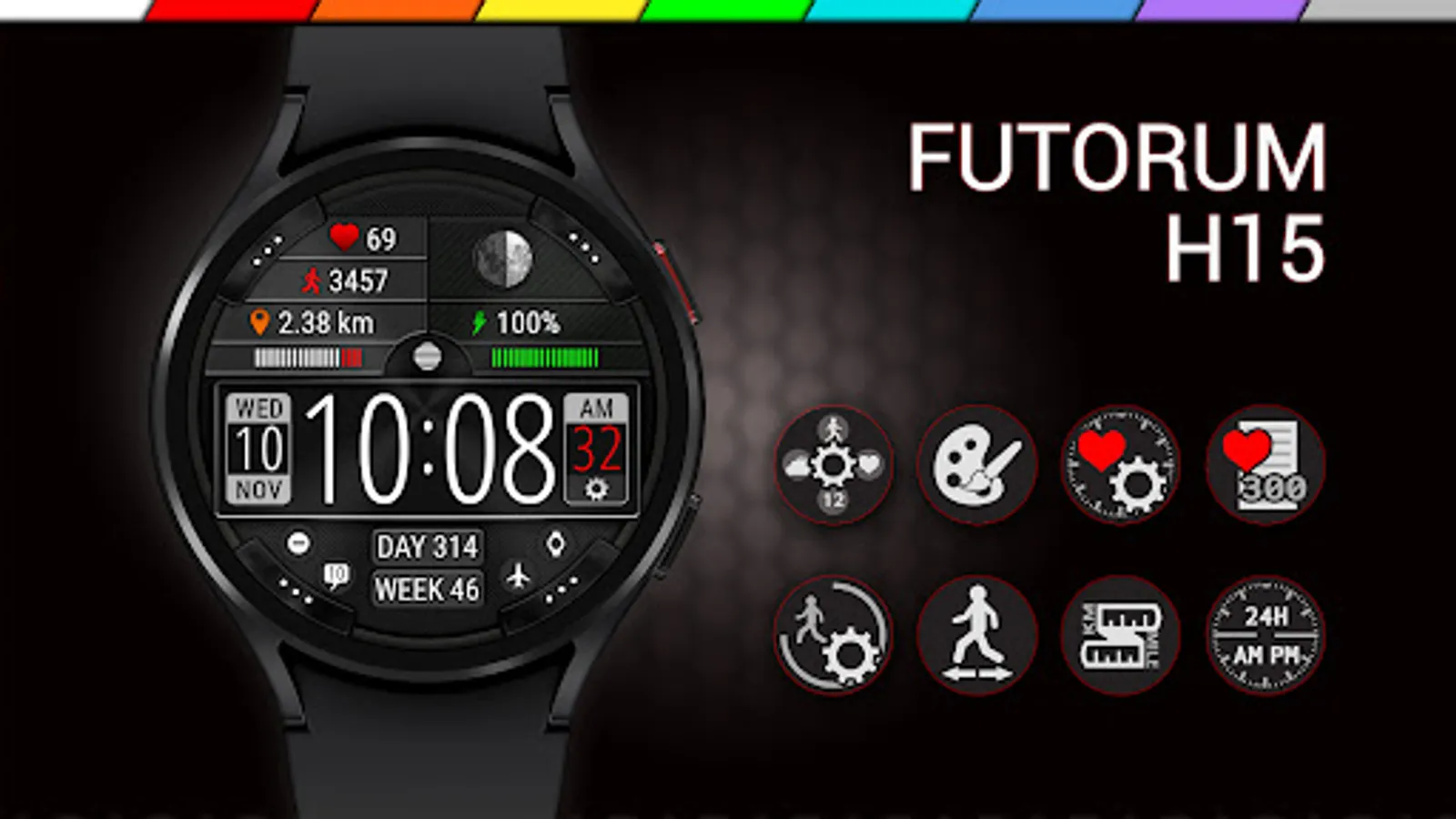
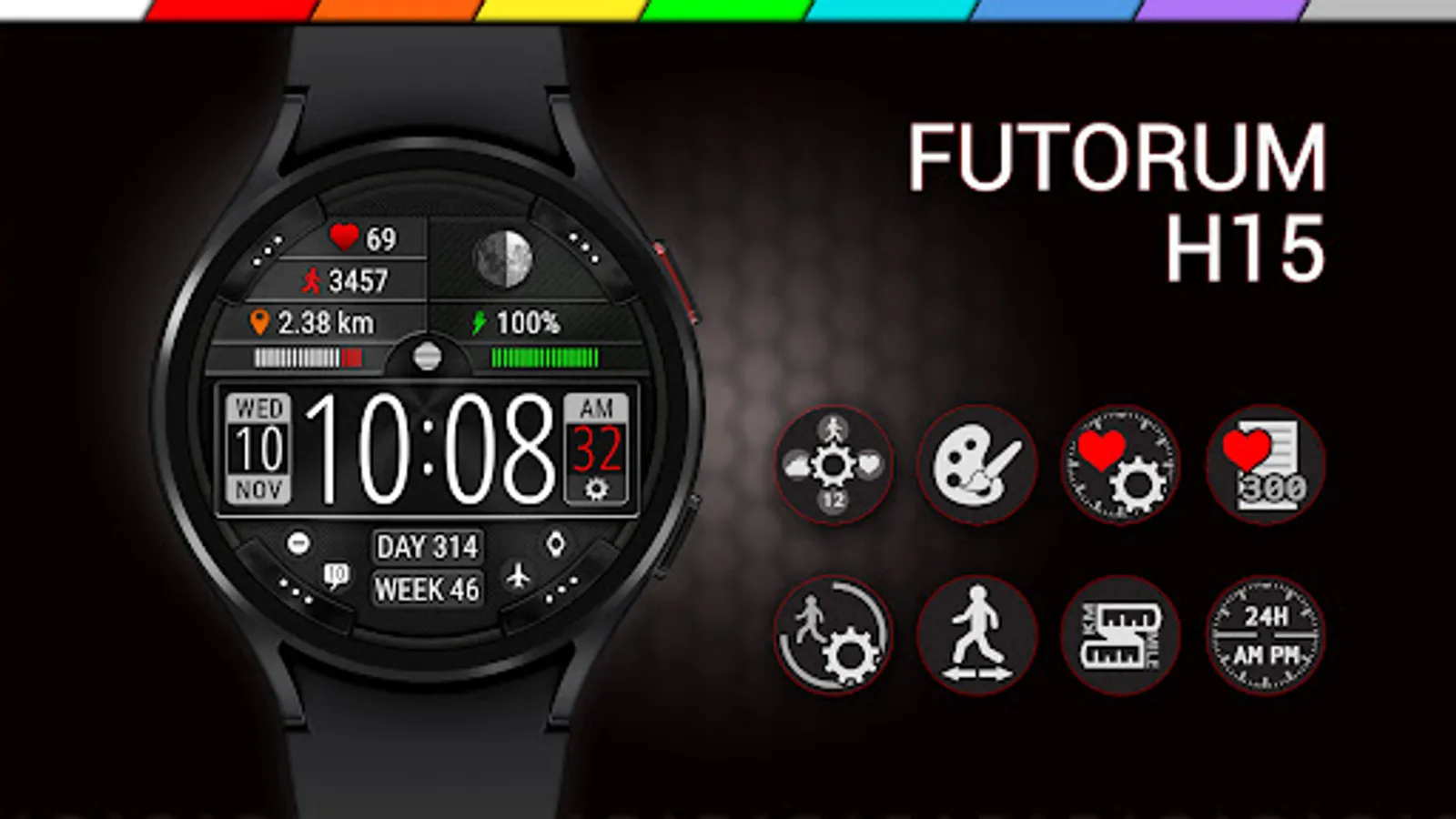
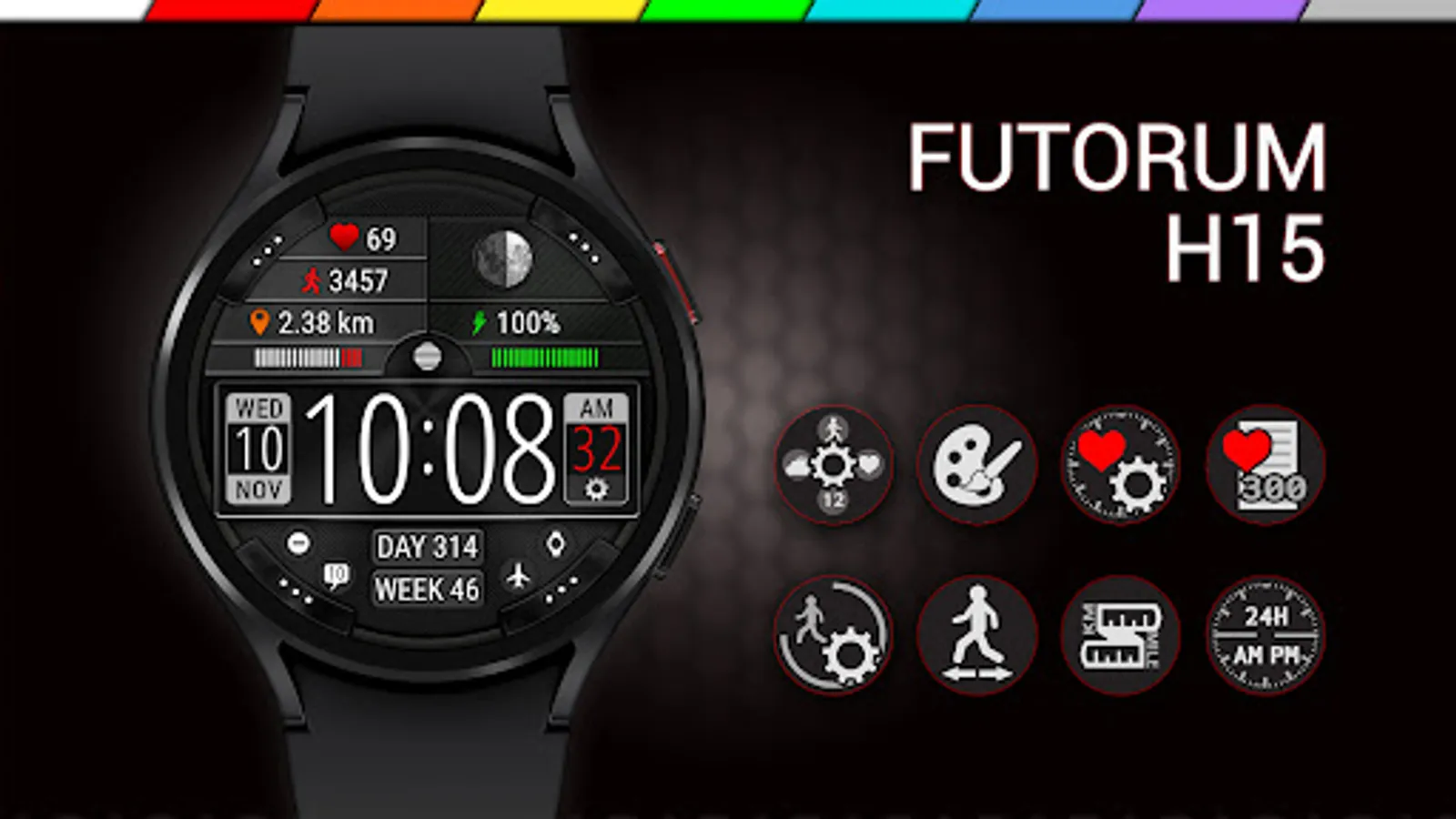
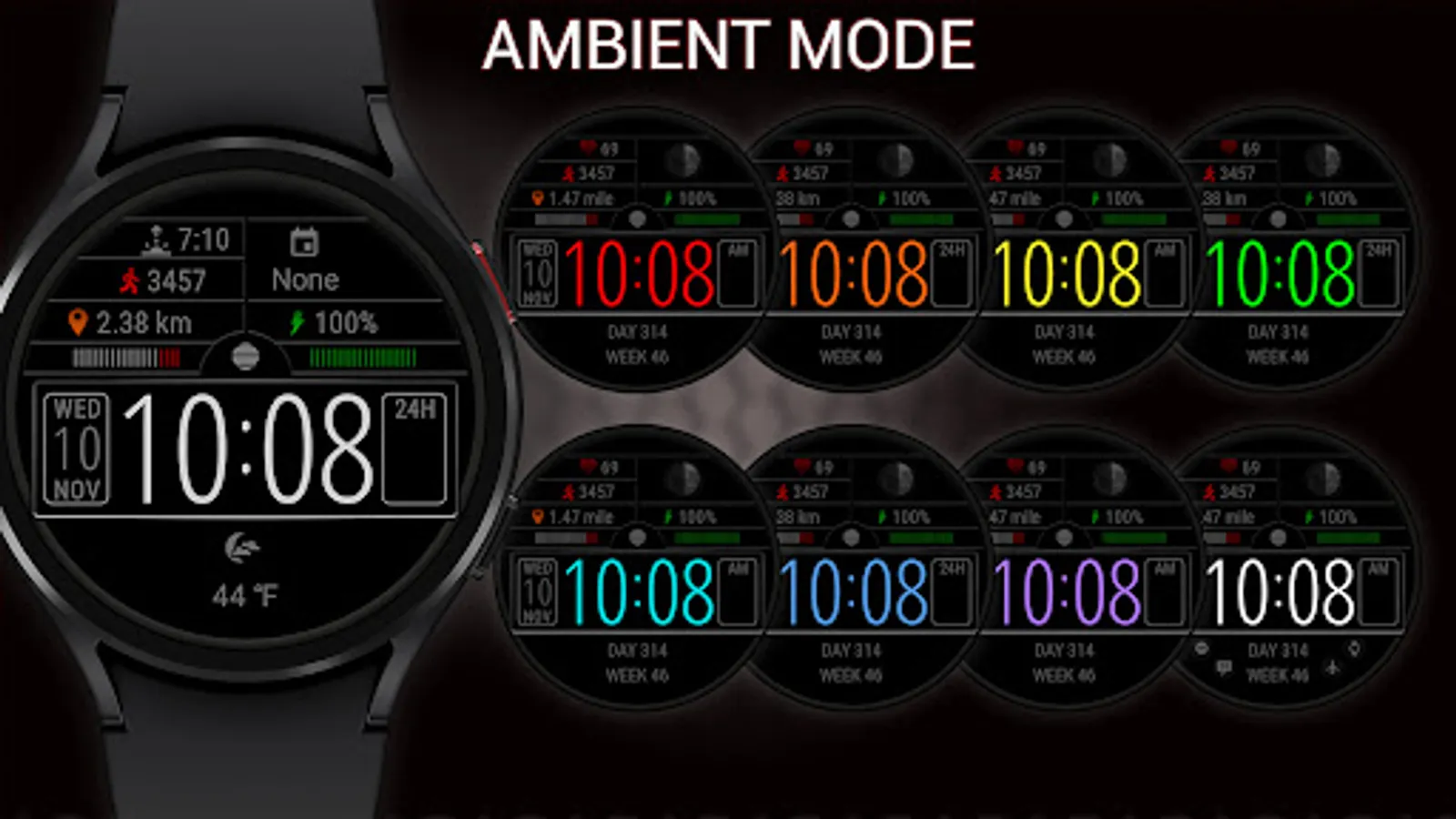
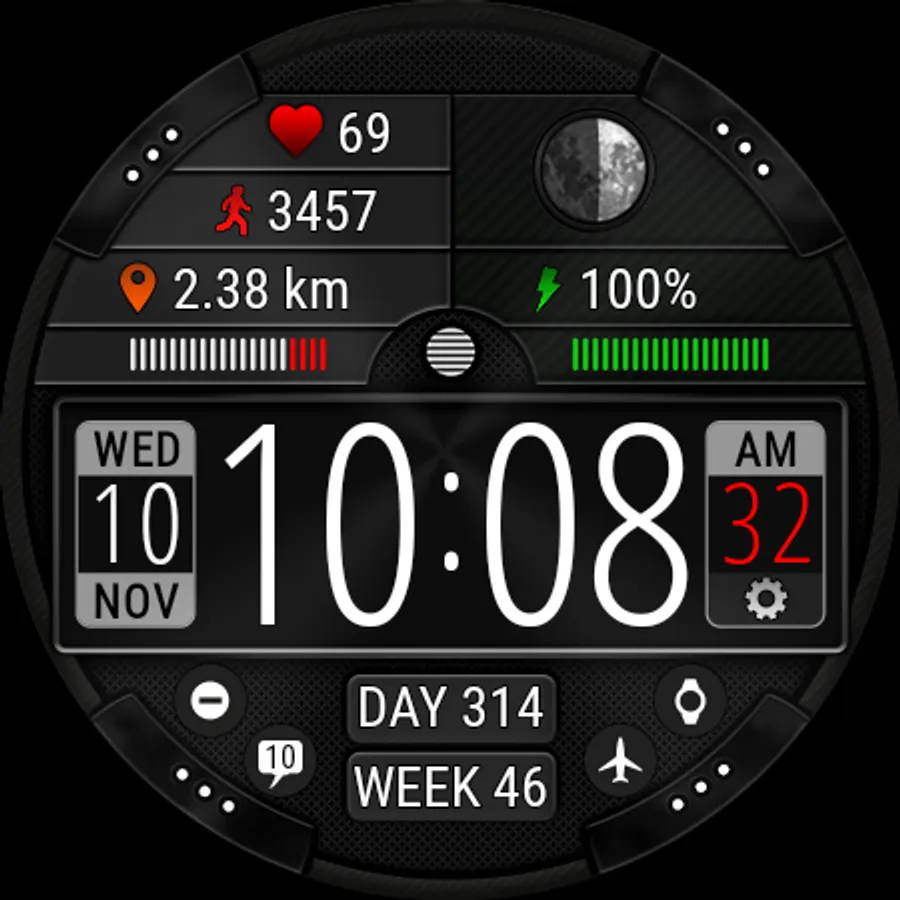
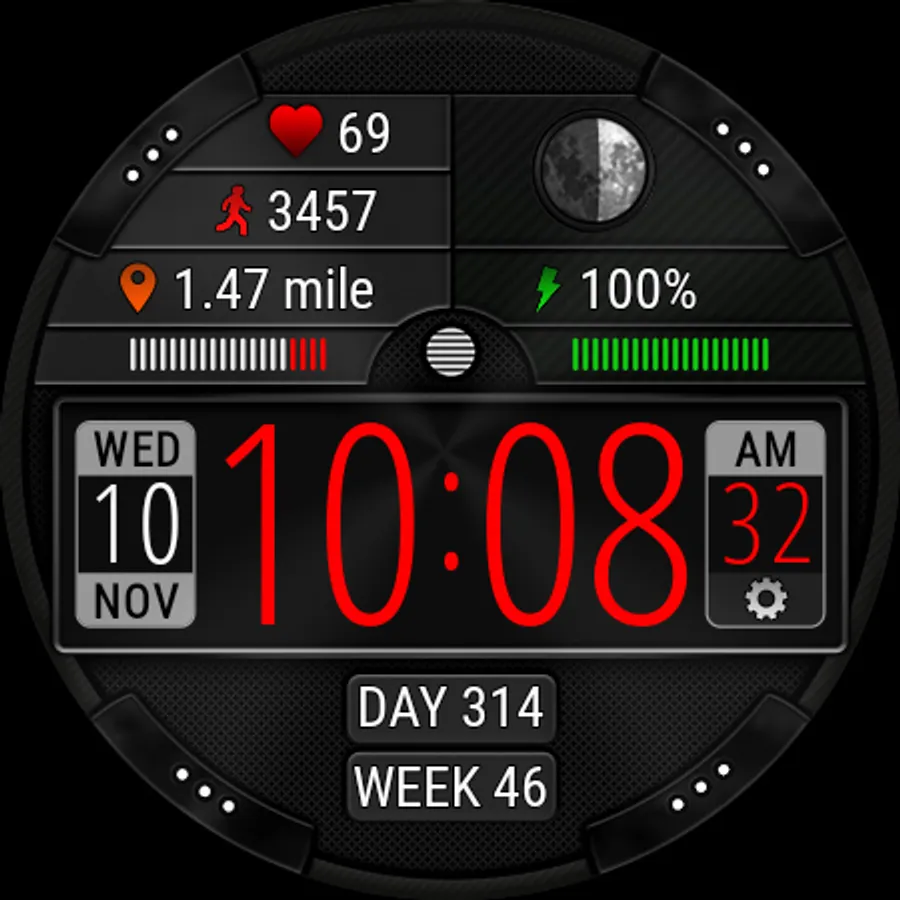
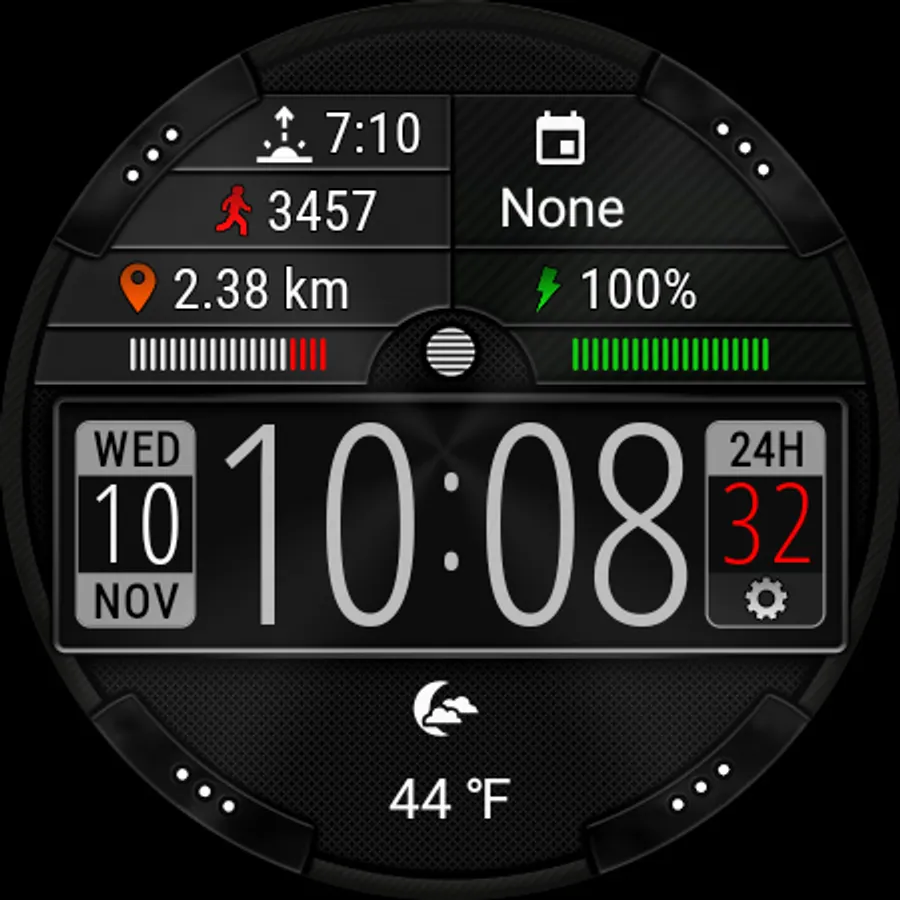
Digital watch face with customizable style and activity information (steps, distance traveled, heart rate).
🧡 IMPORTANT - about heart rate measurement
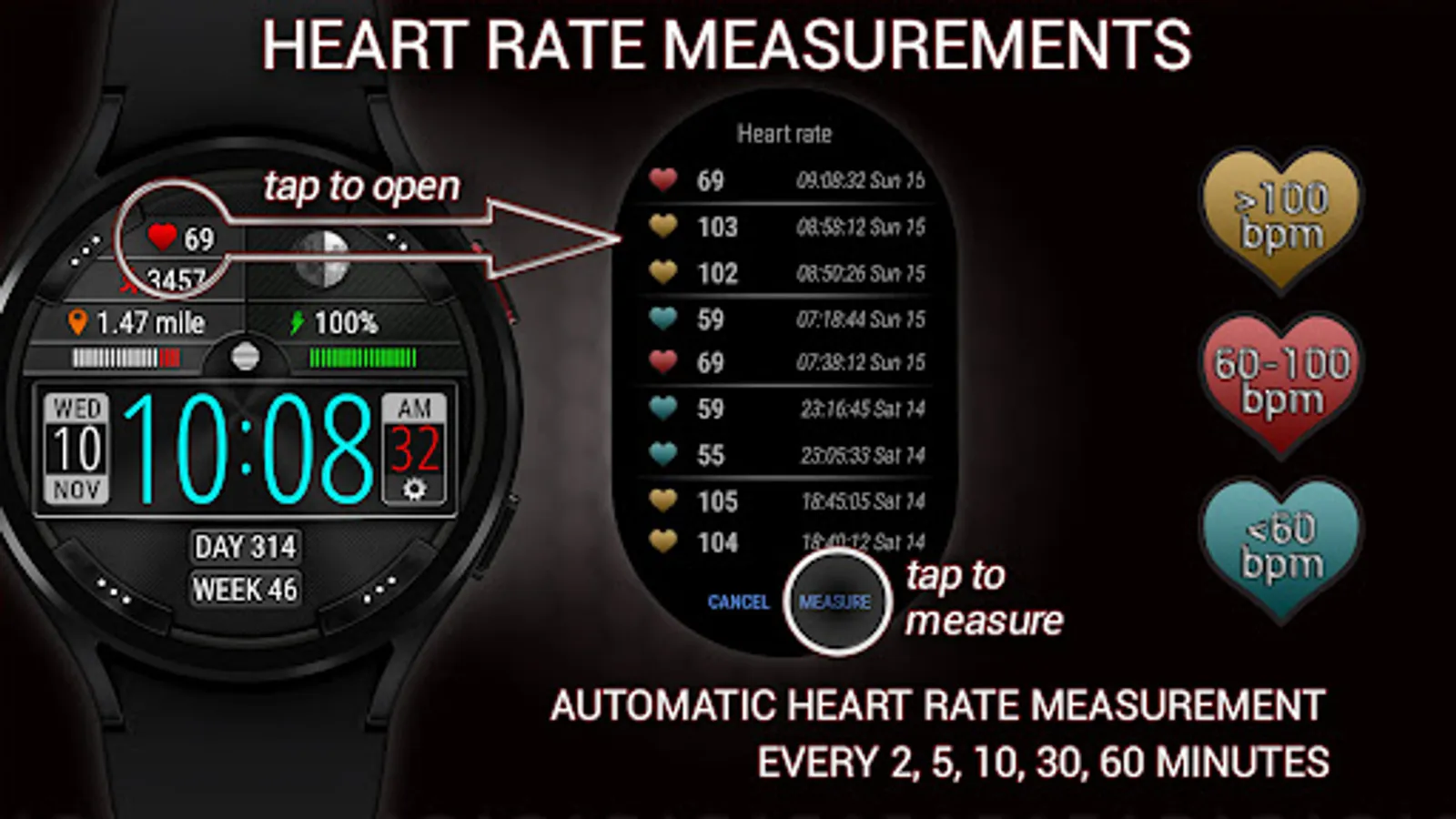
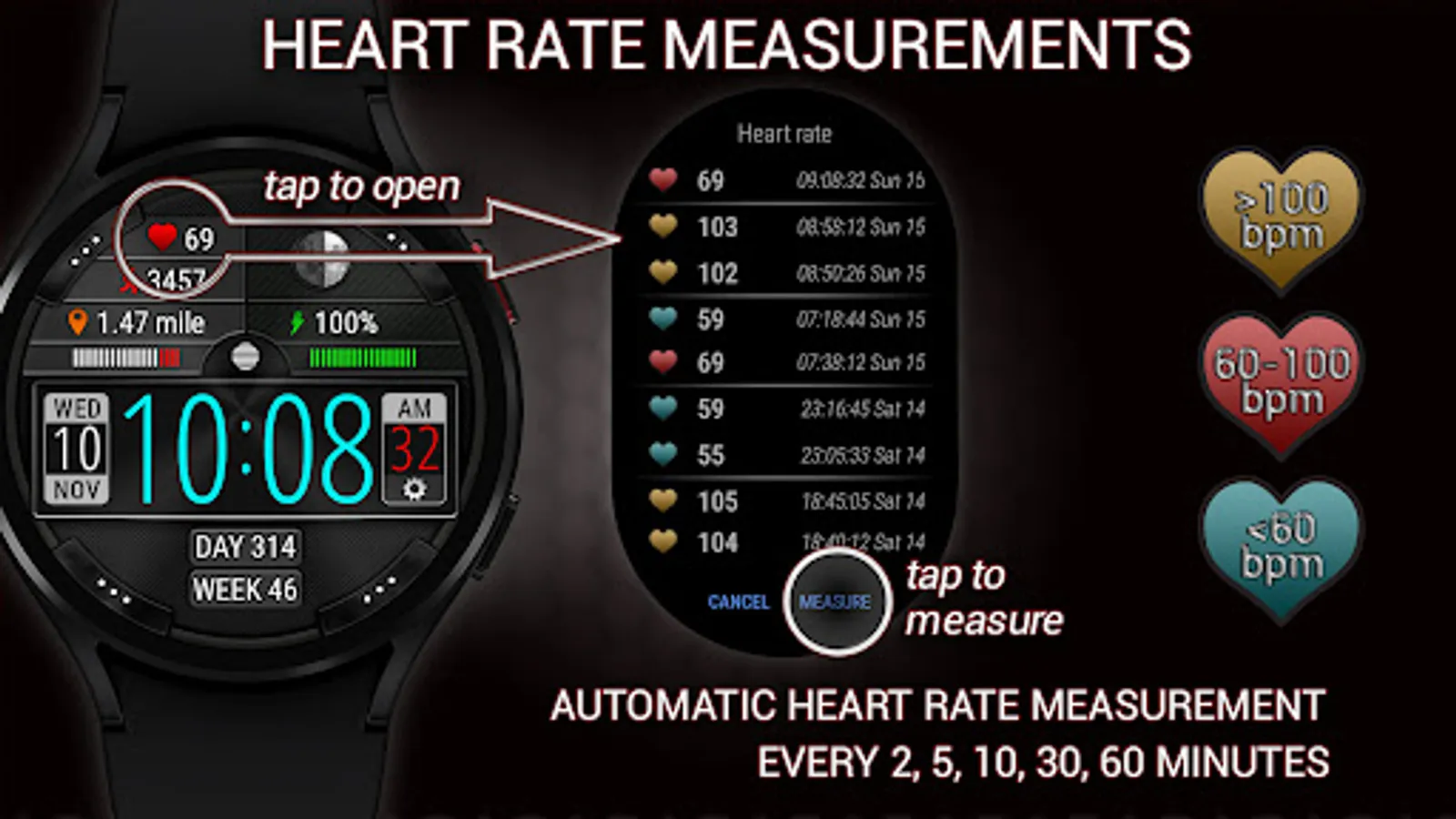
• This watch face independently measures your heart rate. This watch face does not receive data from stock Wear OS heart rate apps.
• You need manually start heart rate measurement from this watch face or wait until the periodic heart rate measurement starts (in accordance with the watch face settings).
• The history of heart rate measurements only contains the measurements taken with this watch face.
• The stock Wear OS app does not update the heart rate data displayed on this watch face.
• If the heart rate is not working, make sure the sensors are granted for this watch face.
✅ Time and date
• Digital time (12h and 24h modes)
• Date, month, day of the week, day of the year, week of the year
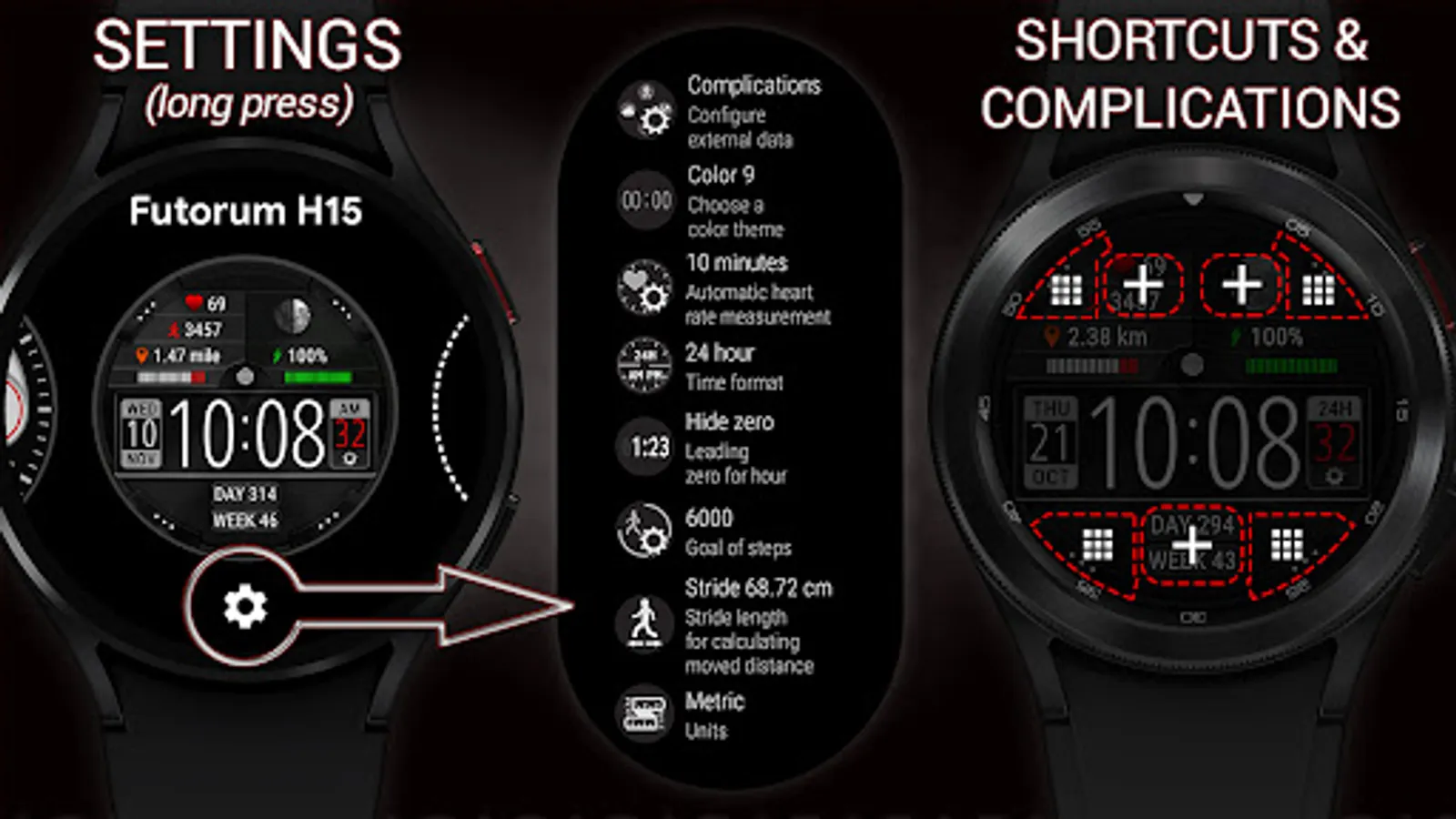
✅ Customization
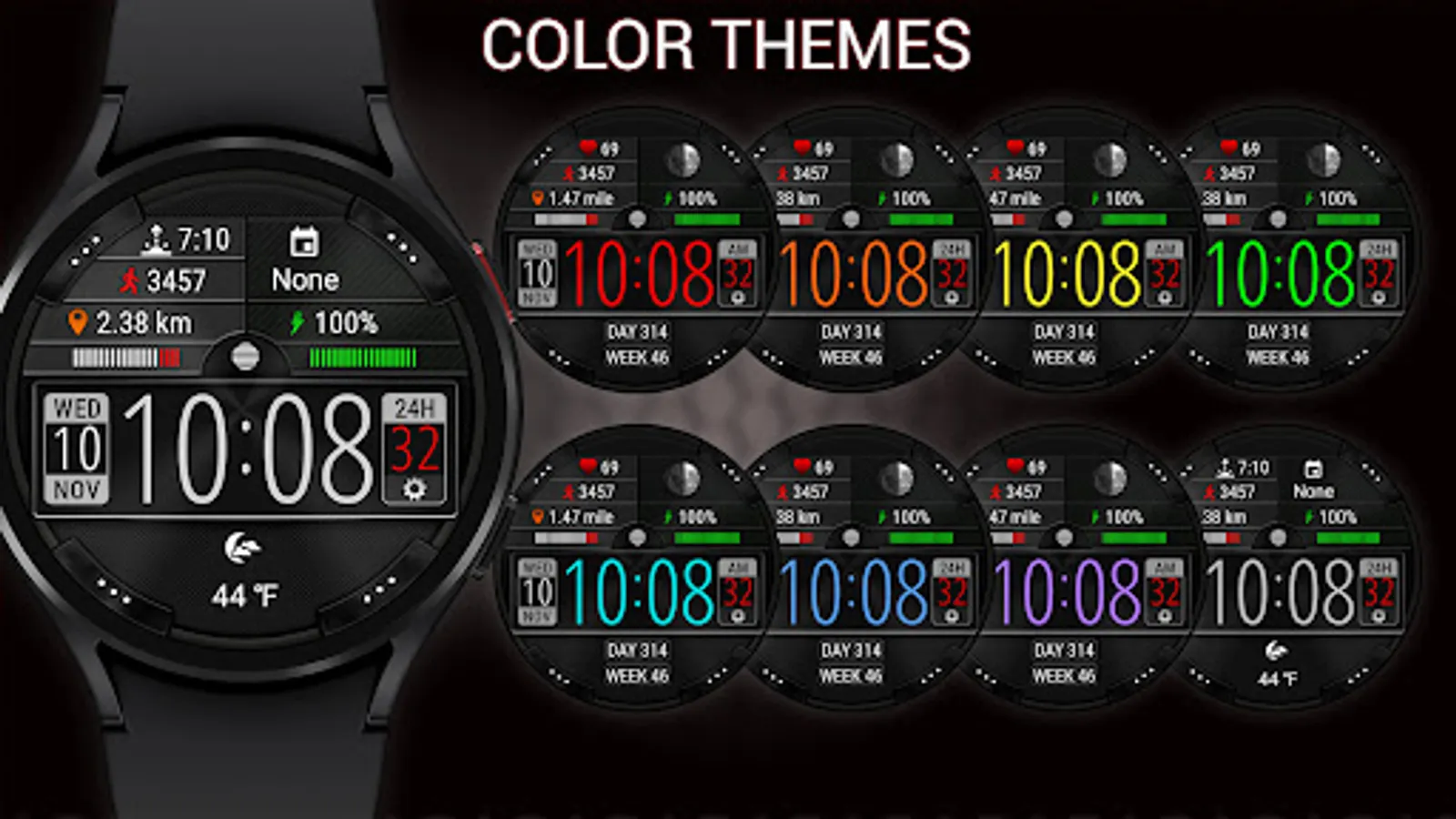
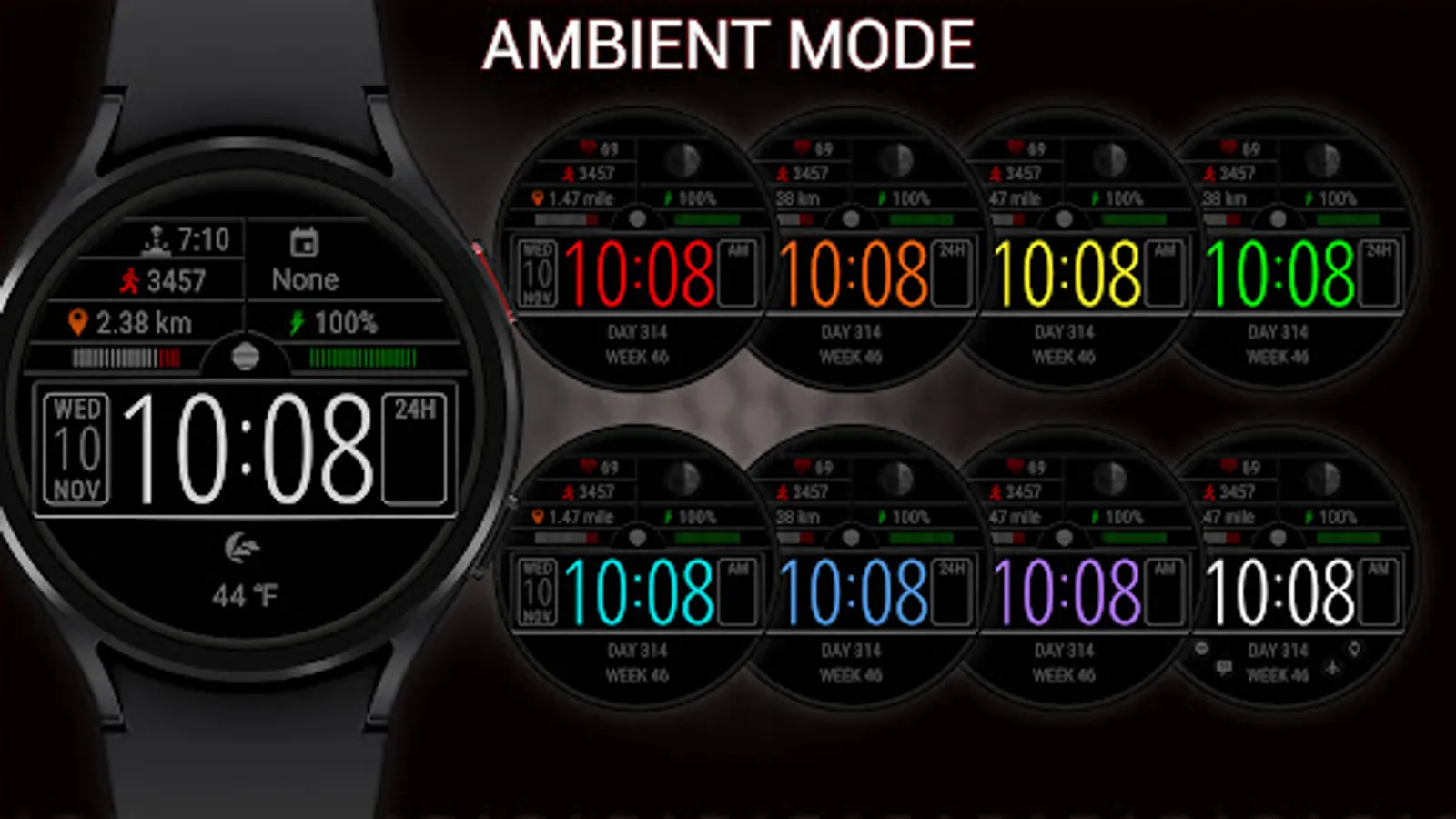
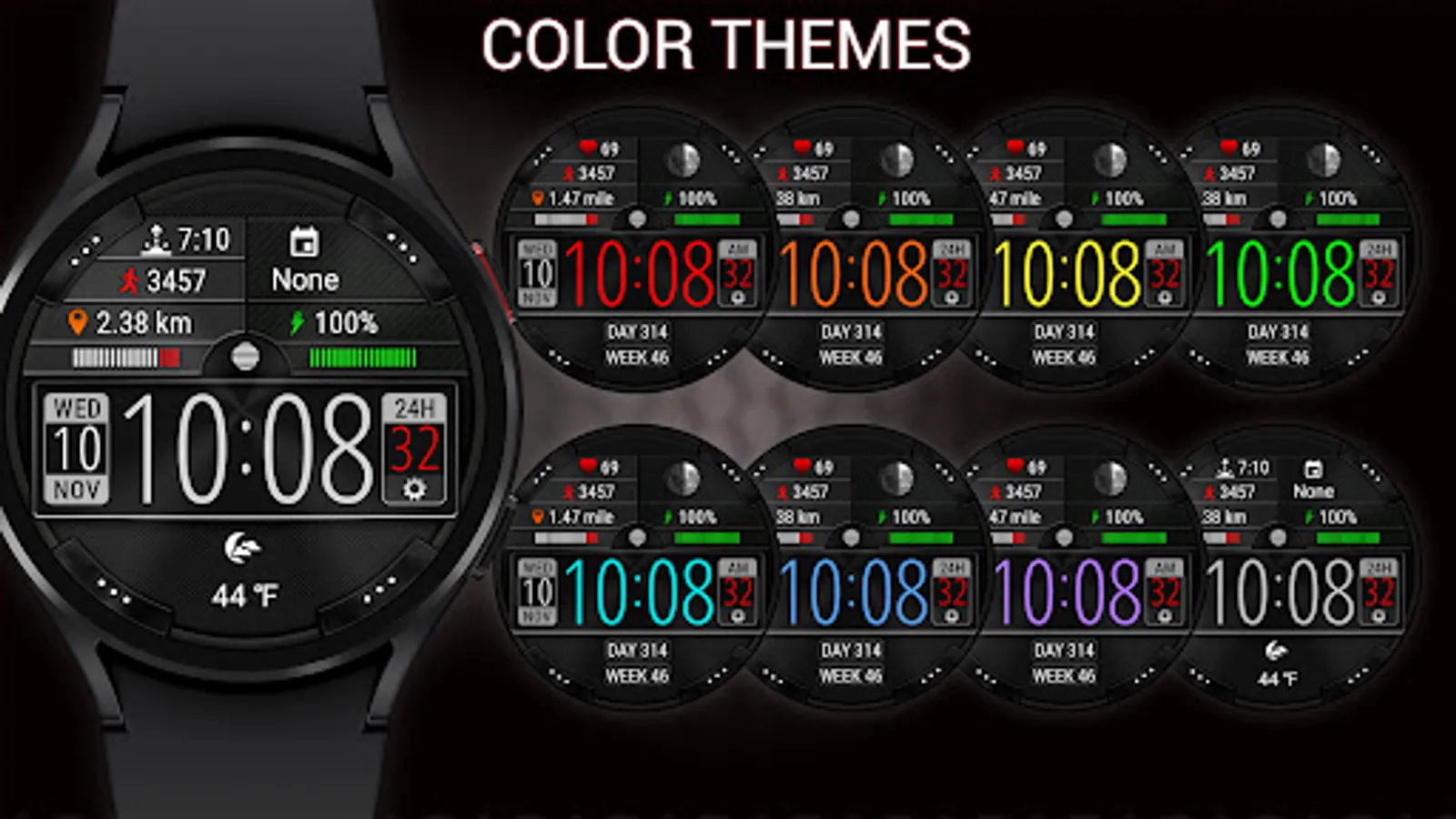
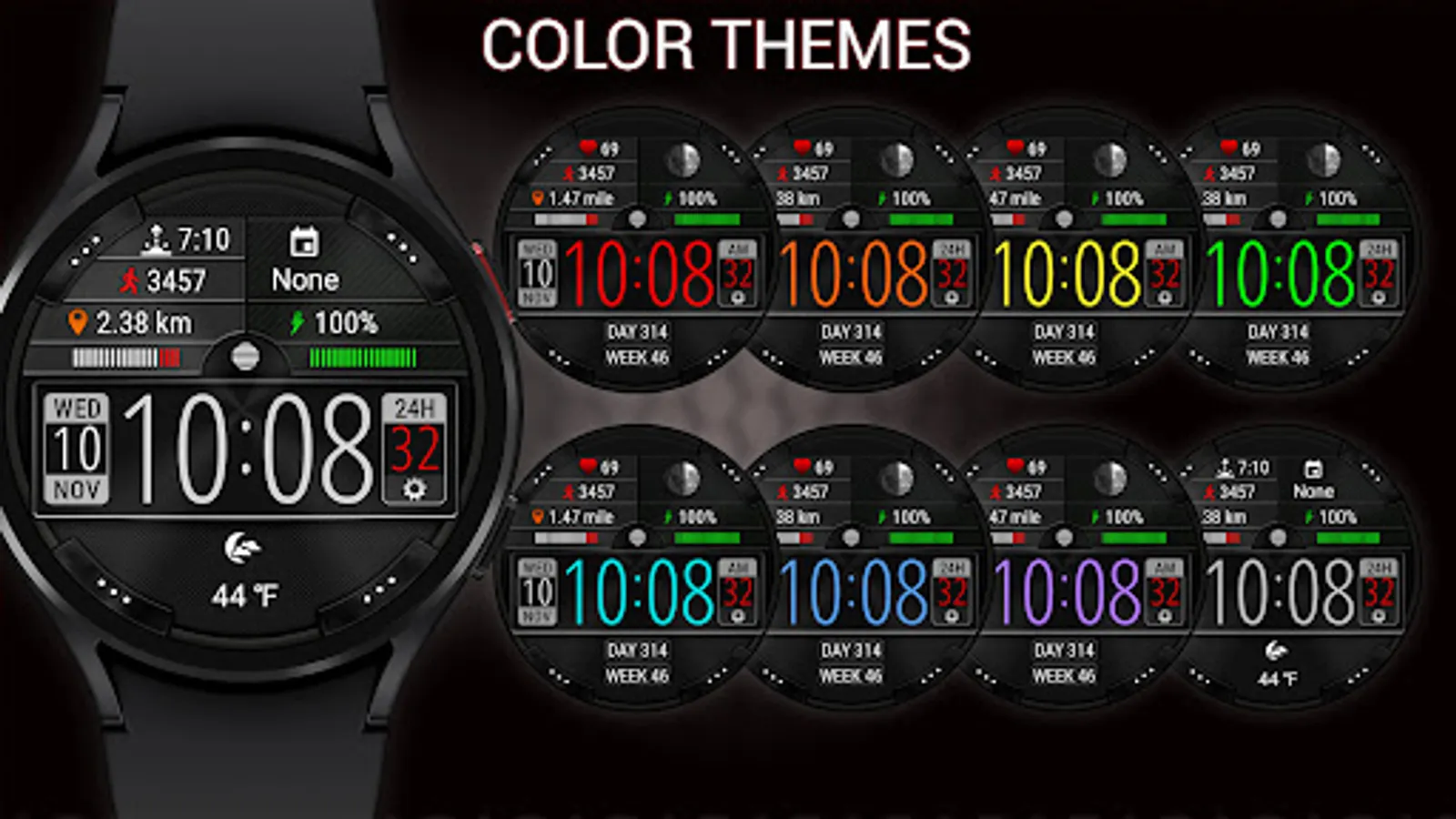
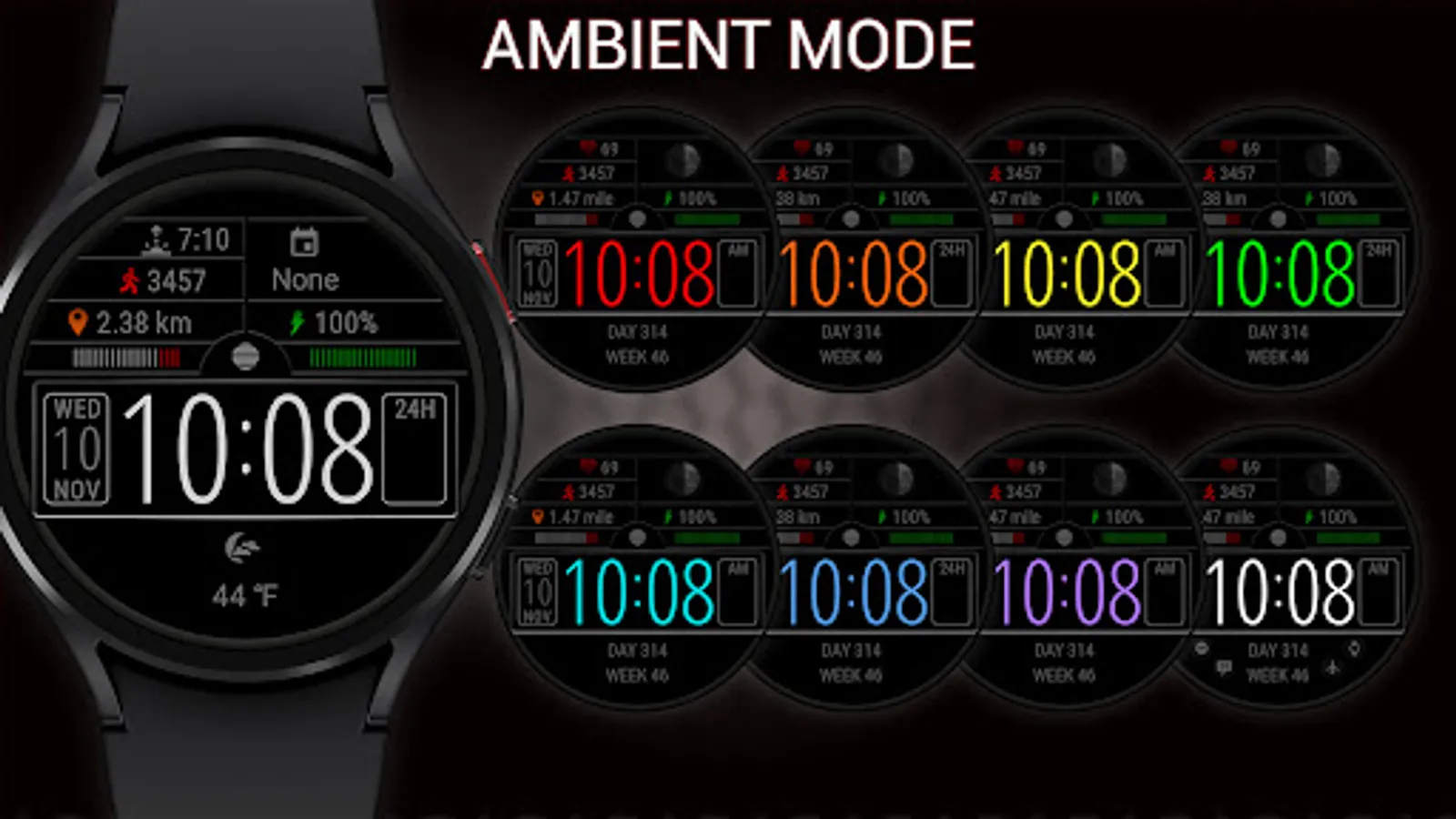
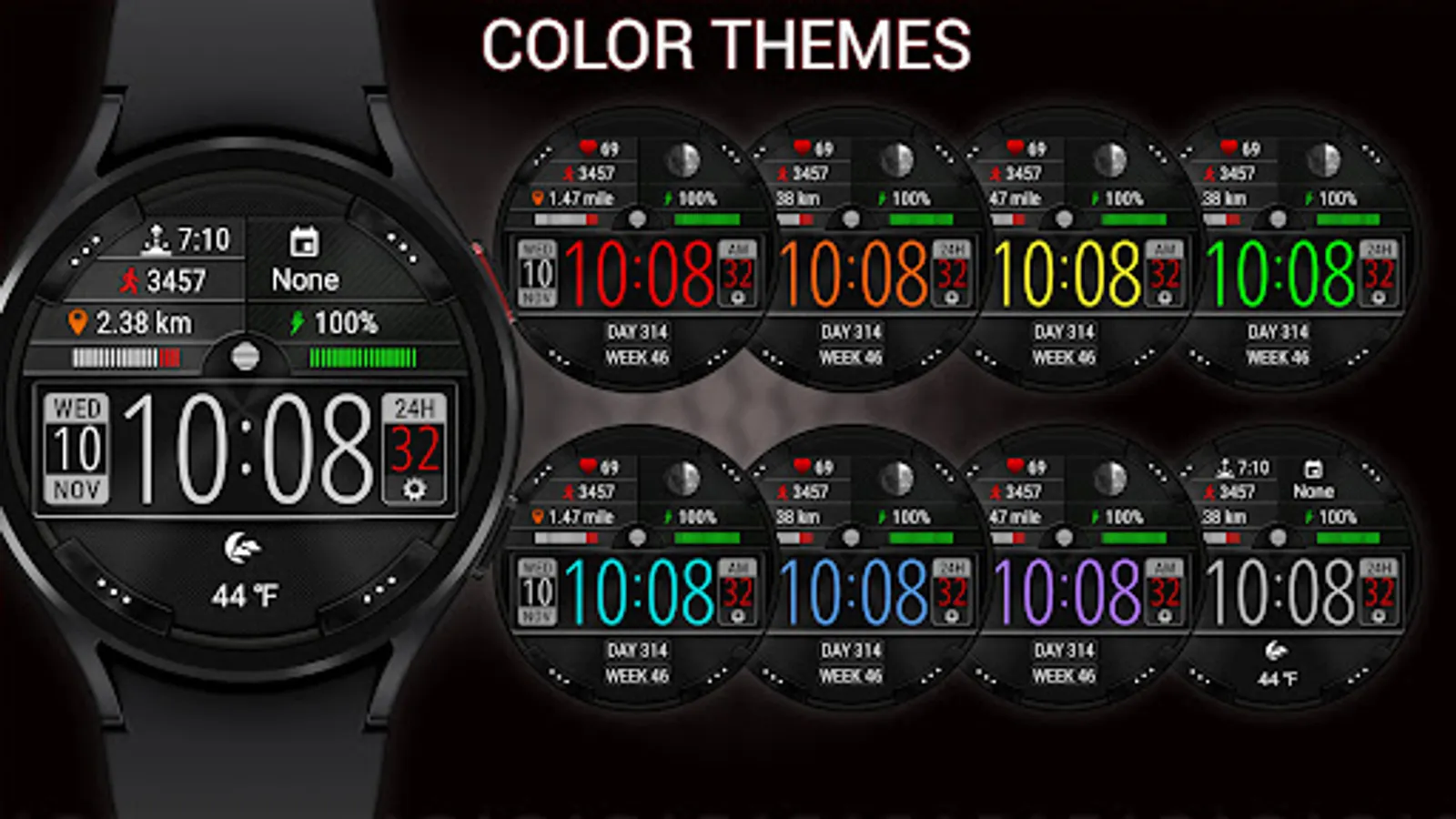
• 9 colors themes
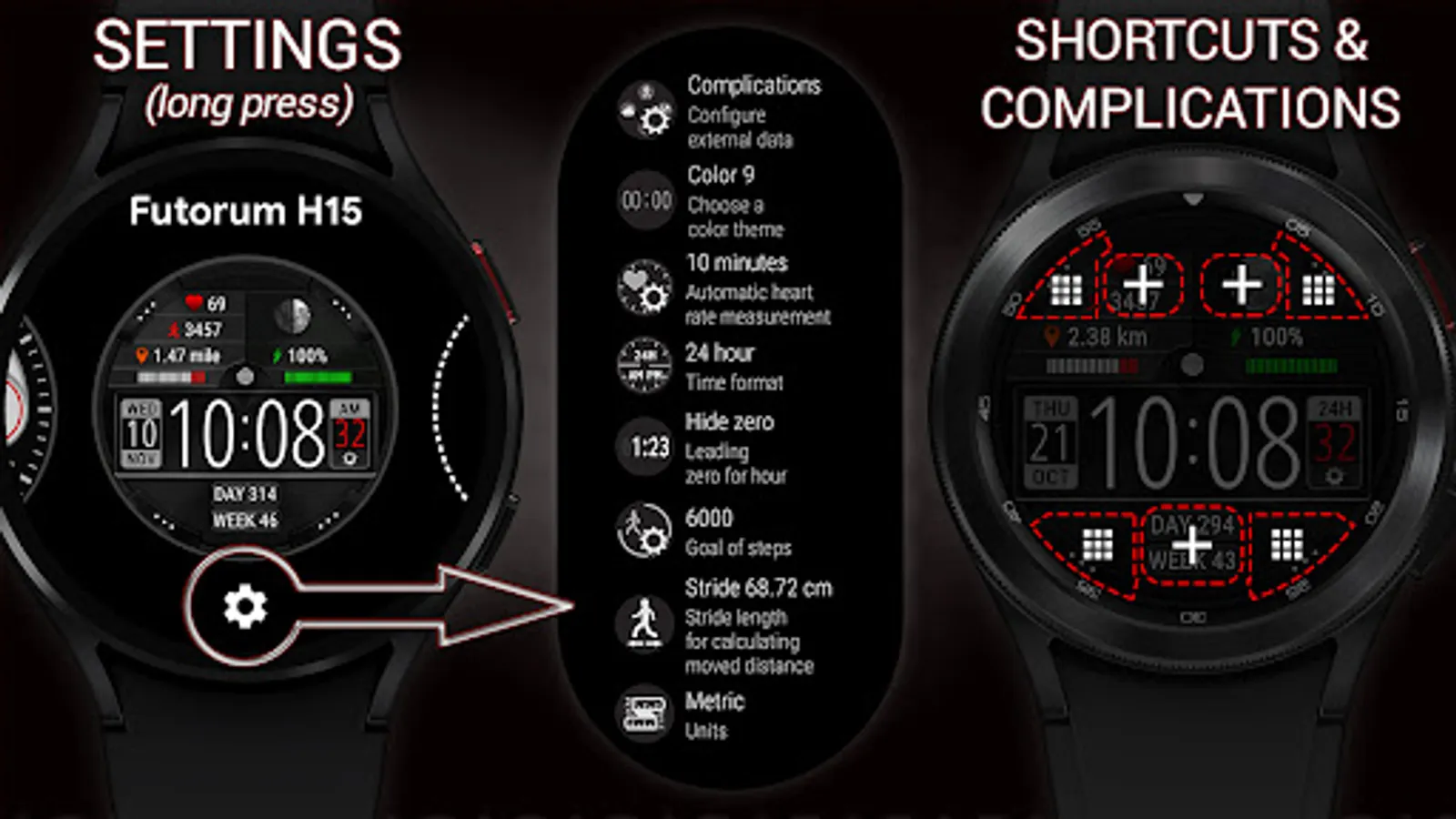
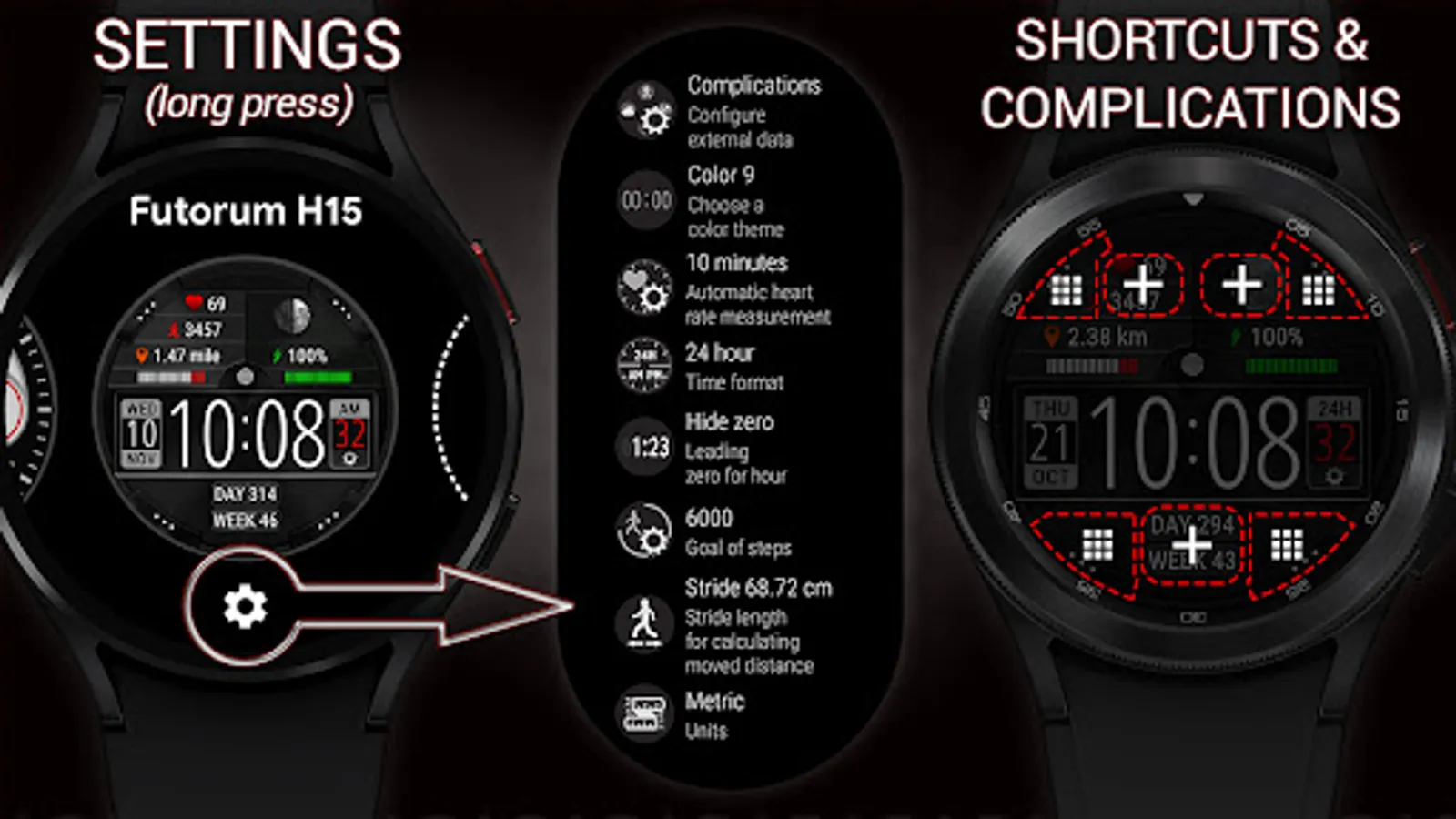
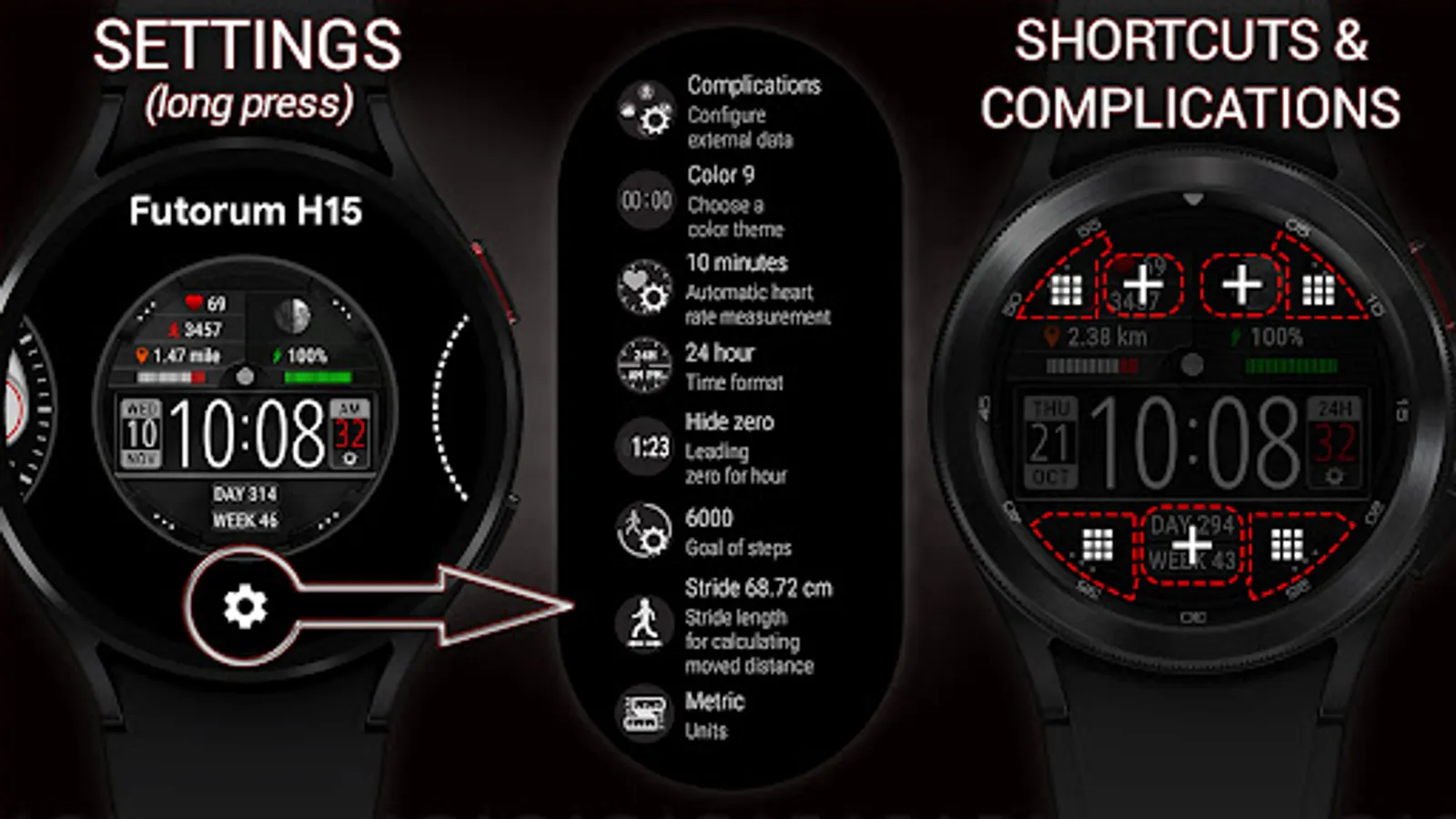
• 3 areas for complications
• 4 customizable app shortcuts
✅ Steps
• Steps count
• Progress of steps towards the goal
• Configurable goal of counting steps
✅ Moved distance
• Moved distance (km or miles)
• Configurable stride length depending on your height (for a more accurate calculation of the moved distance)
✅ Heart rate
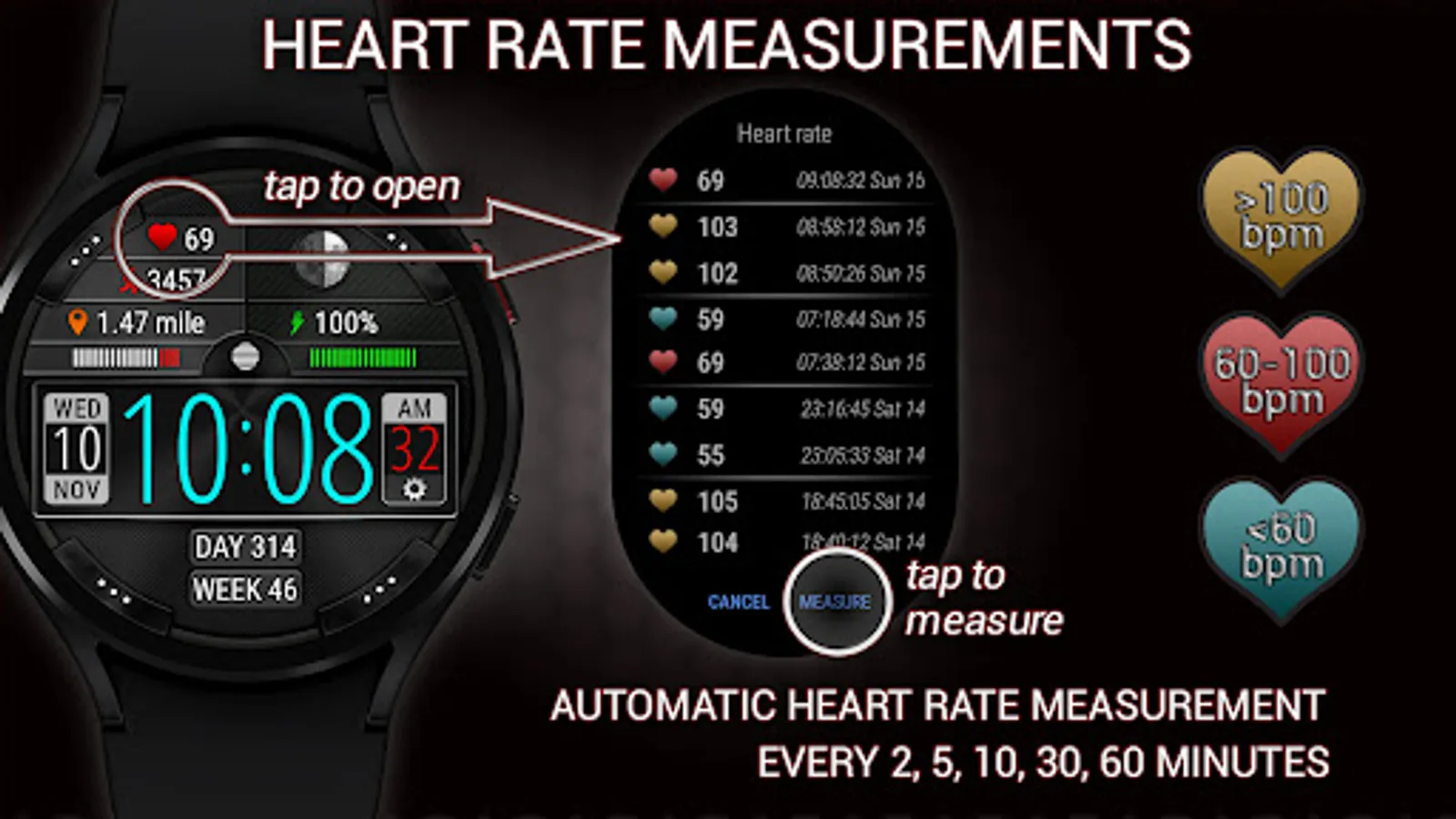
• Heart rate BPM
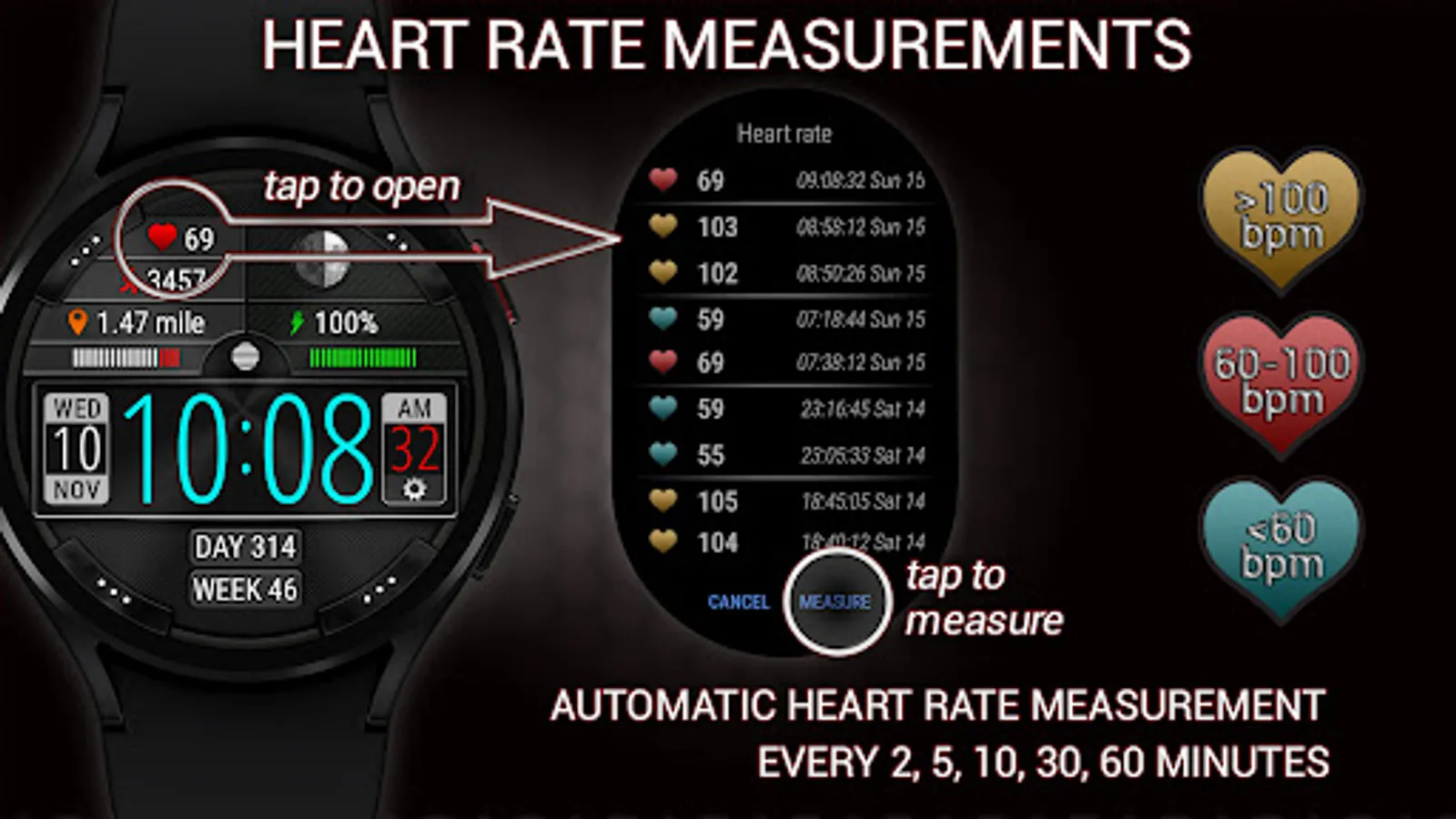
• Color-coded heart rate indicator (low, normal, high)
• Automatic heart rate measurement (every 2, 5, 10, 30, 60 minutes)
• History of heart rate measurements (up to 300 latest measurements)
✅ Misc
• Battery level
• Moon phase
• Unread notification count
• Multilingual (supports more than 40 languages)
✅ Installation
• This watch face will be installed automatically from the paired phone
• Once installed, select this watch face in the Wear OS app
• Also you can press and hold the watch screen to open the watch face selection menu
➡ We are in social media
• Telegram - https://t.me/futorum
• Instagram - https://instagram.com/futorum
• Facebook - https://facebook.com/FutorumWatchFaces
• YouTube - https://www.youtube.com/c/FutorumWatchFaces
✉ If you have any questions, please contact us by e-mail support@futorum.com
We will be happy to assist you!
🧡 IMPORTANT - about heart rate measurement
• This watch face independently measures your heart rate. This watch face does not receive data from stock Wear OS heart rate apps.
• You need manually start heart rate measurement from this watch face or wait until the periodic heart rate measurement starts (in accordance with the watch face settings).
• The history of heart rate measurements only contains the measurements taken with this watch face.
• The stock Wear OS app does not update the heart rate data displayed on this watch face.
• If the heart rate is not working, make sure the sensors are granted for this watch face.
✅ Time and date
• Digital time (12h and 24h modes)
• Date, month, day of the week, day of the year, week of the year
✅ Customization
• 9 colors themes
• 3 areas for complications
• 4 customizable app shortcuts
✅ Steps
• Steps count
• Progress of steps towards the goal
• Configurable goal of counting steps
✅ Moved distance
• Moved distance (km or miles)
• Configurable stride length depending on your height (for a more accurate calculation of the moved distance)
✅ Heart rate
• Heart rate BPM
• Color-coded heart rate indicator (low, normal, high)
• Automatic heart rate measurement (every 2, 5, 10, 30, 60 minutes)
• History of heart rate measurements (up to 300 latest measurements)
✅ Misc
• Battery level
• Moon phase
• Unread notification count
• Multilingual (supports more than 40 languages)
✅ Installation
• This watch face will be installed automatically from the paired phone
• Once installed, select this watch face in the Wear OS app
• Also you can press and hold the watch screen to open the watch face selection menu
➡ We are in social media
• Telegram - https://t.me/futorum
• Instagram - https://instagram.com/futorum
• Facebook - https://facebook.com/FutorumWatchFaces
• YouTube - https://www.youtube.com/c/FutorumWatchFaces
✉ If you have any questions, please contact us by e-mail support@futorum.com
We will be happy to assist you!
Futorum H15 Digital watch face Screenshots
Tap to Rate:
Reviews for Futorum H15 Digital watch face
Jarek Paw
10/20/2024
Nice and clean. The wear edit does not exist. The shorts of the workouts does not show display despite pressing empty area works. Please fix.
Phil Grant
3/10/2024
Looks good but world time not working, it does work fine on other watch faces.