AppRecs review analysis
AppRecs rating 4.2. Trustworthiness 80 out of 100. Review manipulation risk 15 out of 100. Based on a review sample analyzed.
★★★★☆
4.2
AppRecs Rating
Ratings breakdown
5 star
51%
4 star
24%
3 star
8%
2 star
0%
1 star
16%
What to know
✓
Low review manipulation risk
15% review manipulation risk
✓
Credible reviews
80% trustworthiness score from analyzed reviews
✓
Good user ratings
76% positive sampled reviews
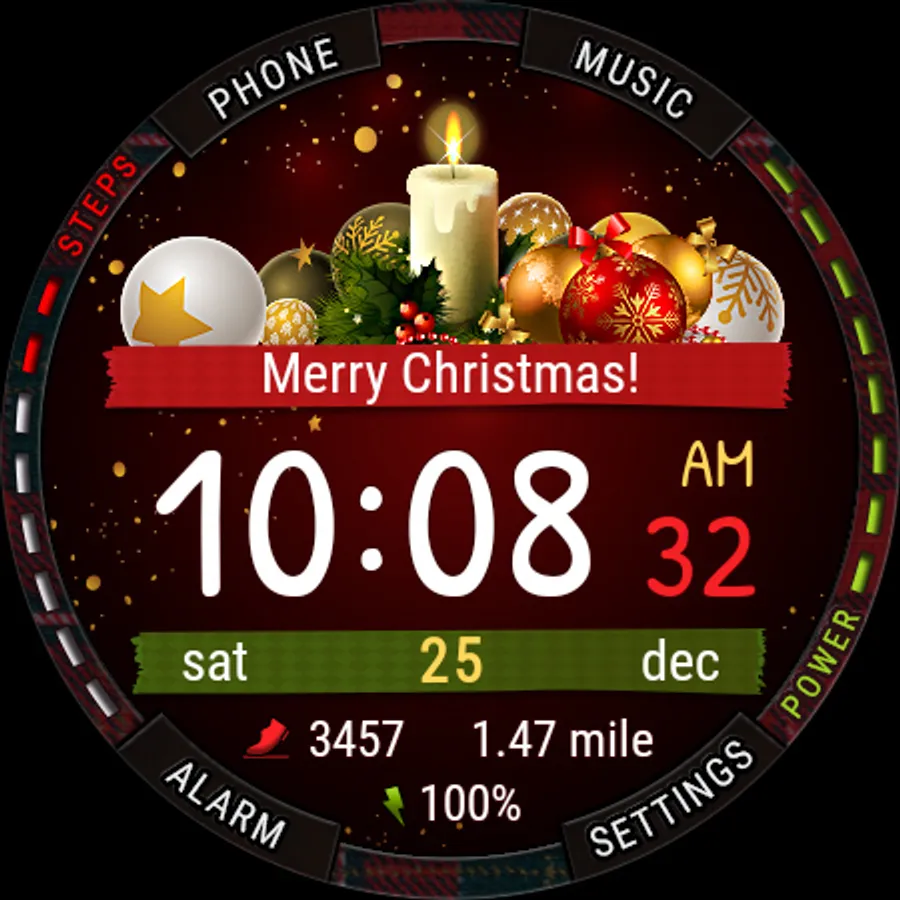
About New Year and Christmas Tracker
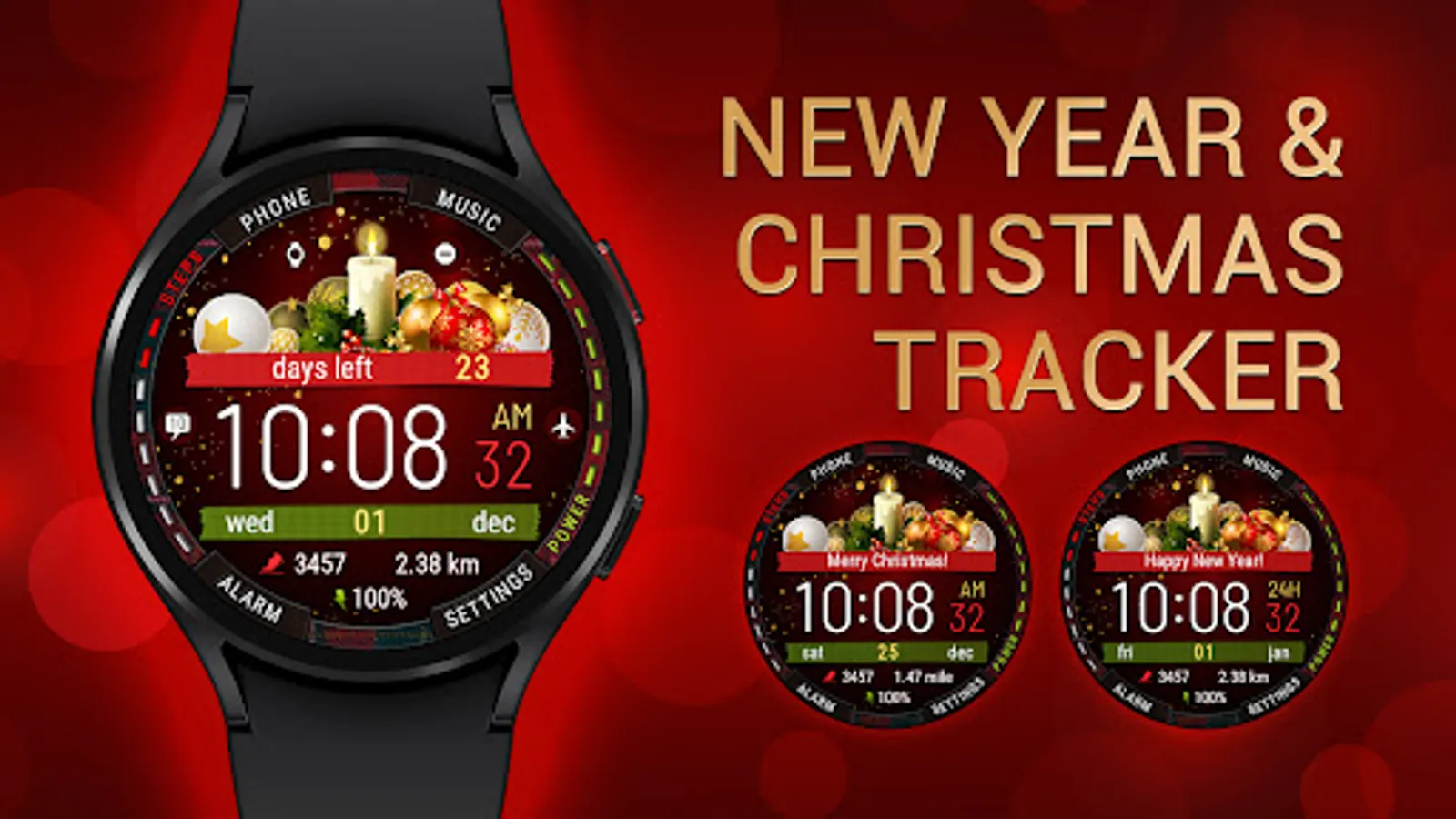
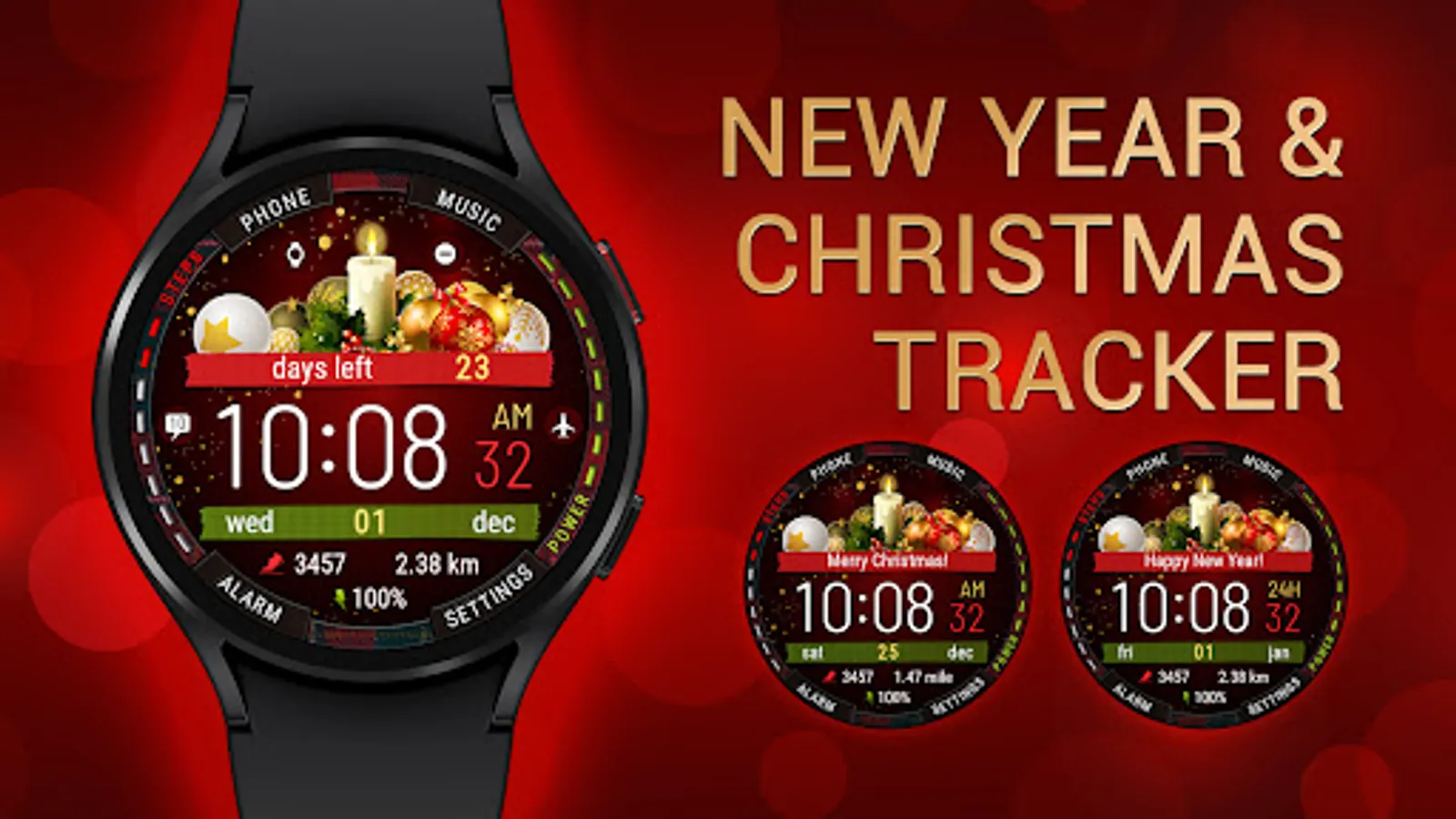
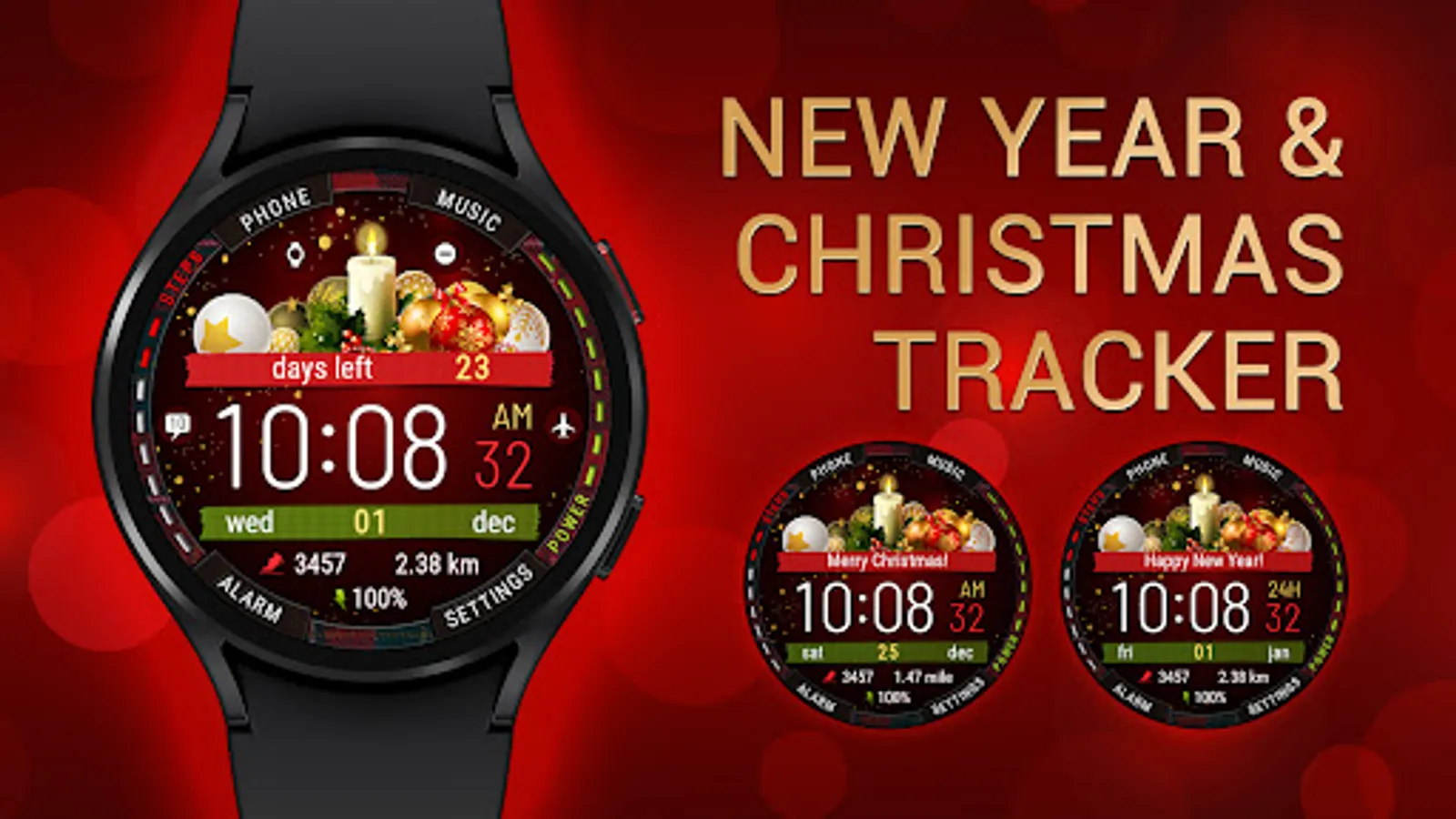
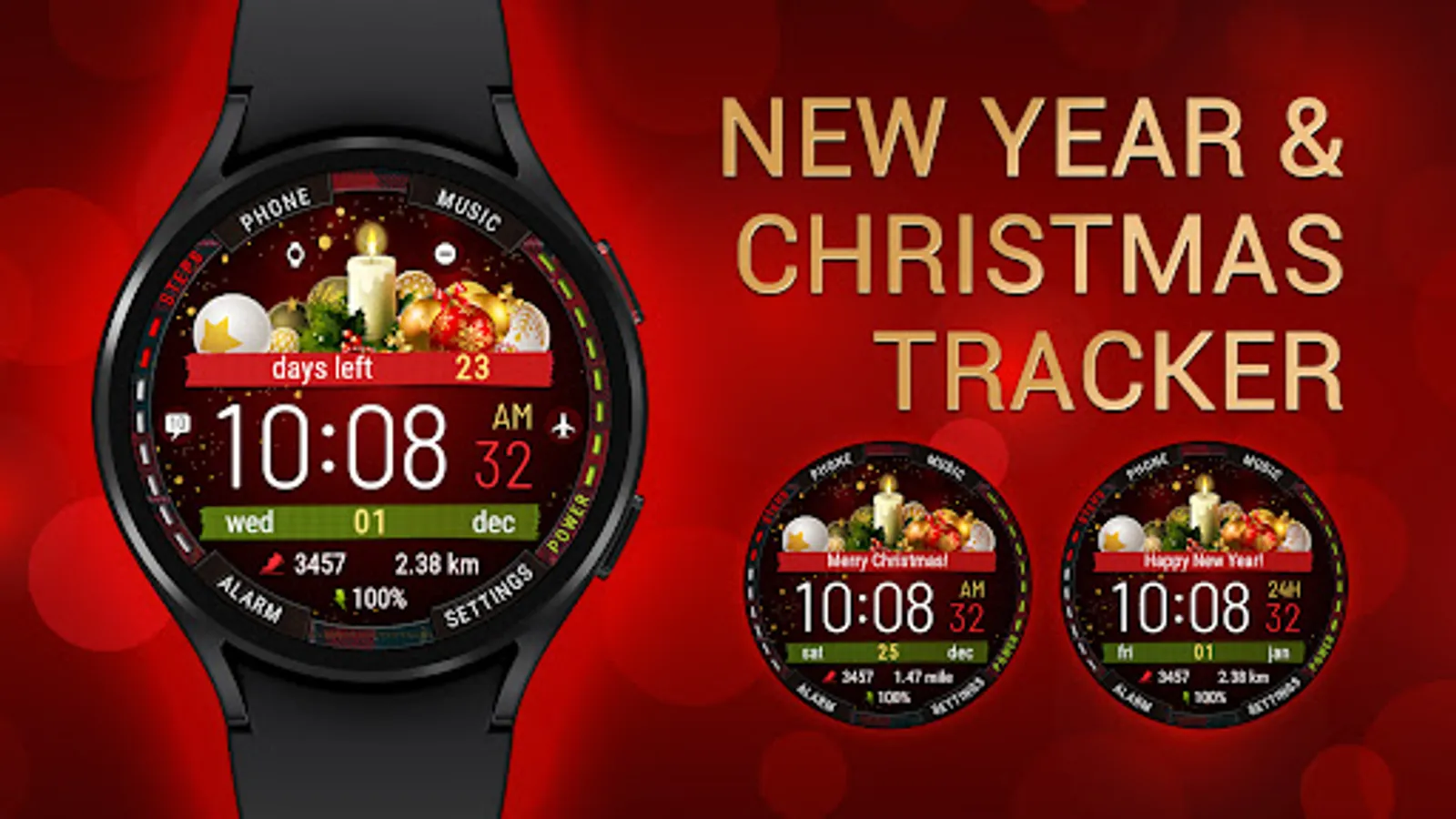
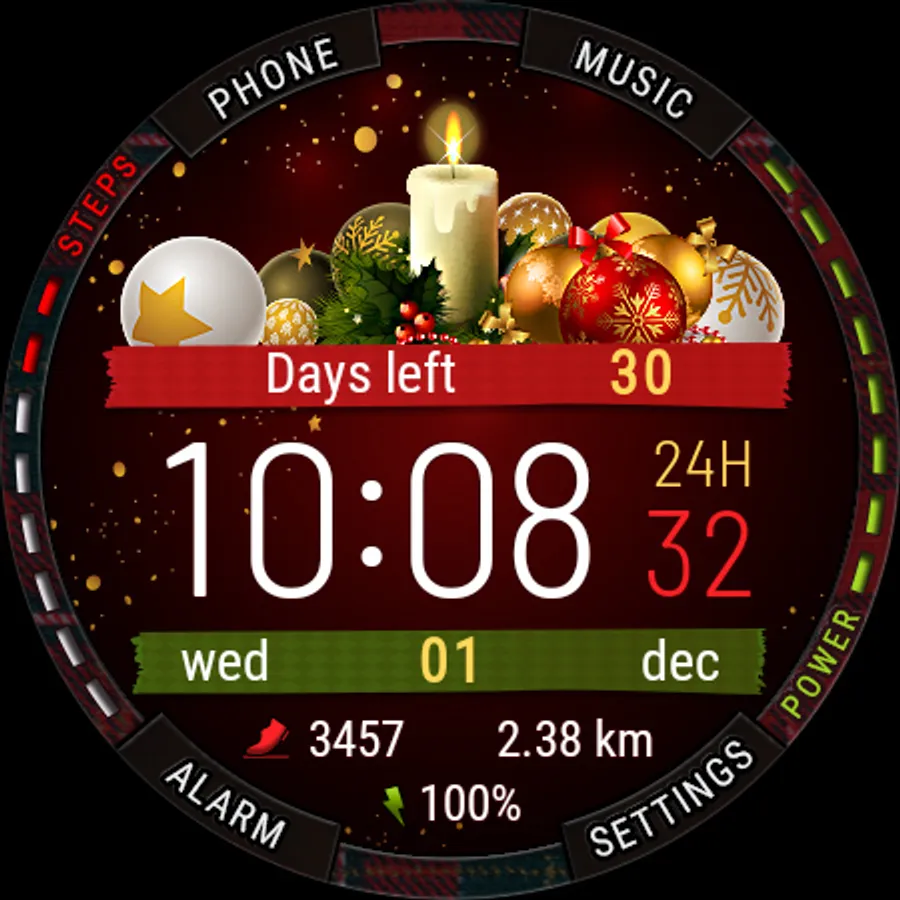
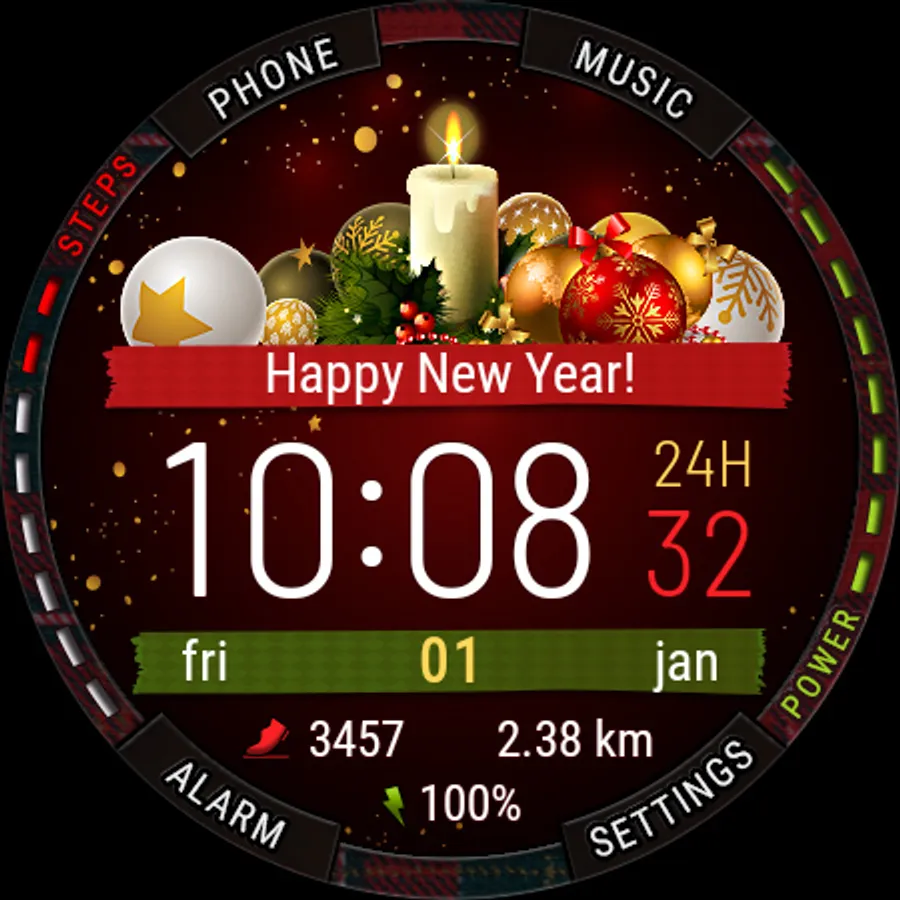
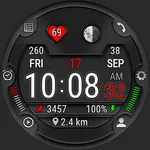
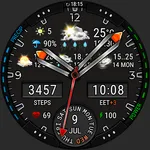
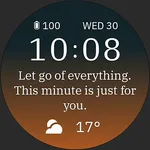
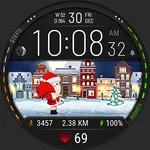
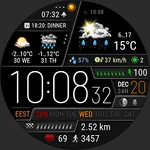
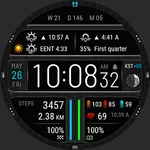
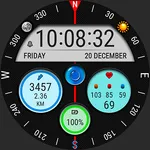
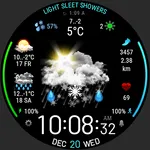
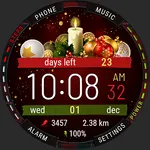
Watch face with time tracking until the New Year and Christmas holidays.
IMPORTANT:
• If you see the message "Your devices are not compatible", open the Play Store in your web browser instead of the app on your smartphone.
• Also you can follow the link first time, close everything and follow the link again - you will see that you can install watch face on your watch.
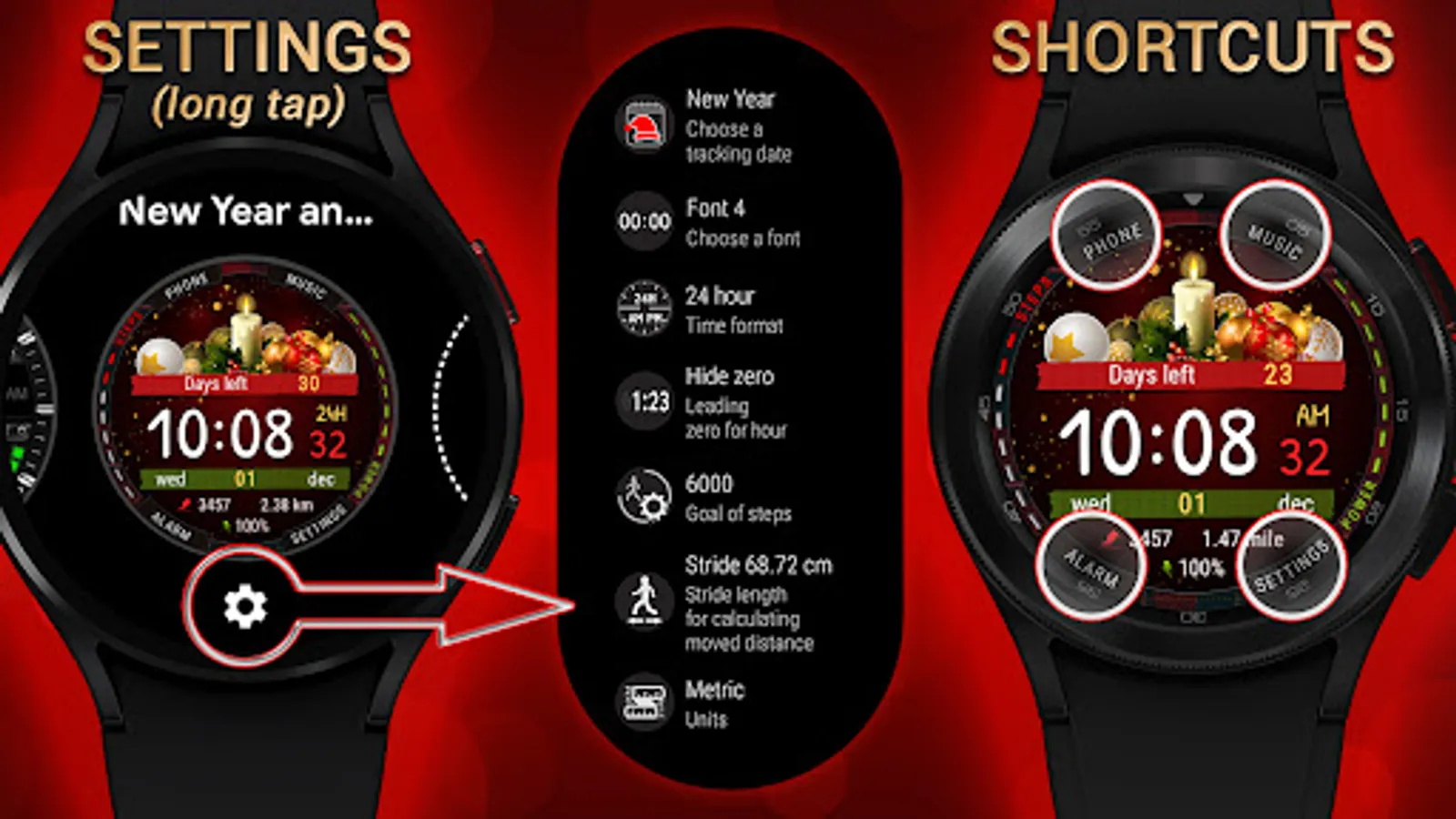
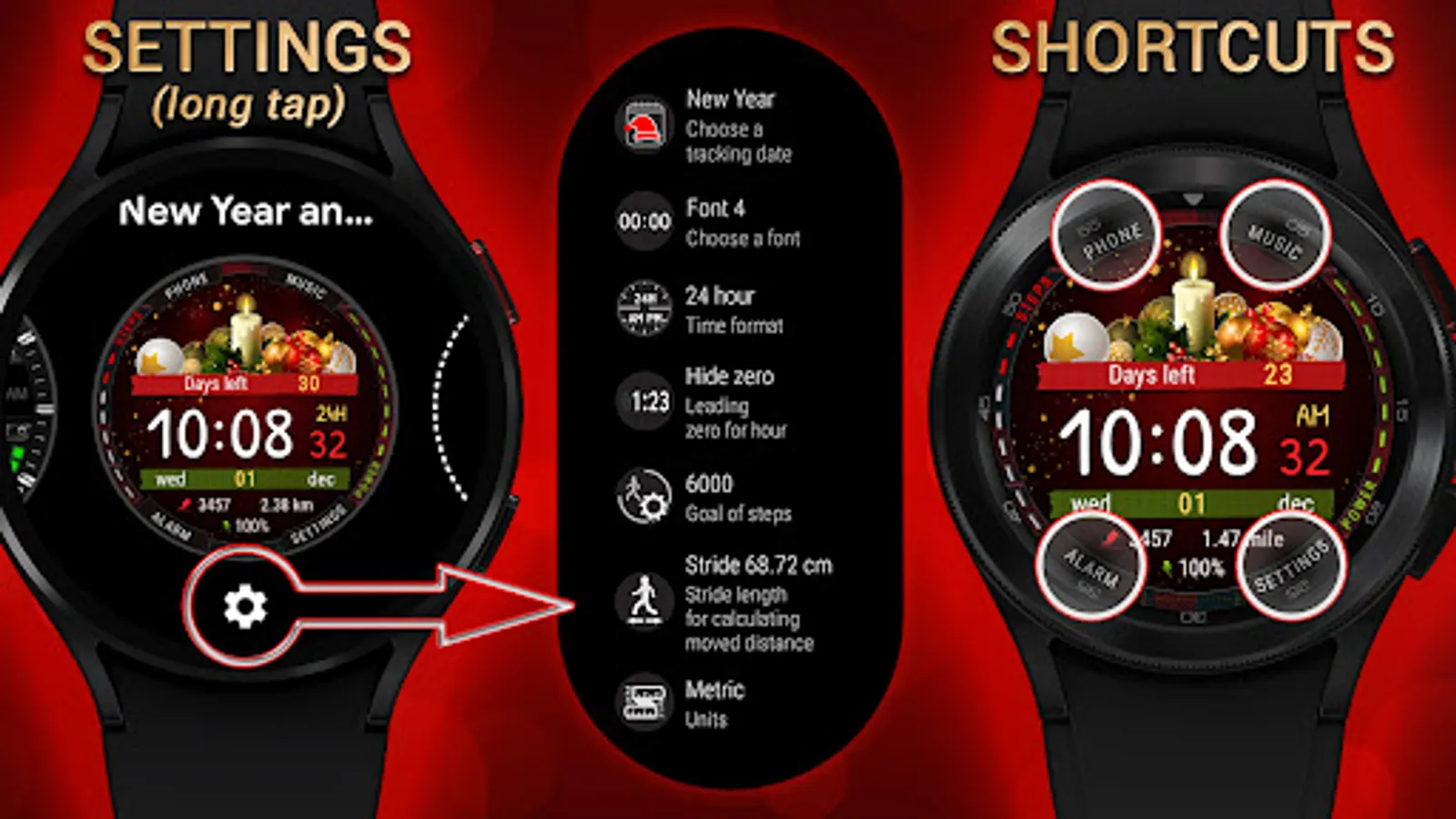
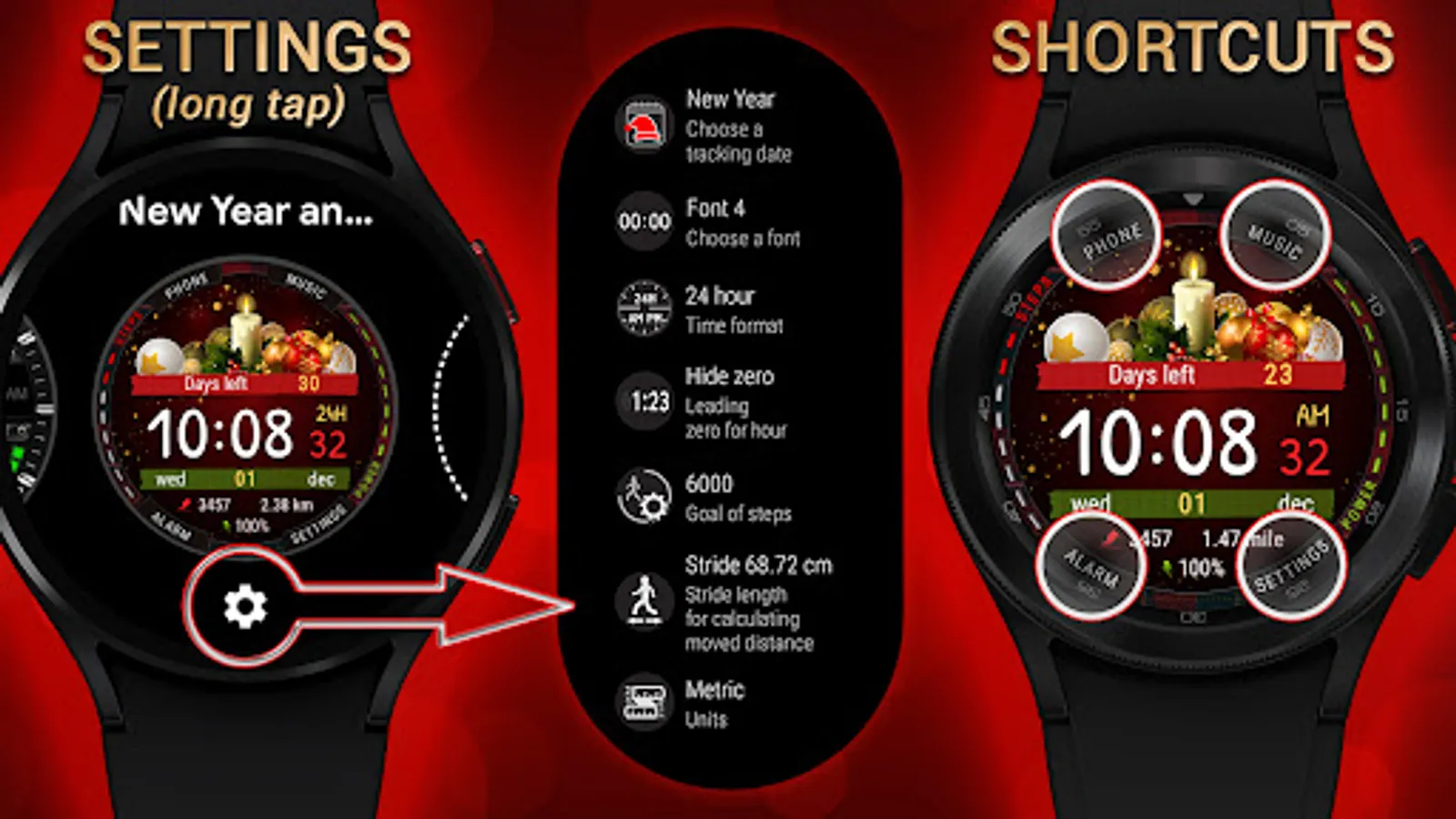
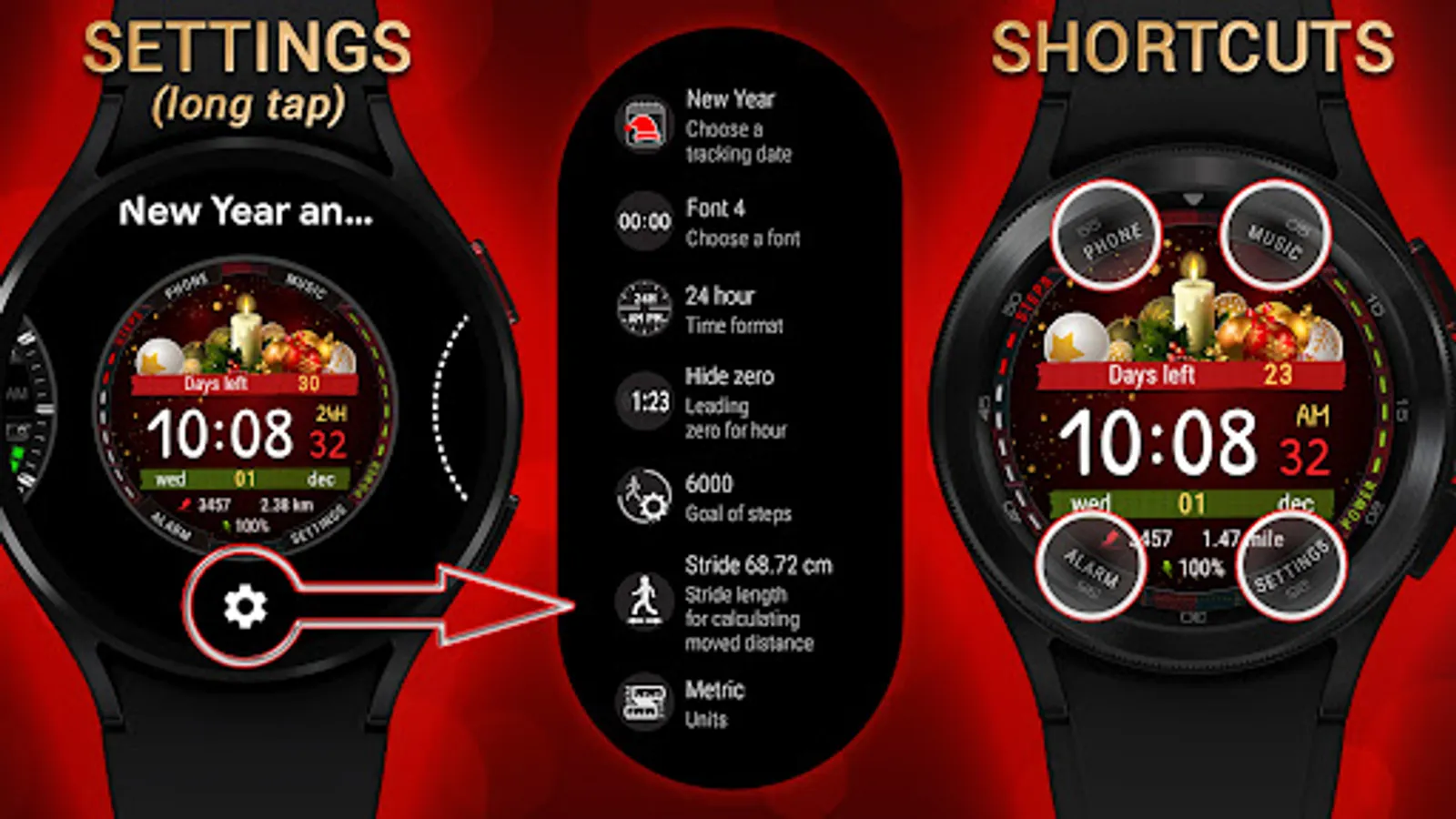
Long press in the center of the screen to customize the watch face.
Personalization:
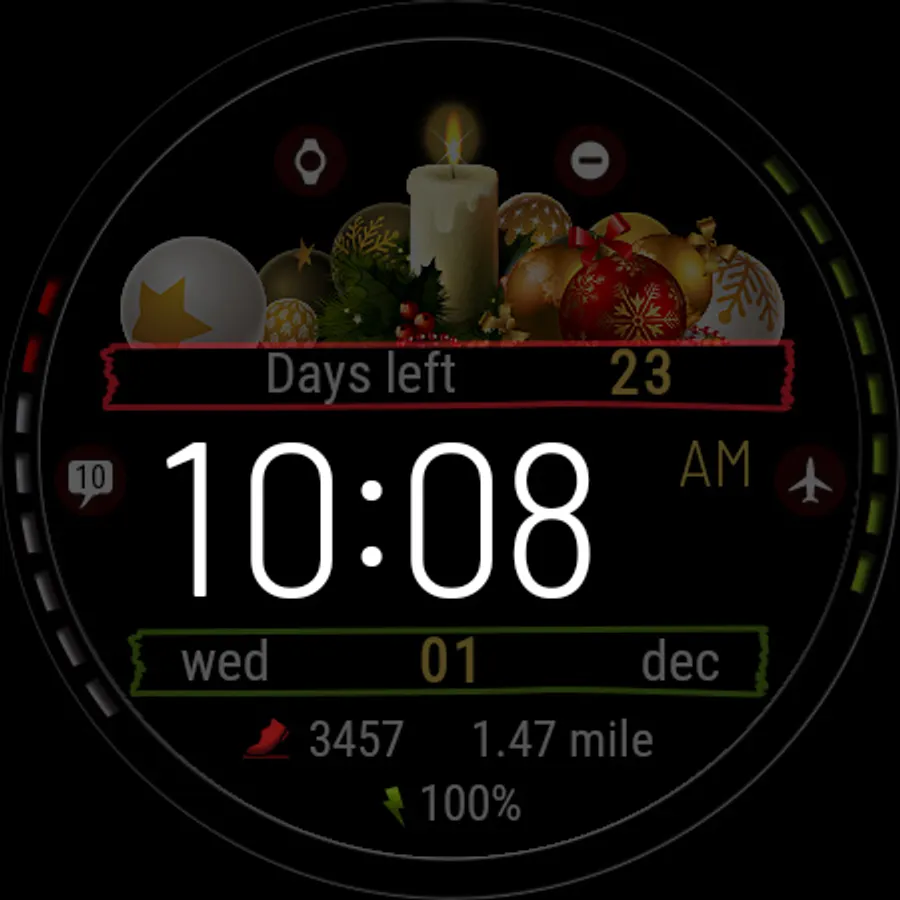
• 4 holidays to track - New Year, Christmas (Dec 25 and Dec 24), Christmas (Jan 7, Orthodox)
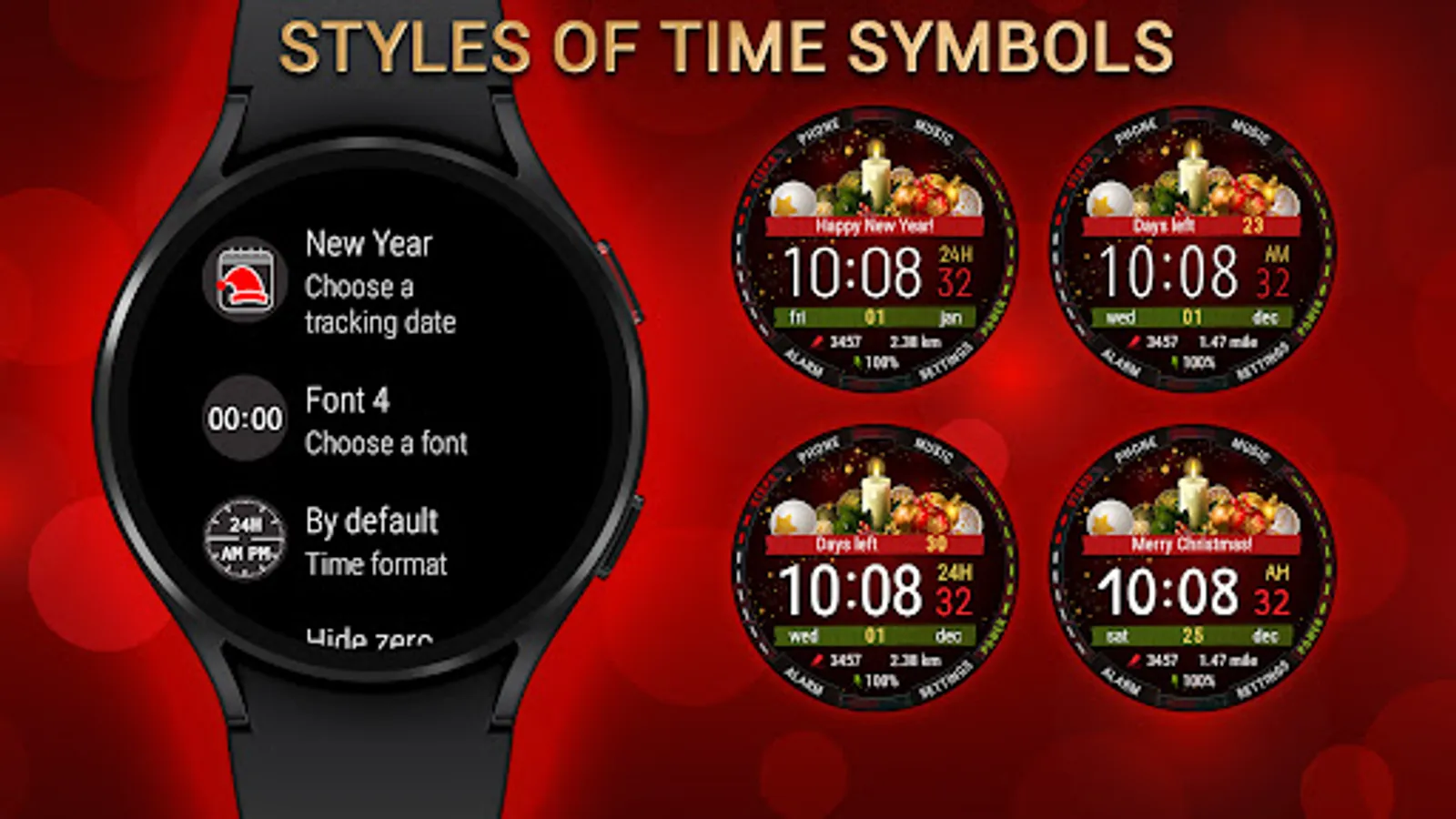
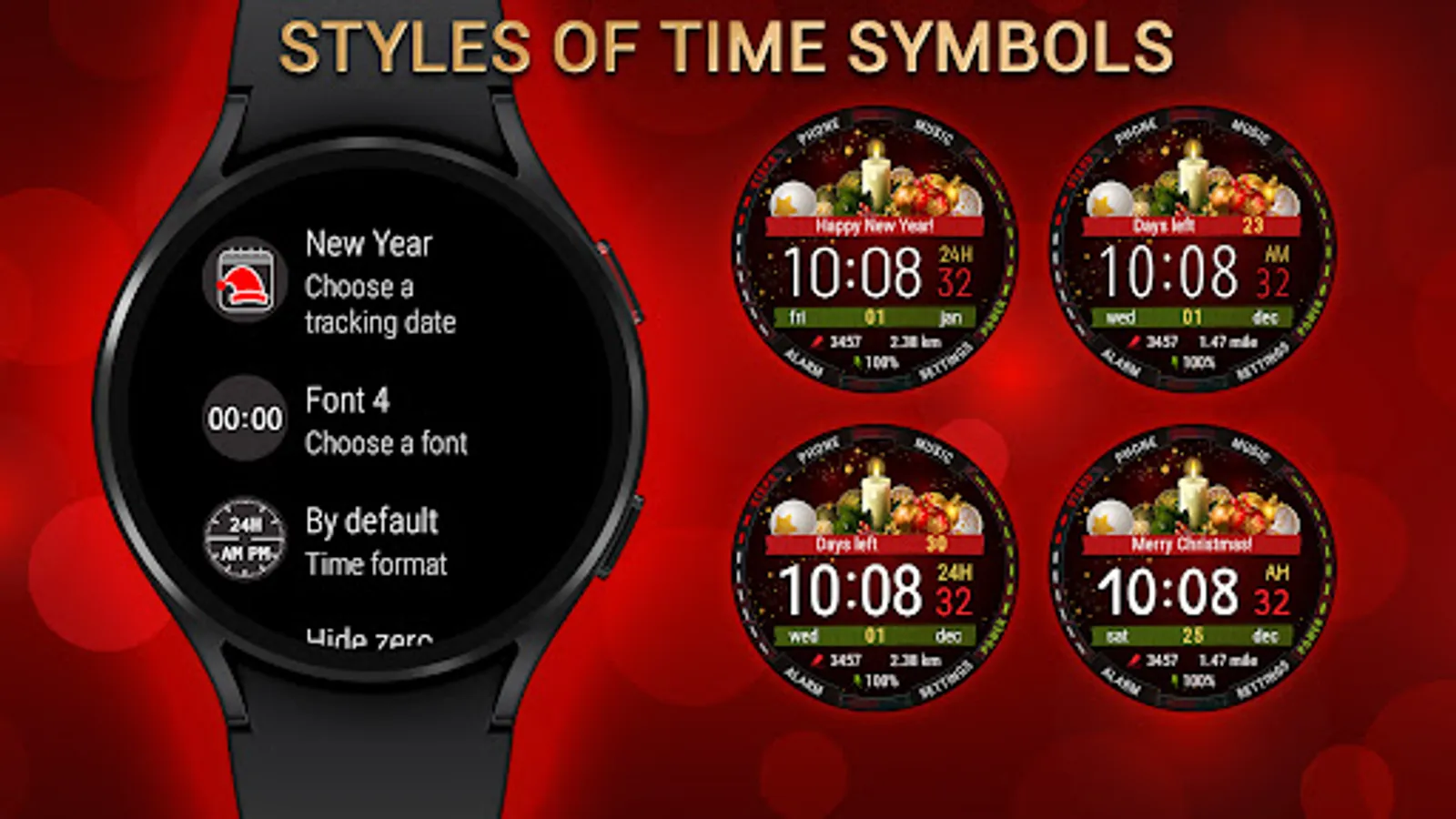
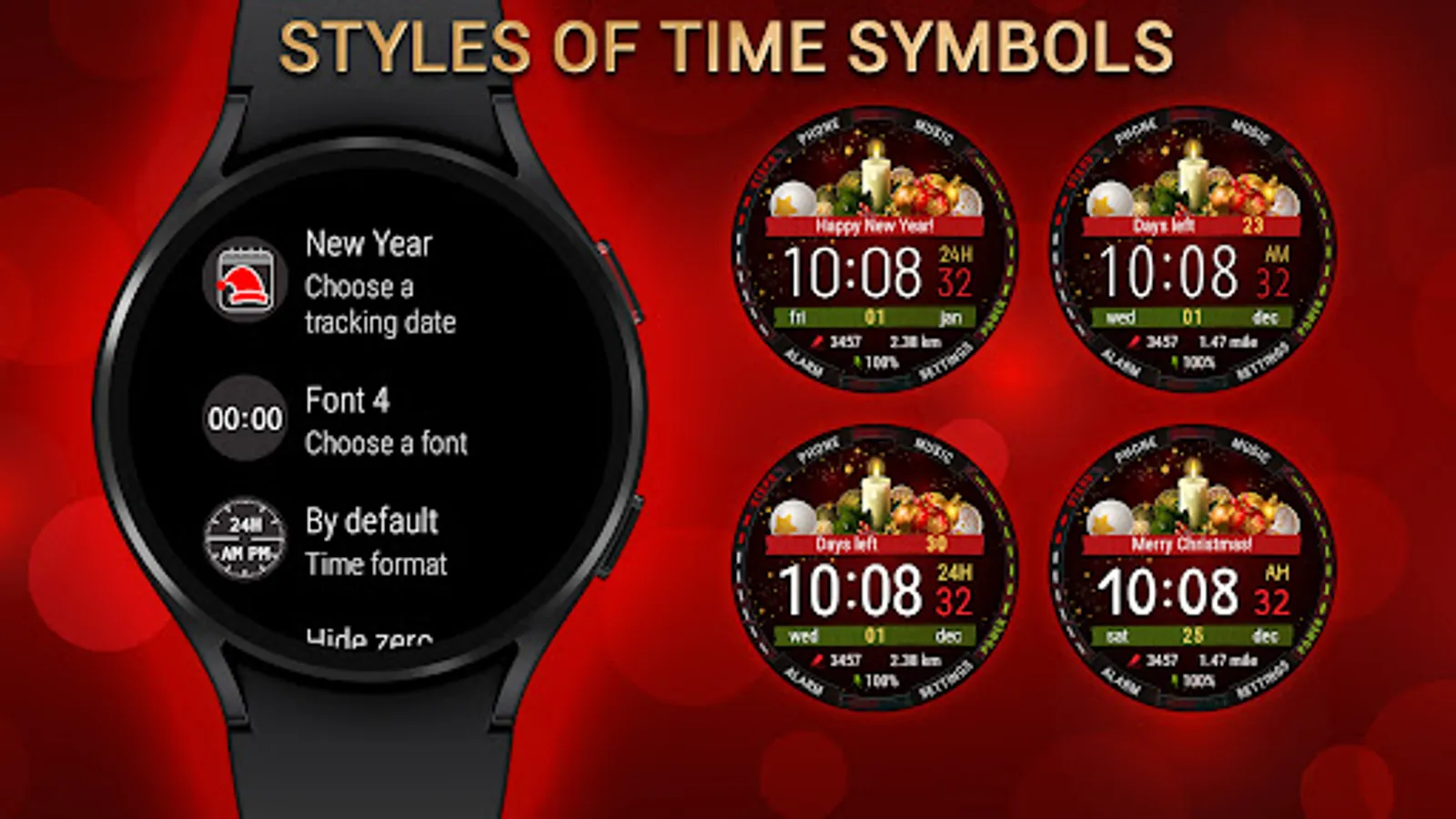
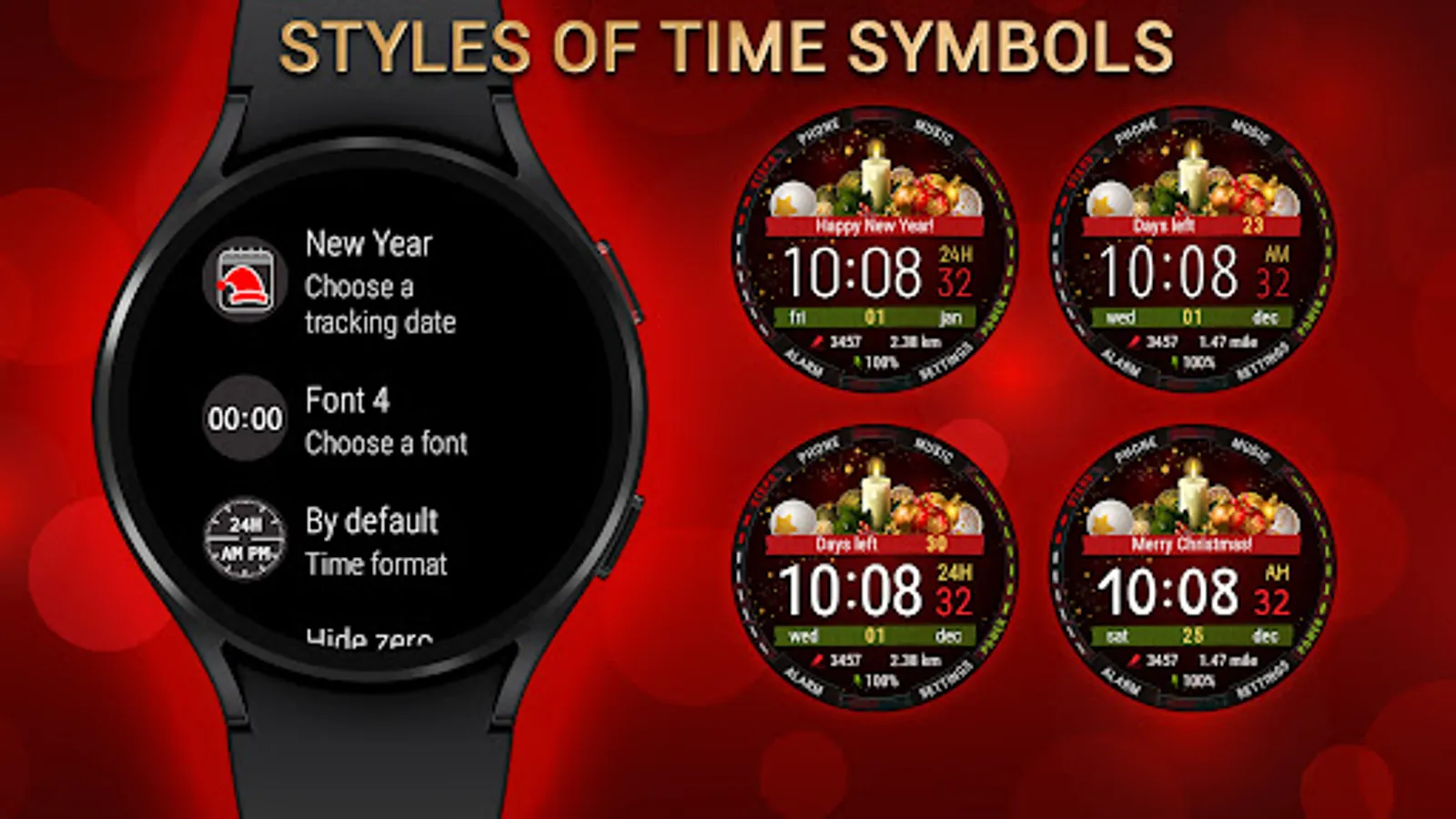
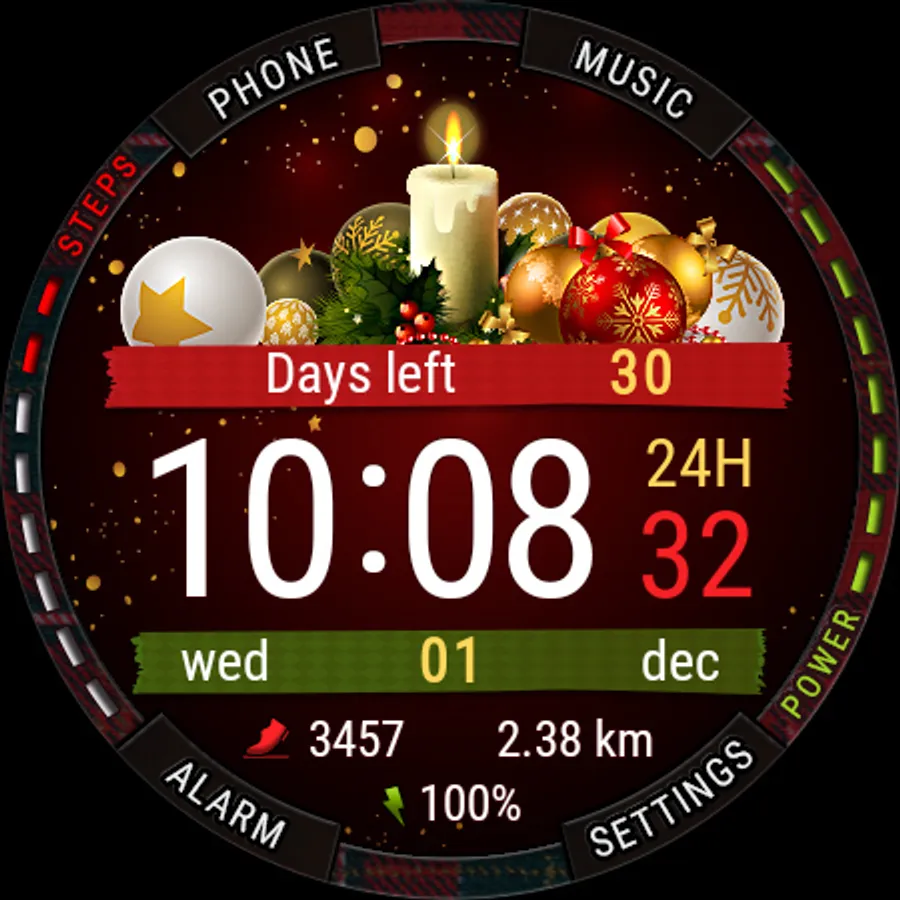
• 4 styles of time symbols
Steps:
• Steps count
• Progress of steps towards the goal
• Configurable goal of counting steps
Moved distance:
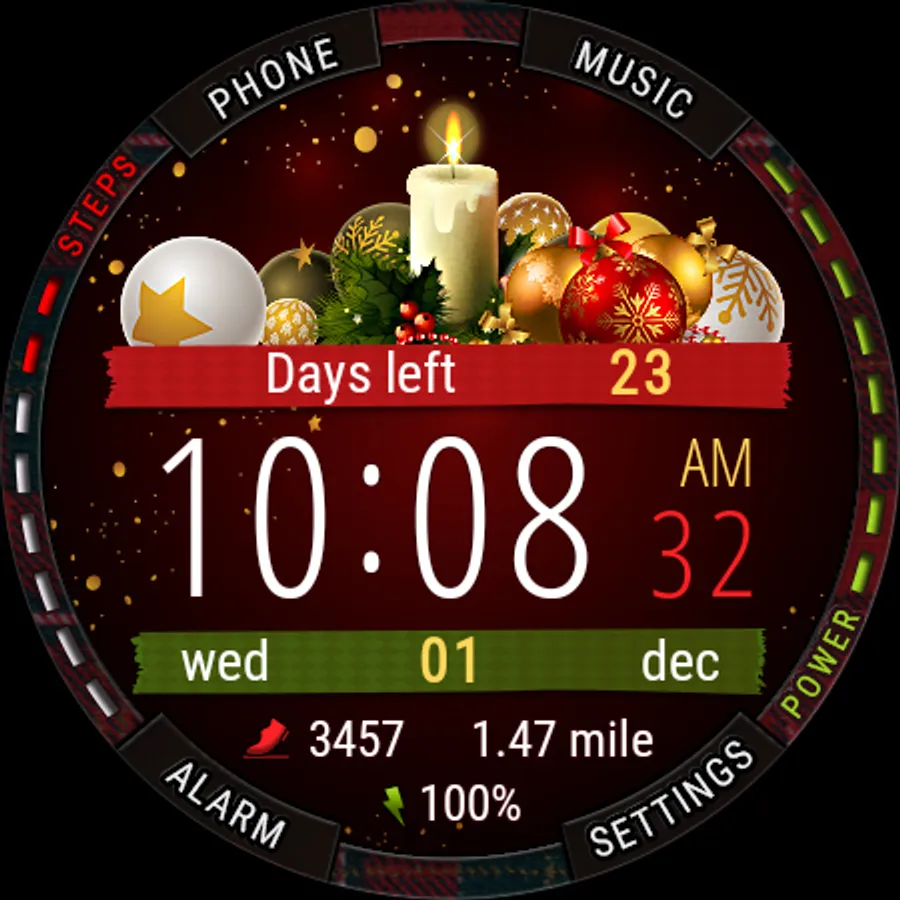
• Moved distance (km or miles)
• Configurable stride length depending on your height (for a more accurate calculation of the moved distance)
Misc:
• 4 shortcuts to launch applications and functions
• Battery level
• Unread notification count
• Handling system icons (airplane mode, do not disturb, theater mode, notifications)
• Multilingual (supports more than 40 languages)
Installation:
• This watch face will be installed automatically from the paired phone
• Once installed, select this watch face in the Wear OS app
• Also you can press and hold the watch screen to open the watch face selection menu
We are in social media:
• Telegram - https://t.me/futorum
• Instagram - https://instagram.com/futorum
• Facebook - https://facebook.com/FutorumWatchFaces
• YouTube - https://www.youtube.com/c/FutorumWatchFaces
If you have any questions, please contact us by e-mail support@futorum.com
We will be happy to assist you!
IMPORTANT:
• If you see the message "Your devices are not compatible", open the Play Store in your web browser instead of the app on your smartphone.
• Also you can follow the link first time, close everything and follow the link again - you will see that you can install watch face on your watch.
Long press in the center of the screen to customize the watch face.
Personalization:
• 4 holidays to track - New Year, Christmas (Dec 25 and Dec 24), Christmas (Jan 7, Orthodox)
• 4 styles of time symbols
Steps:
• Steps count
• Progress of steps towards the goal
• Configurable goal of counting steps
Moved distance:
• Moved distance (km or miles)
• Configurable stride length depending on your height (for a more accurate calculation of the moved distance)
Misc:
• 4 shortcuts to launch applications and functions
• Battery level
• Unread notification count
• Handling system icons (airplane mode, do not disturb, theater mode, notifications)
• Multilingual (supports more than 40 languages)
Installation:
• This watch face will be installed automatically from the paired phone
• Once installed, select this watch face in the Wear OS app
• Also you can press and hold the watch screen to open the watch face selection menu
We are in social media:
• Telegram - https://t.me/futorum
• Instagram - https://instagram.com/futorum
• Facebook - https://facebook.com/FutorumWatchFaces
• YouTube - https://www.youtube.com/c/FutorumWatchFaces
If you have any questions, please contact us by e-mail support@futorum.com
We will be happy to assist you!