
PCMark for Android Benchmark
UL Benchmarks
3.3 ★
3K ratings
500,000+
downloads
Free
In this benchmarking app, you can run performance tests on your device's CPU, storage, and battery life. Includes customizable tests and comparison features for other Android devices.
AppRecs review analysis
AppRecs rating 3.2. Trustworthiness 85 out of 100. Review manipulation risk 23 out of 100. Based on a review sample analyzed.
★★★☆☆
3.2
AppRecs Rating
Ratings breakdown
5 star
43%
4 star
12%
3 star
7%
2 star
10%
1 star
28%
What to know
✓
Low review manipulation risk
23% review manipulation risk
✓
Credible reviews
85% trustworthiness score from analyzed reviews
⚠
High negative review ratio
38% of sampled ratings are 1–2 stars
About PCMark for Android Benchmark
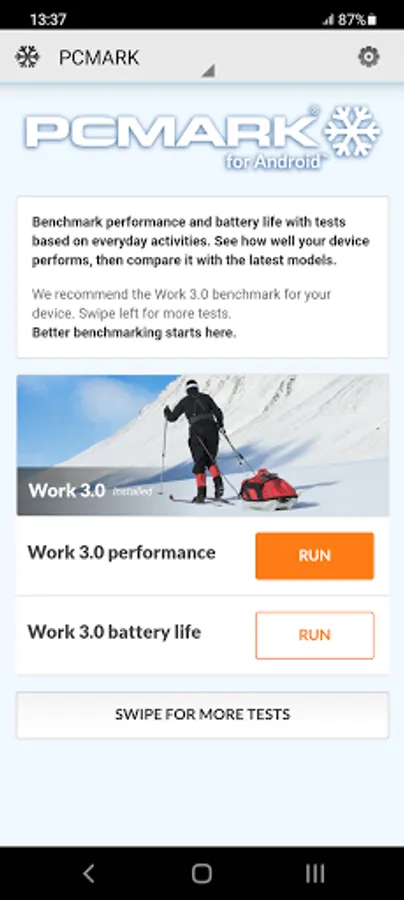
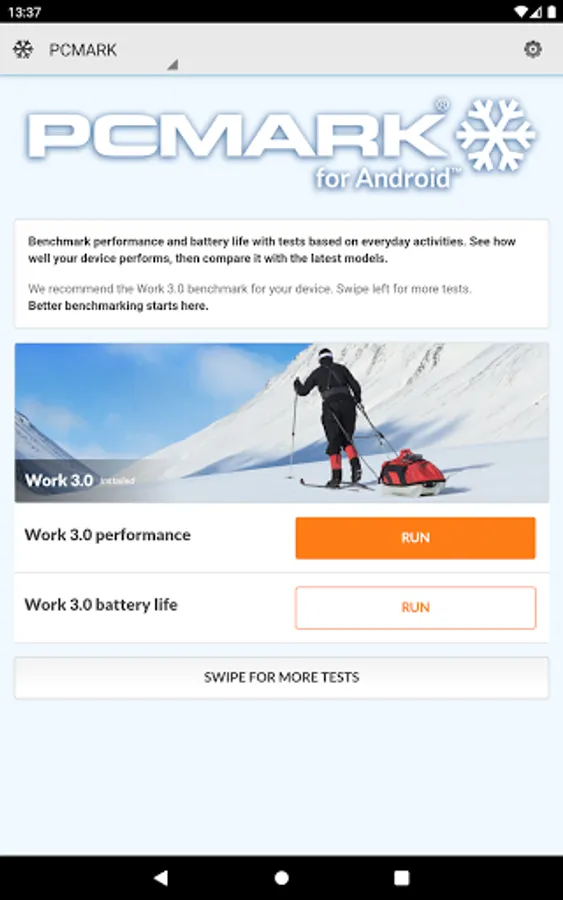
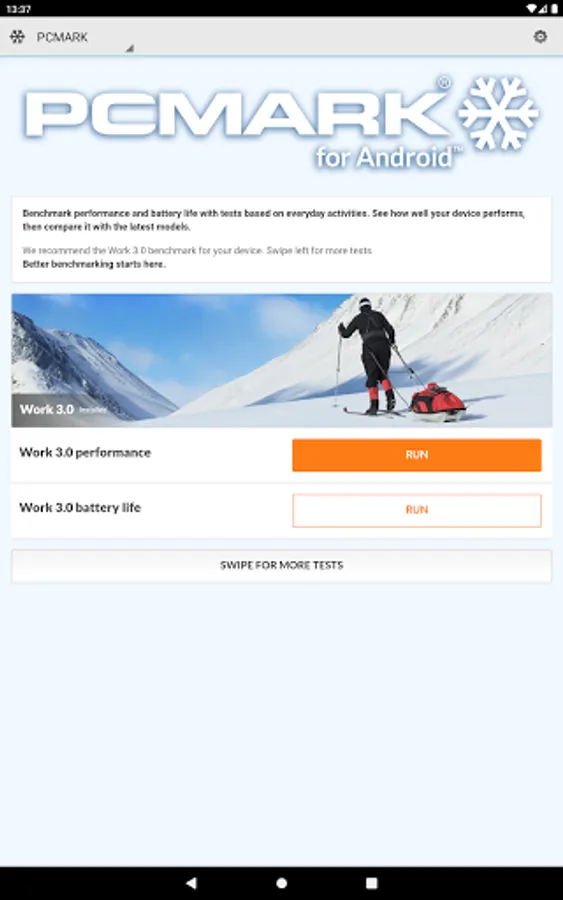
Benchmark the performance and battery life of your smartphone and tablet with PCMark for Android. See how well your device performs, then compare it with the latest models.
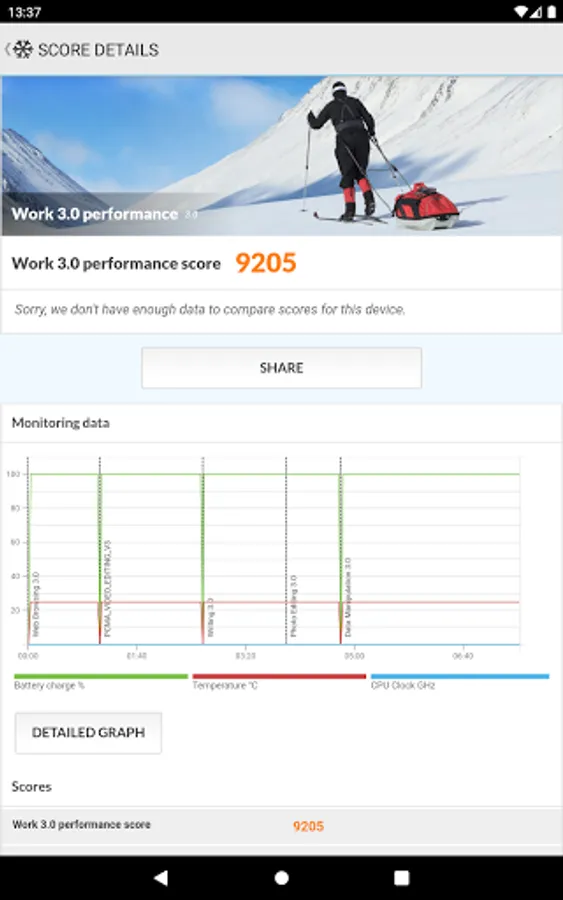
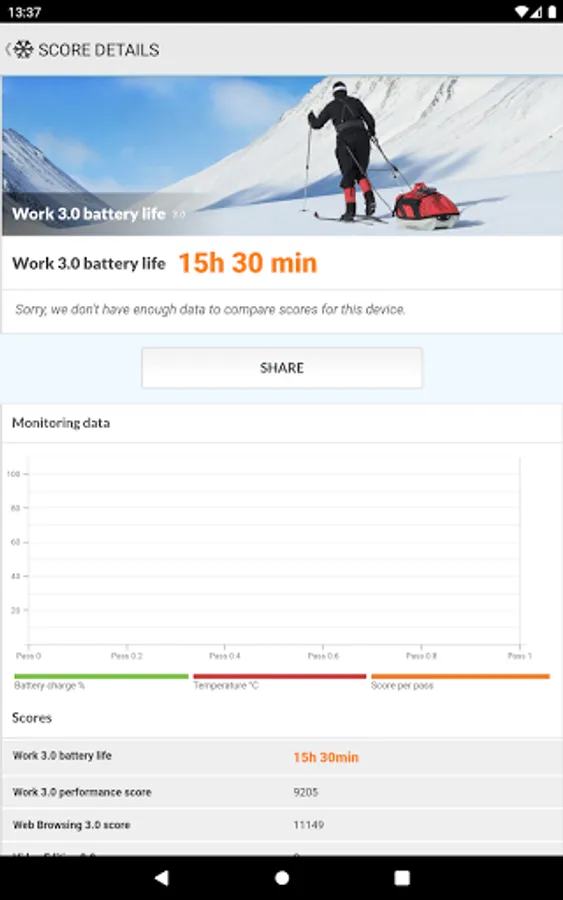
Work 3.0 benchmark
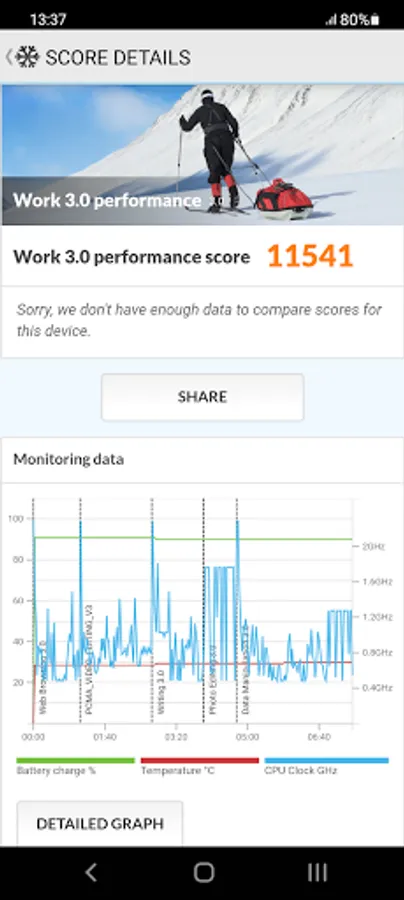
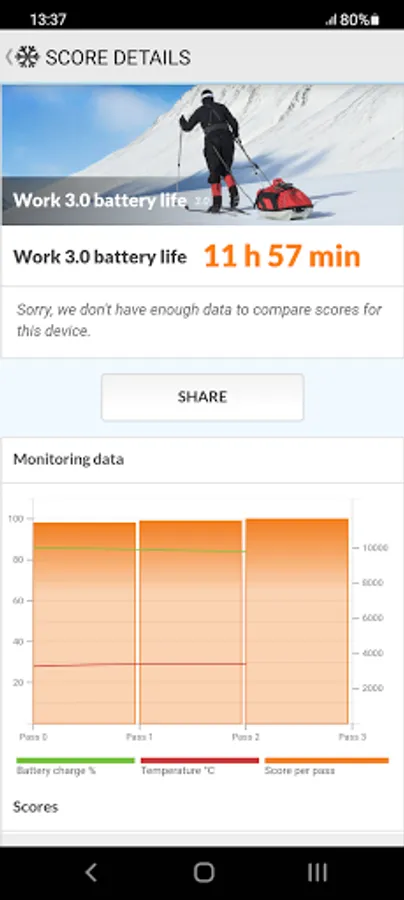
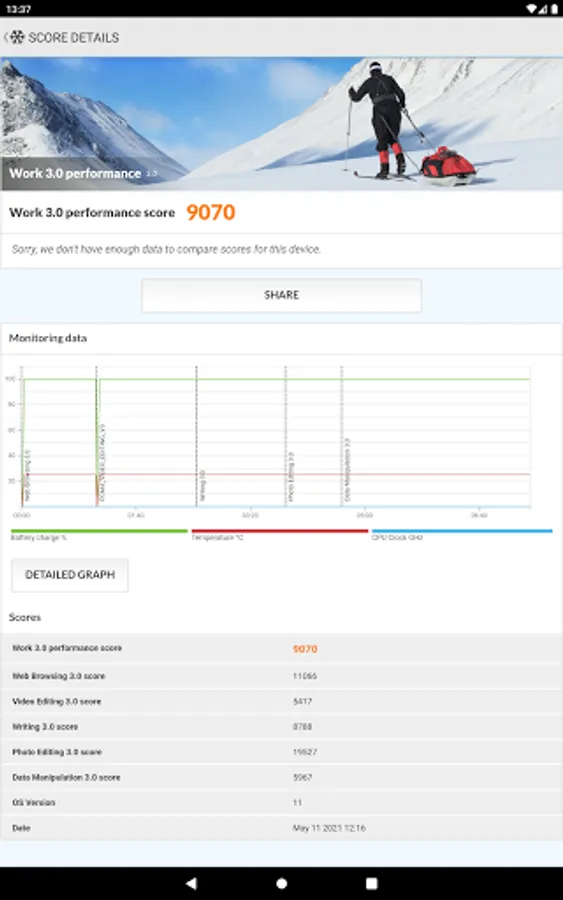
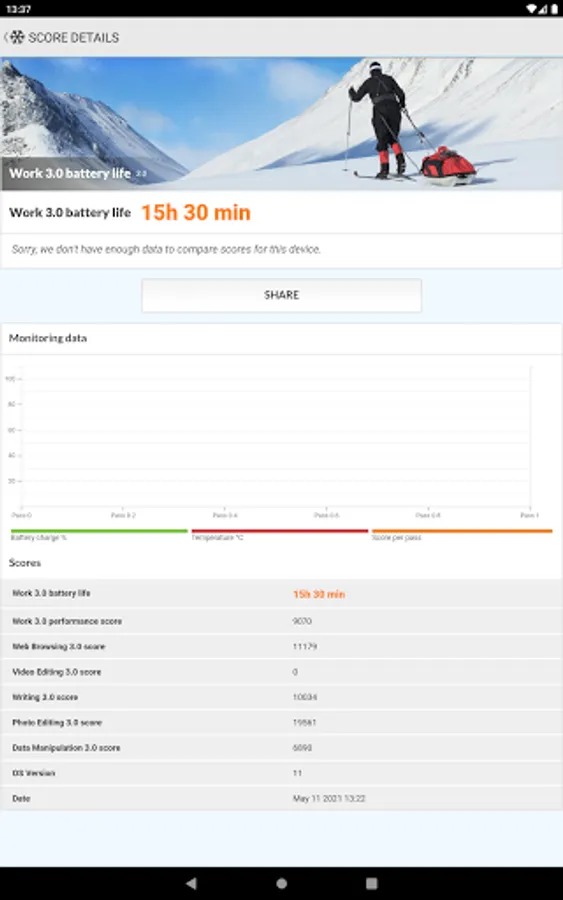
See how your device handles common productivity tasks— browsing the web, editing videos, working with documents and data, and editing photos. Use Work 3.0 to measure the performance and battery life of your device with tests based on real applications.
Storage 2.0 benchmark
Slow storage speed in a device can cause annoying lag and stutters in everyday use. This benchmark tests the performance of your device's internal storage, external storage, and database operations. You get detailed results for each part of the test as well as an overall score to compare with other Android devices.
Compare devices
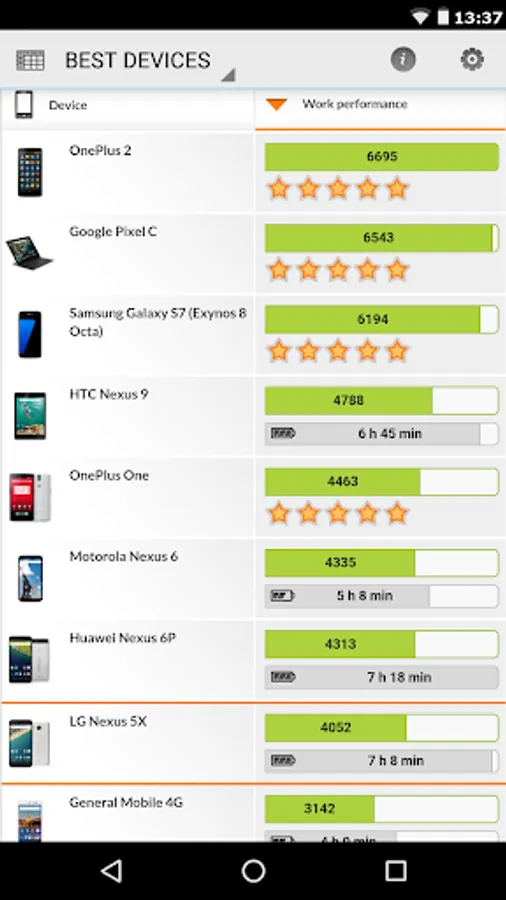
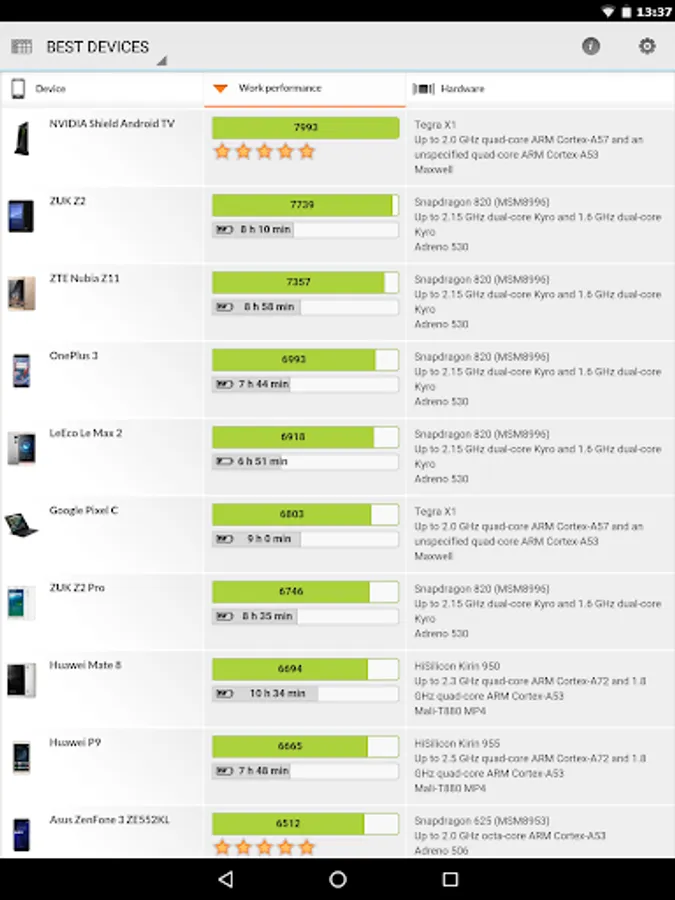
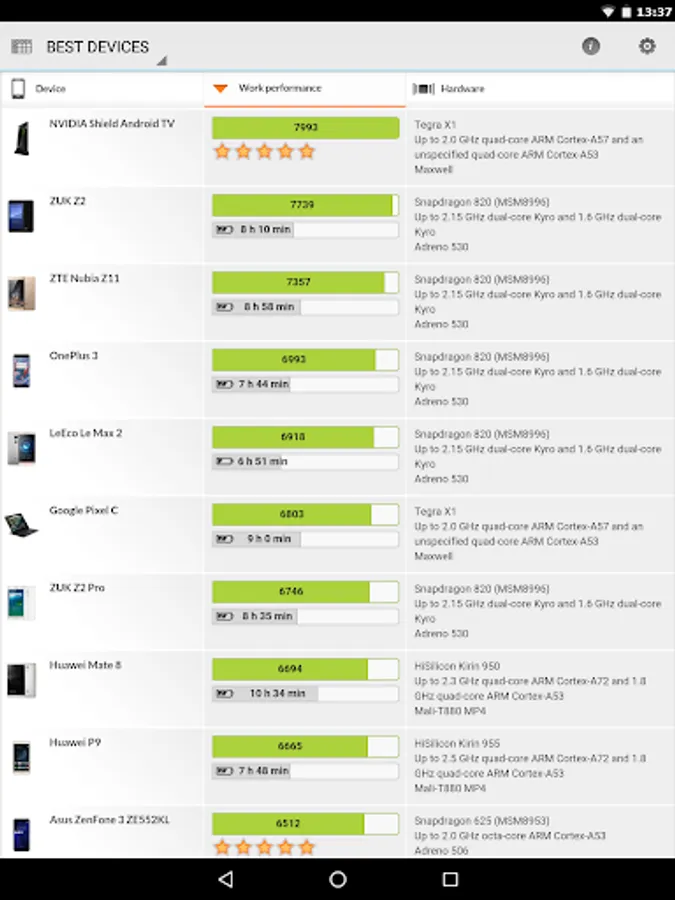
Compare the performance, popularity, and battery life of the latest smartphones and tablets with the Best Devices list. Tap any device to see a side-by-side comparison with your own device, or search for a specific model, brand, CPU, GPU or SoC. You can even filter the scores by Android version number to see how OS updates affect the rankings.
The experts' choice
"PCMark is actually a solid example of mobile benchmarking done right."
Alex Voica, Senior Marketing Specialist at Imagination Technologies
"tends to test every aspect of a mobile device, unlike microbenchmarks that can often miss aspects of the system that can affect performance."
Ganesh TS, Senior Editor at AnandTech
"Battery life is generally difficult to quantify due to the huge variation in potential workloads...The best test we have for this is PCMark, which performs a few common tasks instead of purely synthetic loops."
Matt Humrick, Staff Editor at Tom's Hardware
Choose your tests
After you download the app, you choose which benchmarks you want to install. You can add and remove tests as needed without losing your saved scores.
Minimum Requirements
OS: Android 5.0 or later
Memory: 1 GB (1024 MB)
Graphics: OpenGL ES 2.0 compatible
This benchmark app is for non-commercial use only
• Business users should contact UL.BenchmarkSales@ul.com for licensing.
• Members of the press please contact UL.BenchmarkPress@ul.com.
Work 3.0 benchmark
See how your device handles common productivity tasks— browsing the web, editing videos, working with documents and data, and editing photos. Use Work 3.0 to measure the performance and battery life of your device with tests based on real applications.
Storage 2.0 benchmark
Slow storage speed in a device can cause annoying lag and stutters in everyday use. This benchmark tests the performance of your device's internal storage, external storage, and database operations. You get detailed results for each part of the test as well as an overall score to compare with other Android devices.
Compare devices
Compare the performance, popularity, and battery life of the latest smartphones and tablets with the Best Devices list. Tap any device to see a side-by-side comparison with your own device, or search for a specific model, brand, CPU, GPU or SoC. You can even filter the scores by Android version number to see how OS updates affect the rankings.
The experts' choice
"PCMark is actually a solid example of mobile benchmarking done right."
Alex Voica, Senior Marketing Specialist at Imagination Technologies
"tends to test every aspect of a mobile device, unlike microbenchmarks that can often miss aspects of the system that can affect performance."
Ganesh TS, Senior Editor at AnandTech
"Battery life is generally difficult to quantify due to the huge variation in potential workloads...The best test we have for this is PCMark, which performs a few common tasks instead of purely synthetic loops."
Matt Humrick, Staff Editor at Tom's Hardware
Choose your tests
After you download the app, you choose which benchmarks you want to install. You can add and remove tests as needed without losing your saved scores.
Minimum Requirements
OS: Android 5.0 or later
Memory: 1 GB (1024 MB)
Graphics: OpenGL ES 2.0 compatible
This benchmark app is for non-commercial use only
• Business users should contact UL.BenchmarkSales@ul.com for licensing.
• Members of the press please contact UL.BenchmarkPress@ul.com.
PCMark for Android Benchmark Screenshots
Tap to Rate:
Reviews for PCMark for Android Benchmark
OP Dagoberto Rodríguez
5/17/2025
bueno
TNS
5/9/2025
useless