Auto Clicker - Automatic tap
GA Auto Clicker
4.7 ★
store rating
1,000,000+
downloads
Free
+ in-app
In this auto clicker app, users can automate repetitive tapping and swiping actions with customizable click locations, intervals, and randomness to mimic human behavior. Includes features like multi-point targeting, script saving, and anti-detection settings.
AppRecs review analysis
AppRecs rating 4.2. Trustworthiness 73 out of 100. Review manipulation risk 34 out of 100. Based on a review sample analyzed.
★★★★☆
4.2
AppRecs Rating
Ratings breakdown
5 star
90%
4 star
2%
3 star
2%
2 star
1%
1 star
6%
What to know
✓
Credible reviews
73% trustworthiness score from analyzed reviews
✓
High user satisfaction
90% of sampled ratings are 5 stars
⚠
Ad complaints
Many low ratings mention excessive ads
About Auto Clicker - Automatic tap
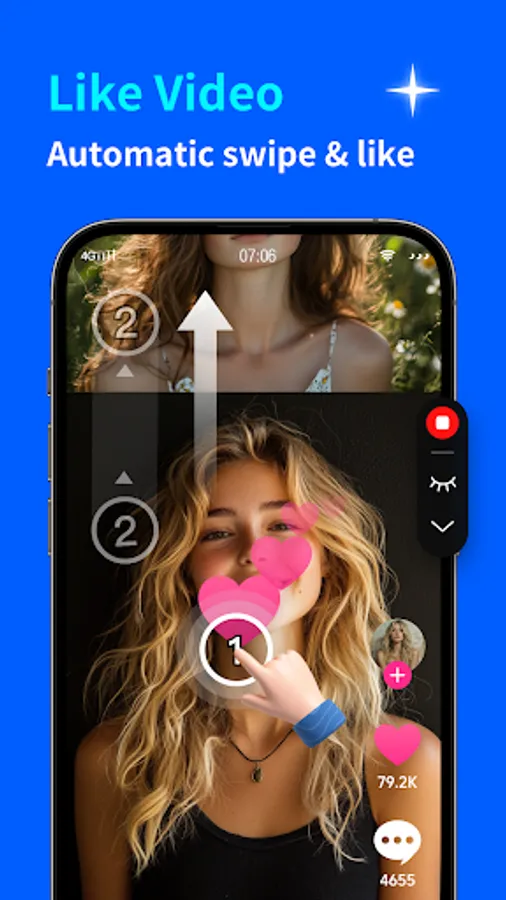
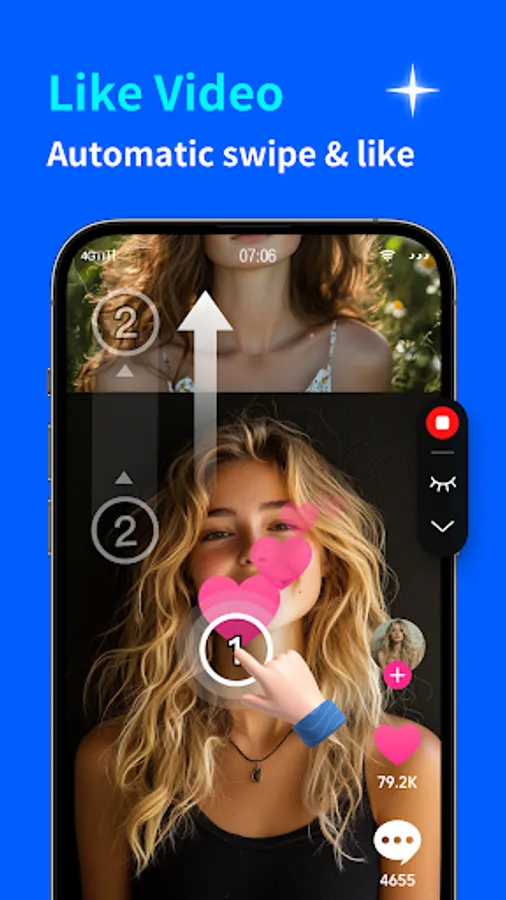
Applicable to any application, this tool allows for the freedom to set click locations, intervals, random positions, and random intervals among other unique settings. Upon initiation, the GA Auto Clicker is capable of executing repetitive clicks and swipes autonomously, with no requirement for ROOT access!
Features:
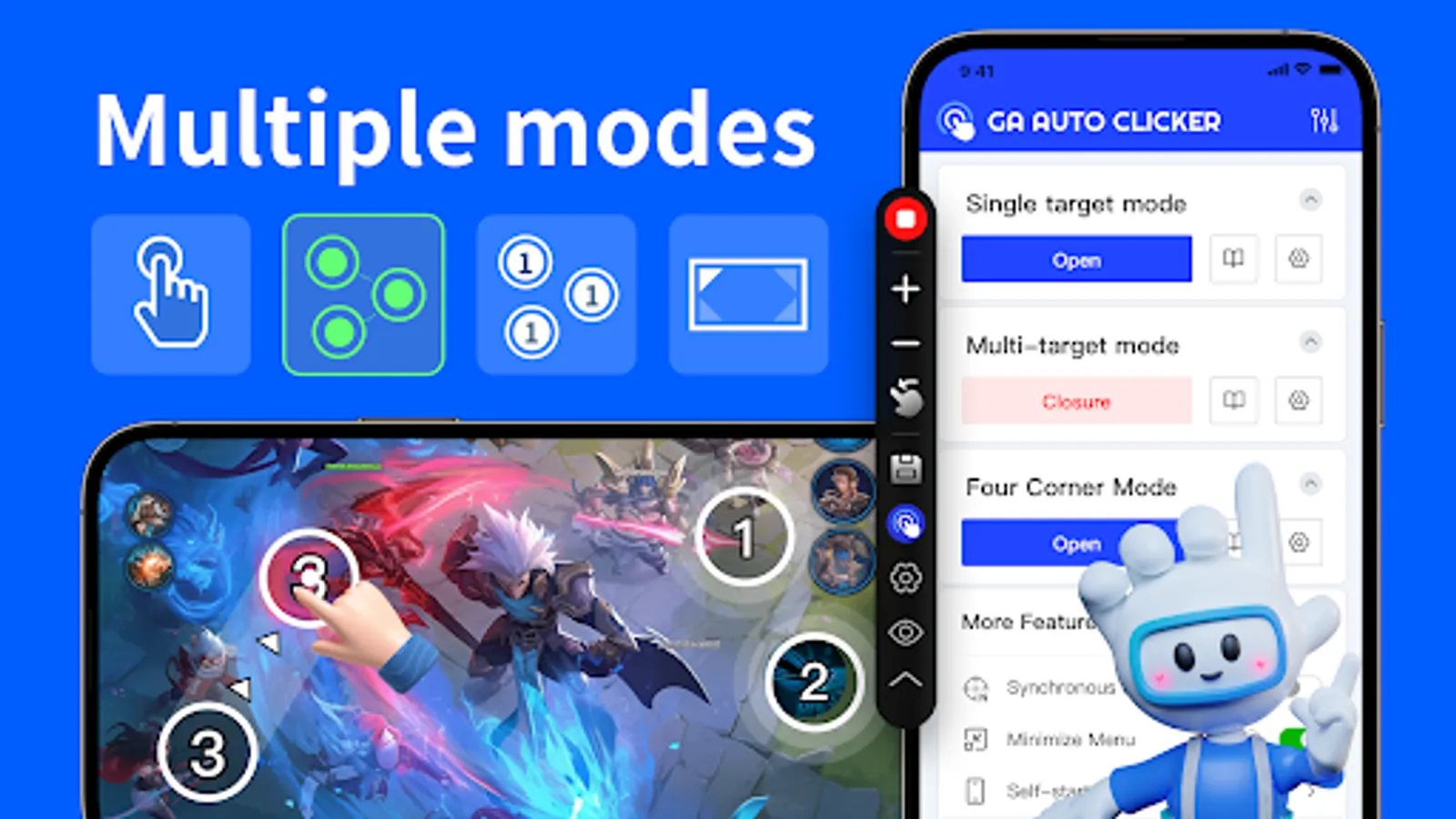
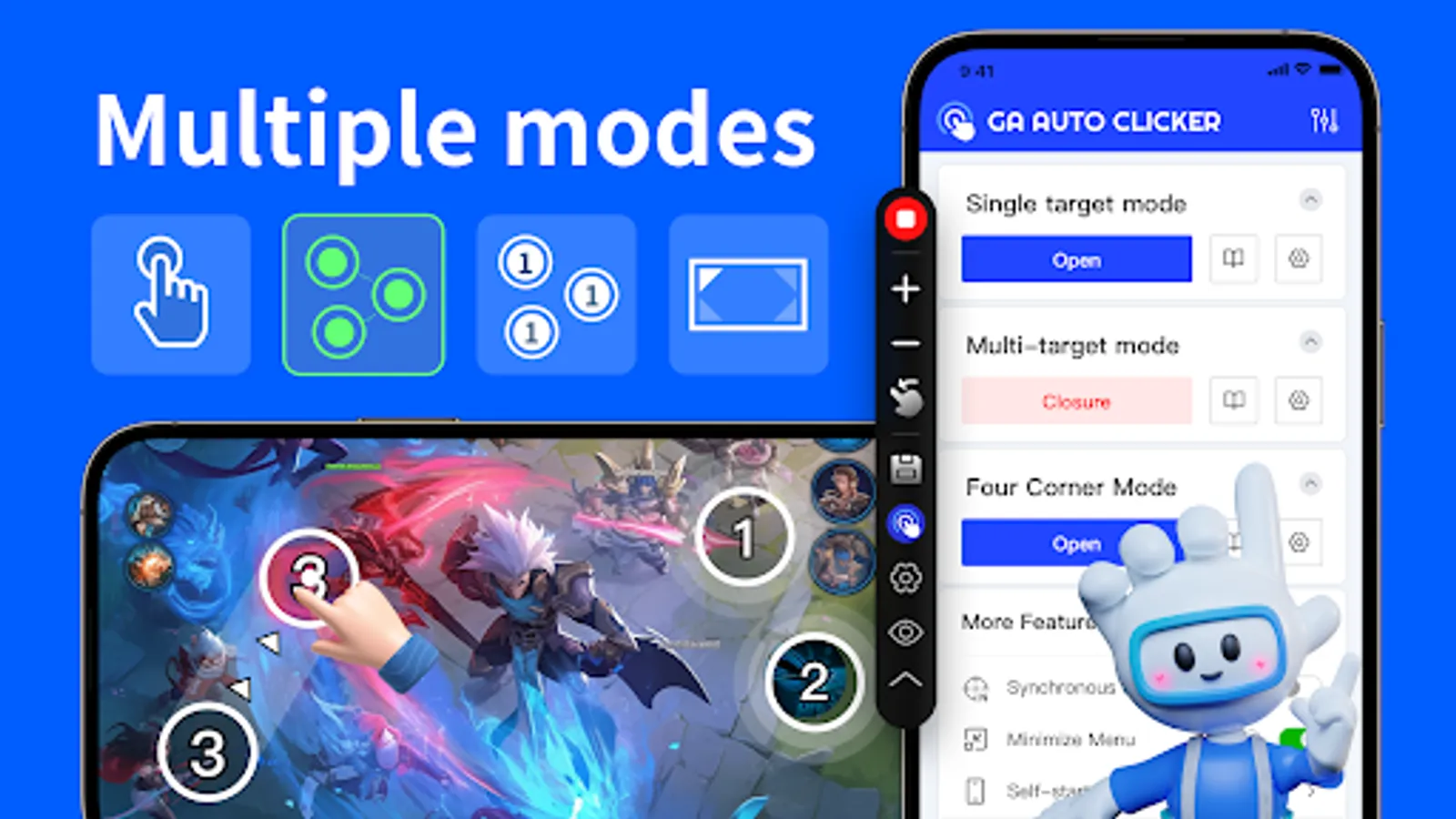
1. Single-point mode:
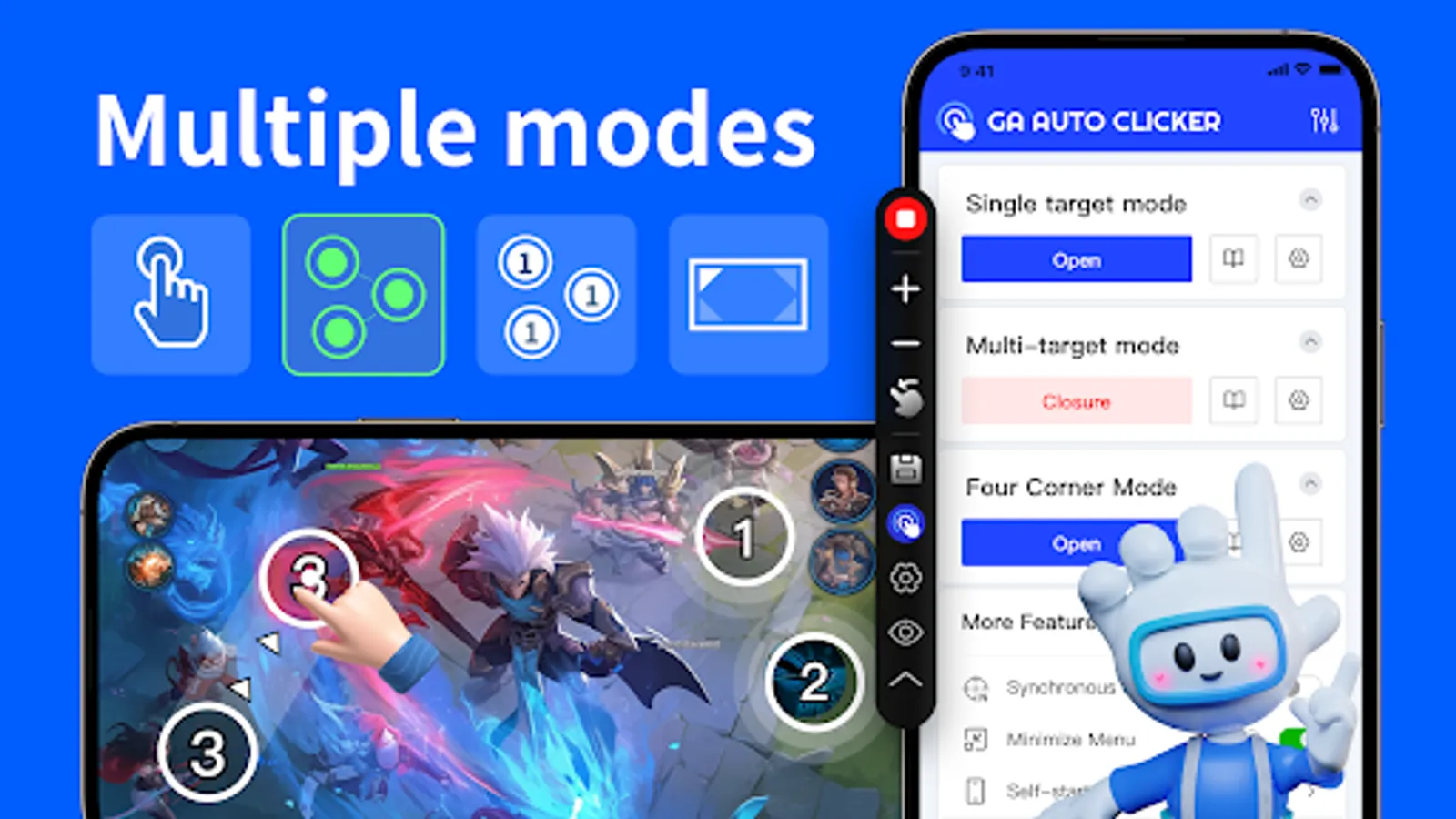
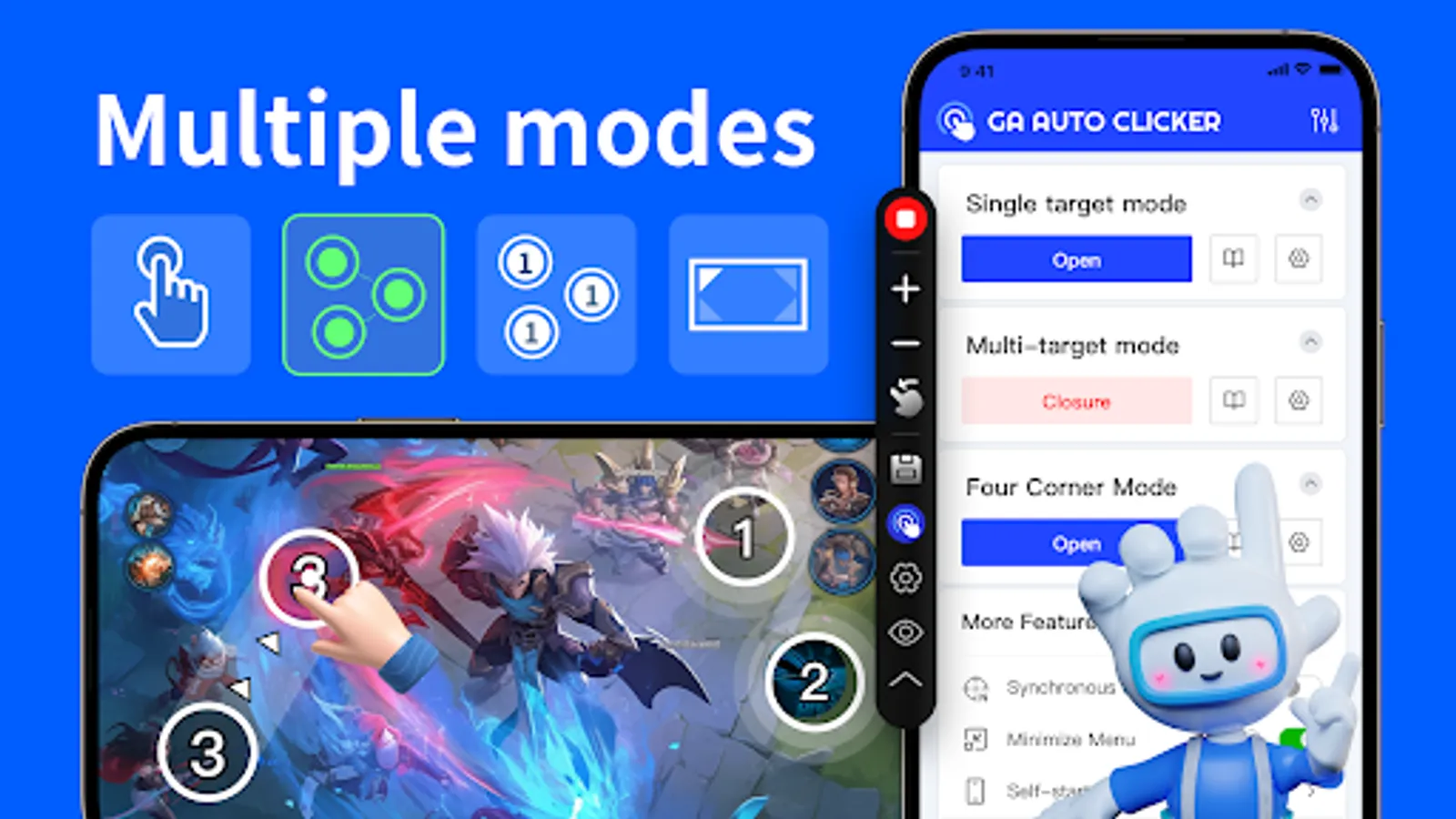
Drag the target to any location for repetitive clicking at the current position.
2. Multi-point mode:
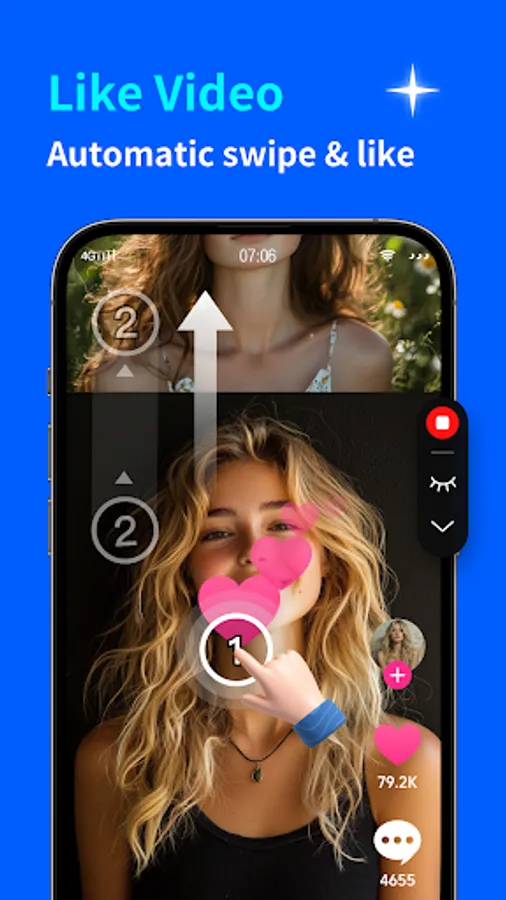
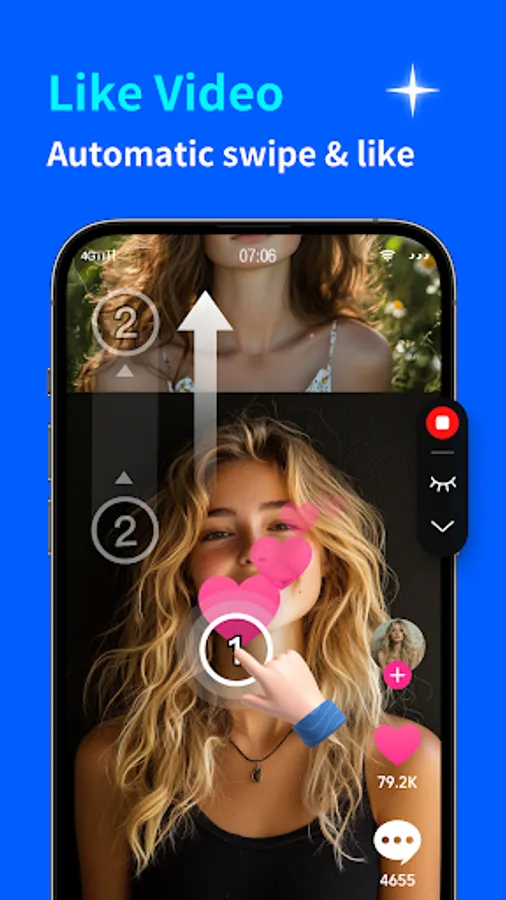
Drag multiple targets to various locations, with repetitive clicking following the order of target numbers.
3. Synchronous point mode:
Drag multiple targets to any location, enabling simultaneous repetitive clicking across all targets.
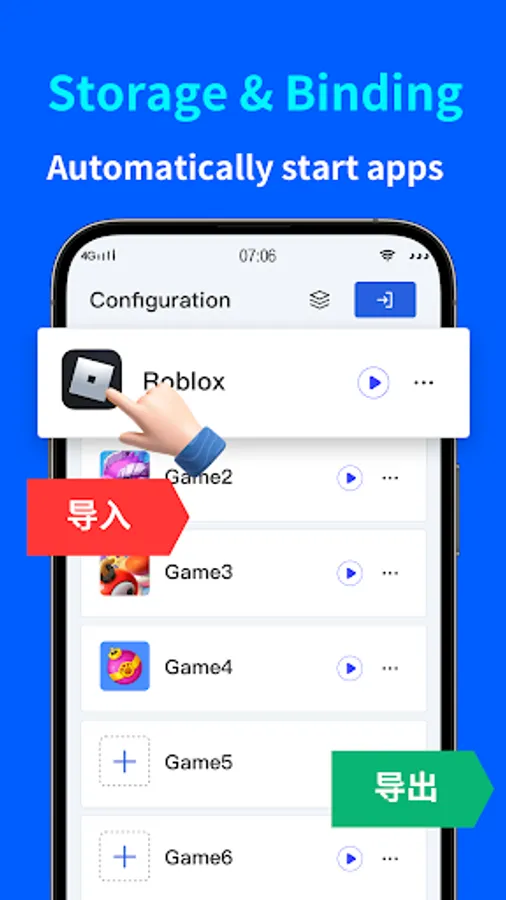
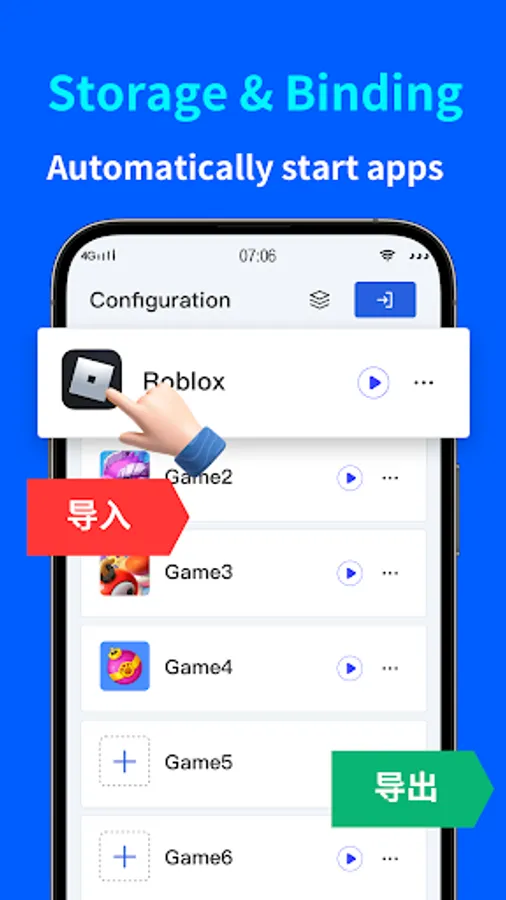
4. Script configuration save:
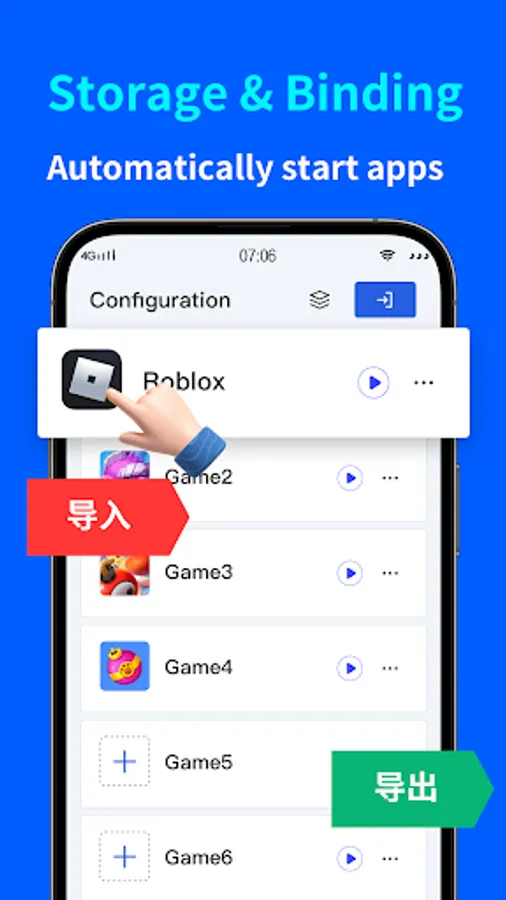
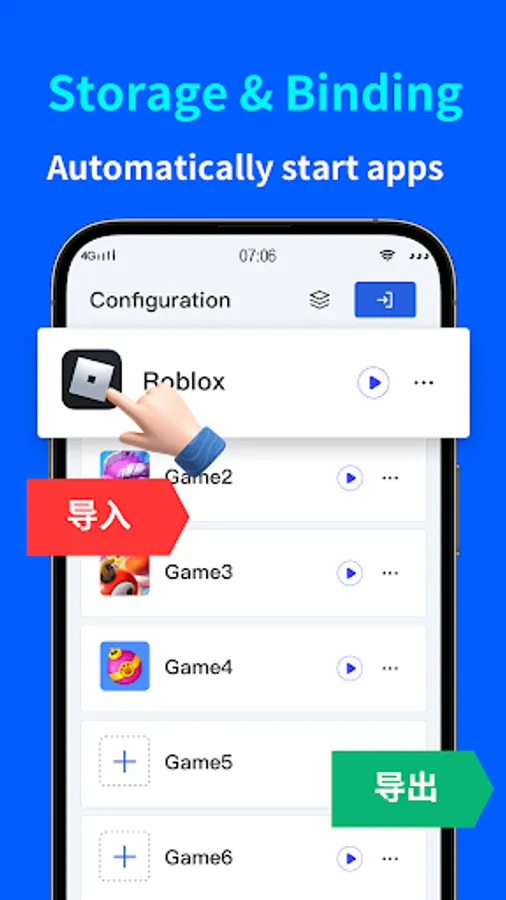
Save the dragged target positions for future use. Simply run the saved scheme next time. Supports configuration import and export to prevent loss and facilitate migration.
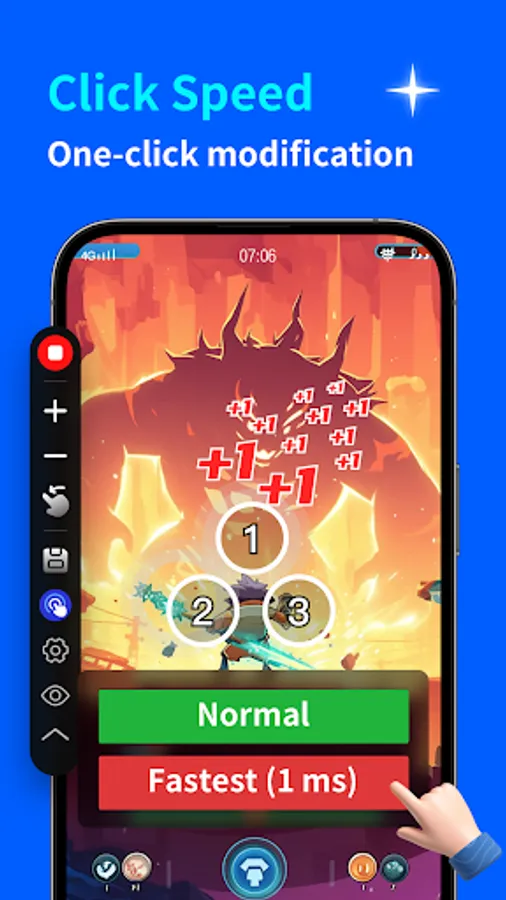
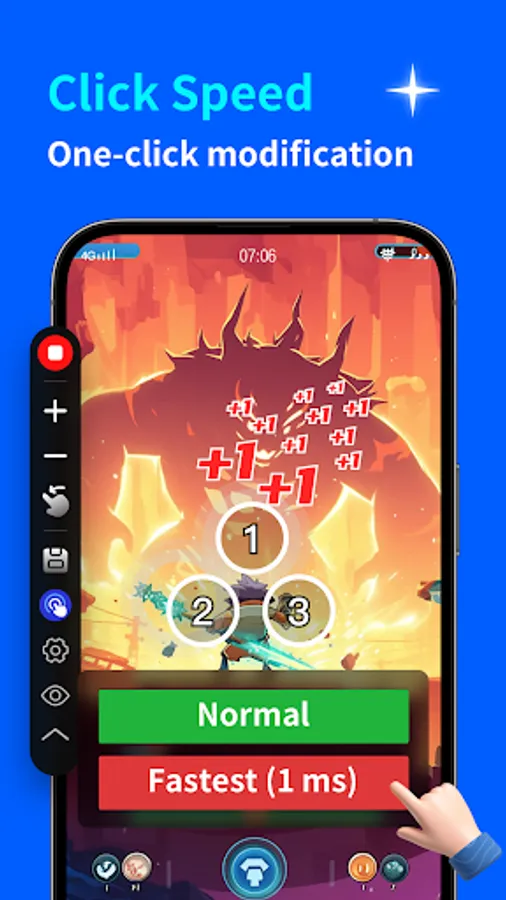
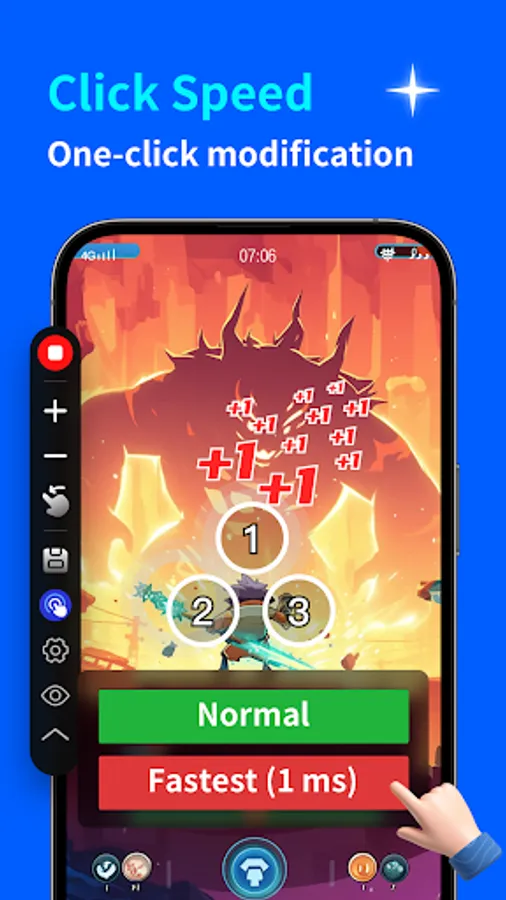
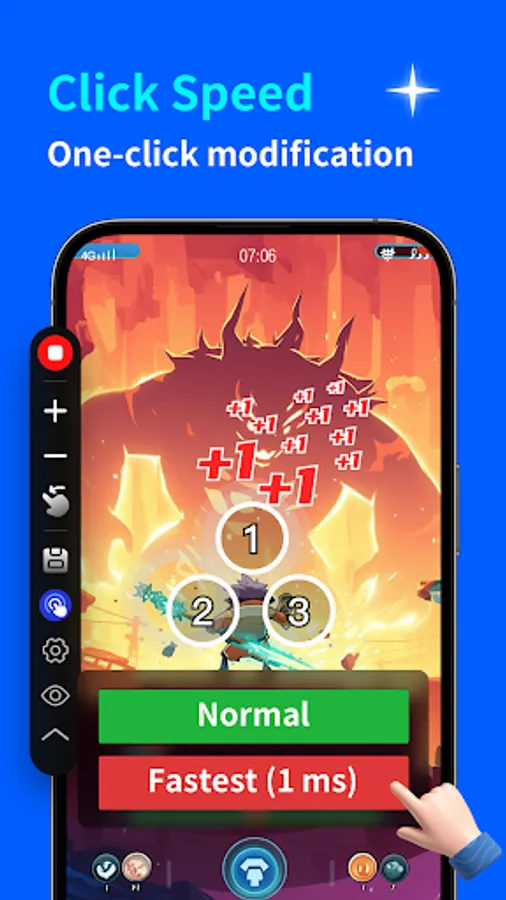
5. One-click ultra-fast clicking speed setting:
Choose from normal speed, ultra-fast speed, and custom speed on the click setting page.
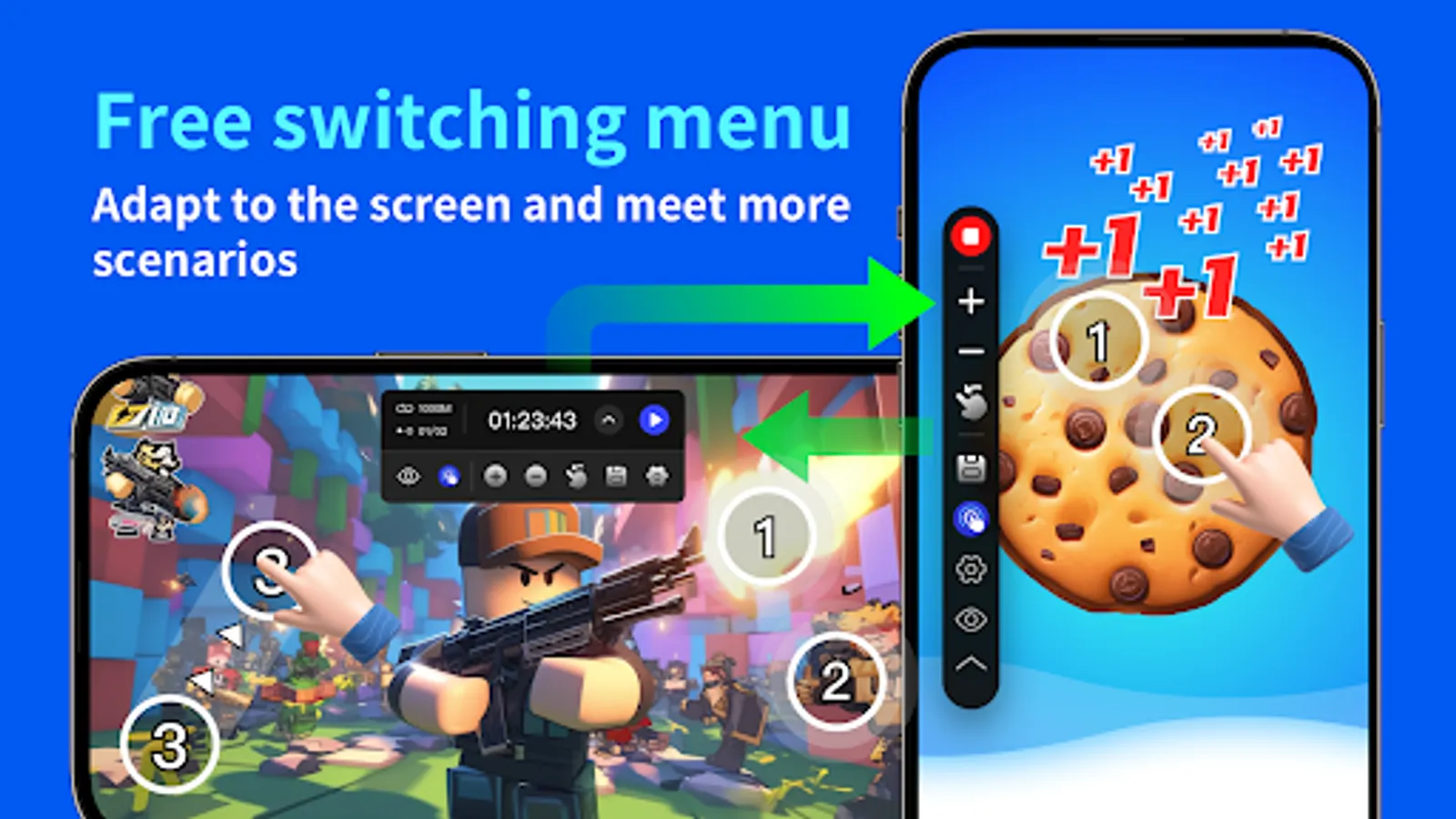
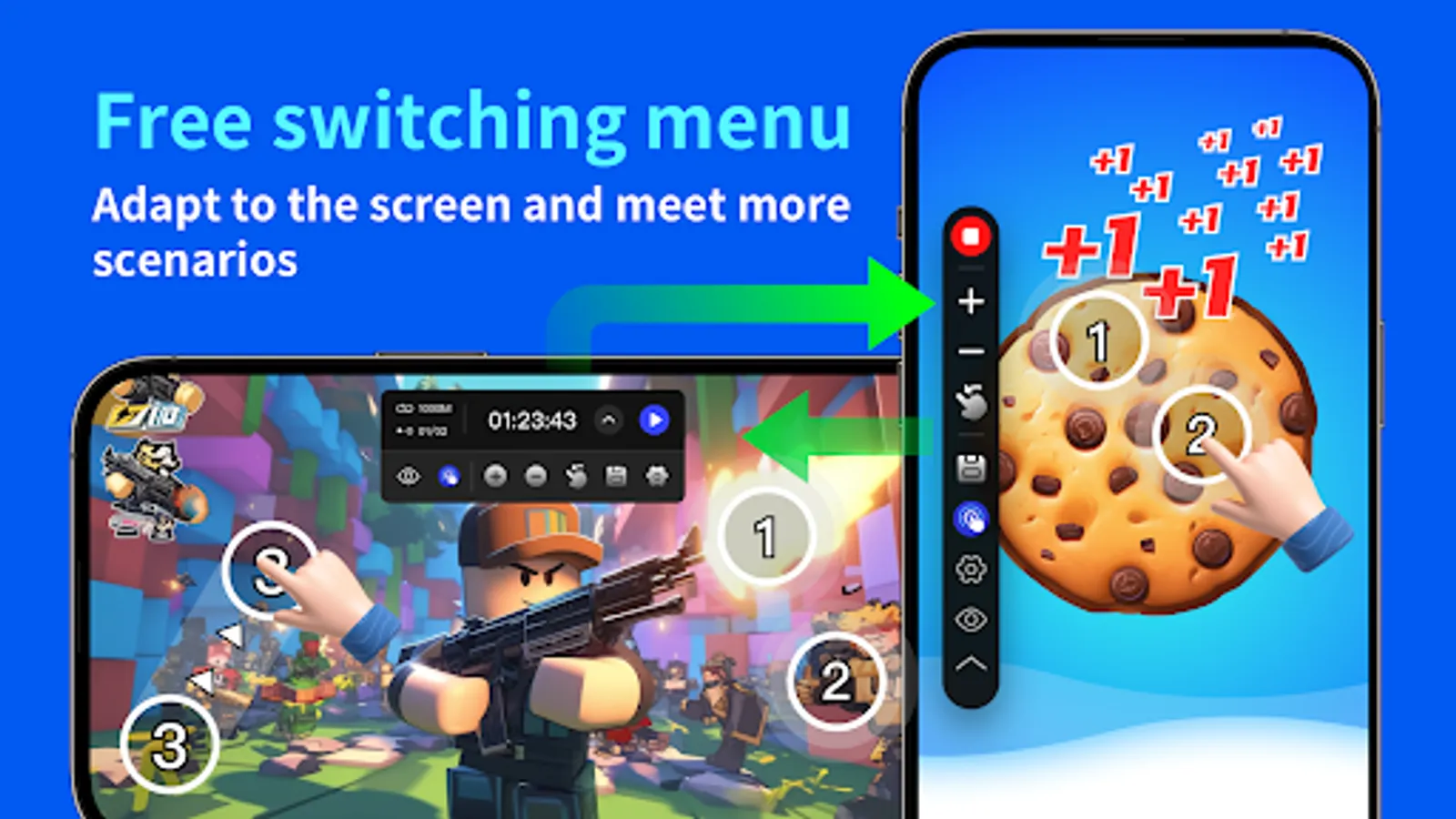
6. Landscape and portrait menu and minimization settings:
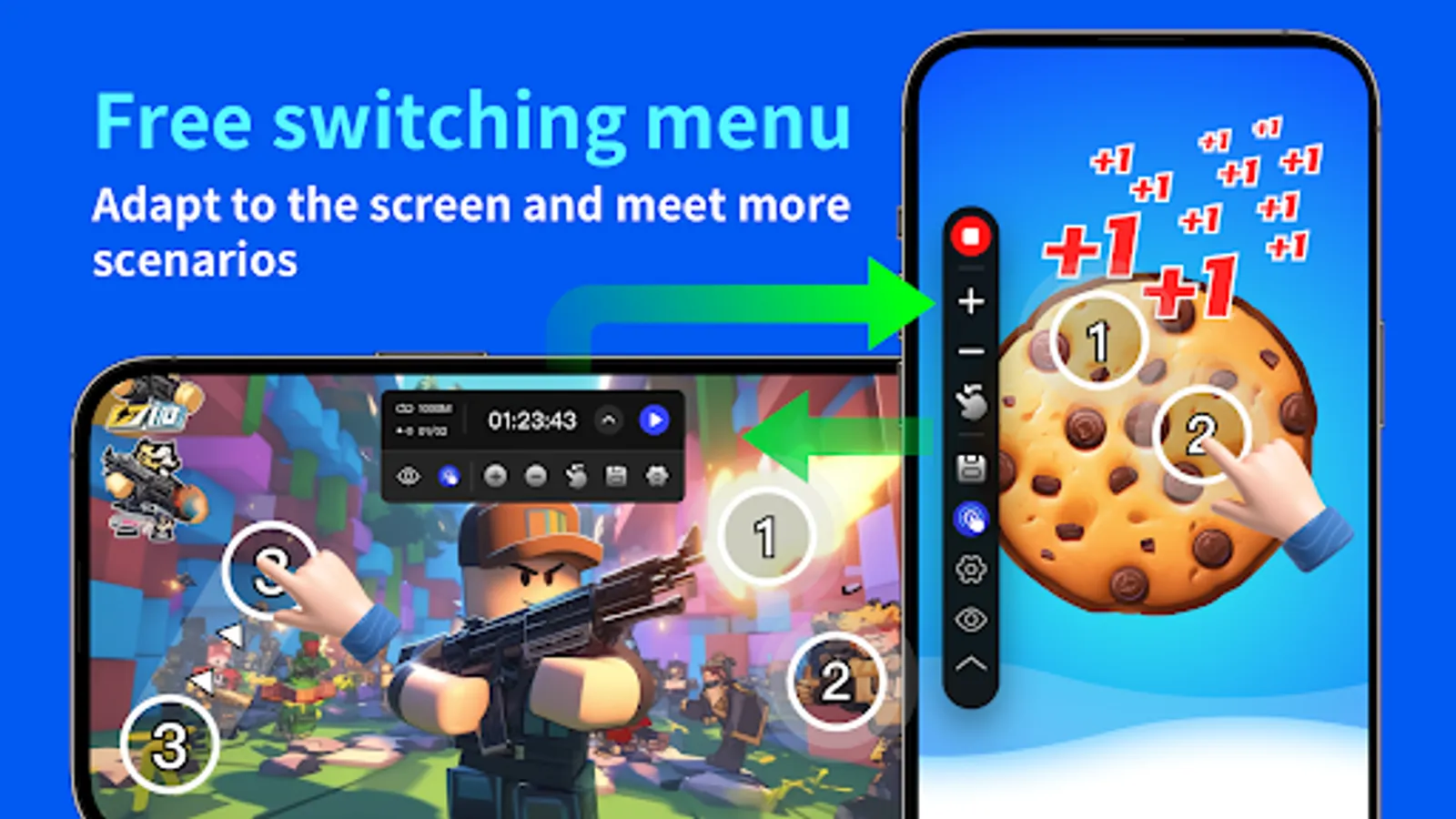
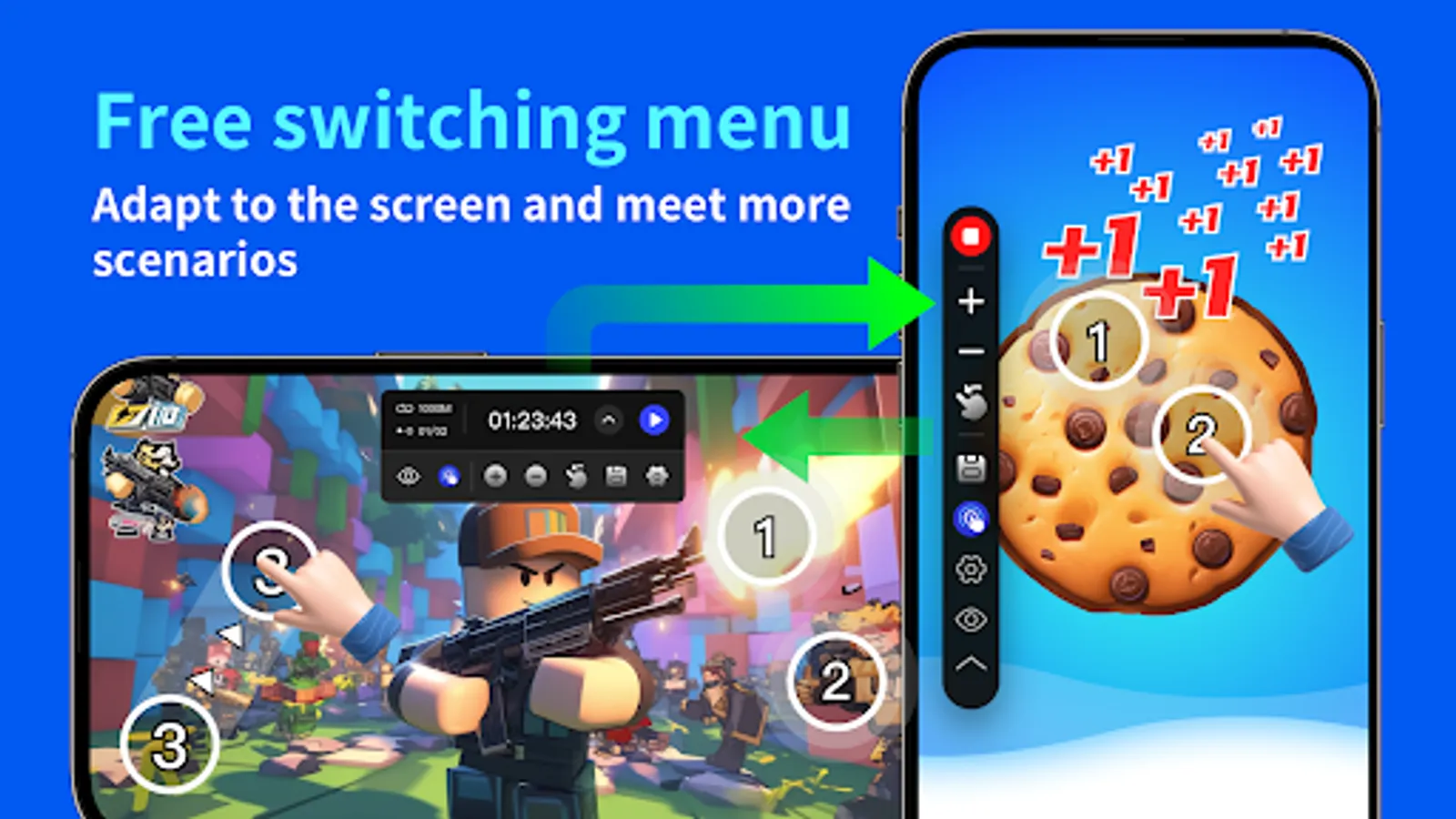
Set the menu to display horizontally or vertically, convenient for screen rotation. Minimize the menu to the edge when not in use.
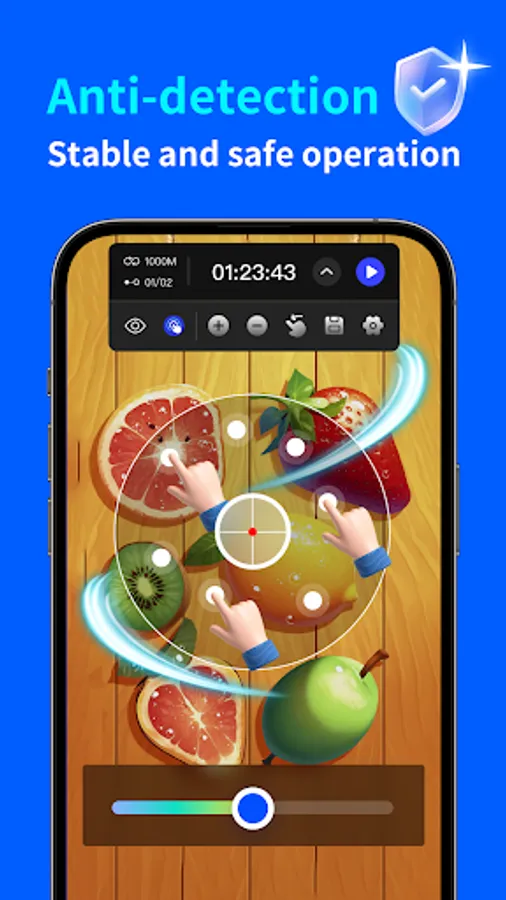
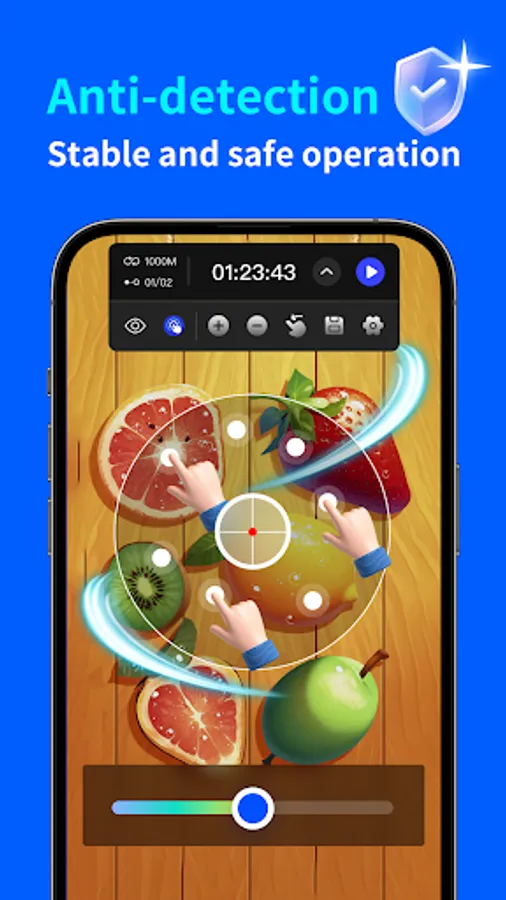
7. Anti-detection:
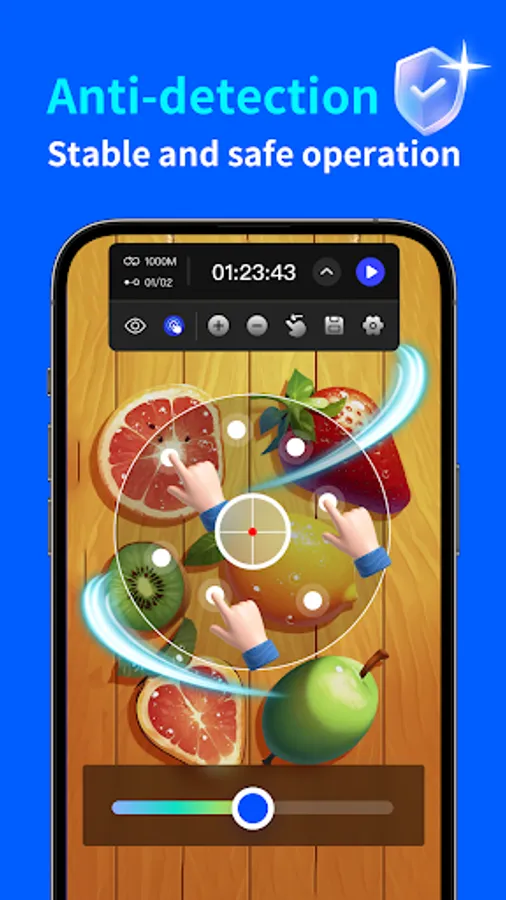
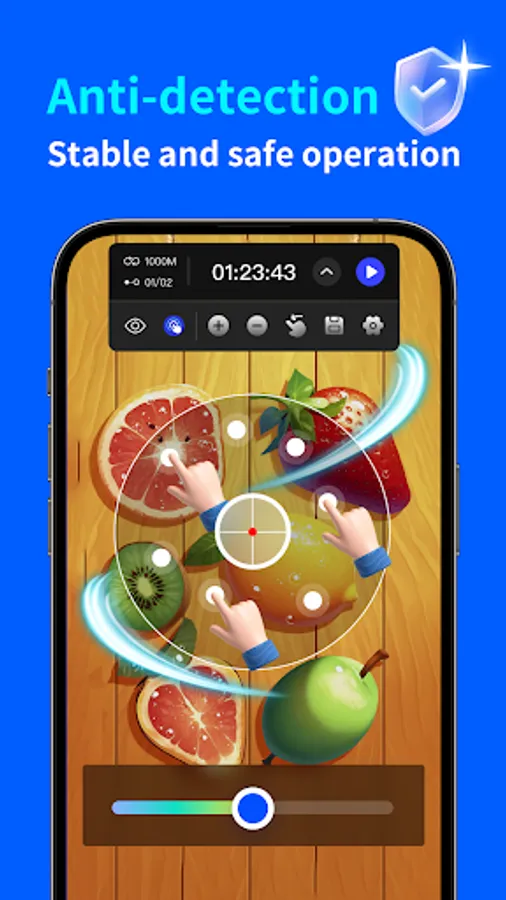
Set random click intervals, coordinates, and durations to simulate human clicking and avoid detection.
8. Unique click setting items:
Set repetitive click times for a single click target. Disable a single click target when a specified click count is reached, automatically disabling the current target.
9. Numerous practical features awaiting your discovery.
10. No Root permission required.
Please note:
This tool is compatible with Android 7.0 or higher versions and requires Accessibility Services to implement scripts.
Important:
Why do we use the AccessibilityService API?
We utilize this API service to facilitate the primary functions of the application, such as simulating auto-clicking and swiping on the screen.
Do we collect private data?
We do not engage in the collection of private data in any form.
Features:
1. Single-point mode:
Drag the target to any location for repetitive clicking at the current position.
2. Multi-point mode:
Drag multiple targets to various locations, with repetitive clicking following the order of target numbers.
3. Synchronous point mode:
Drag multiple targets to any location, enabling simultaneous repetitive clicking across all targets.
4. Script configuration save:
Save the dragged target positions for future use. Simply run the saved scheme next time. Supports configuration import and export to prevent loss and facilitate migration.
5. One-click ultra-fast clicking speed setting:
Choose from normal speed, ultra-fast speed, and custom speed on the click setting page.
6. Landscape and portrait menu and minimization settings:
Set the menu to display horizontally or vertically, convenient for screen rotation. Minimize the menu to the edge when not in use.
7. Anti-detection:
Set random click intervals, coordinates, and durations to simulate human clicking and avoid detection.
8. Unique click setting items:
Set repetitive click times for a single click target. Disable a single click target when a specified click count is reached, automatically disabling the current target.
9. Numerous practical features awaiting your discovery.
10. No Root permission required.
Please note:
This tool is compatible with Android 7.0 or higher versions and requires Accessibility Services to implement scripts.
Important:
Why do we use the AccessibilityService API?
We utilize this API service to facilitate the primary functions of the application, such as simulating auto-clicking and swiping on the screen.
Do we collect private data?
We do not engage in the collection of private data in any form.