ModSynth Modular Synthesizer
Brian J Owings
4.3 ★
679 ratings
100,000+
downloads
Free
+ in-app
In this synthesizer app, you can connect and adjust modules such as oscillators, filters, and delays to create custom sounds. Includes built-in instrument templates and MIDI controller support.
AppRecs review analysis
AppRecs rating 4.4. Trustworthiness 0 out of 100. Review manipulation risk 0 out of 100. Based on a review sample analyzed.
★★★★☆
4.4
AppRecs Rating
Ratings breakdown
5 star
70%
4 star
11%
3 star
10%
2 star
4%
1 star
6%
What to know
✓
High user satisfaction
80% of sampled ratings are 4+ stars (4.3★ average)
✓
Authentic reviews
Natural distribution, no red flags
About ModSynth Modular Synthesizer
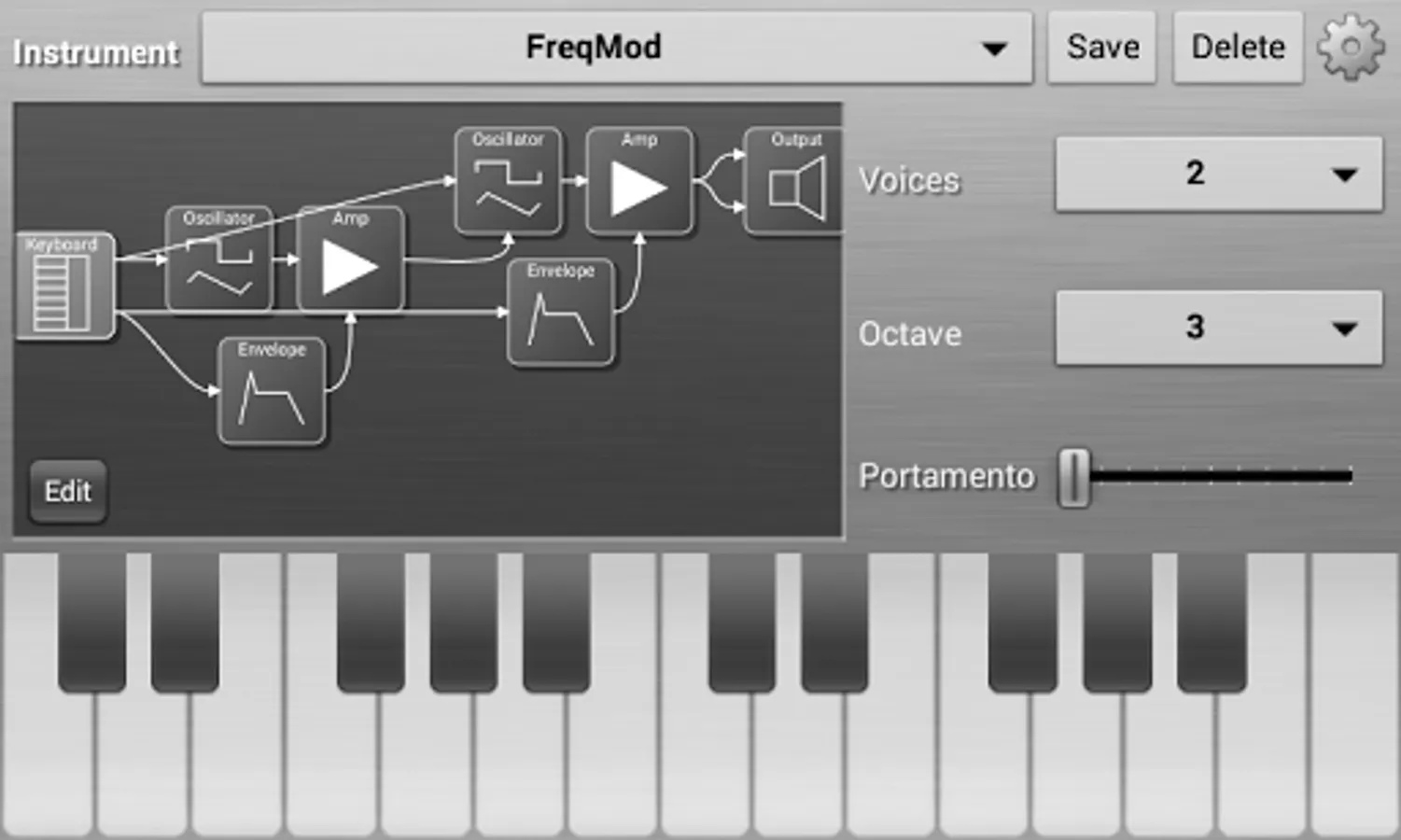
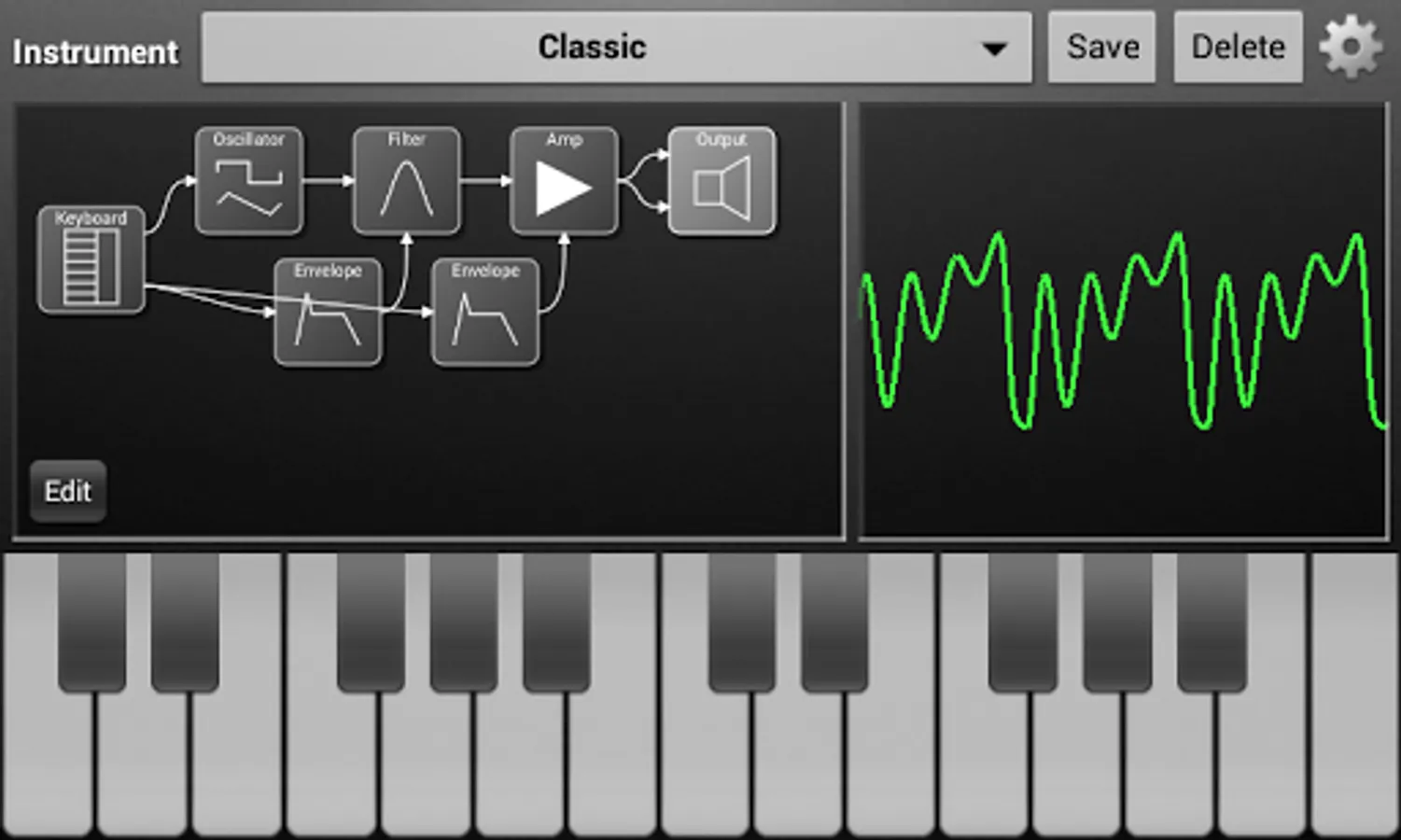
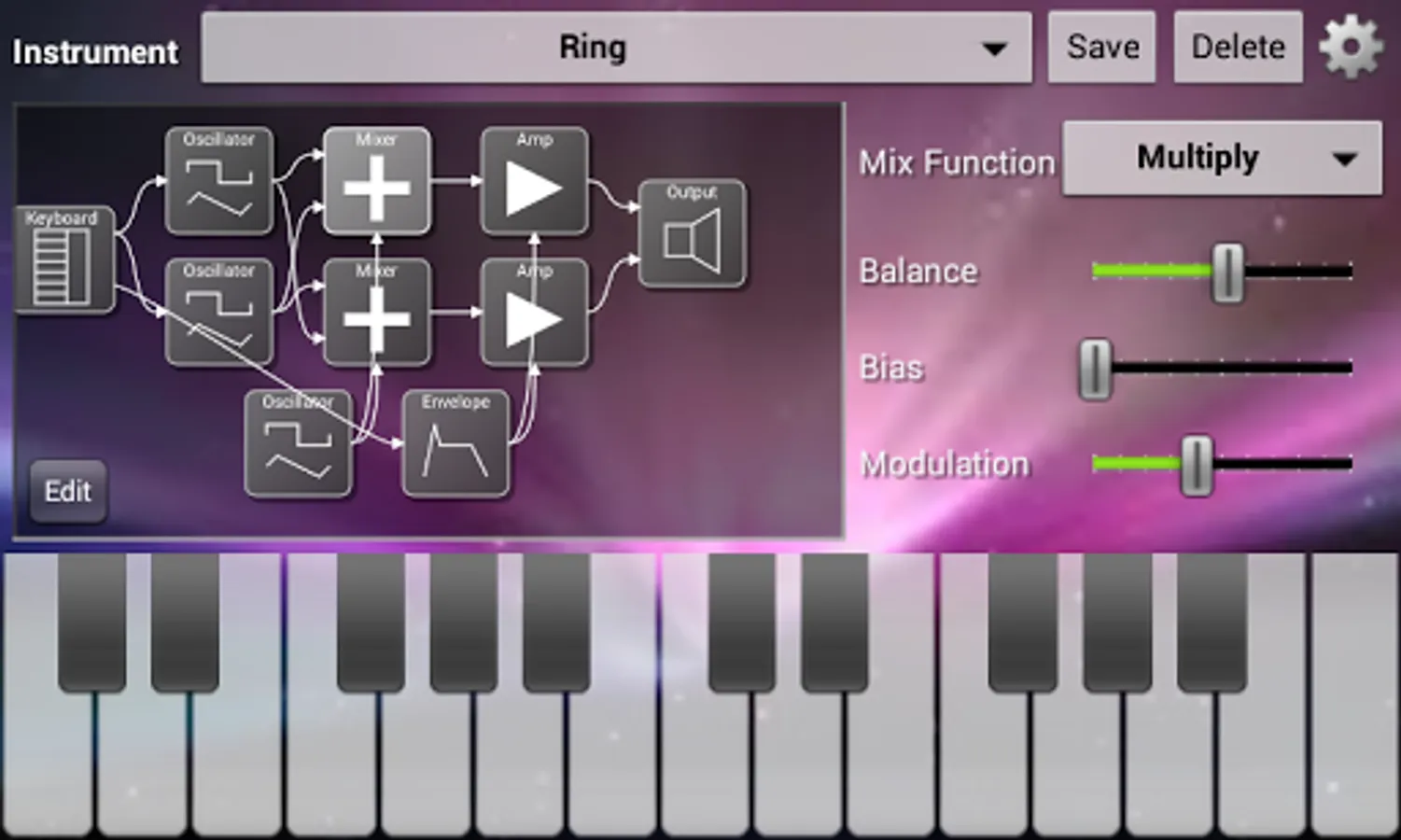
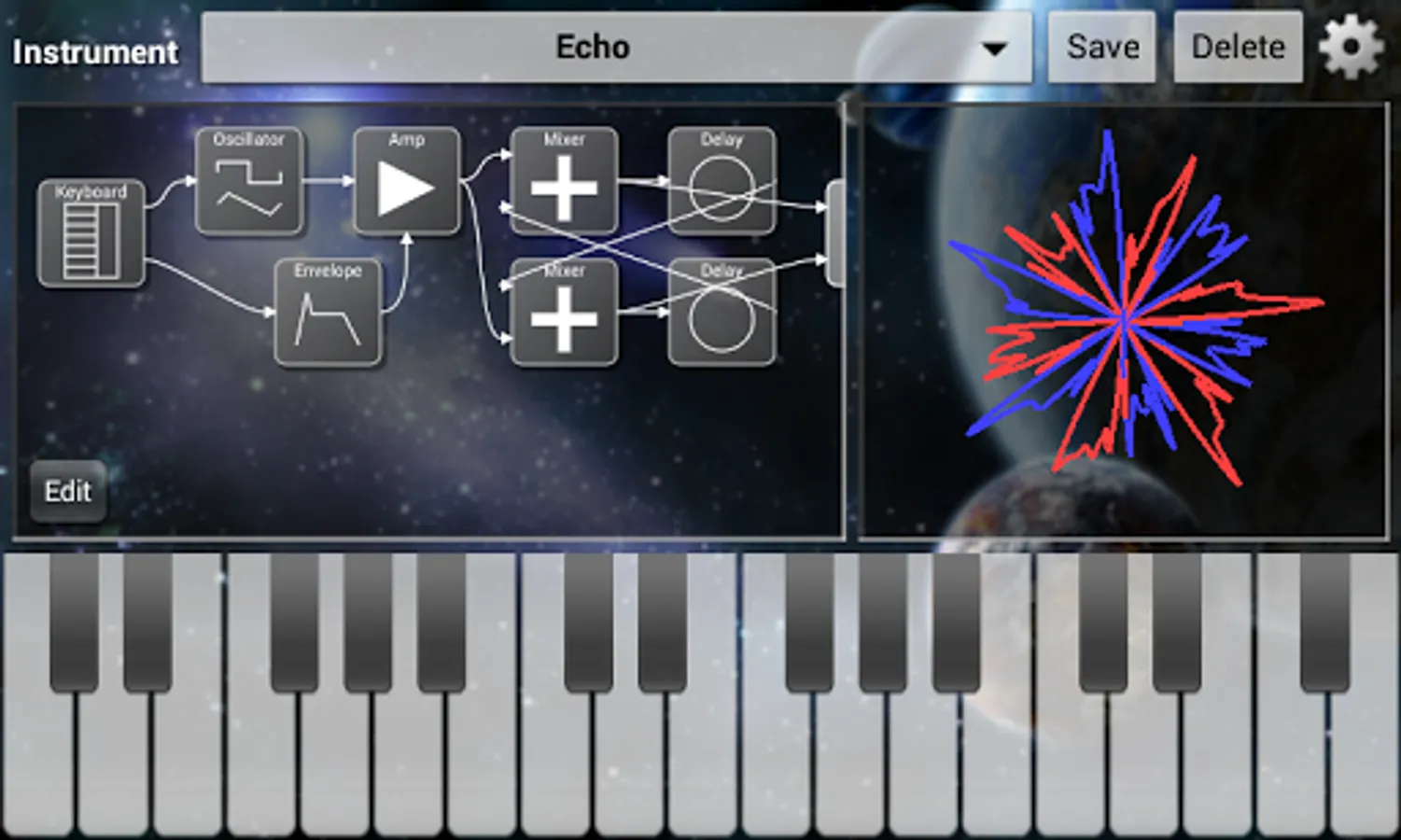
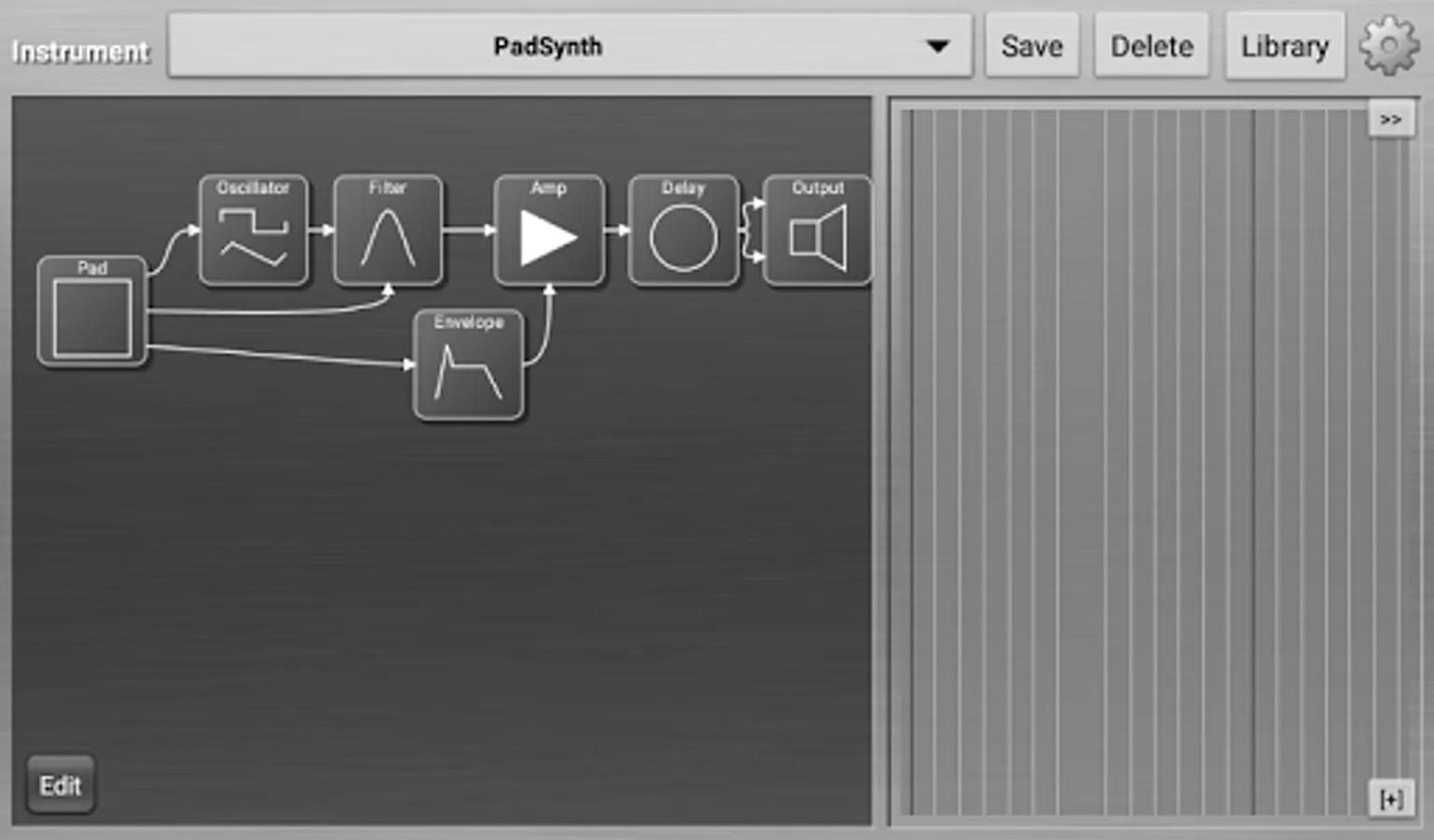
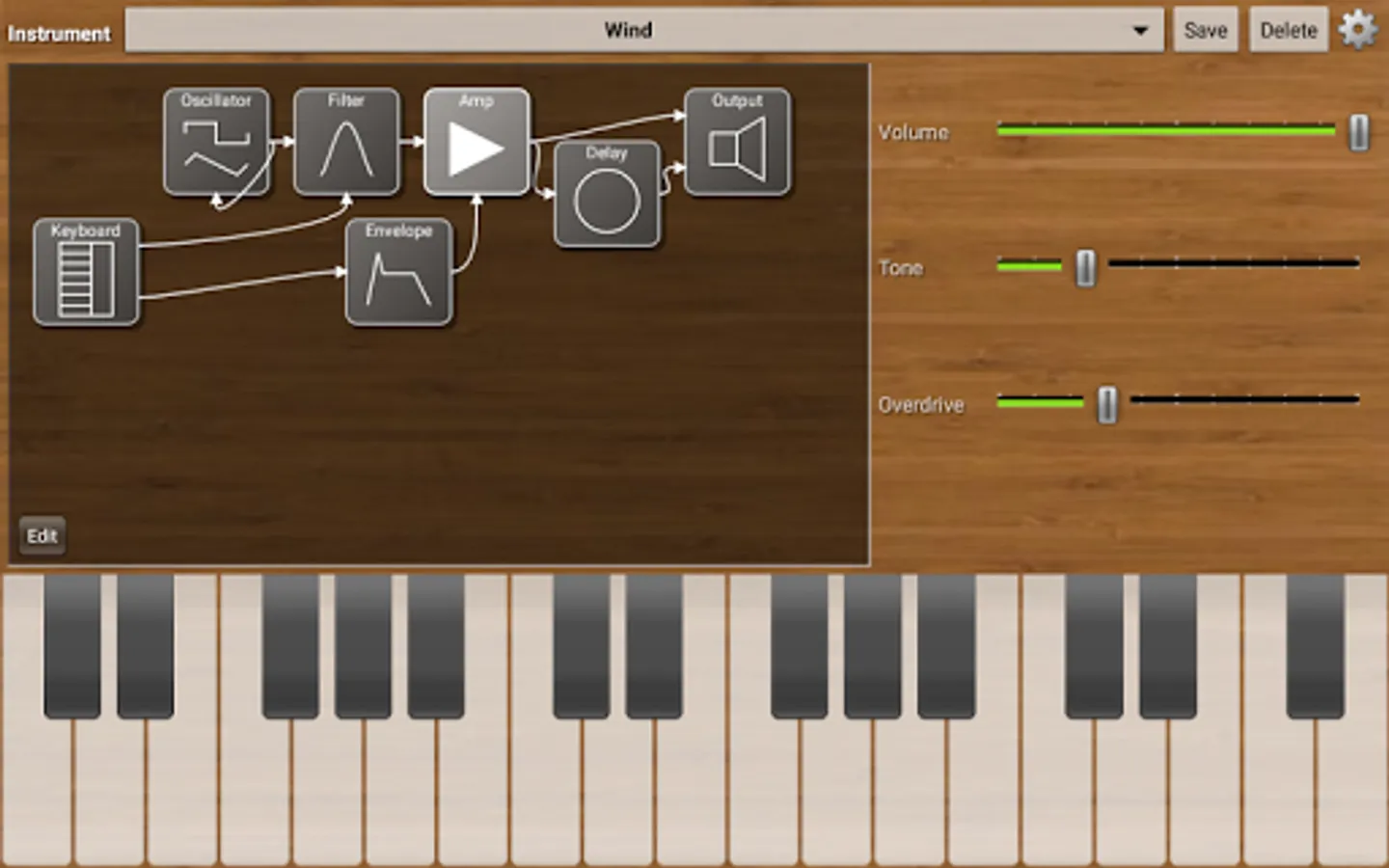
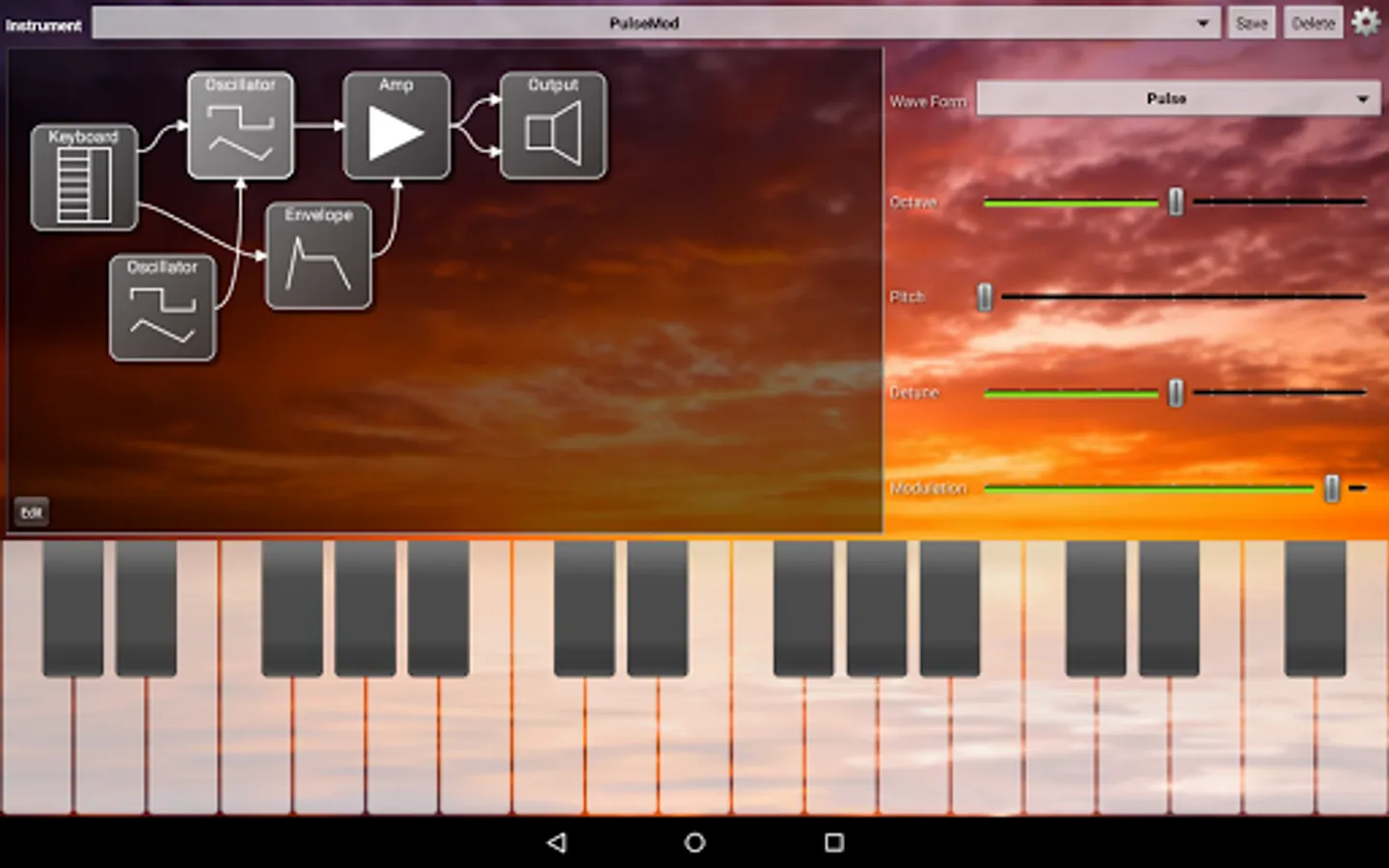
ModSynth is a powerful modular synthesizer allowing construction of complex polyphonic instruments. Connect any number of oscillators, filters, delays and other synthesizer modules in a graphical editor. Adjust the settings of each module while playing the instrument to get a desired sound. Save as many instruments or variants of an instrument as you'd like. Ten built-in instruments are provided to help you get started.
The free version contains the following modules:
- Keyboard
- Pad (for theremin and "scratching" effects)
- Oscillator
- Filter
- Envelope
- Mixer
- Amp
- LFO
- Sequencer
- Delay (echo)
- Output (with scope to see the sound)
In-app purchase the full version ($5 US) to expand polyphony (from 3 voices to 10), unlock advanced capabilities, and access these additional modules:
- Arpeggiator for sequential playing of the notes in a chord
- Melody for more complex sequences of notes
- MultiOsc for strings and other chorus sounds,
- Unison for more complex chorusing,
- Operator for building FM synthesis,
- PCM for sampled sounds (WAV and SF2 SoundFont files),
- Reverb for simulating room acoustics.
- Crusher for adding digital distortion.
- Compressor to combine all voices and even the sound levels
- Pan to direct sound to either left or right stereo channels.
- SpectralFilter to control the spectrum of a sound with a bank of 25 bandpass filters
- Function module allowing entry of an arithmetic expression for the module's function
The full version also provides the ability to record sounds to a WAV file.
ModSynth has support for external MIDI controllers such as keyboards or DAWs, including mapping of controls to CCs. It has low latency on devices supporting Android low latency. All oscillators are anti-aliased, providing low distortion at higher frequencies.
A guide to using ModSynth can be found at http://bjowings.weebly.com/modsynth.html .
A VST plugin is available to run ModSynth created instruments on VST hosts on Windows. See http://bjowings.weebly.com/modsynthvst.html for the free download and instructions.
The free version contains the following modules:
- Keyboard
- Pad (for theremin and "scratching" effects)
- Oscillator
- Filter
- Envelope
- Mixer
- Amp
- LFO
- Sequencer
- Delay (echo)
- Output (with scope to see the sound)
In-app purchase the full version ($5 US) to expand polyphony (from 3 voices to 10), unlock advanced capabilities, and access these additional modules:
- Arpeggiator for sequential playing of the notes in a chord
- Melody for more complex sequences of notes
- MultiOsc for strings and other chorus sounds,
- Unison for more complex chorusing,
- Operator for building FM synthesis,
- PCM for sampled sounds (WAV and SF2 SoundFont files),
- Reverb for simulating room acoustics.
- Crusher for adding digital distortion.
- Compressor to combine all voices and even the sound levels
- Pan to direct sound to either left or right stereo channels.
- SpectralFilter to control the spectrum of a sound with a bank of 25 bandpass filters
- Function module allowing entry of an arithmetic expression for the module's function
The full version also provides the ability to record sounds to a WAV file.
ModSynth has support for external MIDI controllers such as keyboards or DAWs, including mapping of controls to CCs. It has low latency on devices supporting Android low latency. All oscillators are anti-aliased, providing low distortion at higher frequencies.
A guide to using ModSynth can be found at http://bjowings.weebly.com/modsynth.html .
A VST plugin is available to run ModSynth created instruments on VST hosts on Windows. See http://bjowings.weebly.com/modsynthvst.html for the free download and instructions.
ModSynth Modular Synthesizer Screenshots
Tap to Rate:
Reviews for ModSynth Modular Synthesizer
Freun Friend
11/27/2025
dated interface but very functional and straight to the point :)
Starnight
11/1/2025
Probablemente una de las mejores aplicaciones de sintetizadores