Audio to text (recognition)
GawkAr
1.8 ★
1K ratings
100,000+
downloads
Free
+ in-app
In this app, you can upload audio files and generate text transcripts using speech recognition technology. Includes support for multiple audio formats, languages, and auto punctuation features.
AppRecs review analysis
AppRecs rating 1.8. Trustworthiness 75 out of 100. Review manipulation risk 24 out of 100. Based on a review sample analyzed.
★☆☆☆☆
1.8
AppRecs Rating
Ratings breakdown
5 star
15%
4 star
4%
3 star
2%
2 star
2%
1 star
77%
What to know
⚠
Pricing complaints
Many low ratings mention paywalls or pricing
⚠
Mixed user feedback
Average 1.8★ rating suggests room for improvement
⚠
High negative review ratio
79% of sampled ratings are 1–2 stars
About Audio to text (recognition)
The application Audio file to text is designed to recognize sound files with human speech to text (speech to text). The application is not yet intended for recording speech (use other applications for this, for example, a standard voice recorder).
We do not recommend to use for recognition of words from songs, videos and any other recordings that contain extraneous noise (except for the voice of the speaker), in this case recognition will most likely be unsatisfactory.
We recommend to use it to recognize voice recordings made with high sound quality when the speaker is as close as possible to the recording device and without extraneous noise.
Application Features:
- Recognition of short audio recordings (up to 1 minute long)
- Recognition of long audio recordings (longer than 1 minute)
- It supports recognition from most audio formats - MP3, OGG (opus Codec), AAC, MPEG, AMR, WAV, M4A, FLAC and others. But we recommend using .FLAC
- Recognition support from 120 languages
- “Auto Punctuation” is available for some languages.
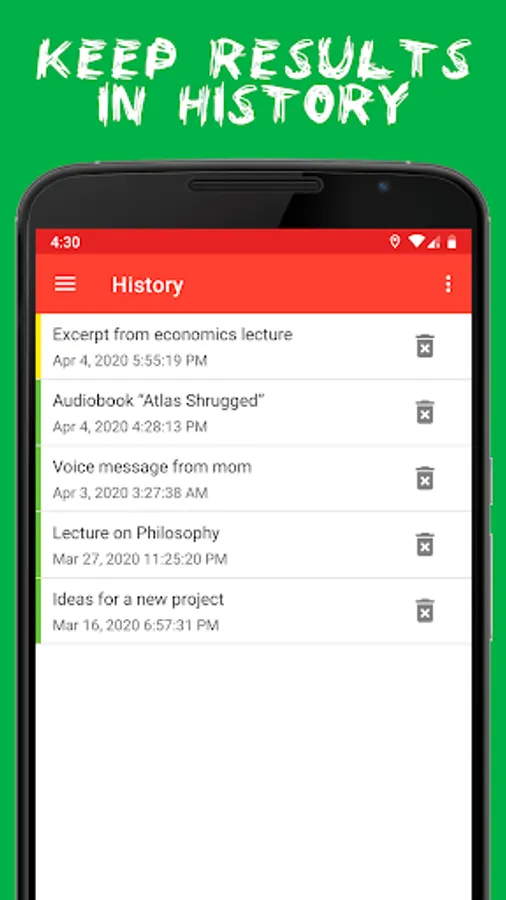
- Recognized text is saved in the application.
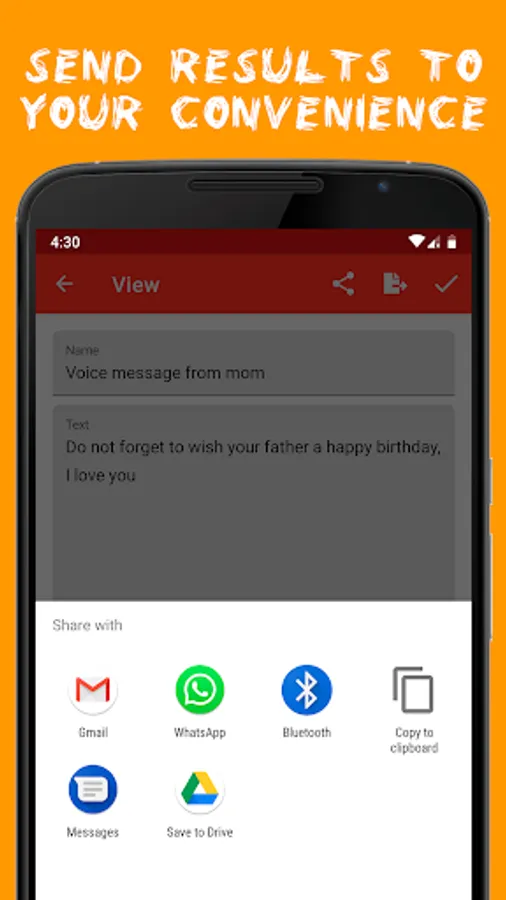
- The ability to “Share” text with any available phone methods
- Ability to manually edit text
- Ability to export to text formats (for Android <10 version)
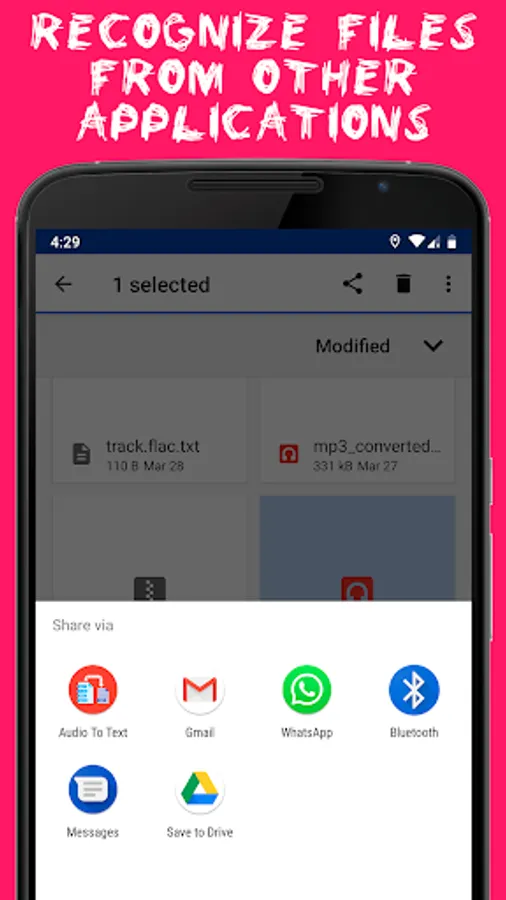
- Recognition of audio files after “Share” from other applications (For example, Whats App - voice messages. And applications for viewing files).
How it works:
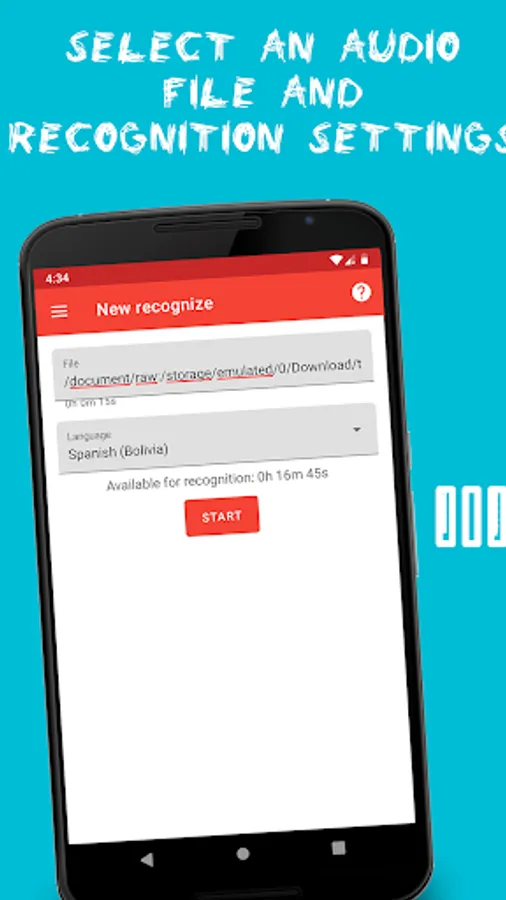
1) You select a person’s audio file
2) Choose a recognition language and additional settings (if any for the selected language)
3) Press the “Start” button
4) The audio file is downloaded to the server and its format is converted to FLAC
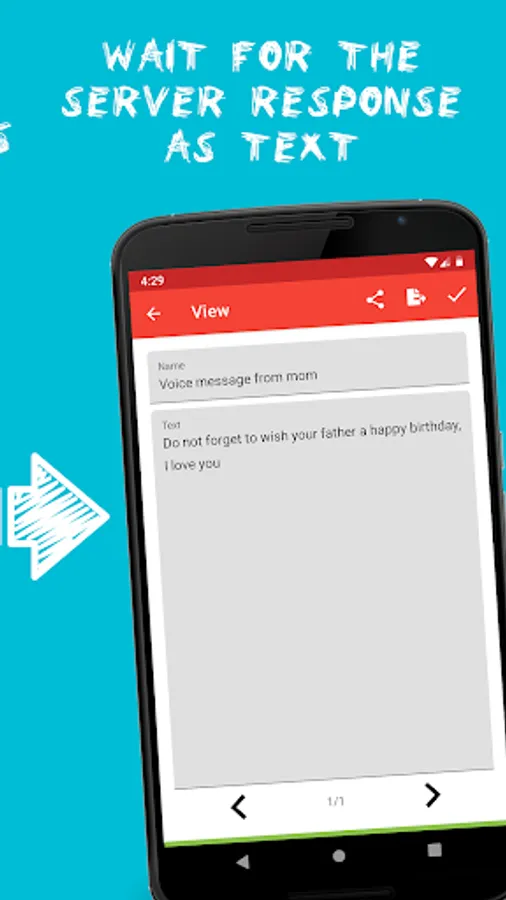
5) After conversion, a request is made to Speech-To-Text and the server returns recognition results
Speech recognition uses Google’s cloud solution - Speech to text, which requires payment for recognition of a unit of time, therefore the application is not free and for each recognition we are forced to charge users. Please treat this with understanding.
We do not recommend to use for recognition of words from songs, videos and any other recordings that contain extraneous noise (except for the voice of the speaker), in this case recognition will most likely be unsatisfactory.
We recommend to use it to recognize voice recordings made with high sound quality when the speaker is as close as possible to the recording device and without extraneous noise.
Application Features:
- Recognition of short audio recordings (up to 1 minute long)
- Recognition of long audio recordings (longer than 1 minute)
- It supports recognition from most audio formats - MP3, OGG (opus Codec), AAC, MPEG, AMR, WAV, M4A, FLAC and others. But we recommend using .FLAC
- Recognition support from 120 languages
- “Auto Punctuation” is available for some languages.
- Recognized text is saved in the application.
- The ability to “Share” text with any available phone methods
- Ability to manually edit text
- Ability to export to text formats (for Android <10 version)
- Recognition of audio files after “Share” from other applications (For example, Whats App - voice messages. And applications for viewing files).
How it works:
1) You select a person’s audio file
2) Choose a recognition language and additional settings (if any for the selected language)
3) Press the “Start” button
4) The audio file is downloaded to the server and its format is converted to FLAC
5) After conversion, a request is made to Speech-To-Text and the server returns recognition results
Speech recognition uses Google’s cloud solution - Speech to text, which requires payment for recognition of a unit of time, therefore the application is not free and for each recognition we are forced to charge users. Please treat this with understanding.
Audio to text (recognition) Screenshots
Tap to Rate:
Reviews for Audio to text (recognition)
Rangan iyer
6/30/2025
not working, no pickup from file cannot use
Khaled D
4/21/2025
you keep receiving error message when you want to use it. very irritating.